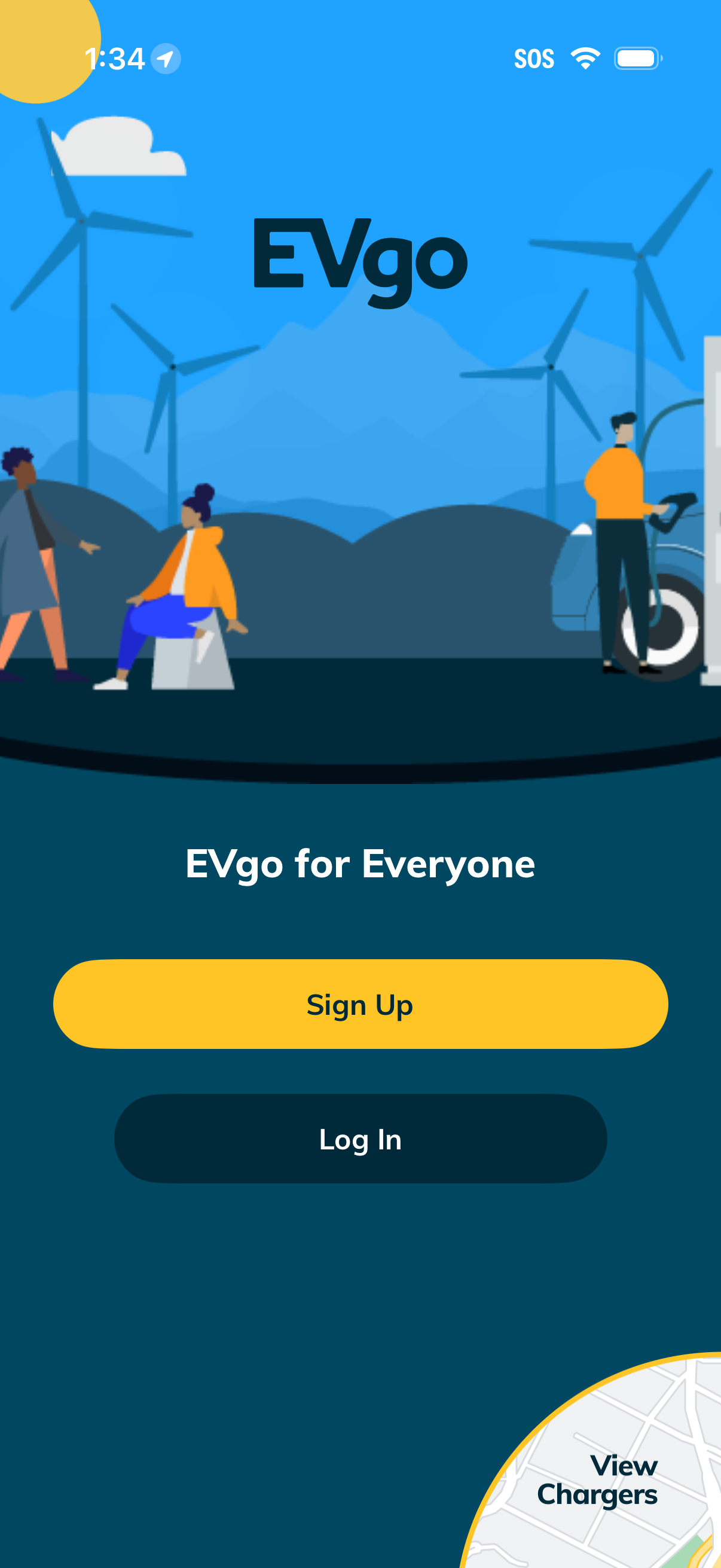
Welcome/onboarding screen for an electric vehicle charging app introducing the brand with a tagline and offering primary authentication actions. Users can choose between prominent Sign Up and Log In buttons to create an account or access an existing one.
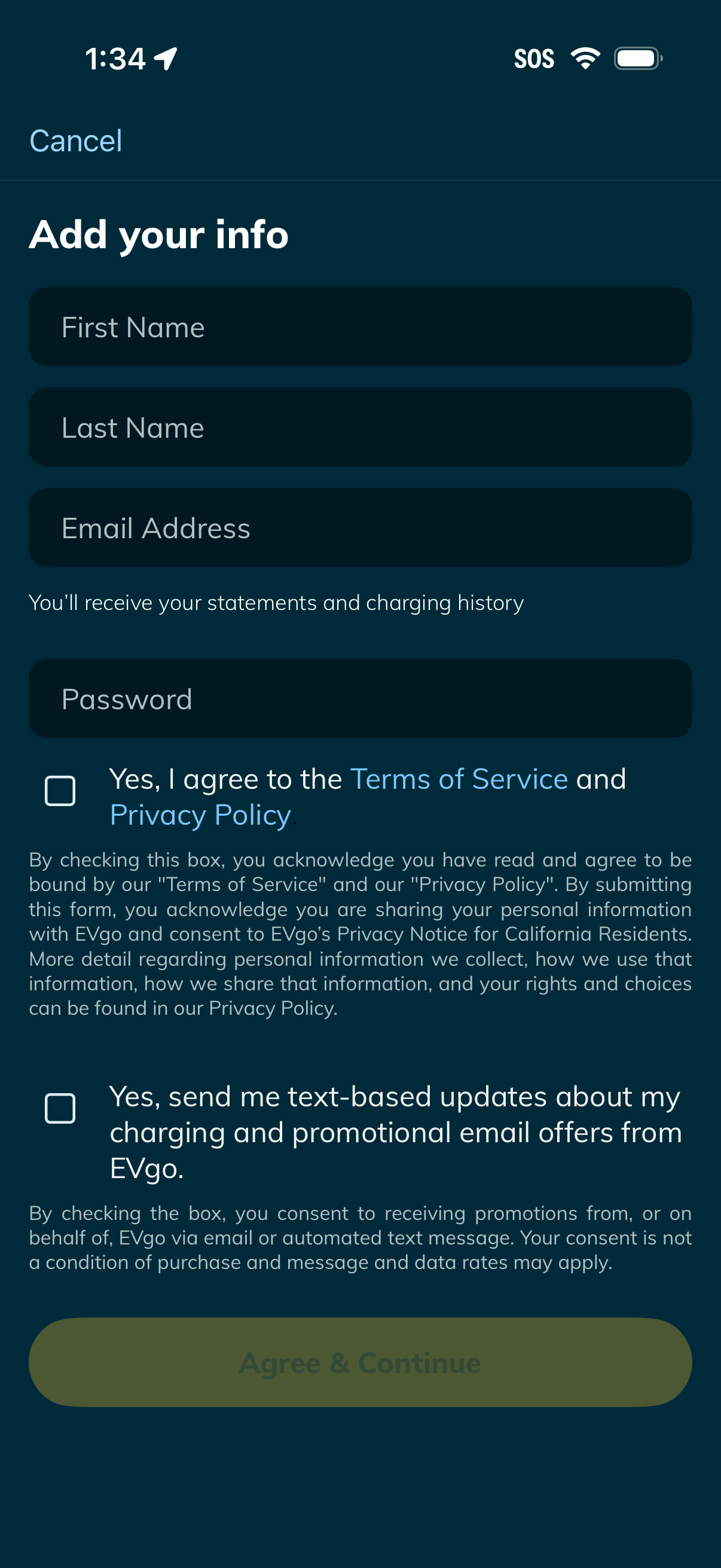
Account sign-up onboarding form prompting users to add personal details (first name, last name, email, password) to create an account and receive statements/charging history. Includes checkboxes to agree to Terms of Service and Privacy Policy and opt into text/email promotional updates, with an “Agree & Continue” submission button and a Cancel option.
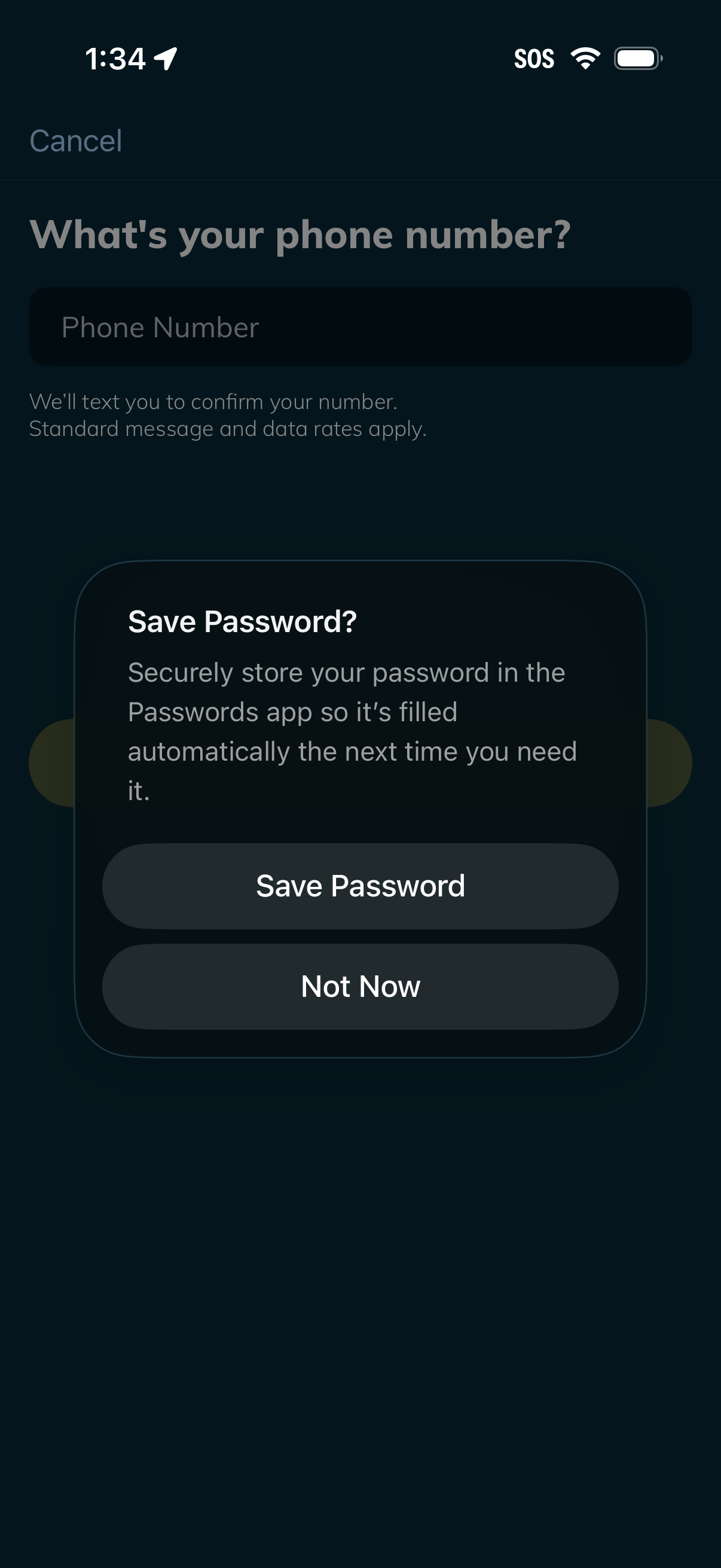
Phone number entry screen in an onboarding or account verification flow, prompting the user to input their phone number to receive an SMS confirmation, with a cancel option. An iOS system modal overlays the screen asking whether to save the password, offering “Save Password” or “Not Now” actions.

Phone number entry screen for account signup or login verification, prompting the user to enter their phone number to receive an SMS confirmation code. Includes a cancel option and a submit button to continue.
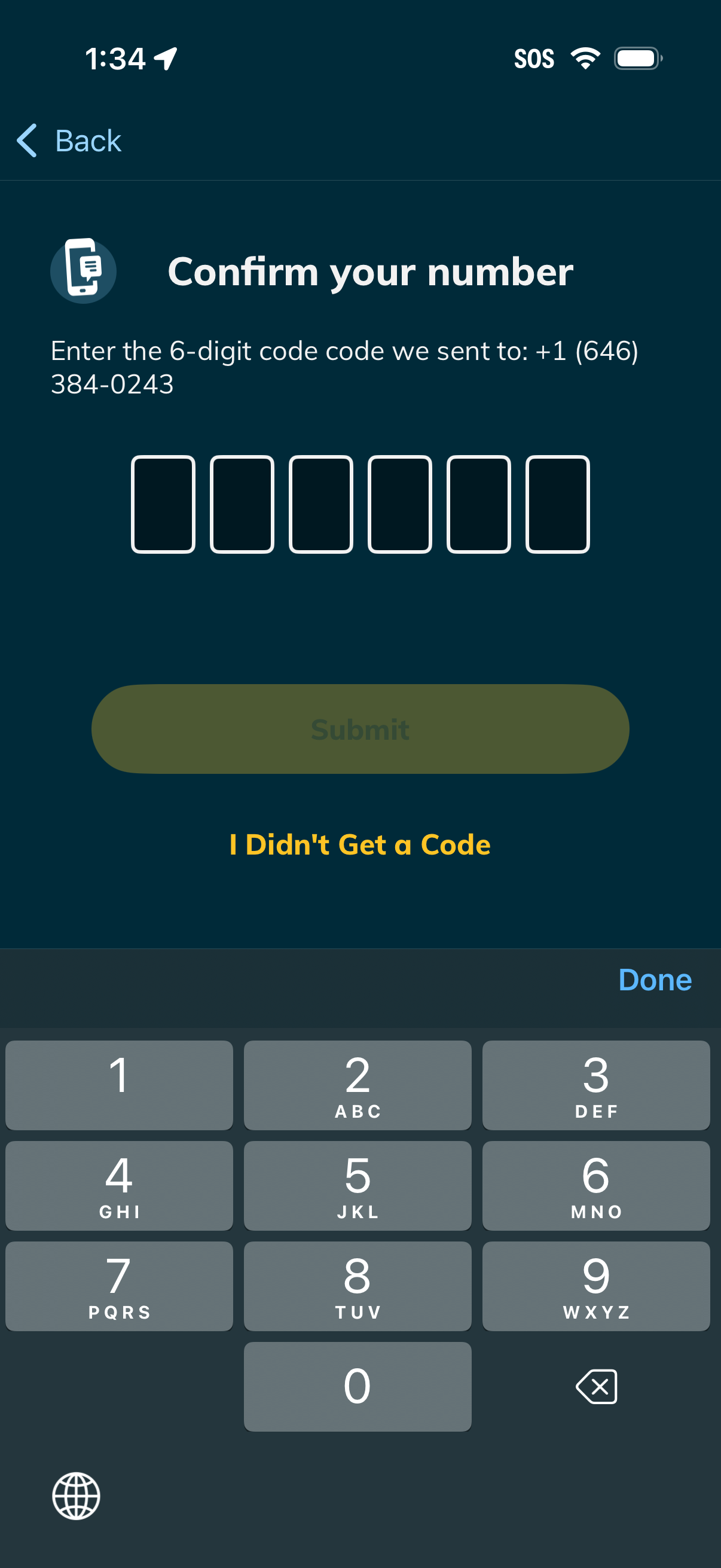
Phone number verification screen prompting the user to enter a 6-digit SMS code sent to their number, with six OTP input boxes and a Submit button. Includes a “I Didn’t Get a Code” option for resending or troubleshooting and a back navigation link.
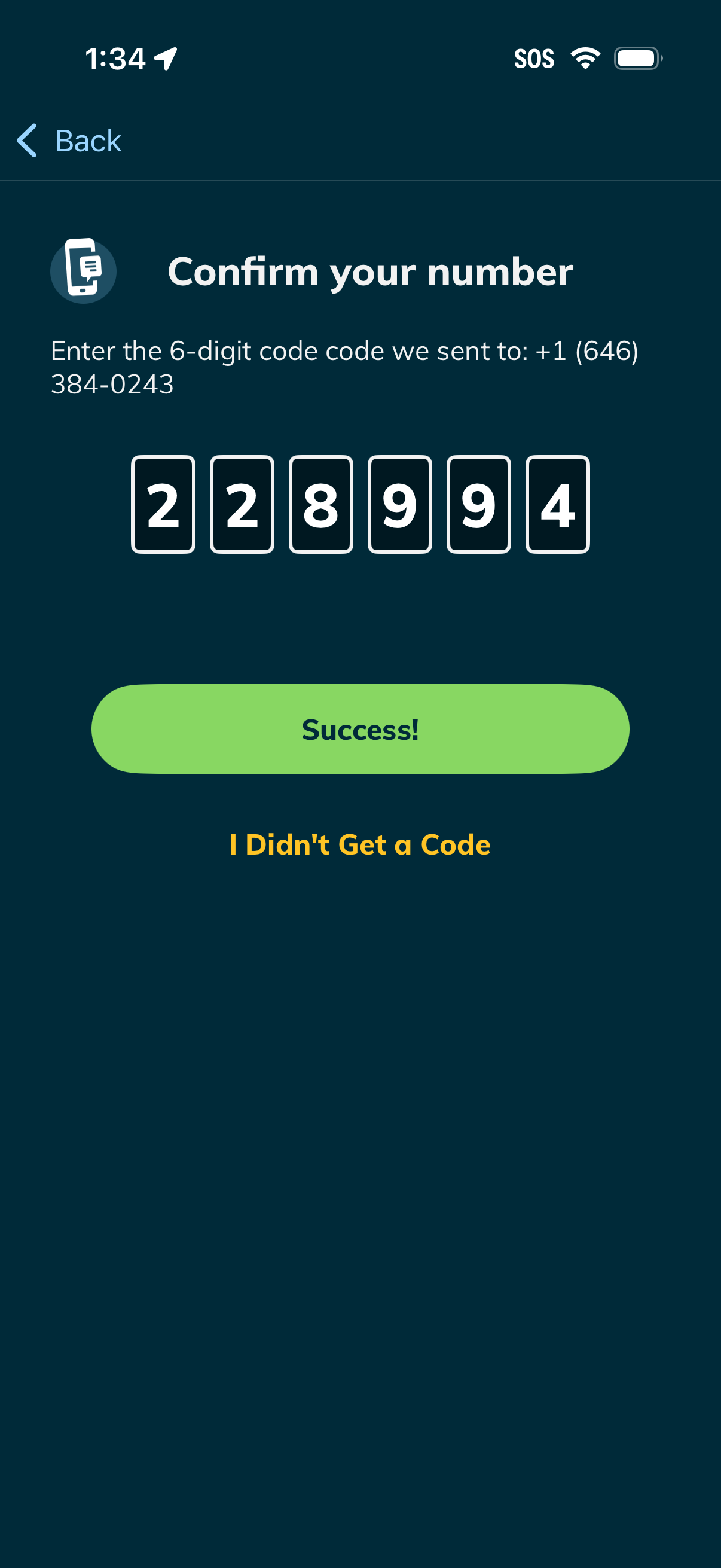
Phone number verification screen prompting the user to enter a 6-digit SMS code sent to their mobile number, with segmented code input boxes. Includes a success confirmation state with a primary “Success!
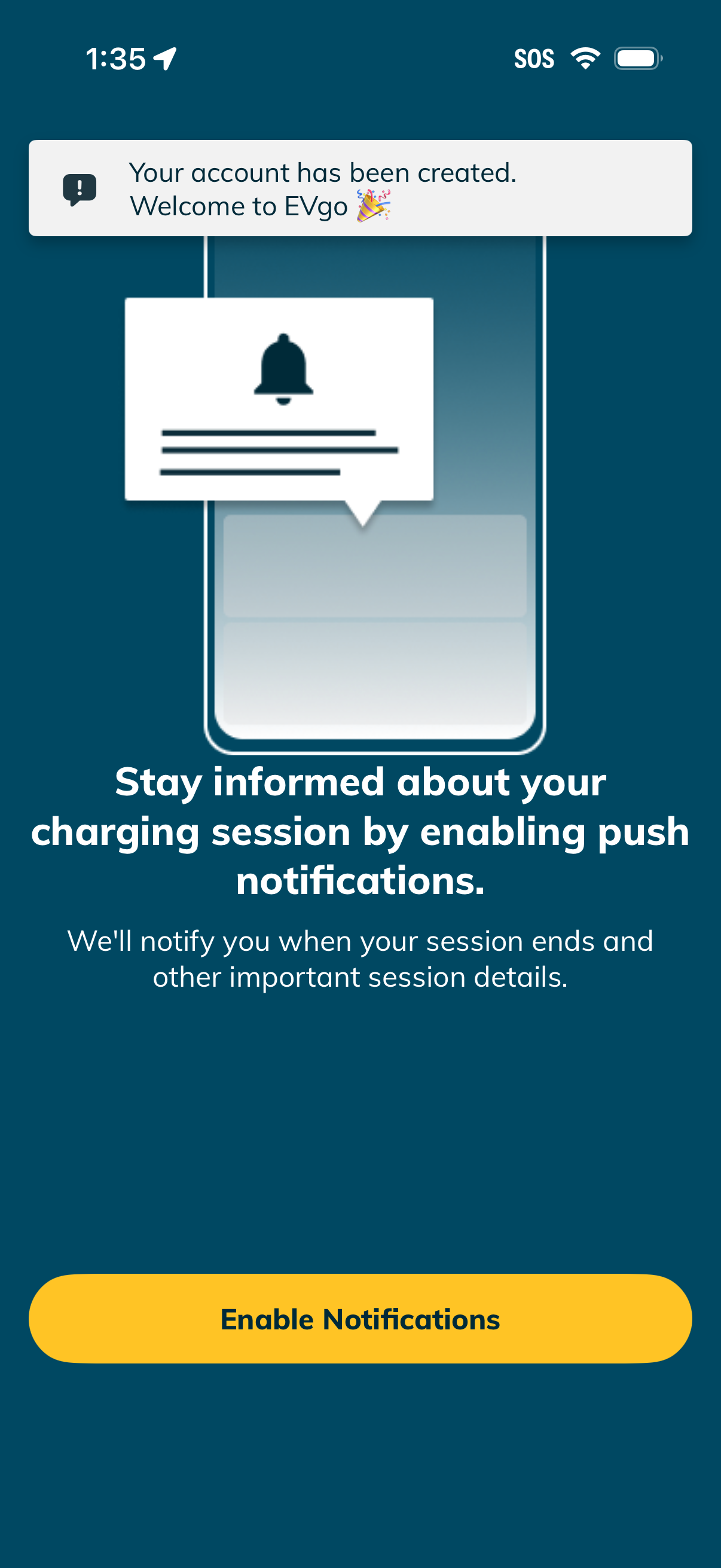
Onboarding welcome screen after account creation prompting users to enable push notifications to stay informed about an EV charging session. Explains notifications for session end and important updates and provides a primary “Enable Notifications” call-to-action.