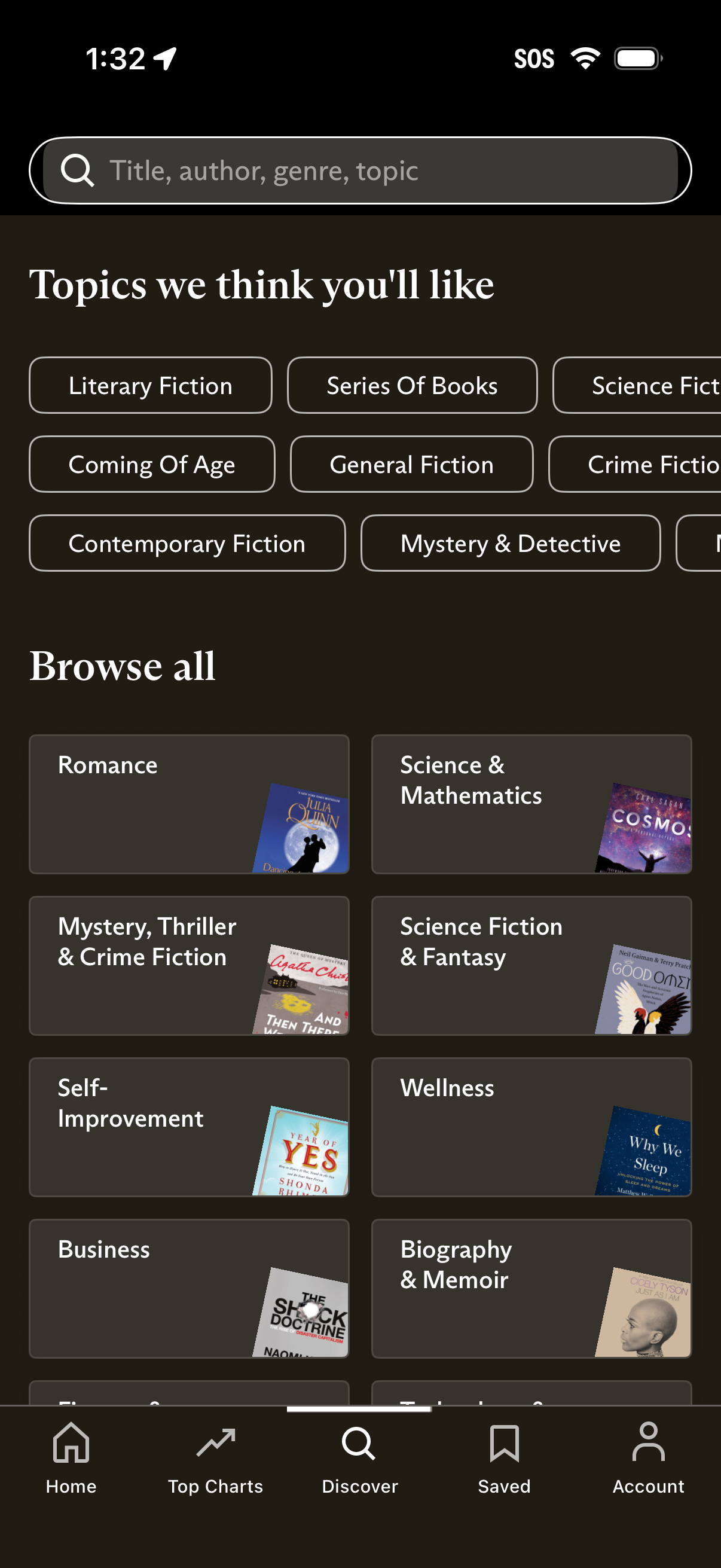
Discover/browse screen for a reading app with a global search bar (search by title, author, genre, or topic) and personalized topic chips for quick filtering. Below, a “Browse all” section shows category tiles (e.
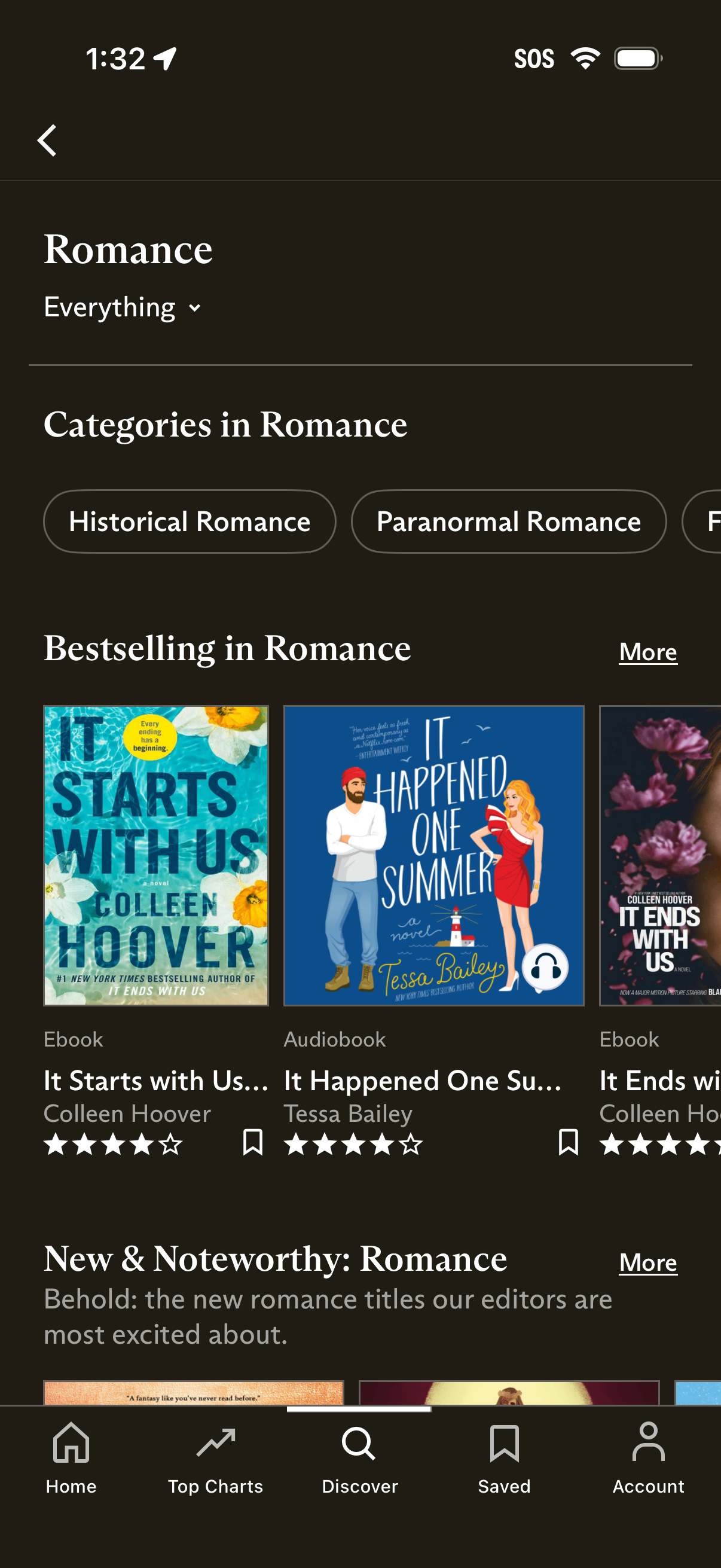
Romance genre browse screen in an ebook/audiobook store showing a filter dropdown, subcategory chips (e. g.
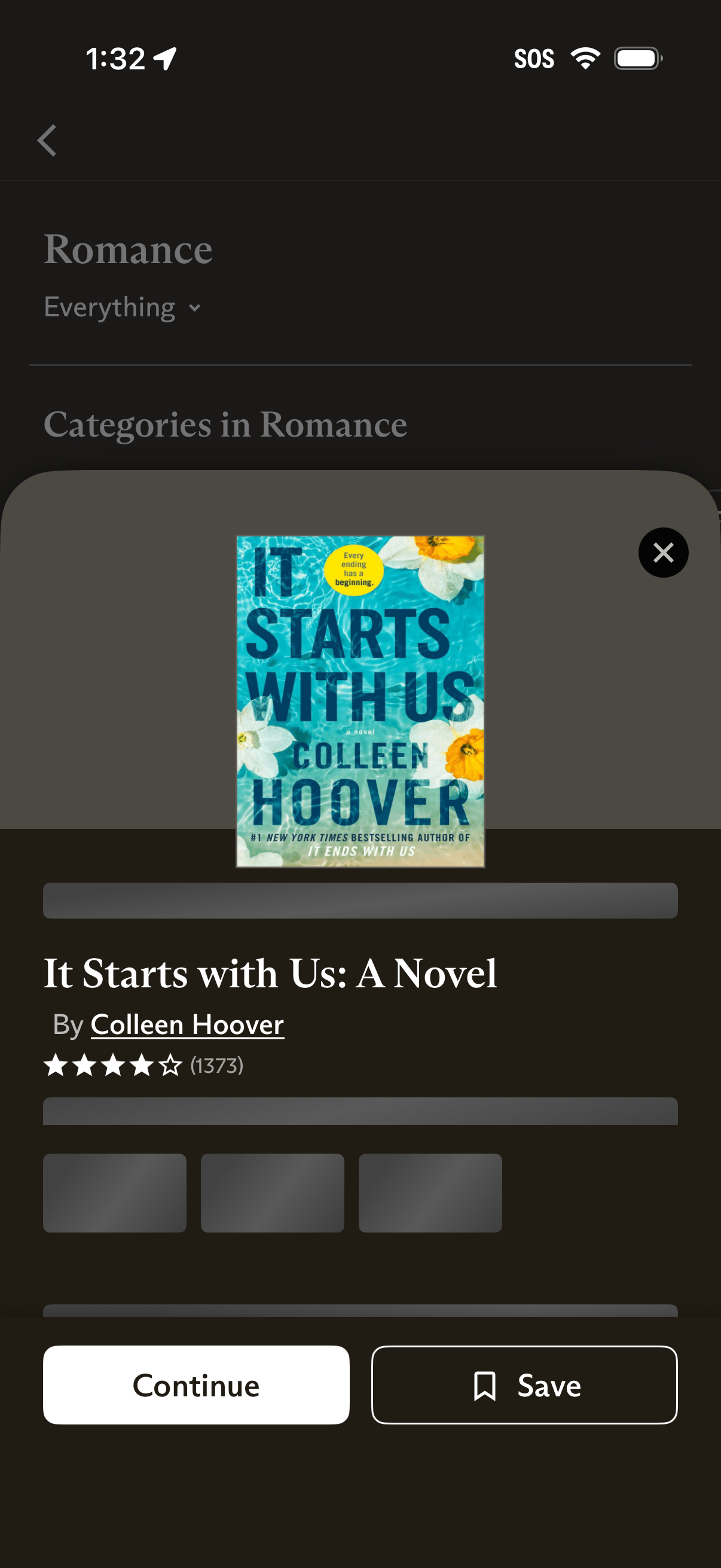
Book browsing screen in a reading/audiobook app showing a romance title detail preview in a bottom sheet modal with cover art, title/author link, star rating and reviews, and related content placeholders. Primary actions let the user continue reading/listening or save/bookmark the book, with a close button to dismiss the modal.
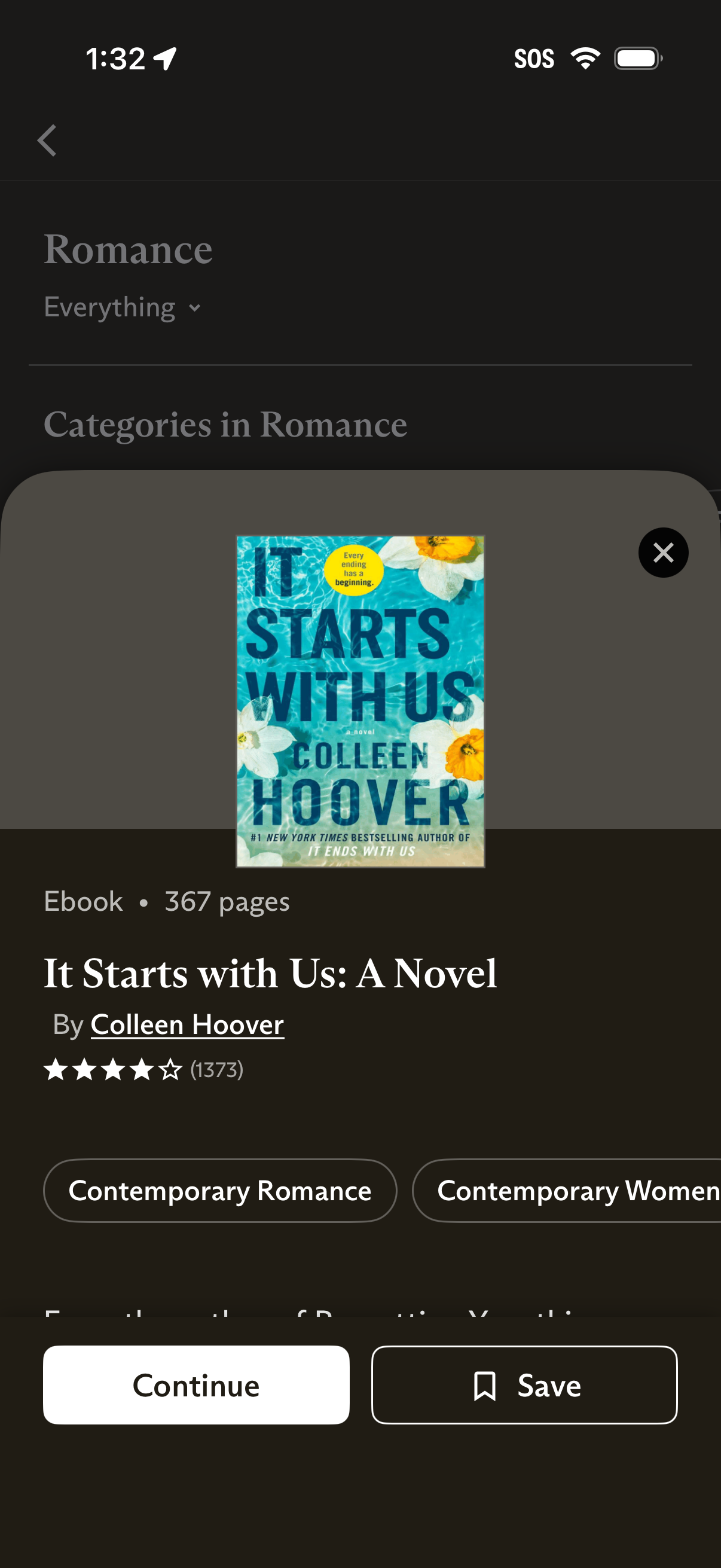
Book browsing screen in a Romance category showing a bottom-sheet quick view for a selected ebook with cover image, title/author, page count, star rating, and genre tags. Primary actions let the user continue reading, save/bookmark the book, or close the preview.
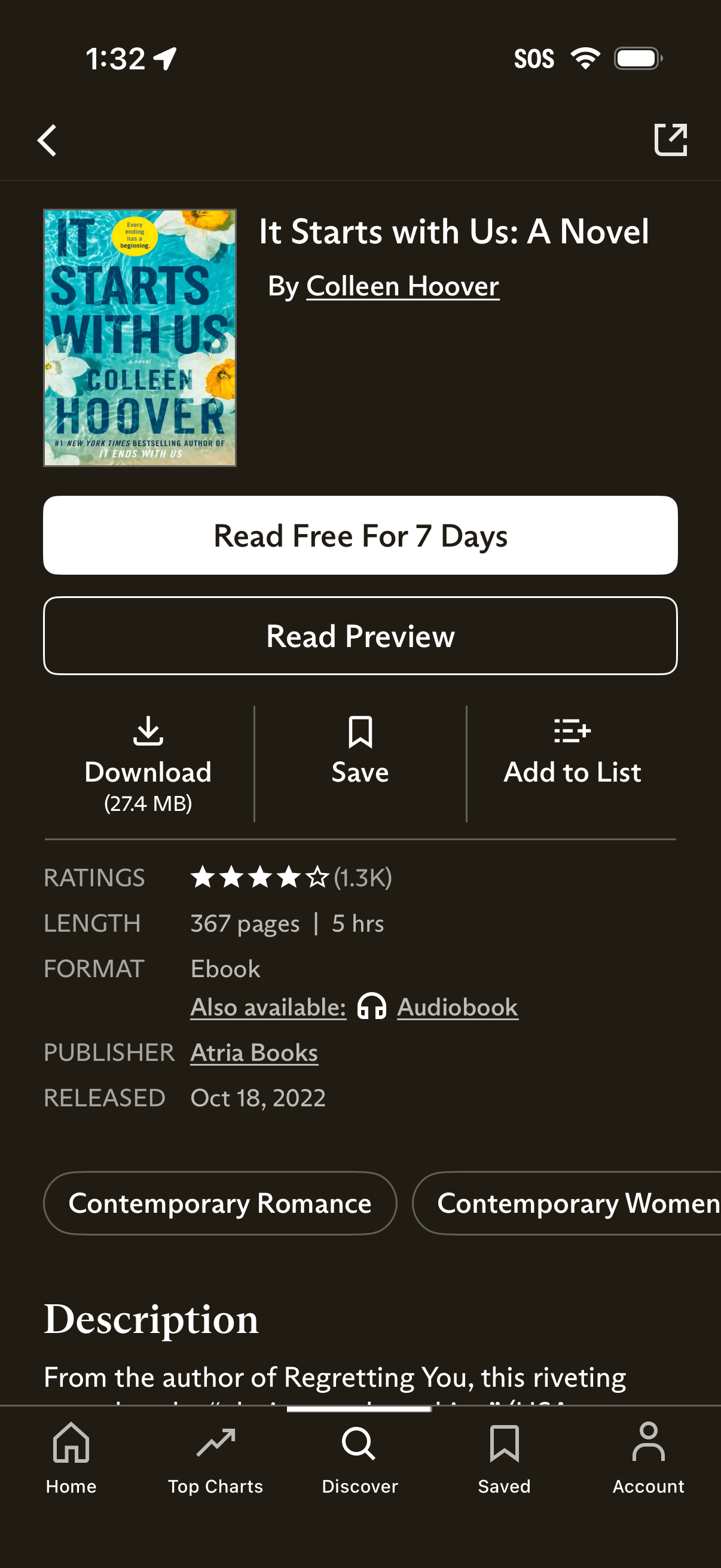
Book detail page in an ebook store showing cover, title, and author with primary CTAs to start a free 7‑day reading trial or read a preview. Secondary actions include download, save/bookmark, and add to list, plus ratings, length, format (ebook/audiobook), publisher/release info, genre tags, and a description section.