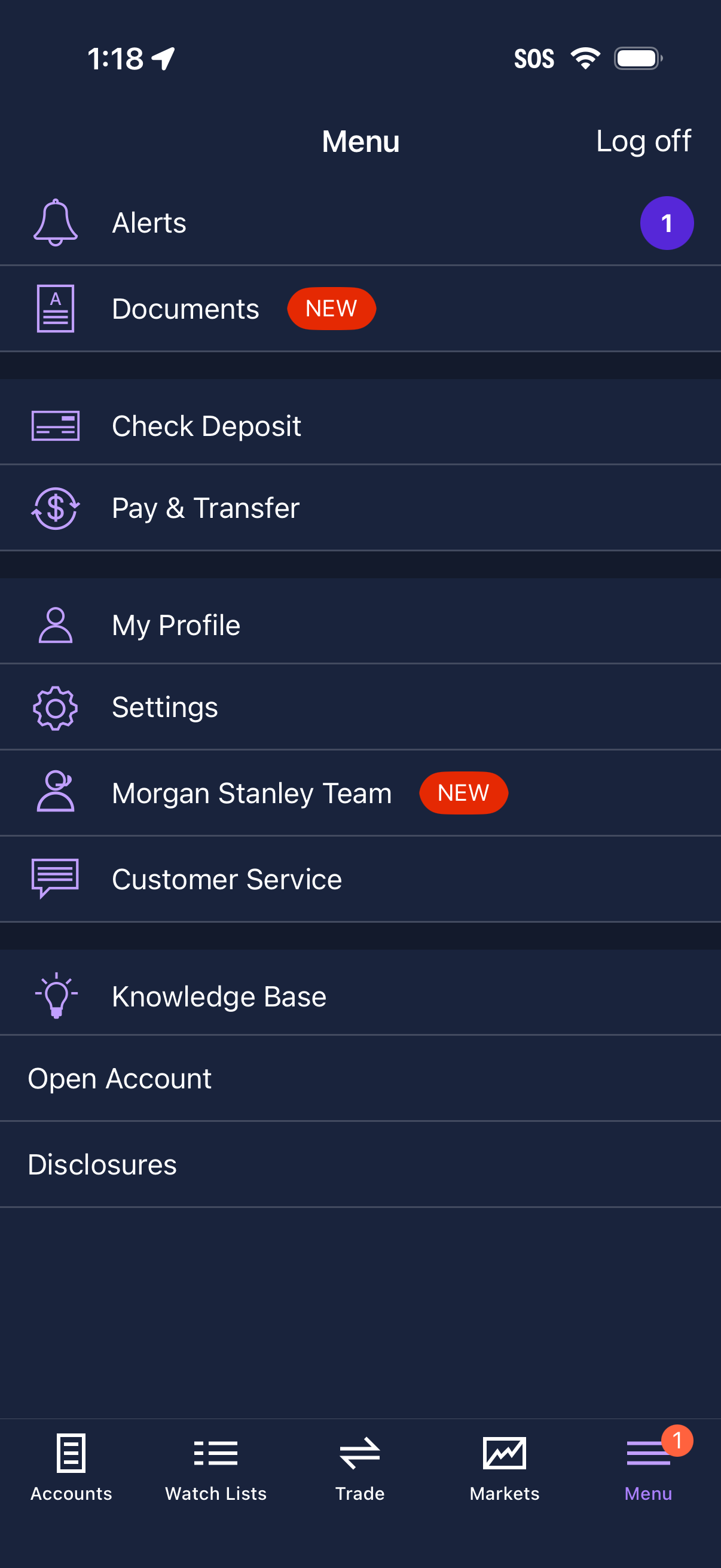
Mobile finance app navigation menu showing a list of account actions and support links, including alerts, documents, check deposit, pay & transfer, profile, settings, team contact, customer service, knowledge base, open account, and disclosures, with “new” badges and notification counts. The screen also includes a log off option and a bottom tab bar for Accounts, Watch Lists, Trade, Markets, and Menu.
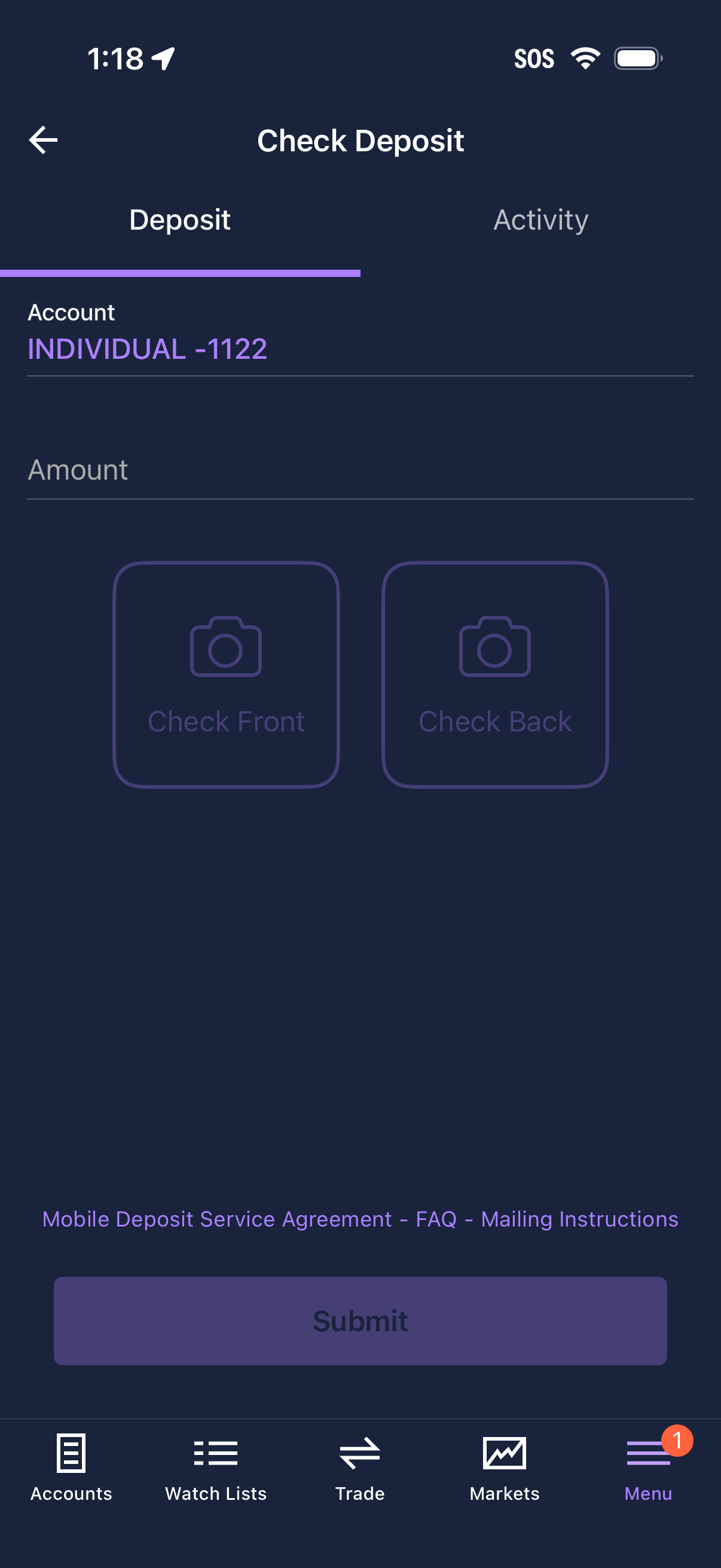
Mobile banking check deposit screen where the user selects the target account, enters the deposit amount, and captures photos of the check front and back. Includes tabs for Deposit vs Activity, helpful links (service agreement/FAQ/mailing instructions), and a Submit button to complete the deposit.
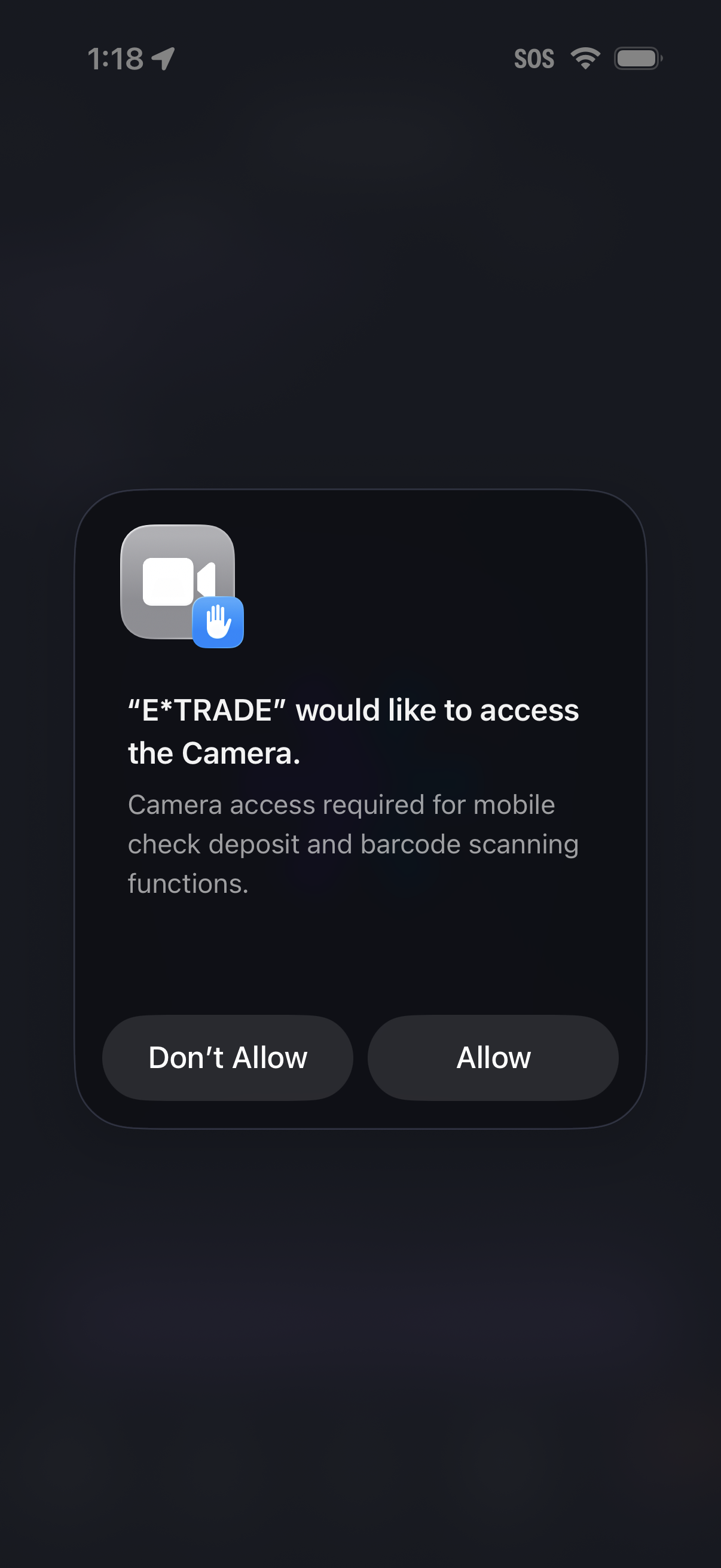
iOS system permission prompt requesting camera access for a finance/banking app to enable mobile check deposit and barcode scanning, with primary actions to Allow or Don’t Allow.
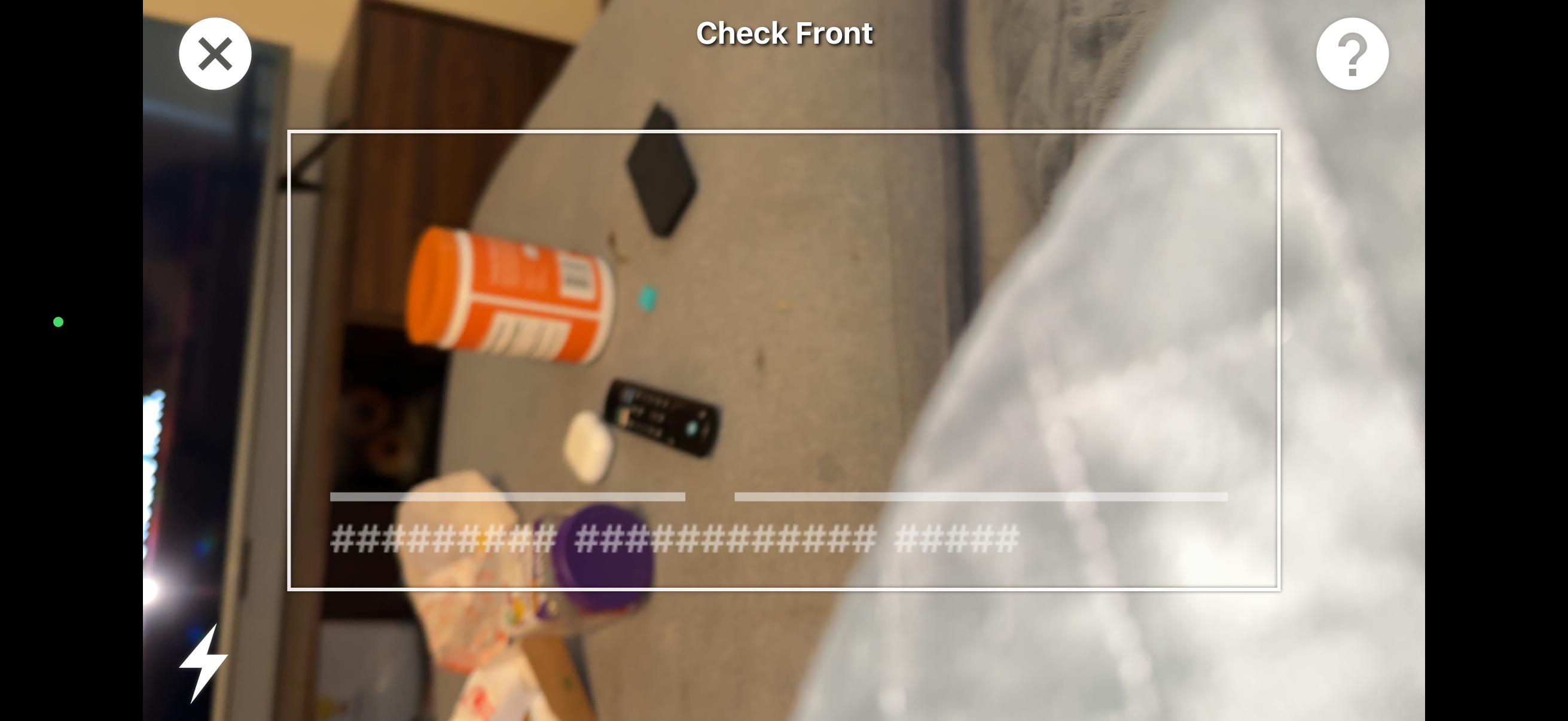
Document scanning camera screen for capturing the front side of an ID or card, with an on-screen framing box, masked sensitive text area, and controls to close or view help. Includes camera flash toggle and live preview to guide alignment before taking the photo.