sign up and verify
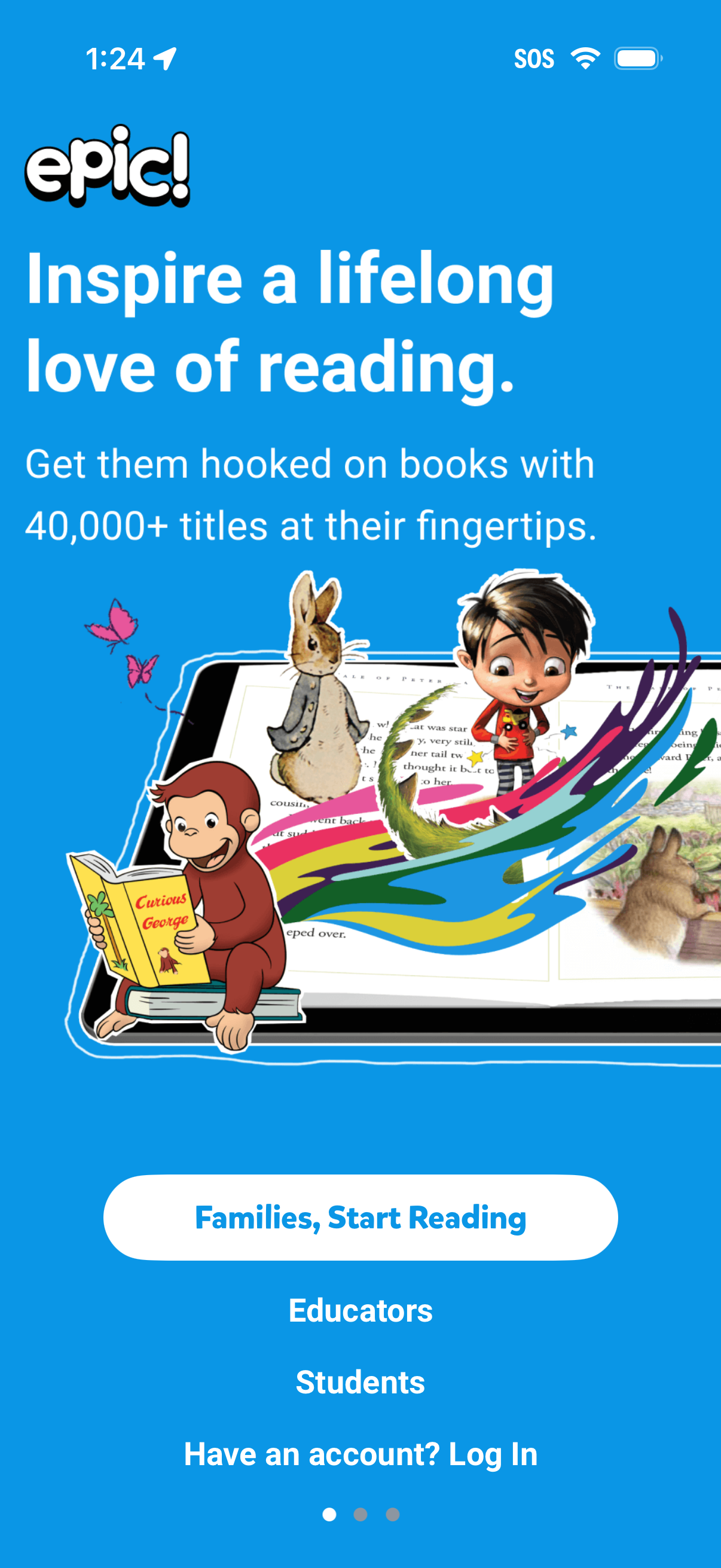
Onboarding/marketing splash screen for a kids digital reading app promoting a large book library and inspiring reading. Provides role-based entry points with a primary “Families, Start Reading” button, links for Educators and Students, and an existing-account Log In option with carousel pagination.
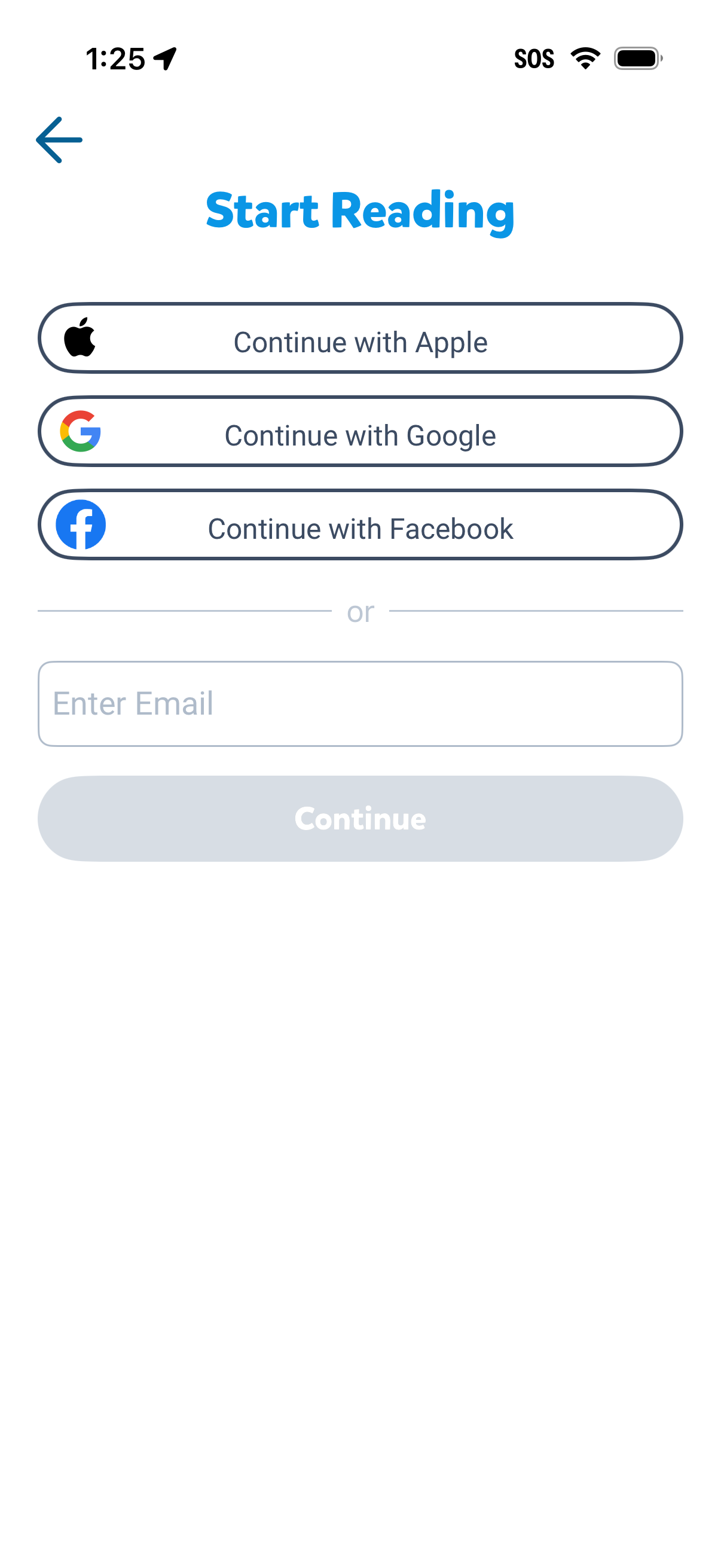
Onboarding sign-in screen for a reading app that lets users start by continuing with Apple, Google, or Facebook, or entering an email address. Includes a disabled Continue button that activates after email input and a back navigation arrow.
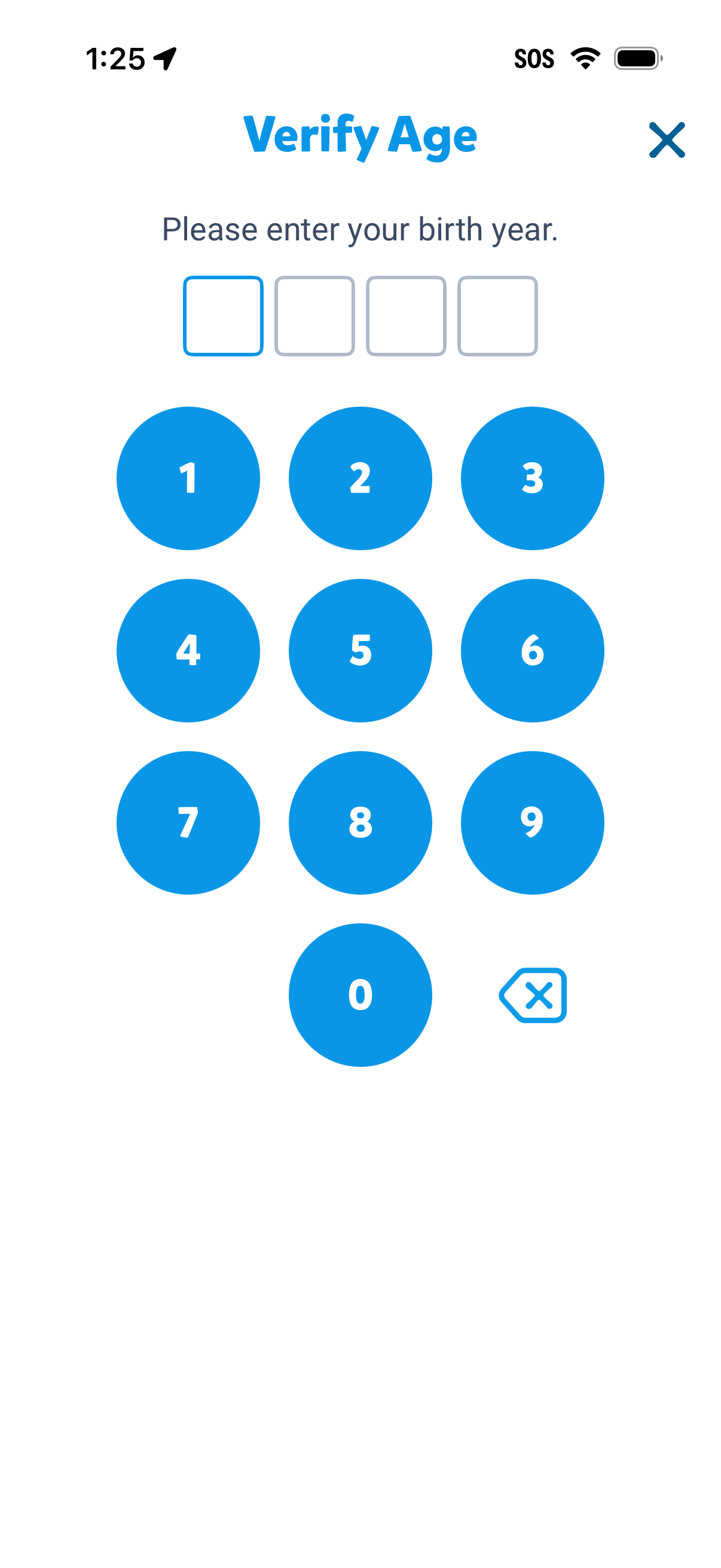
Age verification screen prompting the user to enter a 4-digit birth year using a large numeric keypad, with digit boxes showing input progress and a backspace/delete key. Includes a close (X) button to dismiss the modal.
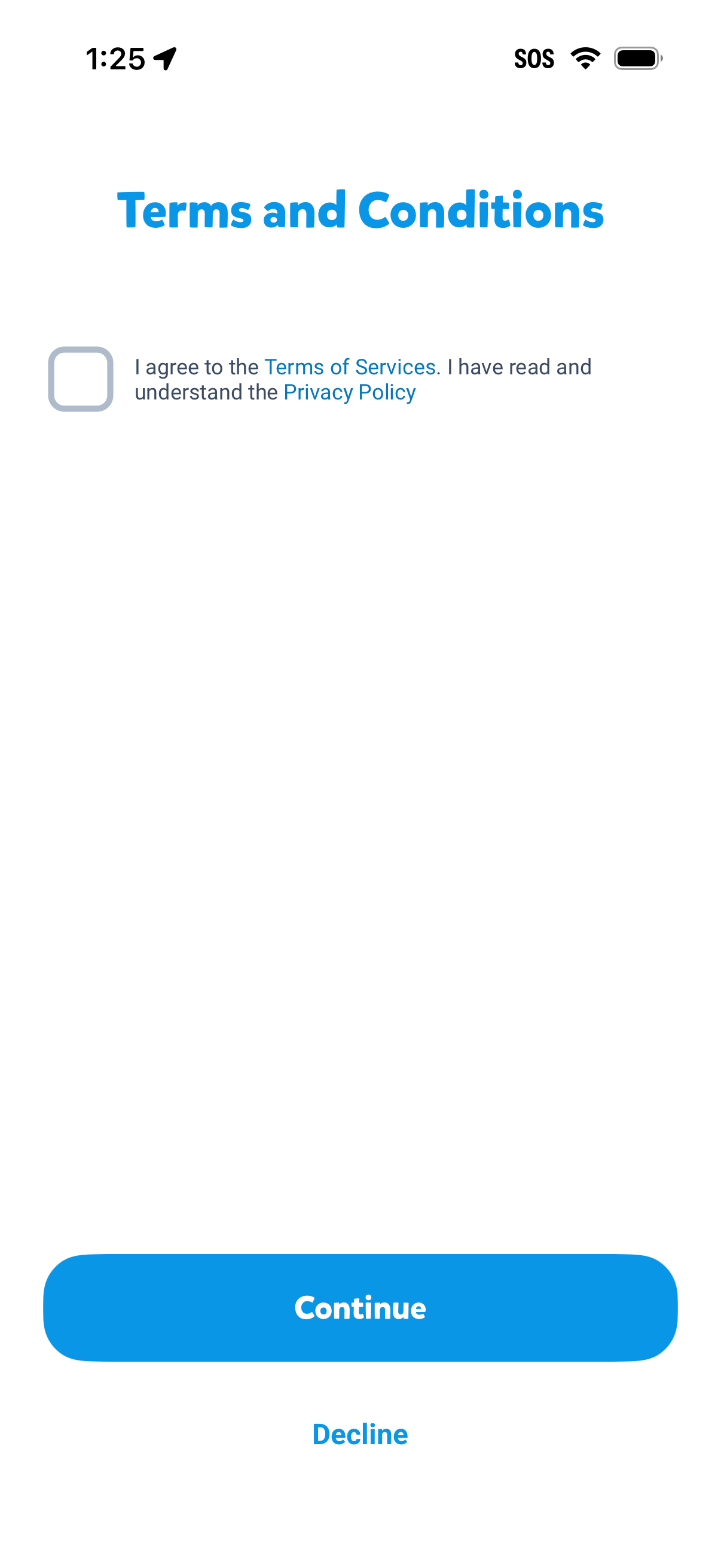
Terms and Conditions consent screen prompting the user to check a box agreeing to the Terms of Service and confirming they’ve read the Privacy Policy, with links to both documents. Primary action is a large Continue button and a secondary Decline option.
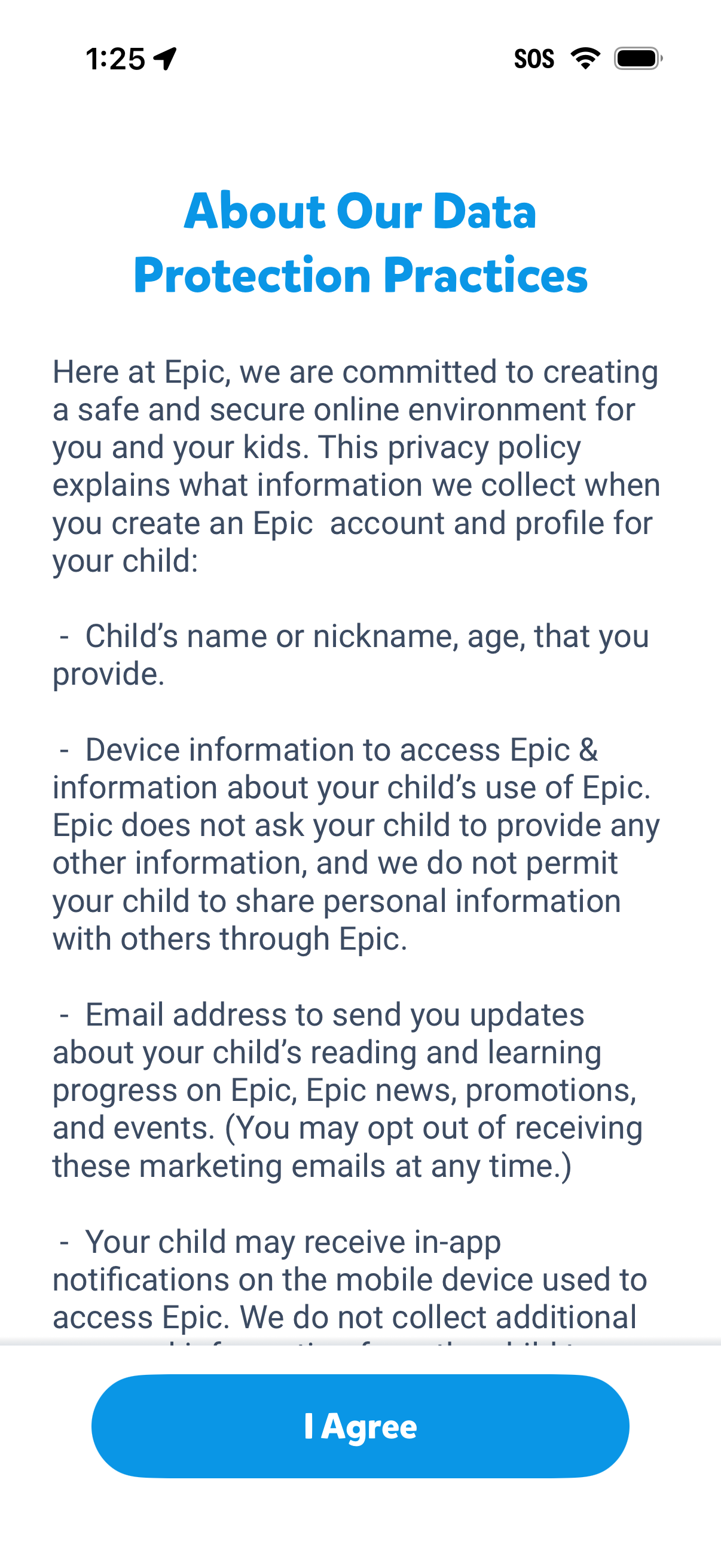
Privacy policy and data protection information screen explaining what personal and device data is collected for creating a child account, shown in a scrollable text layout. Includes a primary “I Agree” button to accept the policy and continue onboarding/registration.
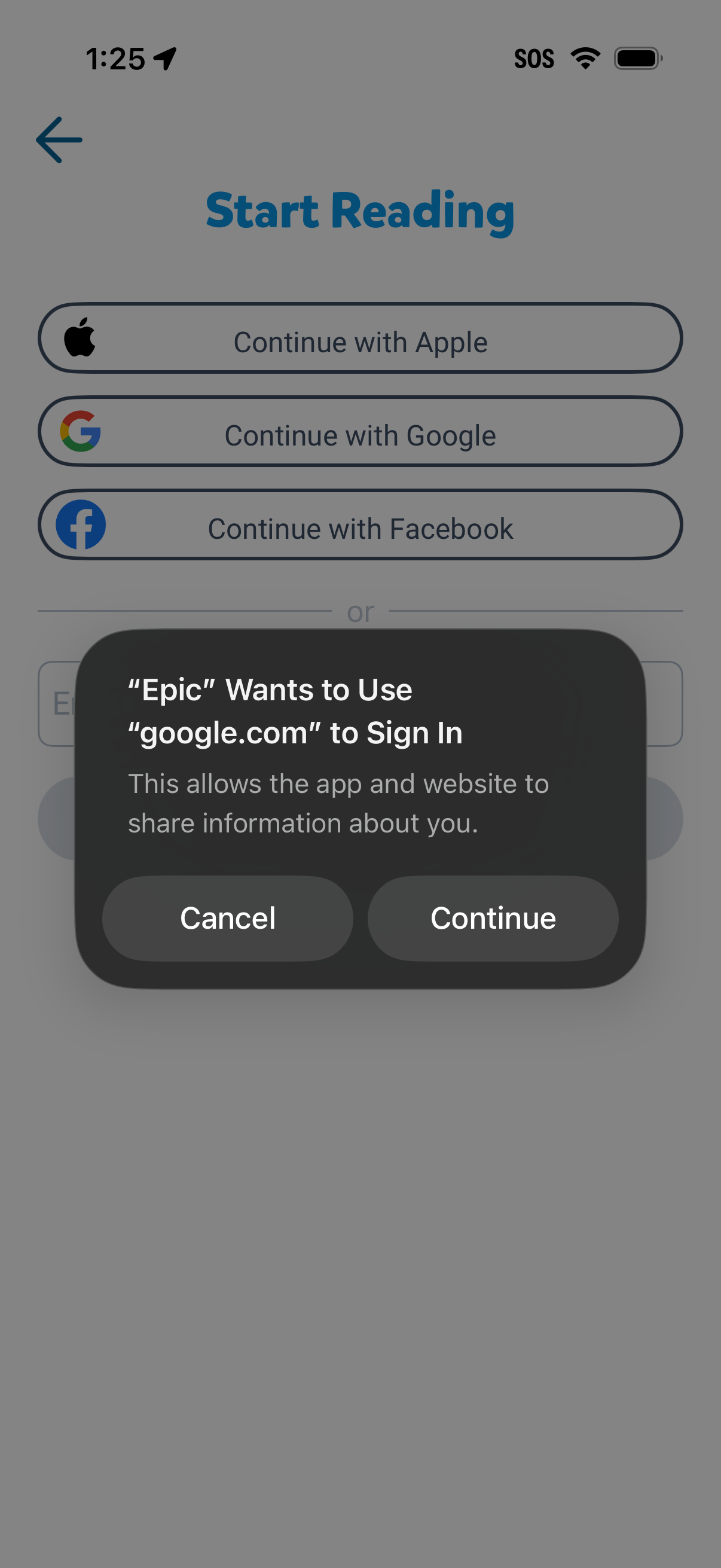
Login/sign-up screen for a reading app offering social authentication options to continue with Apple, Google, or Facebook, plus email sign-in fields. An iOS system permission modal overlays the page asking to allow the app to use a web domain for Google sign-in with Cancel and Continue actions.