Sign In

App splash/loading screen for the eBay mobile shopping marketplace, showing the centered eBay logo on a black background while the app launches.
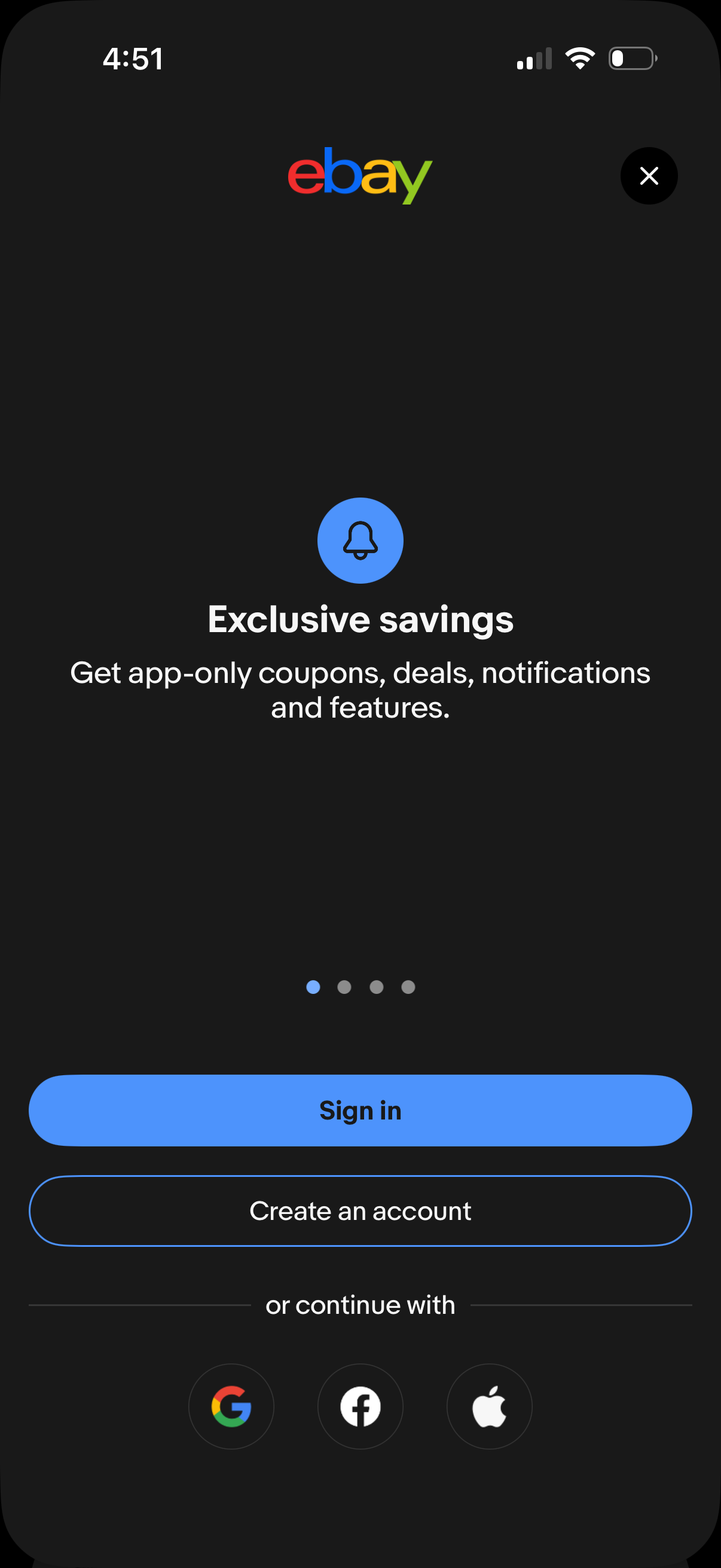
Onboarding/login promo screen highlighting “Exclusive savings” and app-only coupons, deals, and notifications. Provides primary actions to Sign in or Create an account, with alternative social login options via Google, Facebook, or Apple and a close/dismiss button.
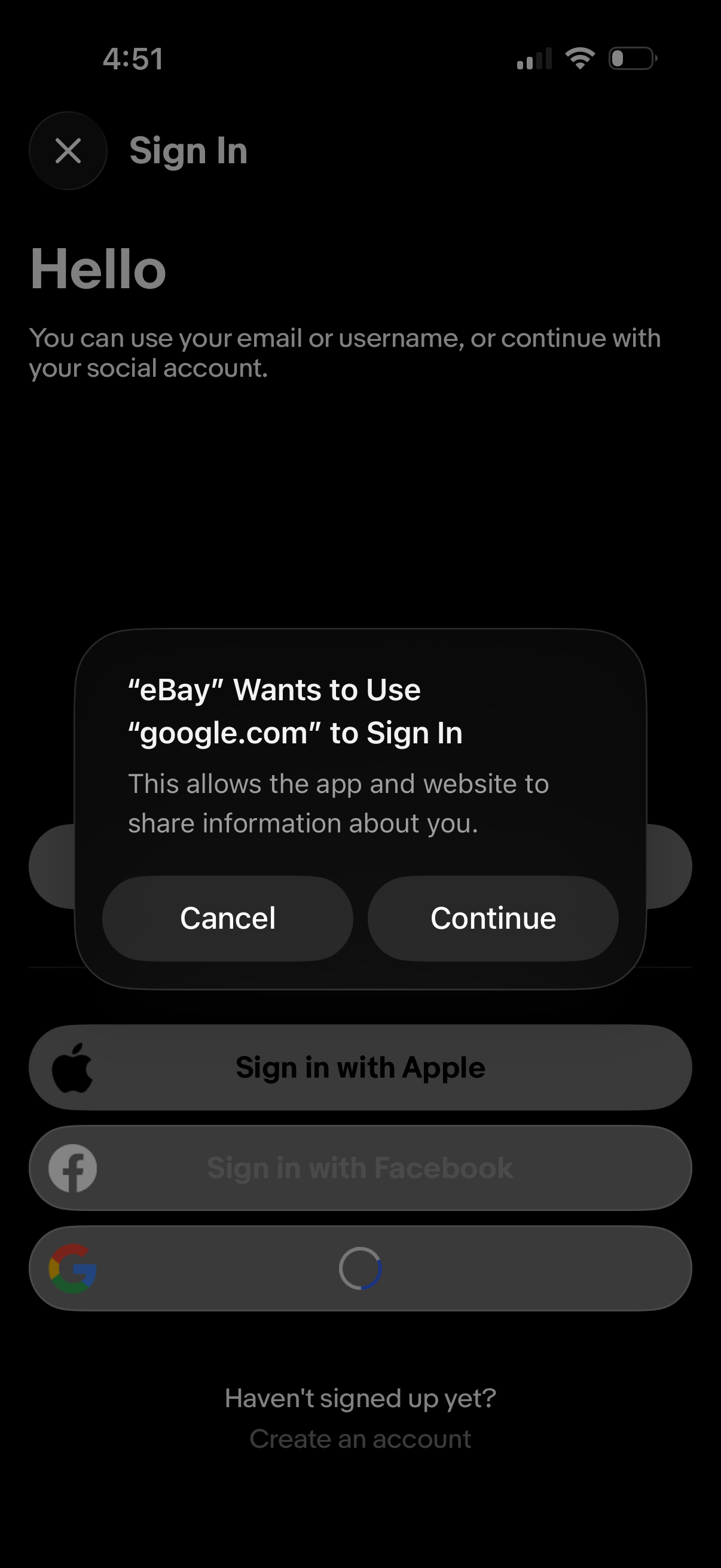
Sign-in screen offering authentication via email/username or social login, with options to sign in with Apple, Facebook, or Google and a link to create an account. An iOS permission modal overlays the page asking to allow Google account sign-in with Cancel and Continue actions.
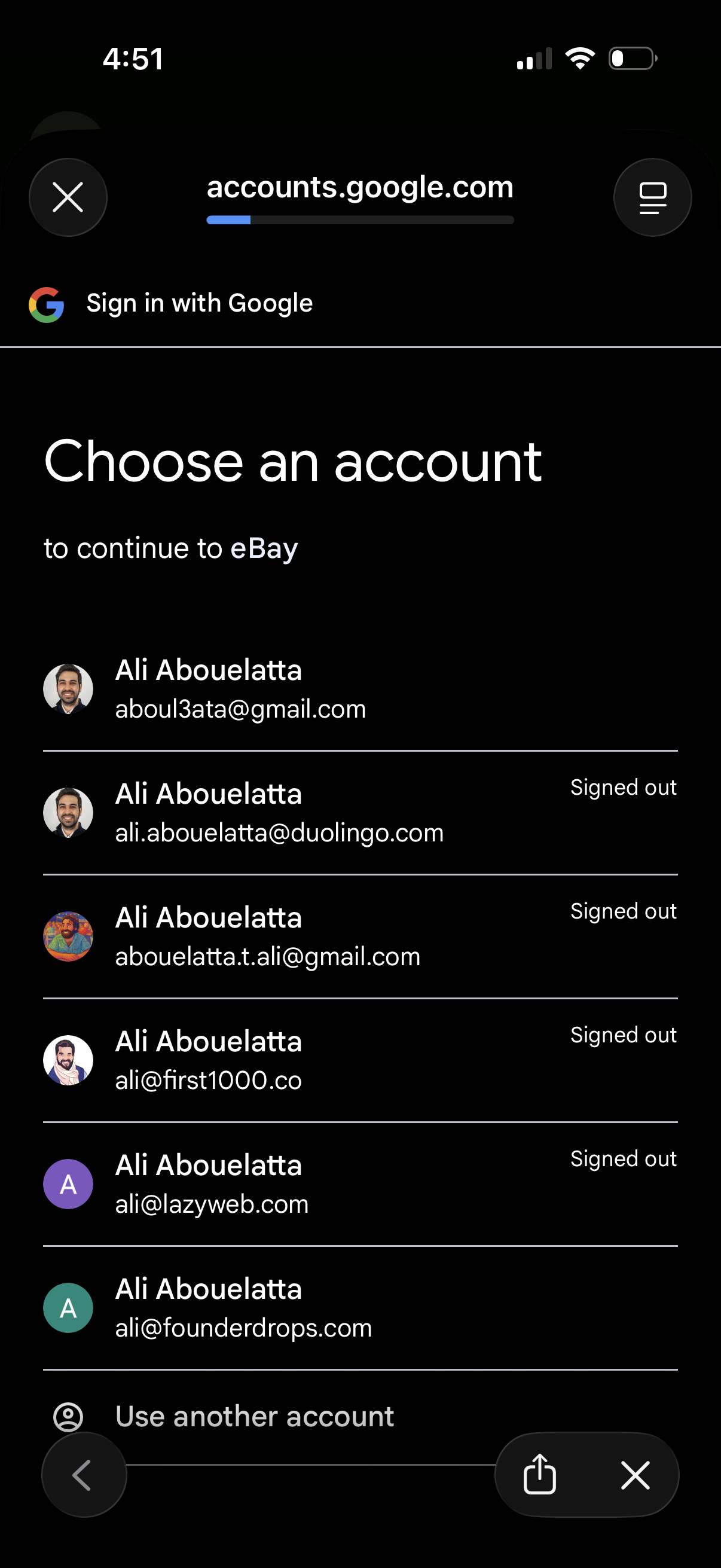
Google OAuth sign-in screen prompting the user to choose an existing Google account to continue to a third-party app, showing a scrollable list of saved profiles with email addresses and signed-out status. Includes an option to use another account and controls to close or navigate back in the in-app browser.
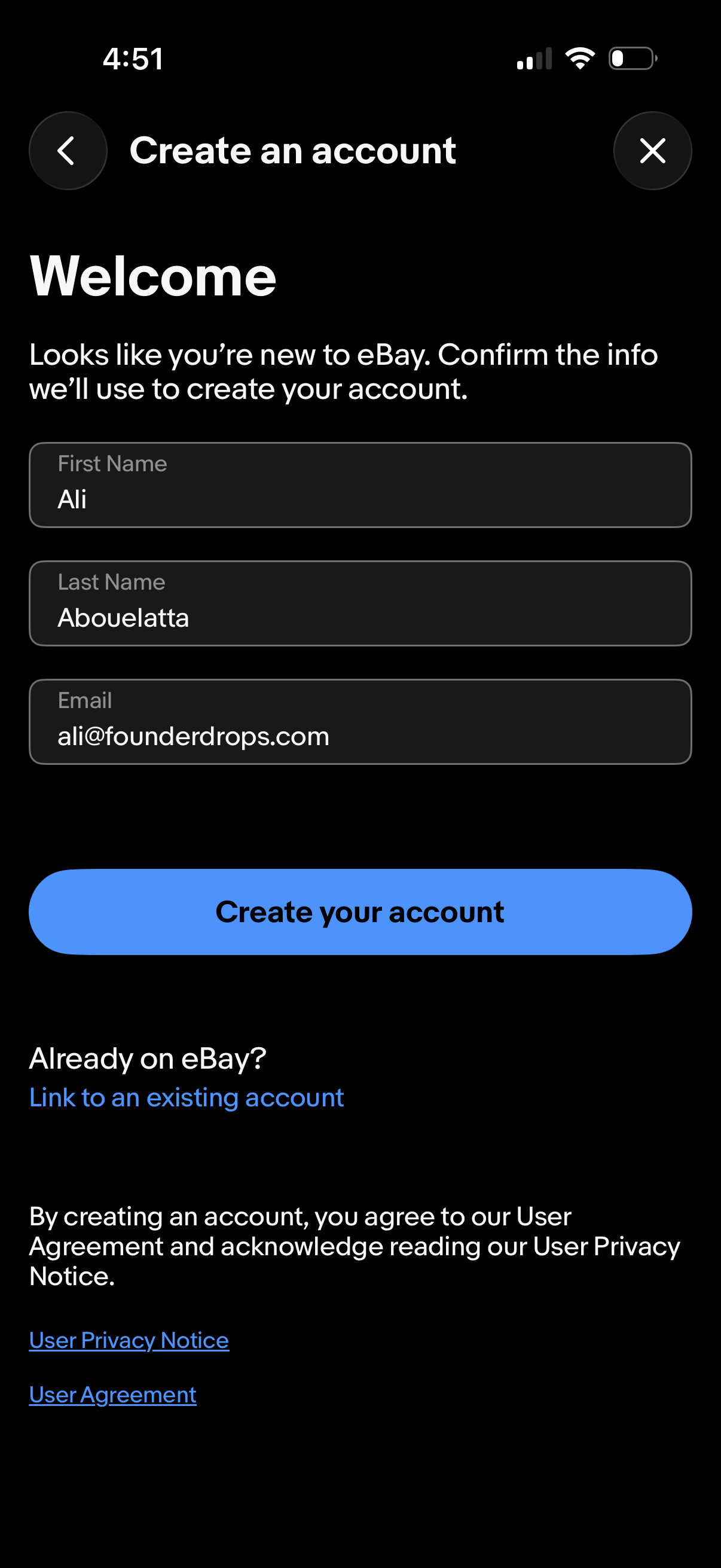
Account creation onboarding screen welcoming a new user and asking them to confirm personal details with form fields for first name, last name, and email. Primary CTA is “Create your account,” with an option to link to an existing account and links to privacy notice and user agreement, plus back and close icons.
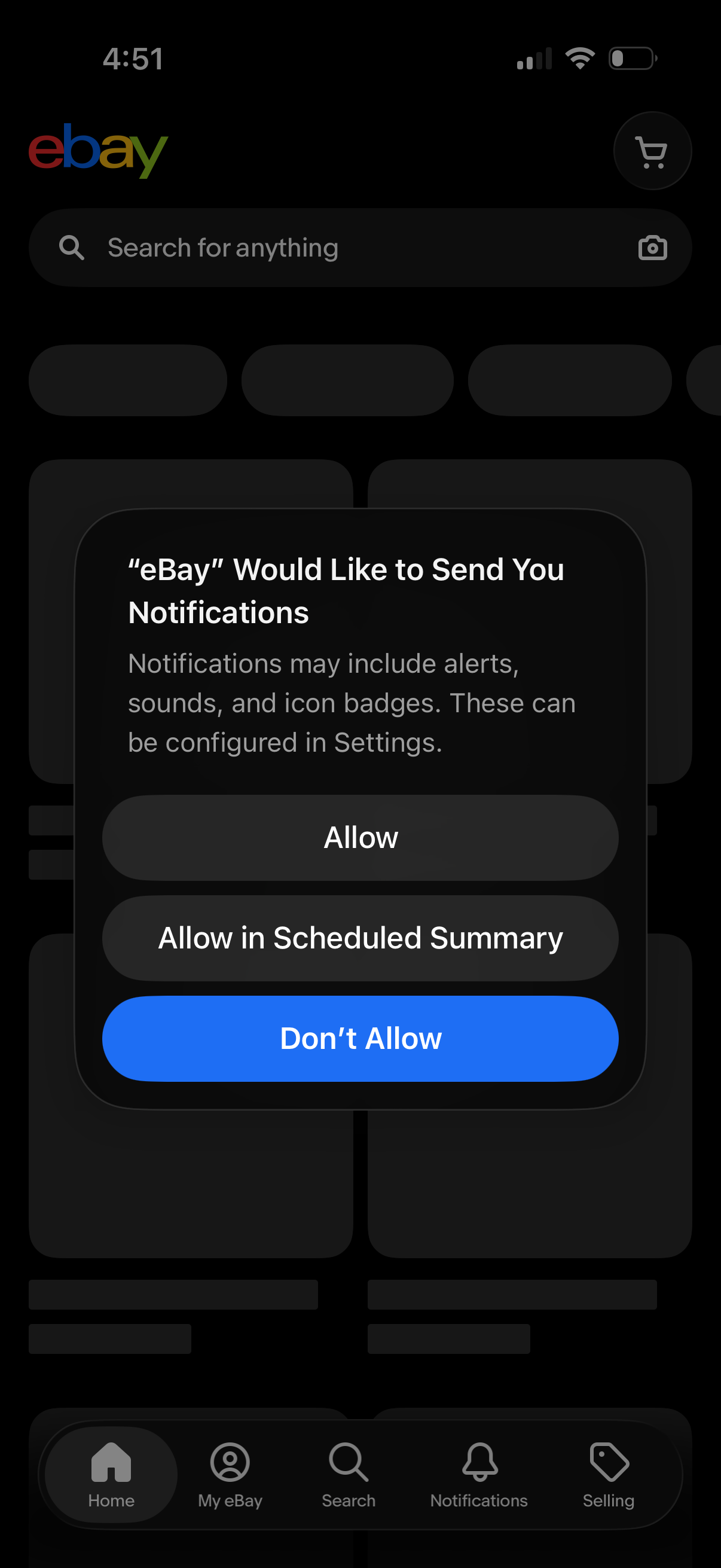
An iOS push notification permission prompt over the e-commerce app home screen asking to enable notifications, with actions to Allow, Allow in Scheduled Summary, or Don’t Allow. The underlying screen shows a top search bar and bottom tab navigation (Home, account, search, notifications, selling) with a cart shortcut.
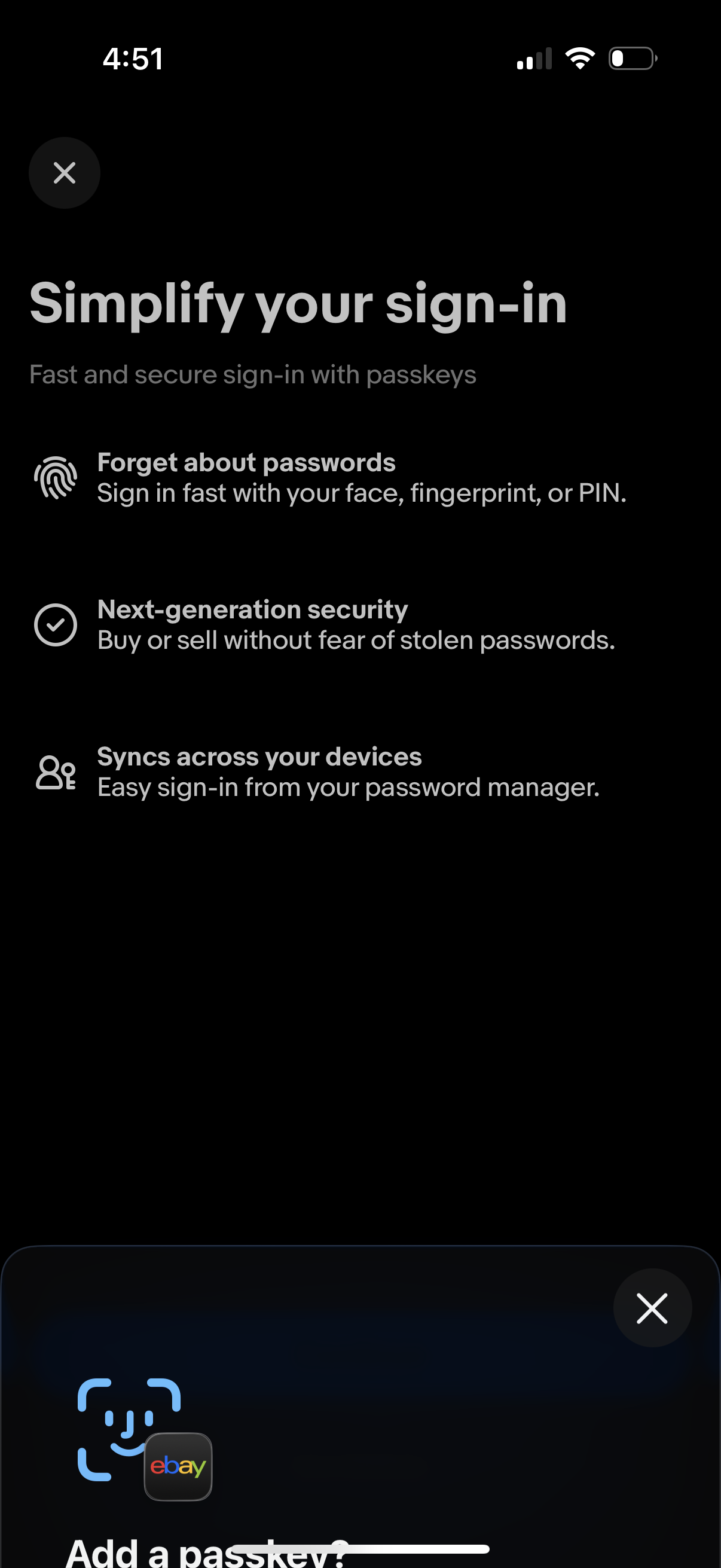
Onboarding modal explaining passkeys to simplify sign-in, highlighting passwordless login using Face ID/fingerprint/PIN, stronger security, and syncing across devices via a password manager. Includes dismiss/close controls and prompts the user to add a passkey.
Onboarding modal explaining passkeys to simplify sign-in, highlighting passwordless login using Face ID/fingerprint/PIN, stronger security, and syncing across devices via a password manager. Includes dismiss/close controls and prompts the user to add a passkey.
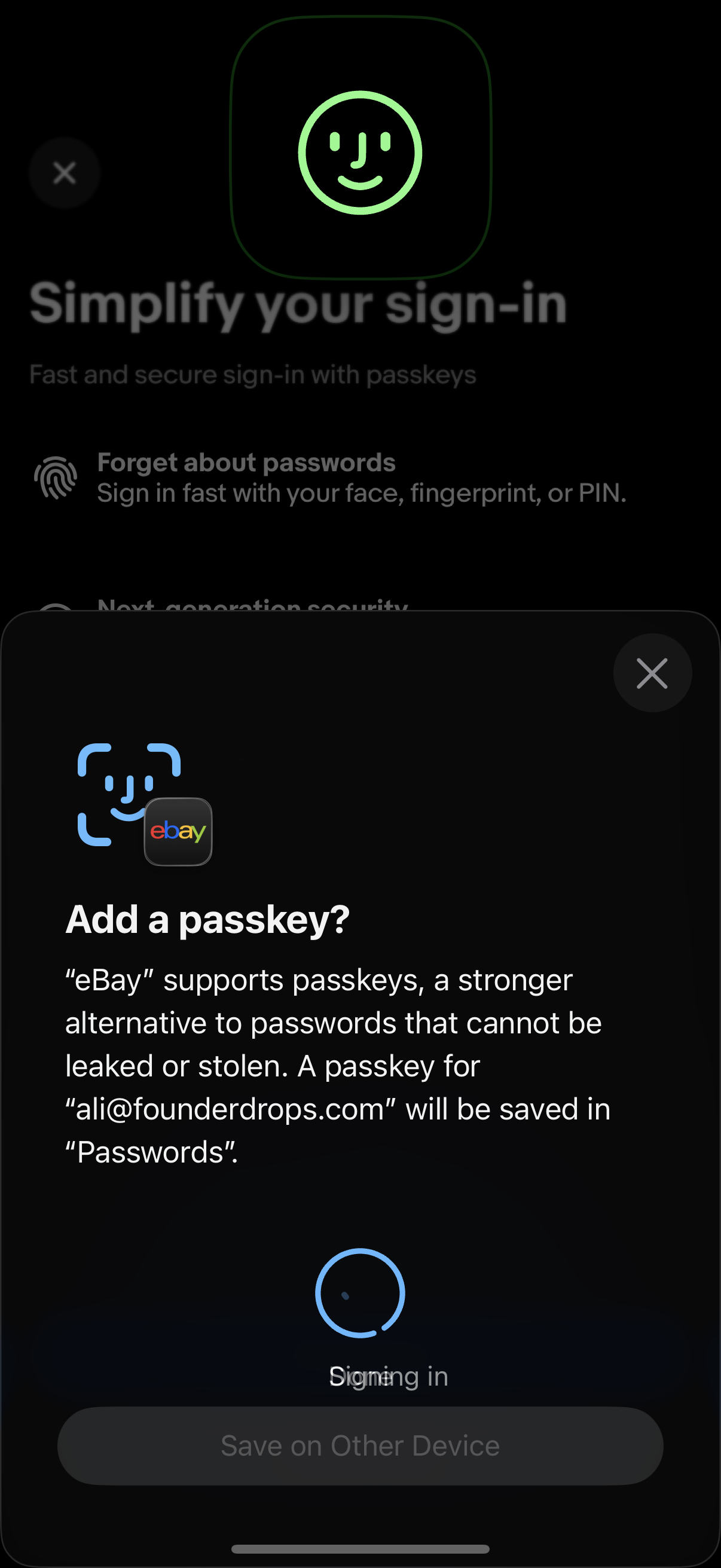
System passkey authentication prompt for adding a passkey to an app account, explaining passwordless sign-in and saving the credential to the device’s password manager while showing a “Signing in” progress state and an option to save on another device or close the modal.
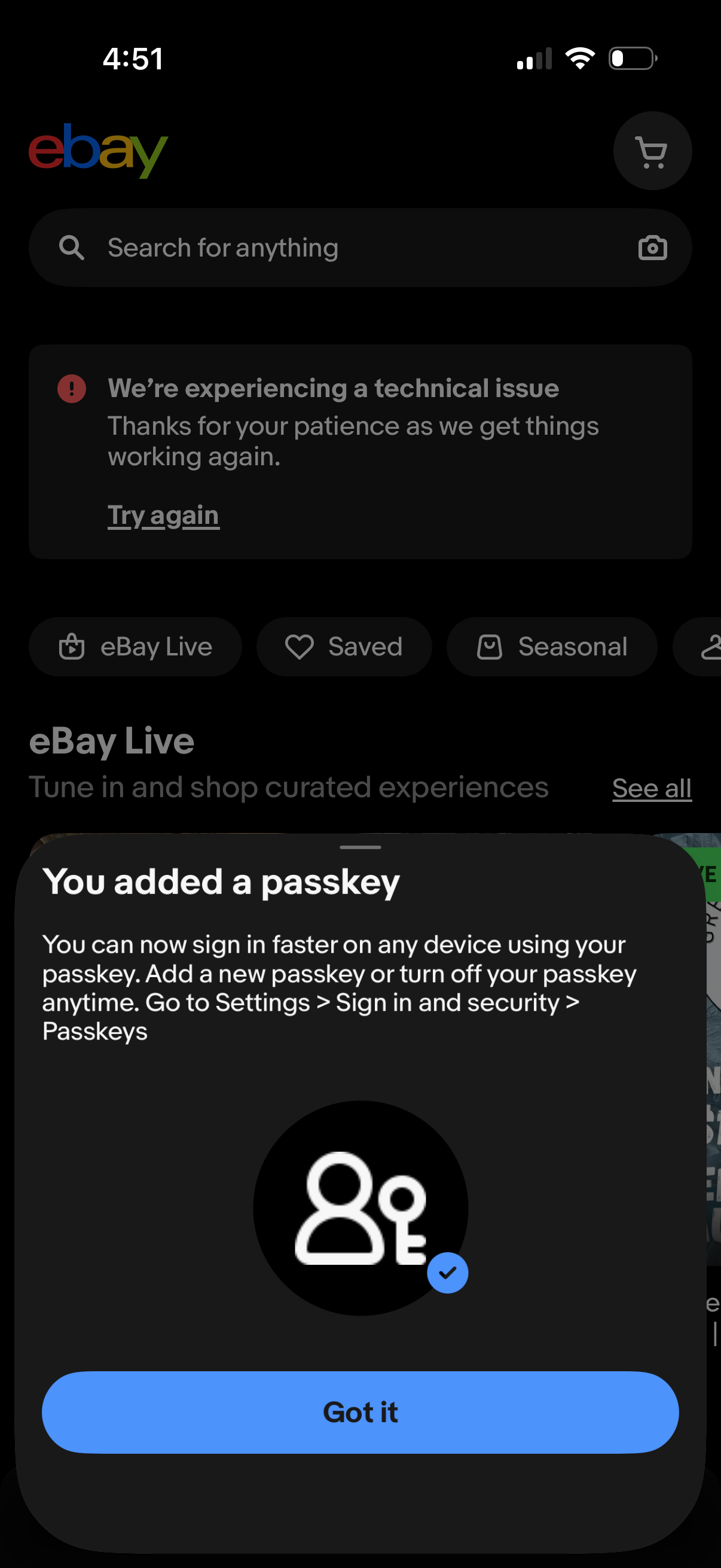
Shopping app home screen with a global search bar and cart shortcut, showing an inline technical issue error message with a “Try again” retry link. A bottom sheet confirmation modal announces “You added a passkey” for faster sign-in and provides a primary “Got it” button to dismiss.
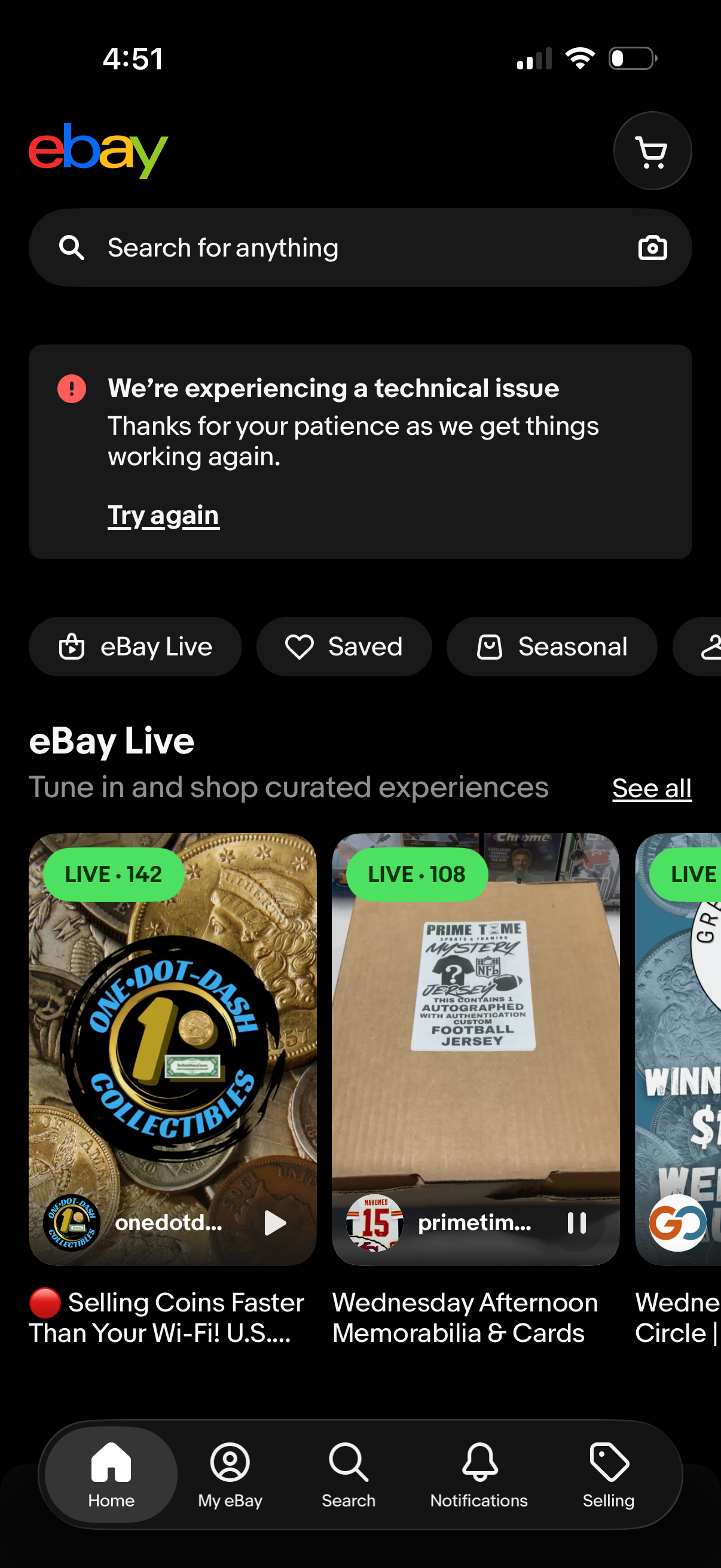
Shopping marketplace home screen with a global search bar (including camera/visual search) and cart shortcut, showing an inline technical issue/error banner with a “Try again” action. Below are quick category chips and an “eBay Live” carousel of live shopping streams with viewer counts and a “See all” link, plus bottom navigation for Home, account, search, notifications, and selling.