add third party account
1

Accounts screen in a password manager showing a saved third‑party login (Instagram) with the option to add a new account. The account card lets users view the hidden passcode via a “Show” action and access more options from an overflow menu.
2
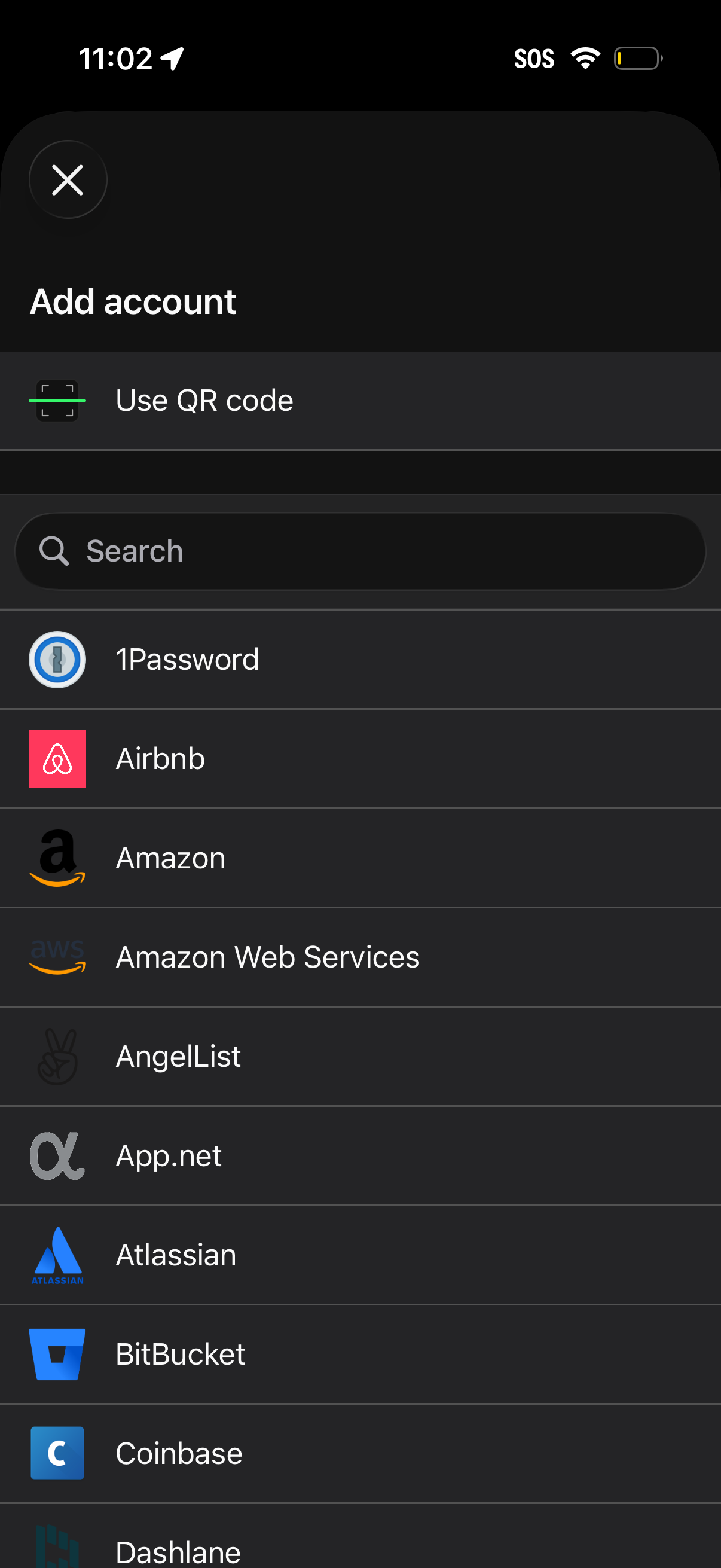
Add account screen for a password manager or authenticator that lets users connect a new service, with a “Use QR code” option for quick setup. Includes a search bar and a scrollable list of supported apps/services (e.
3
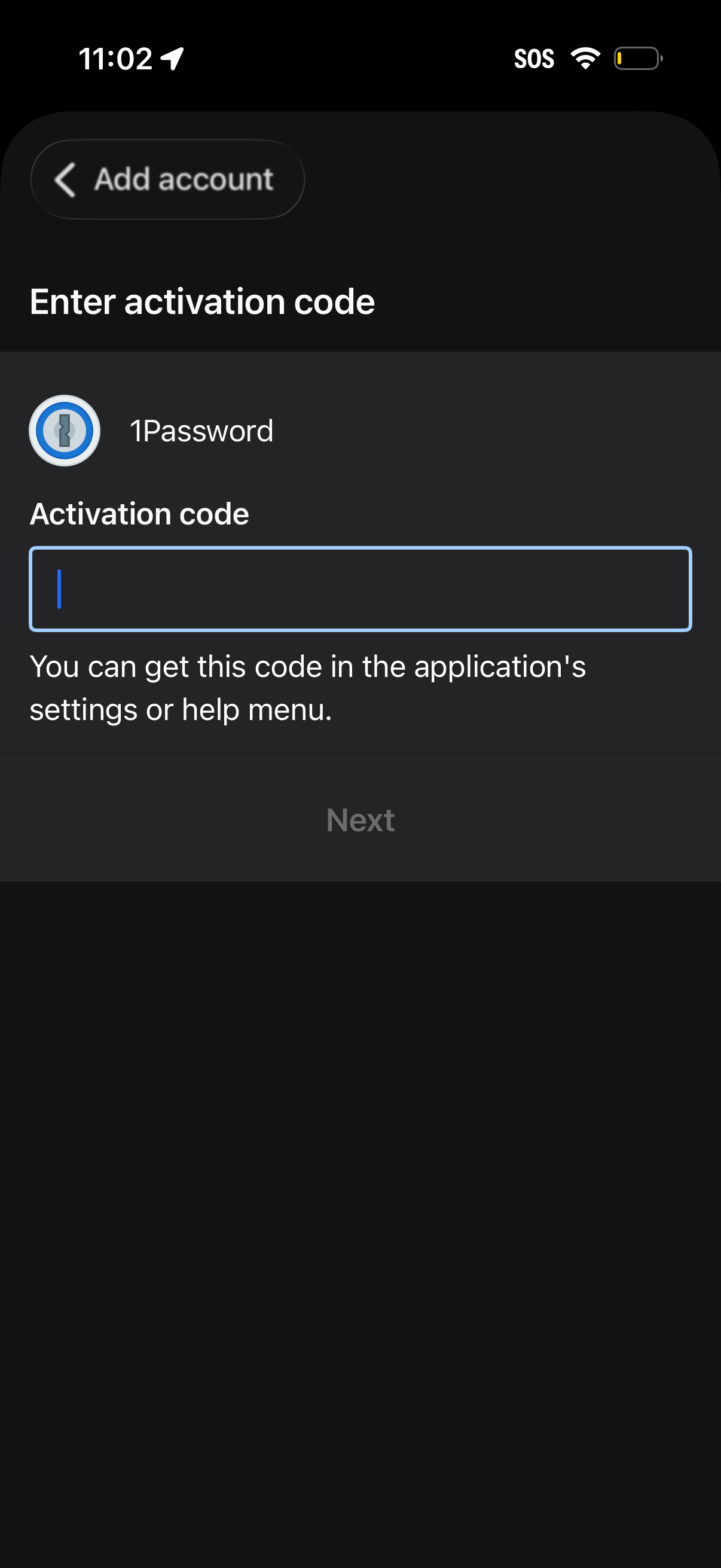
Add account setup screen prompting the user to enter an activation code for 1Password in a single text field, with guidance on where to find the code. A disabled Next button indicates progression is unavailable until a valid code is entered.