Submit task
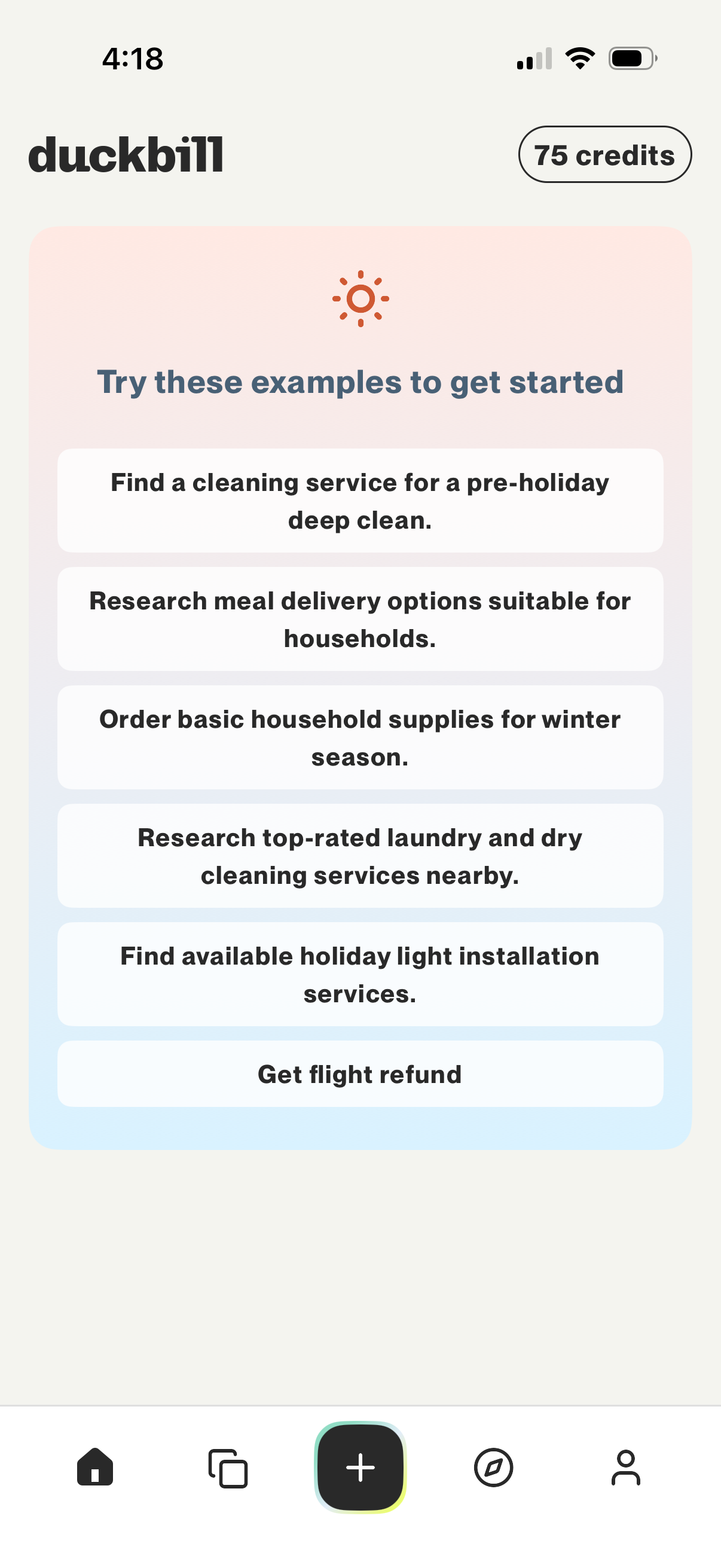
Home screen of an AI assistant app showing “Try these examples to get started” with tappable prompt suggestions for tasks like finding cleaning services, researching meal delivery, ordering household supplies, and getting a flight refund. A credits balance is displayed at the top, with bottom navigation and a central plus button to start a new request.
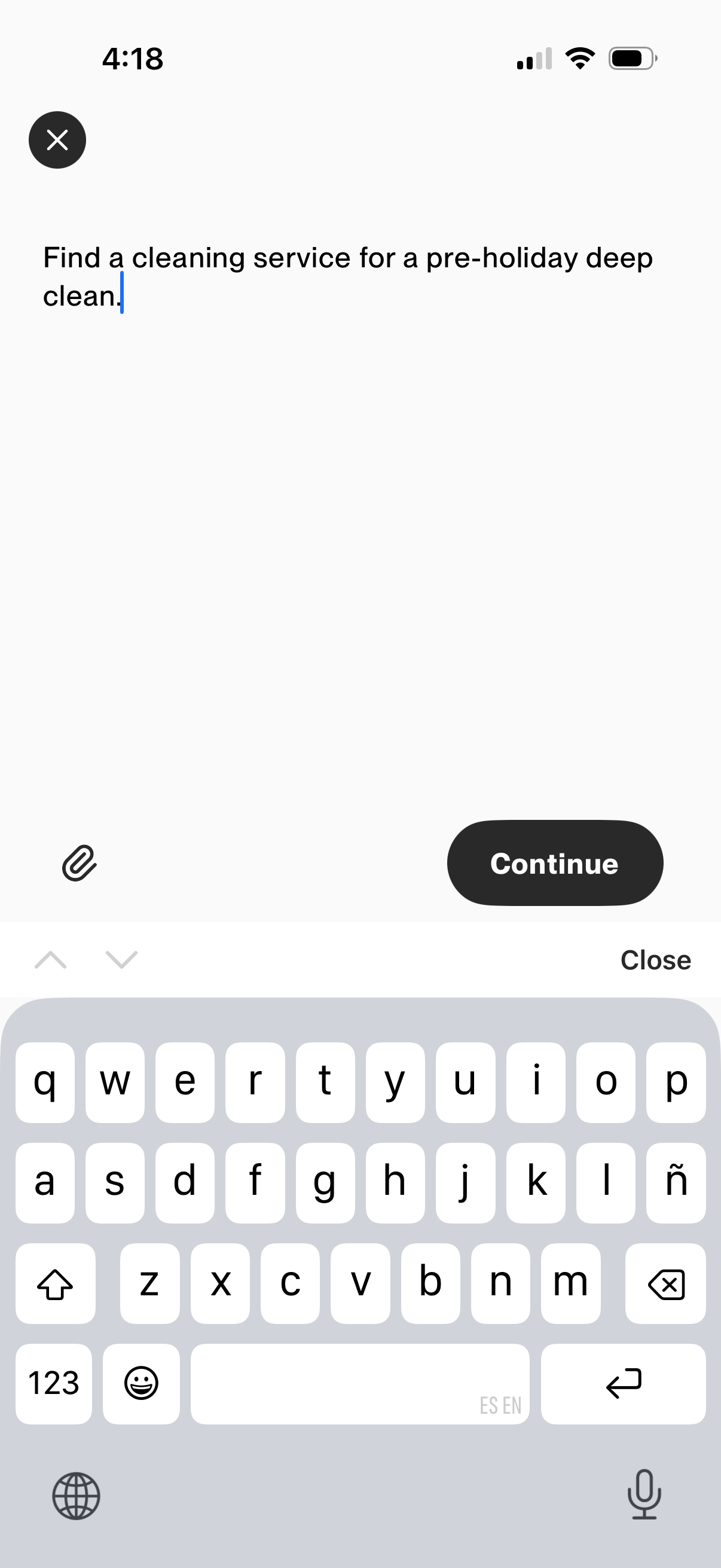
Text entry screen for composing a service request or search prompt, with a large multiline input field, attachment icon for adding files, and a primary Continue button to proceed. Includes a close/back control to dismiss the flow.
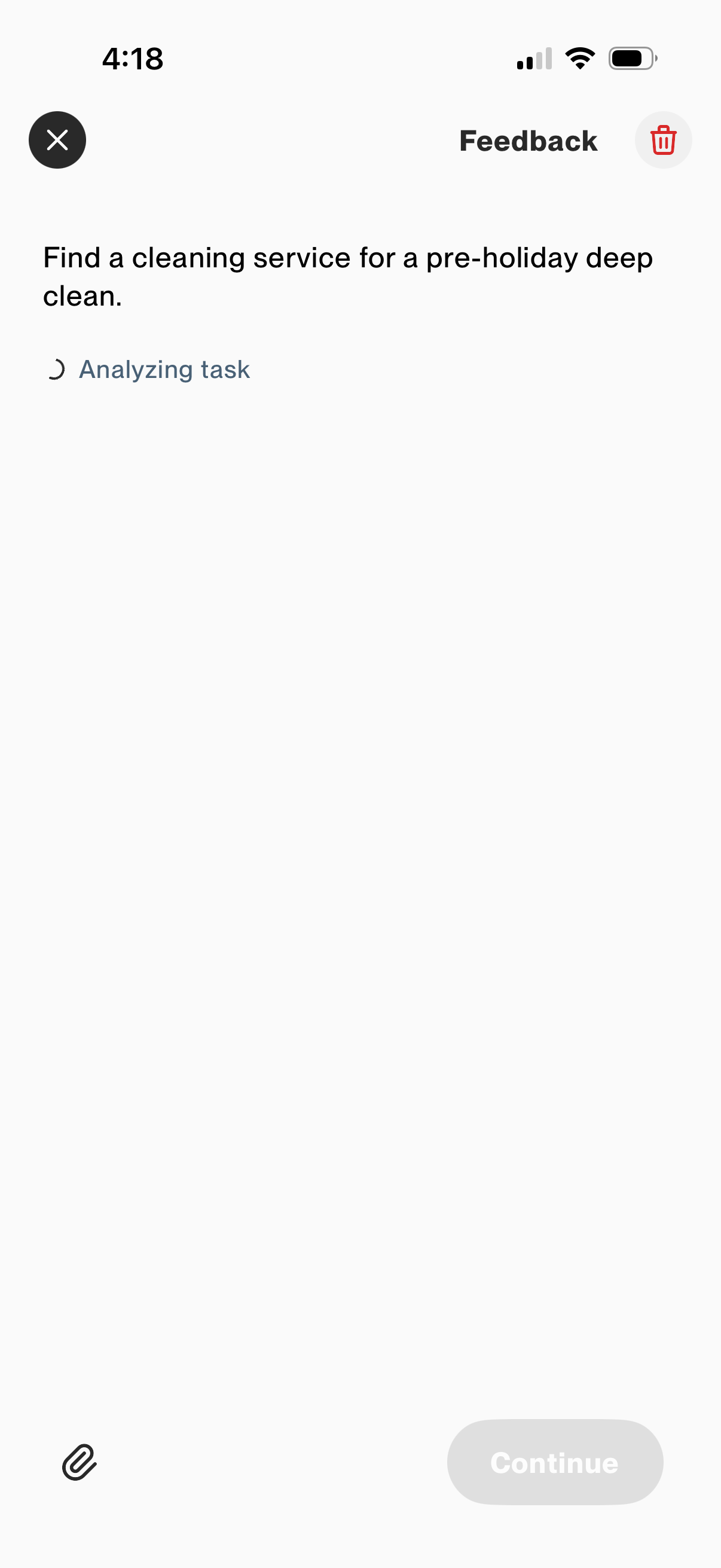
Feedback screen for submitting a task request, showing the entered prompt and an “Analyzing task” loading state before proceeding. Includes controls to close, delete the feedback, attach a file, and a disabled Continue button until analysis completes.
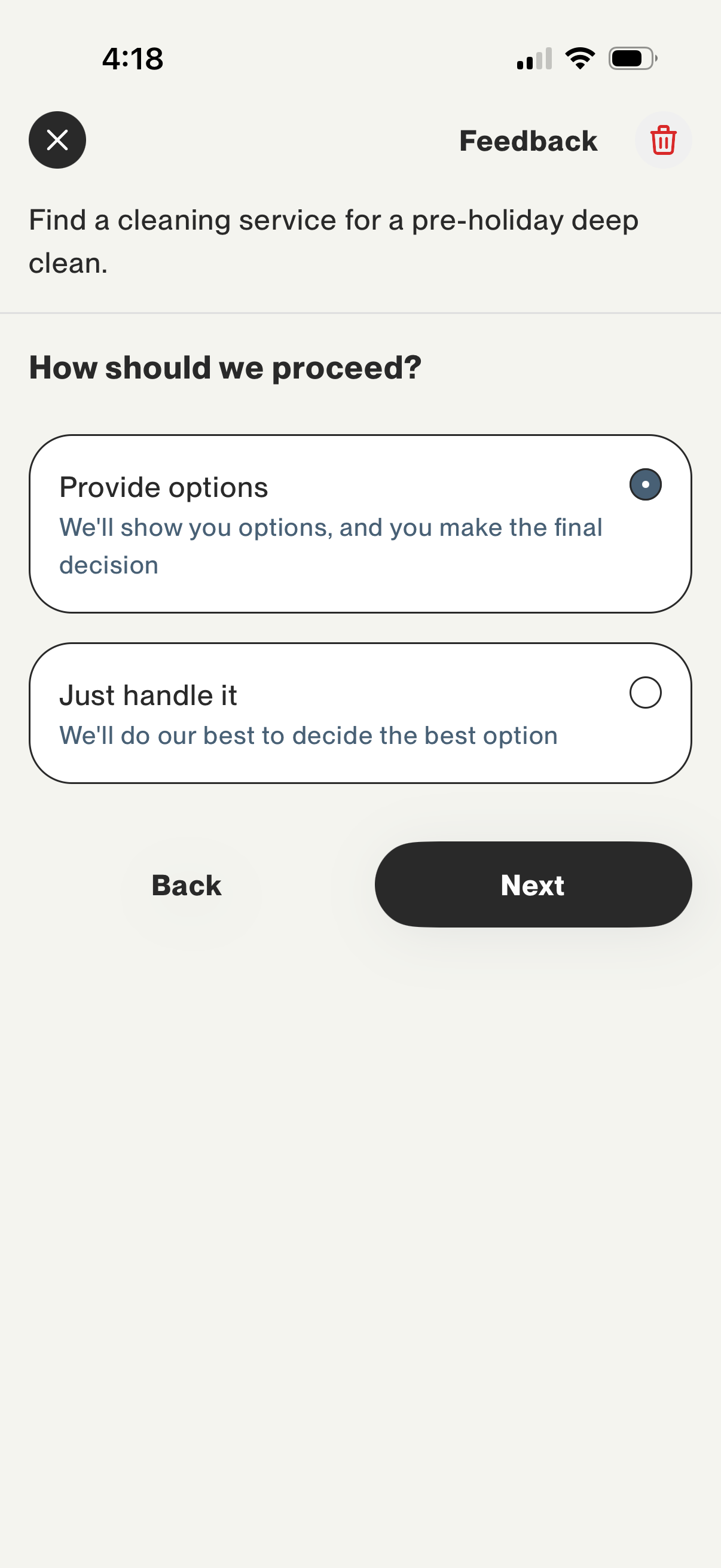
A service request flow screen asking the user how to proceed when finding a cleaning service, offering a choice between reviewing provider options or letting the app decide automatically. Includes radio-button selection cards with explanatory text and primary navigation actions for Back and Next.
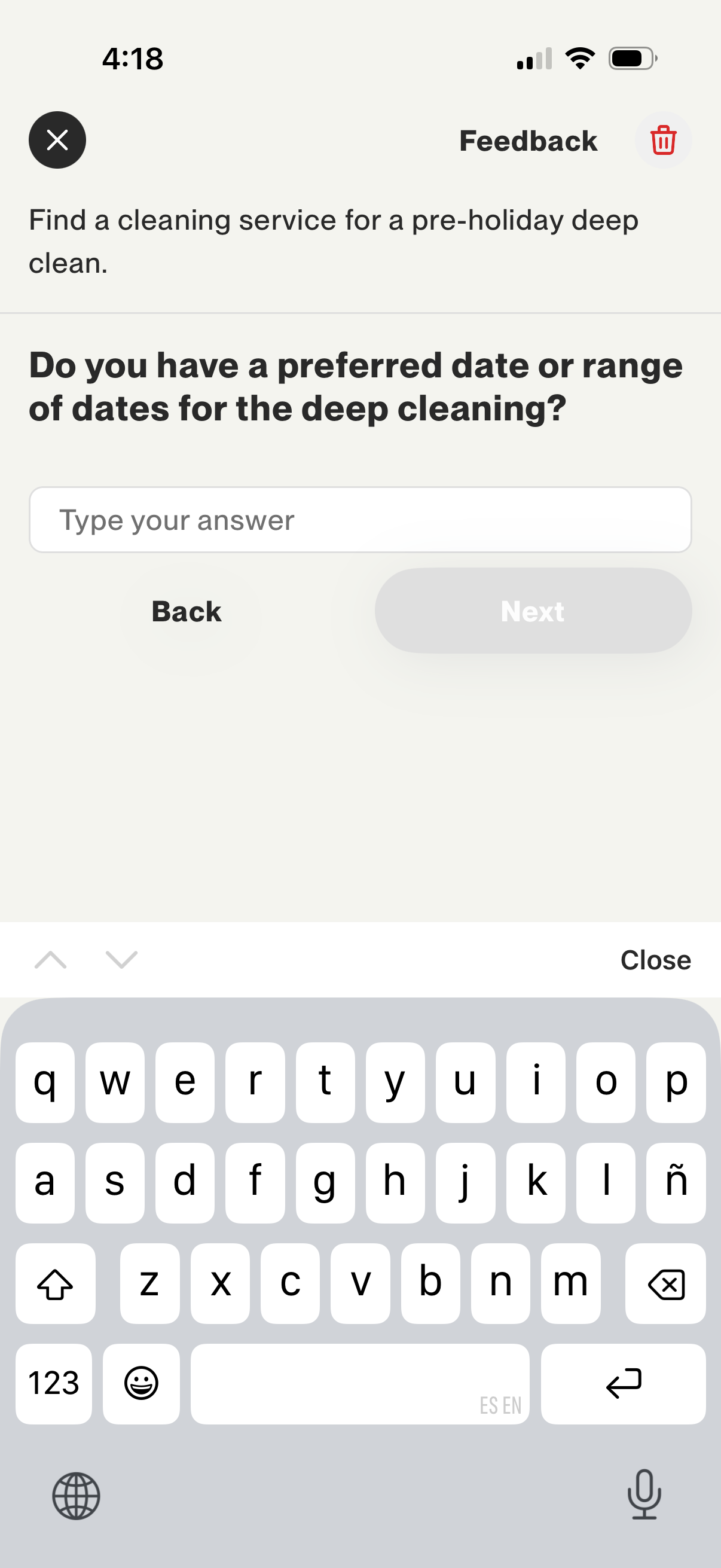
A service booking questionnaire screen for scheduling a deep cleaning, asking the user to enter a preferred date or date range in a text field. Includes Back and Next navigation controls plus options to close or delete/exit the flow.
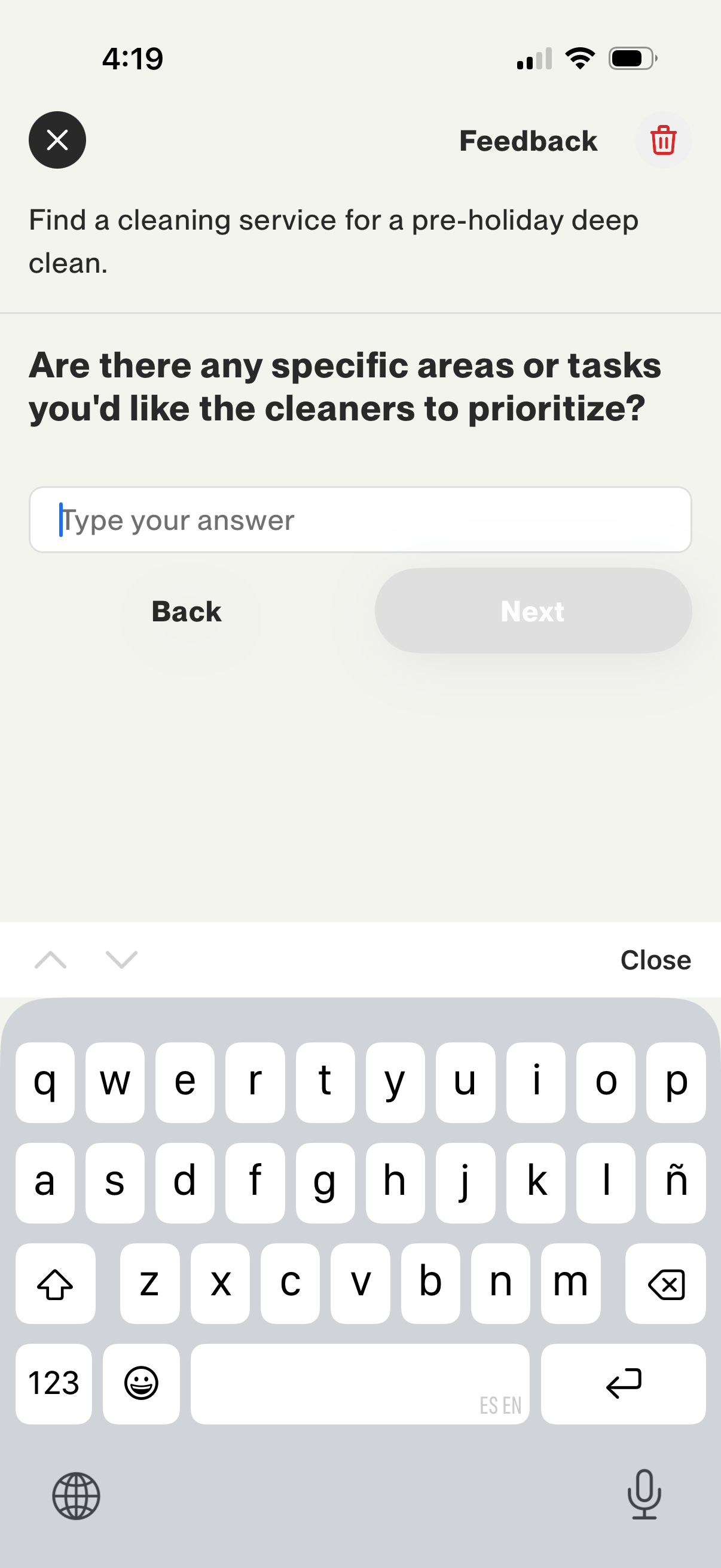
Feedback step in a cleaning service booking flow asking the user to type specific areas or tasks for cleaners to prioritize for a deep clean. Includes a text input field with Back and Next navigation controls to continue the questionnaire.
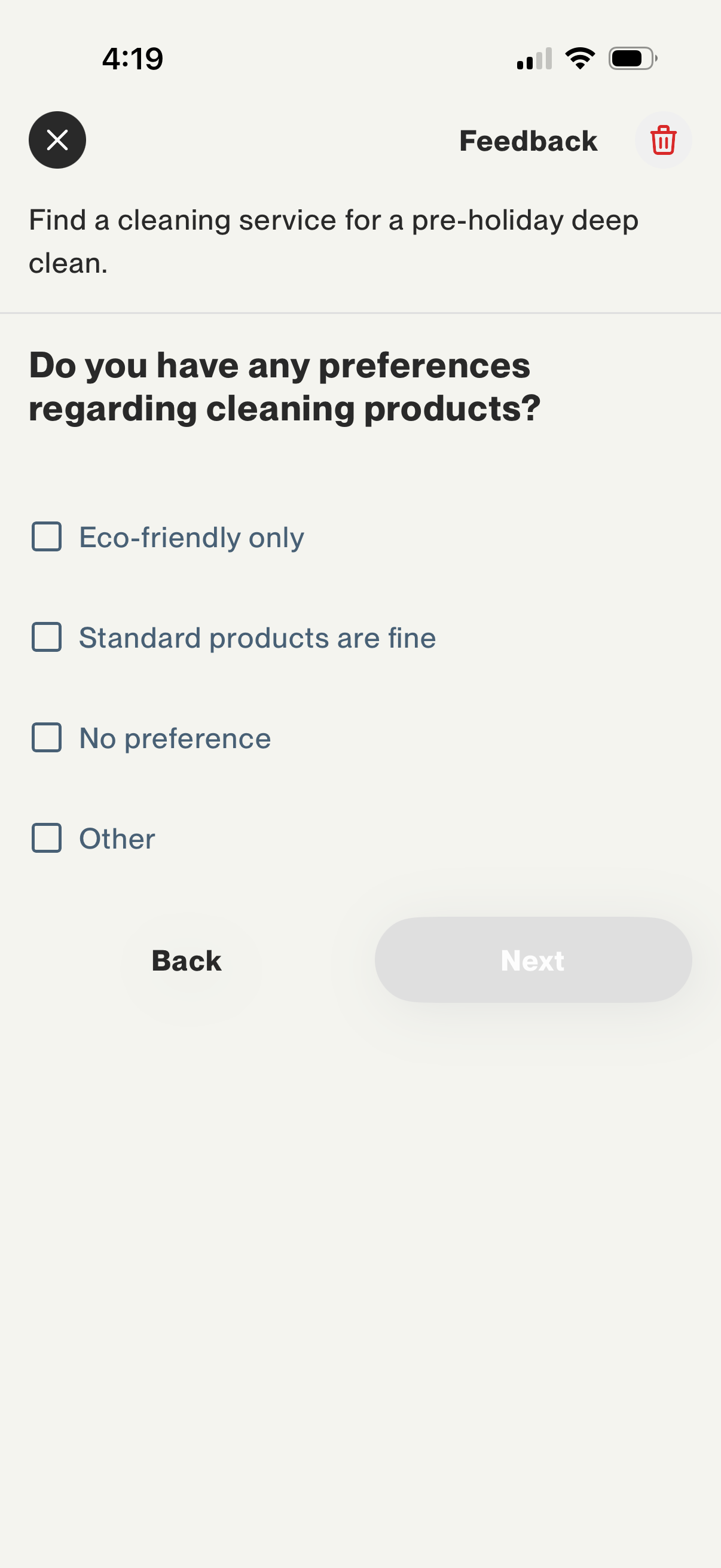
Cleaning service booking questionnaire screen asking the user to select preferences for cleaning products, with checkbox options like eco-friendly only, standard products, no preference, or other. Includes back and next navigation controls to continue the multi-step service request flow.
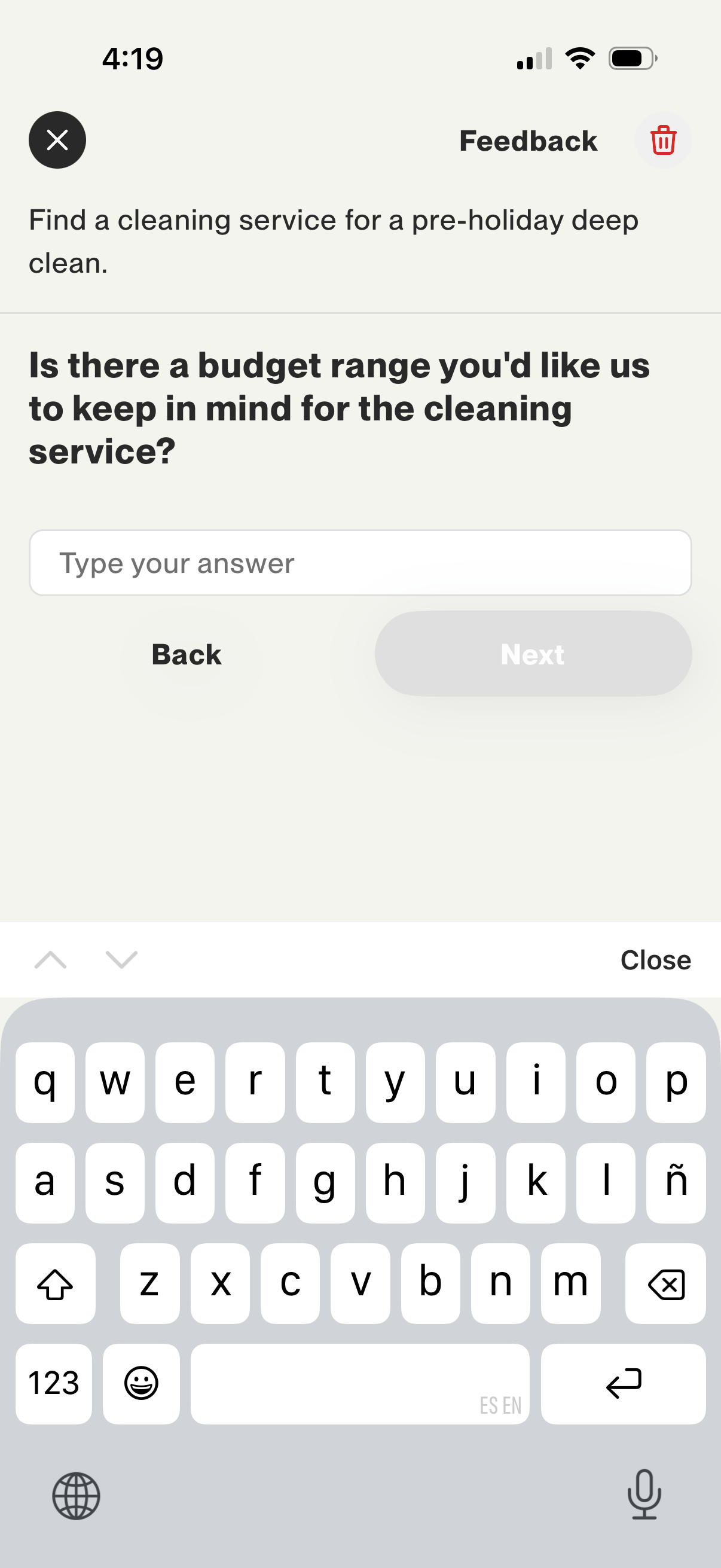
Multi-step service request form for hiring a cleaning service, asking the user to enter a desired budget range in a text field. Includes back and next navigation with a close/dismiss option.
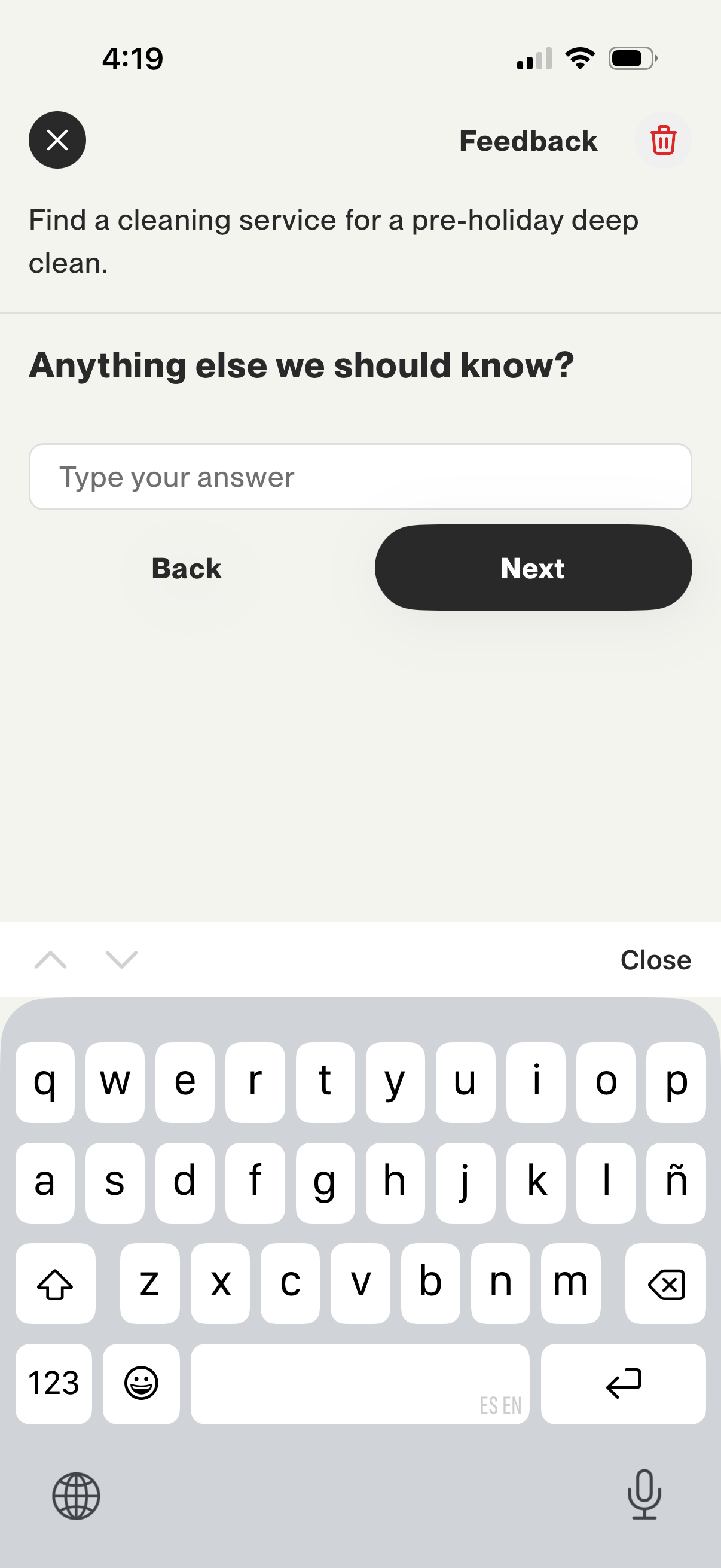
Feedback step in a cleaning-service request flow prompting the user to add extra details in a free-text field (“Anything else we should know? ”).
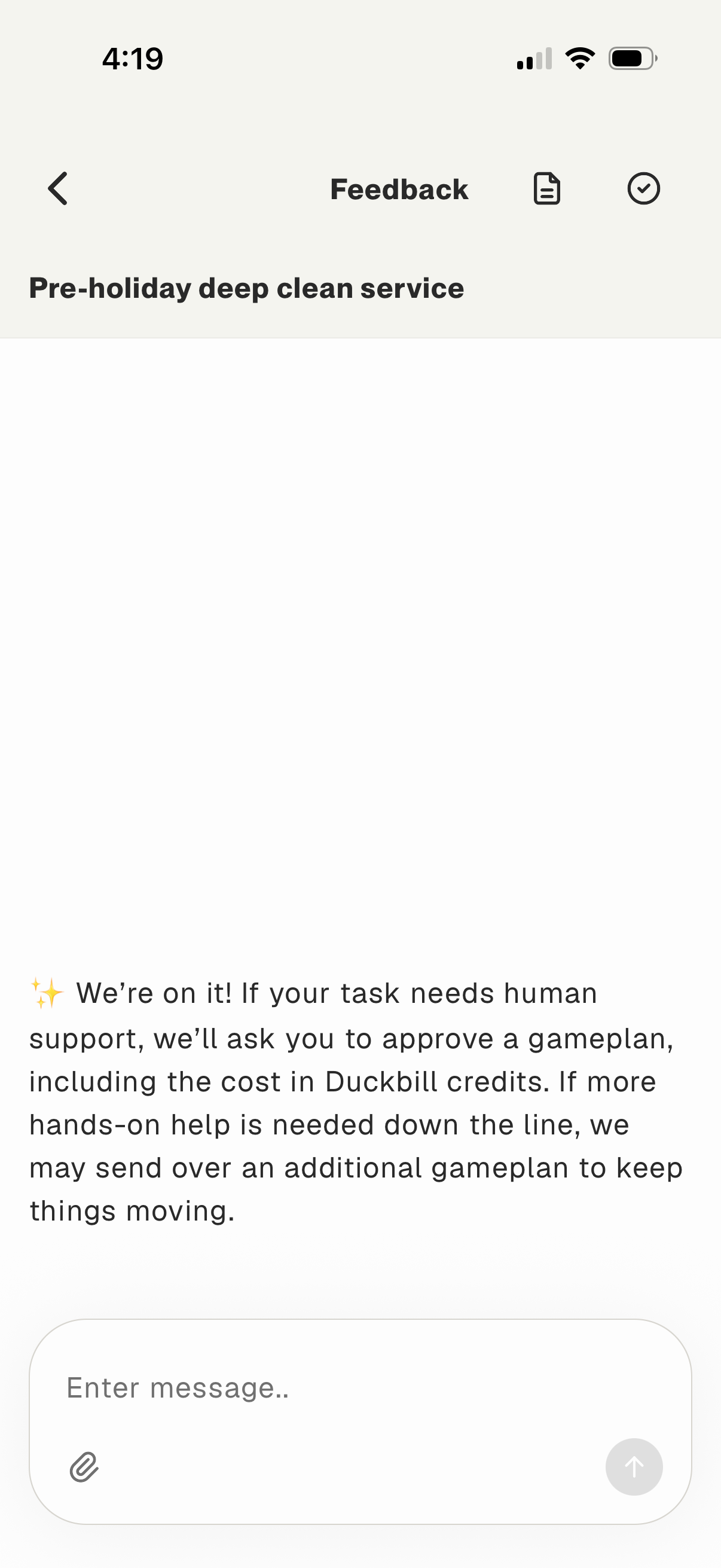
In-app feedback/chat screen for a service request, showing a status message that the team is working on the task and may request approval for a costed “gameplan. ” Includes a message composer with attachment option and send button, plus navigation back and actions to view related details.