Onboarding
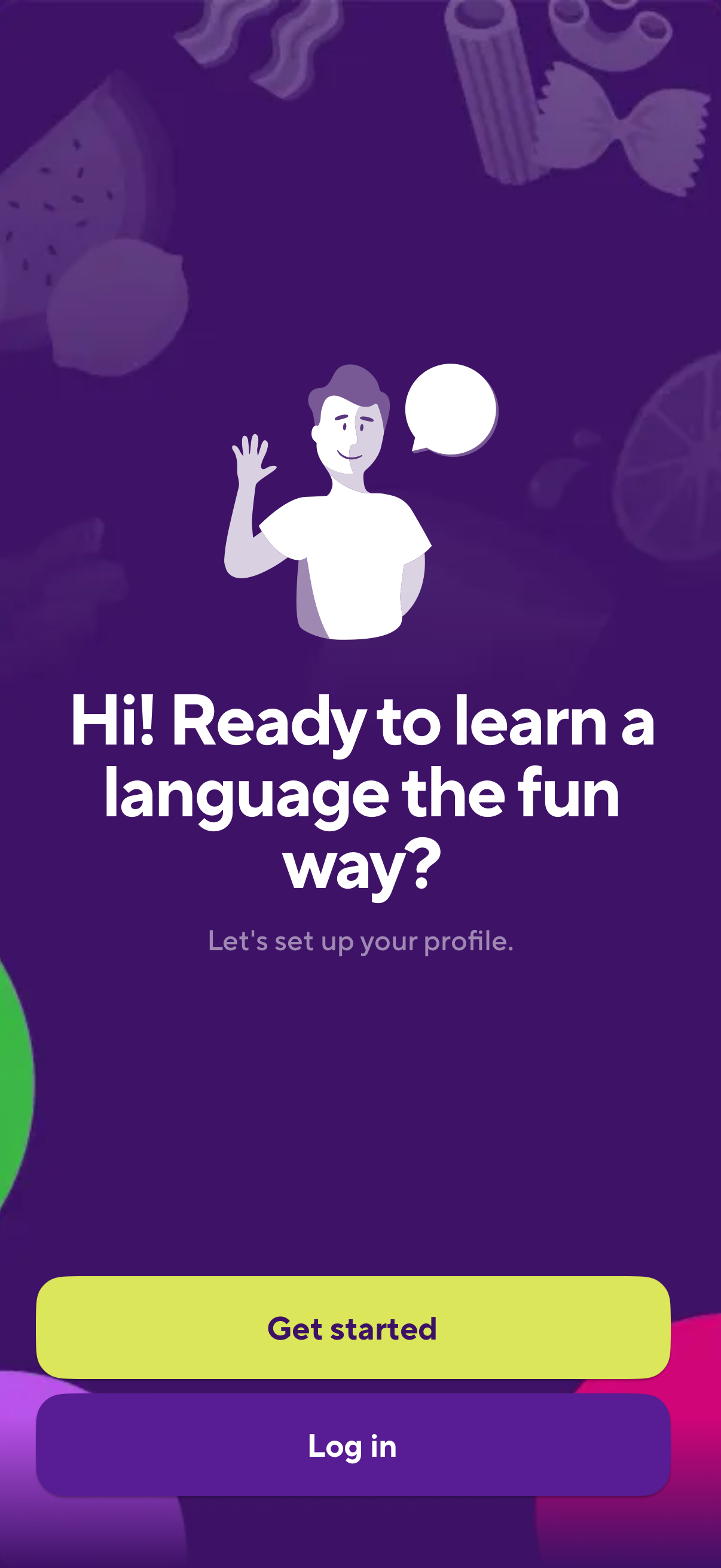
Welcome/onboarding screen for a language learning app prompting the user to set up their profile, with primary call-to-action buttons to Get started or Log in. The screen introduces the product value proposition and routes users into account creation or authentication.
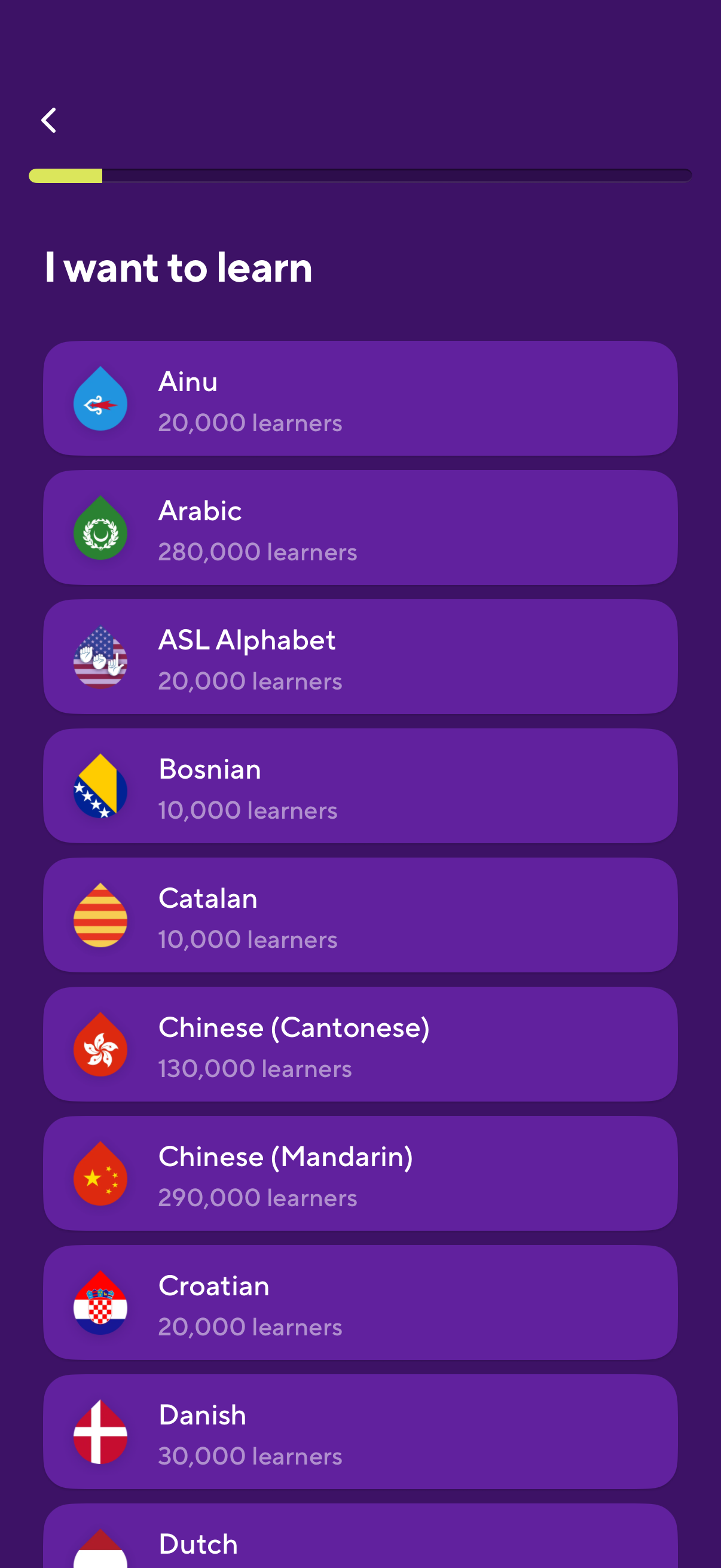
Language learning app onboarding screen where users choose a language to study from a scrollable list of options with flag icons and learner counts. Includes a back button and a progress indicator at the top to show setup completion.
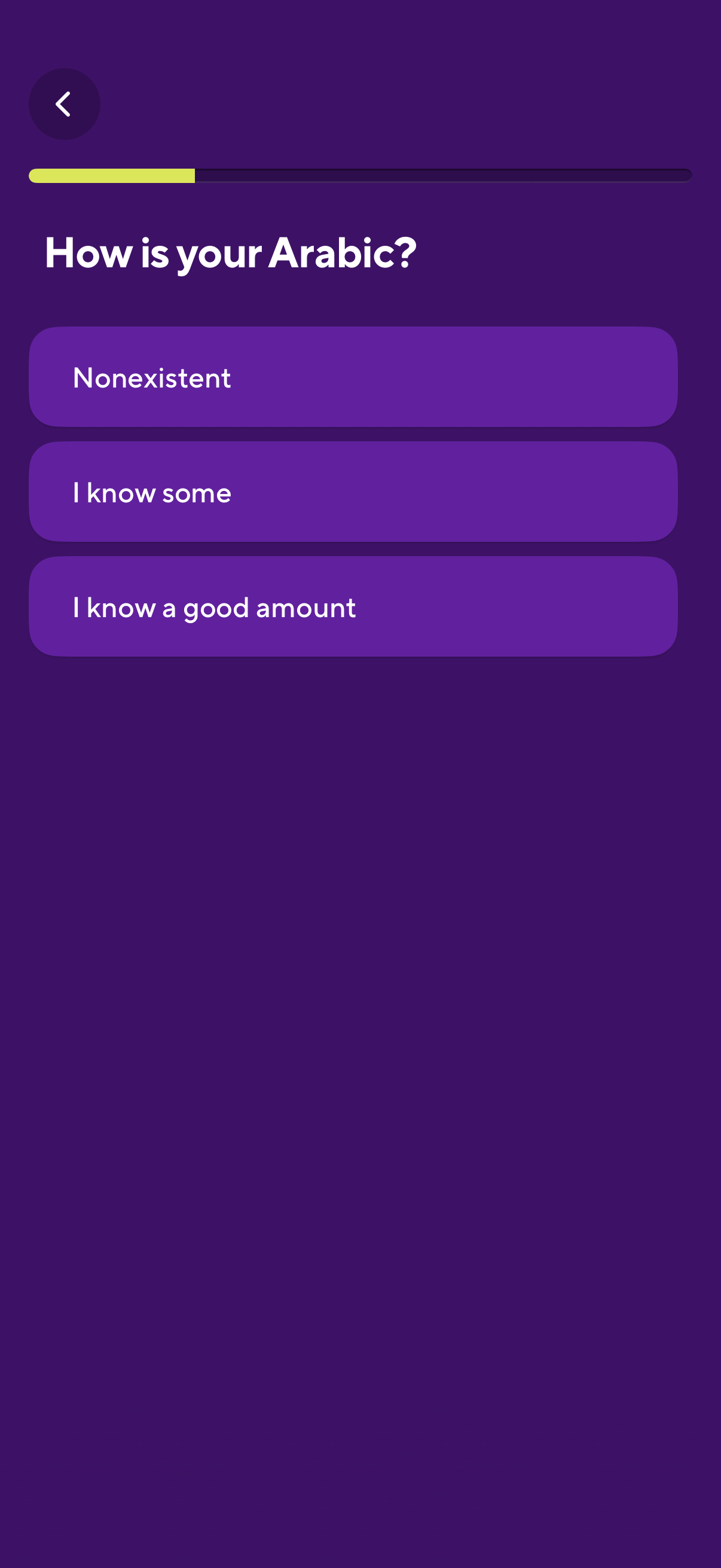
Onboarding questionnaire screen for a language-learning app asking the user to rate their Arabic proficiency, with multiple-choice options (nonexistent, know some, know a good amount). Includes a back button and a progress indicator showing setup completion.
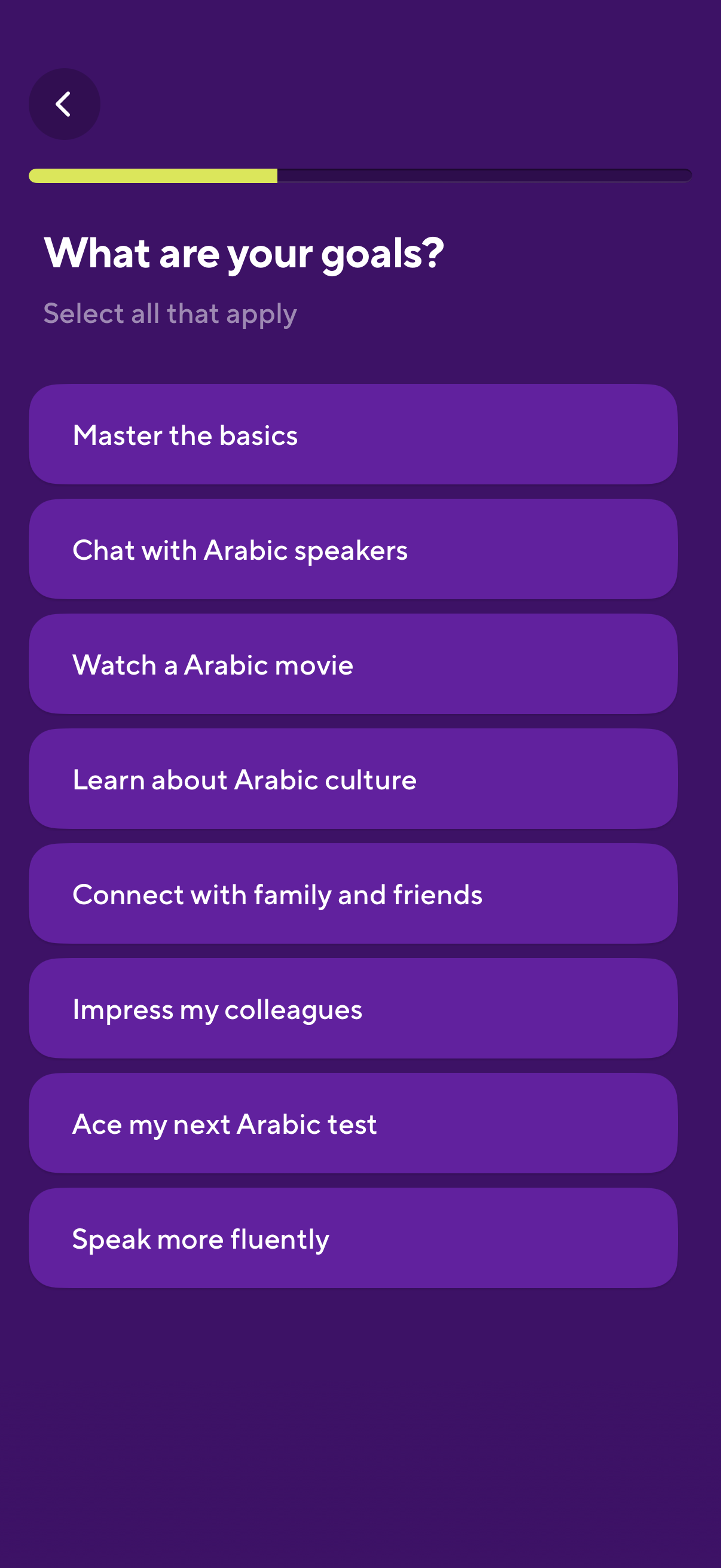
Language learning app onboarding screen asking “What are your goals? ” with a progress indicator and back button.
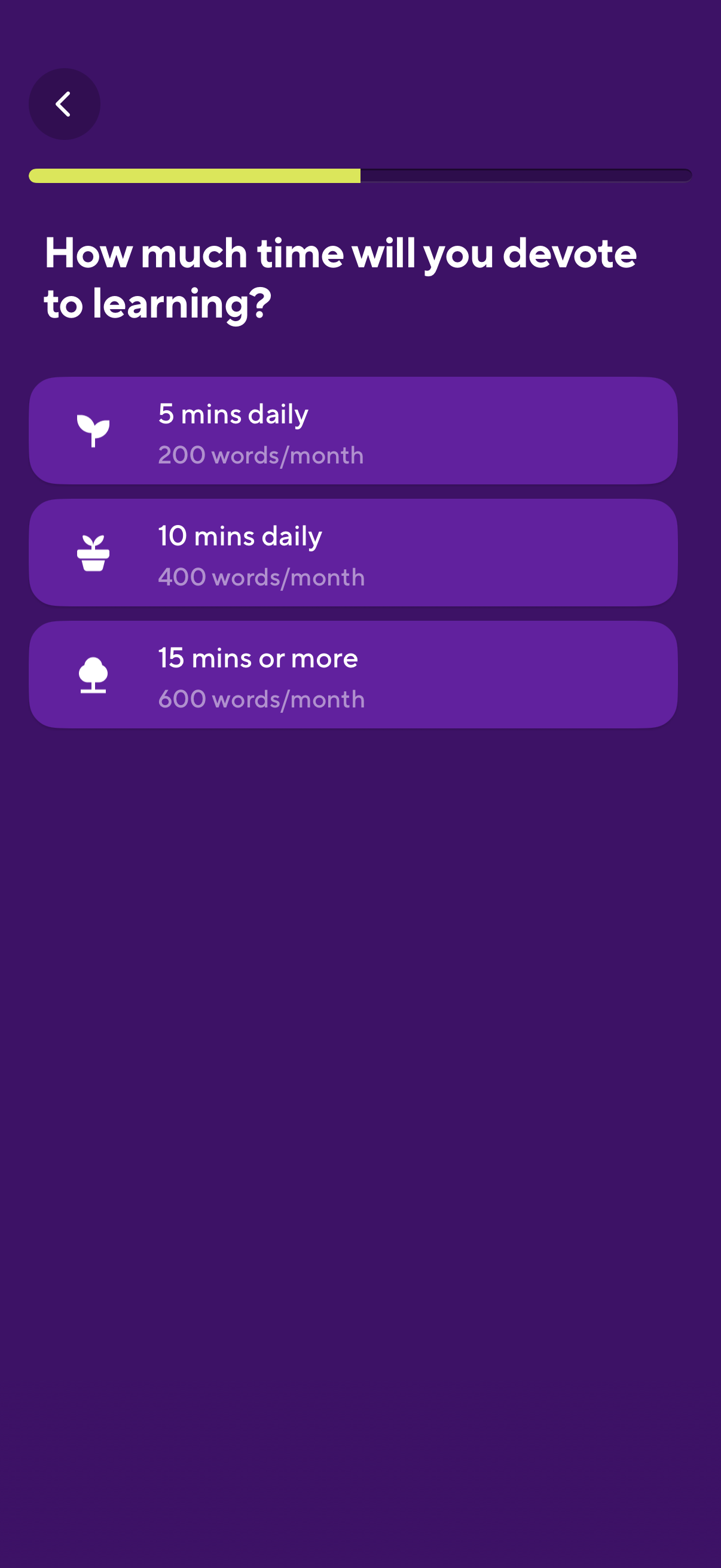
Onboarding question screen for a learning app asking how much time the user will devote to learning, with a progress indicator and back button. Users select a daily commitment option (5, 10, or 15+ minutes) showing estimated words learned per month.
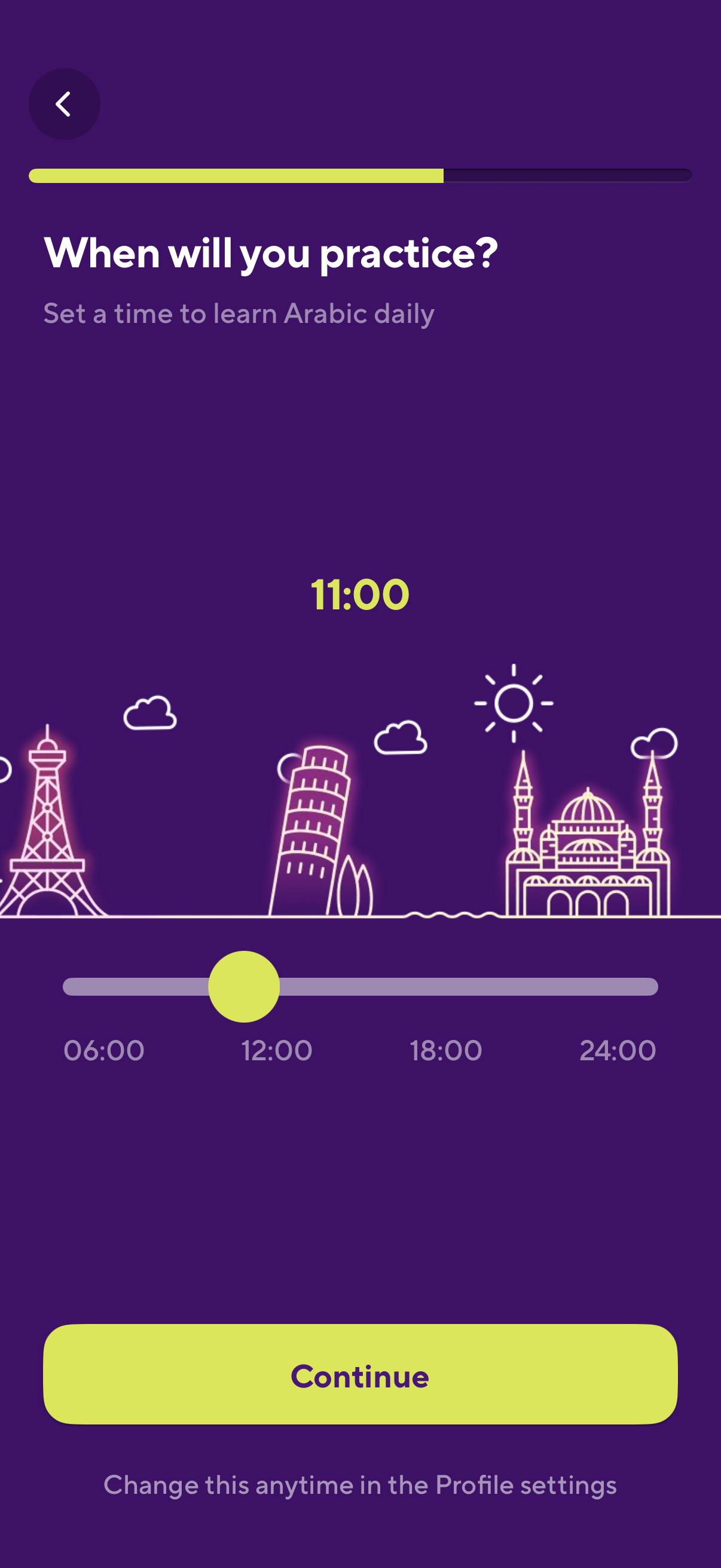
Onboarding screen for a language learning app asking the user to choose a daily practice time, featuring a horizontal time slider with a selected hour displayed. Includes a progress indicator, back navigation, and a primary “Continue” button with note that the reminder time can be changed later in settings.
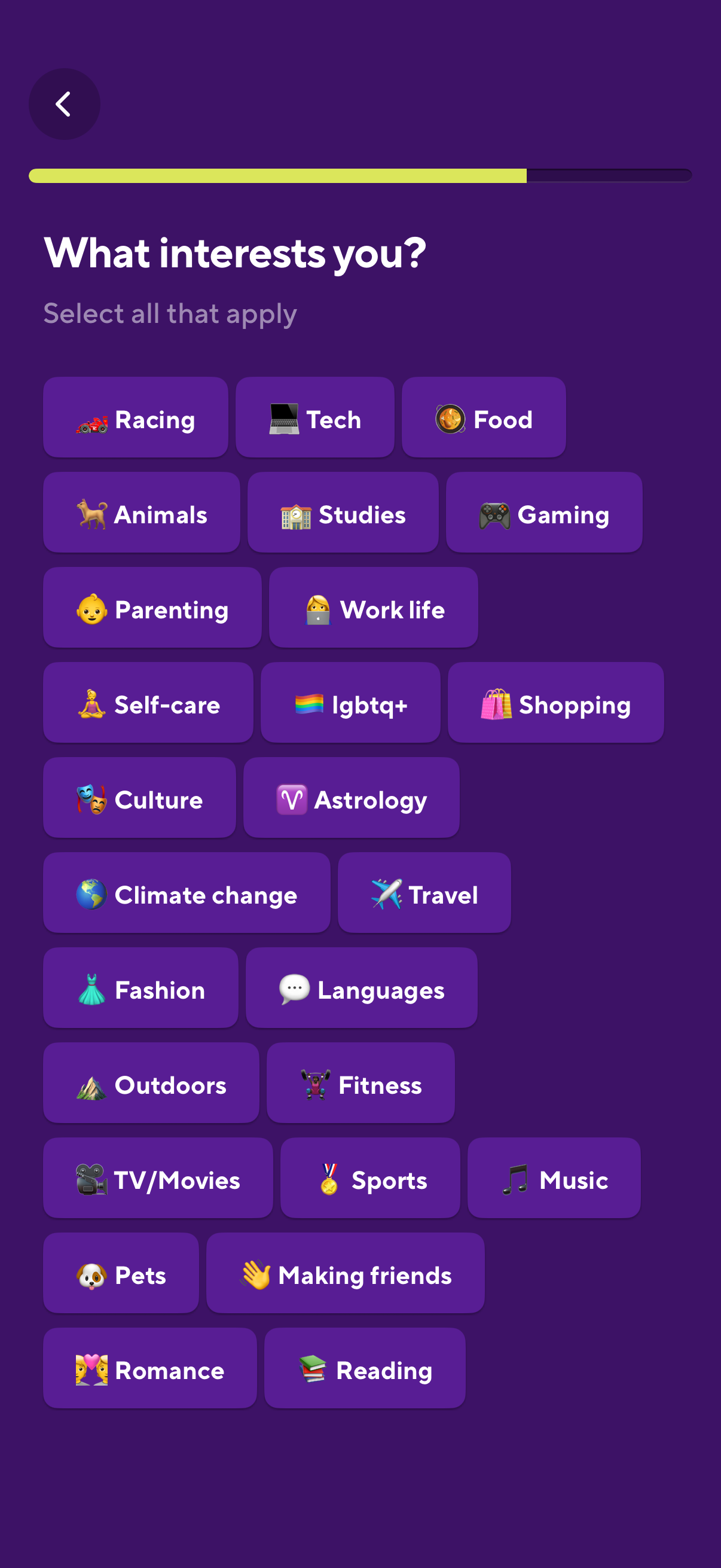
Onboarding interest selection screen asking “What interests you? ” where users can select multiple topic chips (e.
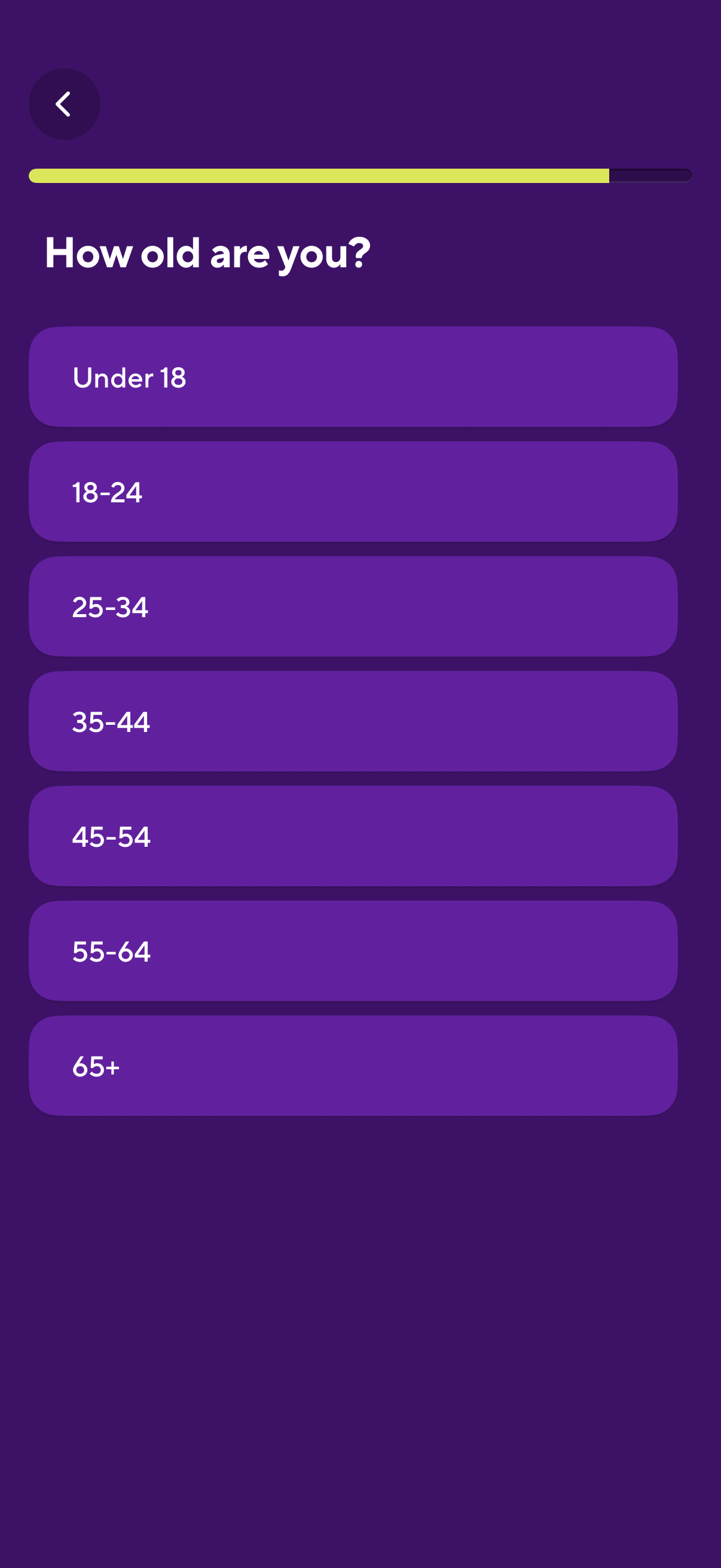
Onboarding survey screen asking “How old are you? ” with a progress indicator and back button, prompting the user to choose an age range.
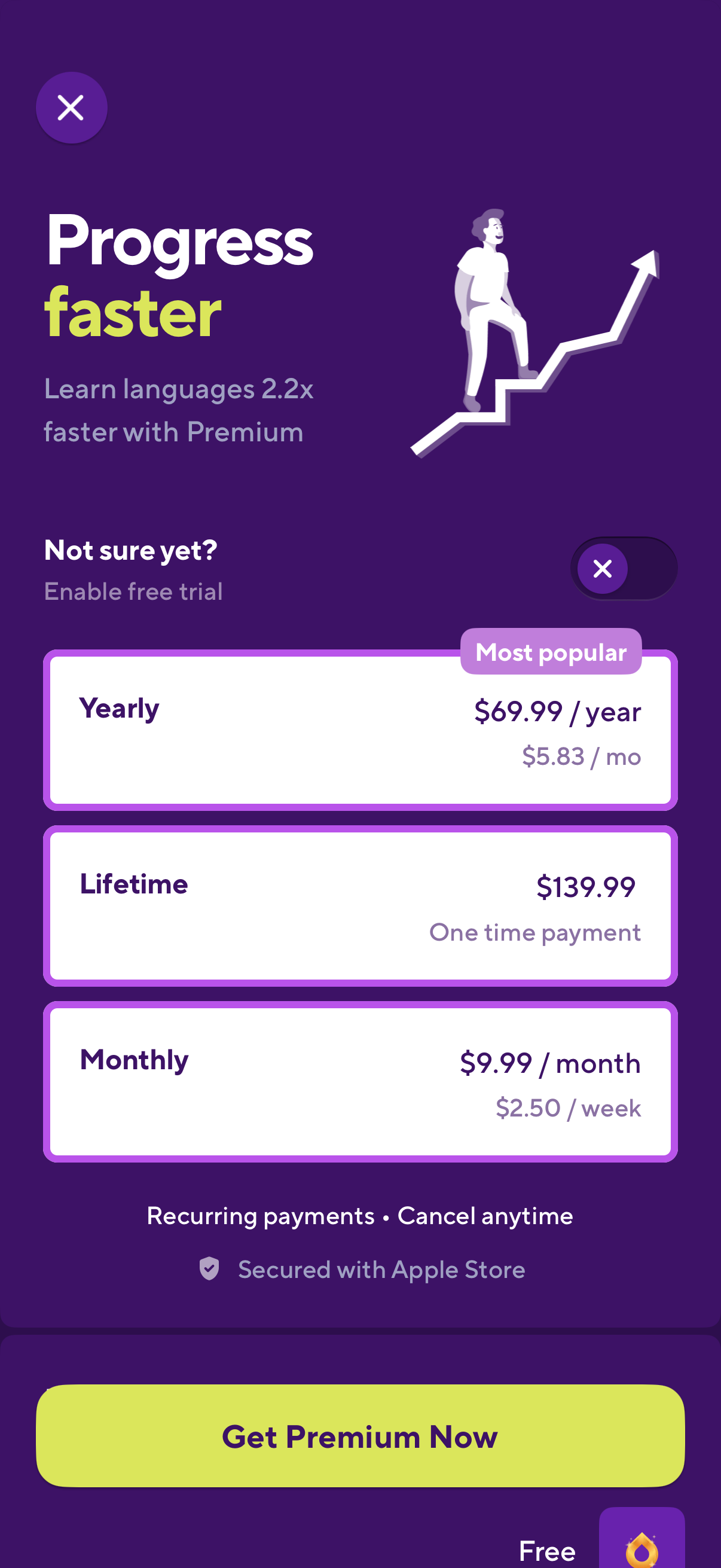
Premium subscription upsell/paywall screen for a language learning app promoting faster progress and offering a free trial, with selectable plan options for yearly (most popular), lifetime one-time purchase, and monthly pricing. Includes close/dismiss controls, recurring payment/cancel anytime and App Store security notes, and a prominent “Get Premium Now” purchase CTA button.