Wrong Order Delivery Help
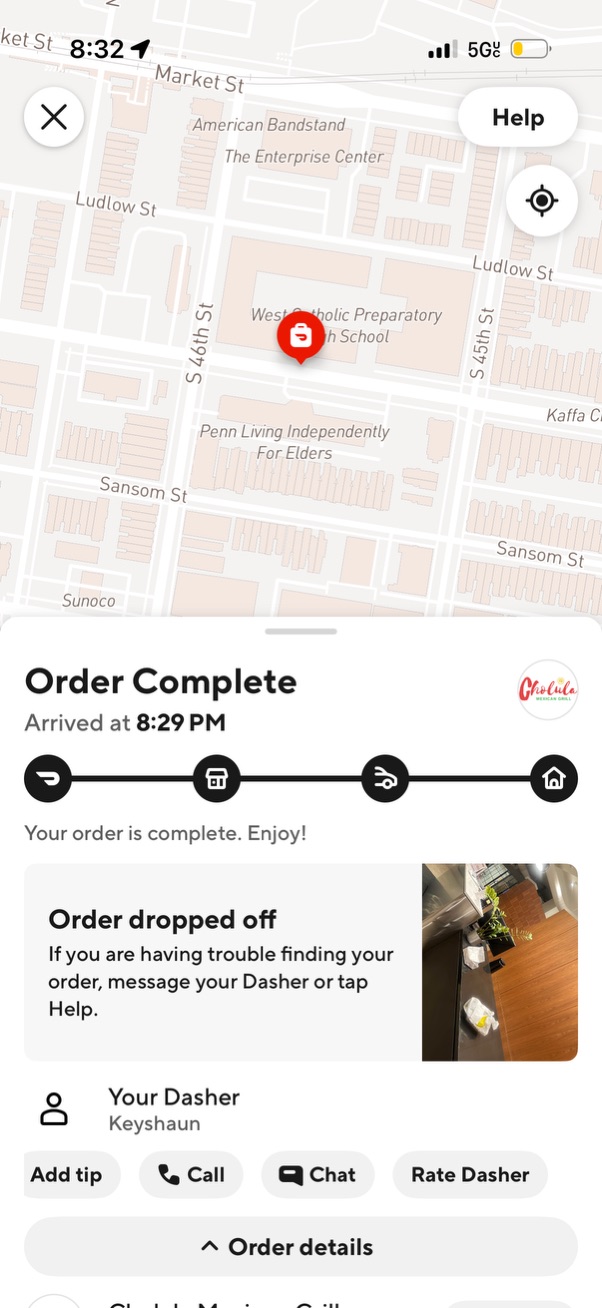
Food delivery order tracking completion screen showing a map with the drop-off location pin and an “Order Complete” status with arrival time and delivery progress timeline. Includes confirmation that the order was dropped off with a photo, plus actions to add tip, call or chat the driver, rate the driver, view order details, and access Help.

Customer support help screen for a CVS order asking what assistance is needed, with selectable categories for issue with items (missing/wrong/poor quality), problem with delivery (late, not arrived, wrong order), or something else including safety and non-order issues. Each option navigates to the next step for reporting the problem.

Customer support issue selection screen for a CVS delivery order, prompting the user to choose the type of delivery problem. Options include “Order arrived late,” “Received somebody else’s order,” and “Nothing arrived,” each leading to a next step in reporting or resolution.
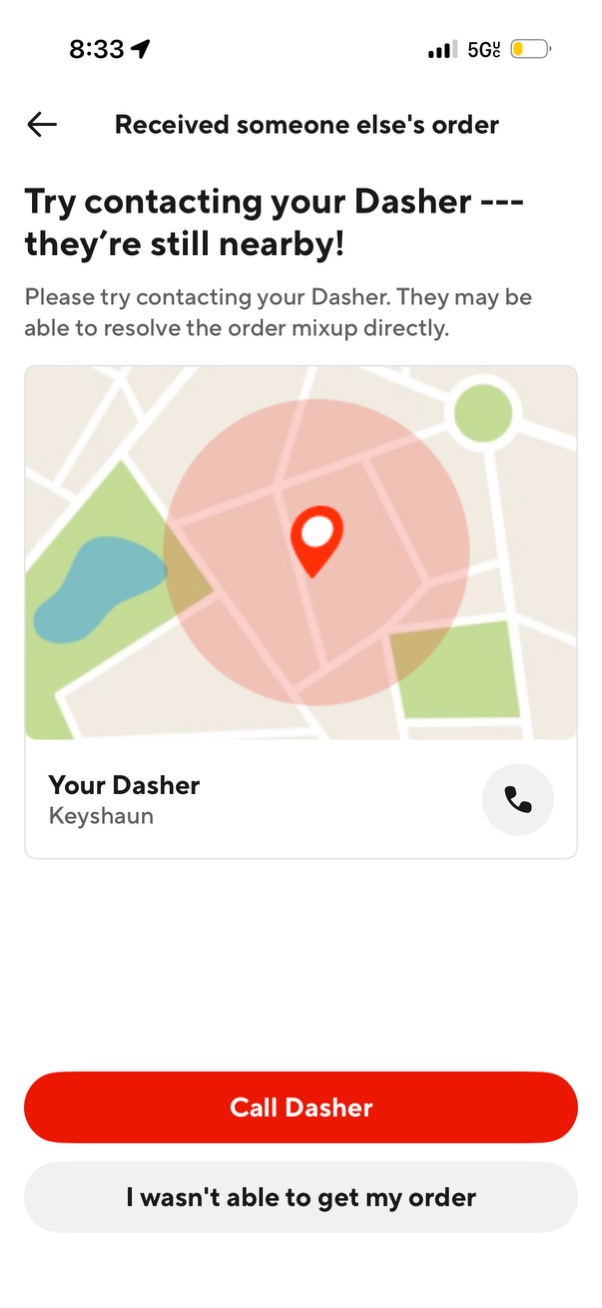
Customer support issue screen for a food delivery app when the user received someone else’s order, prompting them to contact the delivery driver while they’re still nearby. Shows a map location graphic, driver contact card, and primary actions to call the driver or report that they weren’t able to get their order.