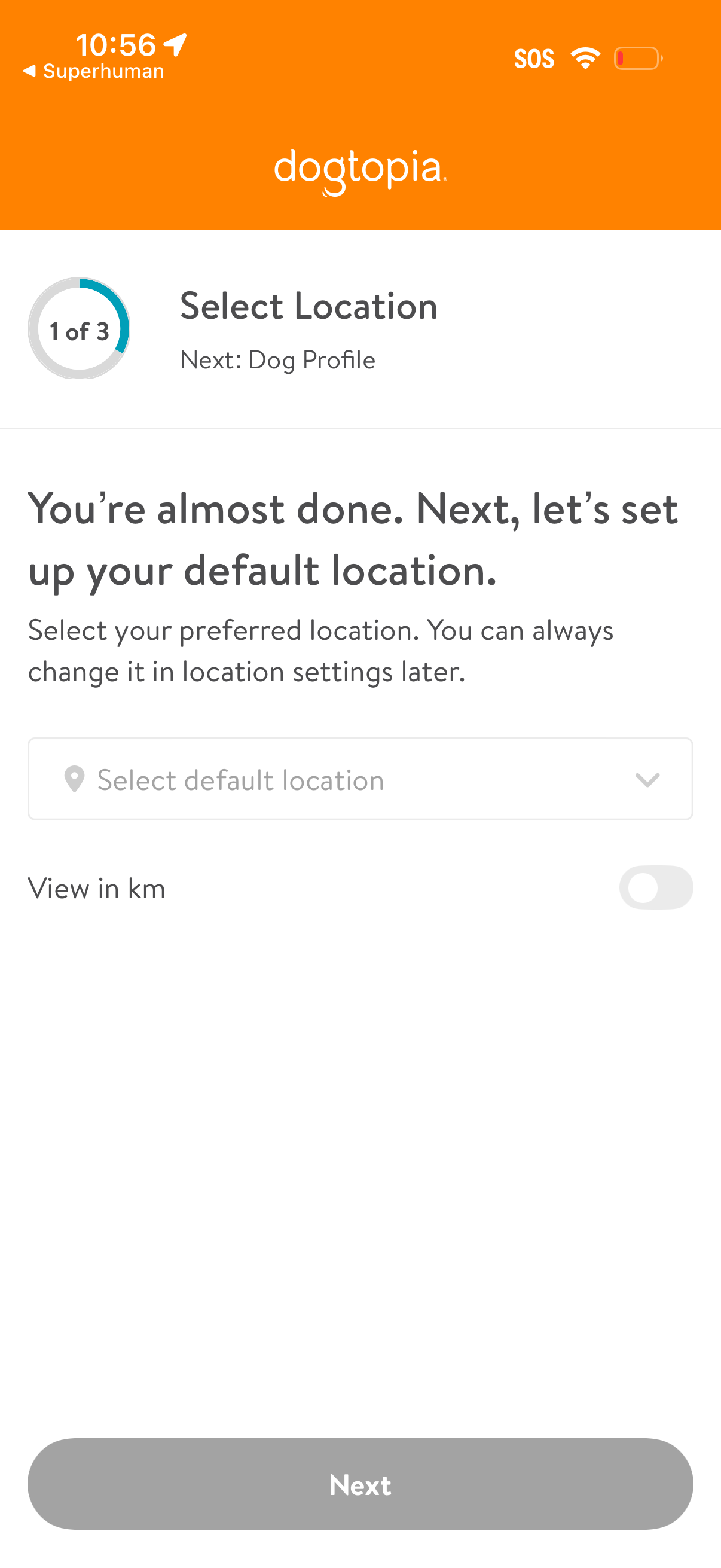
Onboarding step to set a default location, showing progress (1 of 3) and a dropdown to select the preferred location with guidance that it can be changed later. Includes a unit preference toggle to view distances in kilometers and a disabled “Next” button to continue to the next step (Dog Profile).
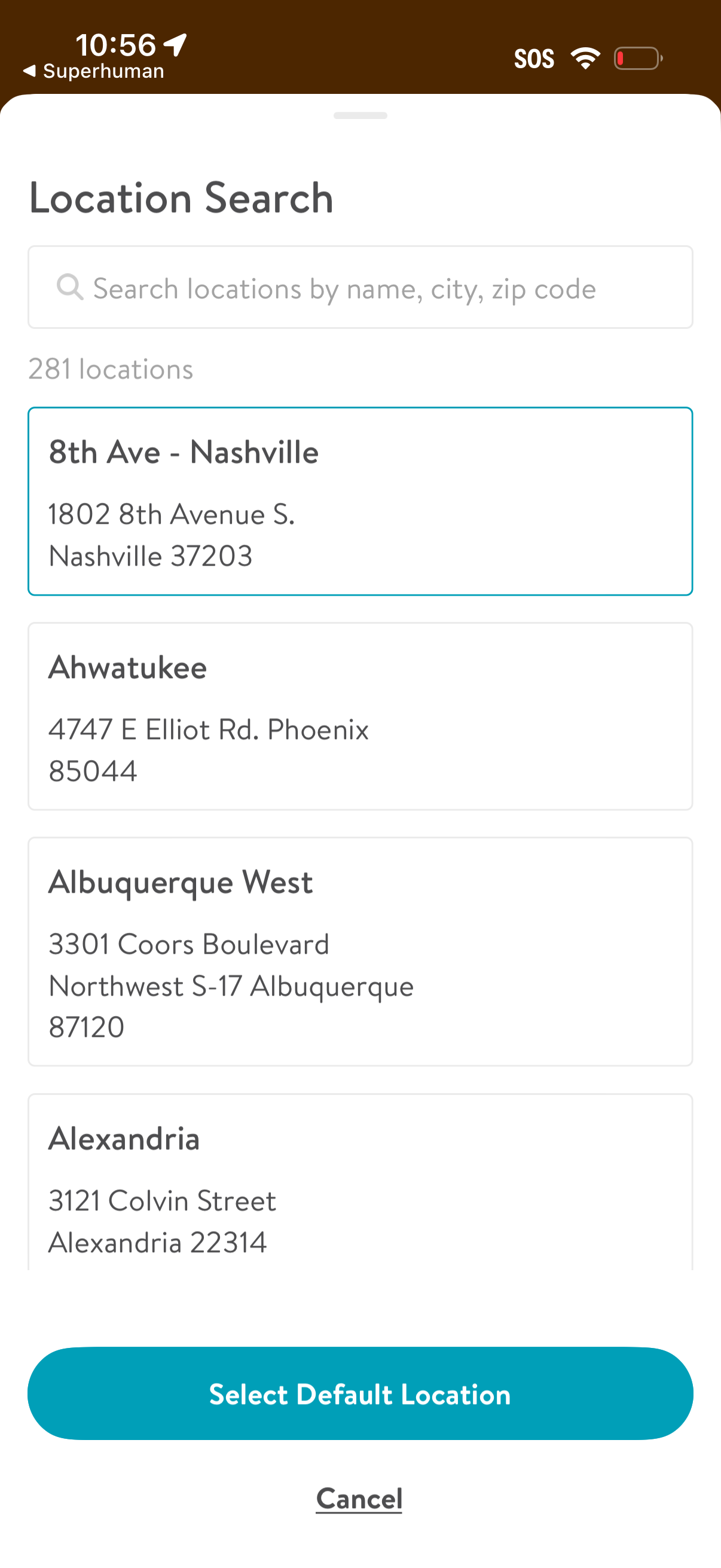
Location search and selection screen with a search bar to find locations by name, city, or zip code and a scrollable list of location cards showing store name and address with one highlighted. Primary actions are selecting a default location via a large “Select Default Location” button or cancelling.
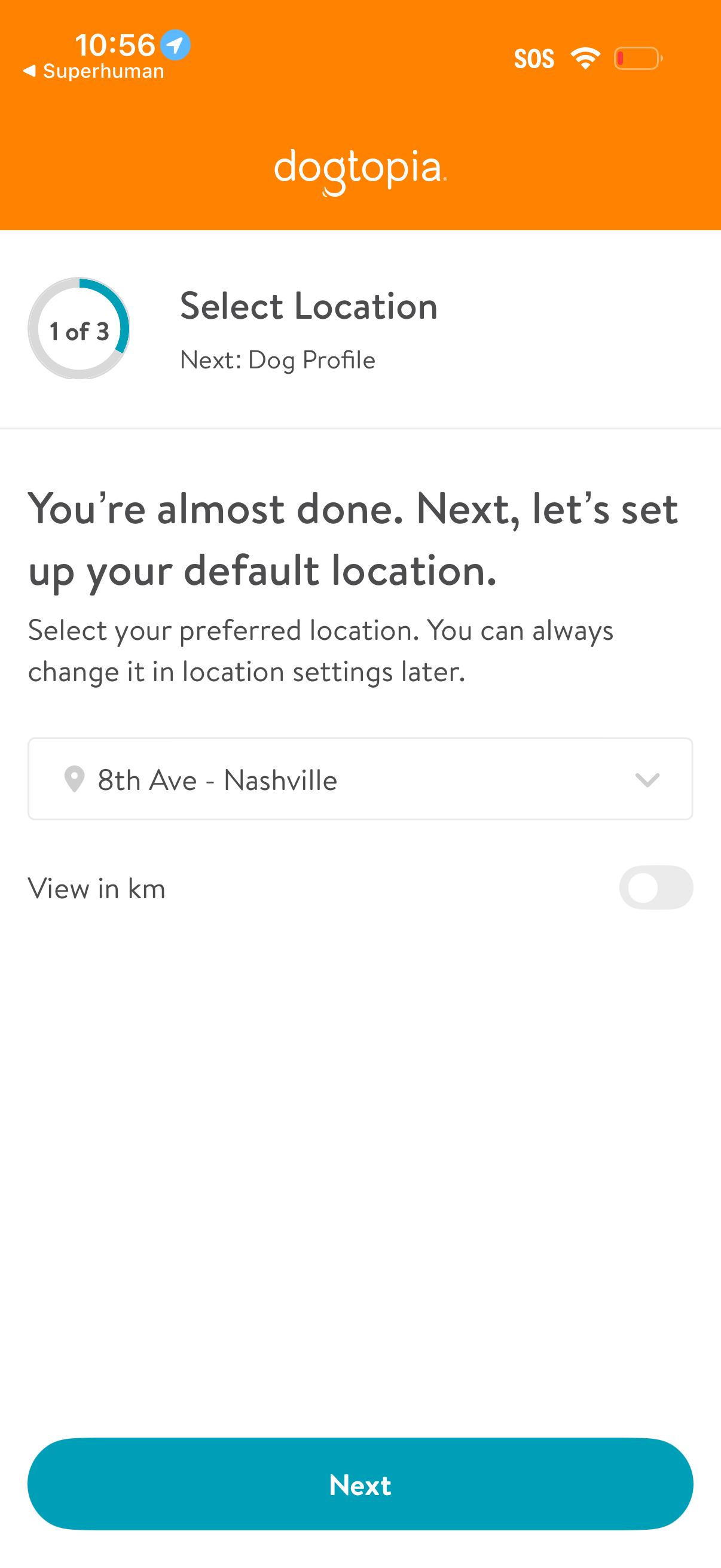
Onboarding step screen prompting the user to set a default location, showing progress (1 of 3) and a dropdown to choose a preferred location. Includes a toggle to view distances in kilometers and a primary “Next” button to proceed to the next setup step (dog profile).
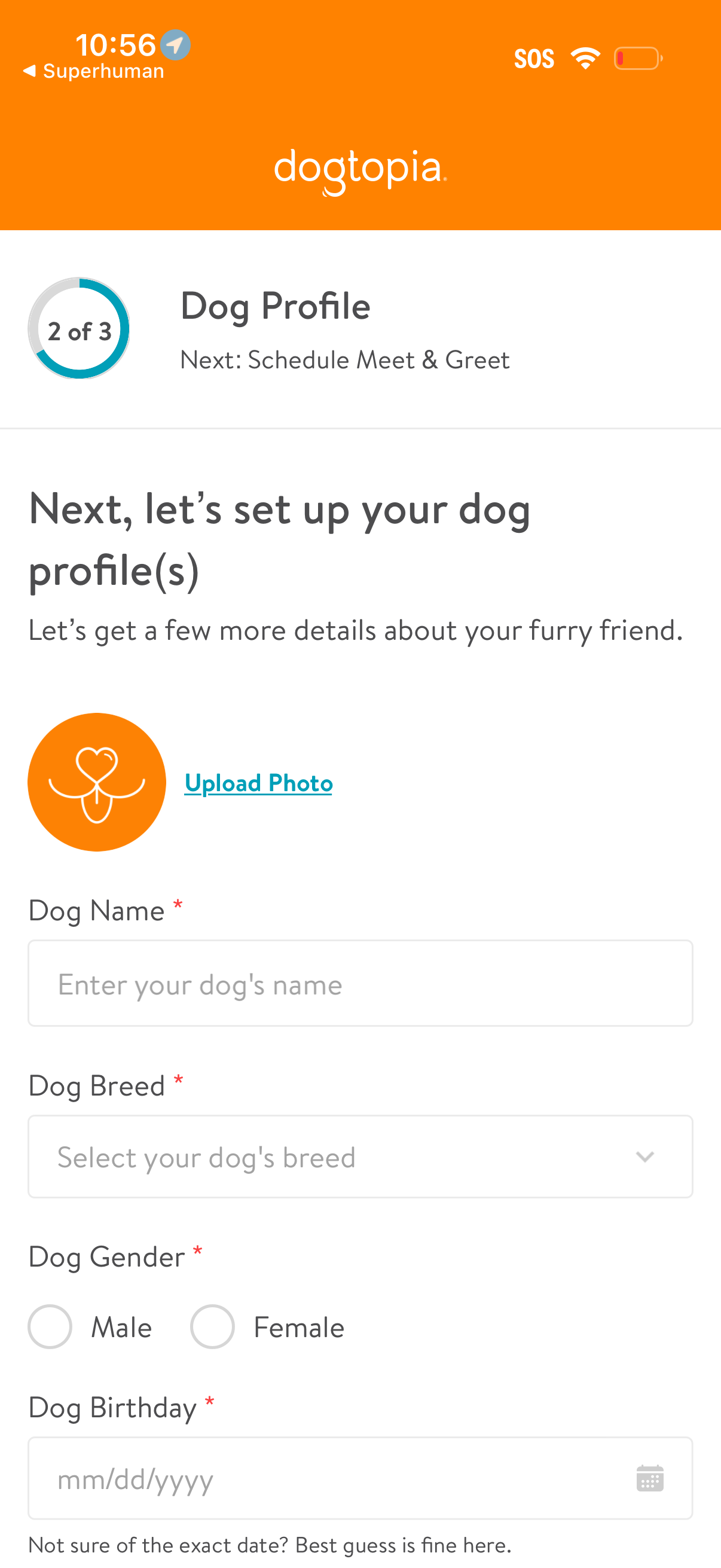
Multi-step onboarding form for creating a dog profile in a pet care/boarding app, showing step progress and the next step “Schedule Meet & Greet. ” Users can upload a dog photo and enter required details including dog name, breed (dropdown), gender (radio buttons), and birthday (date picker).