use editing template
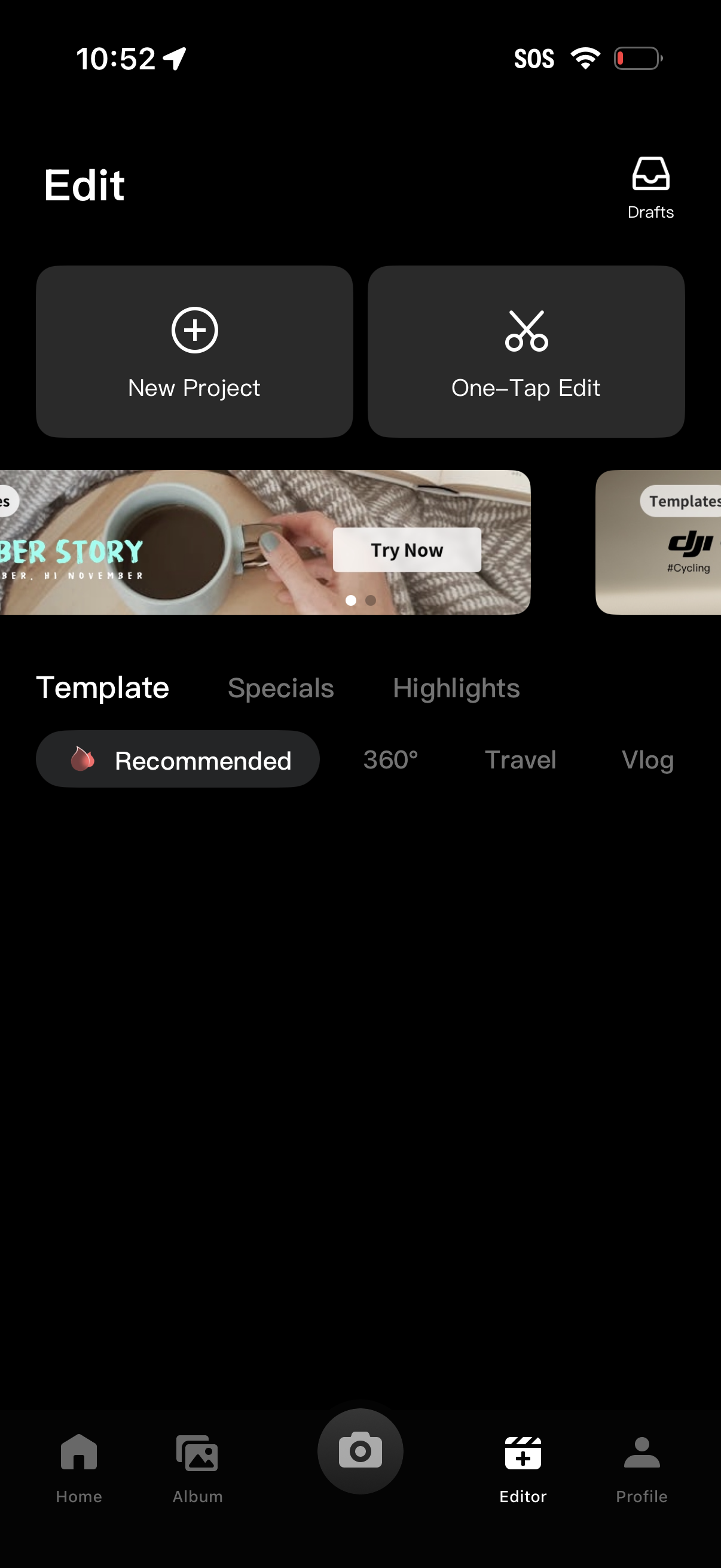
Video editor home screen with quick actions to start a New Project, use One‑Tap Edit, or open Drafts, plus a template discovery section with a carousel and category tabs/filters (Recommended, Specials, Highlights, 360°, Travel, Vlog). Bottom navigation provides access to Home, Album, camera capture, Editor, and Profile.
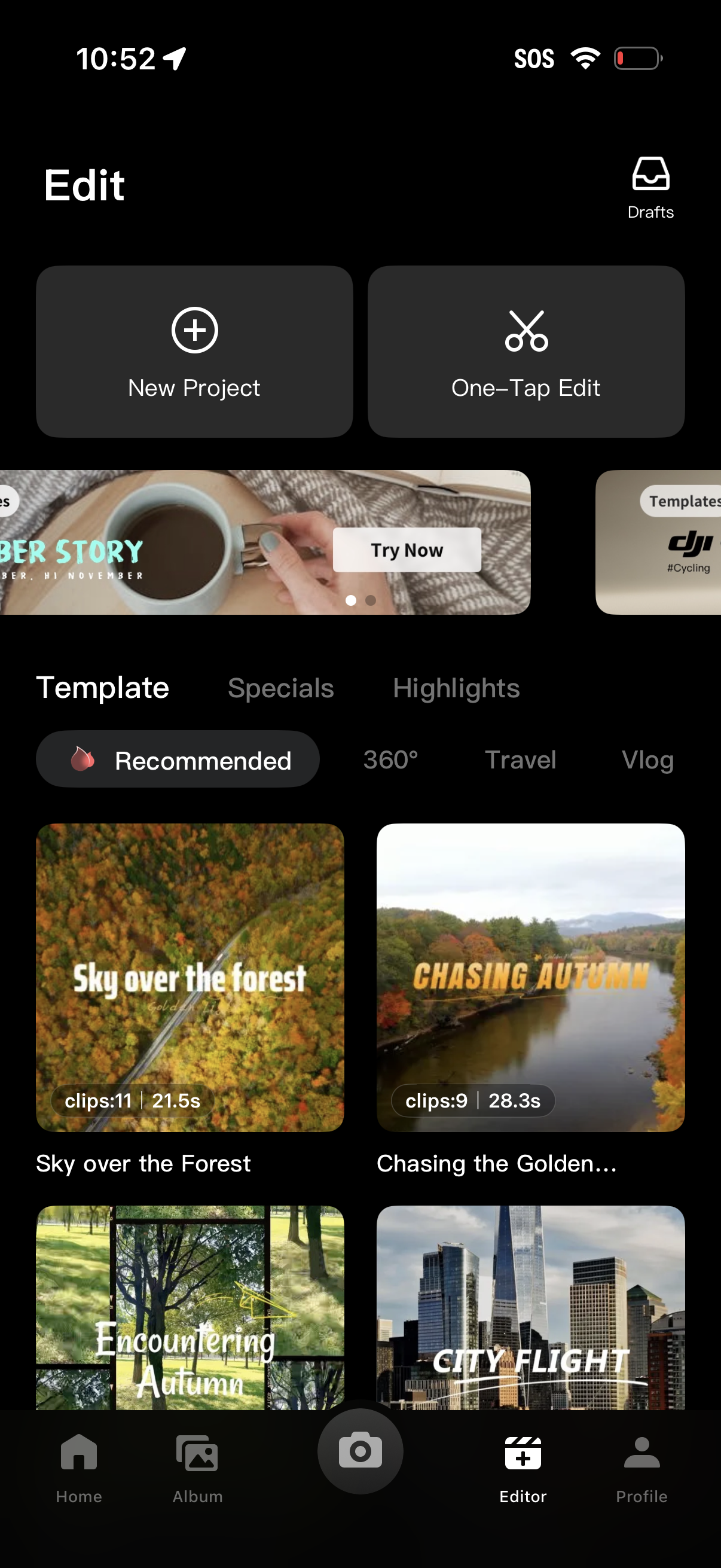
Video editor home screen showing entry points to start a New Project or use a One‑Tap Edit, with access to Drafts and a promotional carousel. Below, users can browse and select editing templates by category (Recommended, 360°, Travel, Vlog) from a grid of template thumbnails showing clip count and duration, with bottom navigation for Home, Album, Camera, Editor, and Profile.
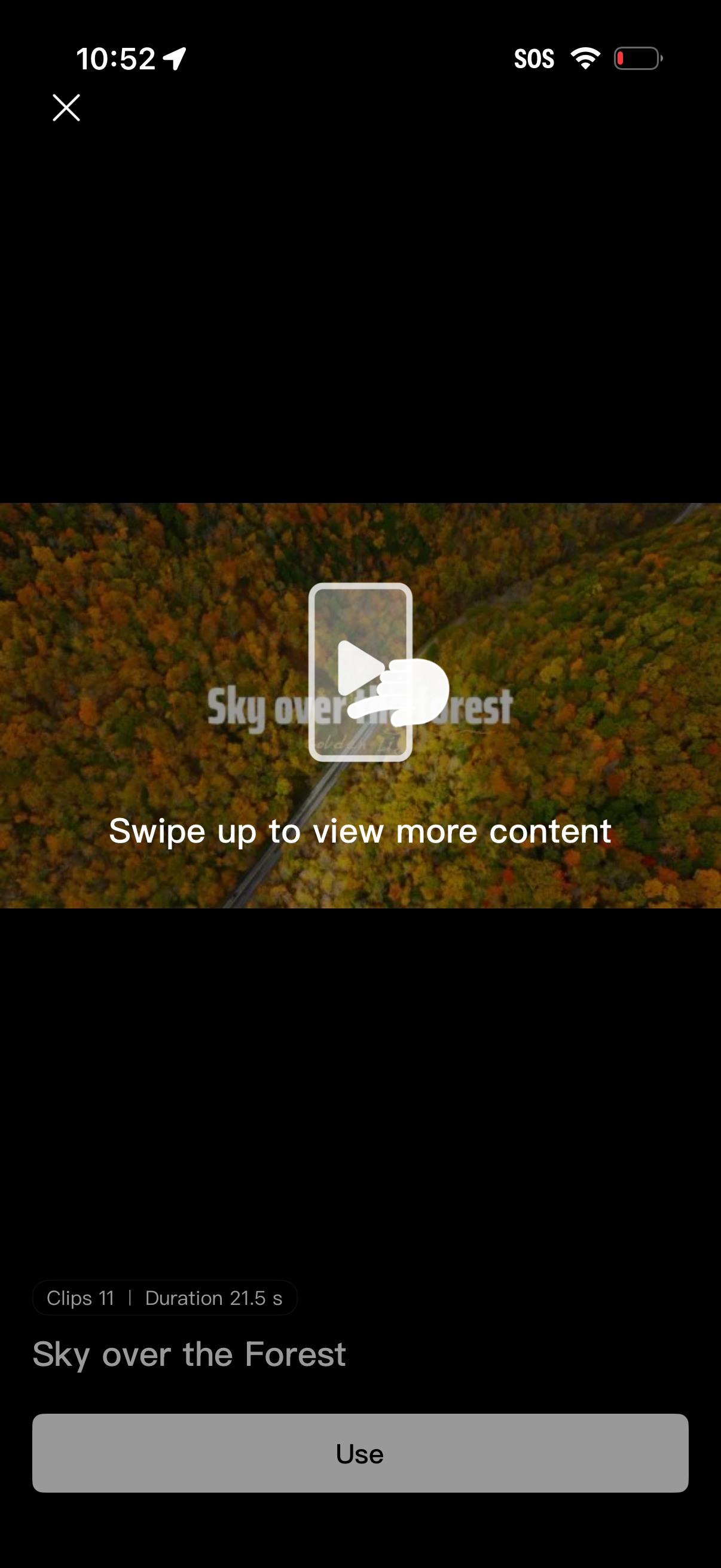
Full-screen video template preview showing a clip with a swipe-up prompt to browse more content, plus a close button to exit. The bottom panel displays clip count and total duration, the template title, and a primary “Use” button to select and apply the template.