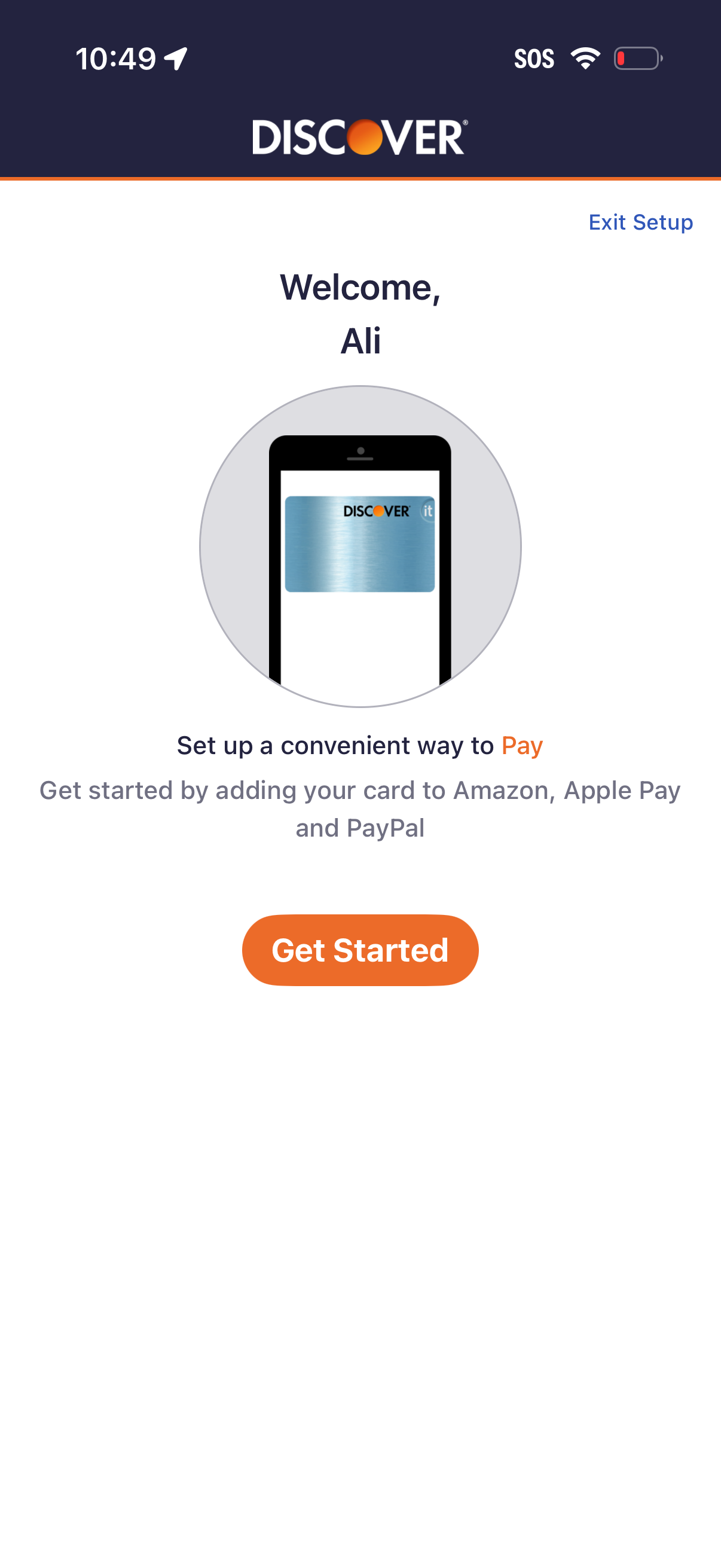
Welcome/setup screen for a credit card app prompting the user to set up a convenient way to pay by adding their card to Amazon, Apple Pay, or PayPal. Primary action is a “Get Started” button to begin payment setup, with an option to exit setup.
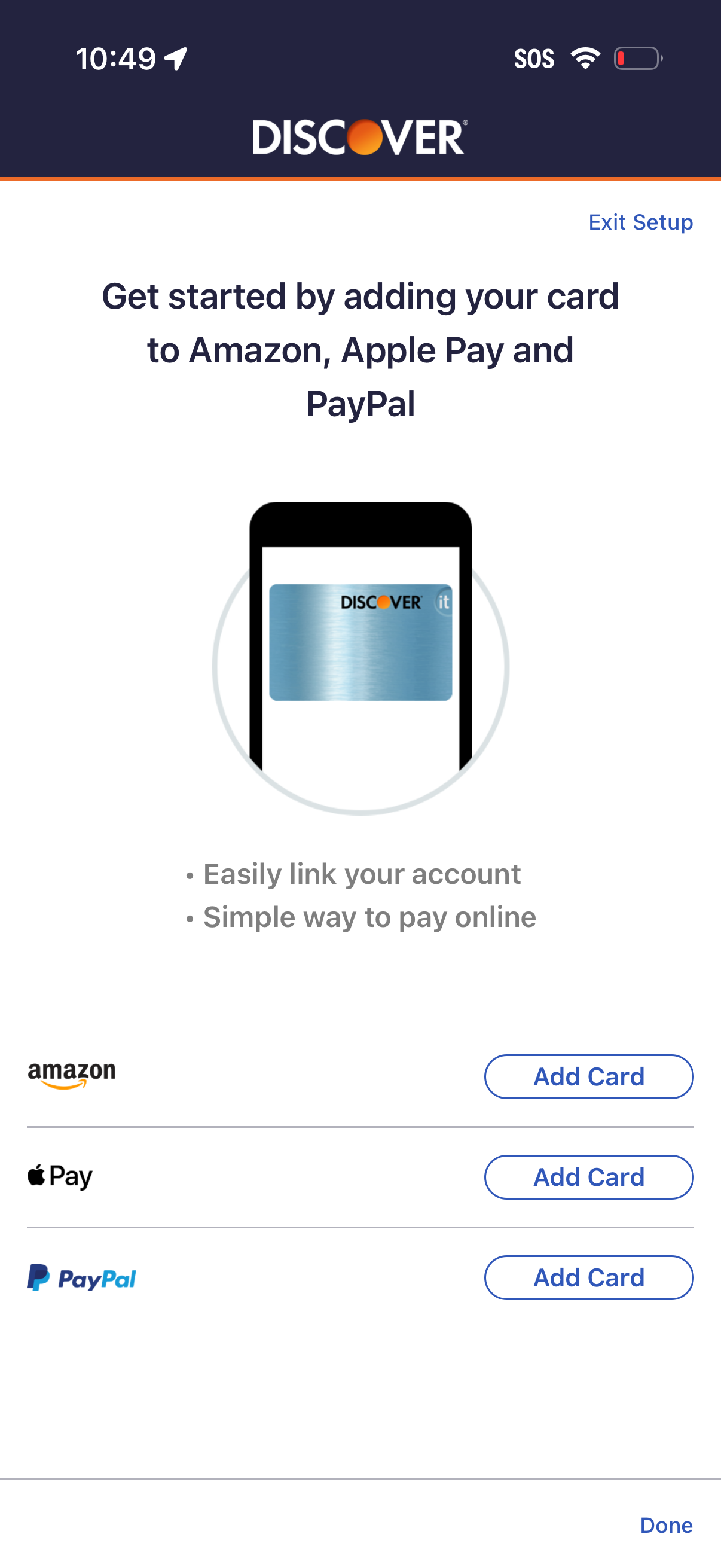
Digital wallet setup screen prompting users to add their credit card to Amazon, Apple Pay, and PayPal for easier online payments and account linking. Provides separate “Add Card” actions for each service, plus options to exit setup or finish with Done.
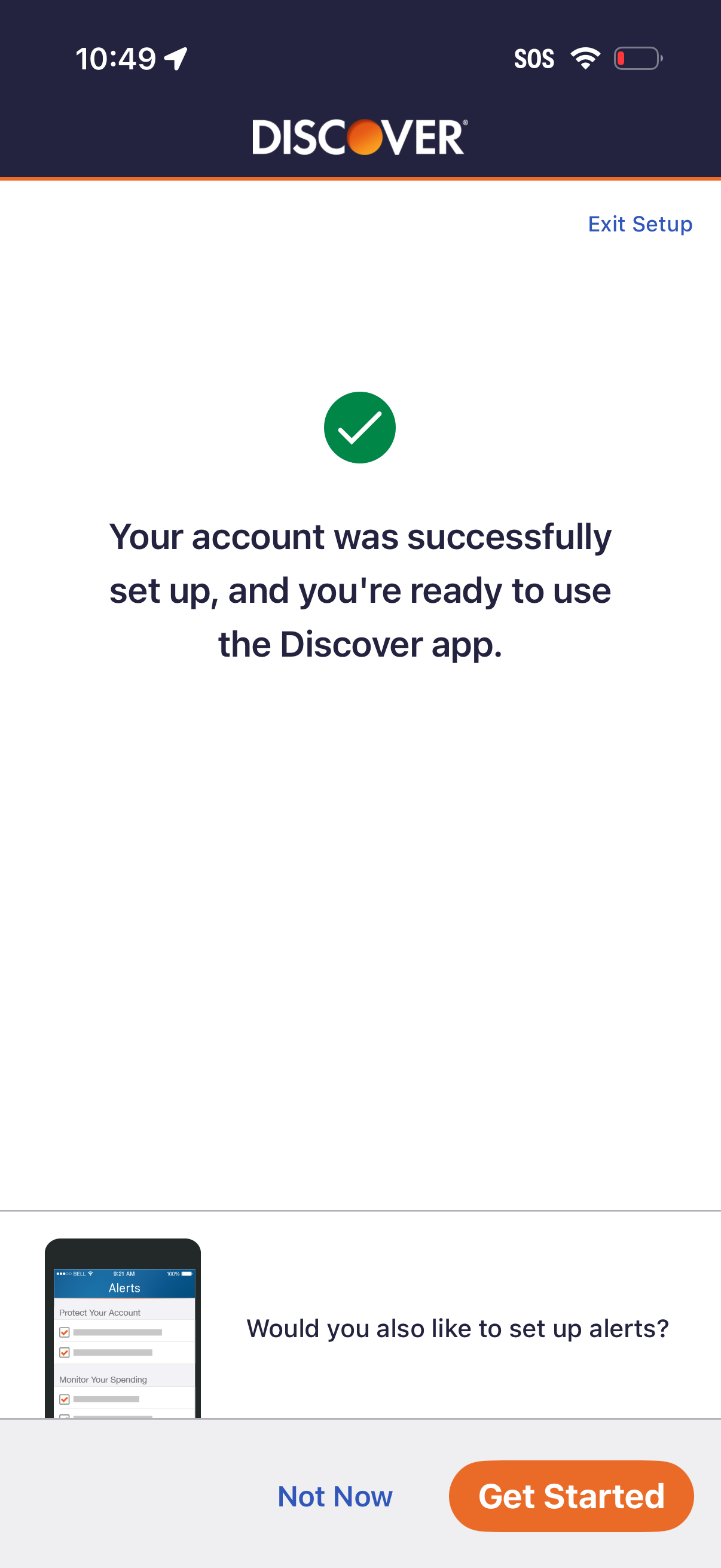
Account setup success confirmation screen in a banking app, showing a checkmark message that the user is ready to use the app. Prompts the user to optionally set up alerts with actions to Get Started or Not Now, plus an Exit Setup link.
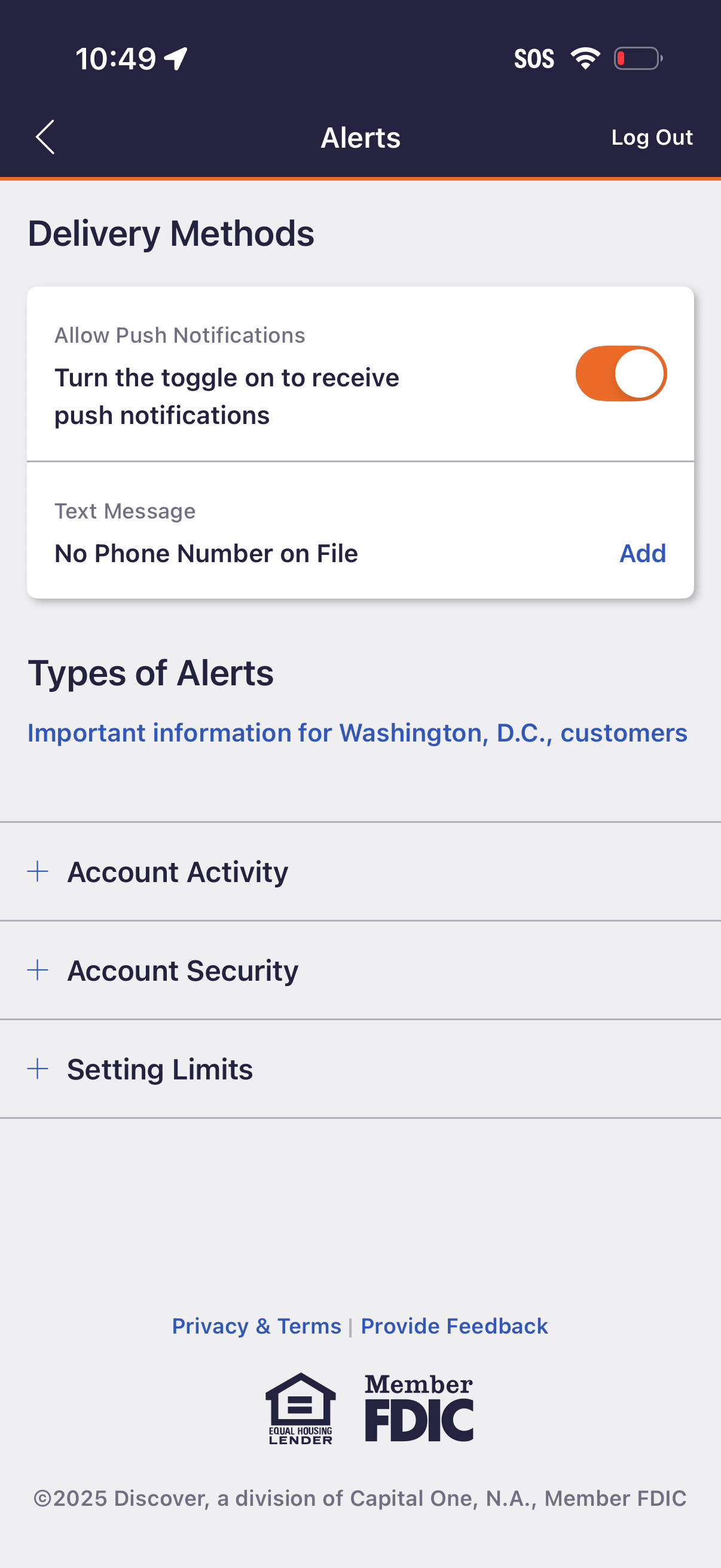
Alerts settings screen where users manage notification delivery methods by toggling push notifications on/off and adding a phone number for text message alerts. Also provides expandable categories to choose types of alerts such as account activity, account security, and setting limits, with options to log out and view privacy/terms.
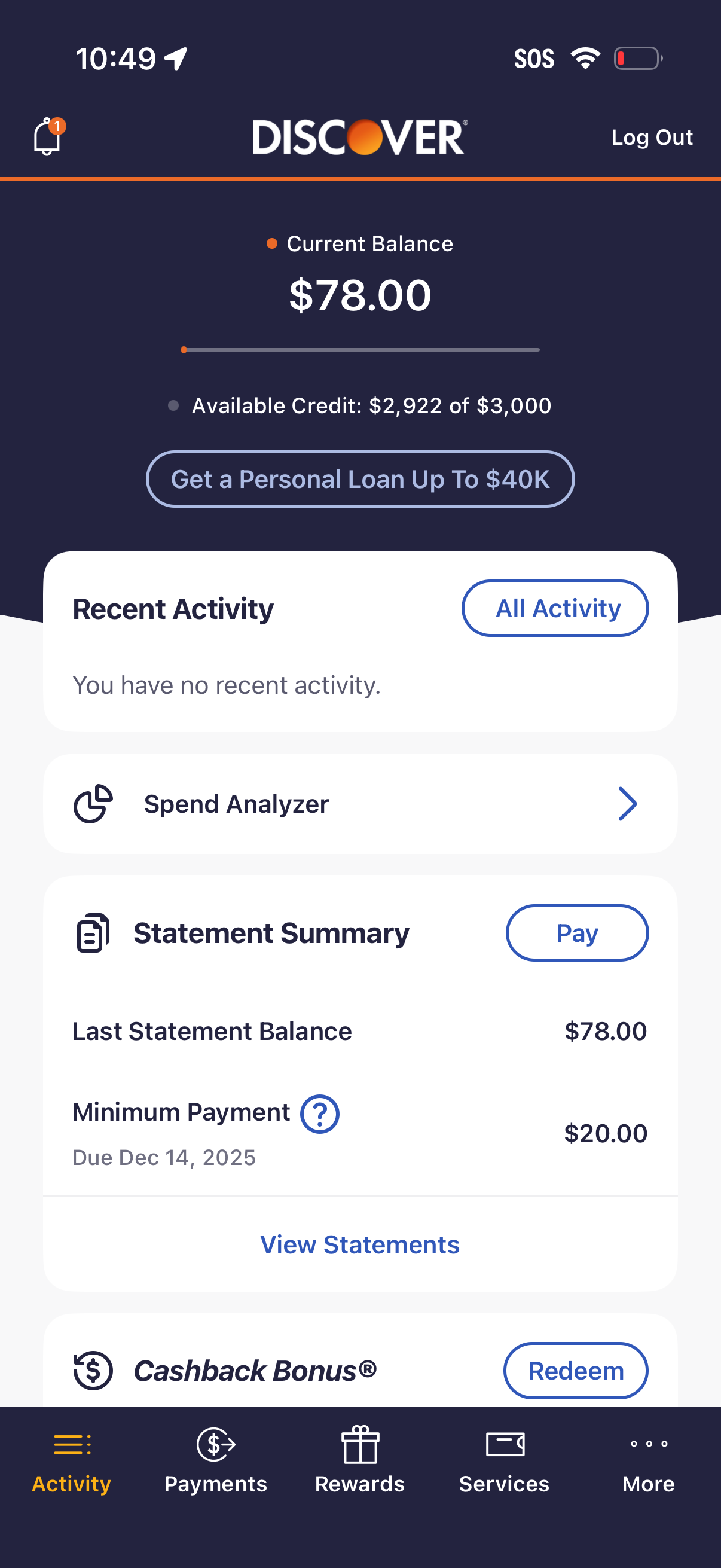
Credit card account dashboard showing current balance and available credit, with a CTA to apply for a personal loan. Includes cards for recent activity, spend analyzer, statement summary with minimum payment due and a Pay button, plus access to view statements and redeem cashback rewards via bottom navigation.