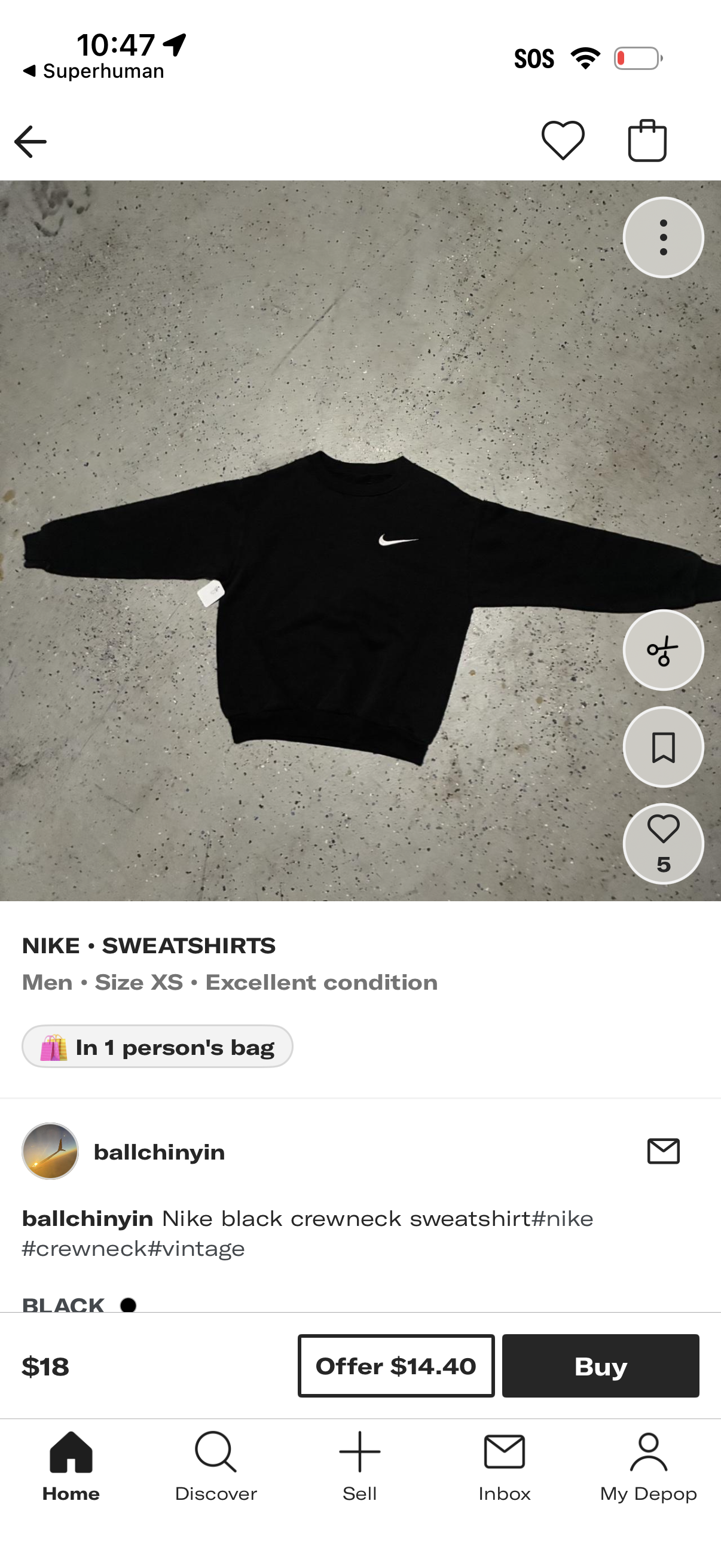
Product detail page for a secondhand clothing marketplace listing showing a large item photo, brand/category, size and condition, and seller information with description and tags. Primary actions include liking, saving/bookmarking, sharing/more options, messaging the seller, making an offer, and buying now, with price and “in someone’s bag” status.
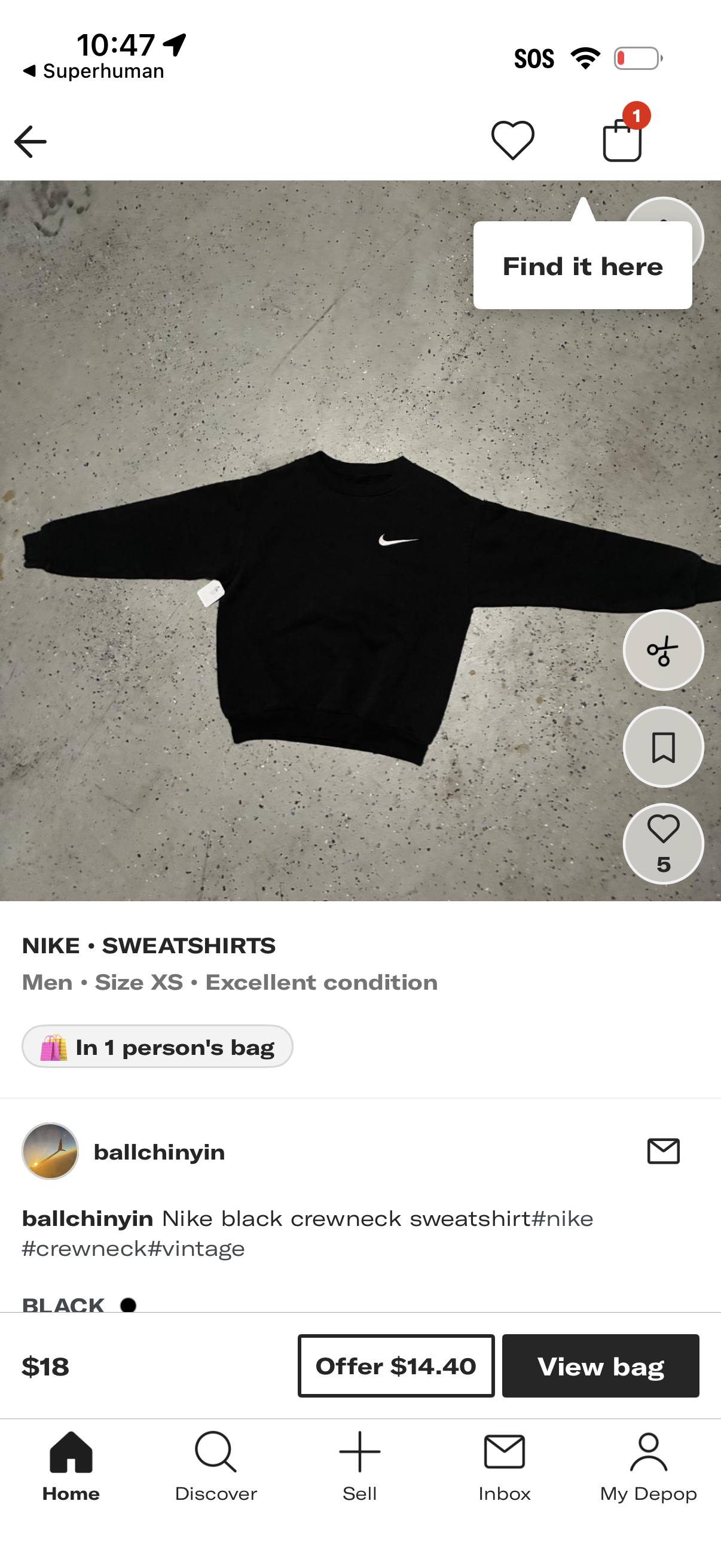
Secondhand marketplace product detail page for a clothing listing showing a full-size item photo, brand/category, men’s size and condition, and seller info with description. Primary actions include favorite/like, share/crop tools, bookmark/save, message the seller, view price, make an offer, and open the shopping bag/cart (with note that the item is in someone’s bag).
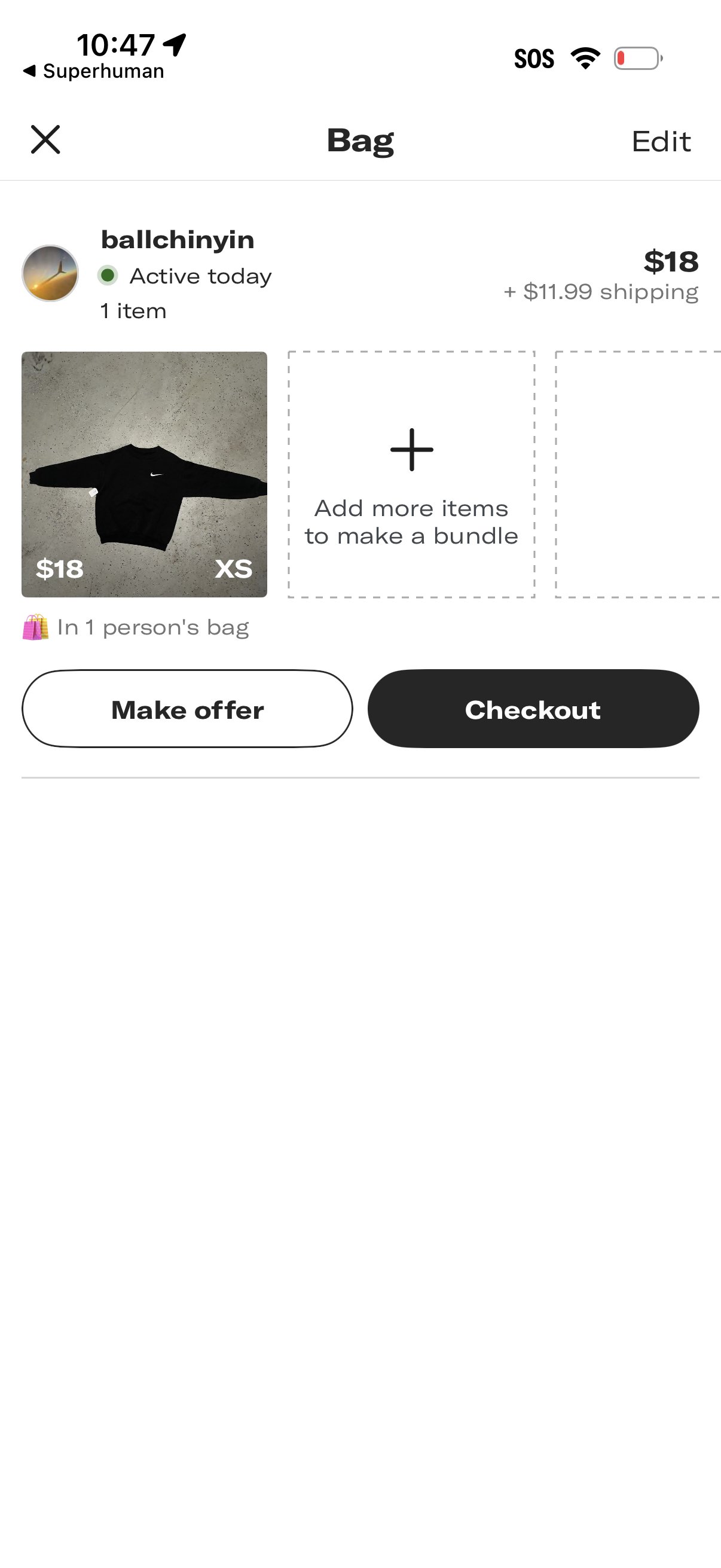
Shopping bag/cart screen for a marketplace checkout showing a seller section with activity status, item thumbnail, price, size, and shipping cost, plus an option to add more items to create a bundle. Primary actions include Make offer and Checkout, with Edit to manage the bag contents.
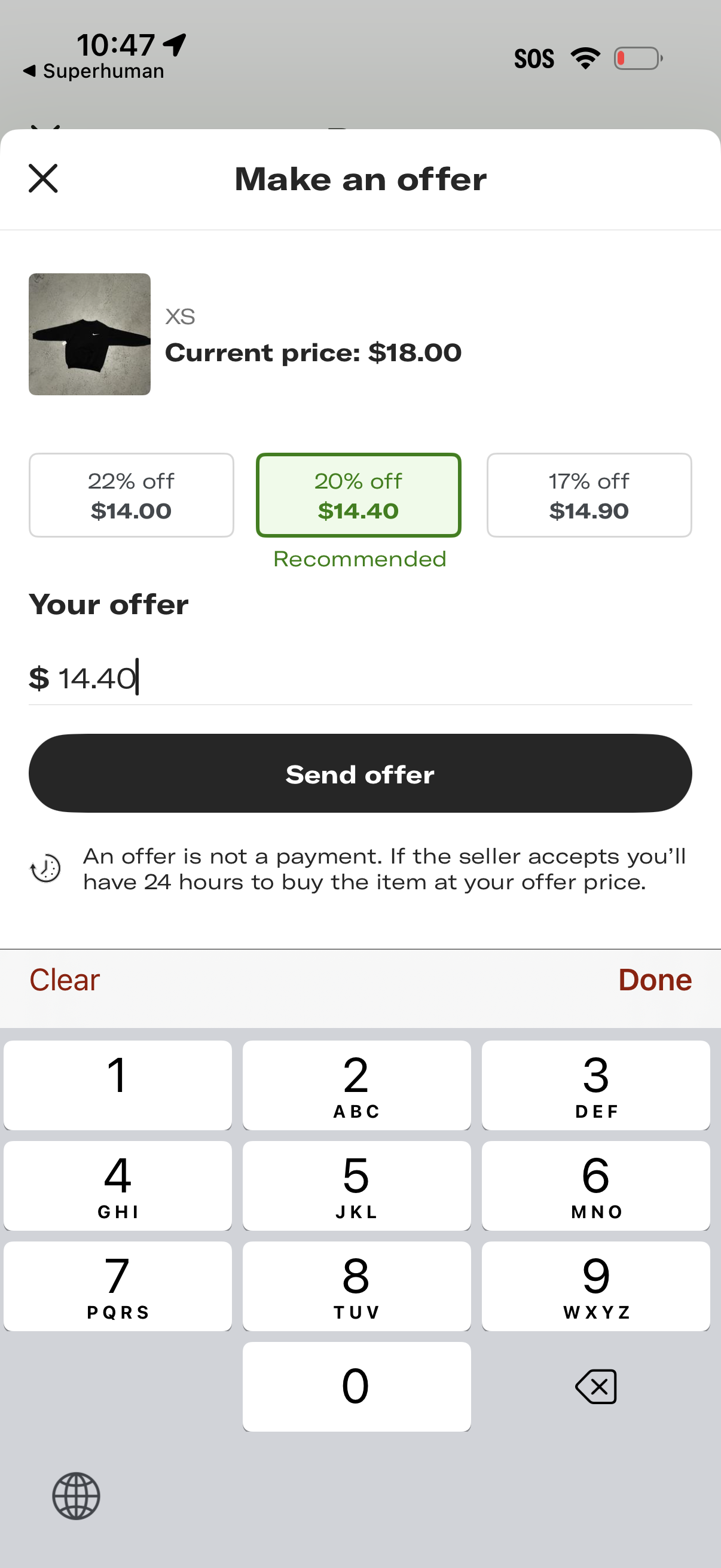
Marketplace “Make an offer” modal for a product listing showing the current price, preset discount offer options with a recommended choice, and a custom offer amount input. Users can submit the bid via a “Send offer” button, with helper text explaining it’s not a payment and there’s a 24-hour window to purchase if accepted.