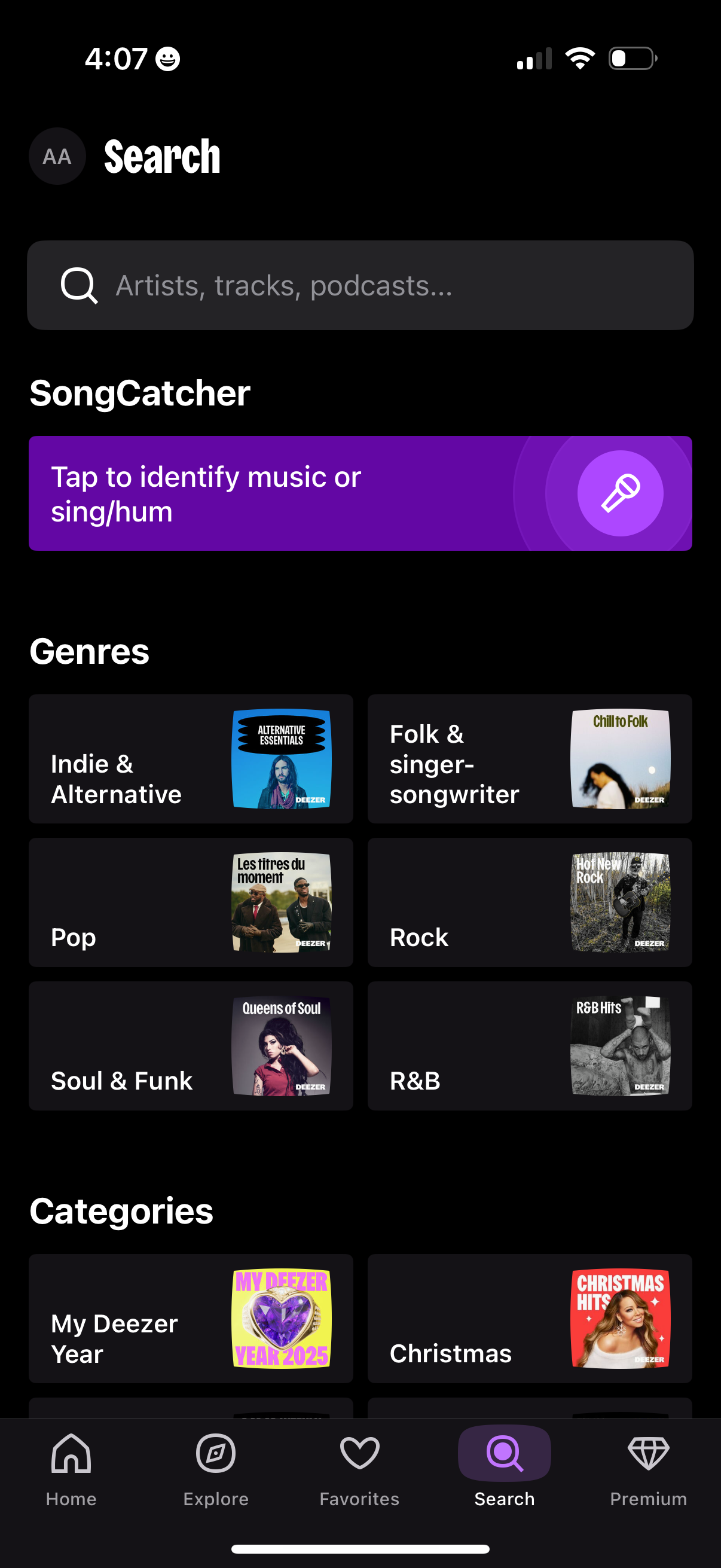
Music streaming app search/explore screen with a global search bar for artists, tracks, and podcasts plus a “SongCatcher” button to identify a song by listening or humming. Below, users can browse genre and category tiles (e.
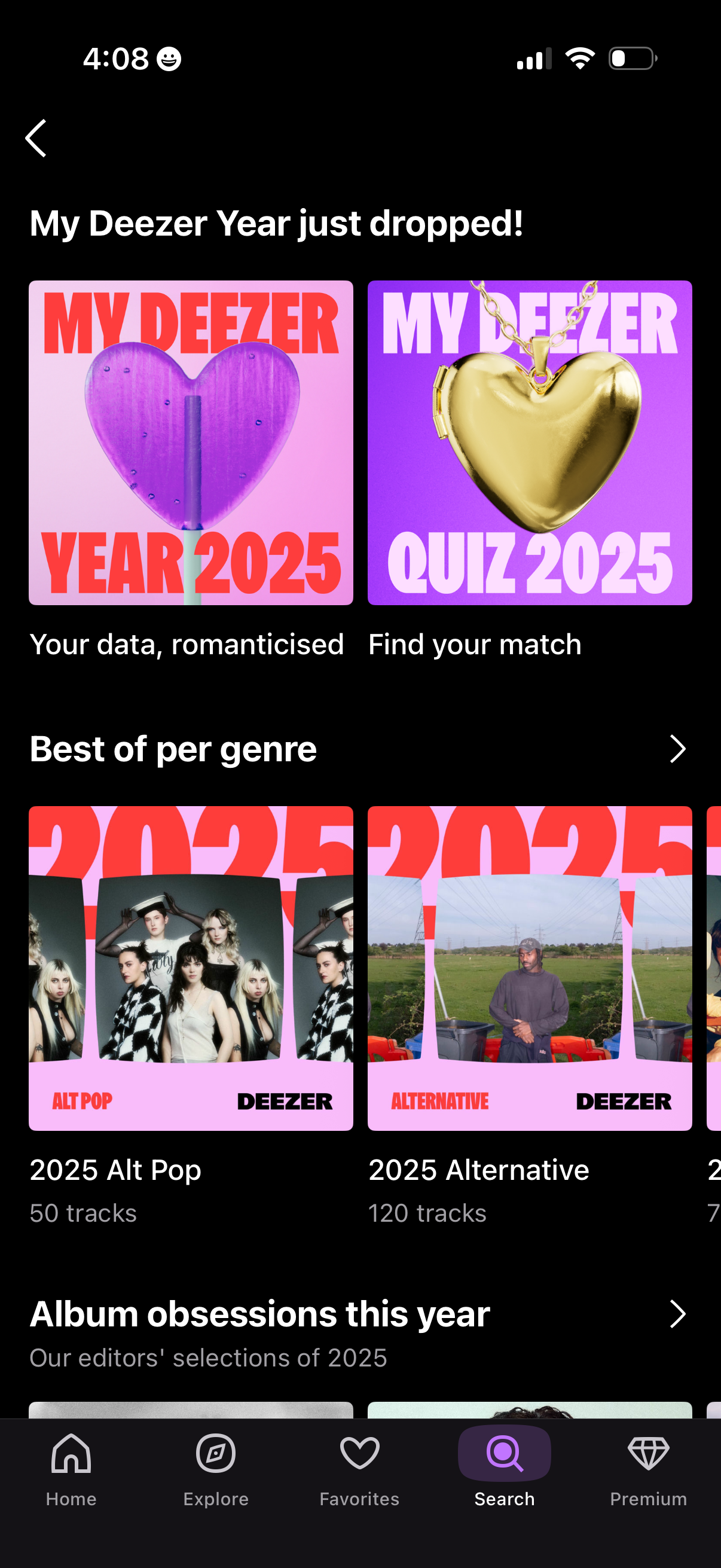
Music streaming app “Year in review” discovery page announcing the user’s annual listening recap, with large cards to view “My Deezer Year 2025” and take a matching/quiz experience. Below, genre-based best-of playlists and editorial collections are presented in horizontal carousels with navigation arrows for browsing.

A dark, full-screen voice/audio interface showing a large purple waveform icon centered on the screen, suggesting an active listening, voice recording, or audio processing state with no visible controls or text. The minimalist layout acts as a transitional or loading screen for voice features.

Minimal dark splash/loading screen with a central purple oval animation on a black gradient background, with no visible text, navigation, or actions. This appears to be an app launch or transition state indicator.
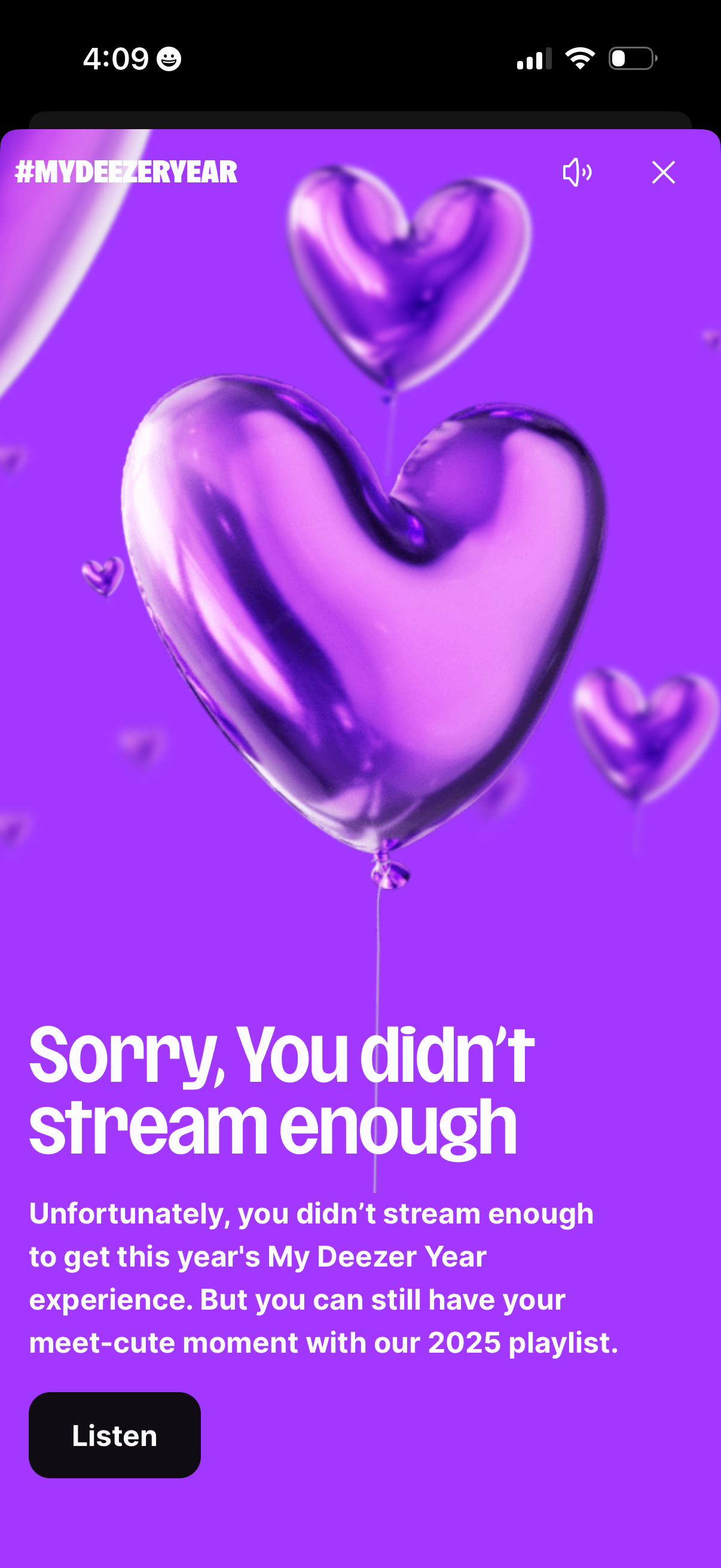
Music streaming app promotional modal for “My Year” recap that informs the user they didn’t stream enough to access the yearly experience, with a primary “Listen” button linking to a curated playlist. Includes sound toggle and close controls for dismissing the full-screen announcement.