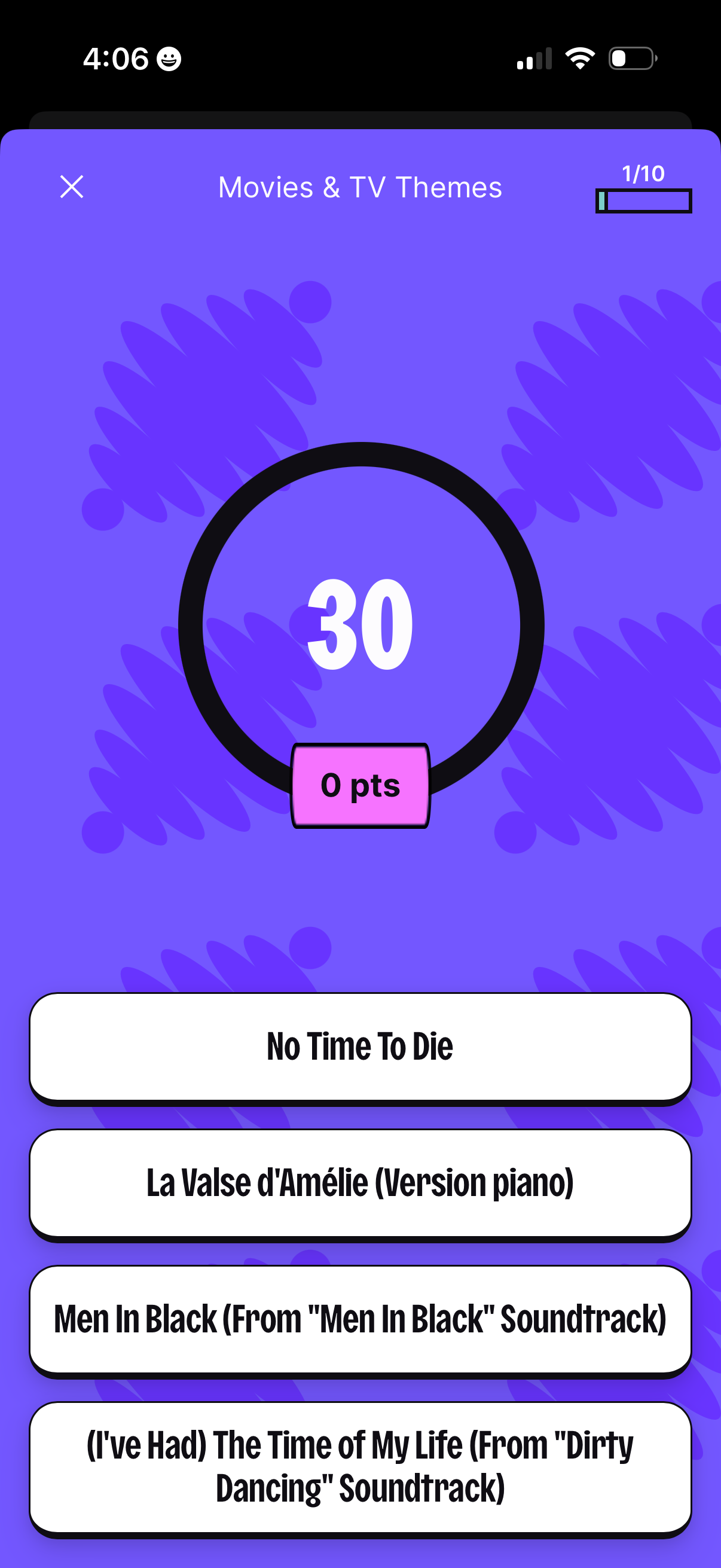
Multiple-choice trivia quiz question screen for “Movies & TV Themes” showing a 30-second countdown timer, current points, and question progress (1/10). Users select one of four song/title answer options, with an option to close the quiz.
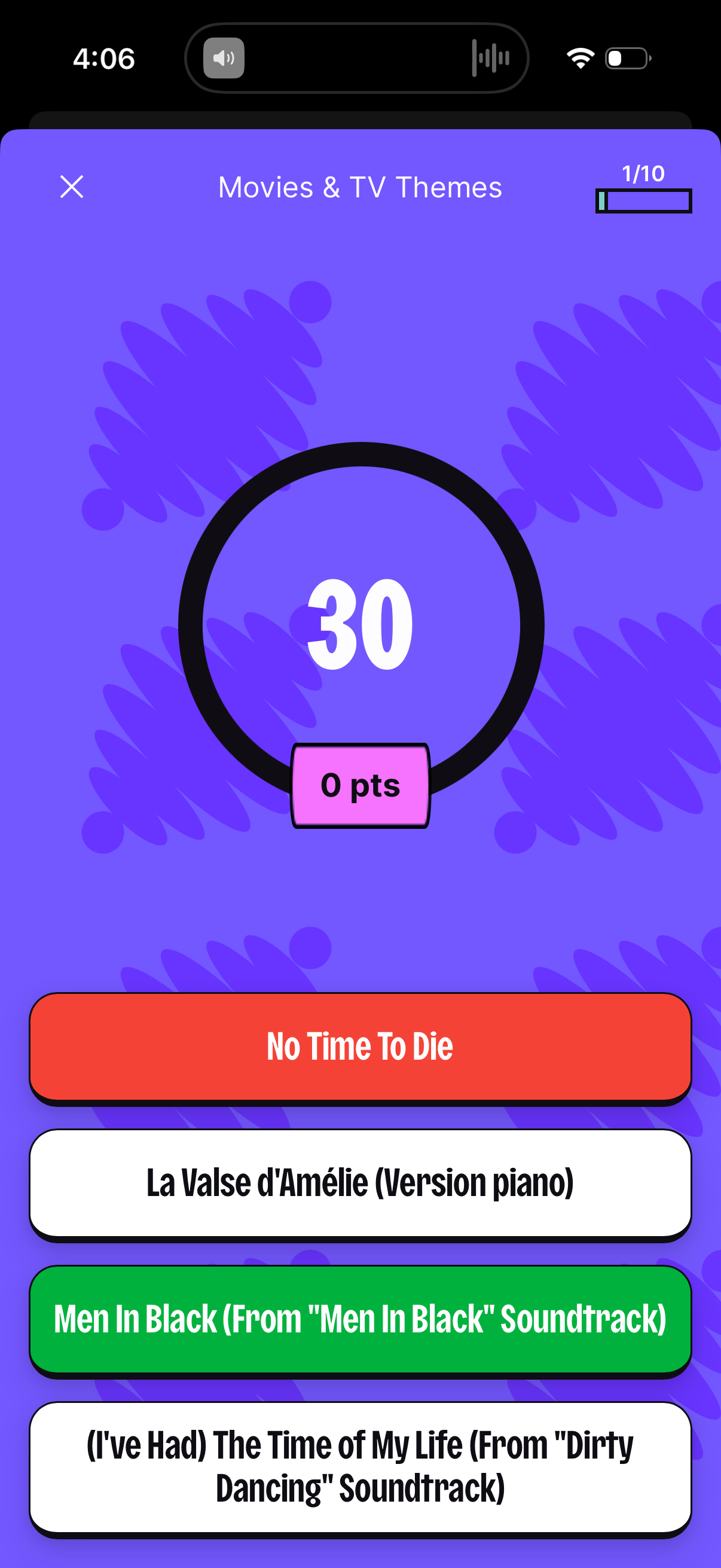
Multiple-choice trivia quiz question screen for “Movies & TV Themes” showing a 30-second countdown timer, current points, and question progress (1/10). Users select one of several answer buttons for a movie/TV theme song while a close button allows exiting the quiz.
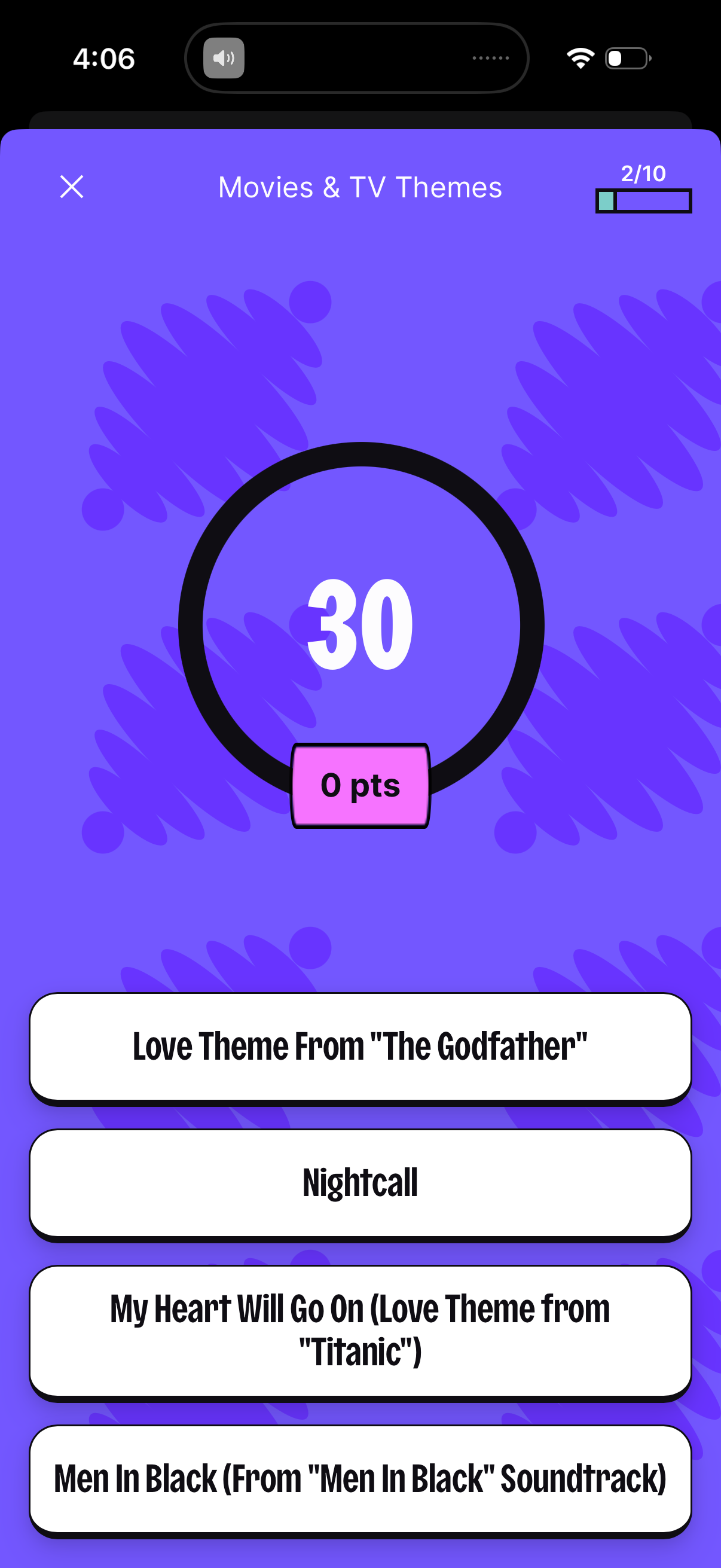
A multiple-choice music trivia quiz question screen for “Movies & TV Themes” showing a countdown timer, current points, and question progress (2/10). Users select one of several song title answer options, with a close button to exit the quiz.
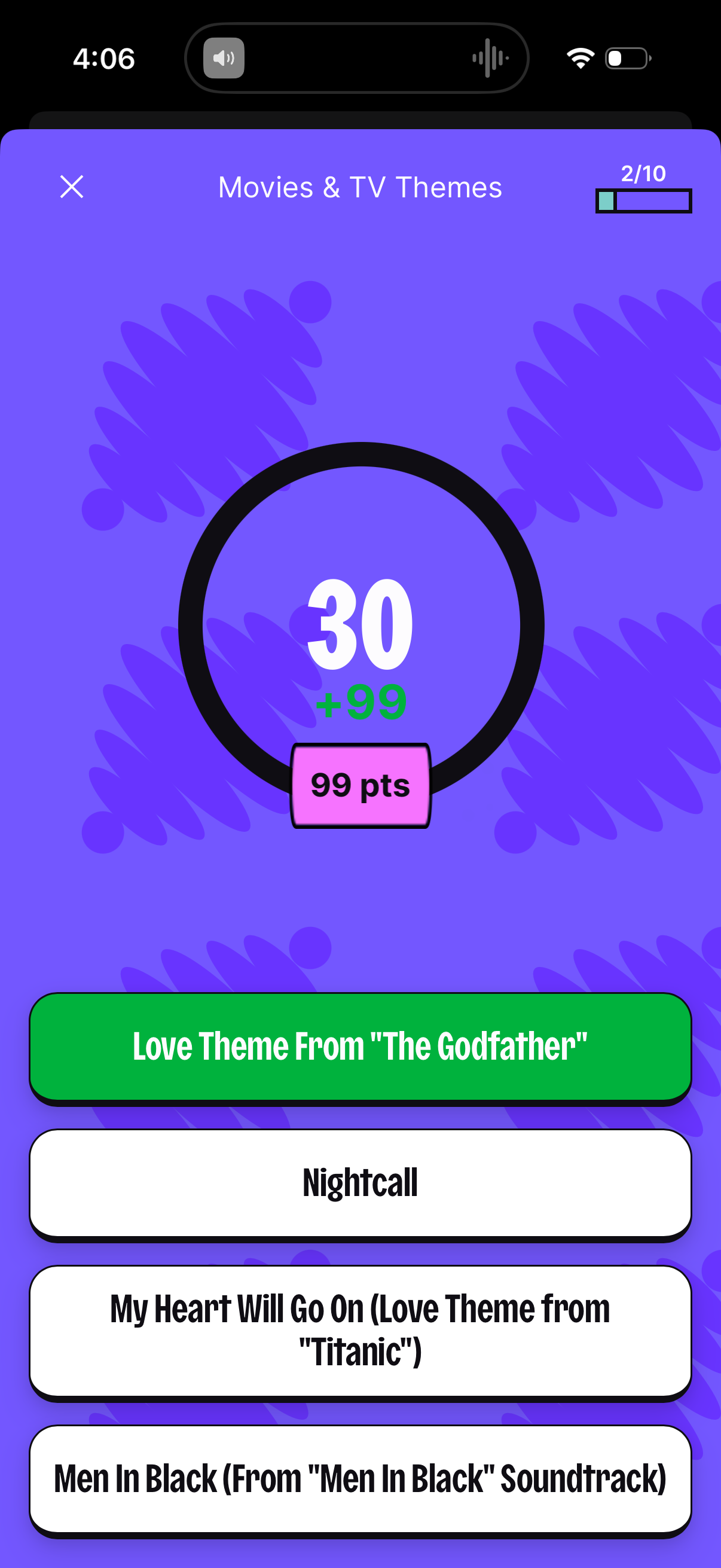
A music trivia quiz question screen themed “Movies & TV Themes” showing the current question number and progress, a countdown timer with points to earn, and a list of multiple-choice song titles with one selected answer highlighted. Users can tap an option to answer or close the quiz.
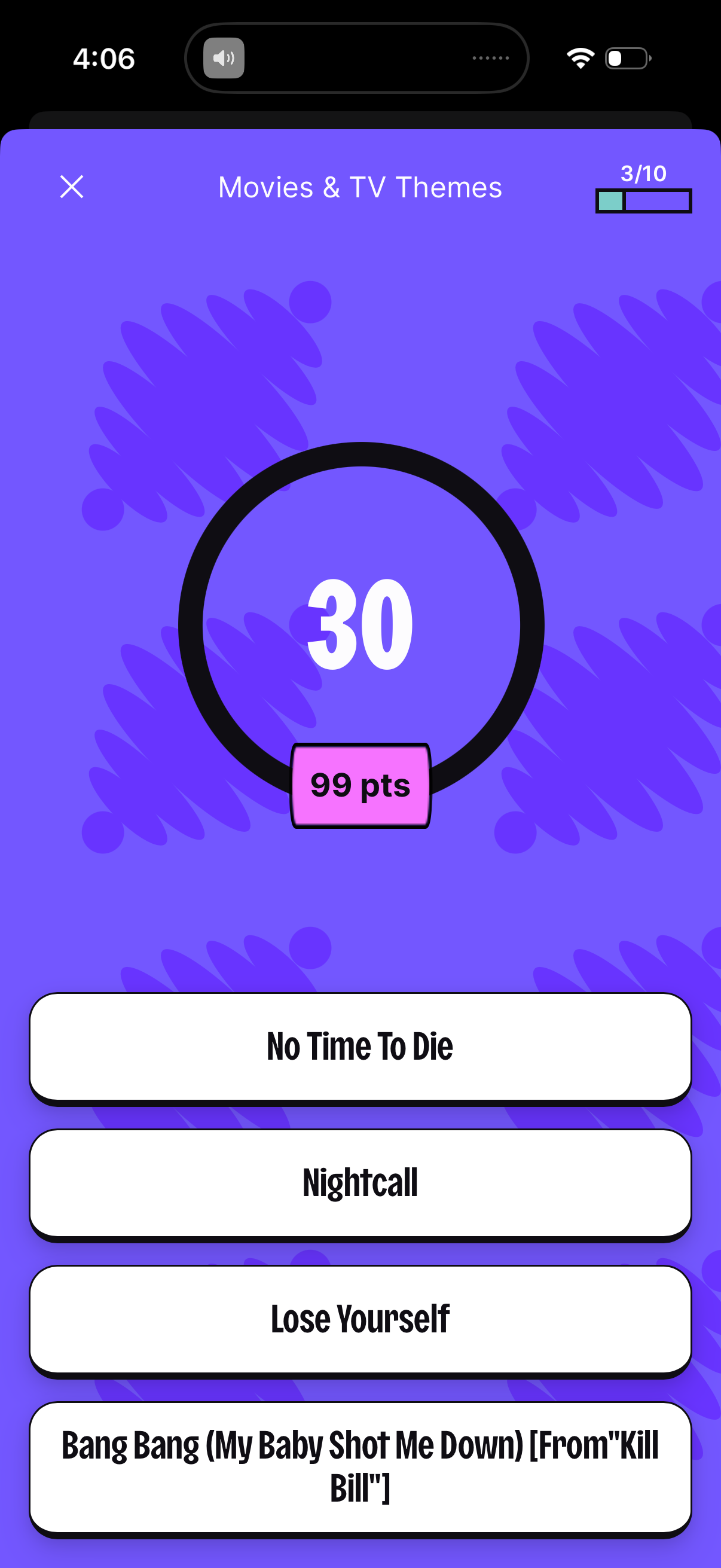
Multiple-choice quiz question screen for a “Movies & TV Themes” game, showing a countdown timer, current points, and question progress (3/10) with a close button. Users select the correct answer from four large option buttons listing song/theme titles.
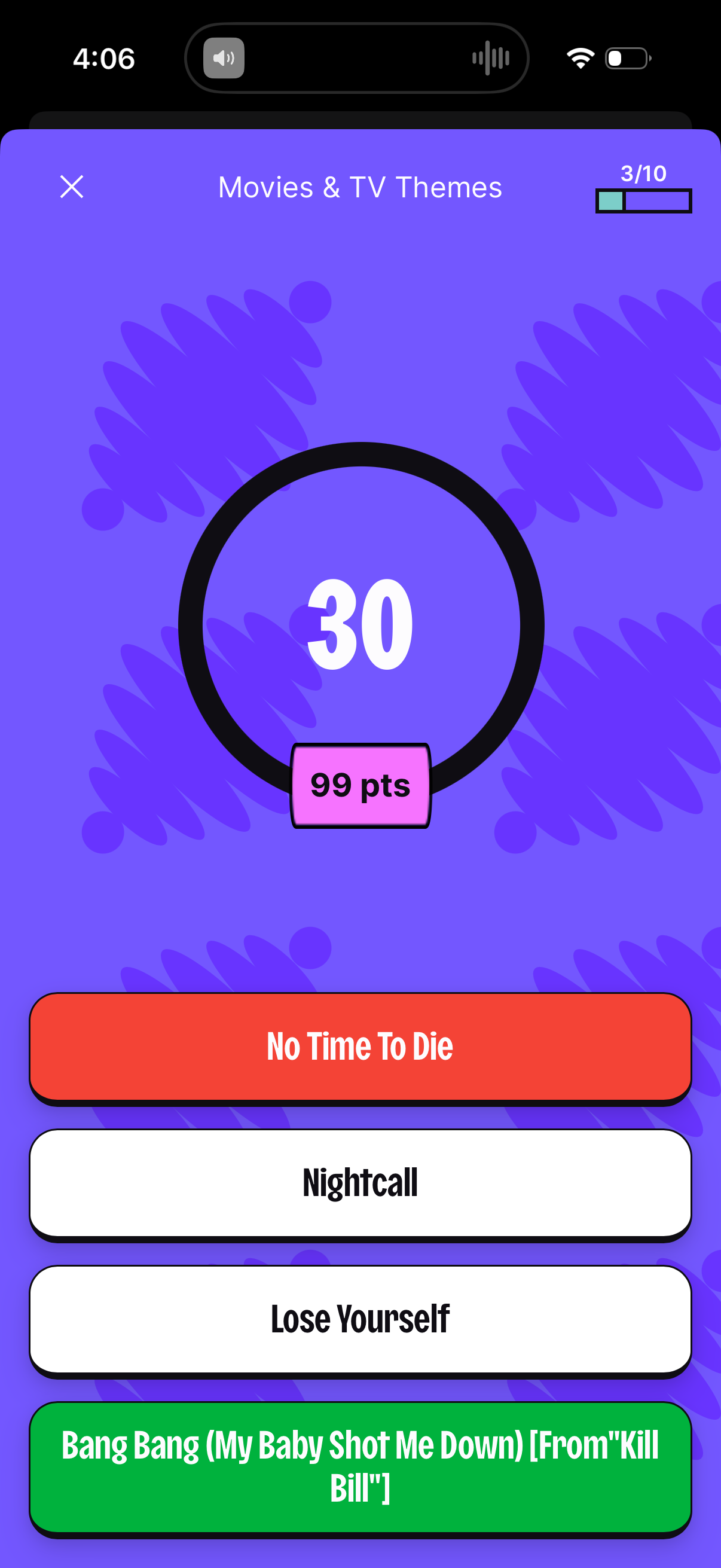
Multiple-choice trivia quiz question screen for Movies & TV Themes showing a circular countdown timer, current points, and quiz progress indicator, with four tappable answer options to select the correct theme/song title and an option to close/exit the quiz.
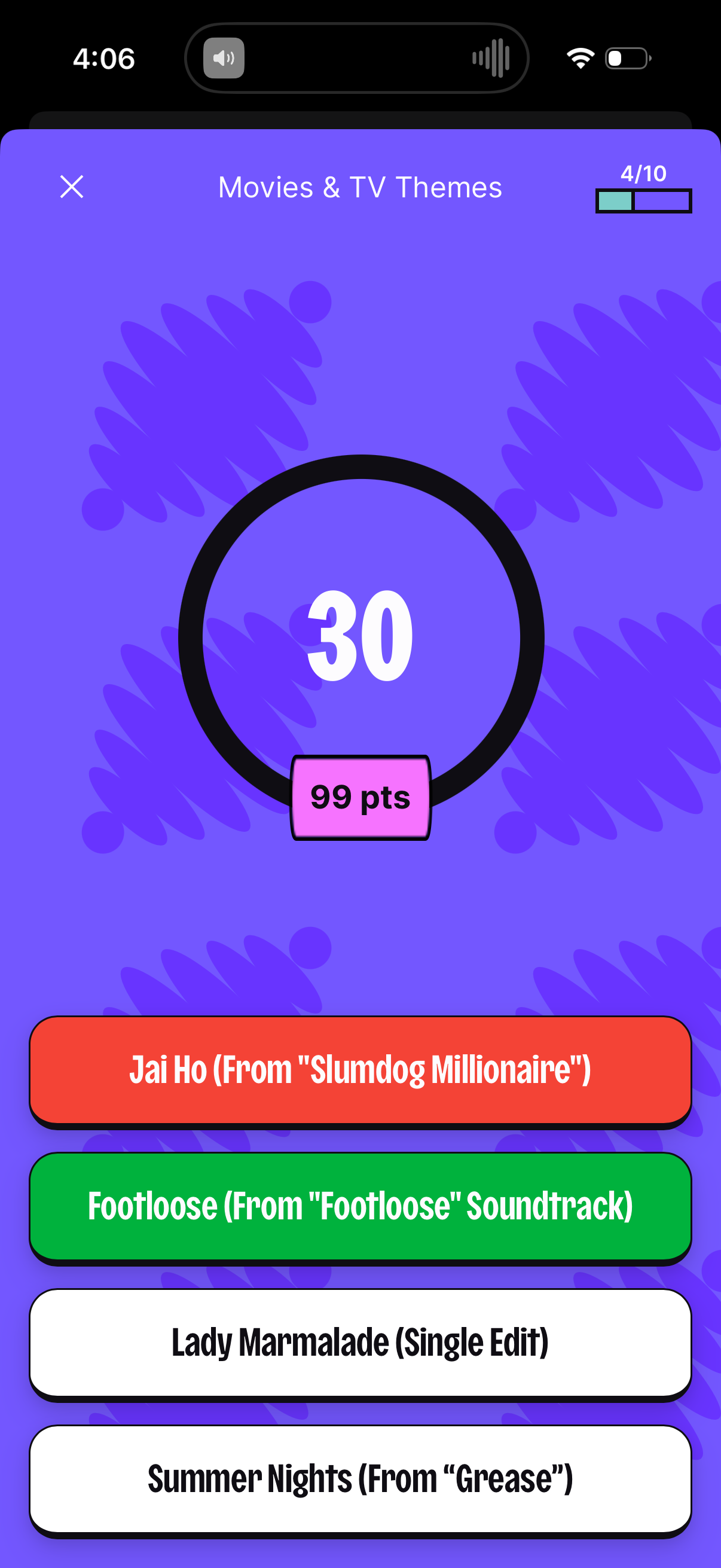
Multiple-choice trivia quiz question screen for a “Movies & TV Themes” category showing a large countdown timer, current point value, and a question progress indicator. Users select one of four song-title answer options, with a close button to exit the quiz.
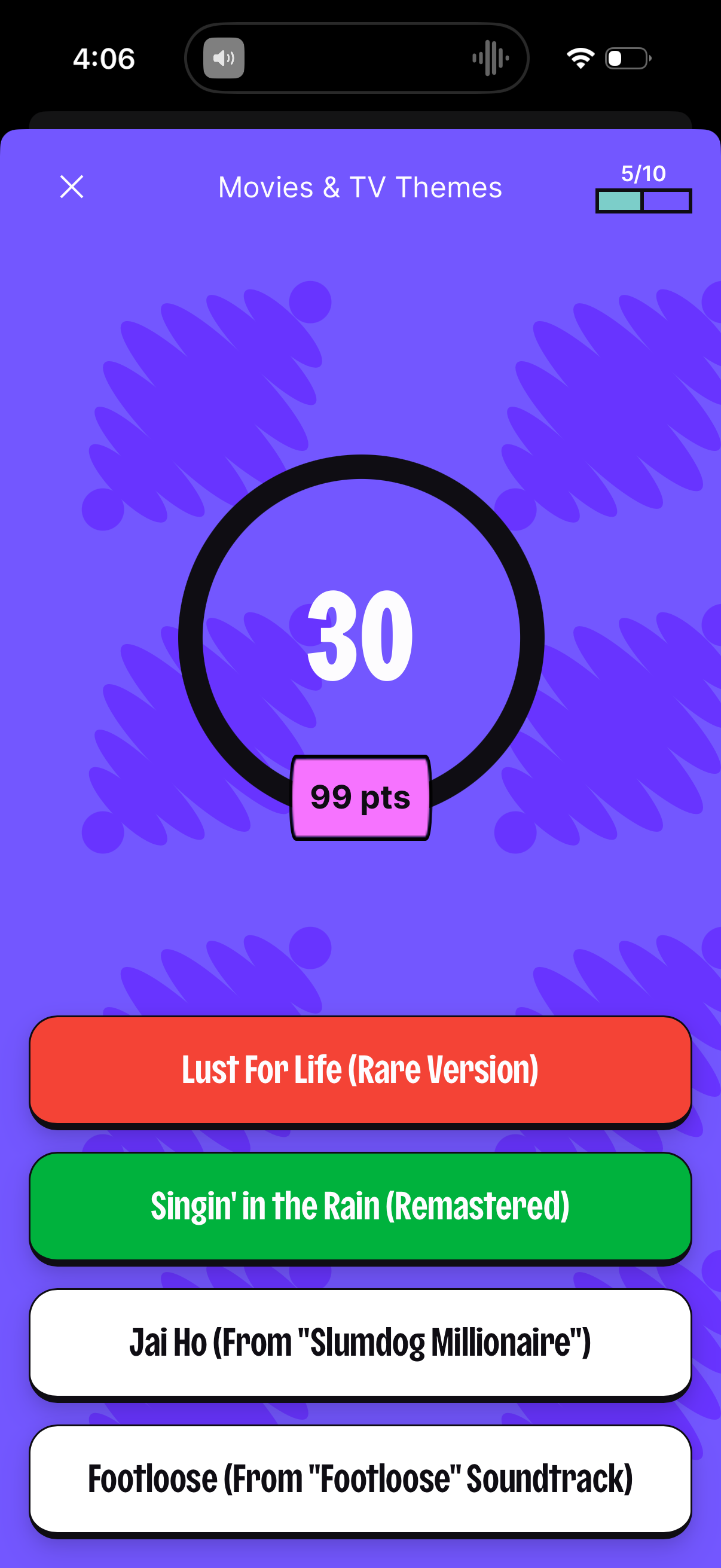
Timed multiple-choice trivia quiz screen for a “Movies & TV Themes” category, showing a large countdown timer, current question progress indicator, and points earned. Users answer by tapping one of several large button-style song/title options, with a close icon to exit.
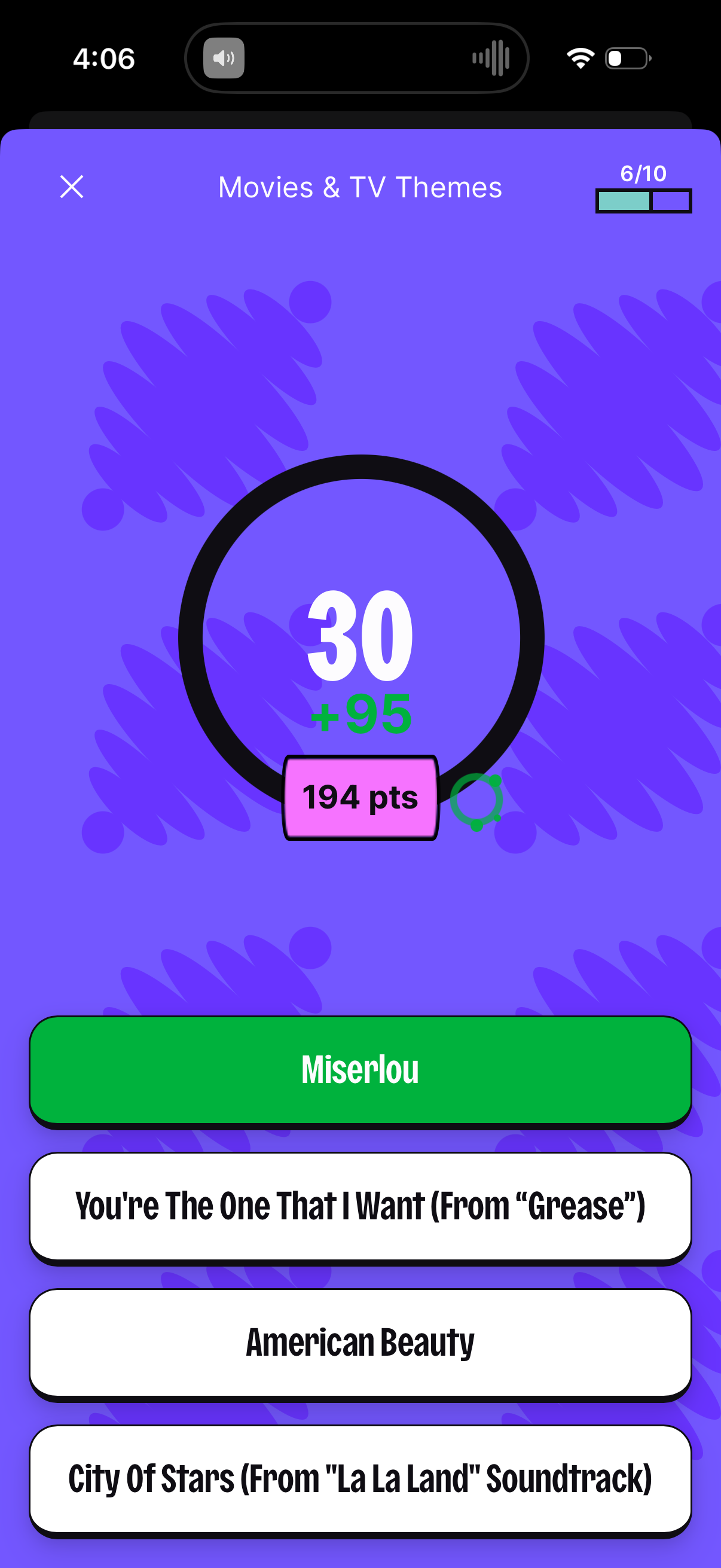
Quiz game multiple-choice question screen for “Movies & TV Themes” showing current question number/progress (6/10), a countdown timer with points earned, and a list of answer options where the selected answer is highlighted, with an option to close/exit the quiz.
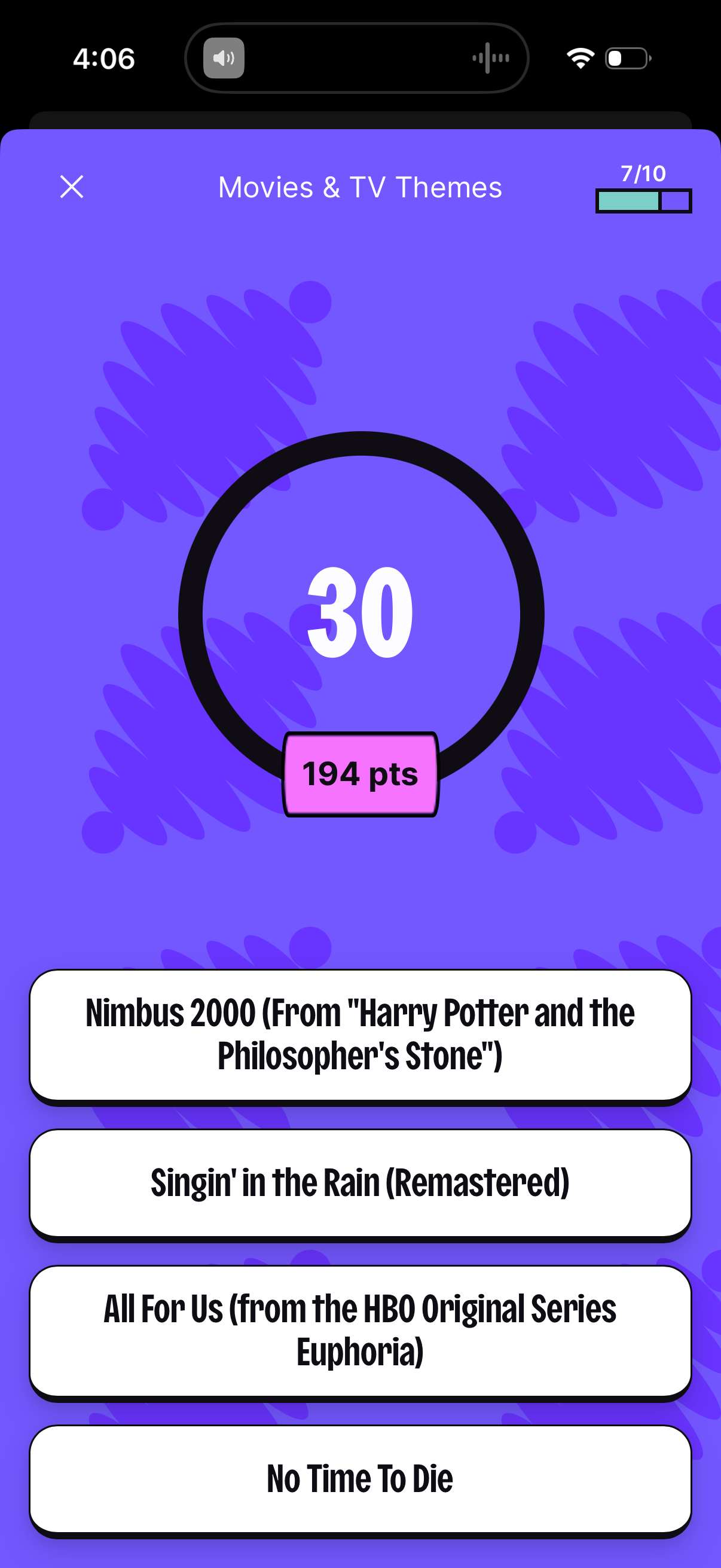
Quiz game multiple-choice question screen for the “Movies & TV Themes” category, showing a countdown timer, current score/points earned, and question progress indicator. Users select one of four answer options while a close button allows exiting the quiz.
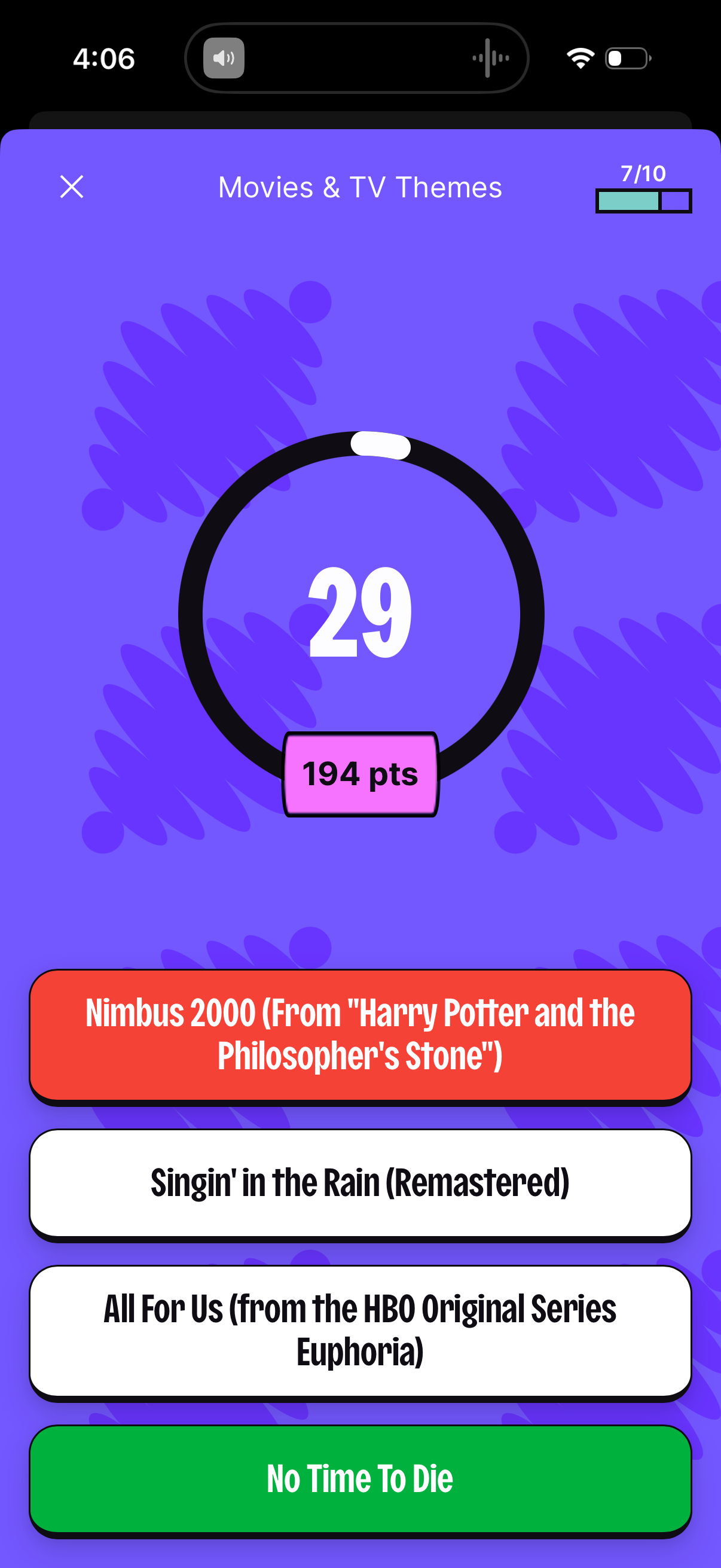
Movie and TV themed trivia quiz question screen showing a countdown timer and current score, with multiple-choice answer buttons for selecting the correct option. Includes quiz progress indicator for the current question and a close button to exit the quiz.
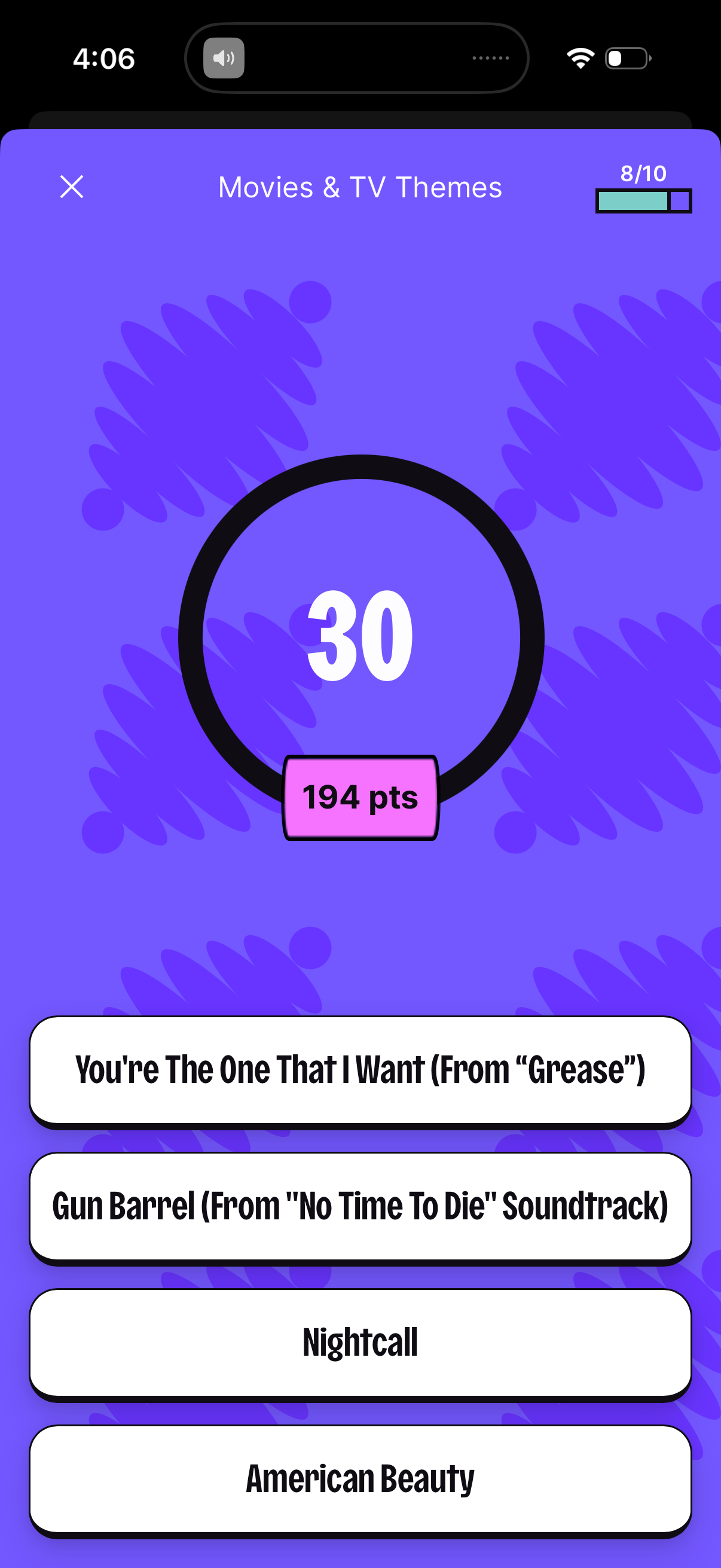
A music trivia quiz question screen themed “Movies & TV Themes” showing a countdown timer, current points, and progress through the quiz. Users select one of four multiple-choice song/title answers to respond before time runs out, with an option to close the quiz.
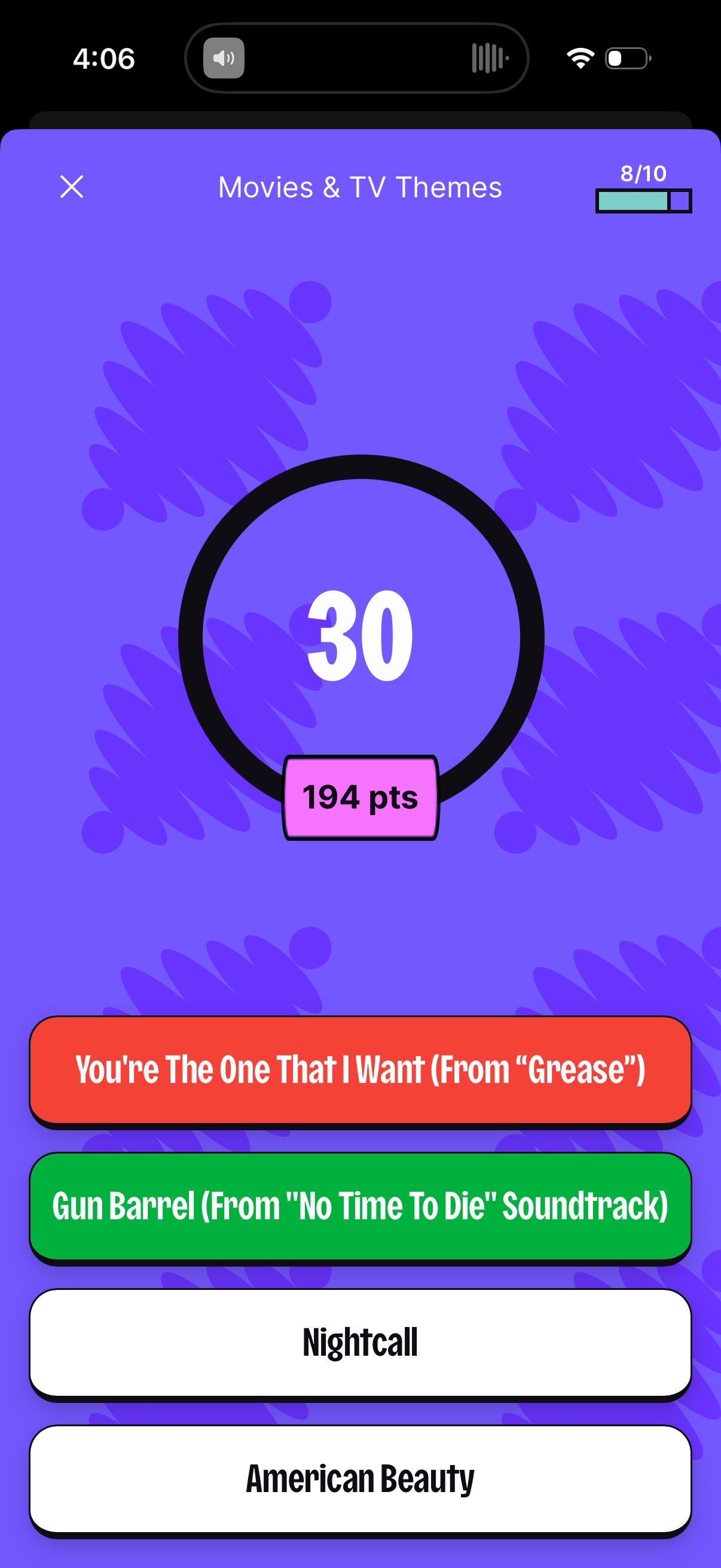
Trivia quiz question screen for a “Movies & TV Themes” category showing a countdown timer and current points, with a progress indicator for question number. Users select one of multiple-choice answer buttons for the theme/song title, with a close button to exit the quiz.
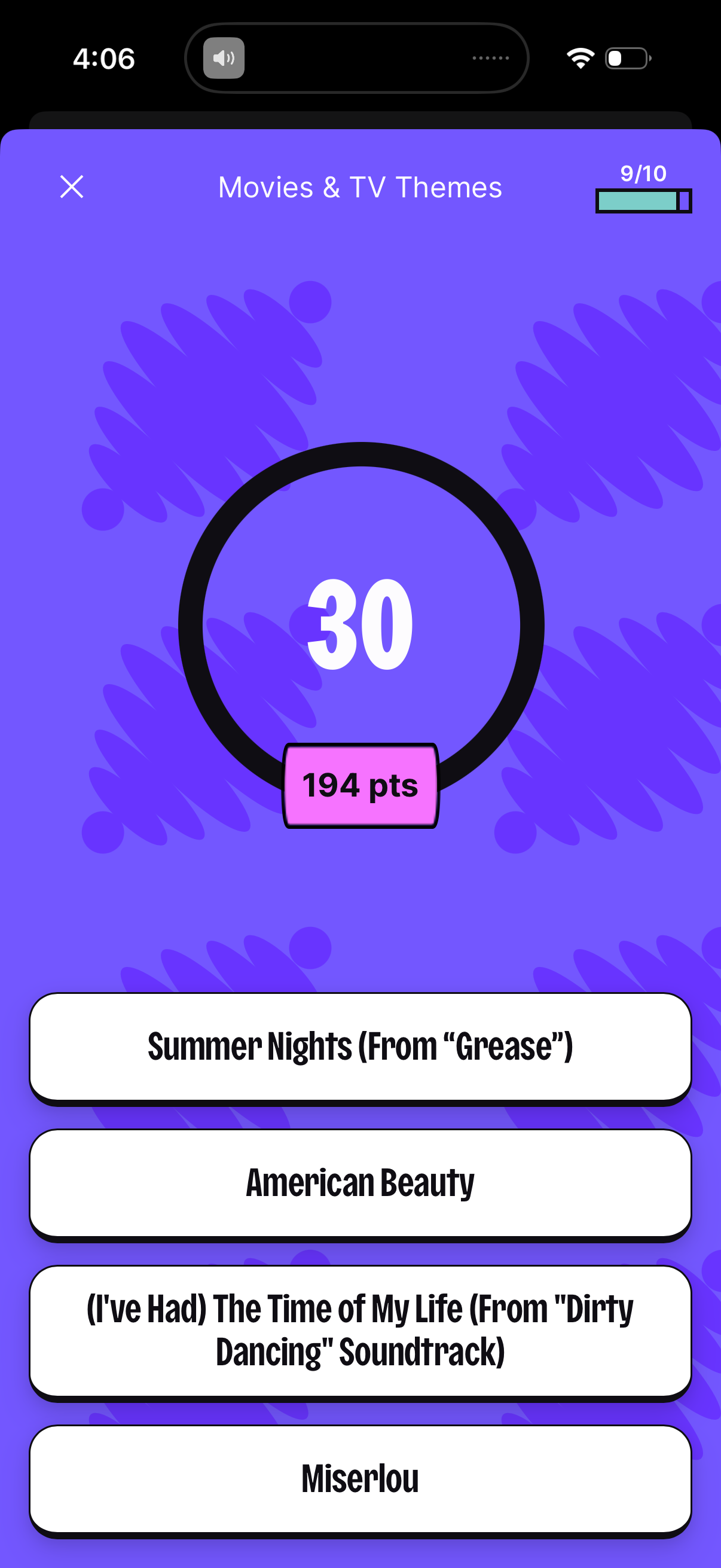
Multiple-choice trivia quiz question screen for a “Movies & TV Themes” category showing a countdown timer, current points score, and a progress indicator for question 9 of 10. Users select one of four large answer options, with an X button to exit the quiz.
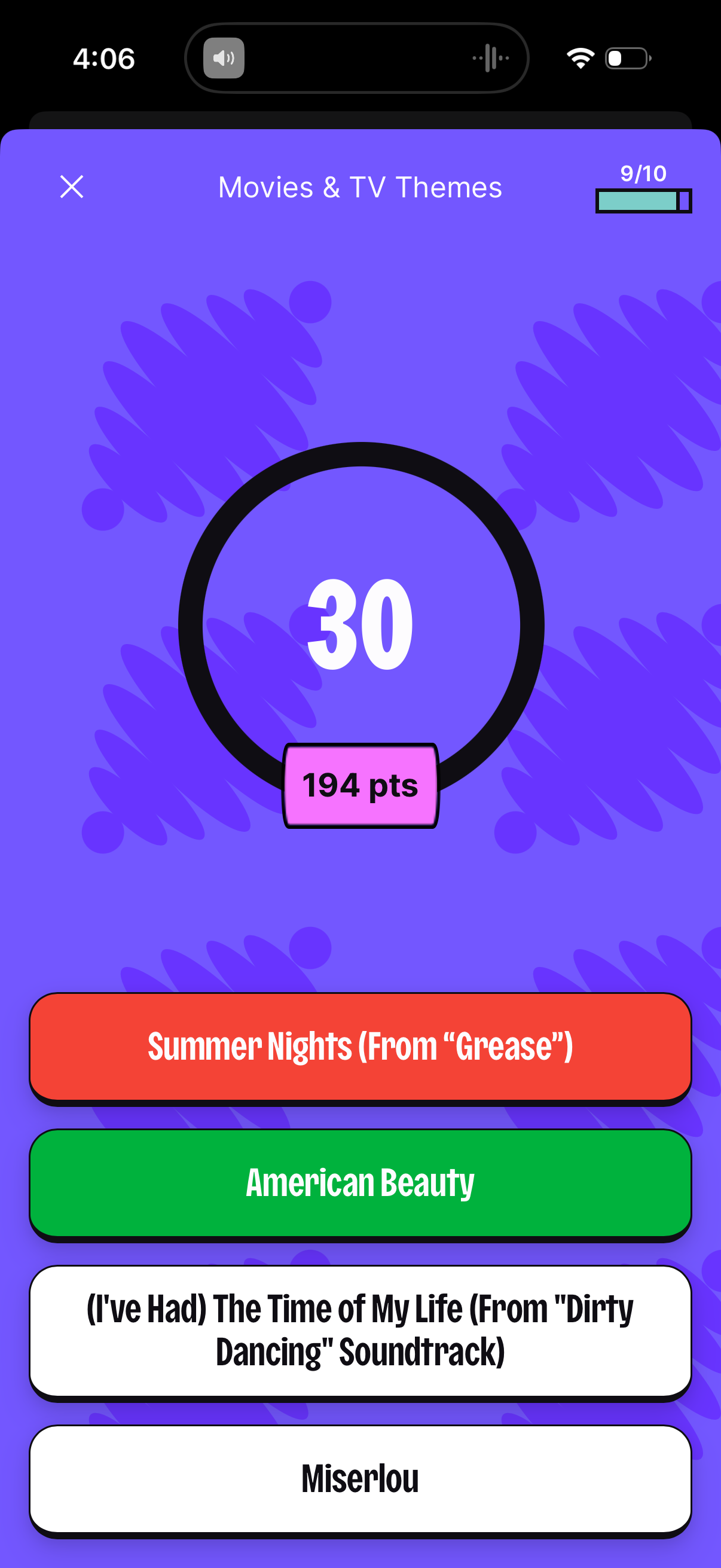
A multiple-choice trivia quiz question screen for the “Movies & TV Themes” category showing a large countdown timer, current score in points, and progress indicator (9/10). Users select one of four answer buttons and can exit via a close icon.
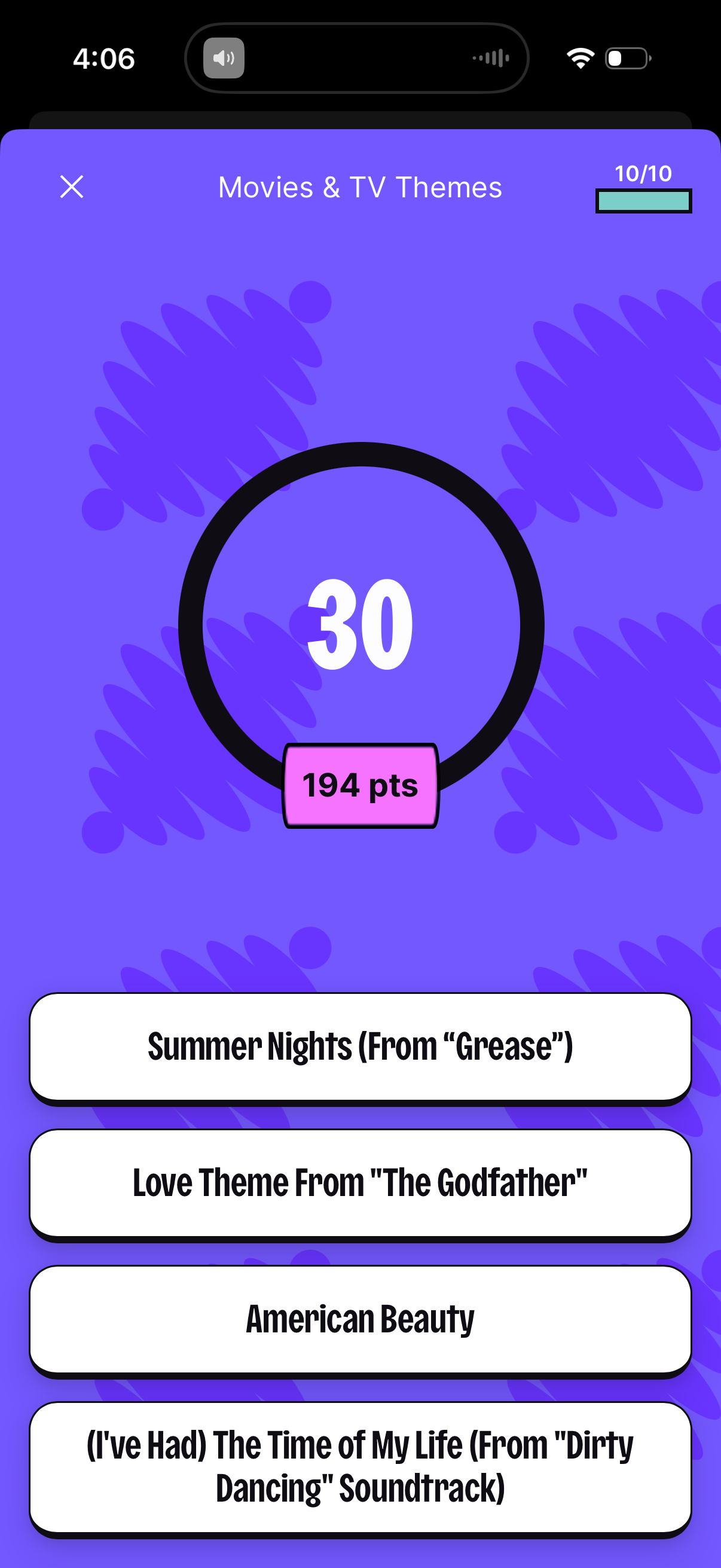
Multiple-choice trivia quiz question screen for “Movies & TV Themes” showing a countdown timer, points earned, and progress (question 10/10). Users select one of several answer options from a list, with an option to close/exit the quiz.
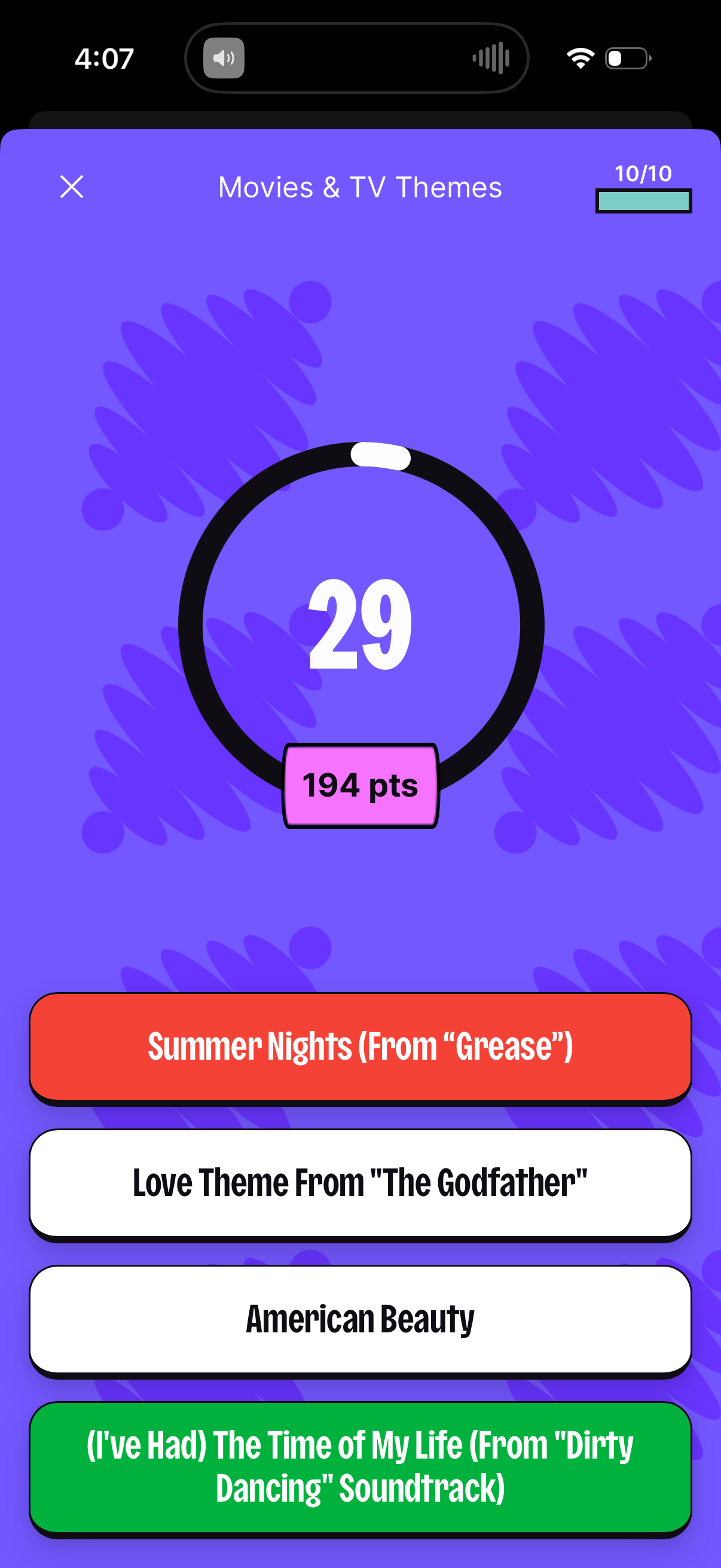
Trivia quiz question screen for a “Movies & TV Themes” category showing a circular countdown timer, current points earned, and question progress. Users select one of multiple answer choices in a large button list, with options color-coded to indicate correct/incorrect selections.
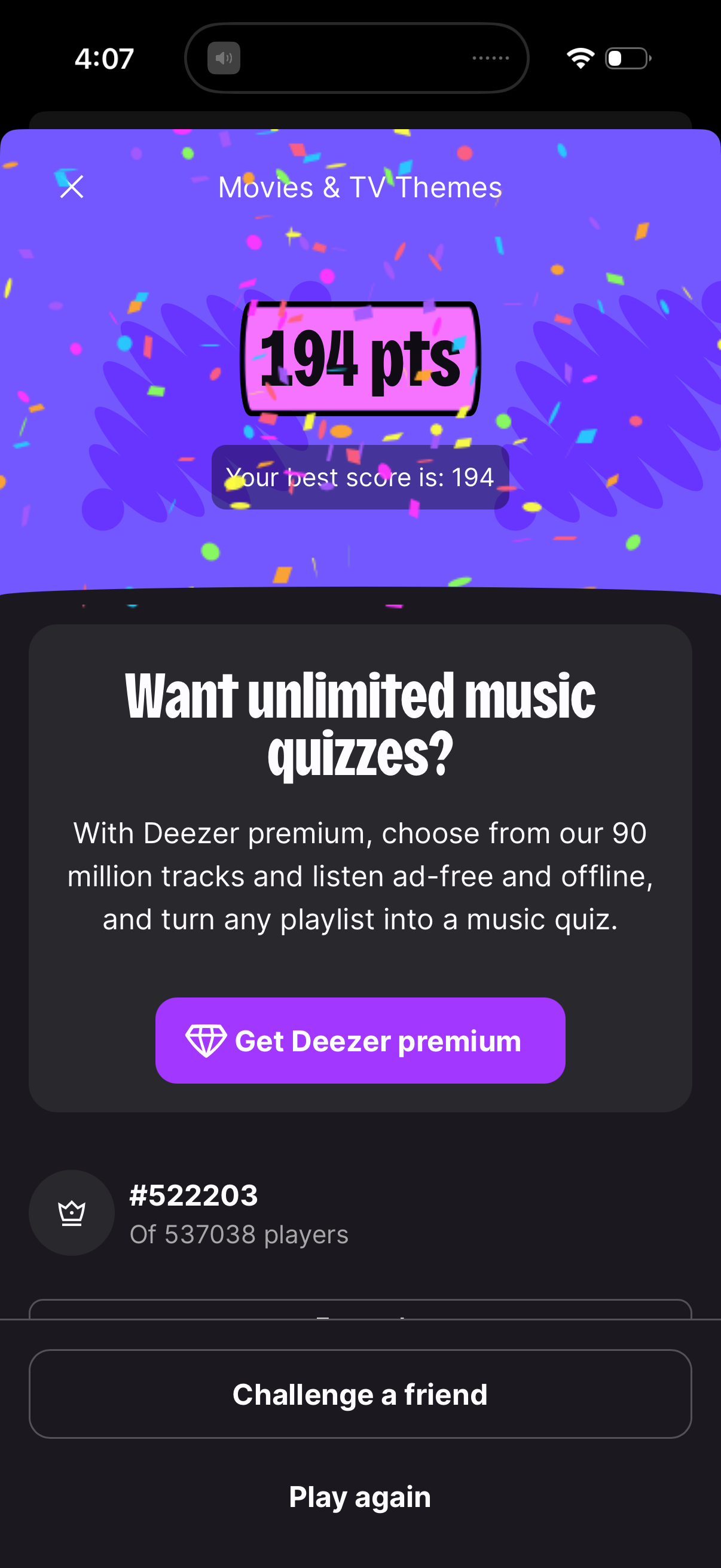
Game results screen for a music quiz category showing a celebratory score summary with the user’s points and best score. Includes a promotional upsell card to upgrade to premium for unlimited quizzes plus primary actions to challenge a friend or play again, along with a leaderboard rank snippet.