start mini puzzle
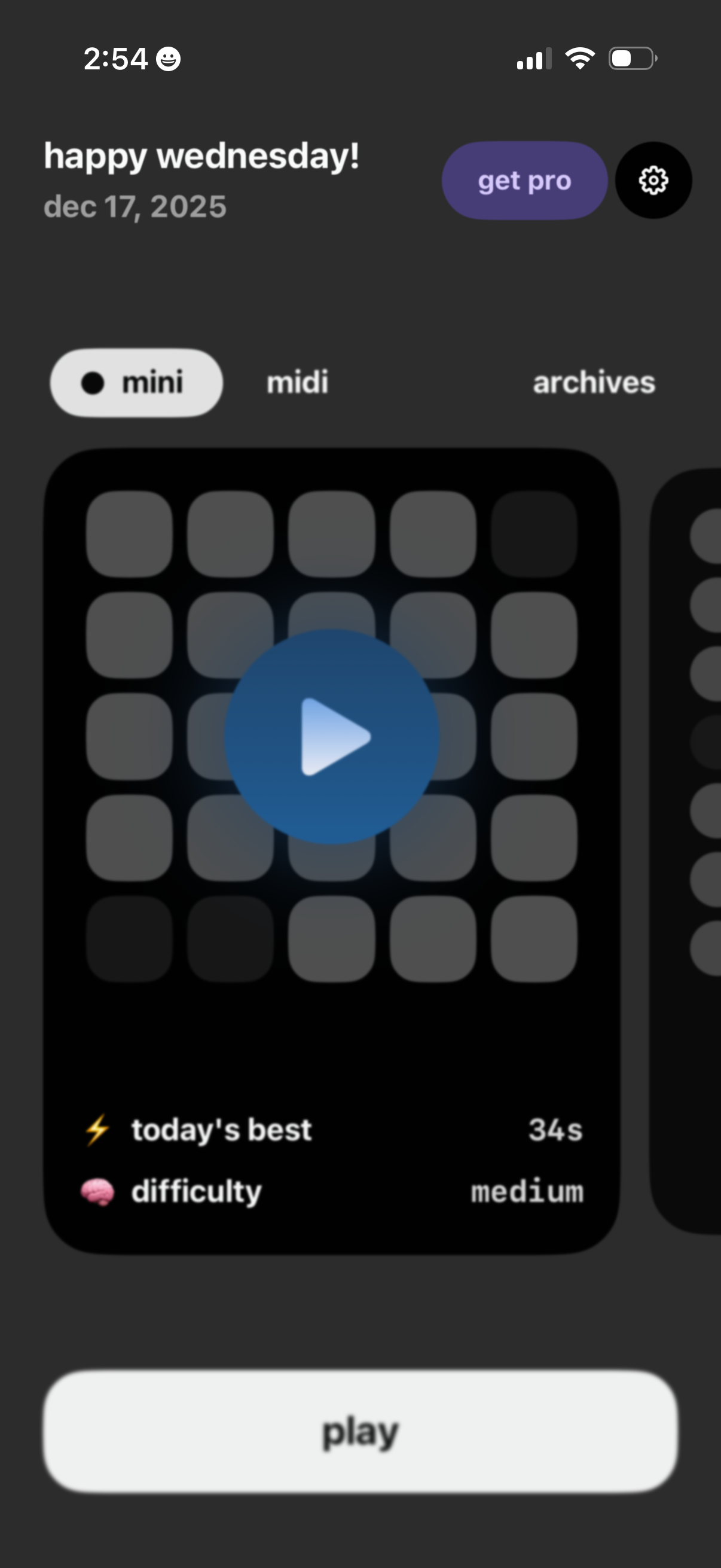
Home screen of a daily puzzle game showing a greeting and date with segmented modes (mini, midi) and an archives tab. The main card previews today’s puzzle with a large play icon, duration and difficulty indicators, plus a primary “Play” button and options to upgrade to Pro or open settings.
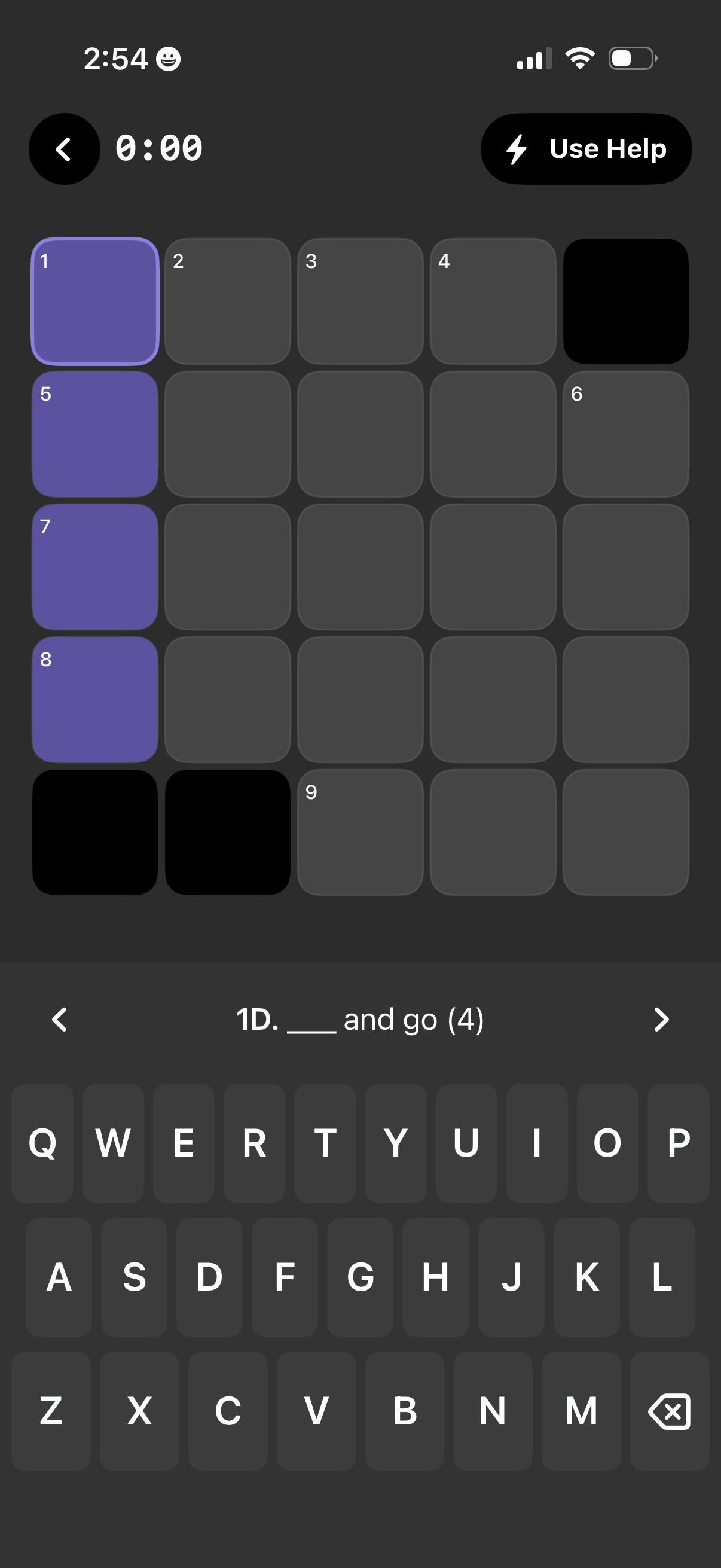
Mobile crossword puzzle solving screen with a grid of numbered squares, some filled/highlighted for the active clue, and a clue prompt with blank answer length shown above the on-screen keyboard. Top controls include a back button, timer, and a “Use Help” hint action, with arrows to navigate between clues.

Mobile crossword-style word puzzle game screen with a numbered grid and filled letters, showing a clue prompt (“___ and go (4)”) above the on-screen keyboard for typing the answer. Includes a back button, elapsed time, and a “Use Help” hint button for assistance.