Sign up
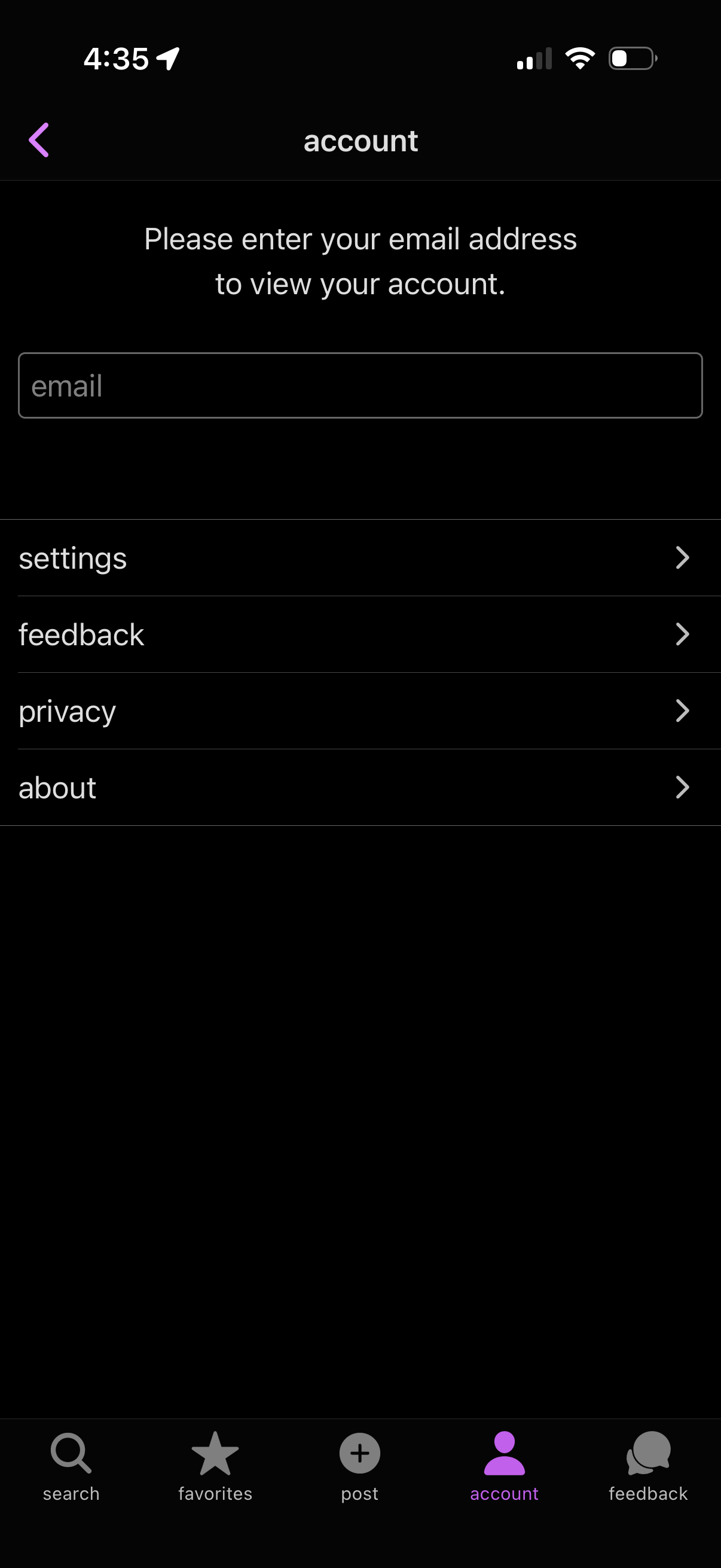
Account/profile screen prompting the user to enter an email address to view their account, with a single email input field. Below are navigational menu items linking to Settings, Feedback, Privacy, and About, plus a bottom tab bar for search, favorites, post, account, and feedback.
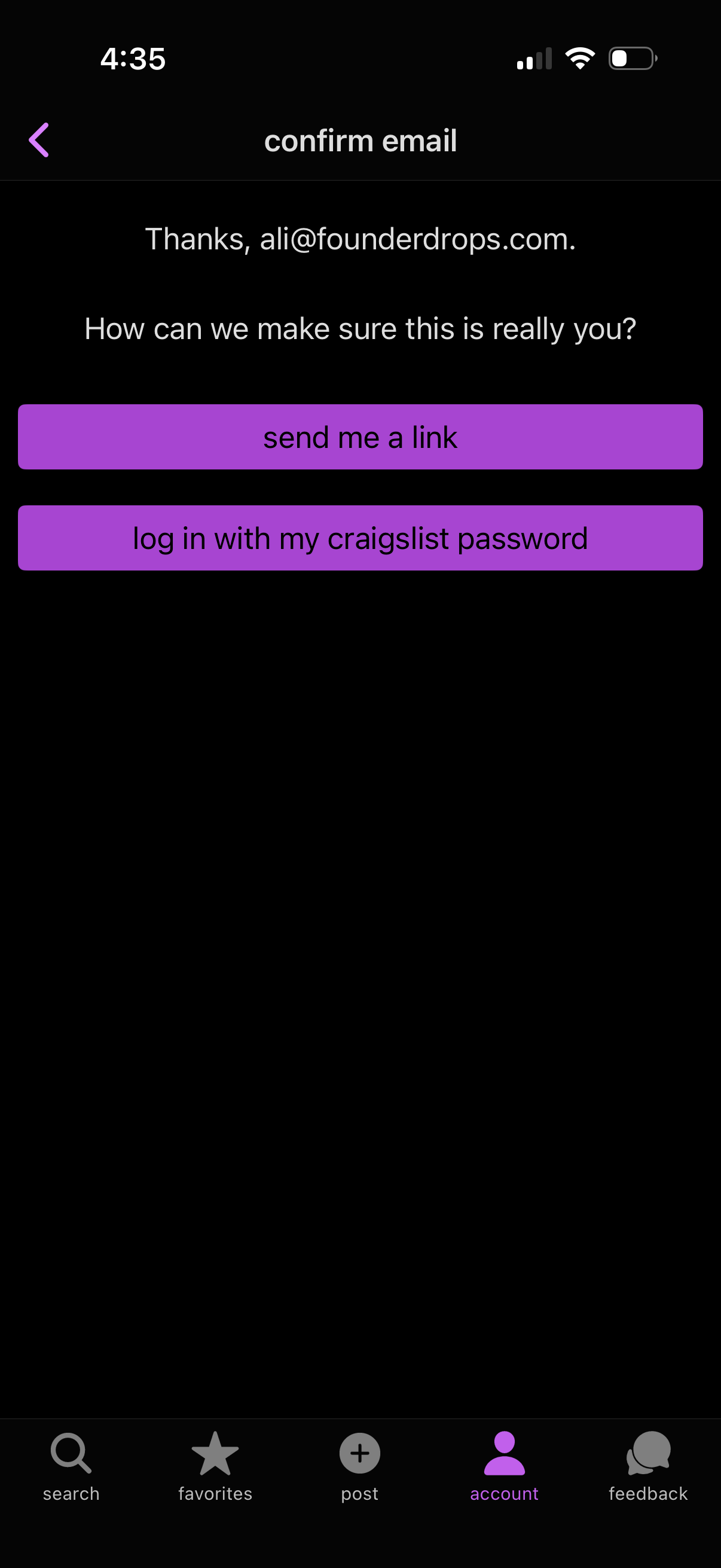
Email confirmation screen in an account login flow asking the user to verify identity, offering two actions: send a magic link to the email address or log in with the account password. Includes back navigation and a bottom tab bar with account selected.
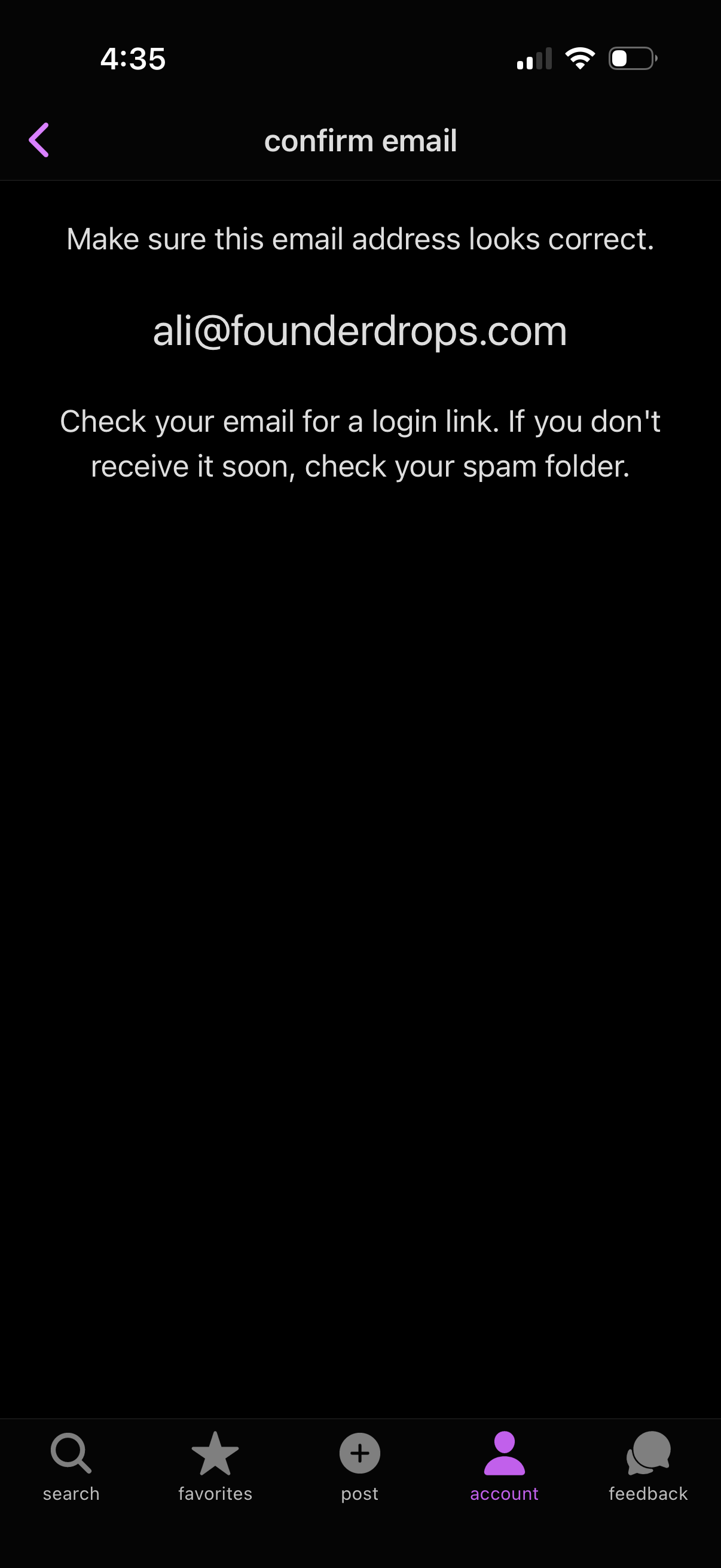
Email confirmation screen for passwordless login that asks the user to verify their email address and instructs them to check their inbox for a login link (and spam folder if not received). Includes a back arrow for navigation and a bottom tab bar with search, favorites, post, account, and feedback.
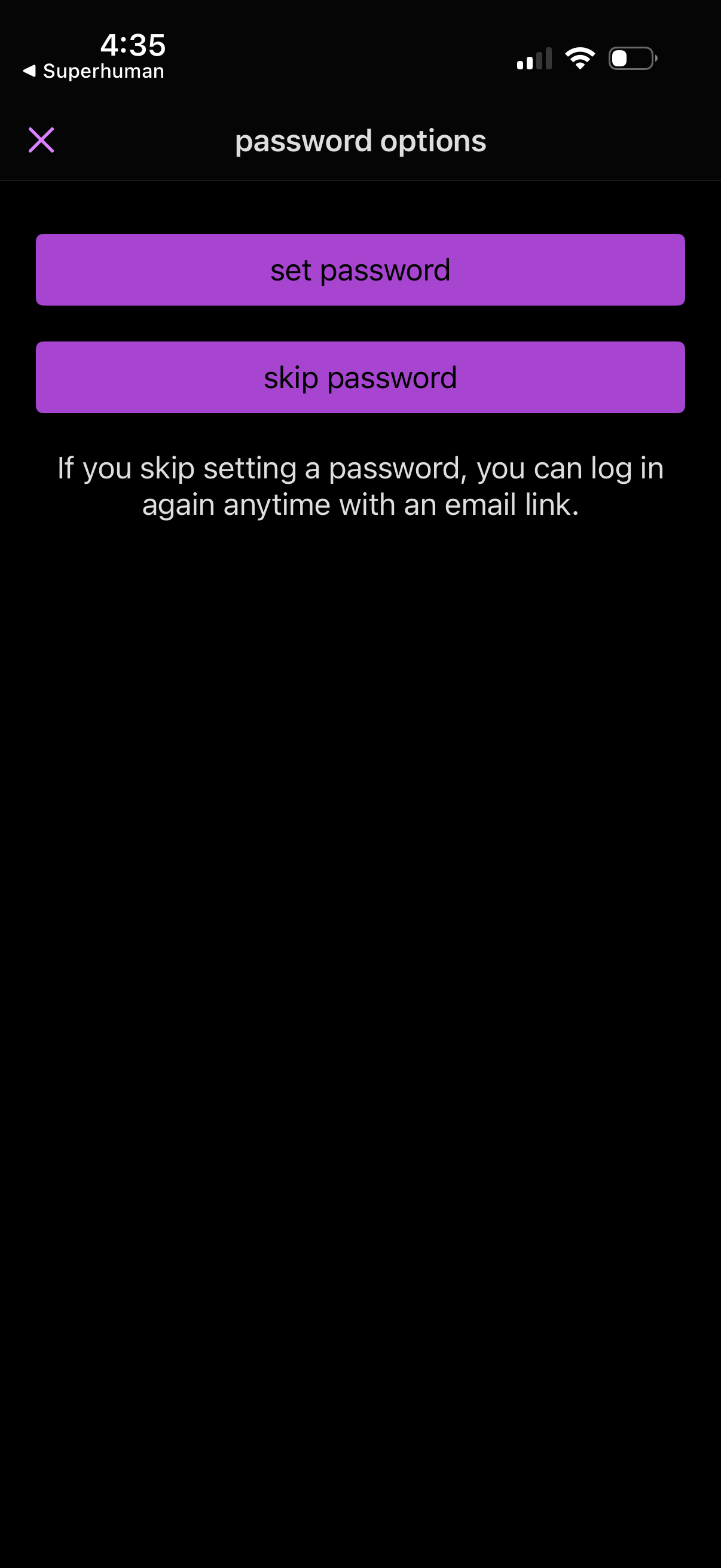
Authentication setup screen asking the user to choose password options, with primary actions to set a password or skip password creation. Includes helper text explaining that skipping allows future login via an email link.
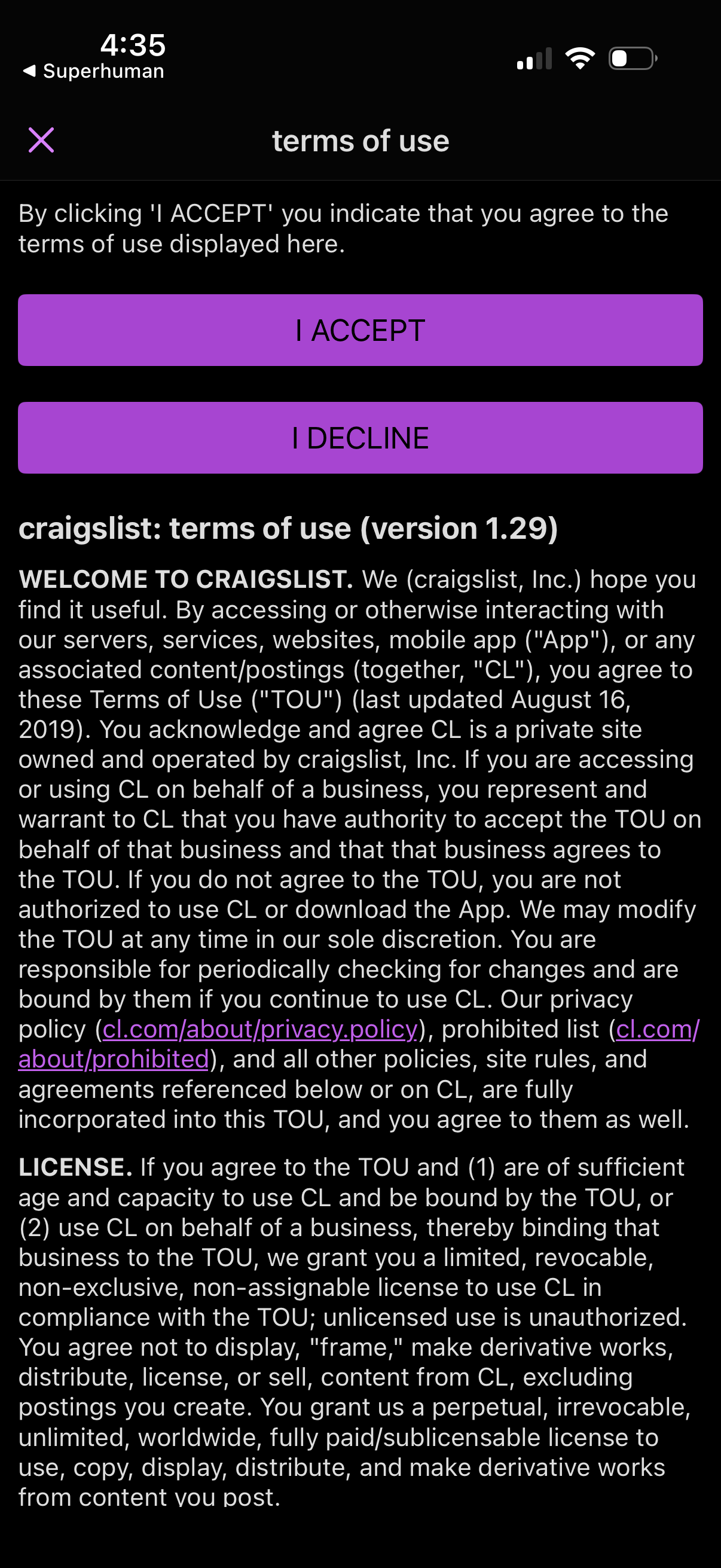
Terms of use agreement screen showing a scrollable legal text document and two primary actions to consent or reject, with large “I ACCEPT” and “I DECLINE” buttons plus a close icon to dismiss. Used during onboarding or first launch to capture user acceptance of app terms before continuing.