share publish or export
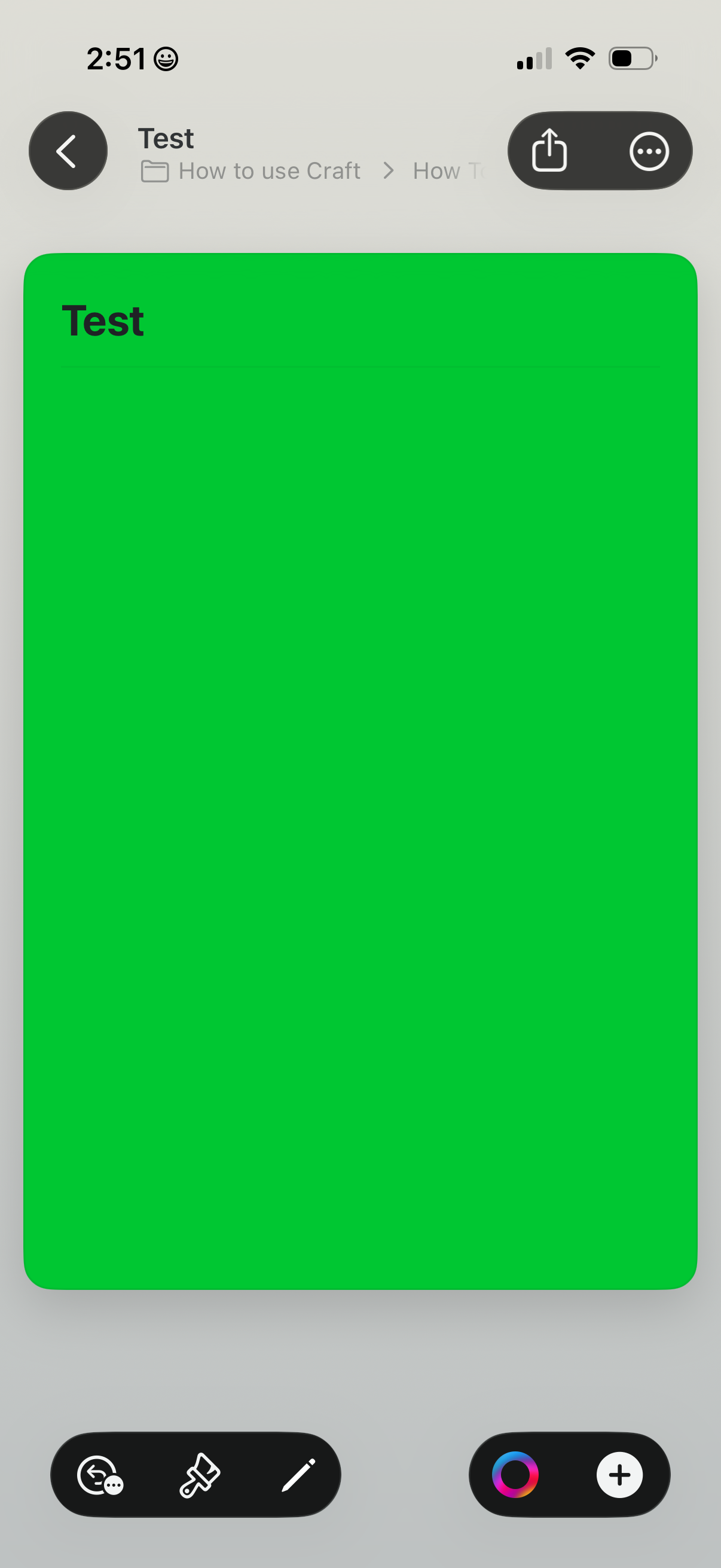
Document or note viewing screen showing a single page titled “Test,” with a back button and a top-right share menu for exporting or more options. A bottom editing toolbar provides actions like comments/feedback, paint/formatting tools, and adding new elements.
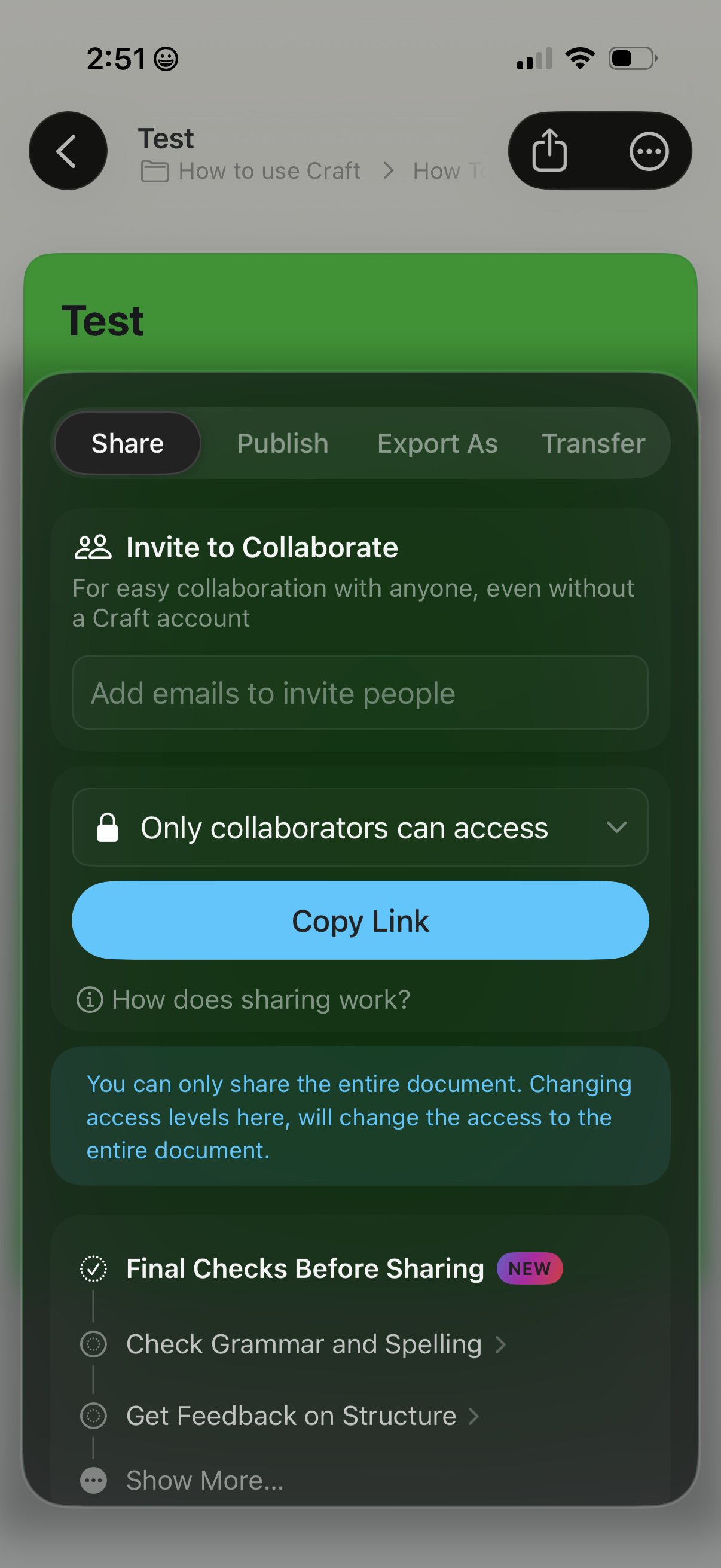
Document sharing and collaboration settings screen with tabs for Share, Publish, Export As, and Transfer. Users can invite collaborators via email, set access permissions (e.
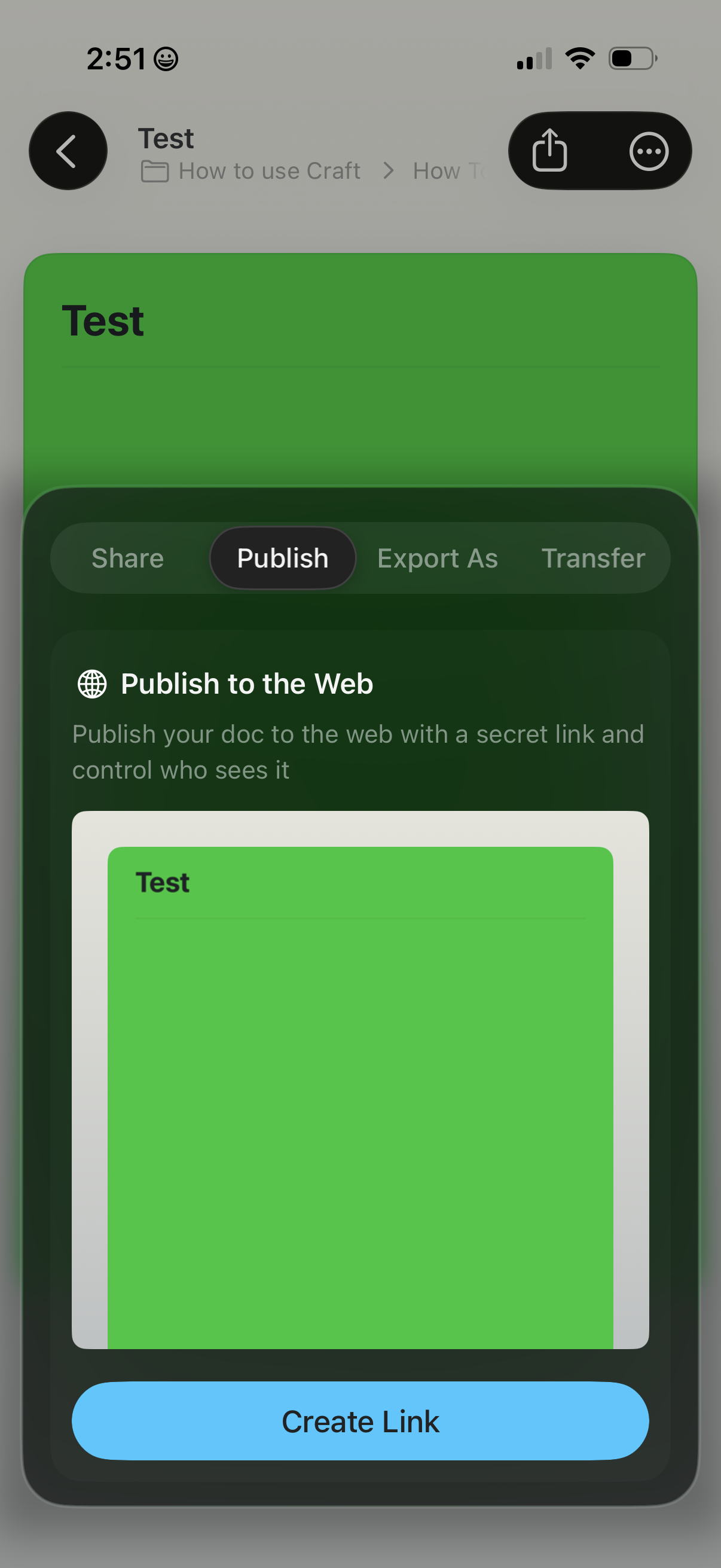
Document editor share sheet focused on publishing a document to the web, with tabs for Share, Publish, Export As, and Transfer. The “Publish to the Web” panel explains creating a secret link with audience control and includes a preview plus a primary “Create Link” action.
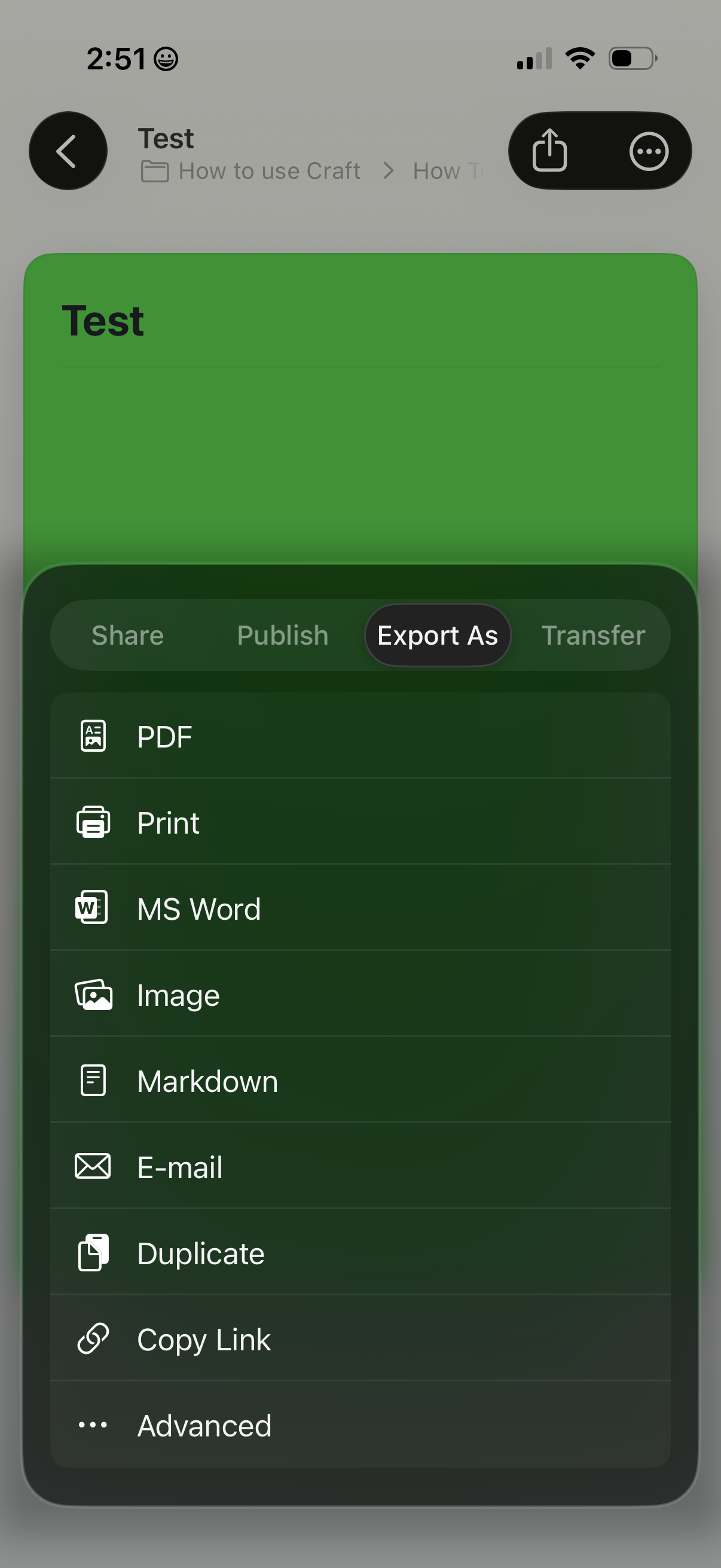
Document sharing/export bottom sheet showing an “Export As” tab with options to export a note as PDF, print, MS Word, image, Markdown, or email. It also provides actions to duplicate the document, copy a share link, and access advanced export settings, alongside tabs for Share, Publish, and Transfer.
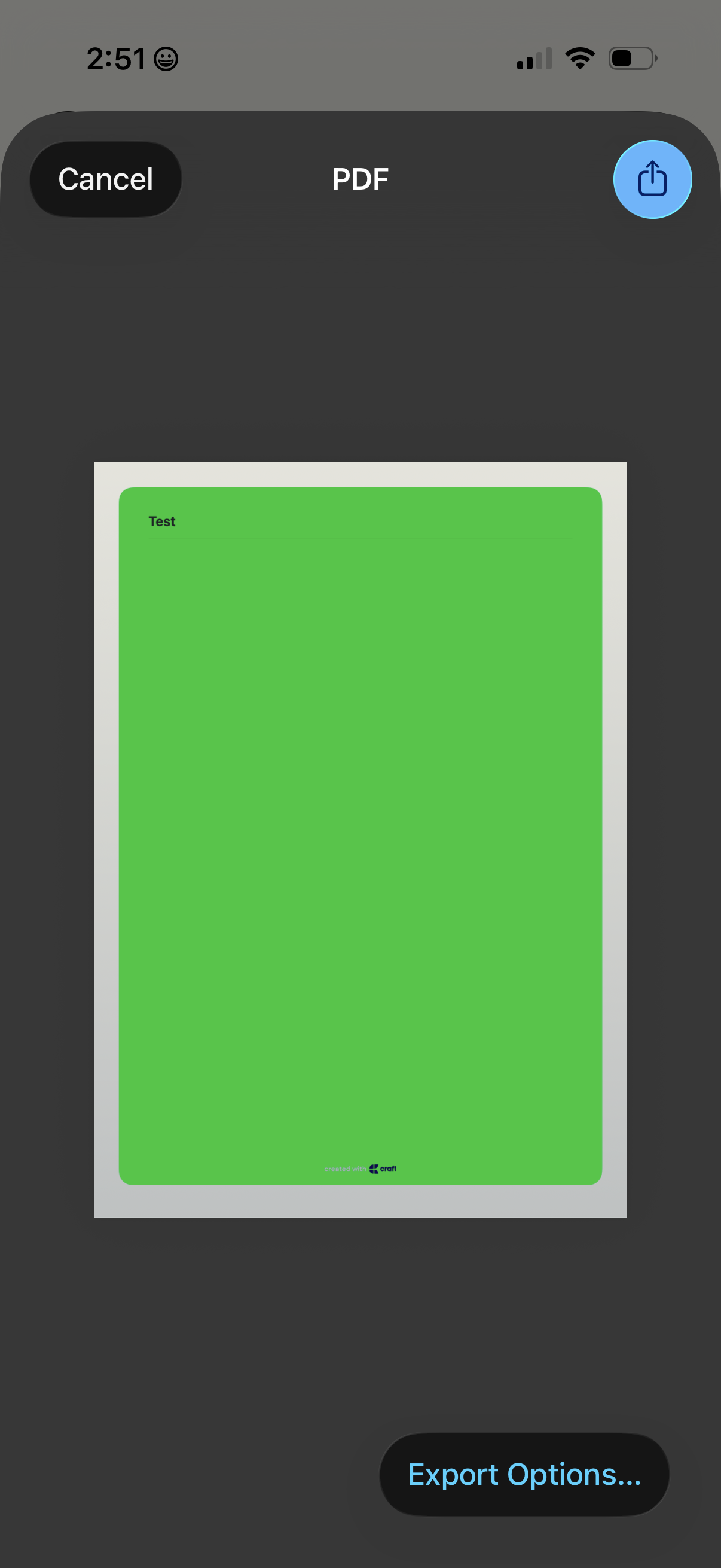
A PDF preview screen showing a single-page document in a viewer, with actions to cancel/close, share/export via the system share button, and open “Export Options” for saving or exporting the file.
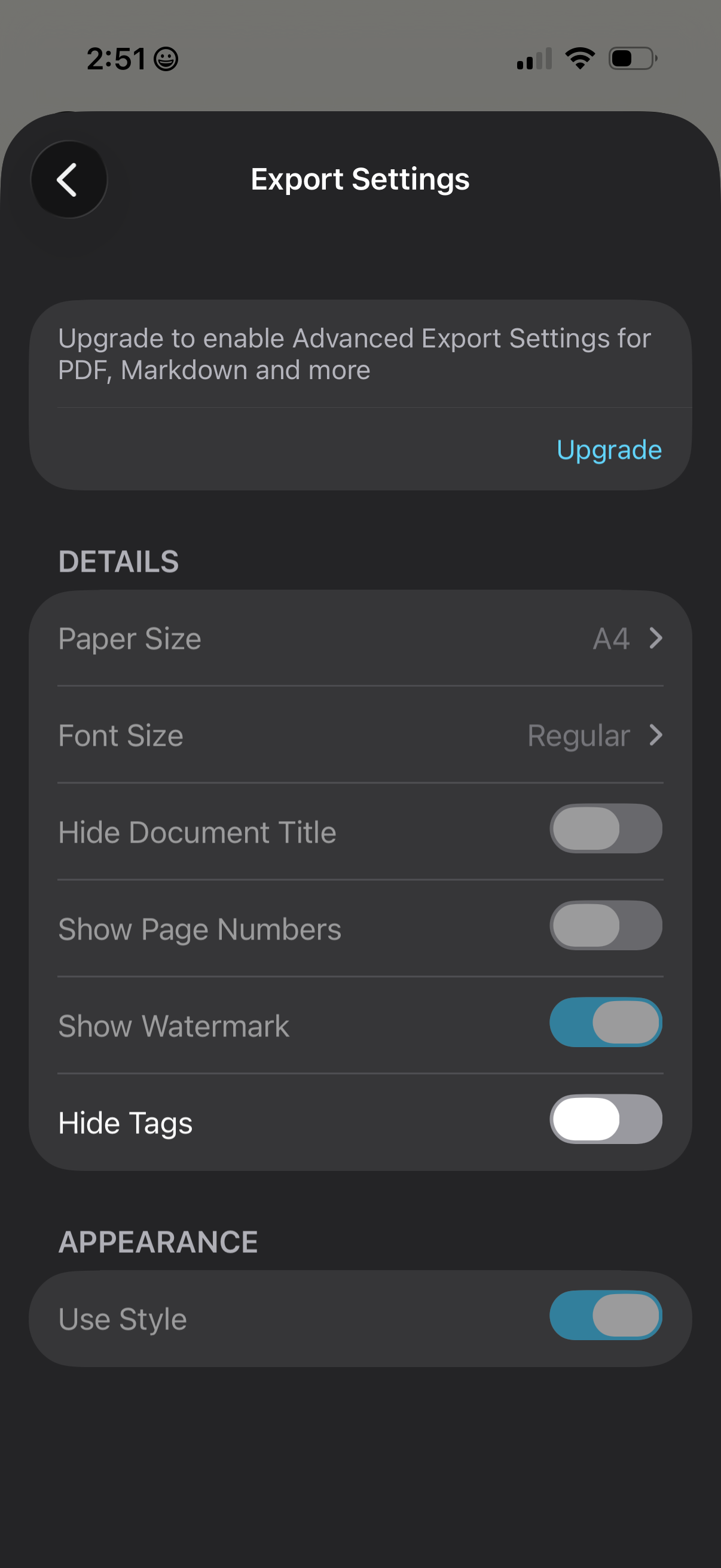
Export settings screen for document/PDF export, with a premium upgrade prompt to unlock advanced export formats. Lets users configure output details like paper size and font size plus toggles for hiding the document title, showing page numbers, watermark, and tags, as well as an appearance option to use a style.
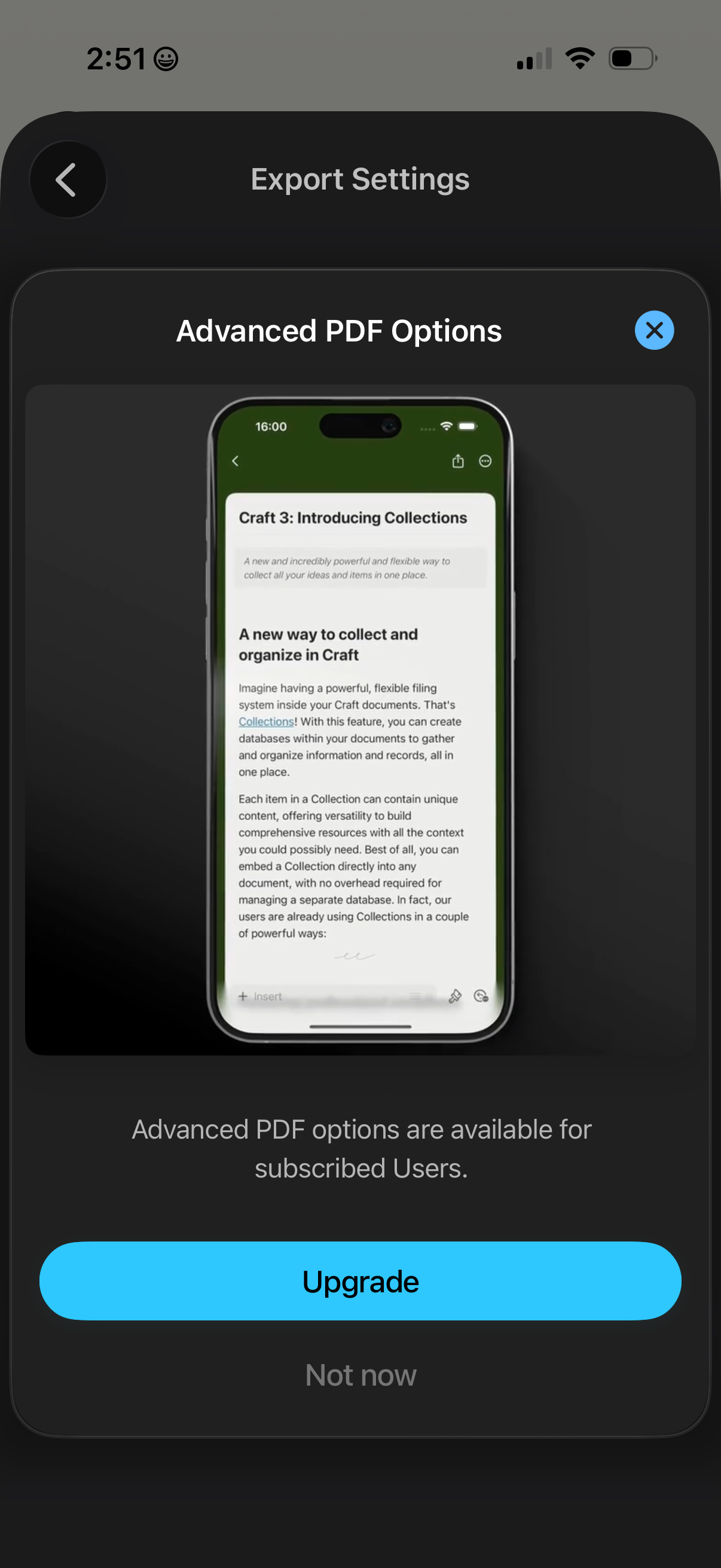
Modal paywall shown from Export Settings when accessing Advanced PDF Options, explaining the feature is only for subscribed users. Primary action is a prominent Upgrade button with secondary Not now and close controls to dismiss.
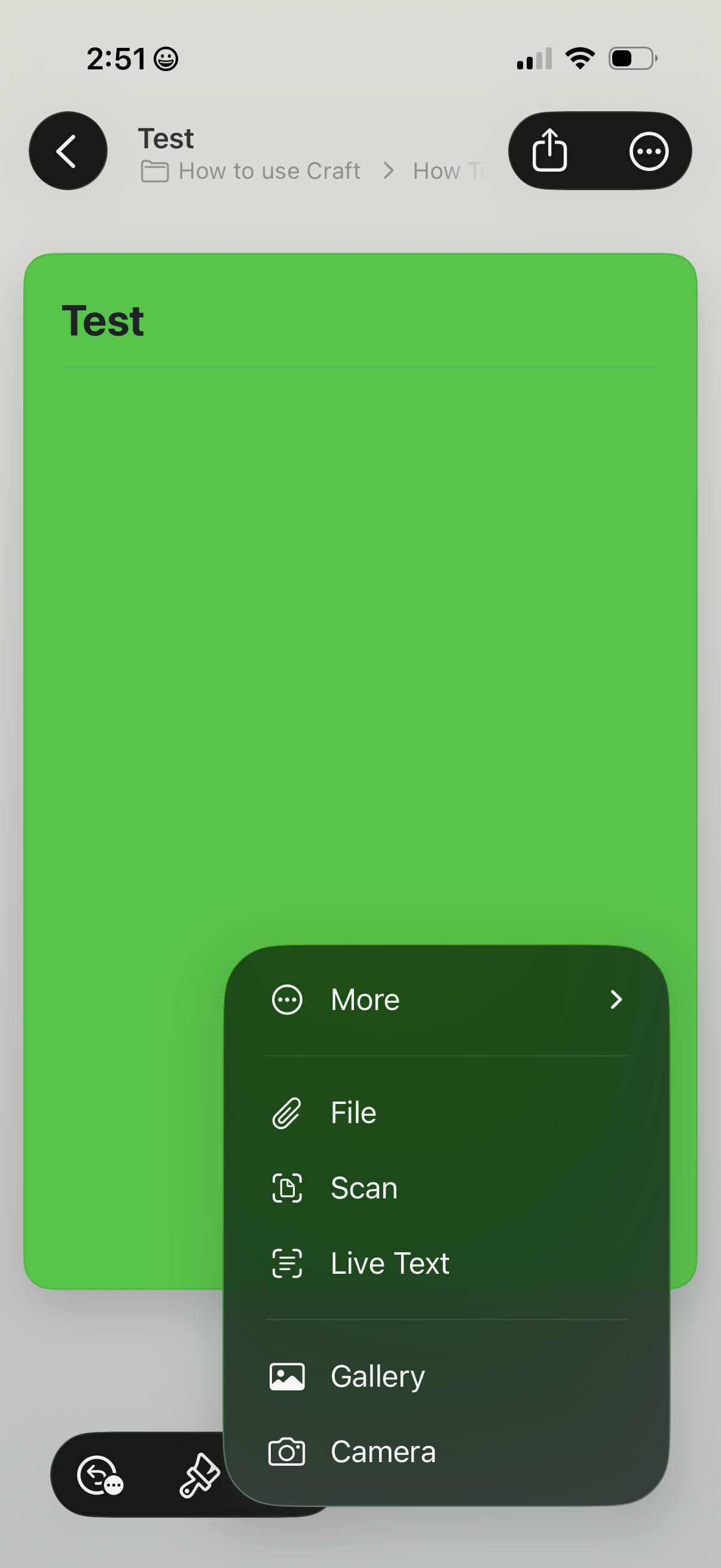
Document or note editor screen with a floating “More” action sheet opened, offering attachment and import options like File upload, Scan, Live Text capture, Gallery, and Camera. Top navigation includes back, share, and overflow menu controls for document actions.
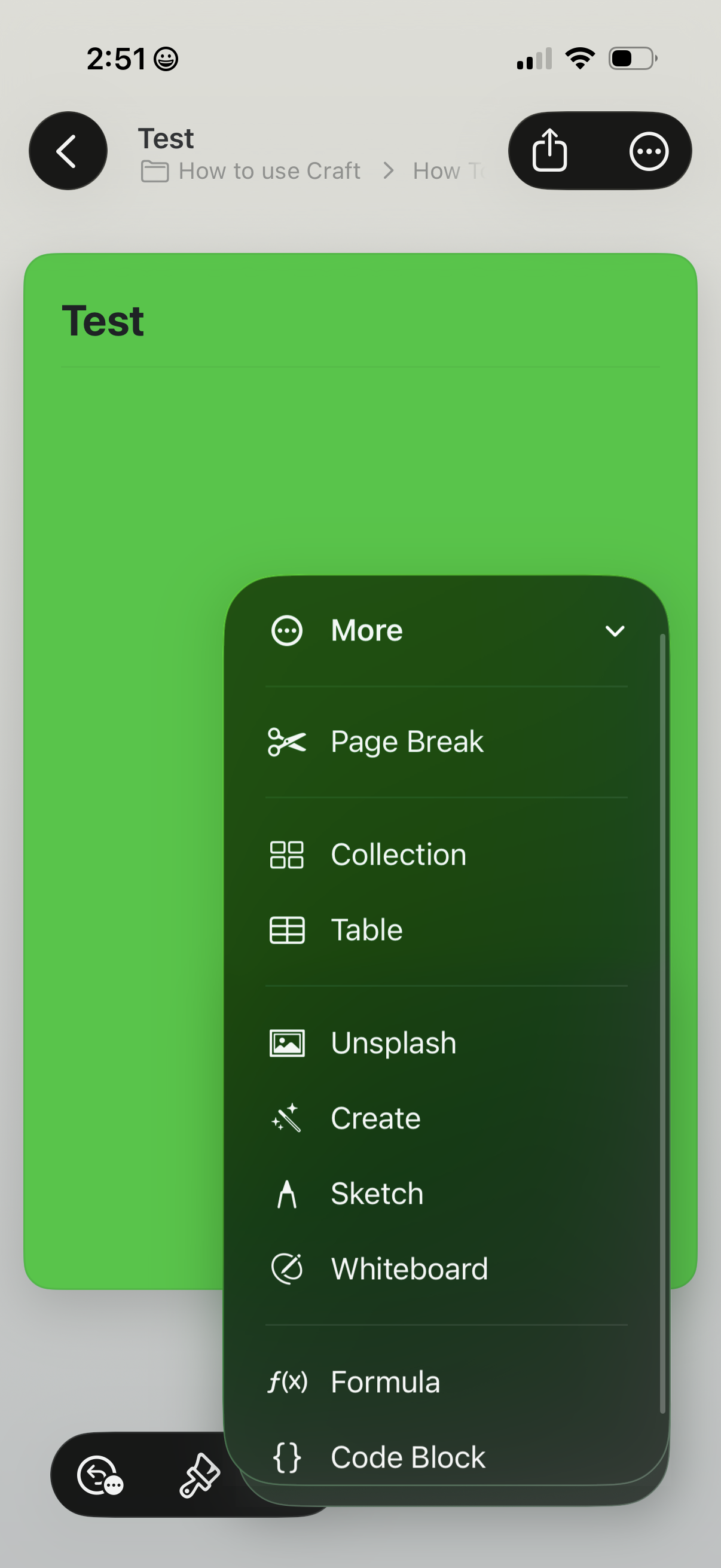
A document editor screen showing a note page with a “More” overflow menu opened as a bottom sheet. The menu provides insert and creation actions like Page Break, Collection, Table, add images via Unsplash, Create, Sketch, Whiteboard, Formula, and Code Block, with share and additional options in the top bar.
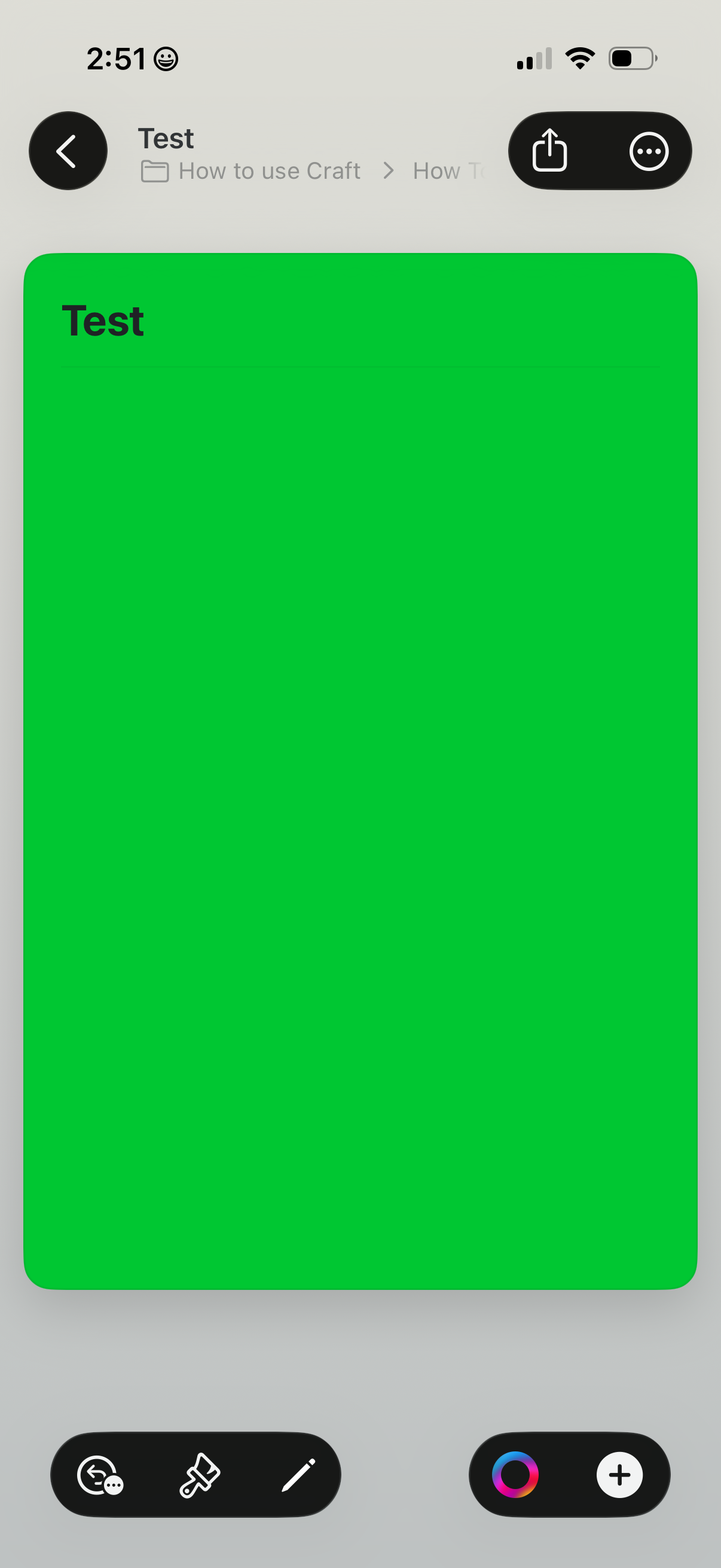
Document editor canvas showing a large colored page block with a title, with top navigation for back, sharing, and more options. Bottom toolbars provide editing actions like formatting/paint tools, pen or drawing, color picker, and add/insert button.