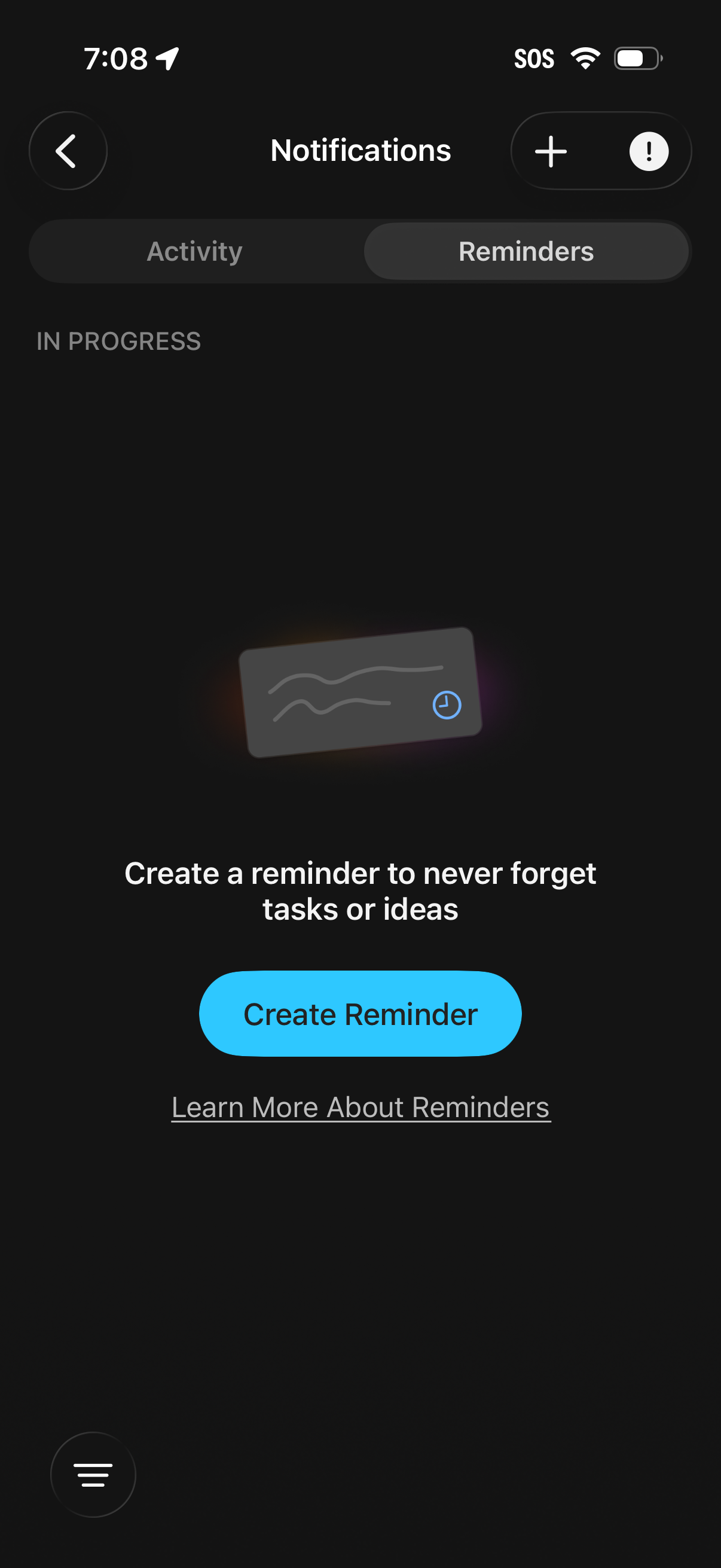
Notifications screen with segmented tabs for Activity and Reminders, currently on the Reminders empty state. Prompts the user to create a reminder with a primary “Create Reminder” CTA, plus a link to learn more and top actions to add/manage notification settings.
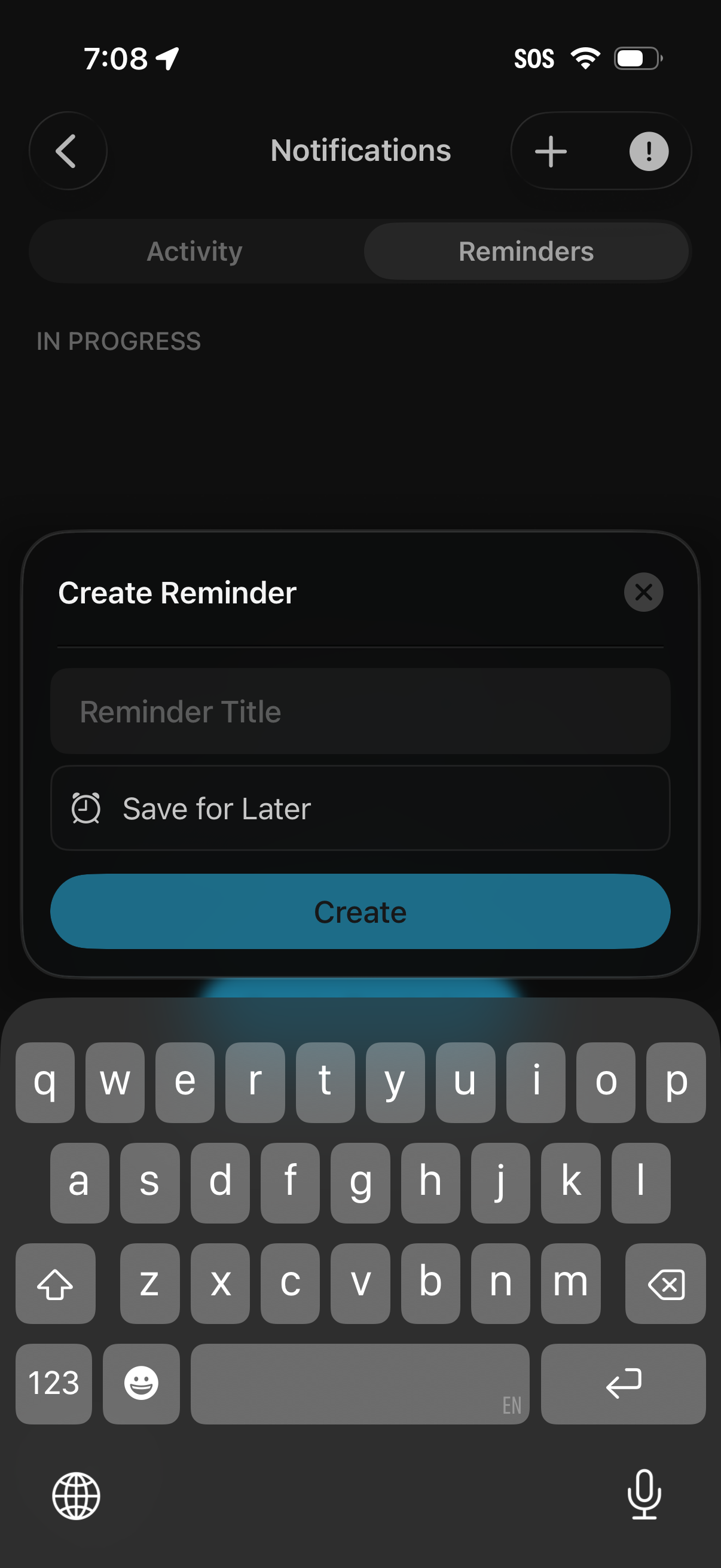
Notifications screen with Activity and Reminders tabs, showing a bottom-sheet modal to create a new reminder. The form includes a reminder title field, an optional “Save for Later” toggle, and primary Create and close actions with the keyboard open for text entry.
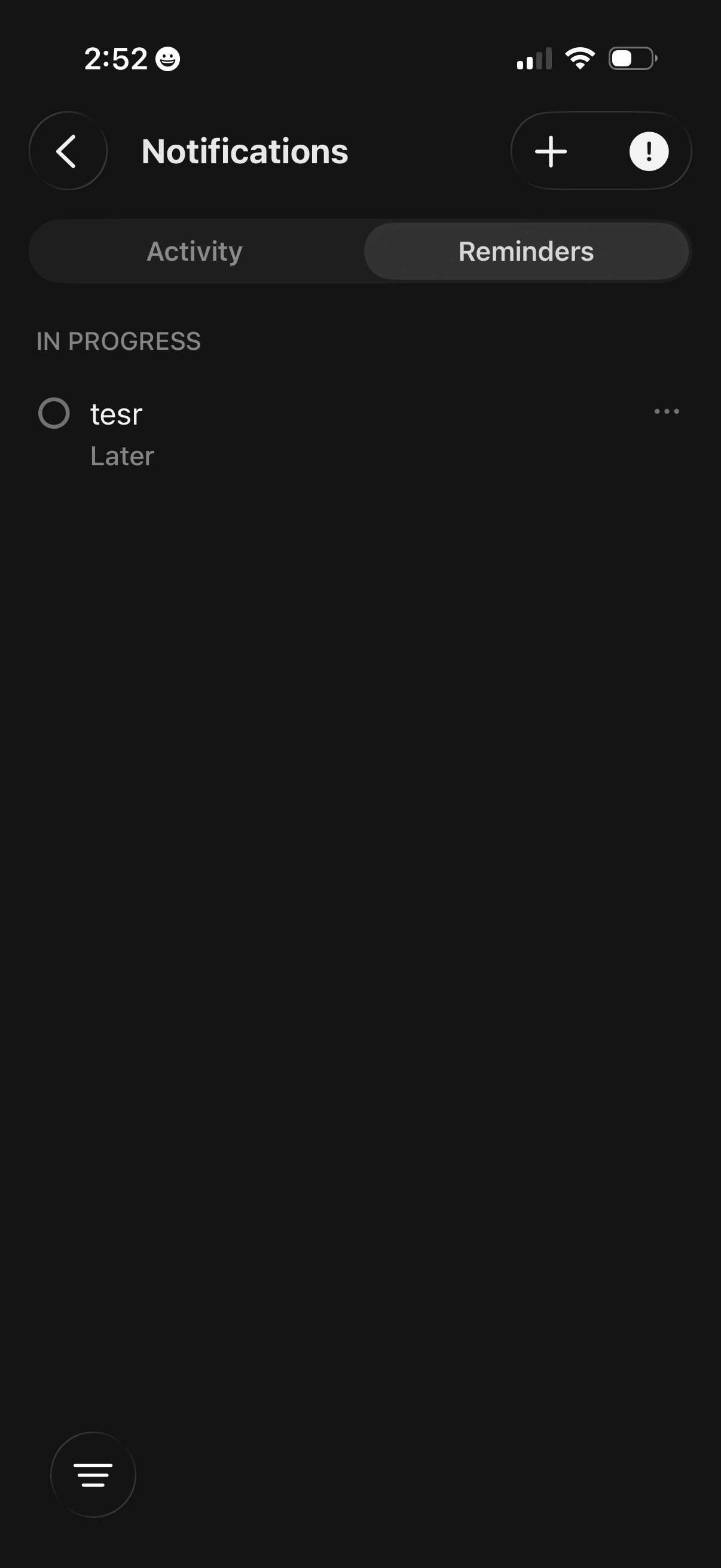
Notifications inbox screen with tabs to switch between Activity and Reminders, showing an in-progress reminder item with a status label and overflow actions. Top controls include back navigation and buttons to add a new notification/reminder and access notification options.