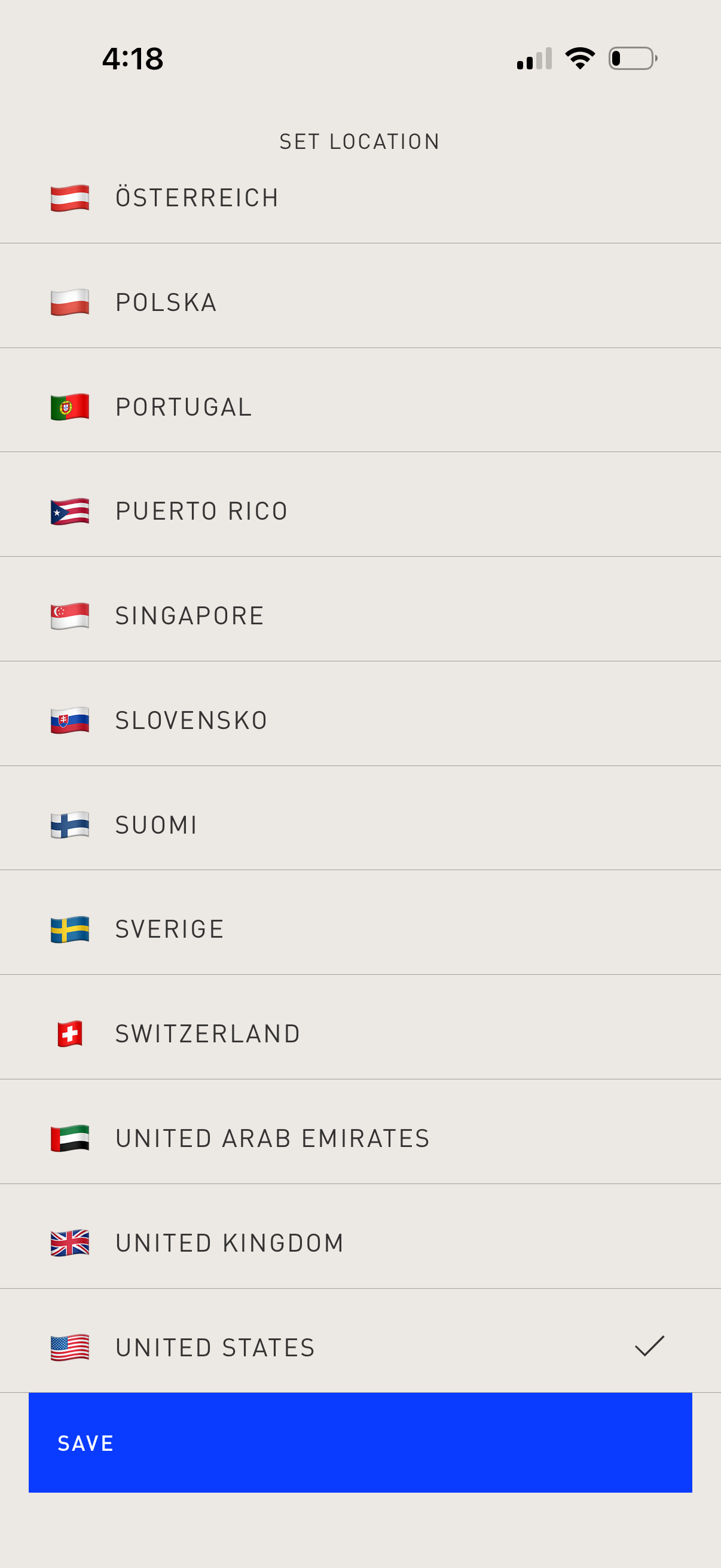
Location selection settings screen that lets users set their country/region by choosing from a scrollable list with flag icons and a checkmark indicating the current selection. A prominent Save button at the bottom confirms and applies the chosen location.

Full-screen confirmation success state with a bold “CONFIRMED” message repeated across the screen, indicating an action or booking has been completed. No secondary details or buttons are shown, serving as a simple post-action confirmation screen.
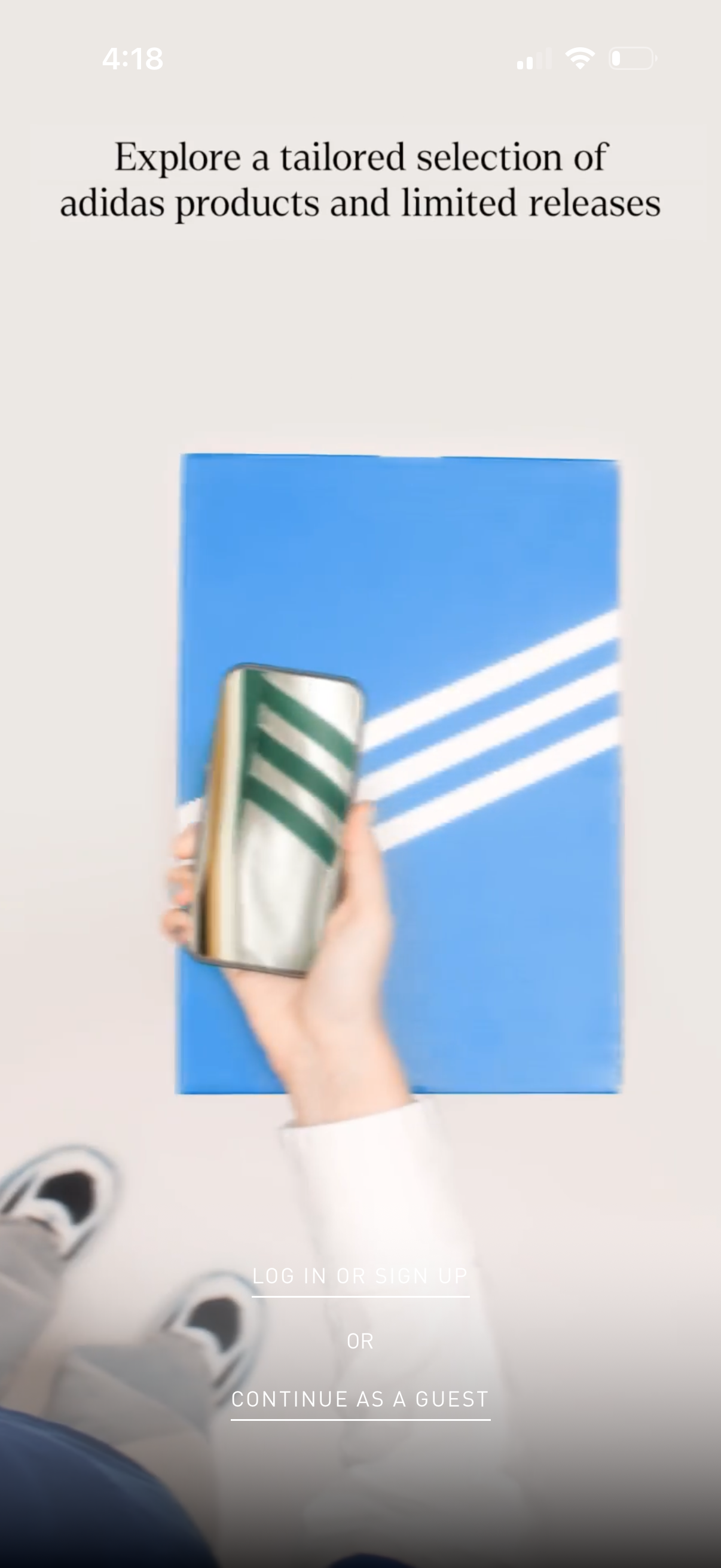
Onboarding/marketing splash screen for a shopping app promoting a tailored selection of products and limited releases. Provides entry actions to log in or sign up, or continue as a guest.
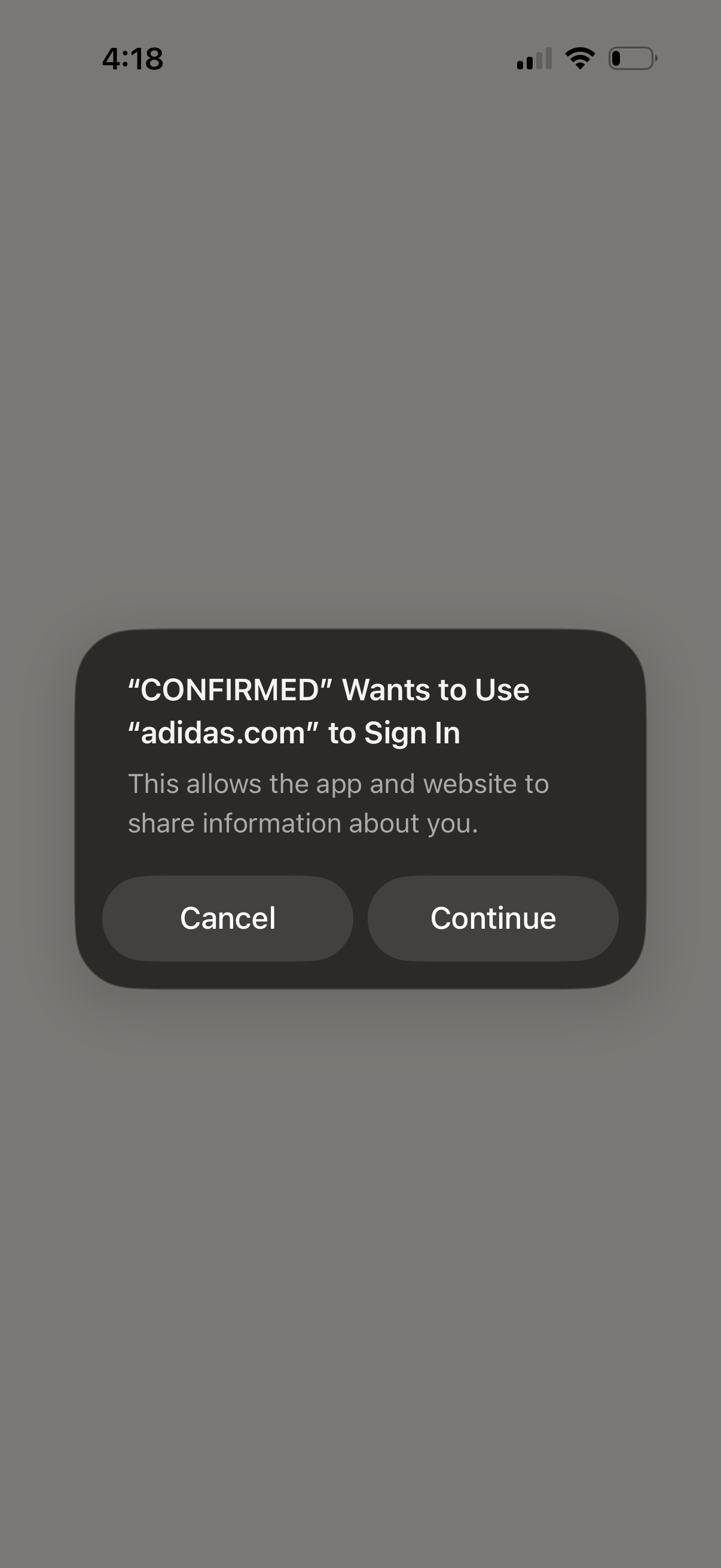
System modal confirming a third-party web login/SSO flow, asking permission for the app to use an external website domain to sign in and share account information. Primary actions are Cancel or Continue to proceed with authentication.
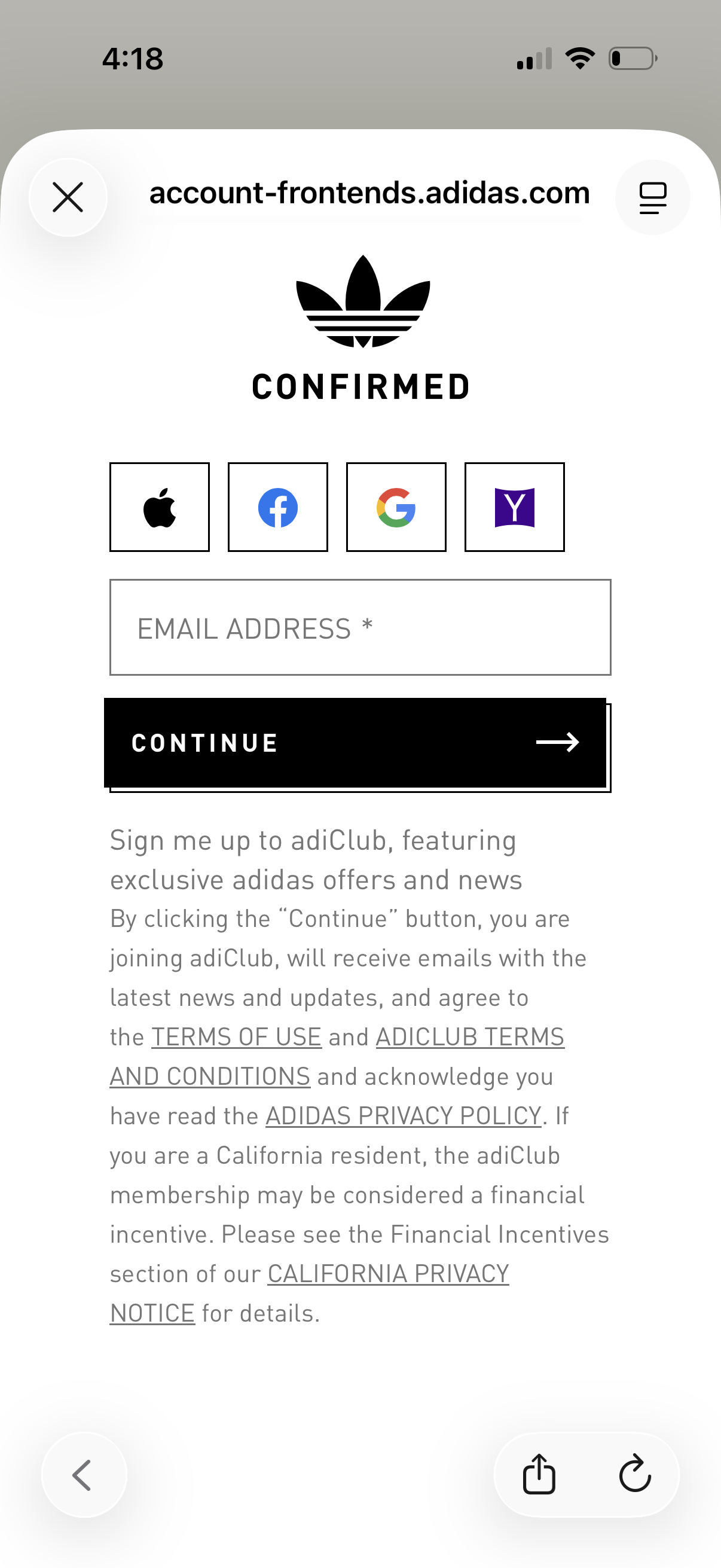
Account sign-in / registration screen for an ecommerce app that lets users continue by entering an email address or using social login providers (Apple, Facebook, Google, Yahoo). Includes a primary Continue CTA plus opt-in copy for joining a loyalty/newsletter program and links to terms of use and privacy policy.
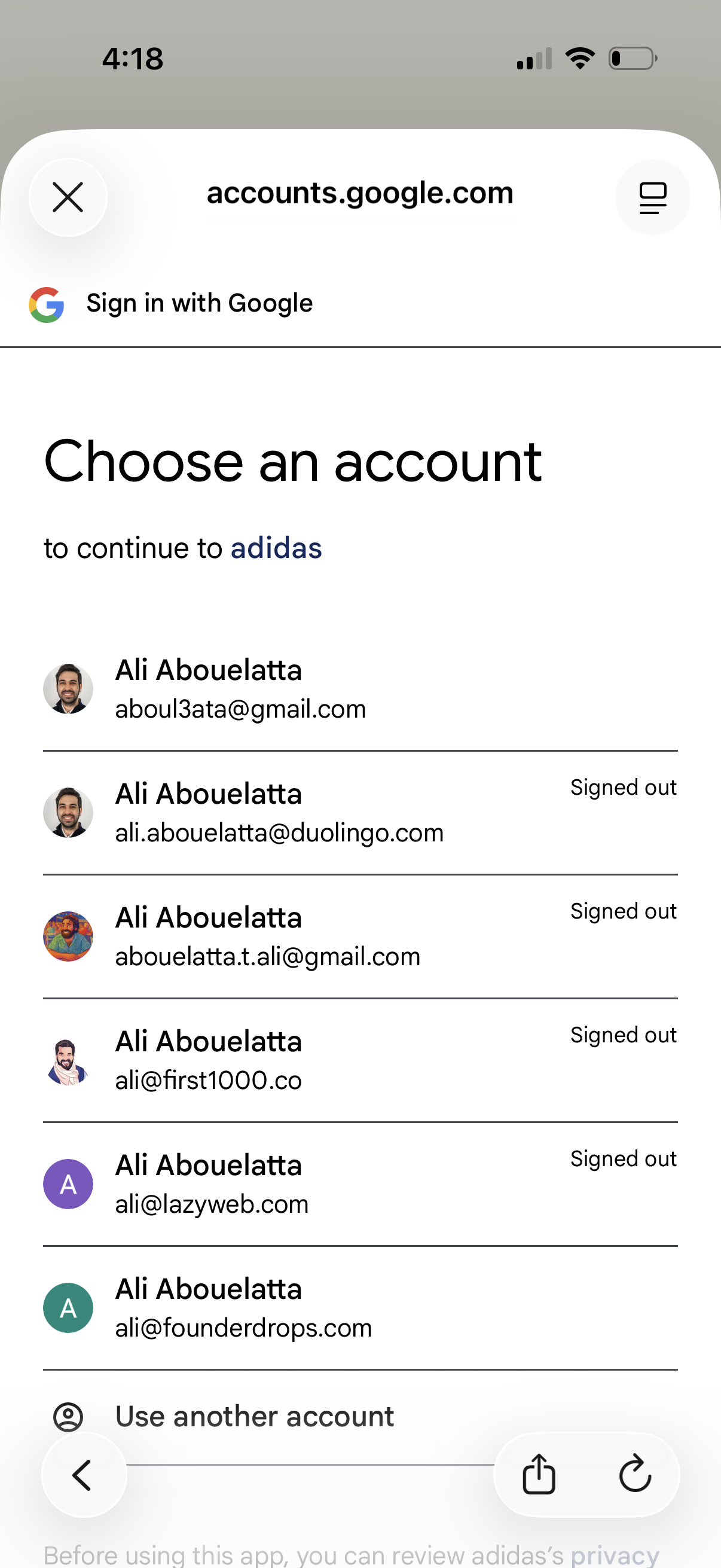
Google Sign-In account picker screen prompting the user to choose a Google account to continue to a third-party app, showing a list of saved profiles with email addresses and signed-out status. Includes an option to use another account along with close/cancel navigation.
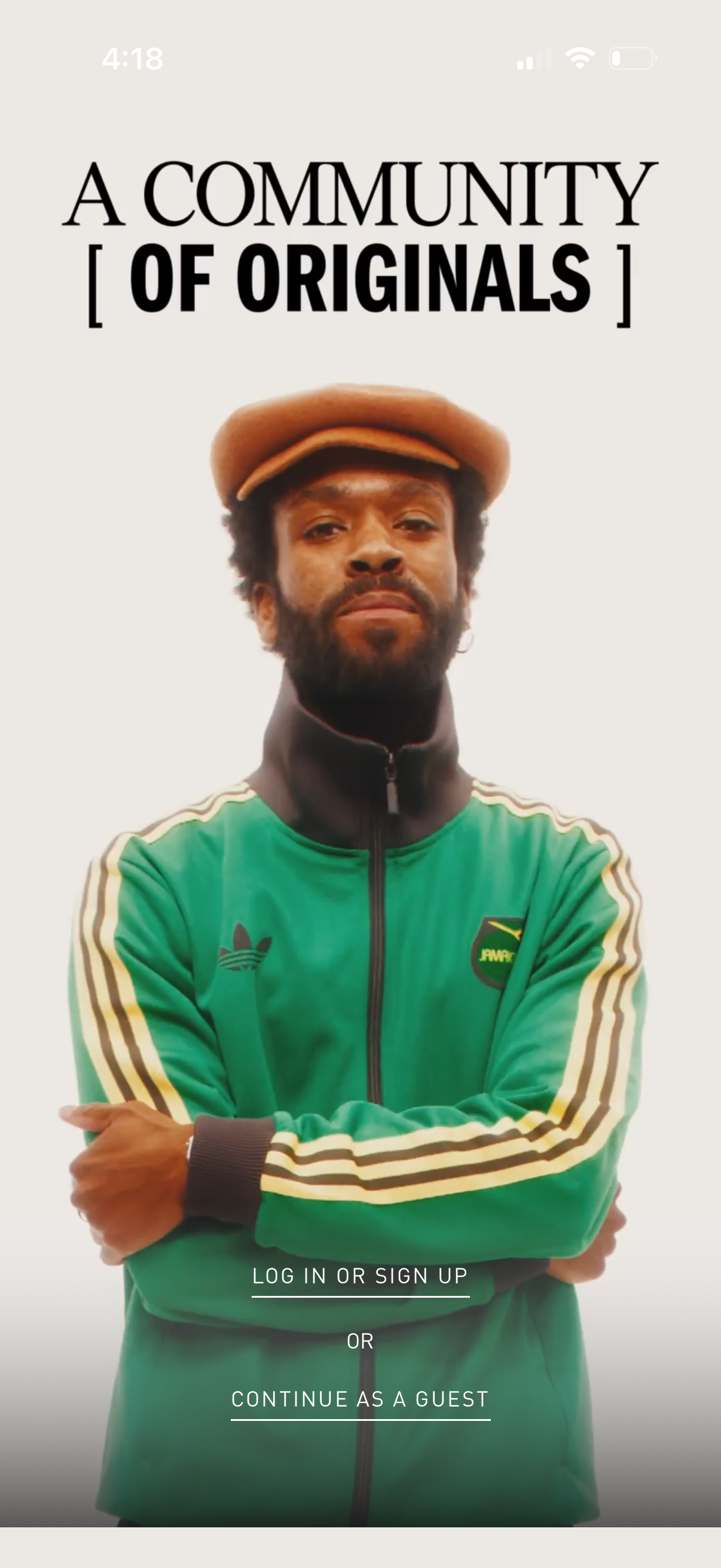
Full-screen welcome/authentication splash screen with brand messaging and a background hero image, offering primary actions to log in or sign up or continue as a guest. Includes a simple divider (“or”) and minimal UI focused on entry to the app.
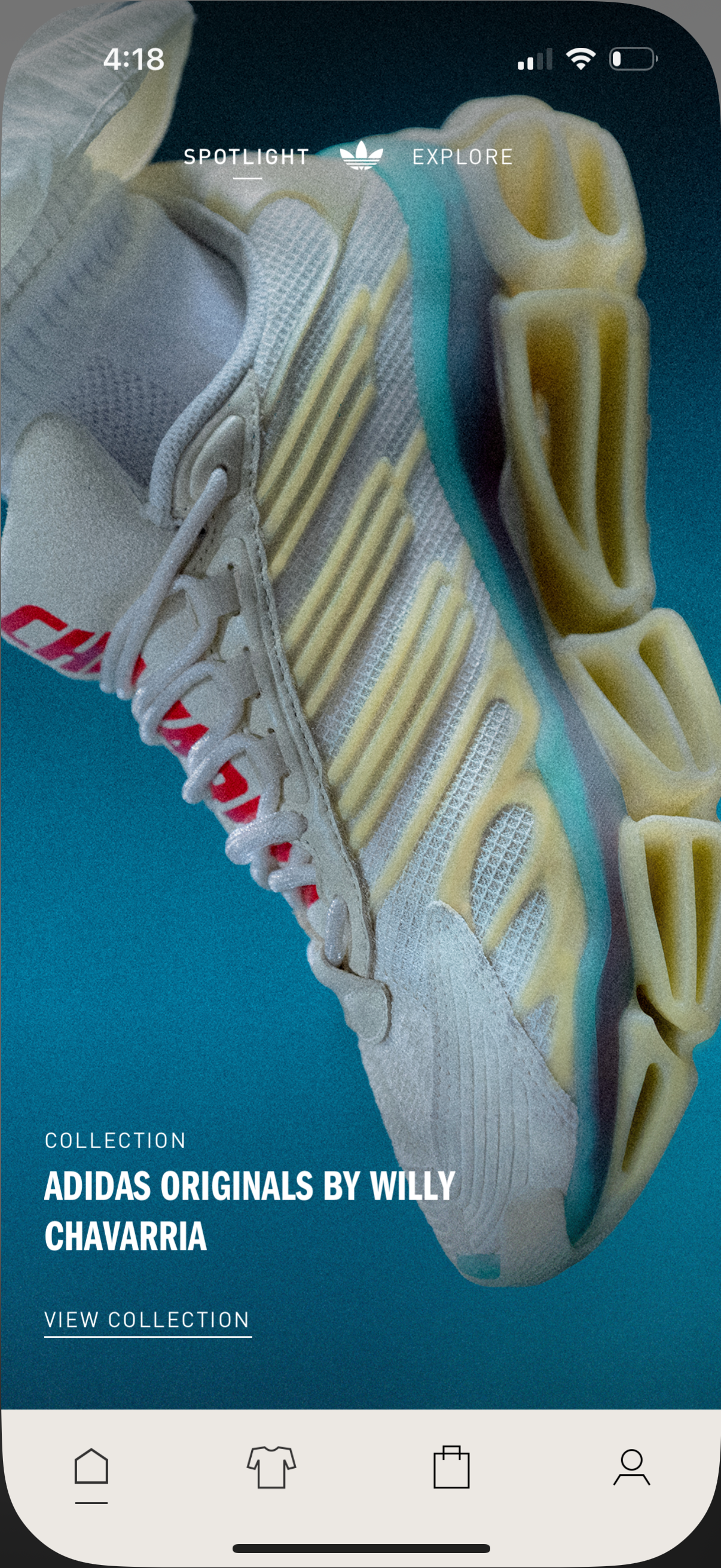
Fashion retail app home screen spotlighting a featured product collection with a large hero image, collection title, and a “View collection” call to action. Includes top tabs to switch between Spotlight and Explore and a bottom navigation bar for home, apparel, shopping bag/cart, and profile.