complete flashcard review
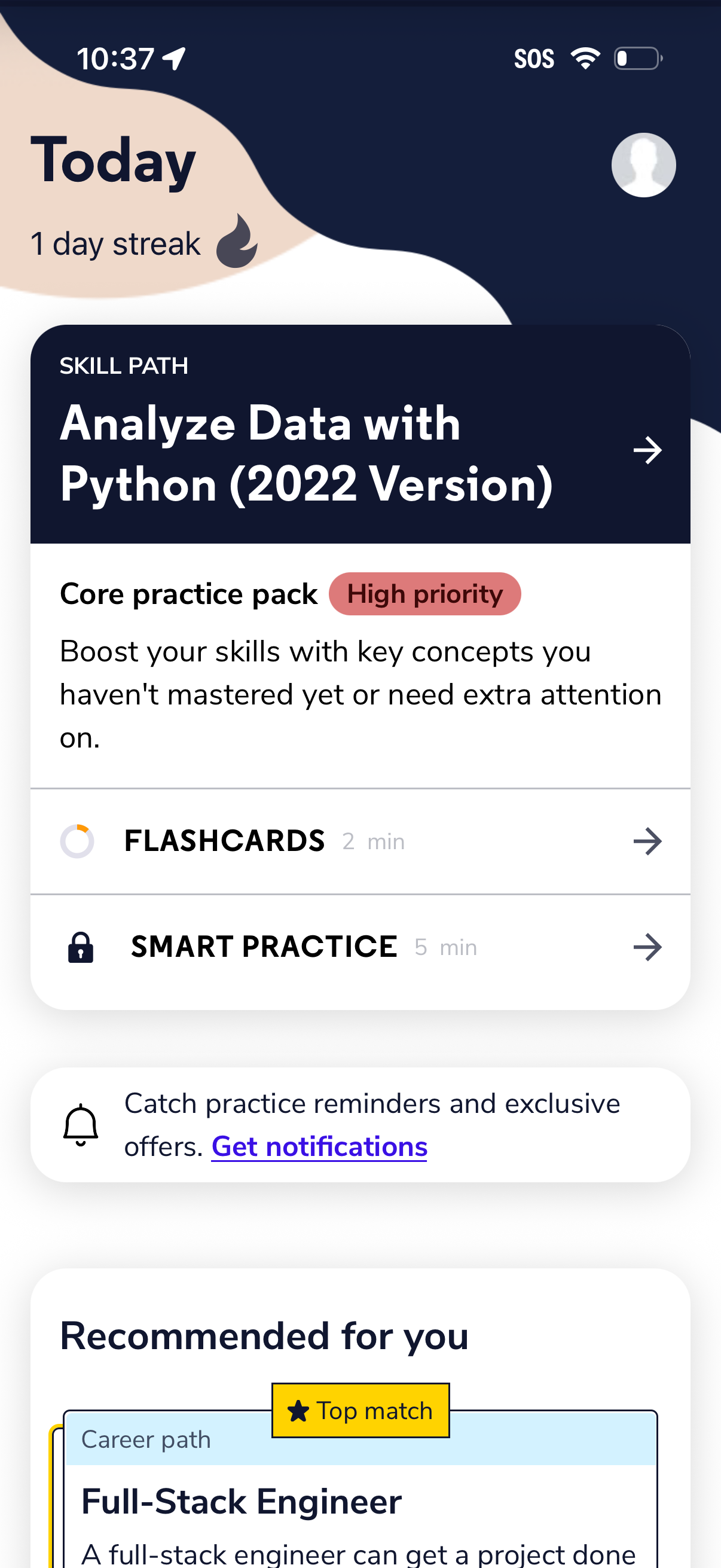
Learning app home screen showing Today progress and streak with a featured skill path module (e. g.
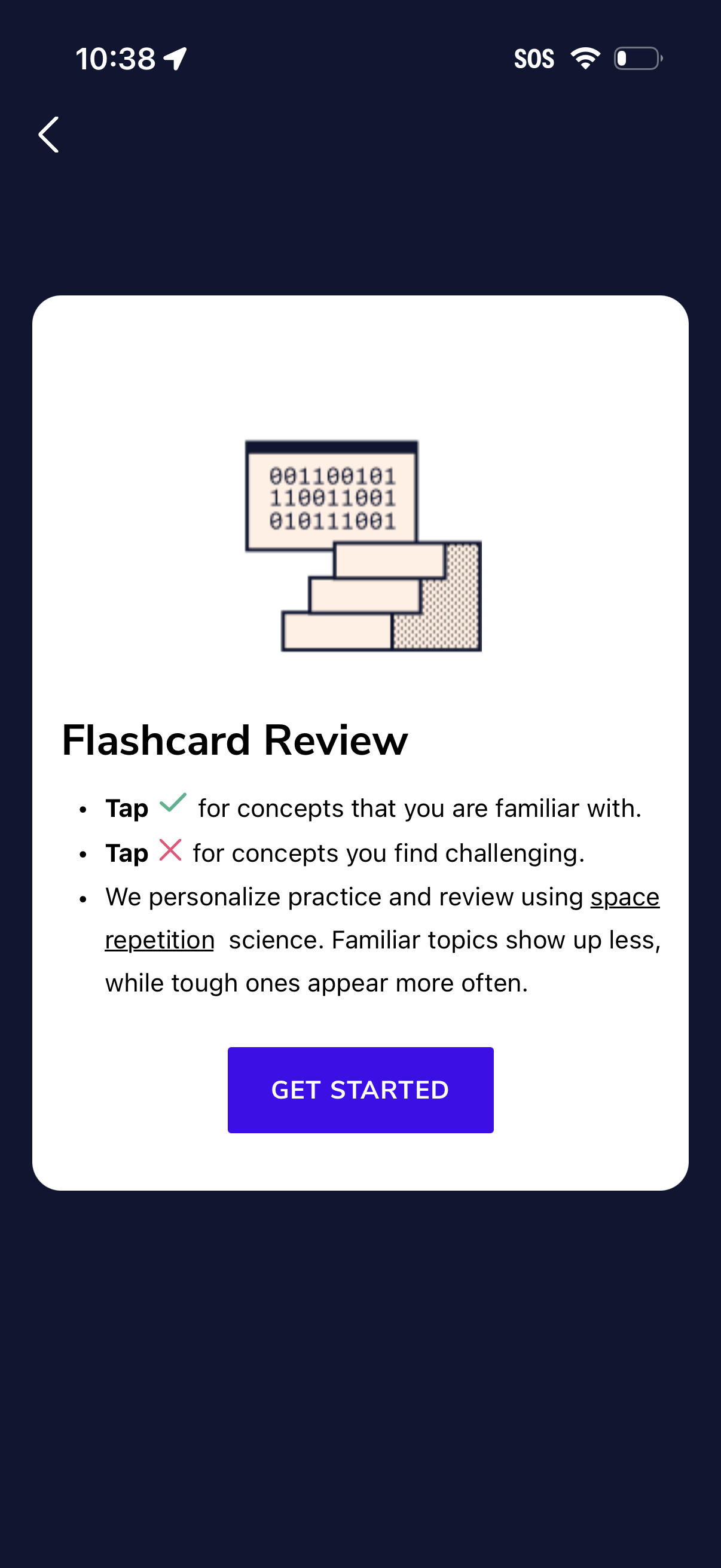
Onboarding/instruction screen for a flashcard review feature explaining spaced repetition and how to mark cards as familiar (check) or challenging (X). Includes a primary “Get Started” button to begin the flashcard review session and a back navigation option.
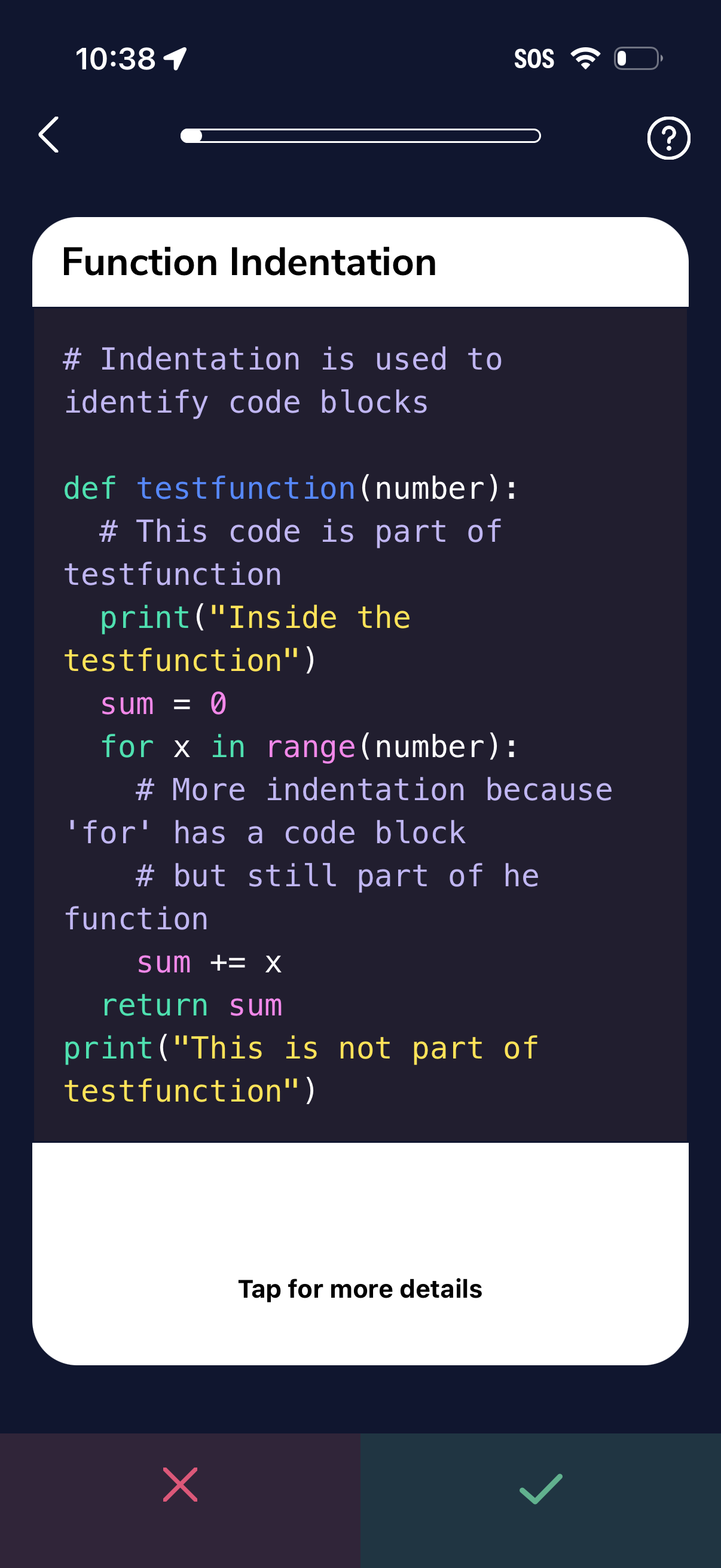
Mobile coding lesson screen explaining function indentation, showing a syntax-highlighted Python example inside a card with a progress bar, back and help icons. Bottom area prompts “Tap for more details” and provides approve/check and dismiss/X actions for continuing or skipping the step.
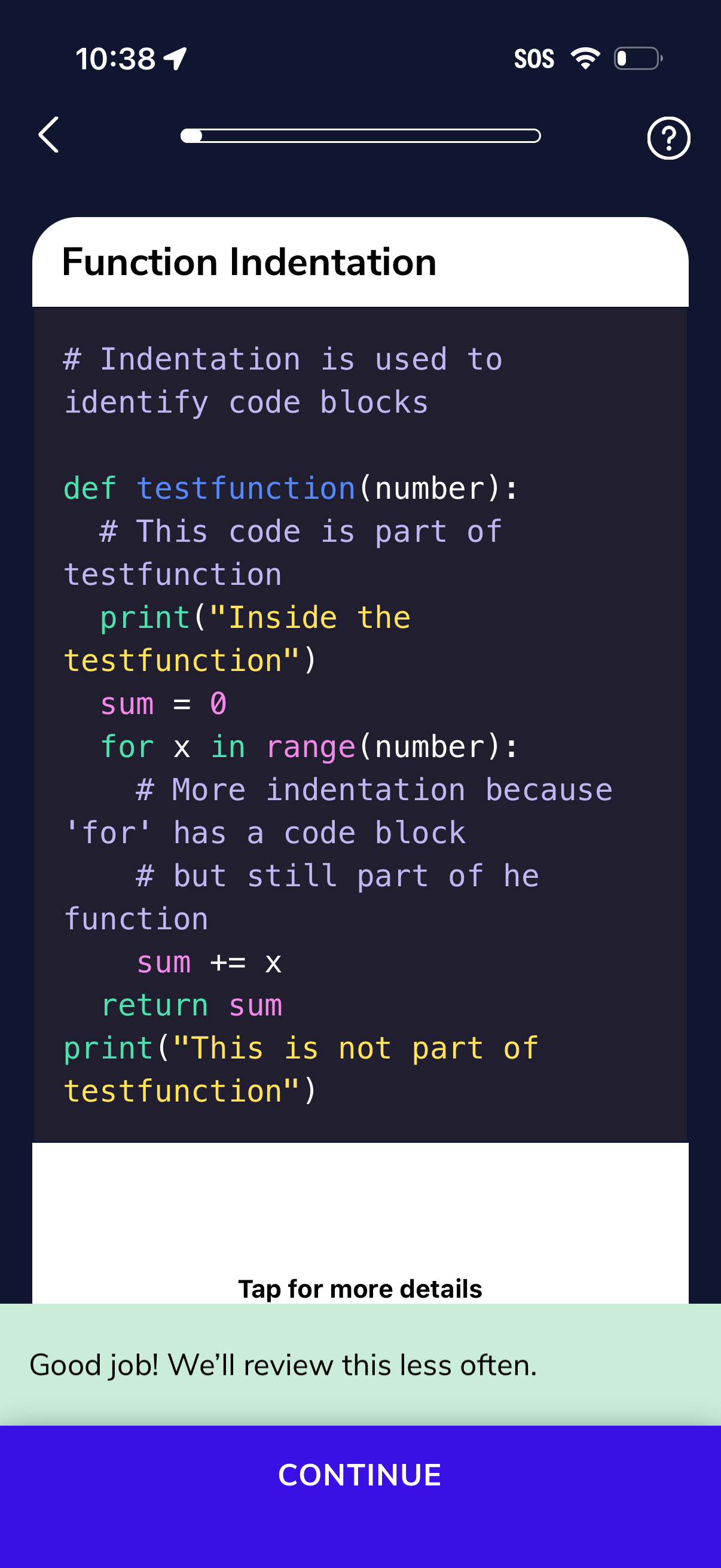
A programming lesson screen explaining function indentation with a syntax-highlighted code example, showing a progress indicator, back and help icons, and a “Tap for more details” expandable section. A success confirmation message appears with a primary “Continue” button to advance to the next step.
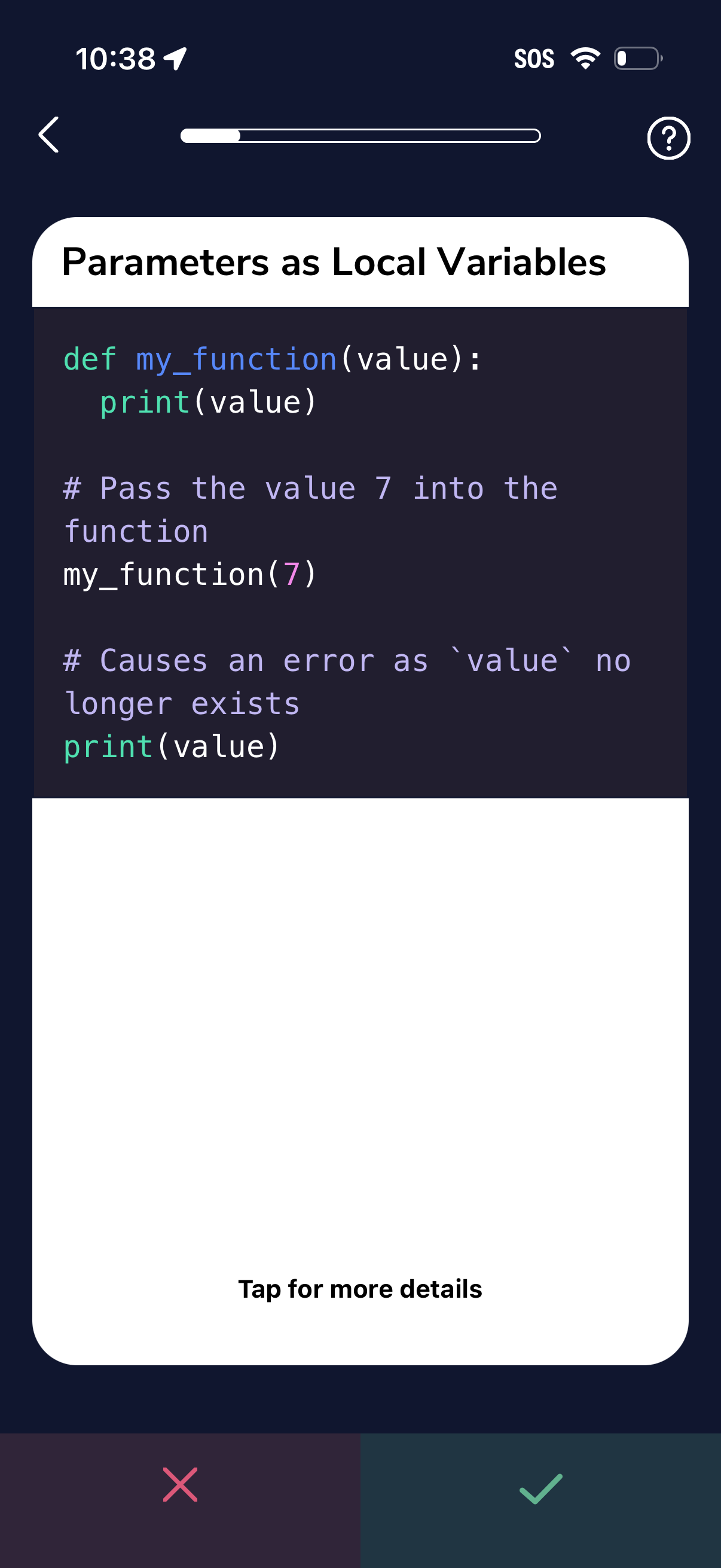
Interactive coding lesson screen teaching “Parameters as Local Variables” with a code snippet and progress indicator, plus back and help controls. A large card invites “Tap for more details,” with bottom actions to mark the step incorrect or correct.
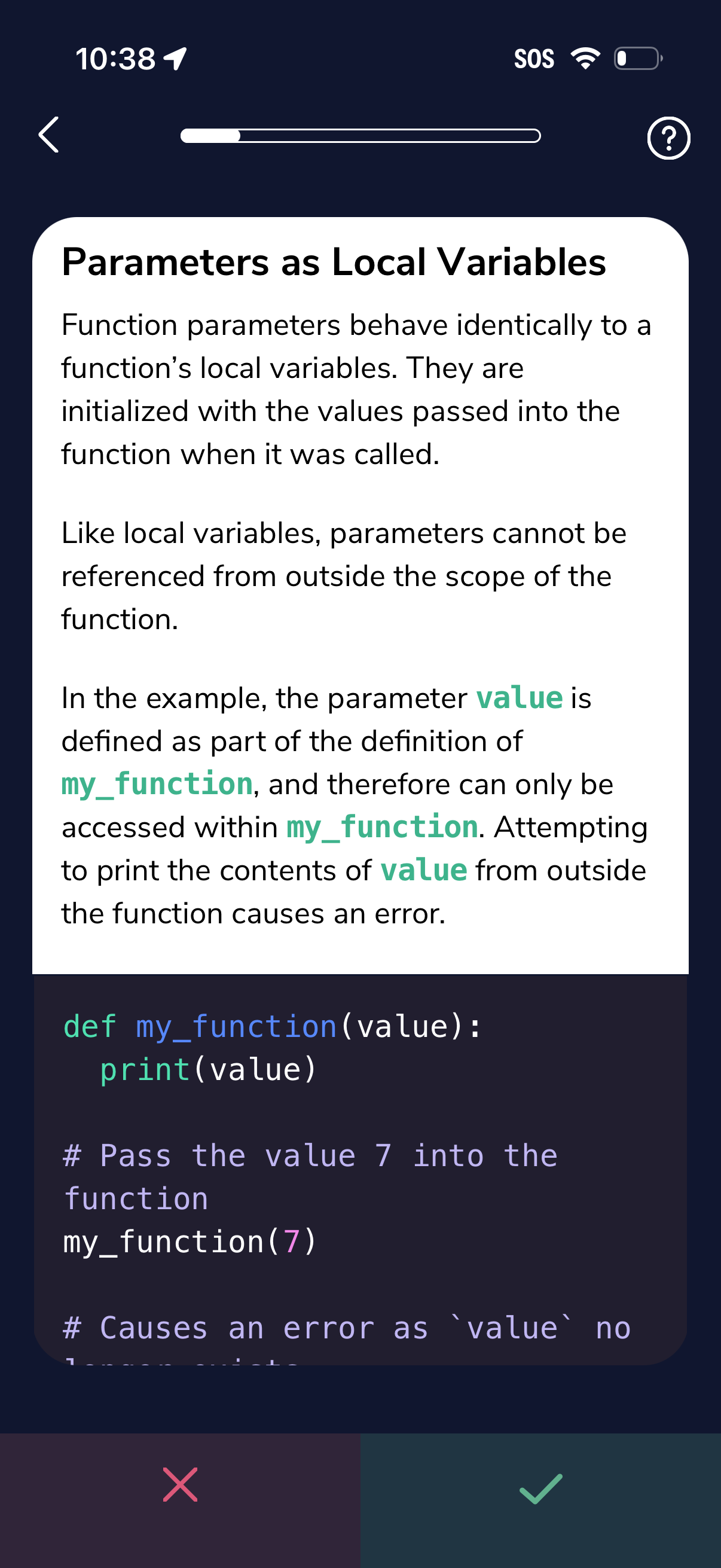
Mobile e-learning lesson screen explaining a programming concept (“Parameters as Local Variables”) with formatted instructional text and a syntax-highlighted code example. Includes a top progress indicator with back and help icons, and bottom incorrect/correct action buttons for answering or continuing the lesson.
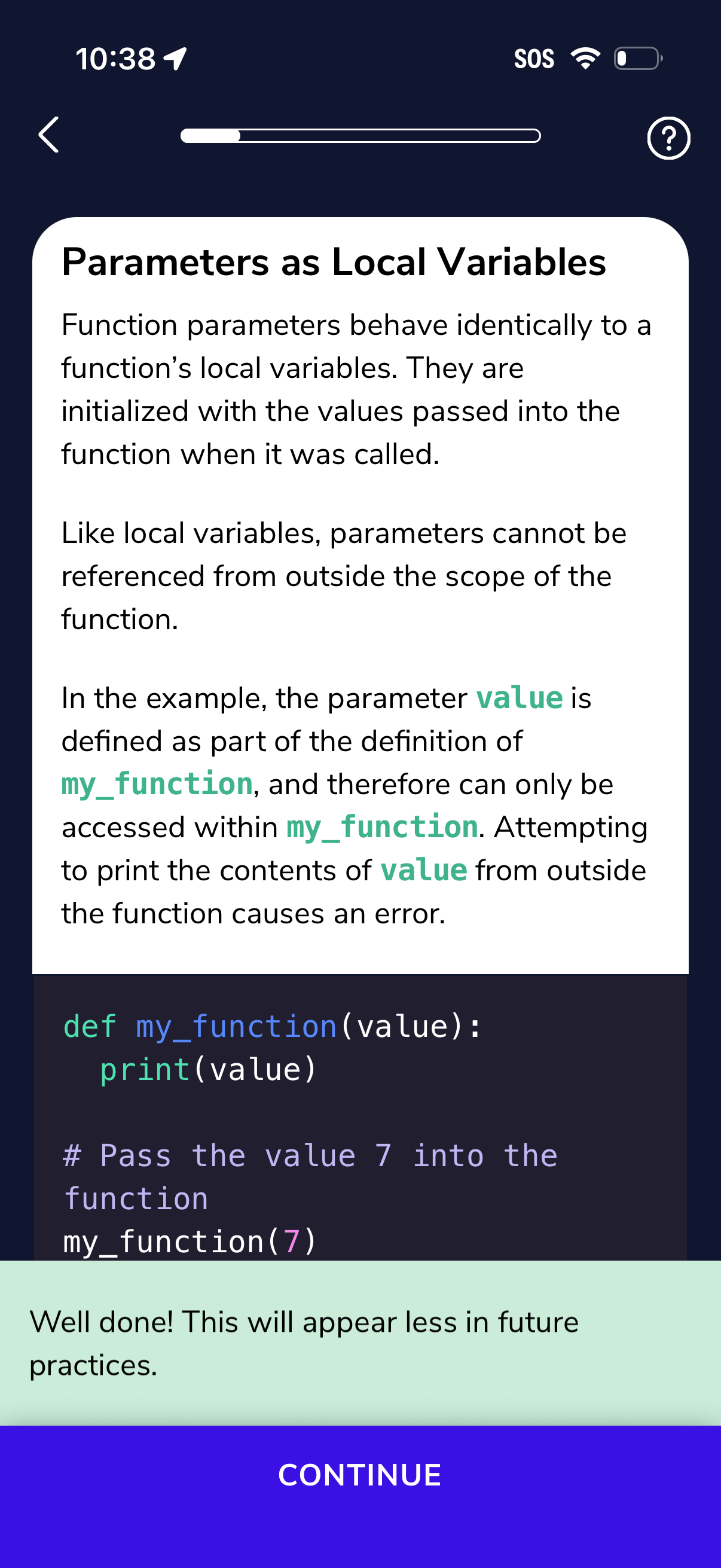
An educational lesson screen in a coding learning app showing a reading module about function parameters as local variables with explanatory text and a code snippet, plus a progress indicator and help icon. A success message is displayed with a primary “Continue” button to advance to the next step.
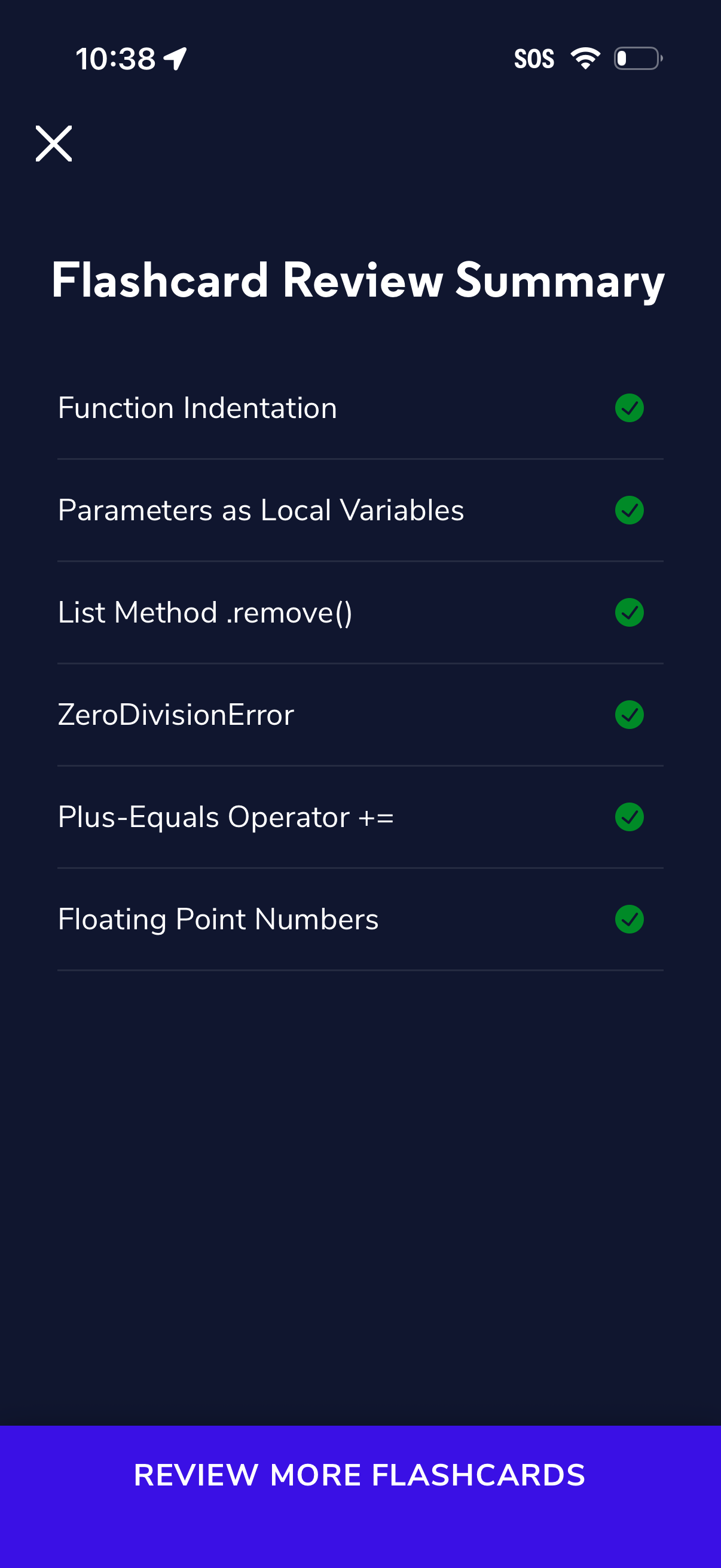
Flashcard review summary screen showing a checklist of studied topics with completion checkmarks for each item. Includes a close/dismiss icon and a primary call-to-action button to “Review more flashcards” to continue studying.