1
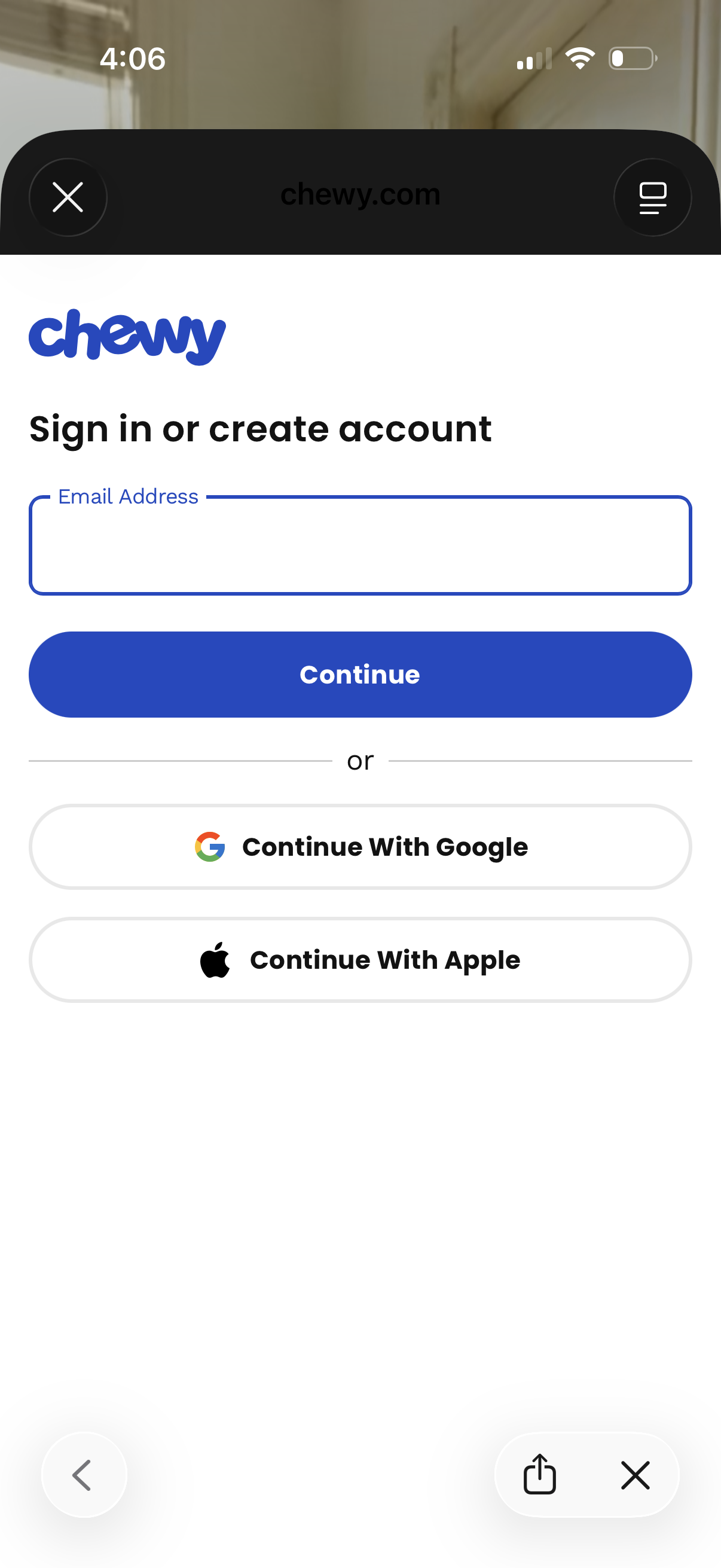
Authentication screen prompting users to sign in or create an account by entering an email address and tapping Continue. Offers alternative social login options with Continue with Google or Continue with Apple, with a close/dismiss control in the header.
2
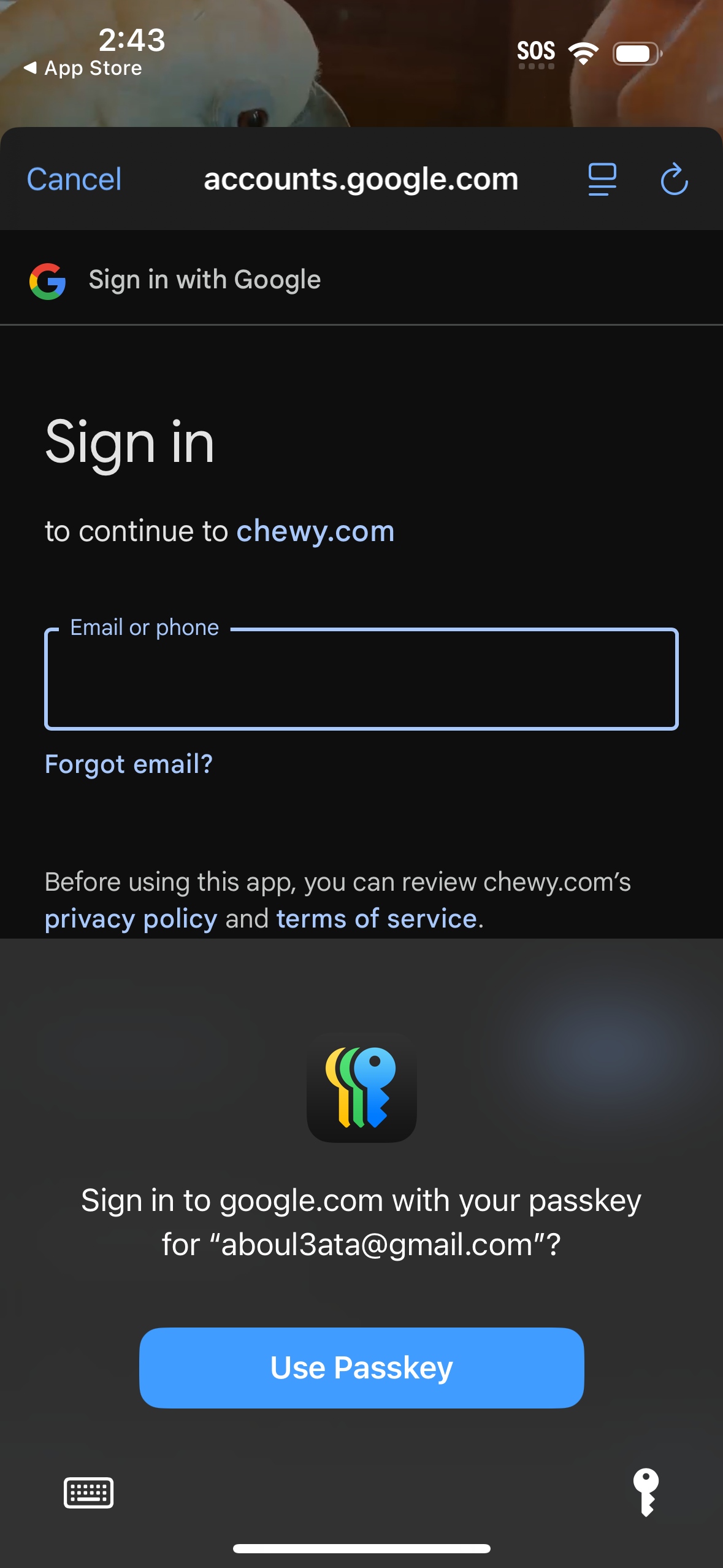
Google sign-in authentication screen in an in-app browser to continue to a third-party site, with an email/phone input field and “Forgot email? ” link plus links to privacy policy and terms.
3
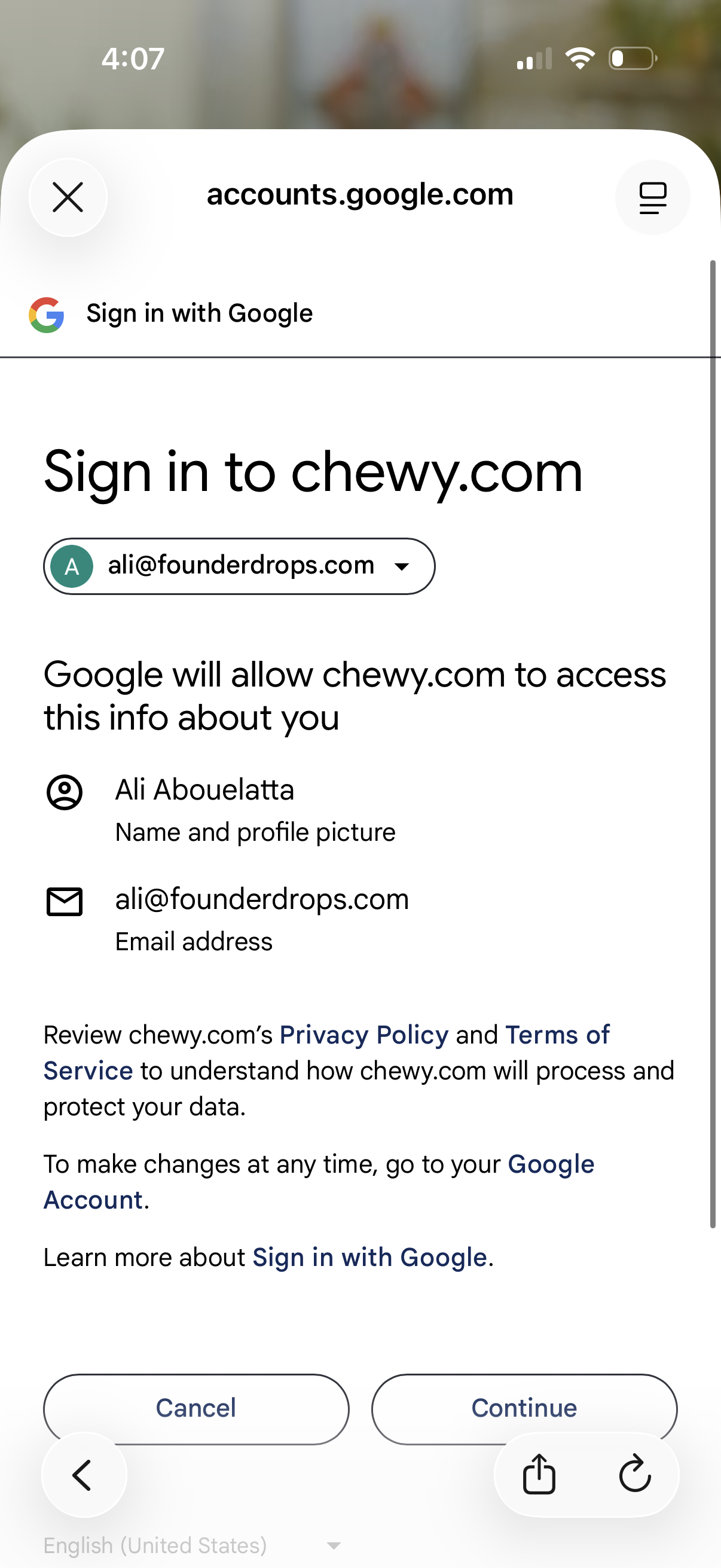
Google OAuth “Sign in with Google” consent screen for signing into a third-party website, showing the selected Google account and the profile and email data the site will access. Users can review privacy/terms links and choose Cancel or Continue to authorize login.