browse years and play
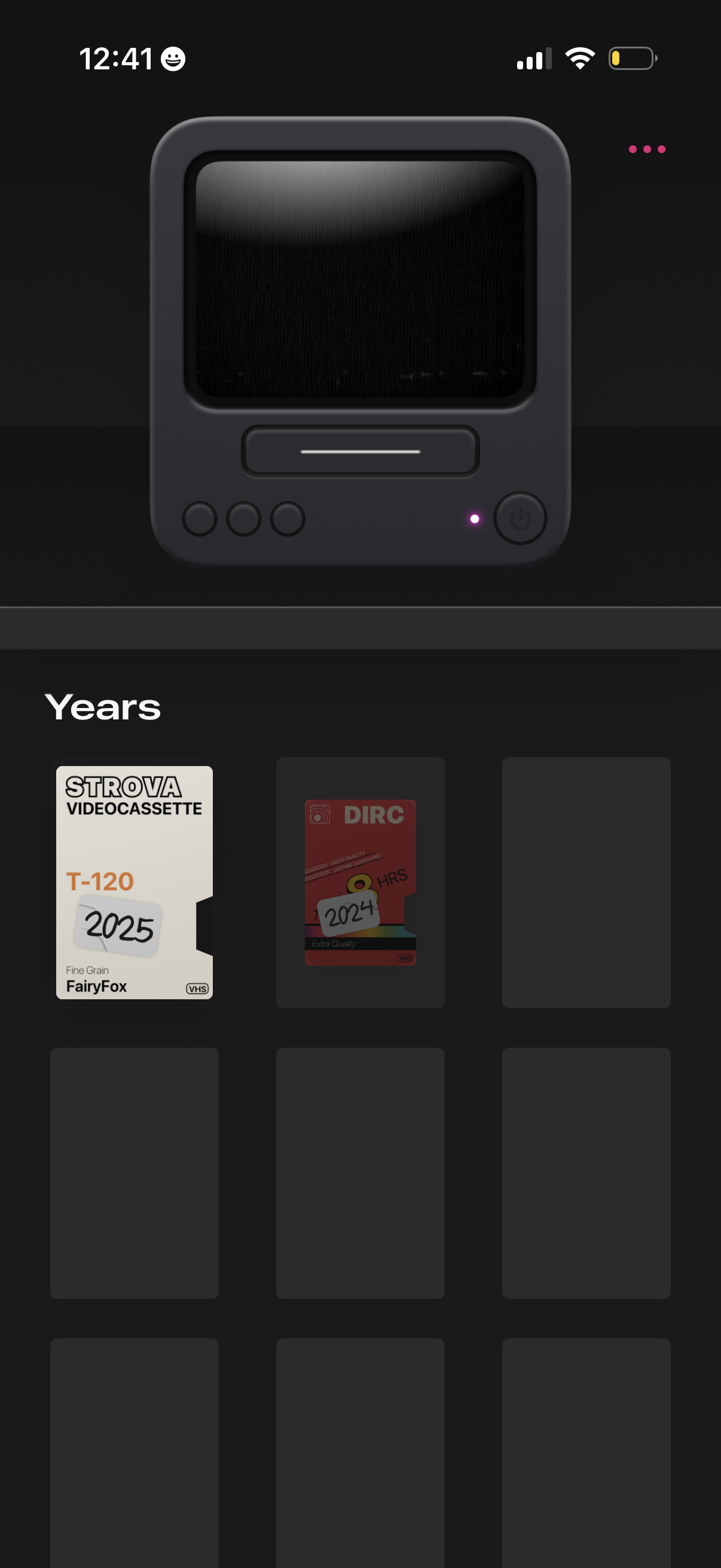
Media library home screen with a retro video player header and an overflow menu, showing a “Years” section where VHS-style cards represent yearly collections (e. g.
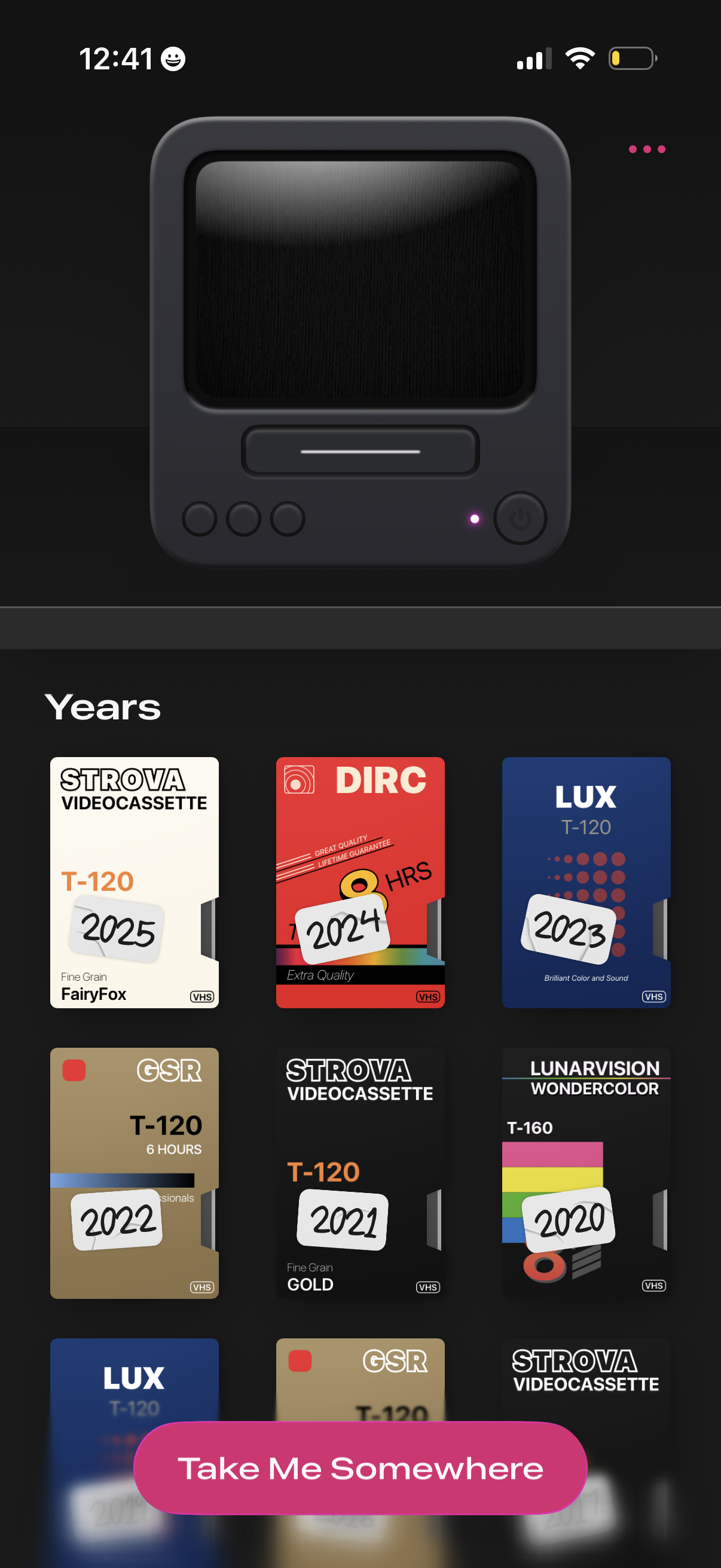
Home screen of a retro VHS-themed app showing a “Years” library grid of cassette covers labeled by year for browsing past entries. A large primary CTA button at the bottom (“Take Me Somewhere”) launches a random or guided selection from the collection, with an overflow menu for more options.
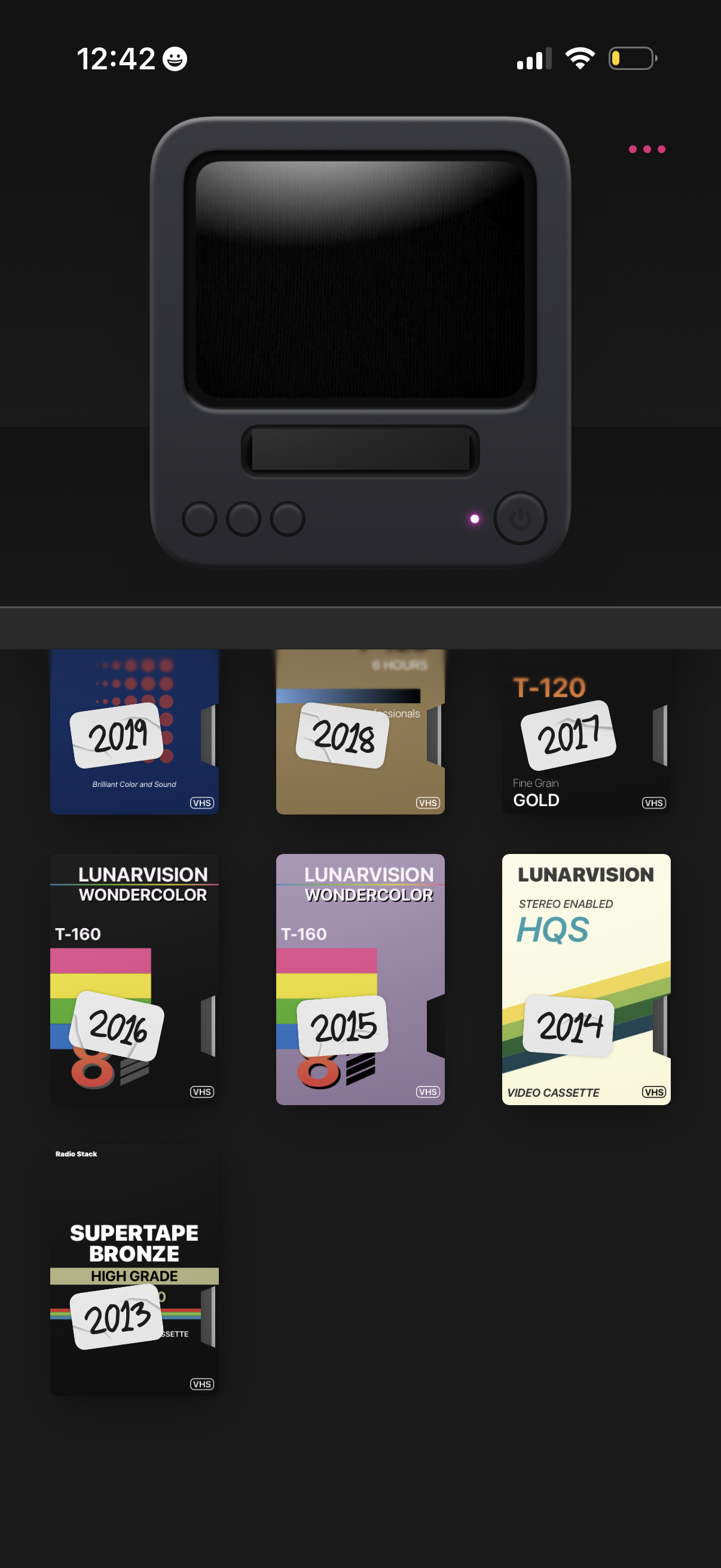
A retro VHS-style camera/video app home screen showing a large preview/monitor at the top with a power/record control, and a horizontal carousel of cassette “tape” presets labeled by year to select different video filter looks. Users can swipe through tapes to choose a recording style and access additional options via a top-right overflow menu.
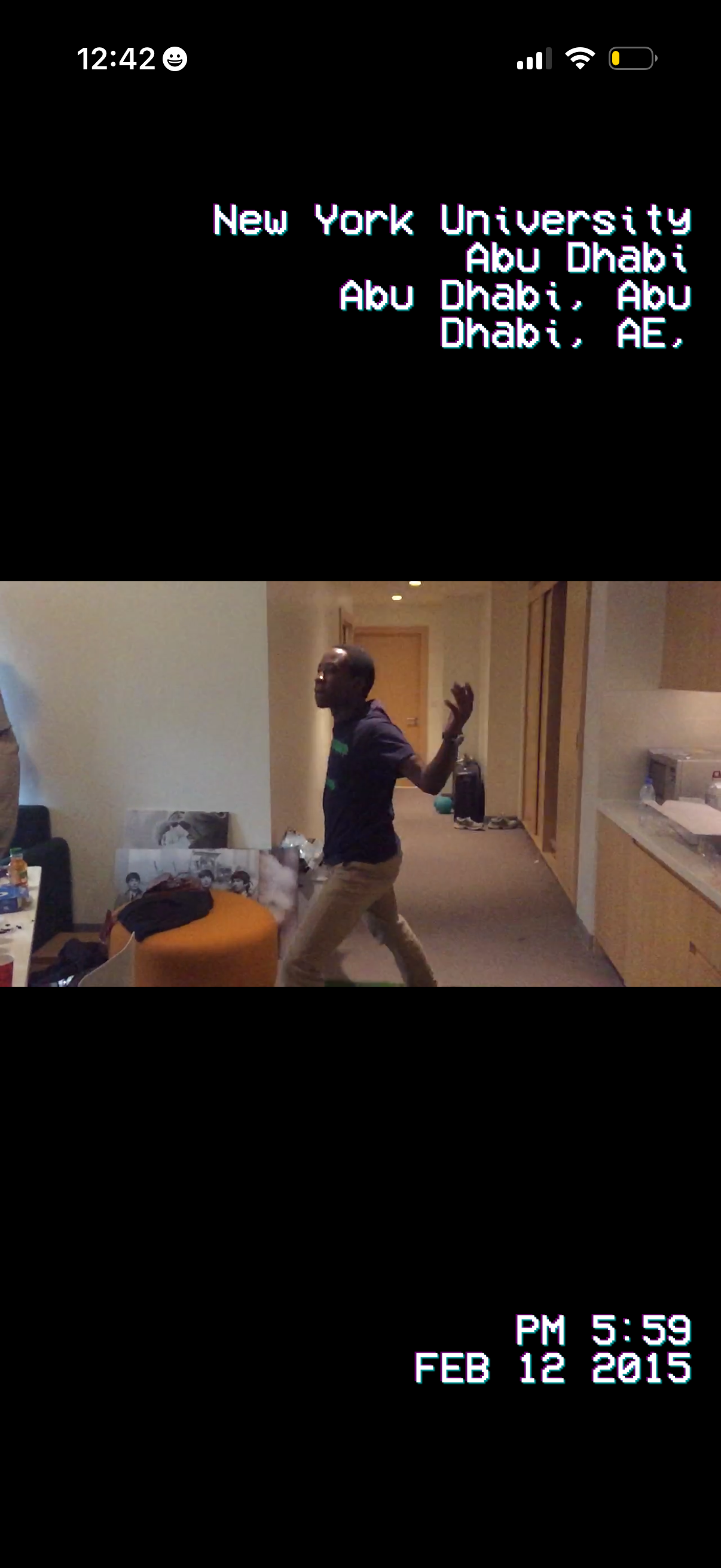
Video playback screen showing a recorded clip with a retro camcorder-style overlay that displays the location (place name and city/country) at the top and the timestamp/date at the bottom. The interface is focused on viewing the video content without visible editing controls.
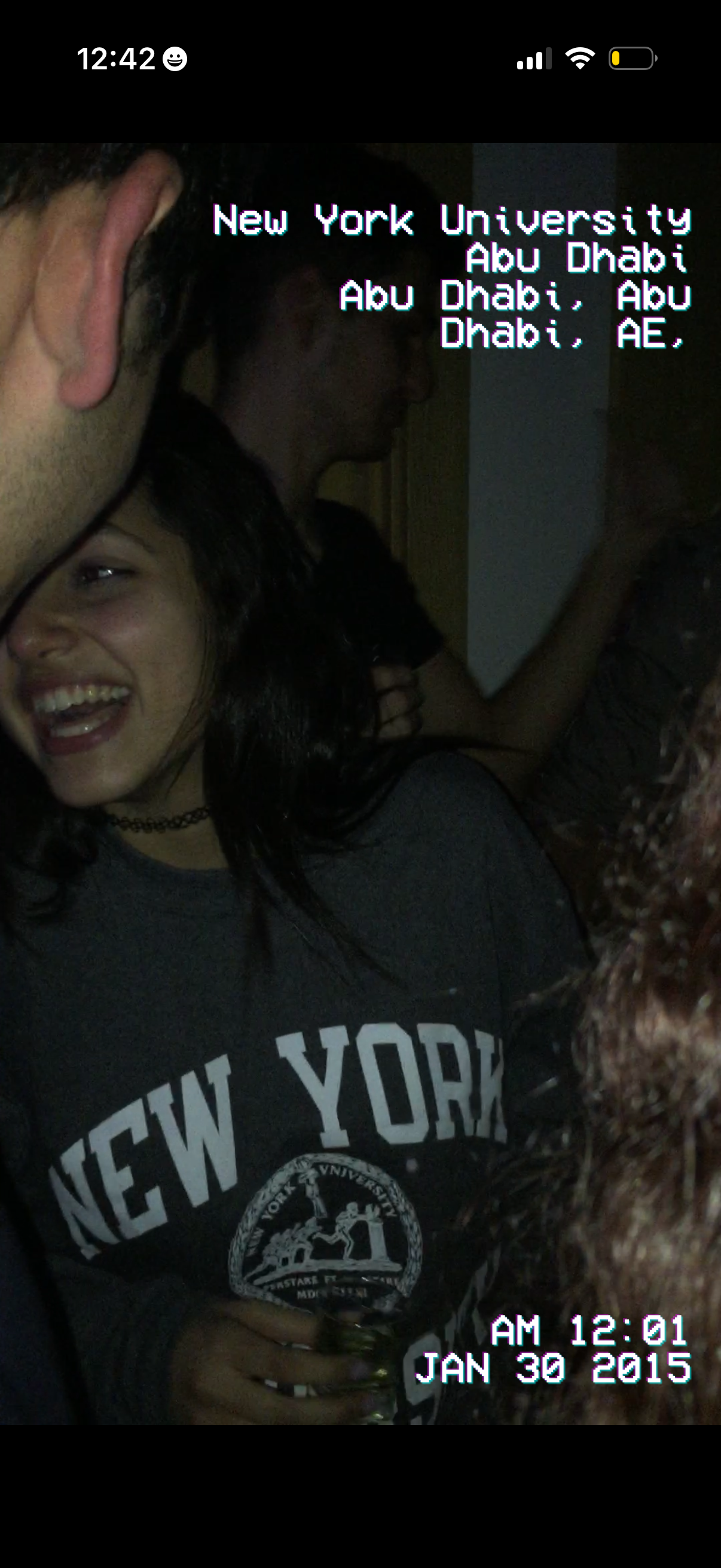
Full-screen photo viewer showing a captured image with an overlay displaying the location tag (venue name and city) and a timestamp/date stamp, with only the iOS status bar visible and no other controls.
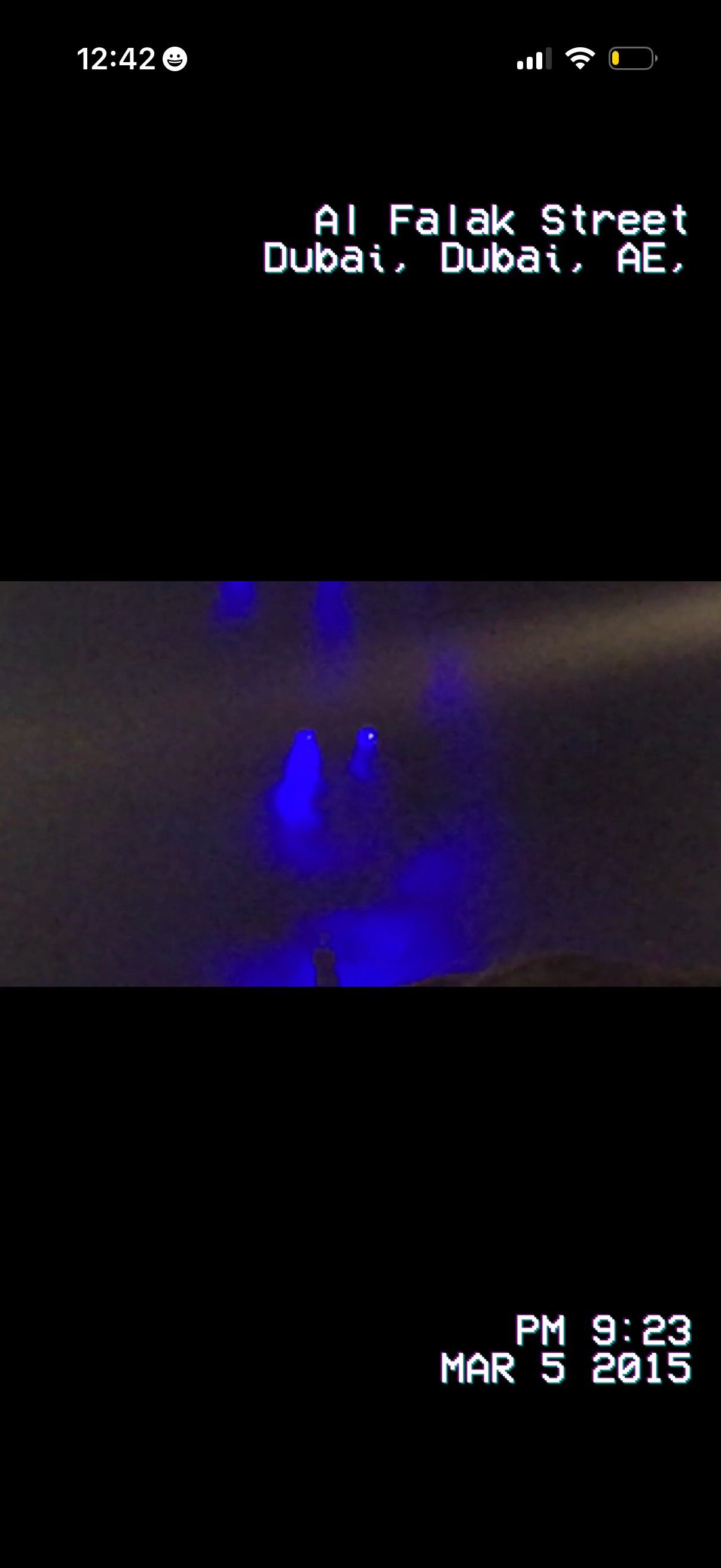
Full-screen story or post viewer showing a video/photo with retro VHS overlays, including a location tag at the top and a timestamp/date stamp at the bottom, with minimal UI chrome for immersive media viewing.
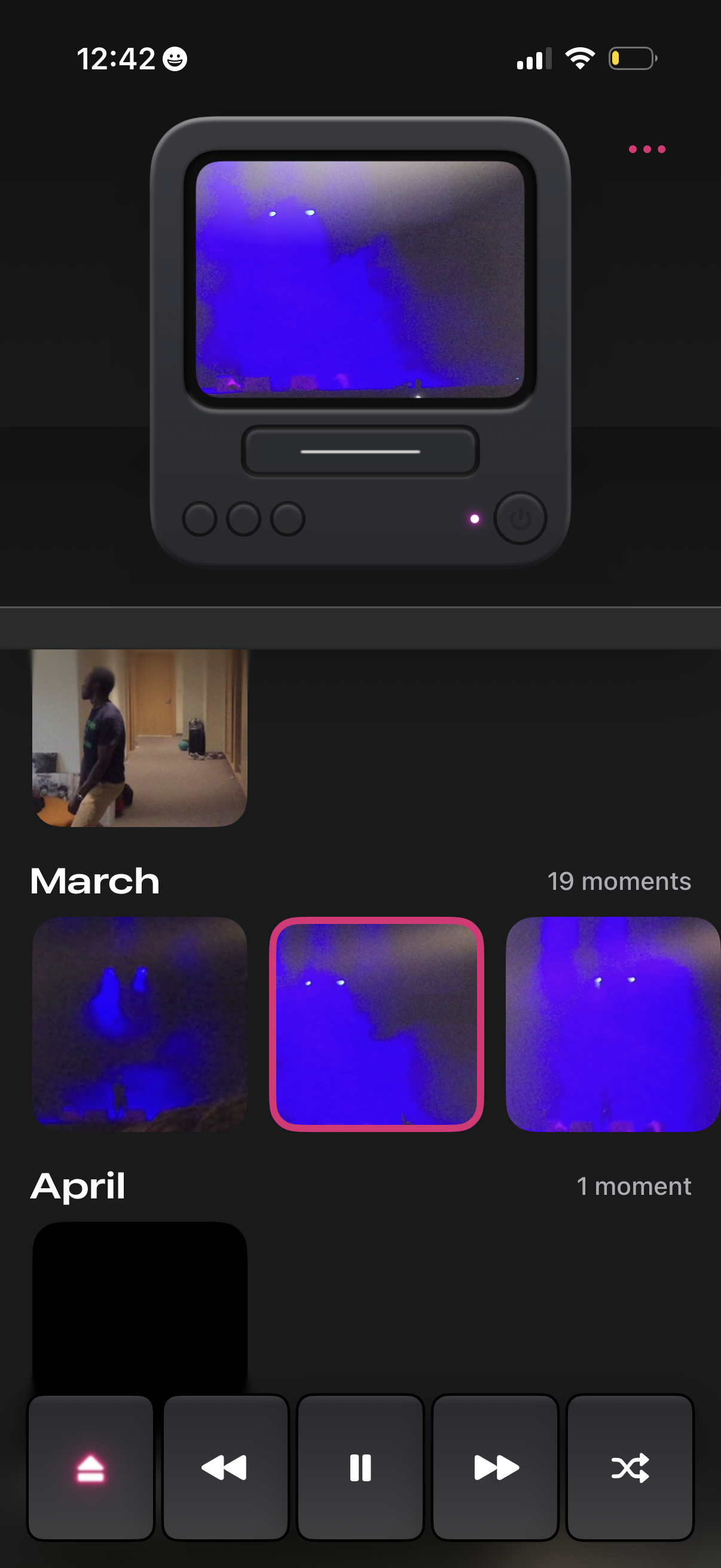
Media gallery screen for browsing and playing saved “moments” organized by month, showing a filmstrip of video thumbnails with a selected clip highlighted. Includes a player area with playback controls like previous, play/pause, next, and shuffle, plus an overflow menu for more actions.