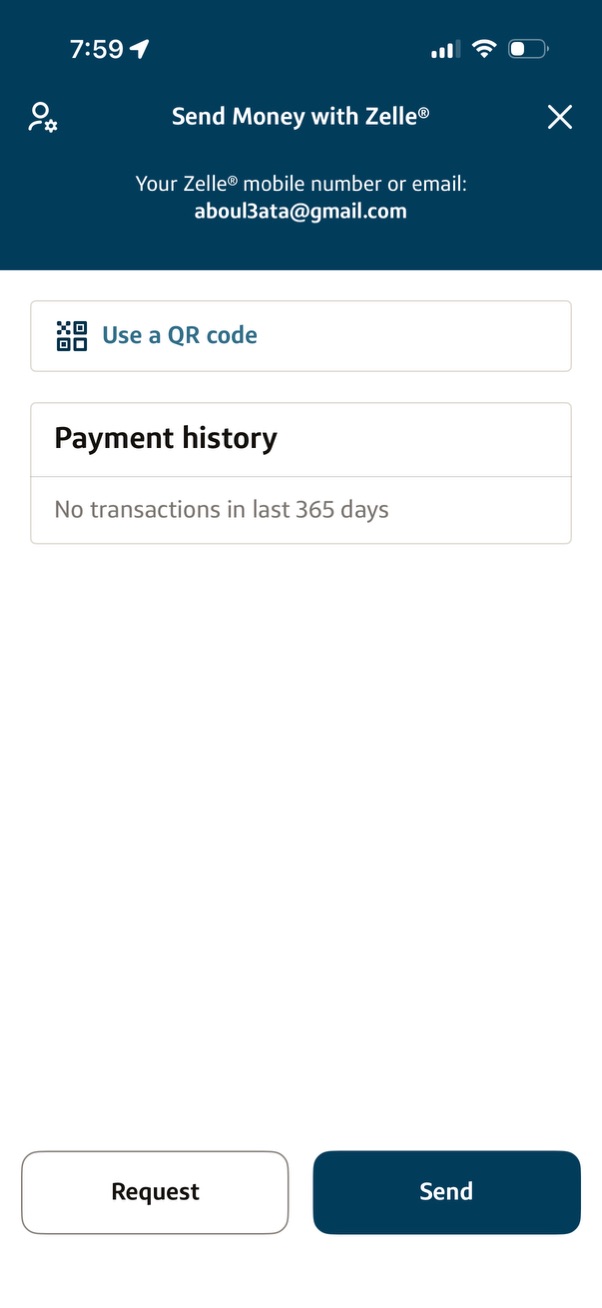
Peer-to-peer money transfer hub for Zelle showing the user’s registered email/phone, a “Use a QR code” option, and a payment history section. Bottom action buttons let the user request money or send money.
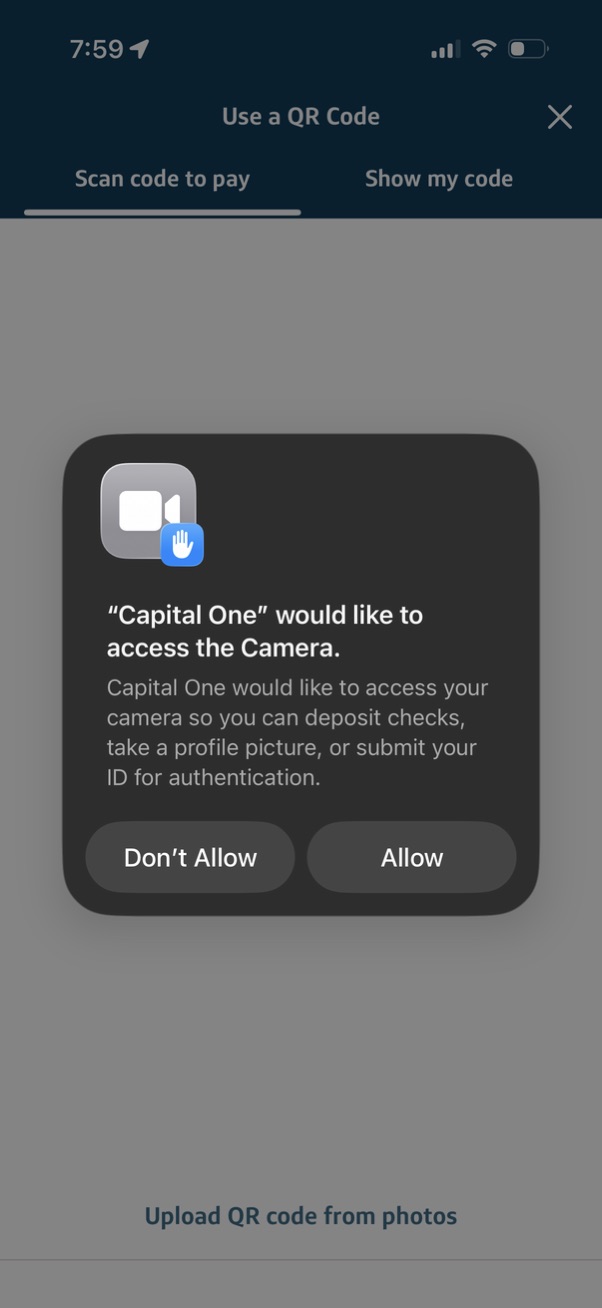
QR code payment screen with tabs for “Scan code to pay” and “Show my code,” prompting an iOS system dialog requesting camera access for actions like depositing checks, taking a profile photo, or submitting ID verification, with Allow and Don’t Allow options. Includes an option to upload a QR code from photos.

QR code payment screen that uses the camera to scan a code, with a framing box and instruction to align the QR code. Includes tabs to switch between “Scan code to pay” and “Show my code,” plus an option to upload a QR code from photos and a close button.