Onboarding
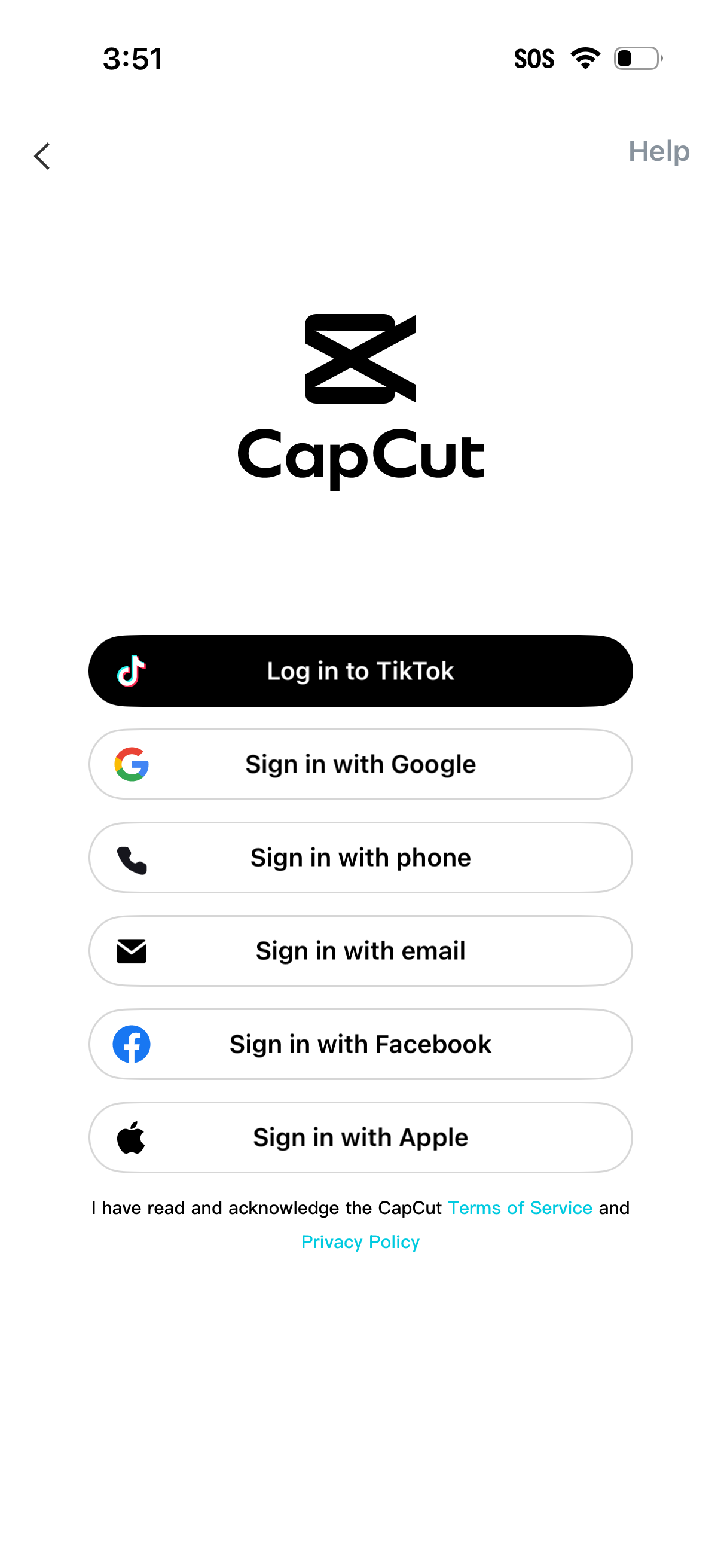
Login/sign-in screen for a video editing app offering multiple authentication methods: log in with TikTok, sign in with Google, phone number, email, Facebook, or Apple. Includes back navigation, a Help link, and acknowledgement links to Terms of Service and Privacy Policy.
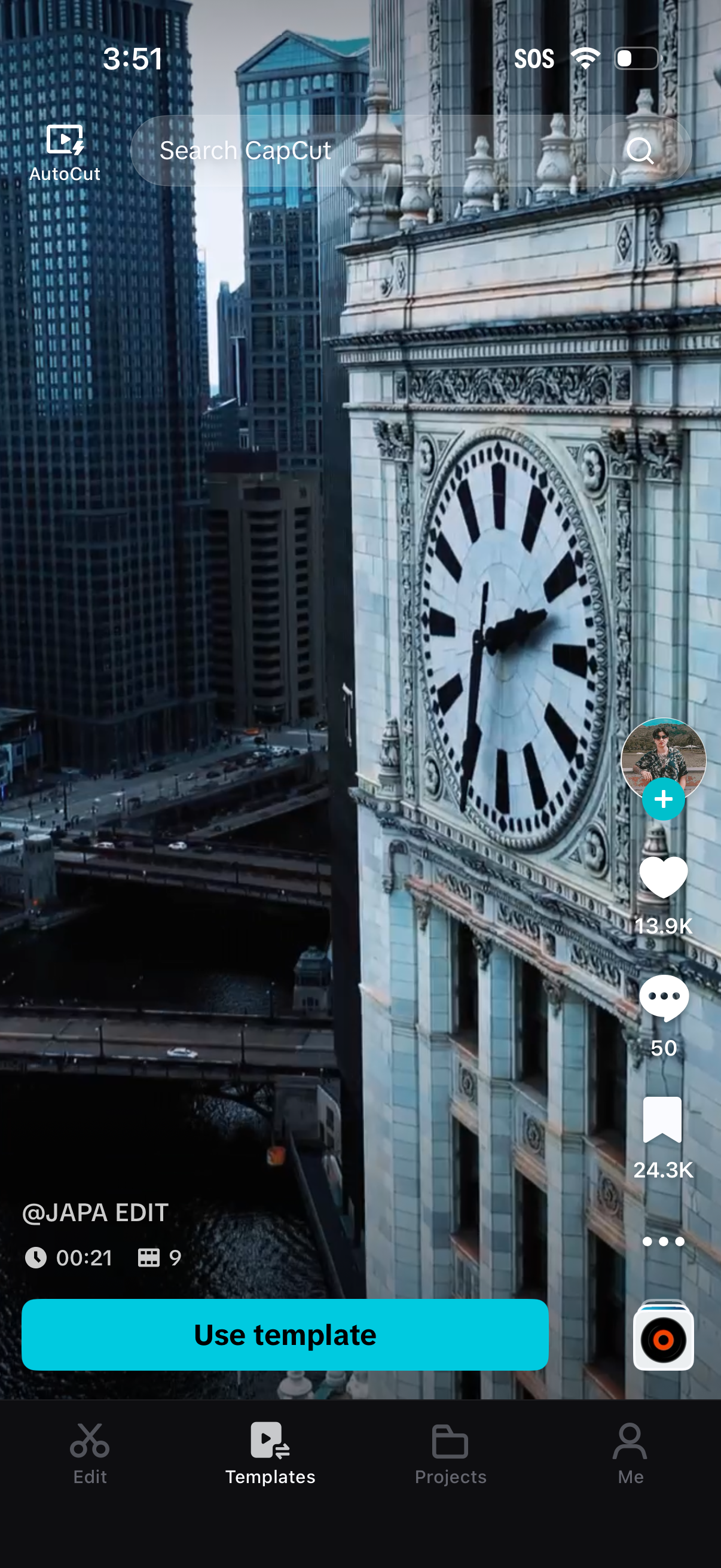
Video editing templates feed screen with a full-screen preview, search bar for discovering templates, and a primary “Use template” call-to-action to start editing. Includes creator and engagement controls (like, comment, save) plus bottom navigation for Edit, Templates, Projects, and Profile.
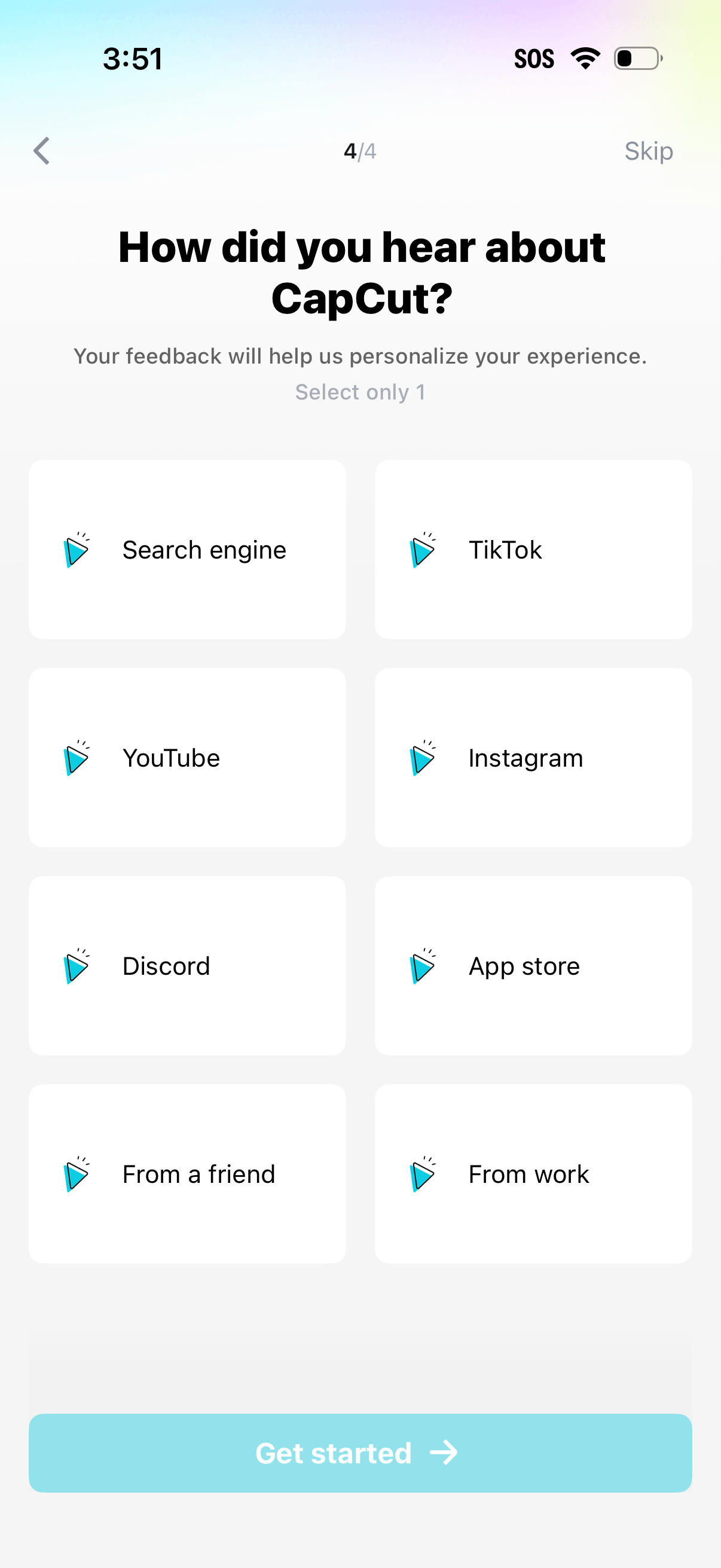
Onboarding survey screen asking “How did you hear about” the app, requiring the user to select one acquisition source from a grid of options (search engine, TikTok, YouTube, Instagram, Discord, app store, friend, work). Includes back navigation, a Skip link, progress indicator, and a primary “Get started” button to continue.
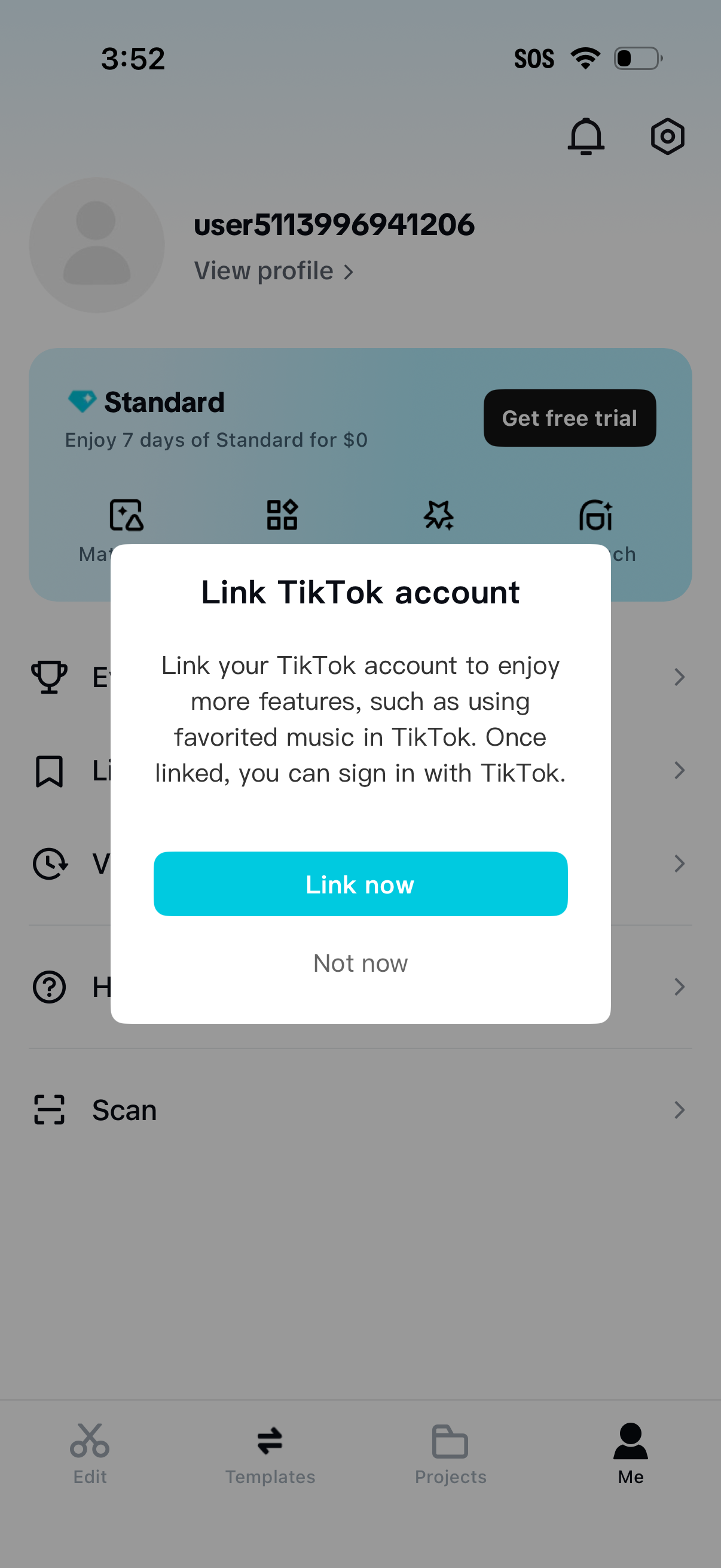
Account/profile screen with a modal prompting the user to link their TikTok account to unlock additional features and enable TikTok sign-in. The dialog explains the benefits and offers primary and secondary actions: “Link now” or “Not now.
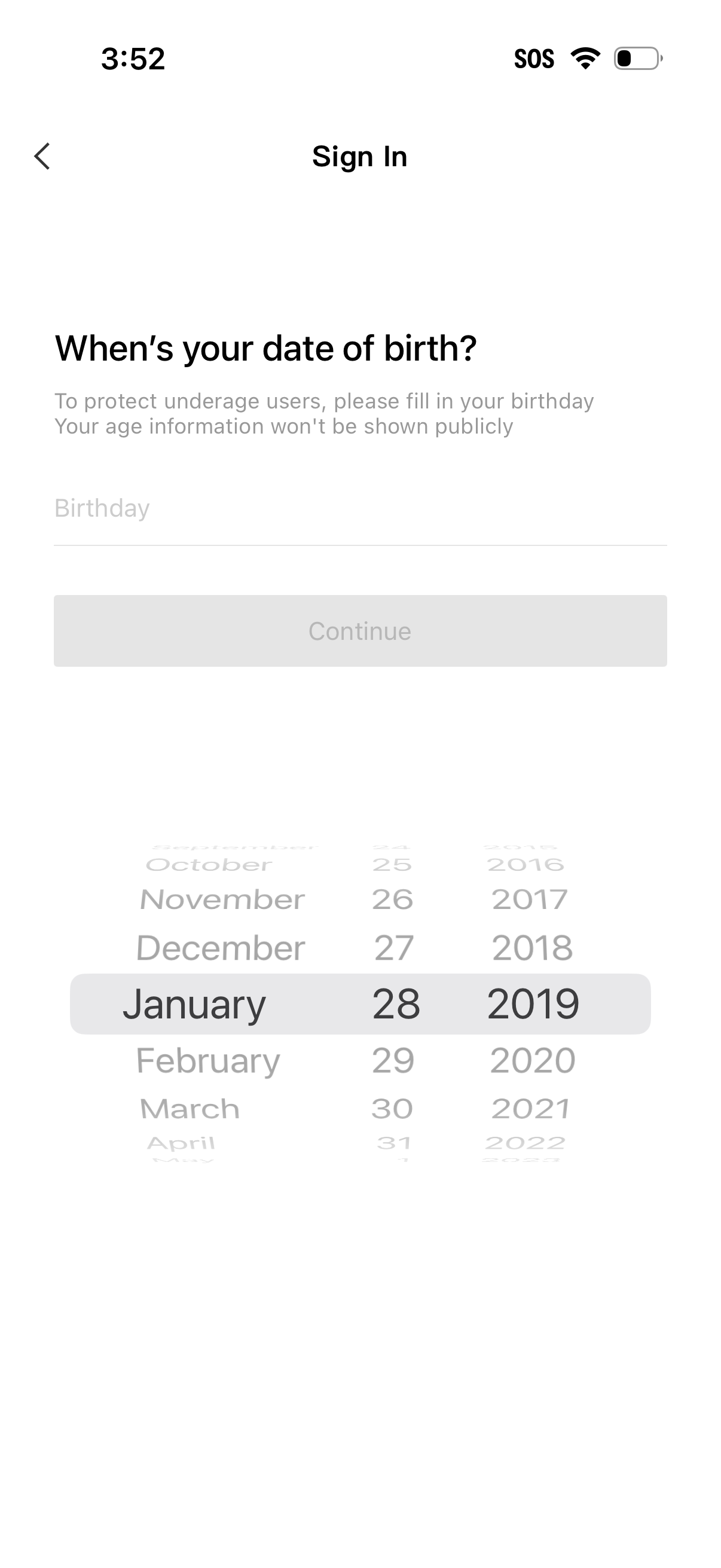
Sign-in onboarding screen prompting the user to enter their date of birth for age verification and underage protection, noting that age won’t be shown publicly. Includes a birthday field with an iOS-style date picker (month/day/year) and a disabled Continue button until a valid date is selected.
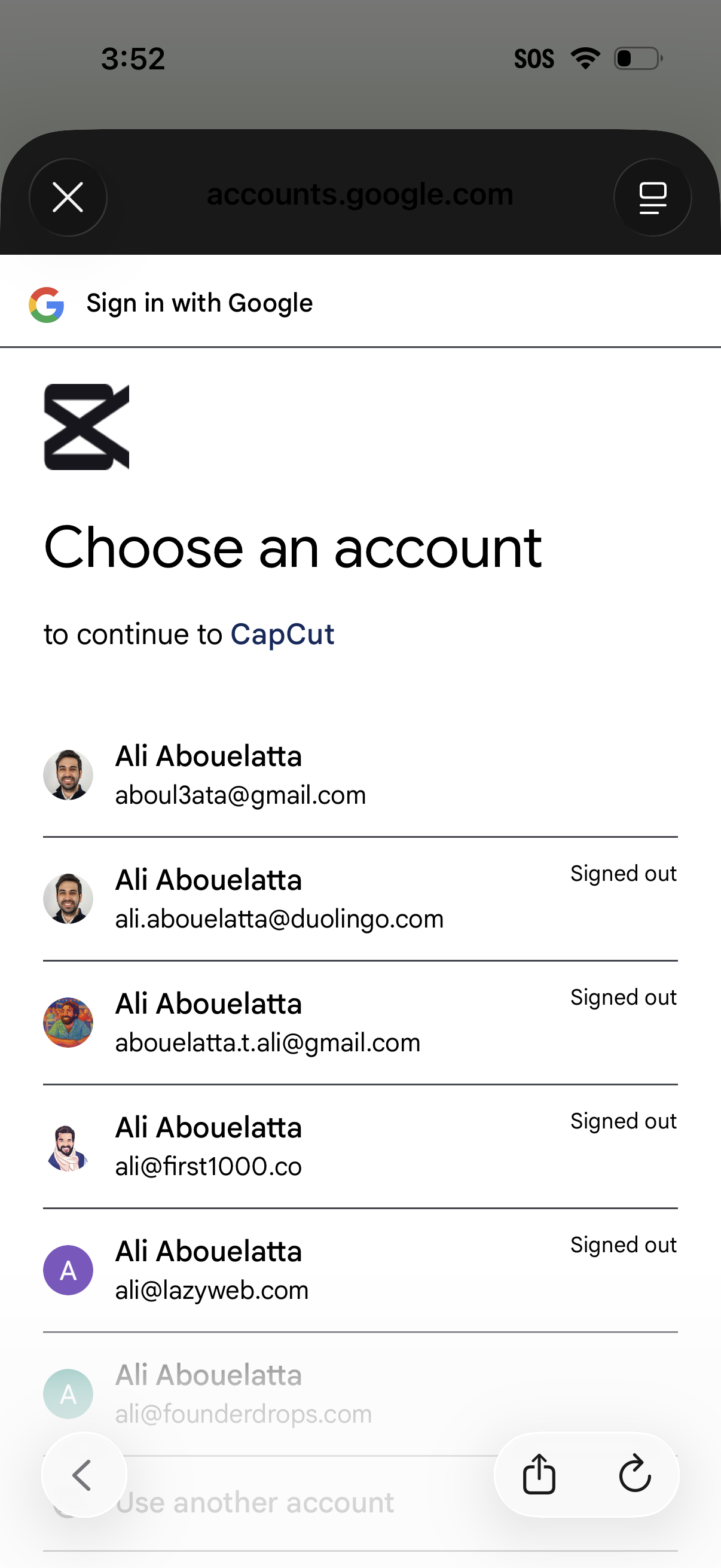
Google OAuth “Sign in with Google” account chooser screen for continuing to an app, displaying a list of saved Google accounts with profile avatars, email addresses, and signed-out status. Users can select an account to sign in or choose “Use another account,” with options to close or return.
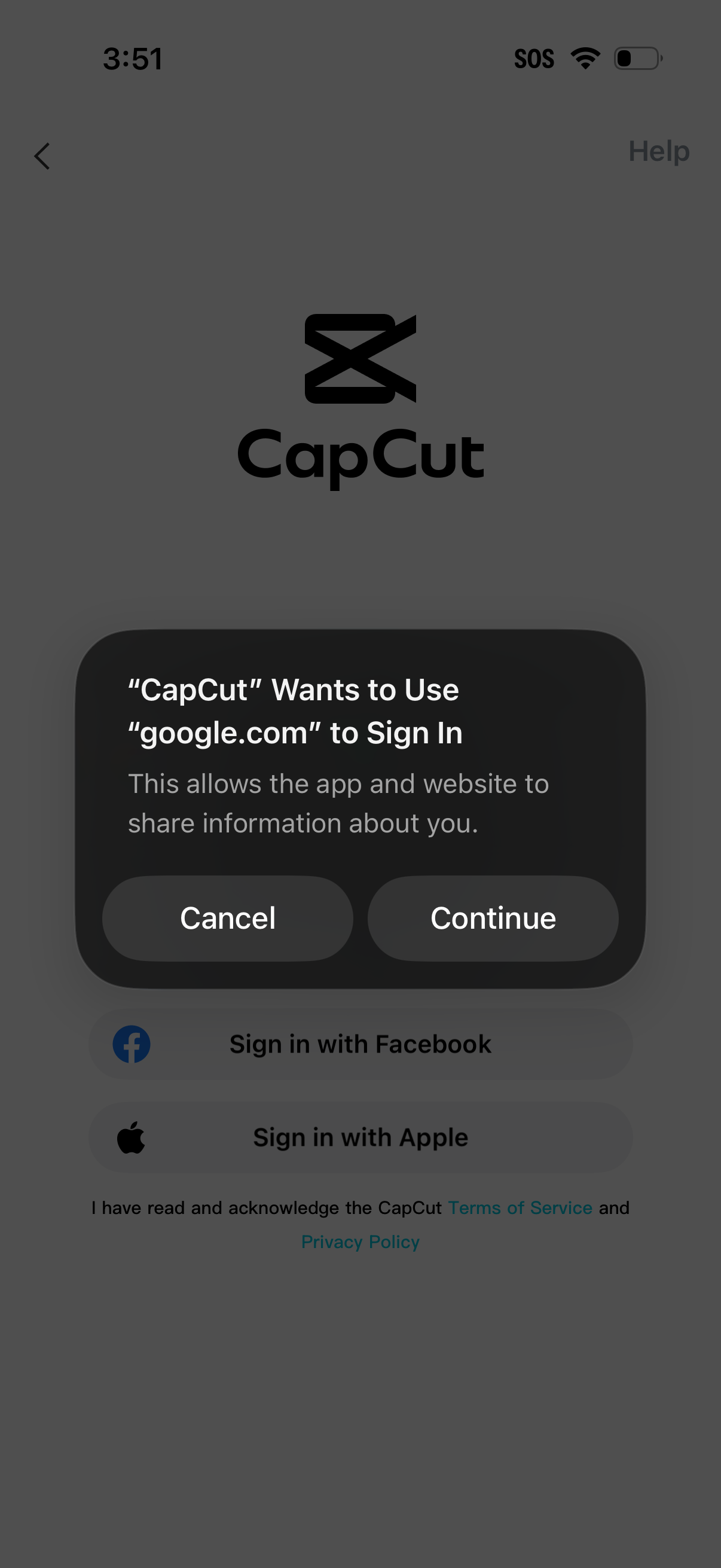
Login screen with an iOS OAuth permission modal asking to use a web domain (google. com) to sign in, offering Cancel or Continue.
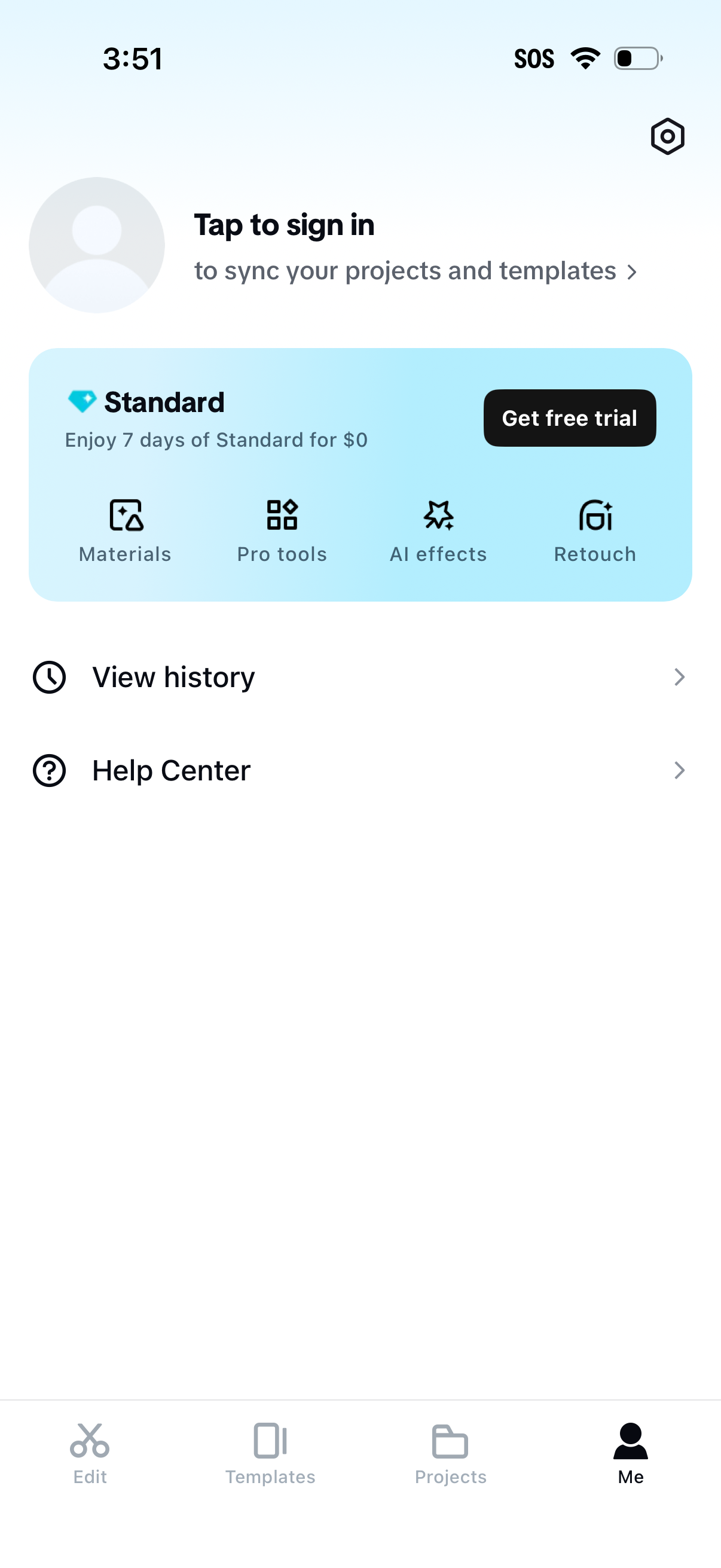
Account/profile (“Me”) tab prompting the user to sign in to sync projects and templates, with a subscription upsell card for a Standard plan free trial highlighting premium features (materials, pro tools, AI effects, retouch) and a “Get free trial” CTA. Includes quick links to view history and the help center, plus bottom navigation to Edit, Templates, Projects, and Me.
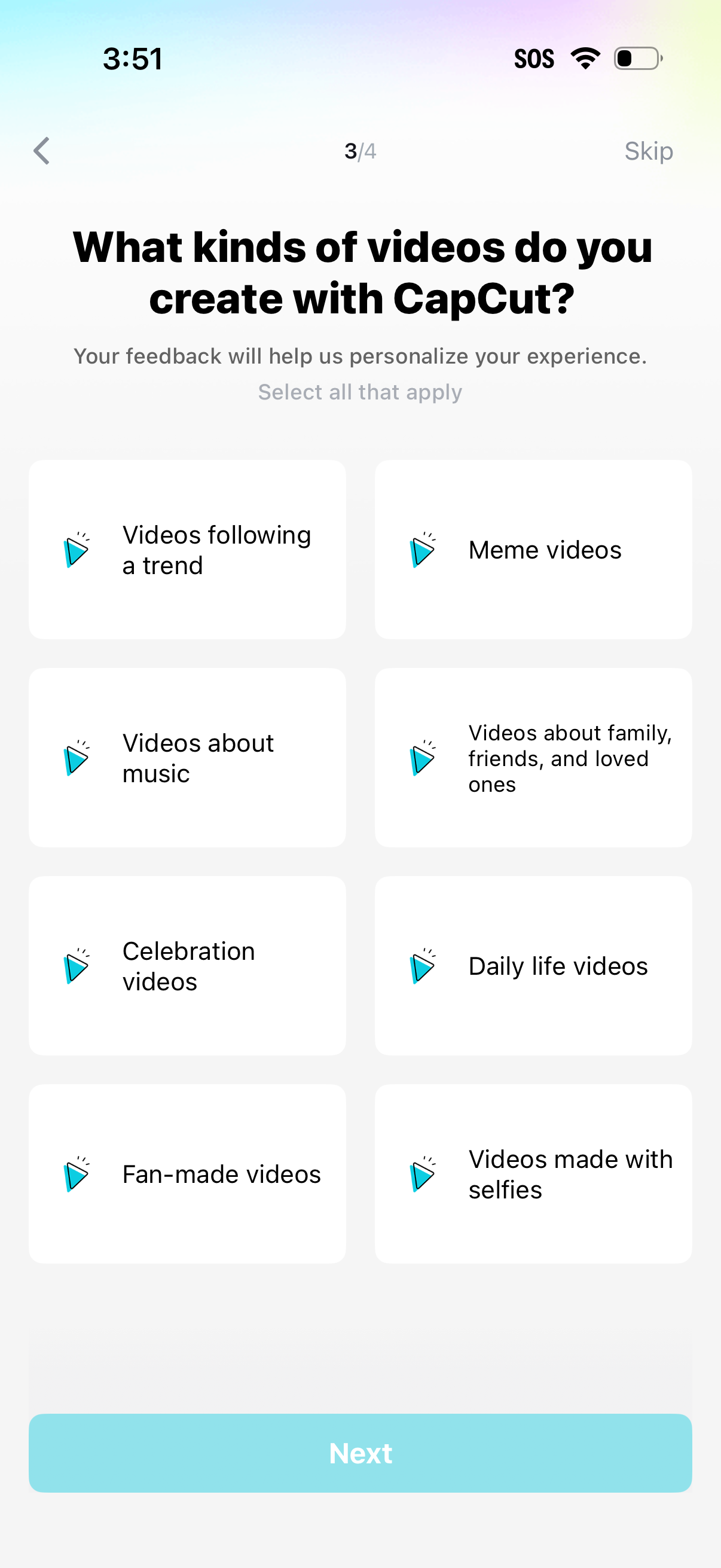
Onboarding personalization survey screen asking what kinds of videos the user creates, with multi-select tiles for categories (trends, memes, music, family/friends, celebrations, daily life, fan-made, selfies). Includes a progress indicator, back and skip options, and a primary “Next” button to continue.
CapCut app splash/loading screen showing the CapCut logo centered on a blank background while the video editing app launches.
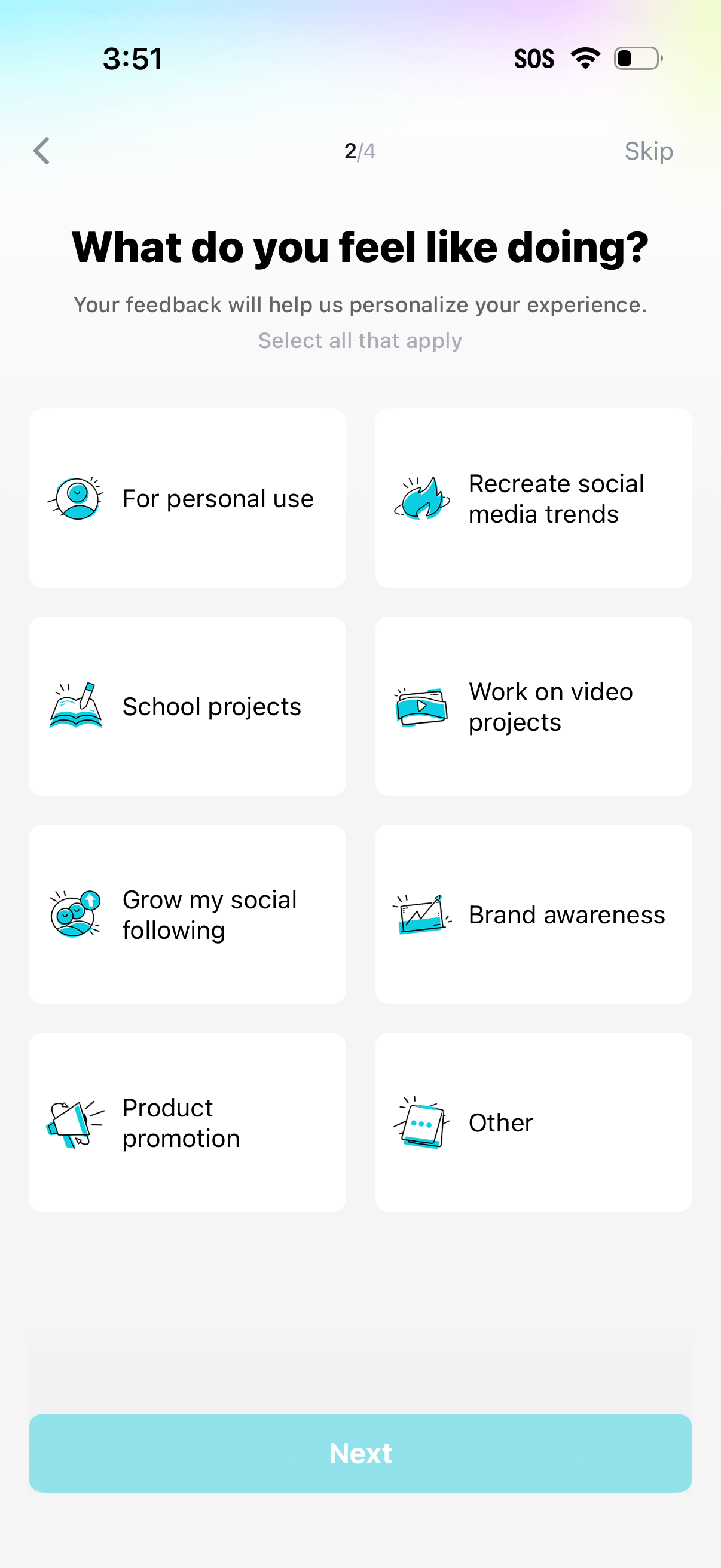
Onboarding personalization survey screen asking “What do you feel like doing? ” with a multi-select grid of use cases (personal use, school projects, video projects, grow social following, brand awareness, product promotion, recreate social media trends, other).
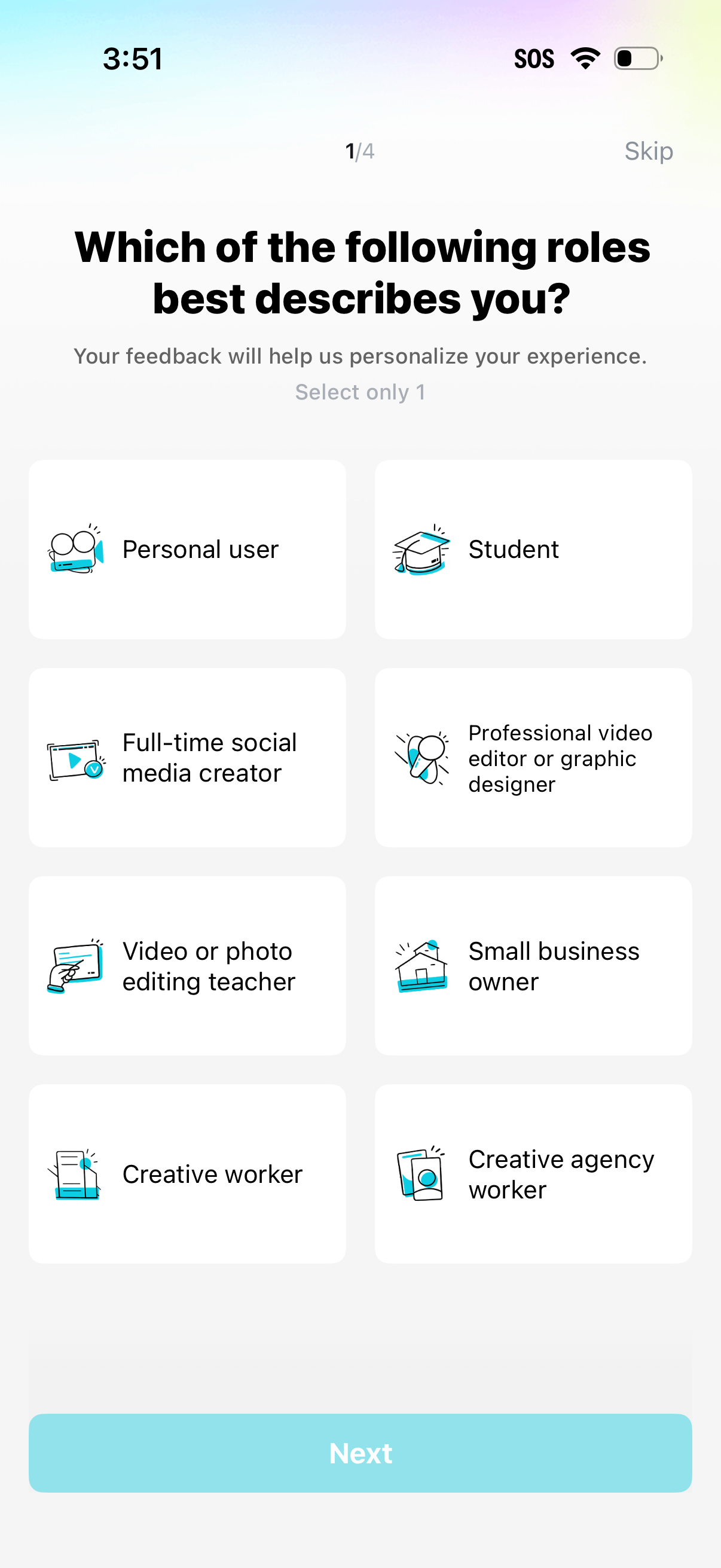
Onboarding personalization screen asking the user to select one role that best describes them (e. g.