Onboarding
Animated app splash/intro screen for Bump featuring a large logo and vibrant background, with a primary “Get me in” call-to-action button to enter the app. Includes small terms acceptance text indicating that tapping the button agrees to the terms.
Onboarding profile setup screen asking “What’s your name? ” with a text input focused for entering first and last name.
Onboarding profile setup screen prompting the user to enter their age with a single numeric input field and number keypad for age verification. Minimal interface focused on collecting the user’s age before continuing.
An app error alert modal appears over a dimmed screen, apologizing that something broke. The user can dismiss the message using a single primary “OK” button.
Minimal onboarding or empty-state screen for a social app explaining that “Bump is made to be used with friends,” setting expectation that the experience is designed for group/friend interactions. The screen is mostly informational text with no visible primary call-to-action.
Minimal onboarding/intro screen for a social location or friend map app, showing the tagline “Fill your map with them” on a blank background. The screen serves as a transitional splash with no visible primary actions besides the app header.
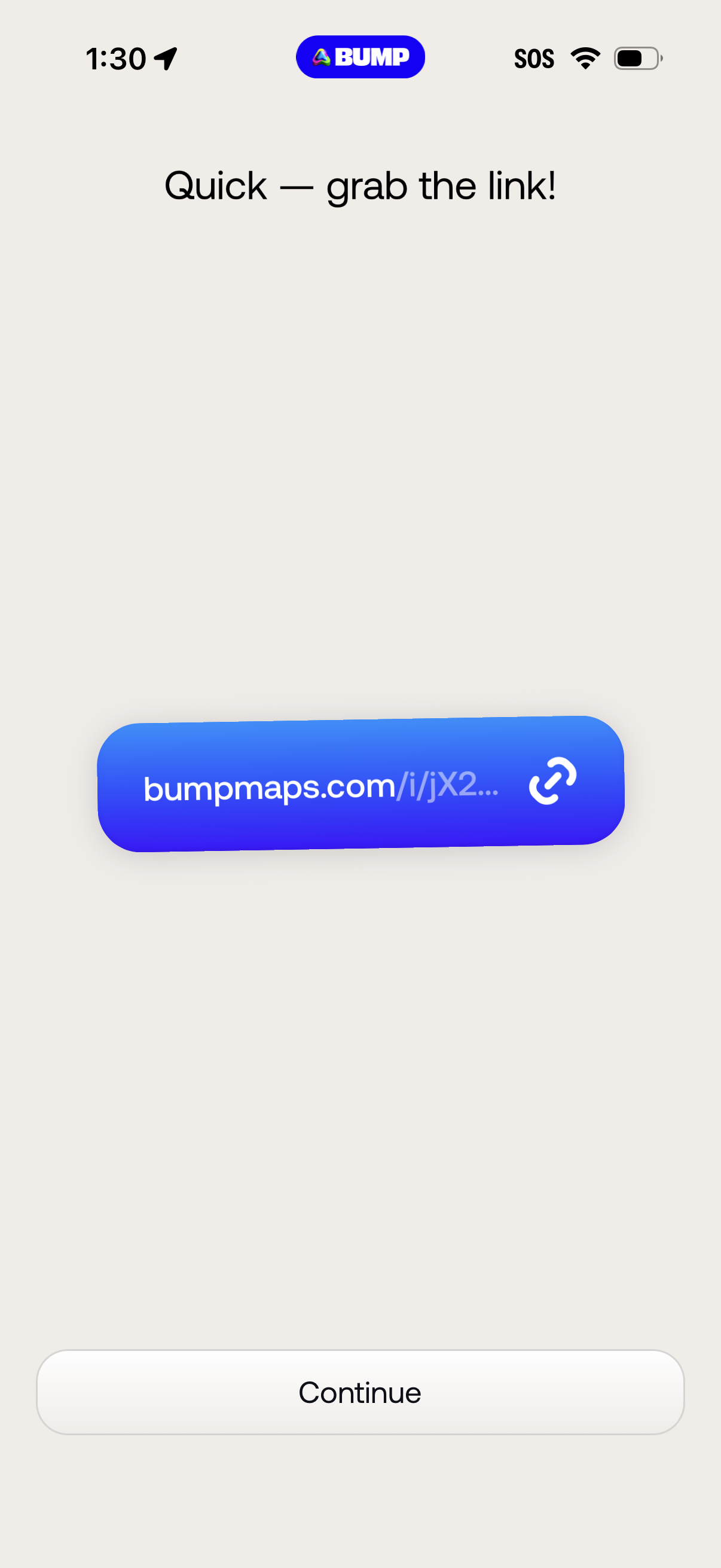
Link sharing screen that prompts users to “grab the link,” showing a generated short URL with a copy/link icon to copy it to the clipboard. A primary “Continue” button advances to the next step after copying or viewing the share link.
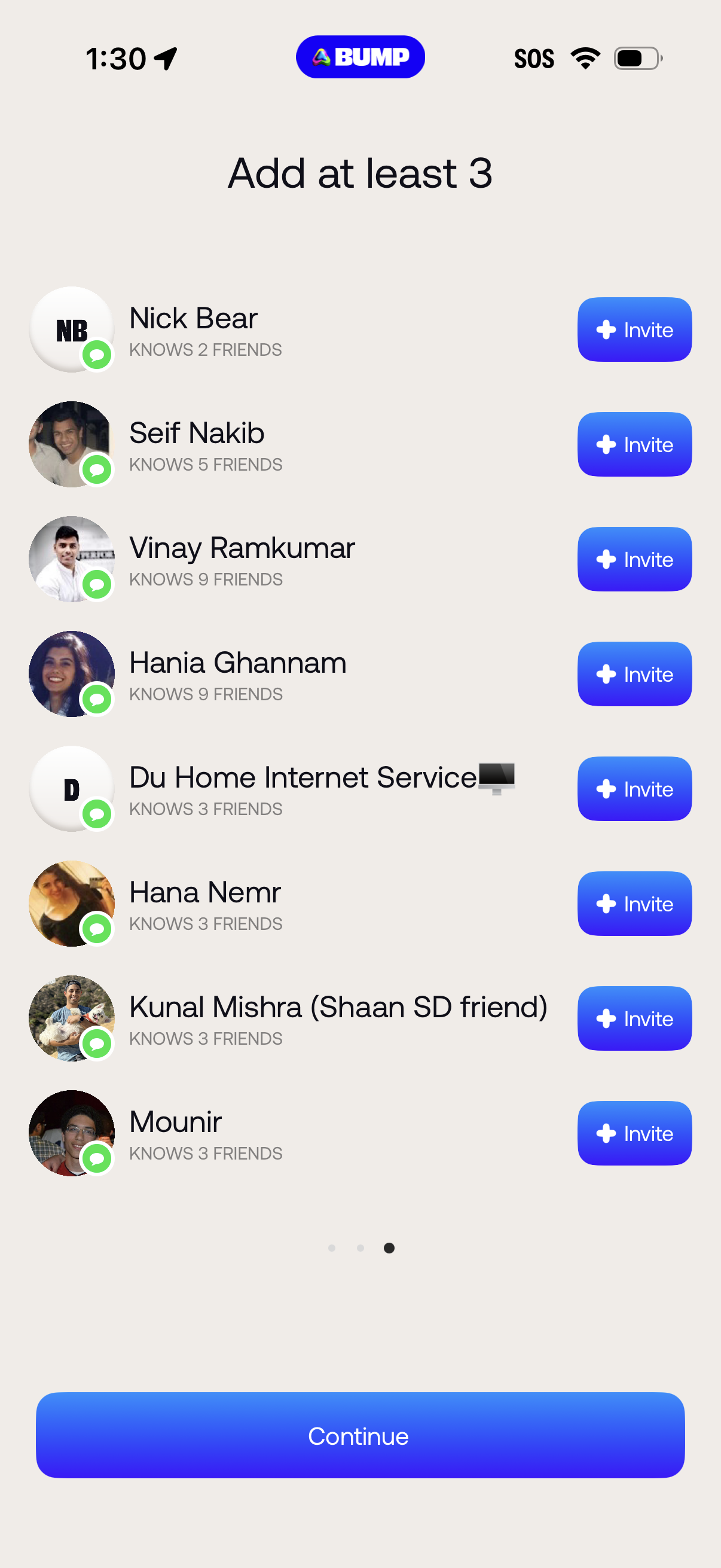
Onboarding screen prompting the user to add at least 3 friends by selecting people from a suggested contacts list, showing profile photos, mutual friends count, and an “Invite” button for each row. A persistent “Continue” button at the bottom advances after inviting enough friends.
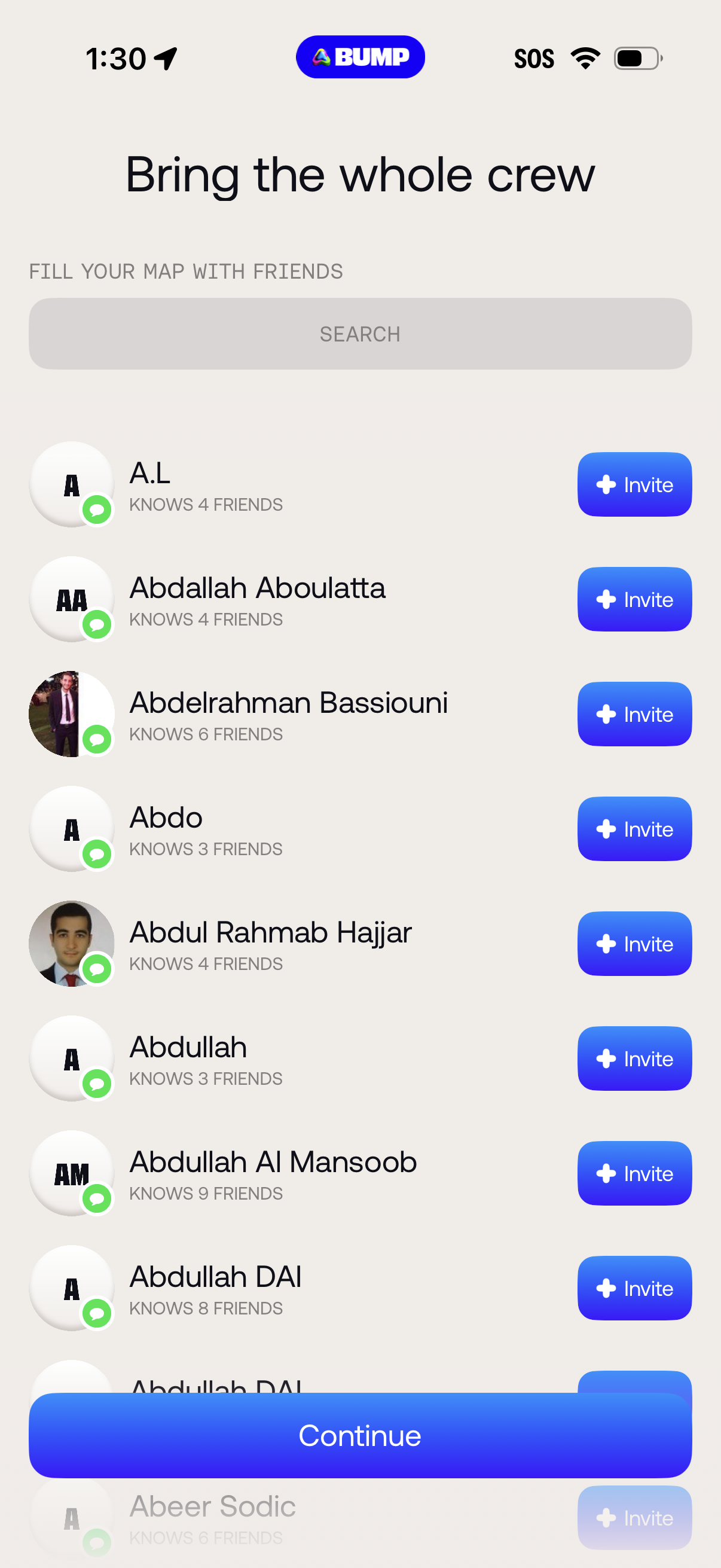
Friend invite screen for building a map/social network, featuring a search bar and a scrollable list of suggested contacts with mutual friend counts and per-row “Invite” buttons. A sticky “Continue” CTA at the bottom advances after selecting invites.
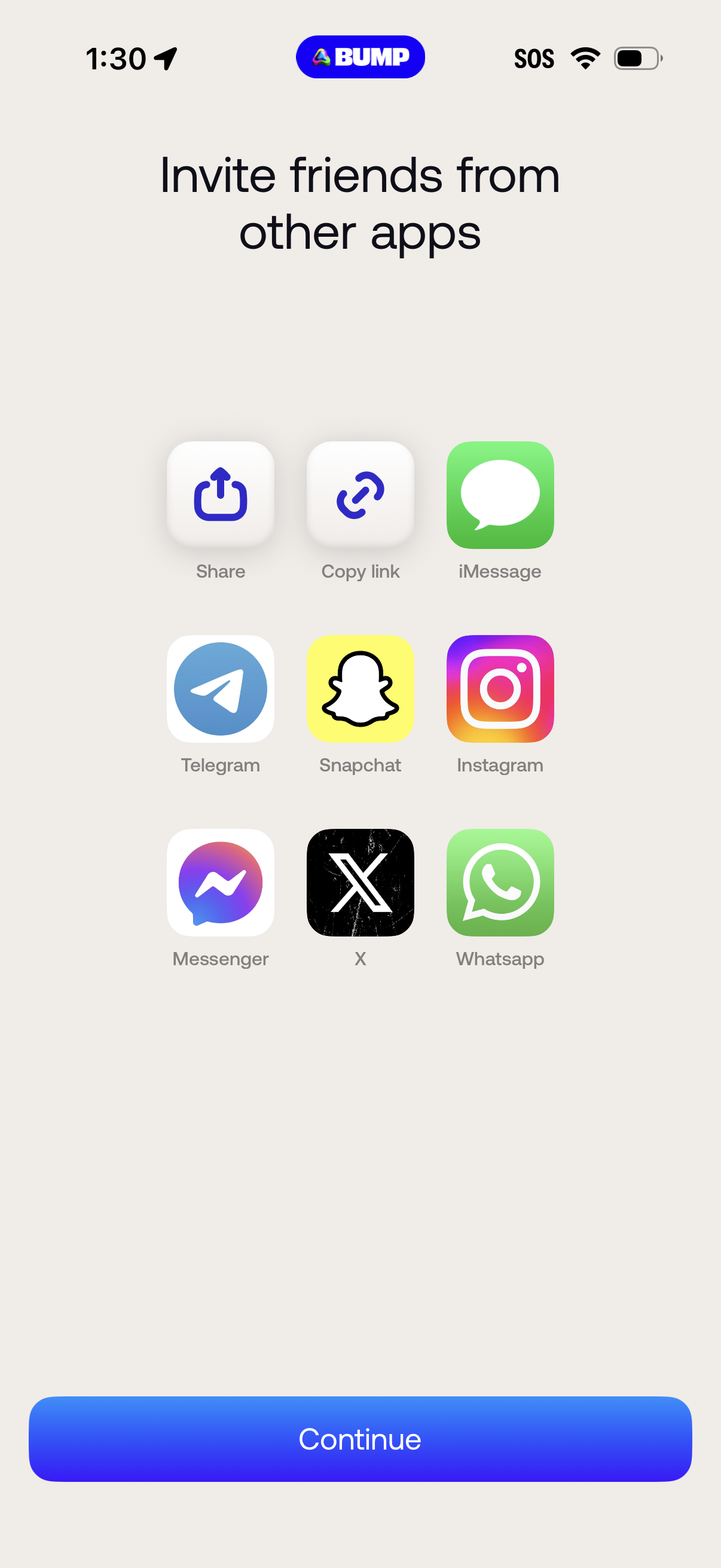
Invite friends screen that lets users share an invitation via external apps or a link, with quick actions for Share, Copy link, iMessage, Telegram, Snapchat, Instagram, Messenger, X, and WhatsApp. Includes a primary Continue button to proceed after choosing a sharing method.
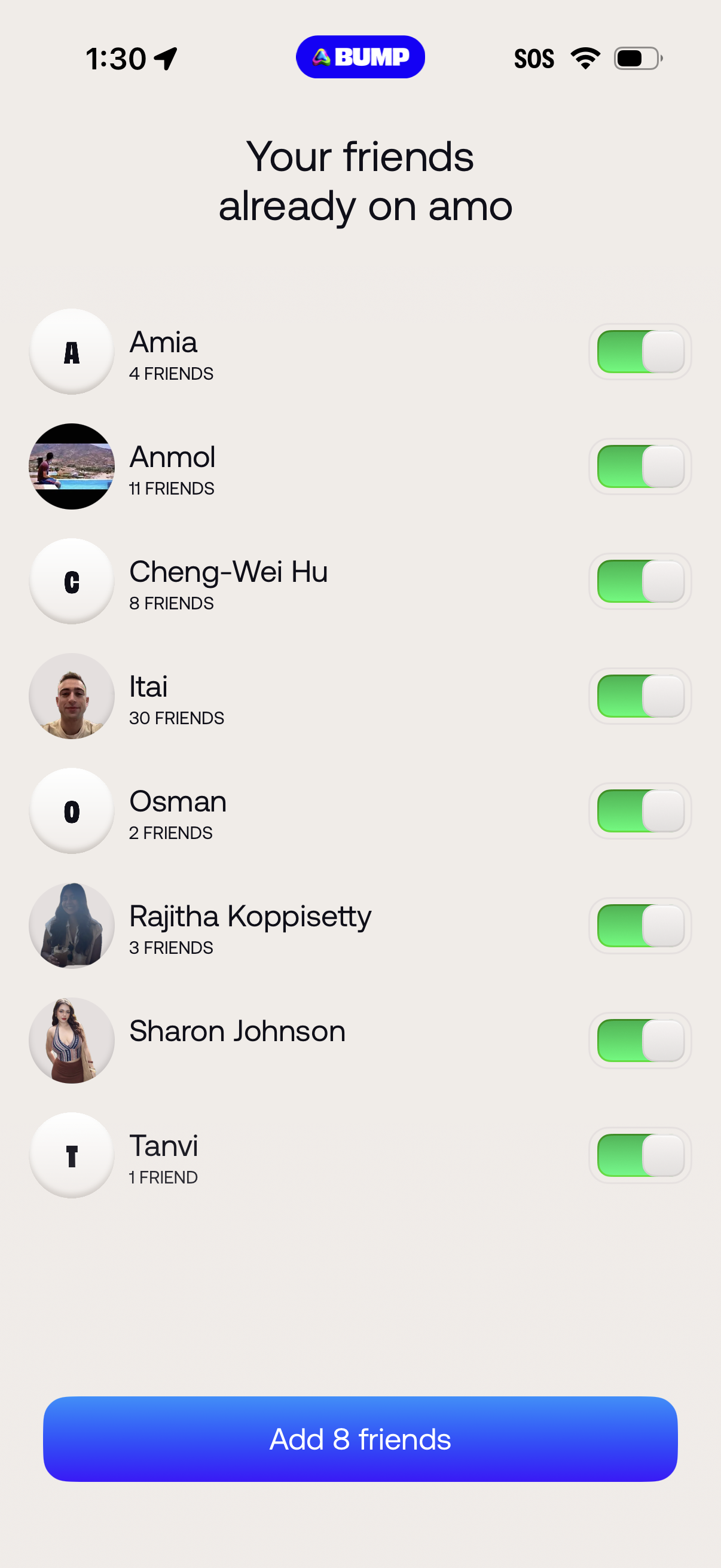
Contact-based friend discovery screen showing a list of people already on the app with avatars and mutual friend counts, each with a toggle to select who to add. A primary bottom CTA lets the user add the selected friends in bulk.
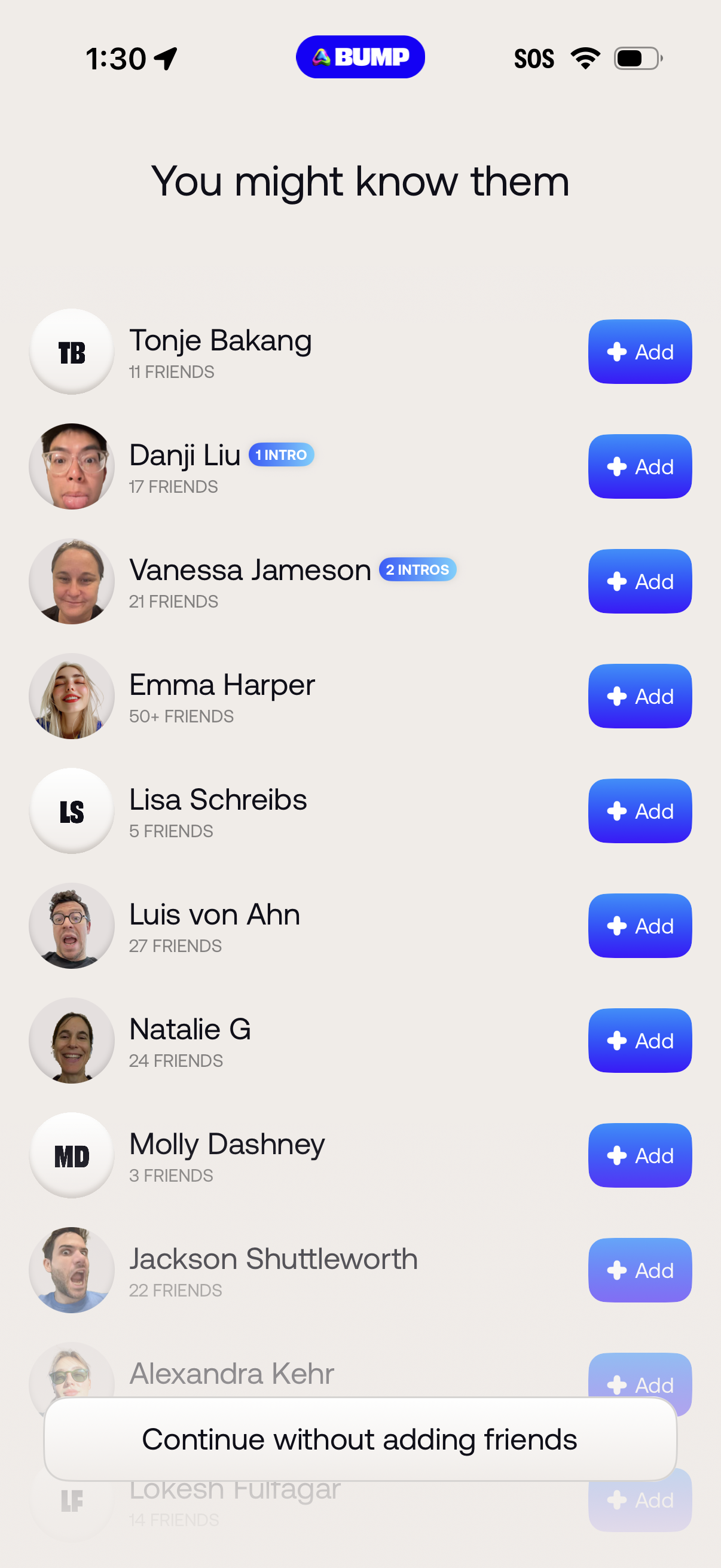
“People you might know” friend recommendations screen showing a scrollable list of suggested contacts with avatars, mutual friend counts and intro badges, each with an Add button to send a request. Includes an option at the bottom to continue without adding friends.
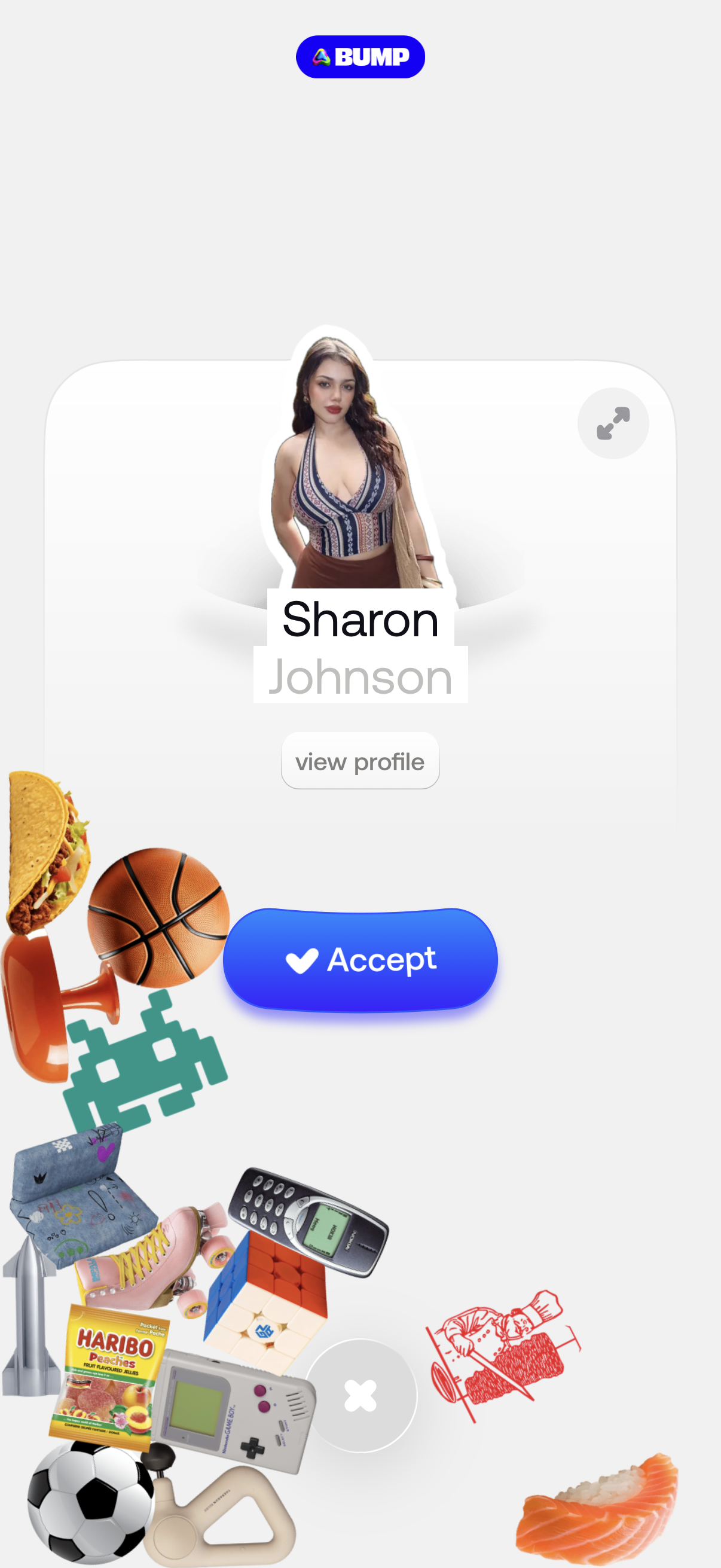
Connection request screen in a social app showing a new contact card with avatar, name, and a “view profile” option. Primary action is a large “Accept” button, with secondary dismiss/close controls and decorative interest icons around the screen.
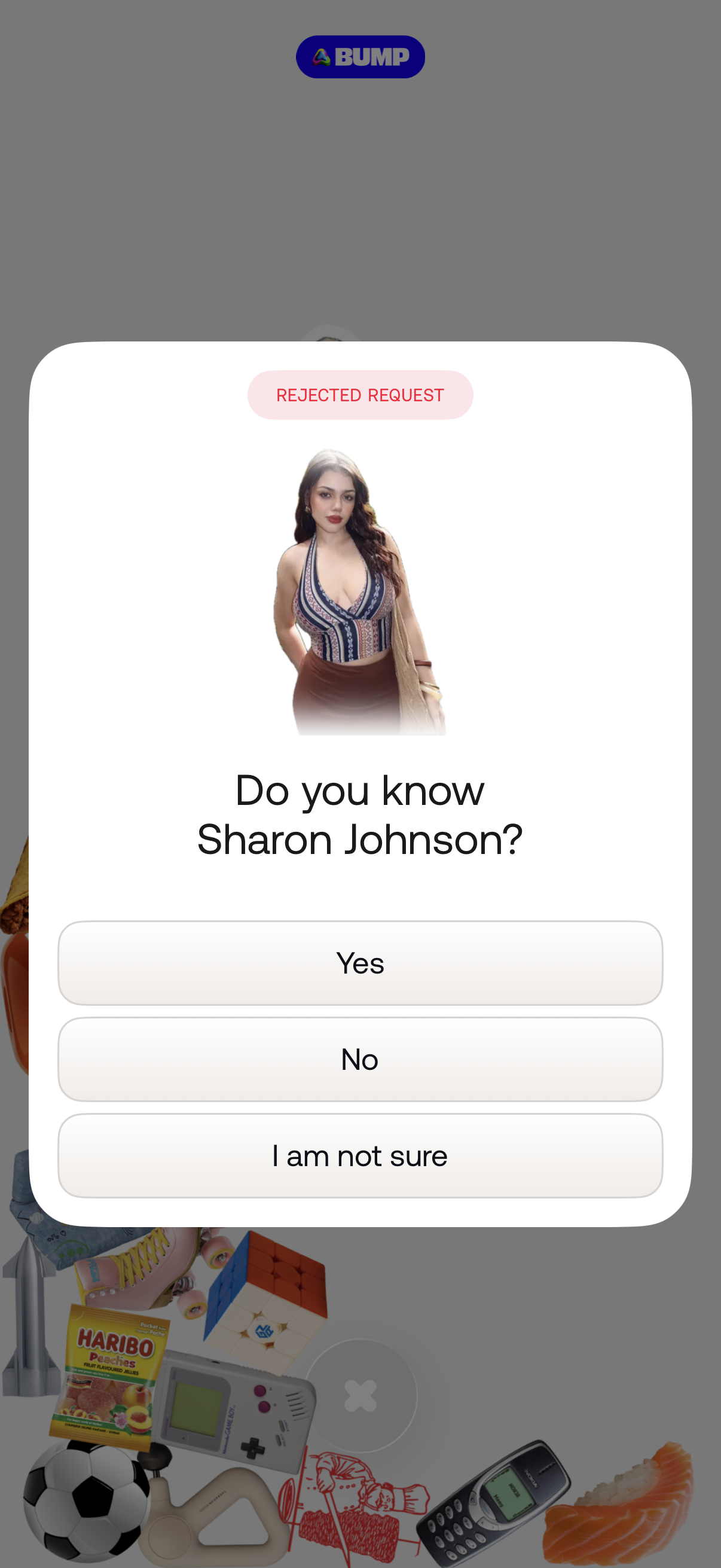
A full-screen modal alerts that a request was rejected and prompts the user to confirm if they know a specific person, showing a profile photo and name. The dialog offers three response buttons: Yes, No, and I am not sure.
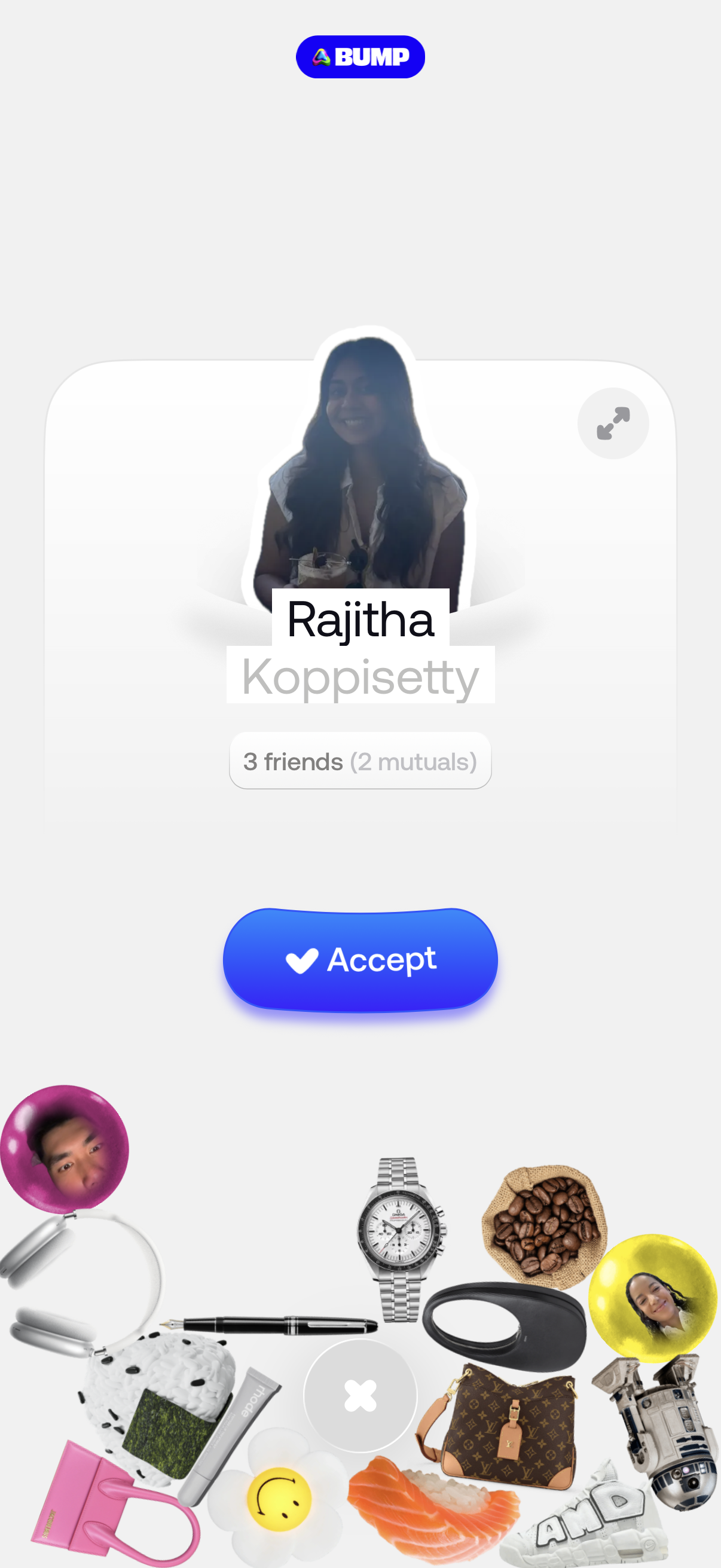
Contact request confirmation screen showing a user profile photo, name, and mutual friends count, with a primary “Accept” button to approve the connection. Includes an expand/details icon and a secondary close/dismiss control for declining.