What's new
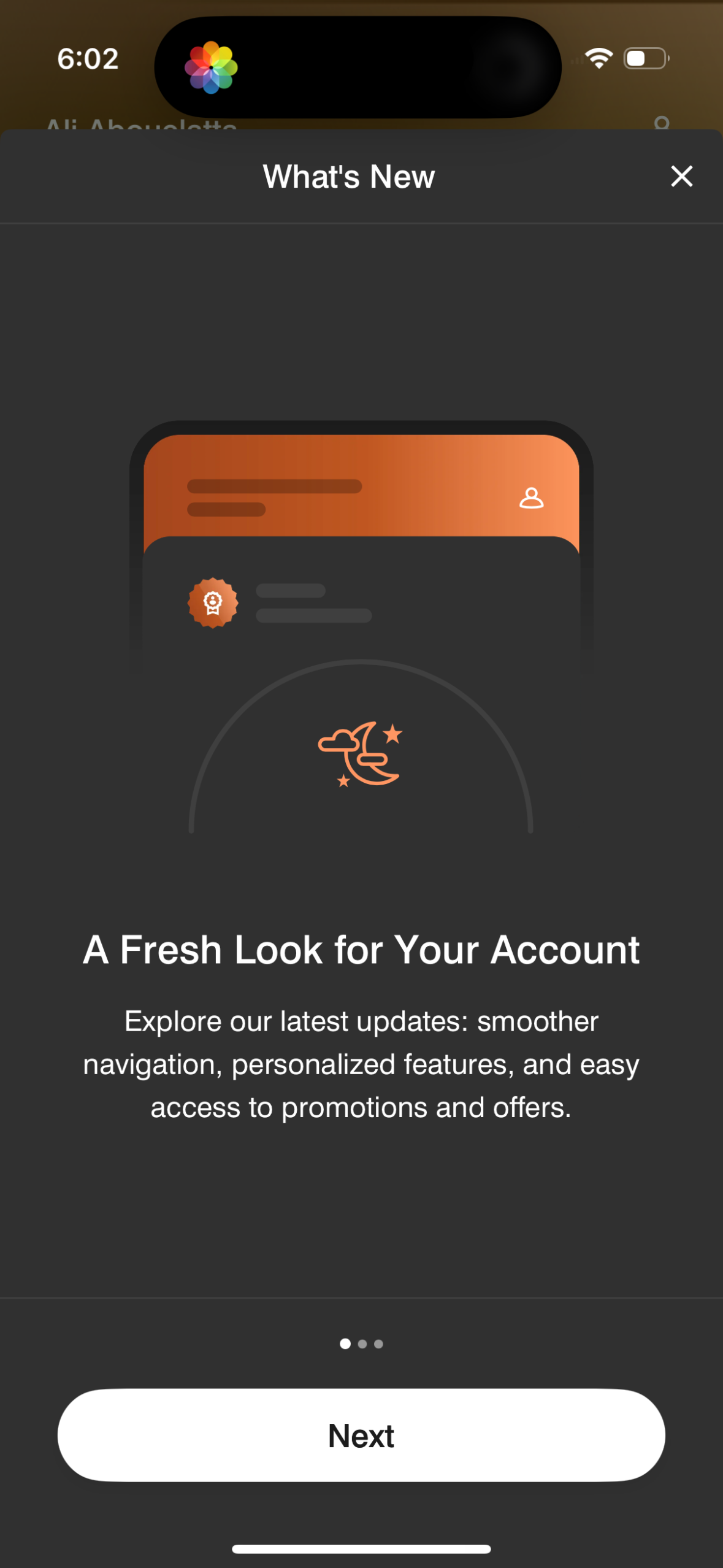
In-app “What’s New” update modal introducing a refreshed account experience with smoother navigation, personalized features, and easier access to promotions and offers. Includes a multi-step onboarding carousel with pagination dots, a primary Next button, and a close (X) to dismiss.
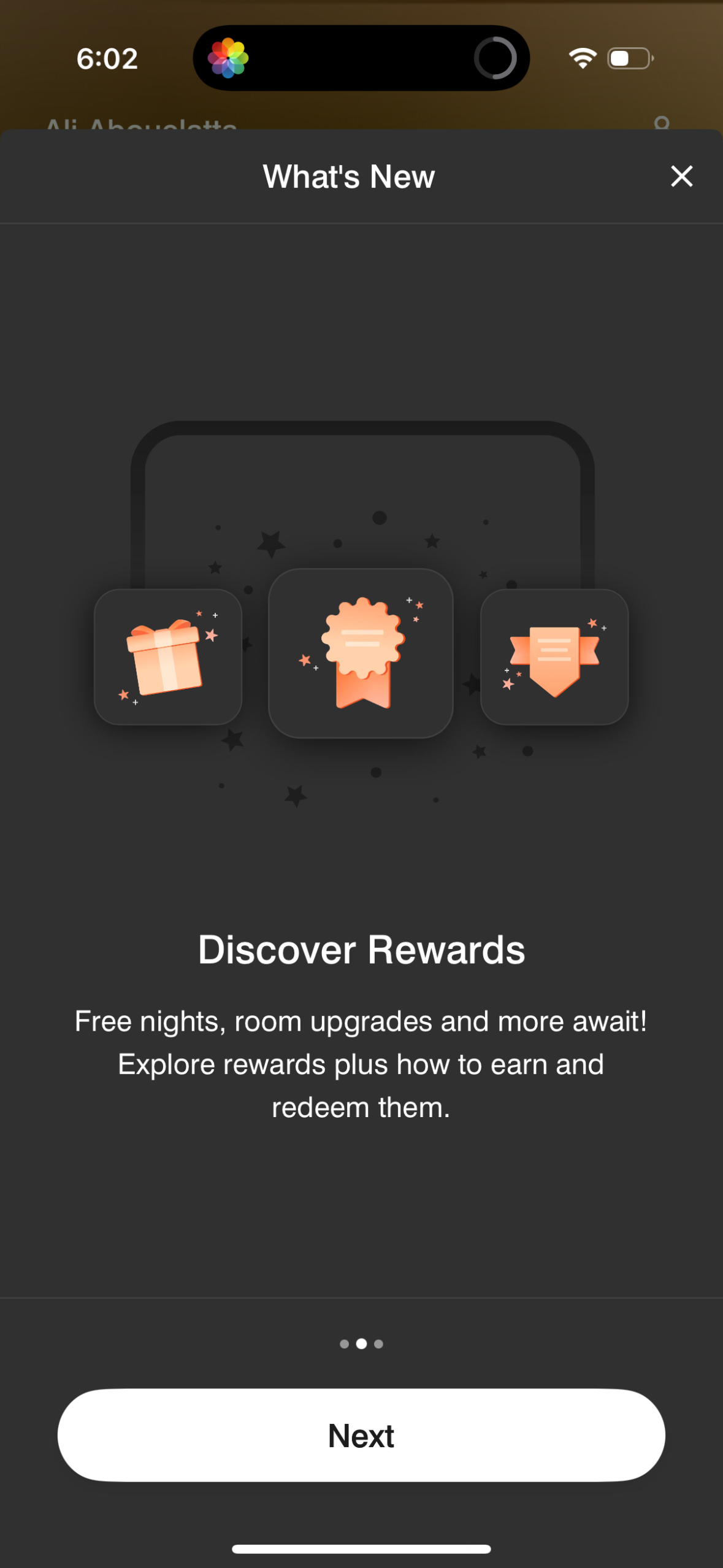
“What’s New” modal onboarding screen introducing a rewards/loyalty program, highlighting benefits like free nights and room upgrades and inviting users to explore how to earn and redeem rewards. Includes a dismiss (X) option and a primary “Next” button to continue through the update carousel.
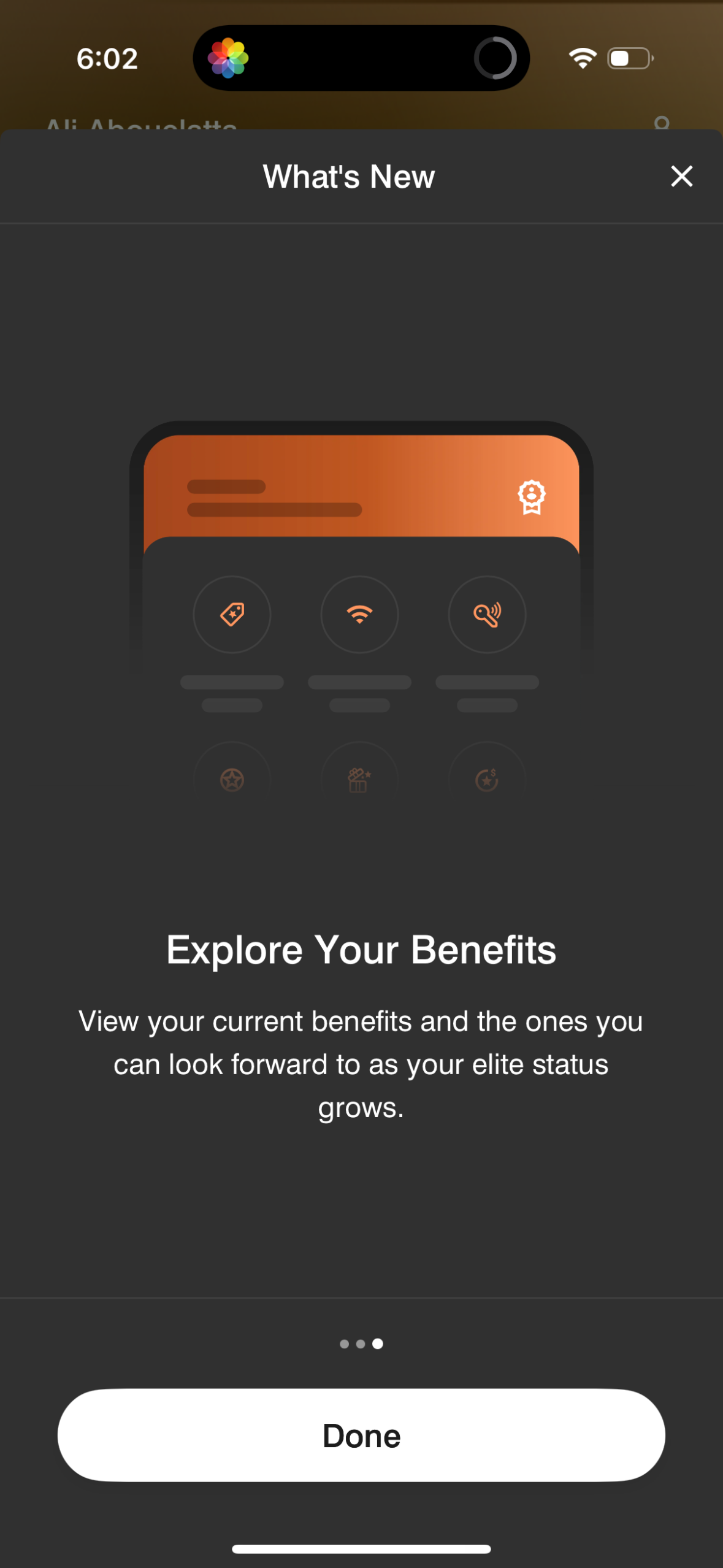
A “What’s New” modal overlay introducing a new feature that lets users explore their membership/elite benefits, including current perks and upcoming benefits as status grows. The screen provides a primary “Done” button and an X close icon to dismiss the update.