Create Post

Social media home feed showing a grid of video post thumbnails with creator handles, captions, and quick engagement counts for likes and reposts. Top navigation switches between Discover, Following, and Video tabs with a side menu and hashtag/trending button, plus a floating compose button and bottom tab bar for core app sections.
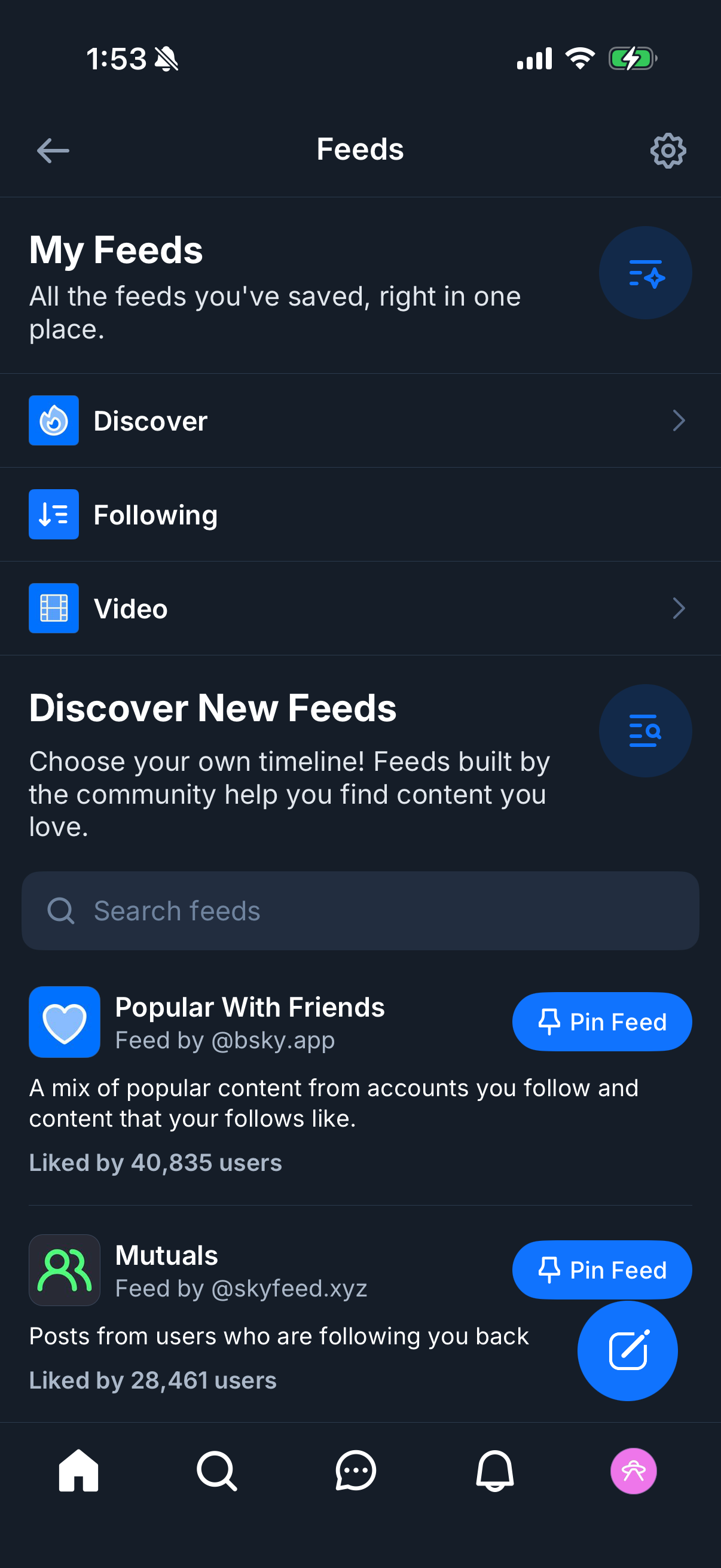
Social app “Feeds” hub where users manage saved timelines, with quick links to Discover, Following, and Video feeds plus a settings icon. Includes a “Discover New Feeds” section with search, community feed listings showing descriptions and like counts, and primary actions to pin a feed or create/add a new feed.

Feeds management screen showing saved timeline categories (Discover, Following, Video) and a section to discover new community-built feeds with a search bar and settings/options. A bottom sheet modal prompts the user to verify their email before posting or replying, with a primary “Send email” button and links to update email or enter a verification code.