launch and start editing
App welcome/splash screen for a creative platform, showing branding and tagline “Start your creative journey” with an illustration background. Primary call-to-action is a large “Start” button to begin onboarding or sign-up flow.
App splash/landing screen with illustrated hands on a dark background, prominent brand name and tagline, and a primary “Explore” call-to-action button to enter the app.
Onboarding splash/landing screen for an art and photo editing app featuring a bold illustration, brand tagline “Art is defined by you,” and a primary call-to-action button labeled “Start Editing” to begin creating or editing artwork.
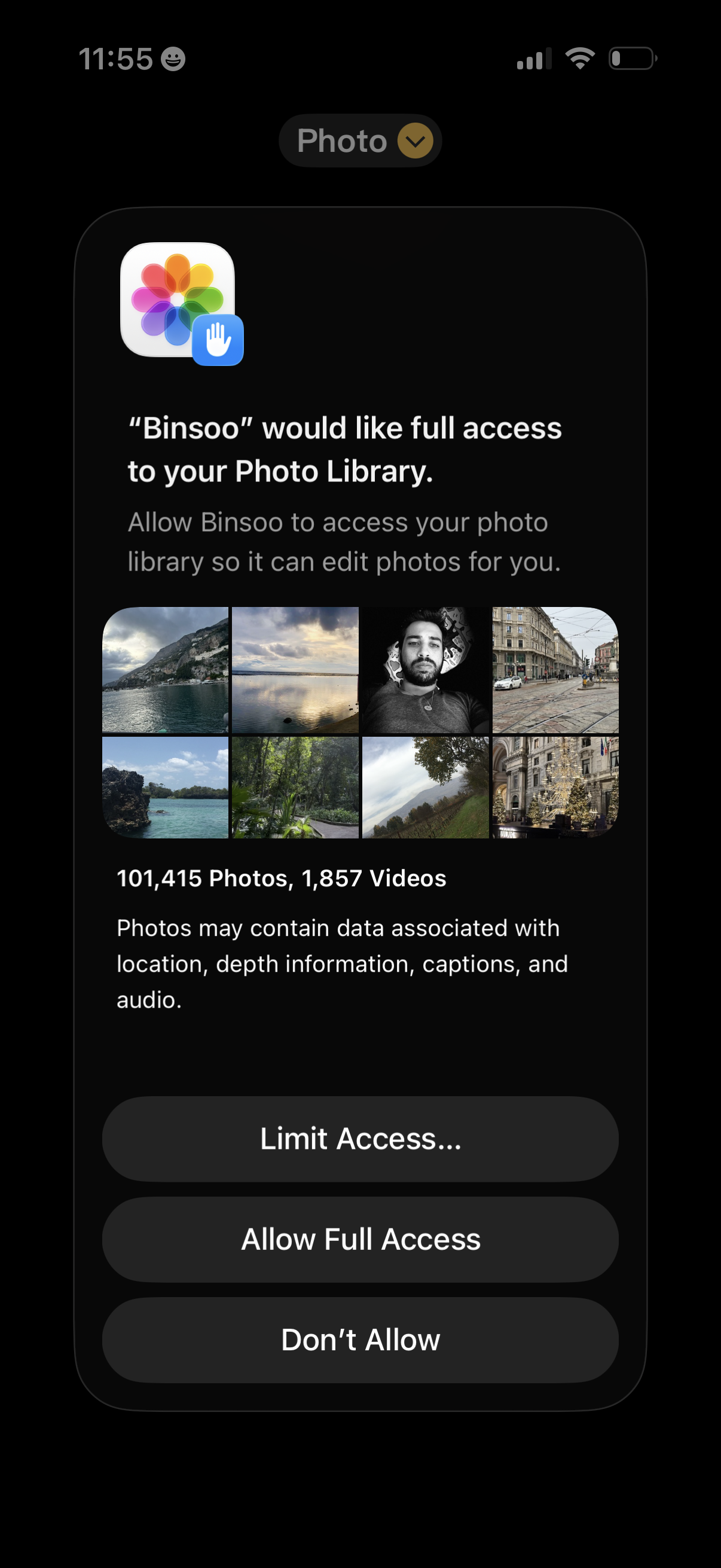
iOS system permission prompt requesting an app’s full access to the user’s Photo Library so it can edit photos, showing a preview grid and photo/video counts. Provides actions to limit access, allow full access, or deny permission.
Dark full-screen media selection interface showing a “Recents” dropdown to switch photo/video albums and an X button to close or cancel the picker. The main content area is an empty gallery view awaiting thumbnails for selecting an item to upload or share.
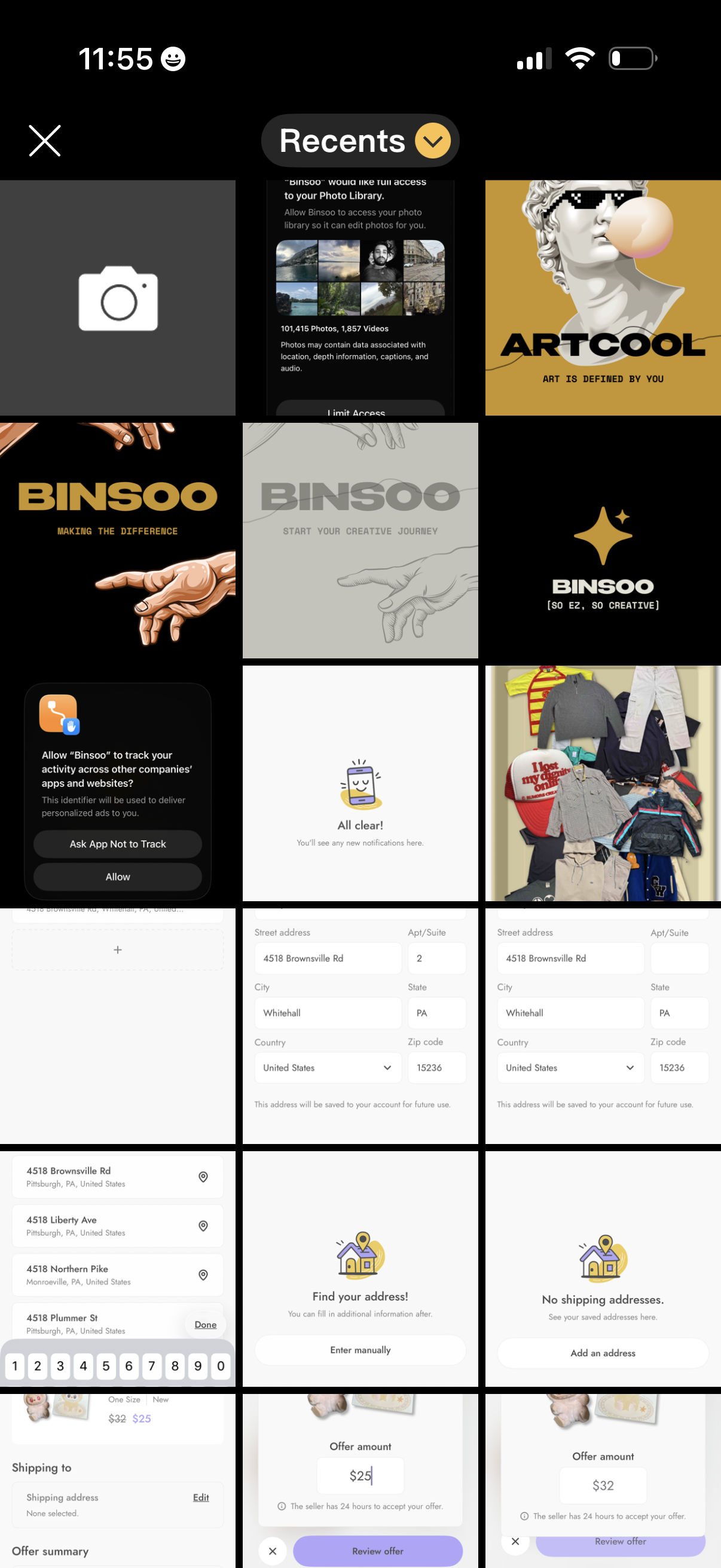
Photo picker gallery screen showing a grid of recent images with a “Recents” dropdown to switch albums, a camera tile to take a new photo, and a close button to dismiss the selector. Users can browse and choose an image from their photo library for upload or sharing.
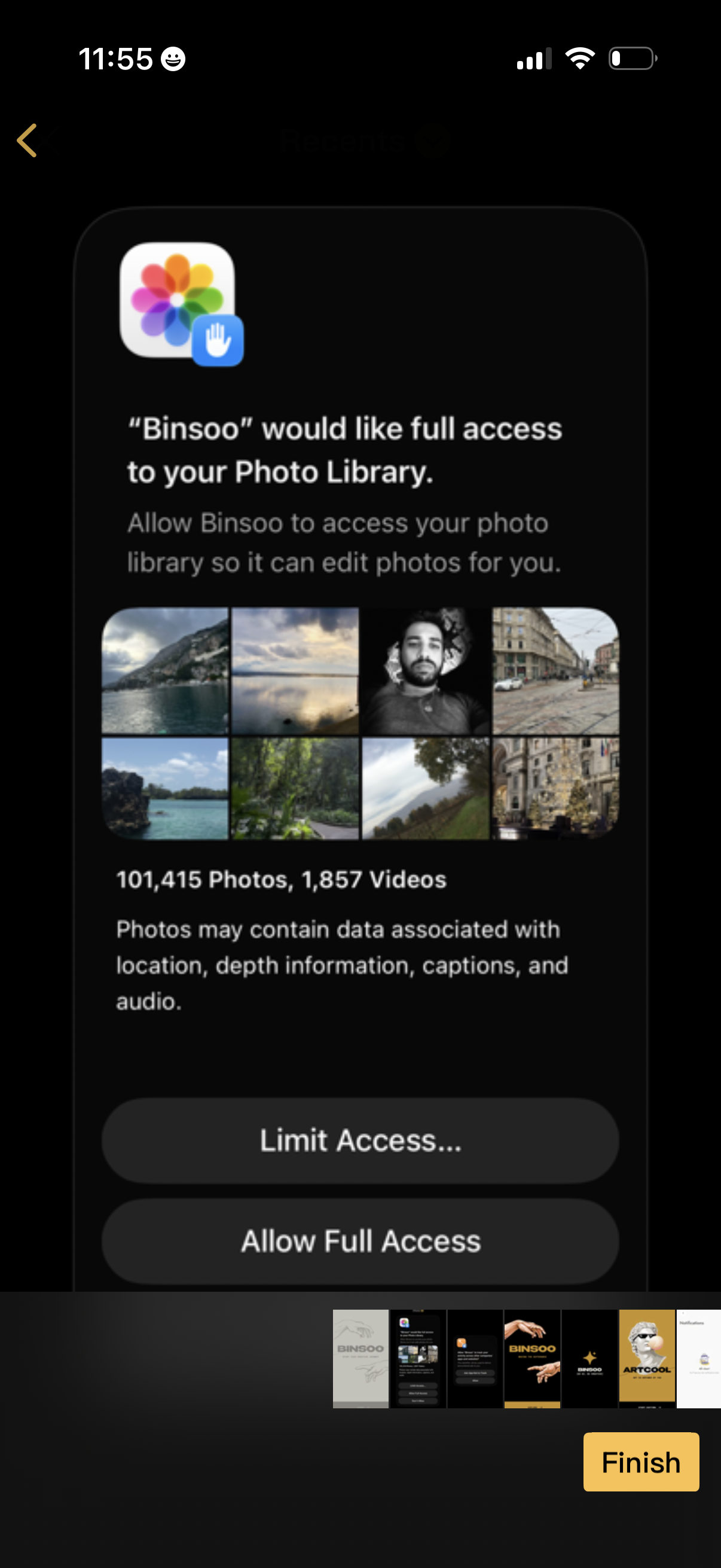
iOS system permission modal requesting full access to the user’s Photo Library so the app can edit photos, showing a preview photo grid and photo/video counts. Primary actions let the user choose “Limit Access” or “Allow Full Access” before continuing.
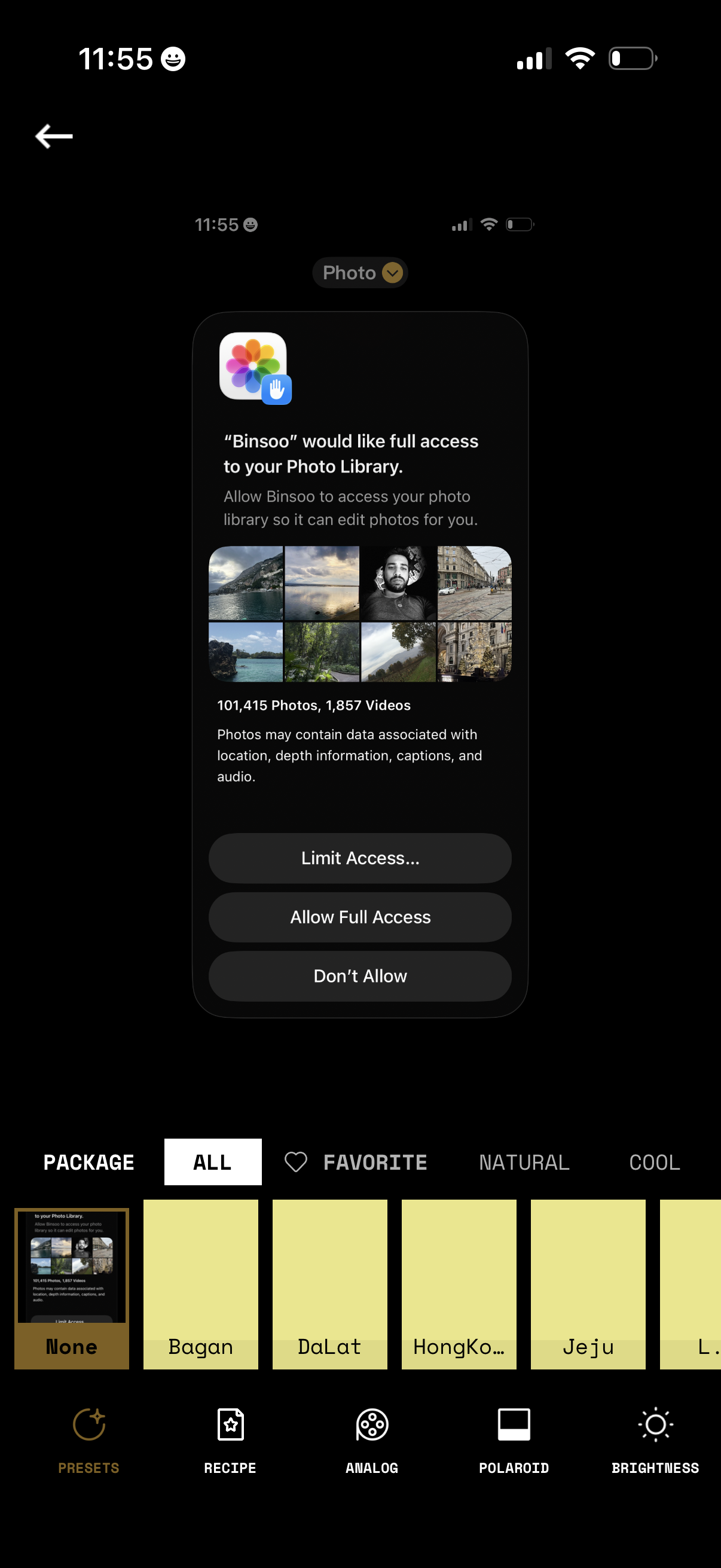
iOS permission modal requesting an app to access the user’s Photo Library for editing, showing a preview grid and photo/video counts. Primary actions let users choose Limit Access (select photos), Allow Full Access, or Don’t Allow while on a photo filter/preset editing screen.