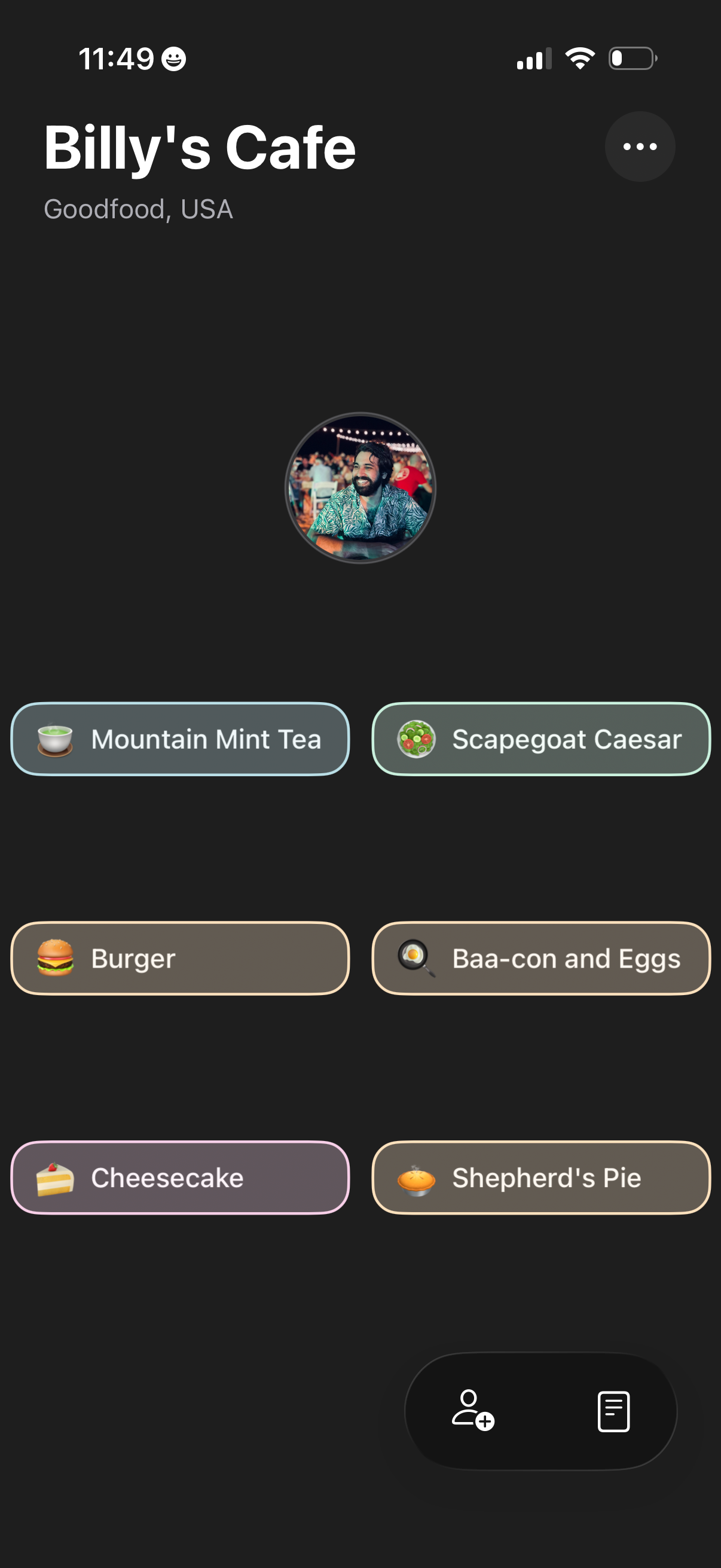
Restaurant profile screen for a cafe showing the venue name and location plus a grid of menu item chips with icons for quick selection. Includes an overflow options menu and a bottom action area to add people/invite or open an order/menu list.
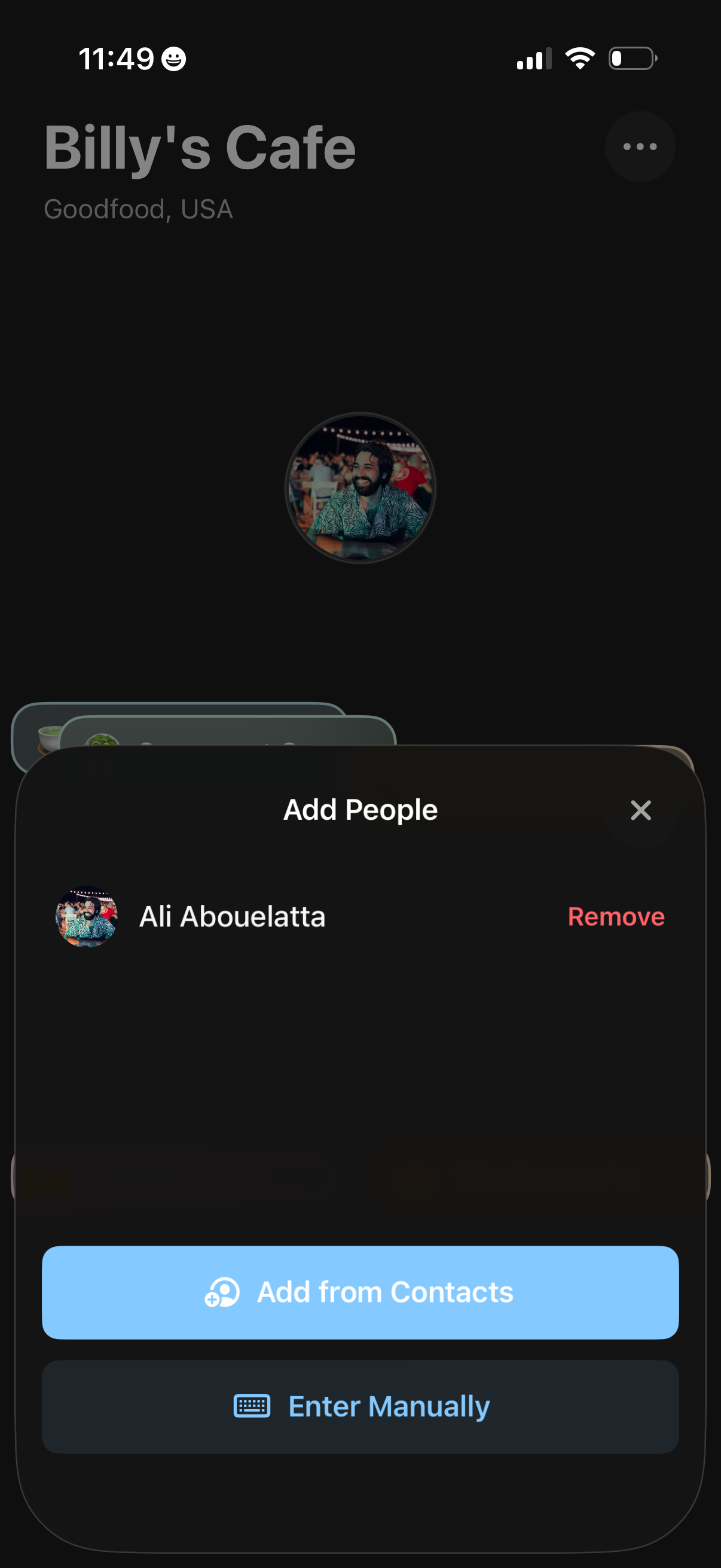
A group or bill management screen for a venue showing an “Add People” bottom sheet with current participants and a remove option. Users can invite additional members by adding from contacts or entering details manually, with a close control to dismiss the modal.
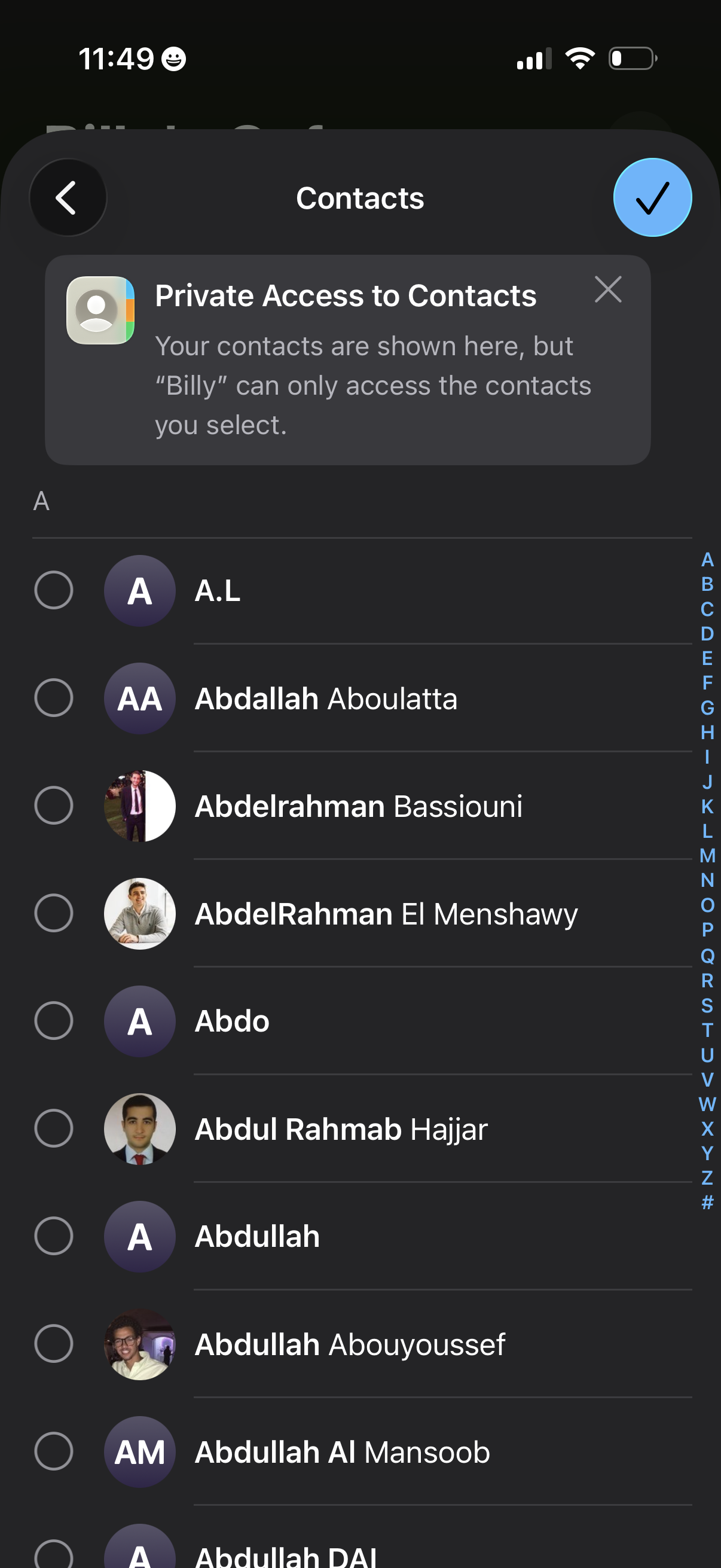
Contacts permission selection screen showing an alphabetical contact list with multi-select radio buttons to grant a specific app or profile private access only to chosen contacts. Includes a back button and a confirm checkmark to save the selected contacts, plus an A–Z index for quick scrolling.
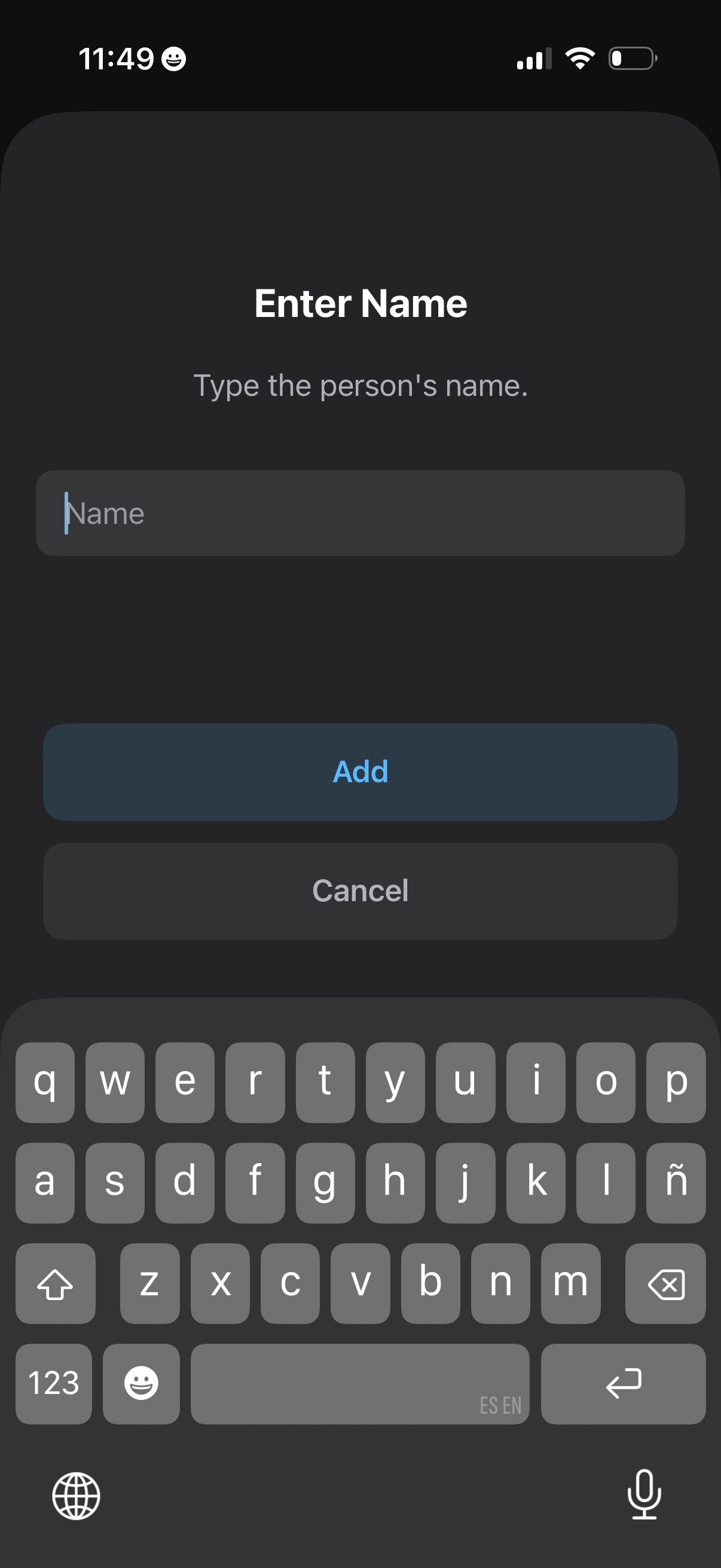
Modal dialog for adding a person/contact by entering a name, with a single text input field and primary Add and secondary Cancel actions, shown with the on-screen keyboard for quick entry.
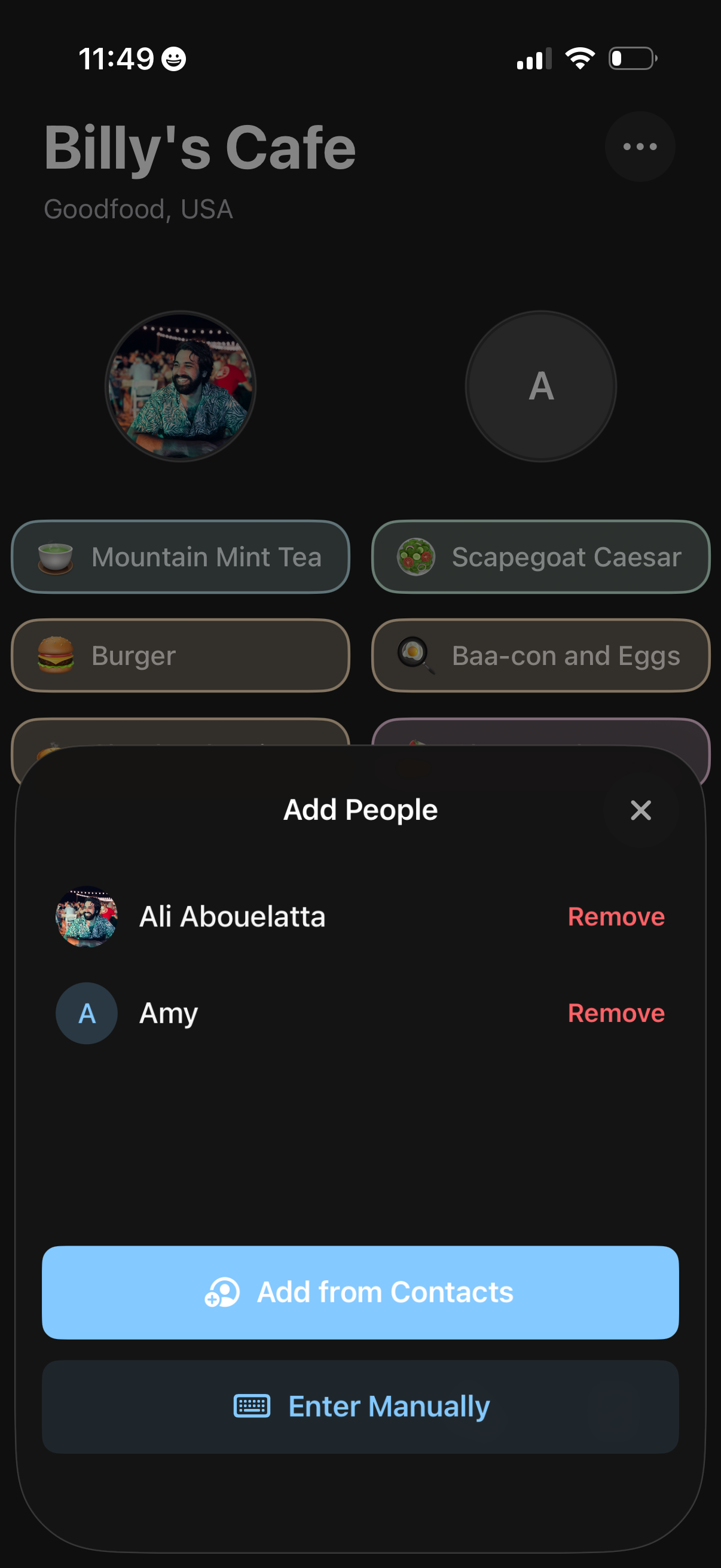
Restaurant menu screen with a bottom sheet to manage diners for a shared order, showing selected people with avatar initials and a Remove action. Users can add more people either from contacts or by entering details manually while browsing menu items in the background.