grant location and bluetooth
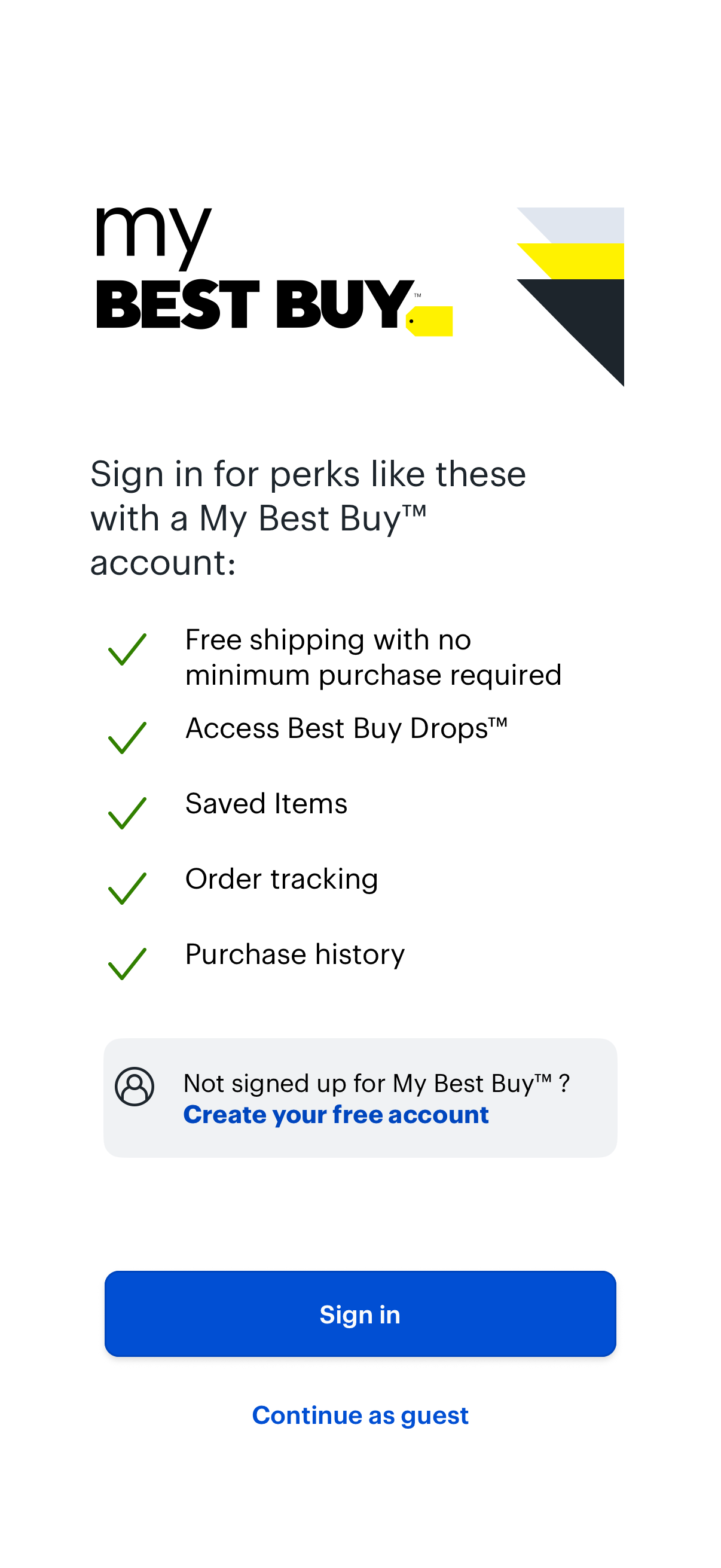
Account sign-in prompt for a retail shopping app highlighting membership benefits like free shipping, access to exclusive drops, saved items, order tracking, and purchase history. Primary actions include signing in, creating a free account, or continuing as a guest.
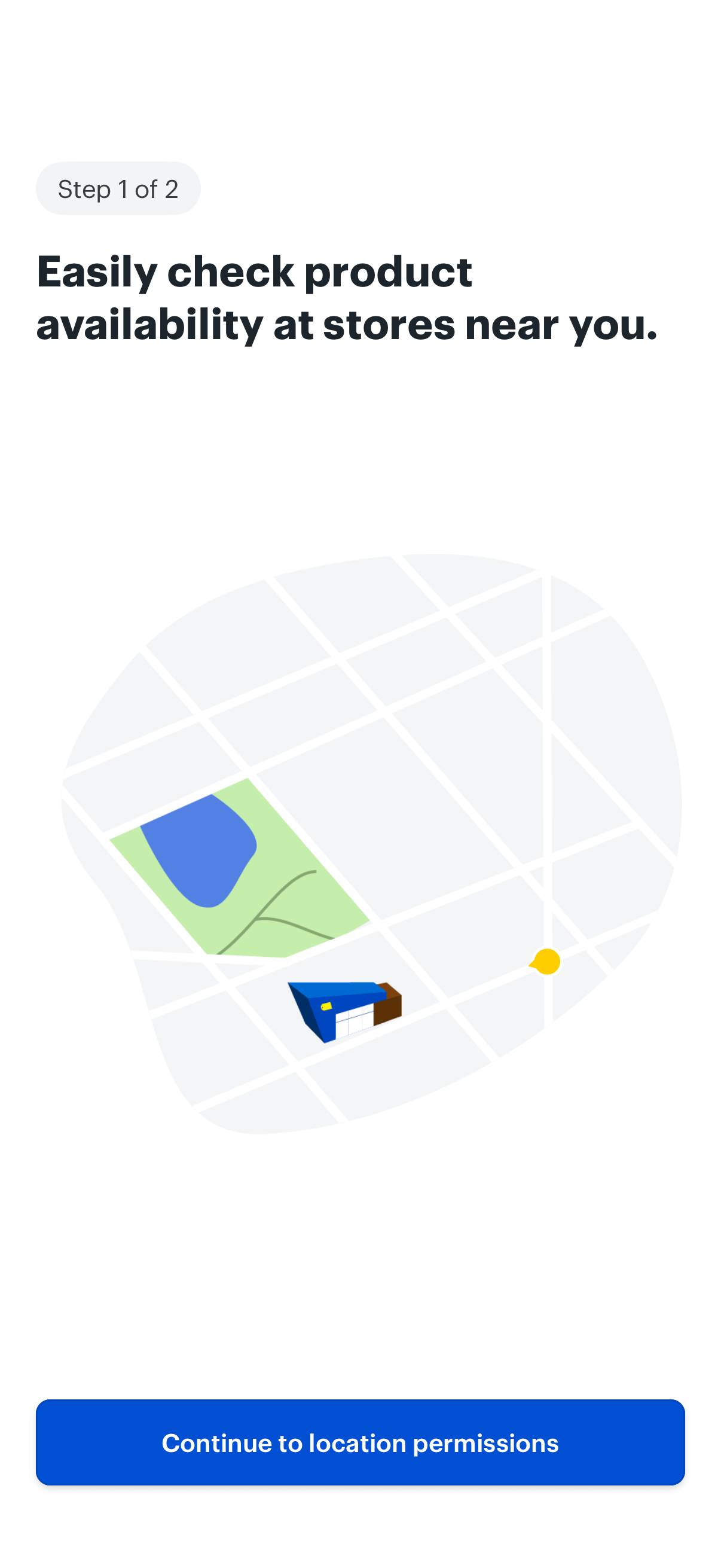
Onboarding step prompting users to enable location access so they can check nearby store product availability, shown with a map illustration. Primary action is a CTA button to continue to location permissions.
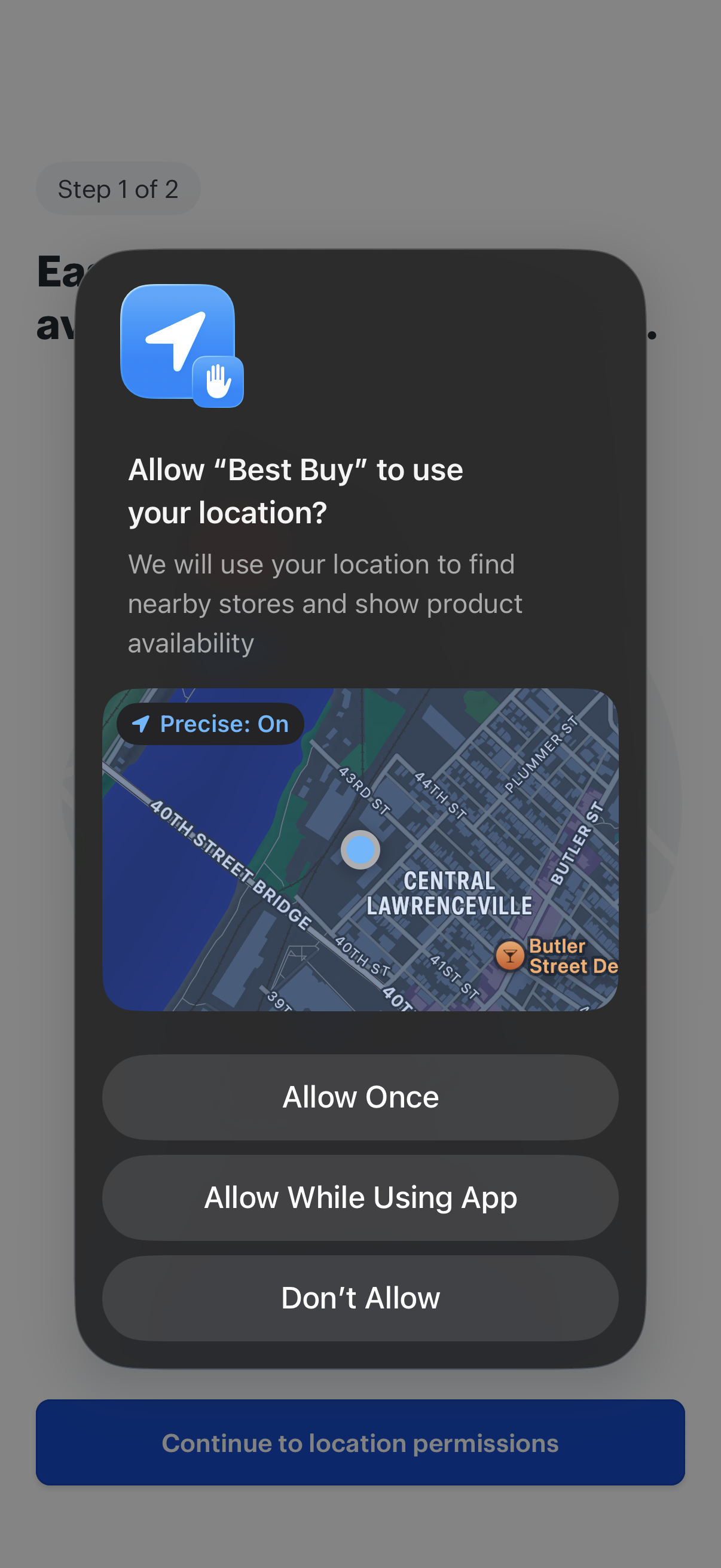
iOS system location permission prompt asking to allow the app to use the user’s precise location to find nearby stores and show product availability, with a map preview. Primary actions include Allow Once, Allow While Using App, or Don’t Allow.
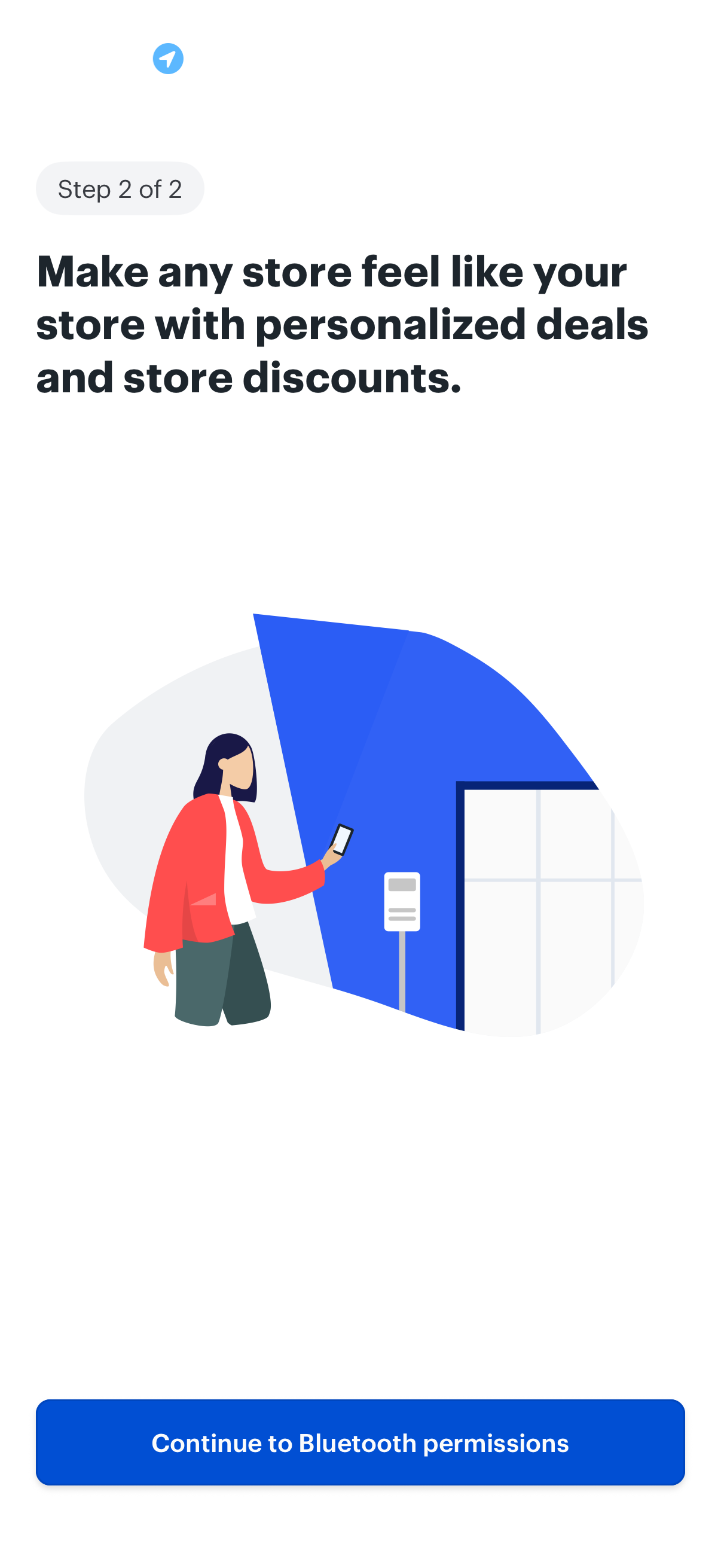
Onboarding step screen (step 2 of 2) explaining personalized in-store deals and discounts, prompting the user to proceed to grant Bluetooth permissions. Includes a primary CTA button to continue to Bluetooth permission settings.
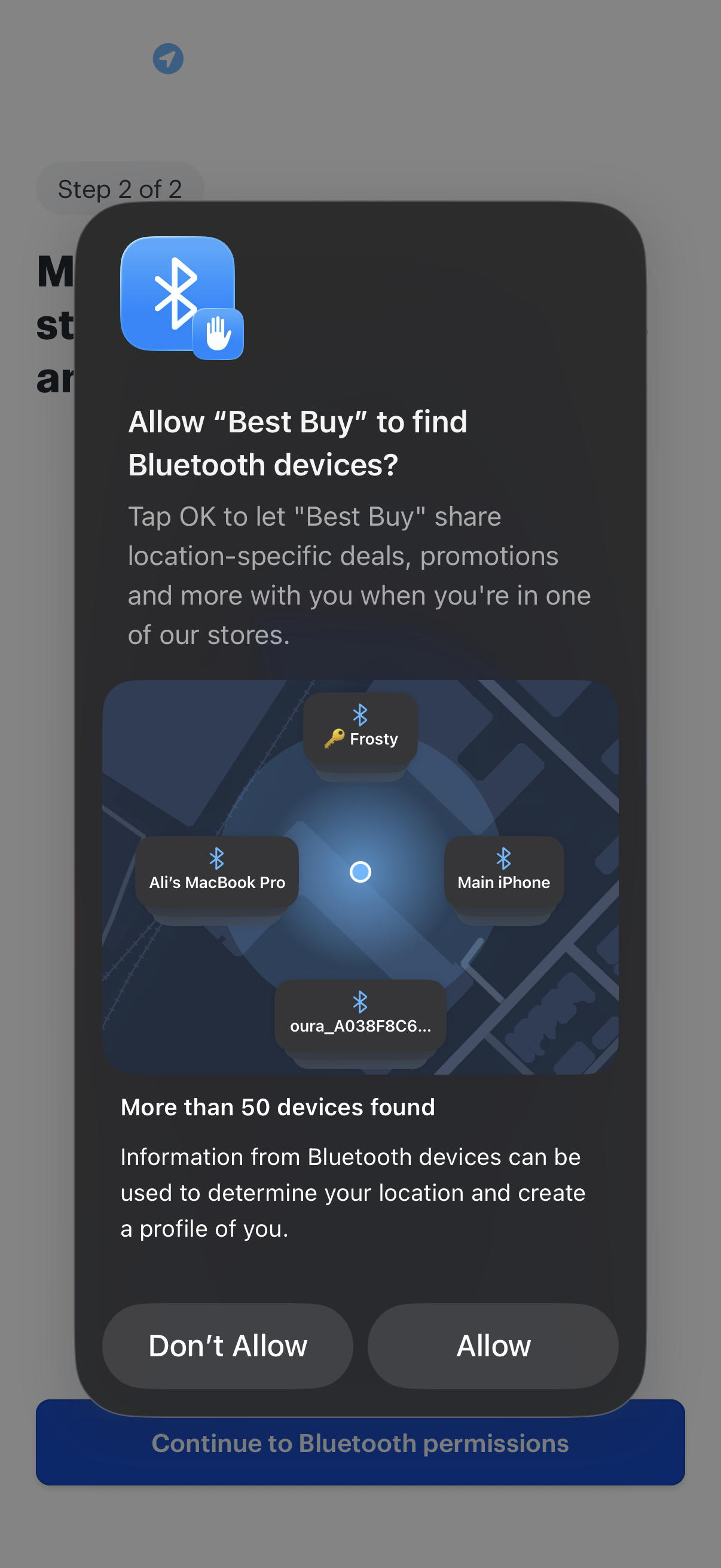
iOS system permission modal asking to allow the app to find nearby Bluetooth devices, explaining that Bluetooth data may be used to determine location and personalize offers, with actions to Allow or Don’t Allow and a background onboarding step indicating continuation to Bluetooth permissions.
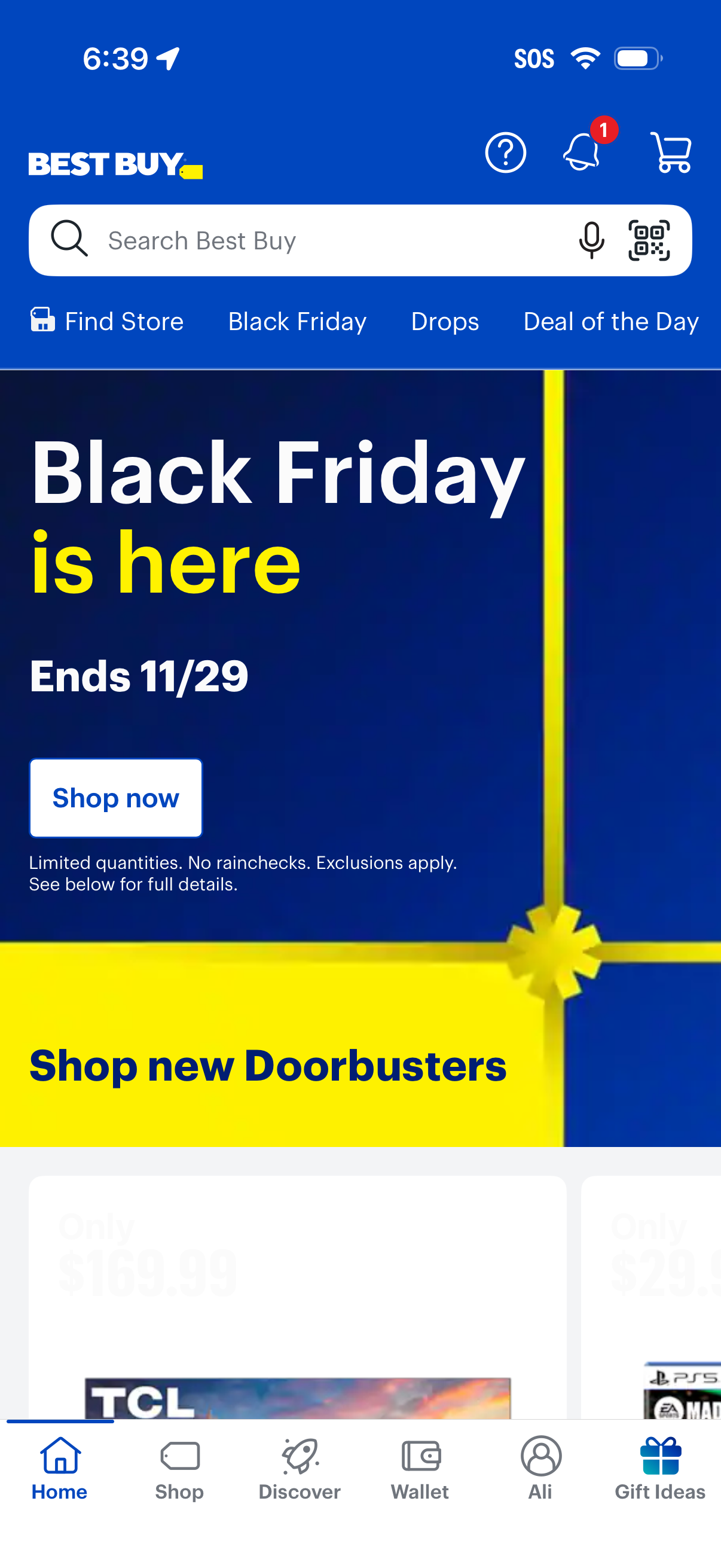
Retail app home screen promoting a Black Friday sale with a large campaign banner and primary “Shop now” call-to-action, plus a section to shop new doorbusters. Top navigation includes search with voice and barcode/QR scanning, shortcuts for finding a store and daily deals, and icons for help, notifications, and cart, with a bottom tab bar for Home, Shop, Discover, Wallet, and Gift Ideas.