browse support center
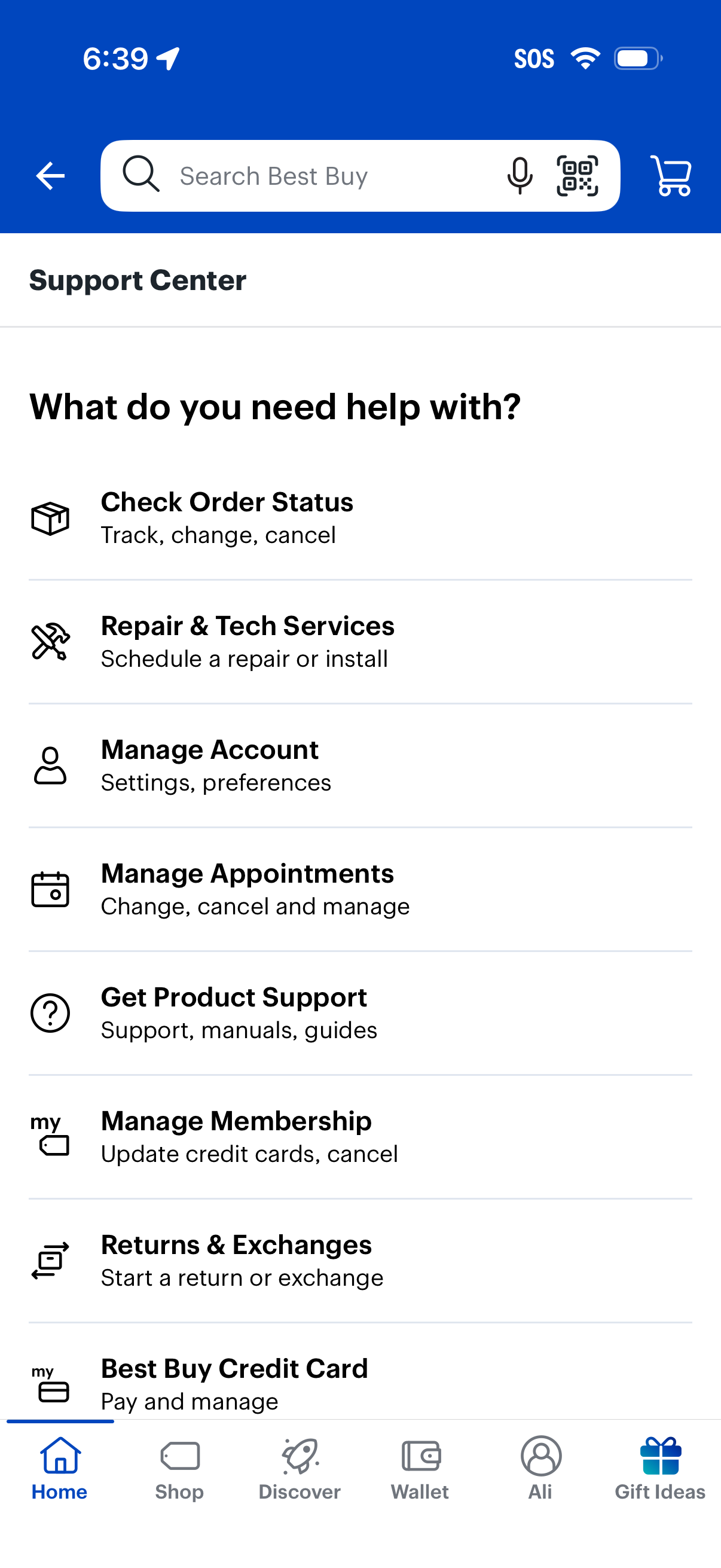
Support Center hub screen in a retail shopping app with a search bar and quick links to common help tasks. Users can check order status, schedule repair/tech services, manage account settings and appointments, access product support manuals, manage membership or credit card, and start returns or exchanges.
Account purchase history screen with tabs for Purchases, Services, Subscriptions, and Easy Replenish, plus a search field to find past orders and filter controls. Shows an empty state message indicating no recent purchases and prompting users to adjust date filters to view older order history.
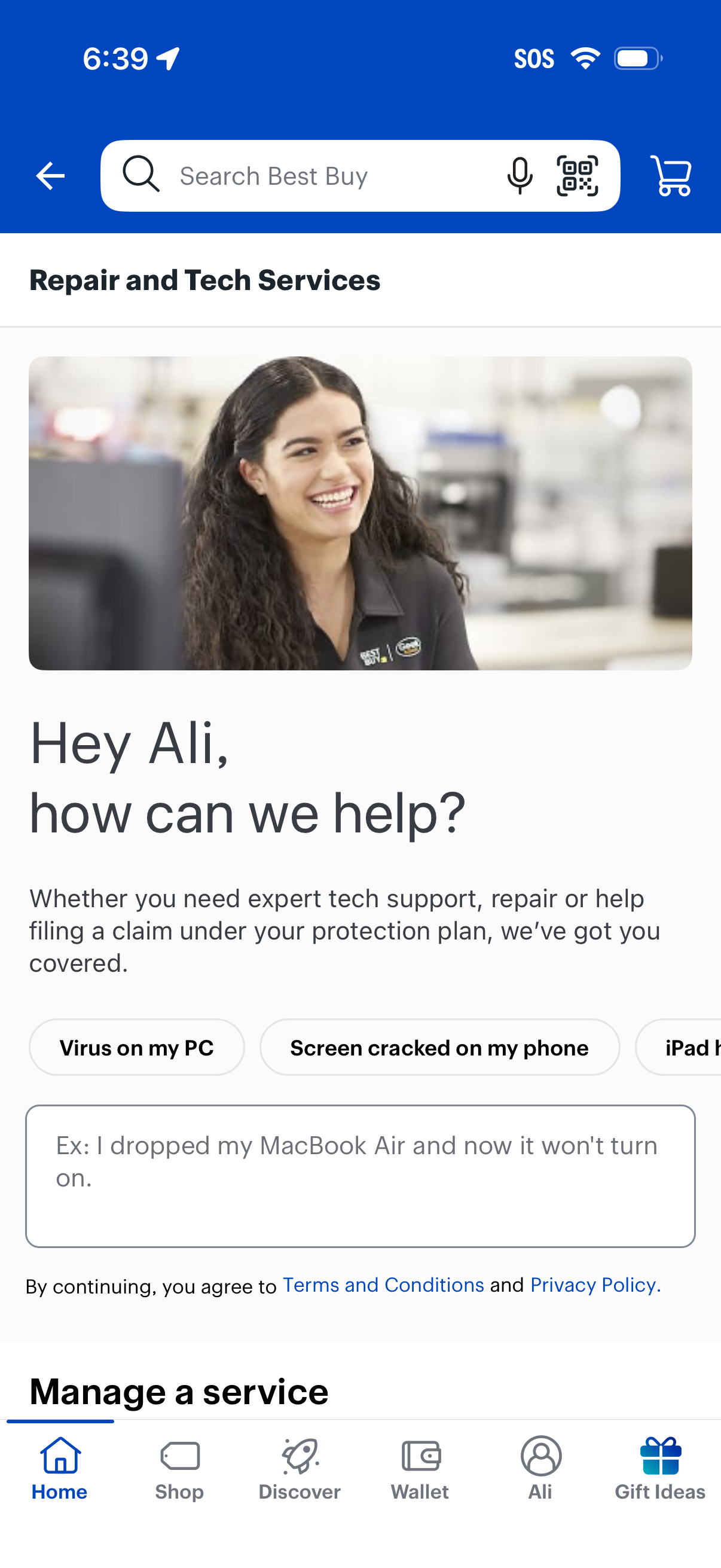
Repair and tech support help screen in a retail app, featuring a search bar and a prompt to describe an issue for support, repairs, or protection plan claims. Includes quick-select problem categories (e.
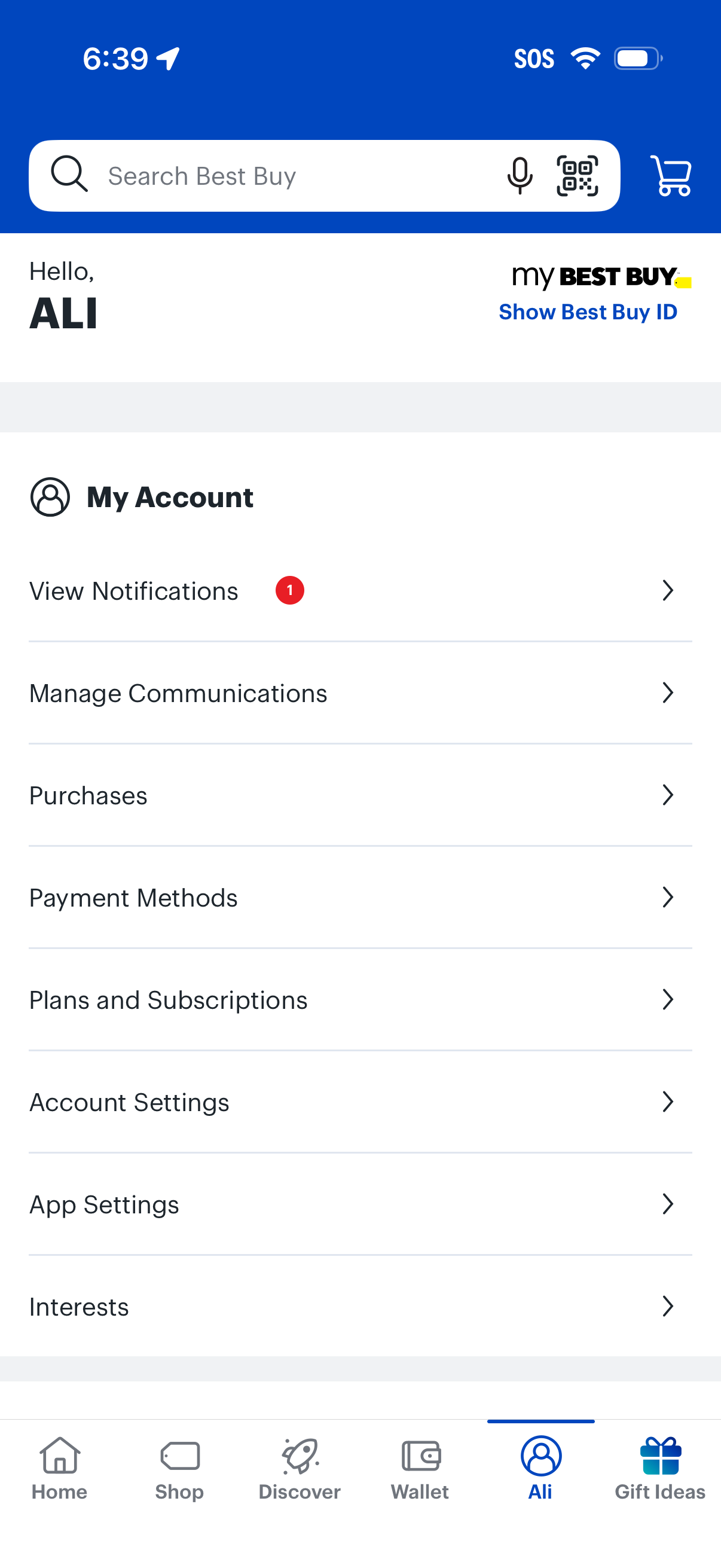
Account hub screen for a retail shopping app showing a searchable header with cart access and a “My Account” menu to view notifications, manage communications, review purchases, manage payment methods, handle plans/subscriptions, and adjust account/app settings and interests, with an option to display a membership ID.

Home screen of a retail app with a global search bar (including voice and barcode scan) and cart access, showing an empty state message that no service/repair services are connected to the account. Includes a dismissible help banner with a “Learn more” link and a prompt to “Track your service or repair,” plus bottom tab navigation.

Empty state for a “Your Products” library where users can manage owned items, with search, status filter (Active) and sort (Most Recent). Prominent CTAs let users add a product to view warranty/support options or start shopping via a “Shop Now” button.
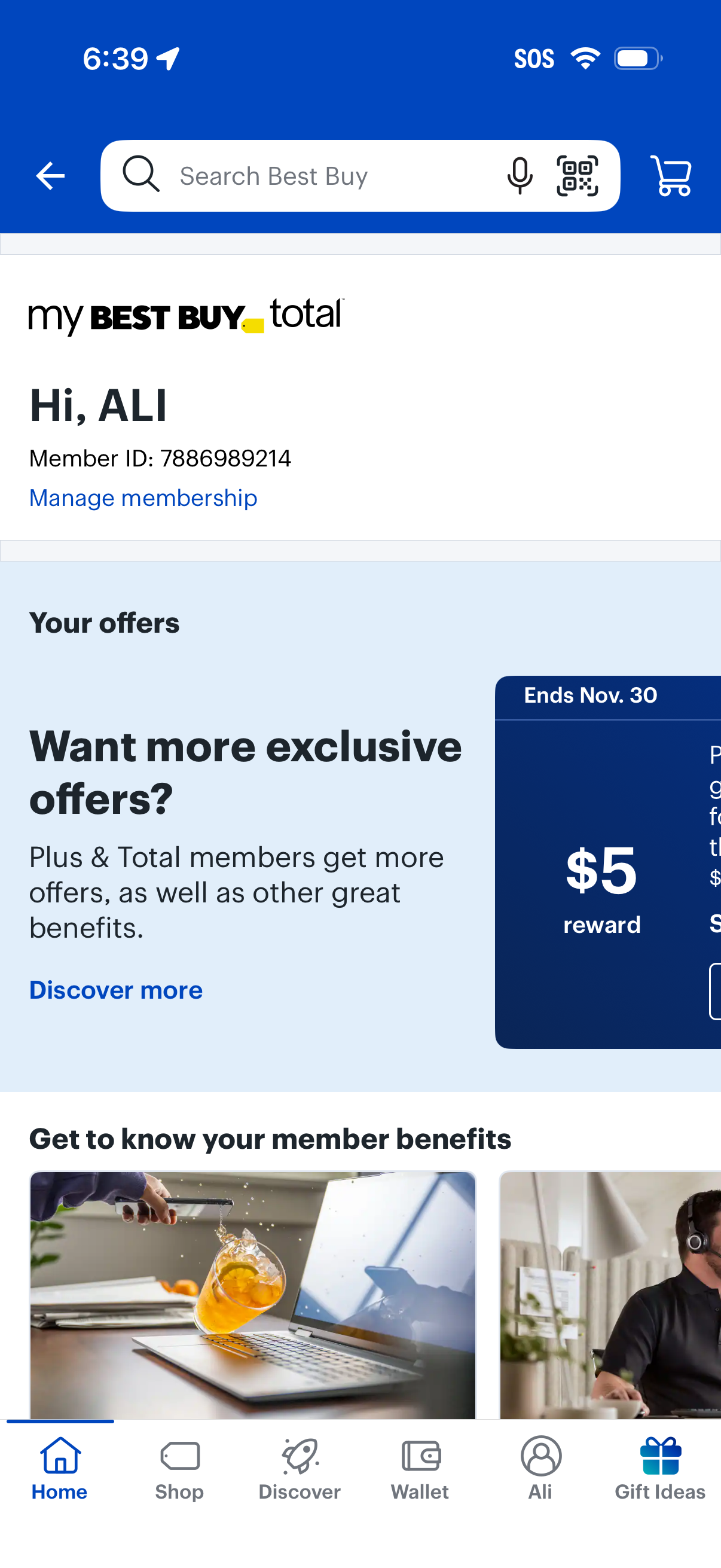
Retail app membership dashboard showing the user’s My Best Buy Total account with member ID and a link to manage membership. The screen highlights personalized offers and rewards with a promotional card and “discover more” CTA, while providing global search with voice/scan options, cart access, and bottom navigation to Home, Shop, Discover, Wallet, Profile, and Gift Ideas.
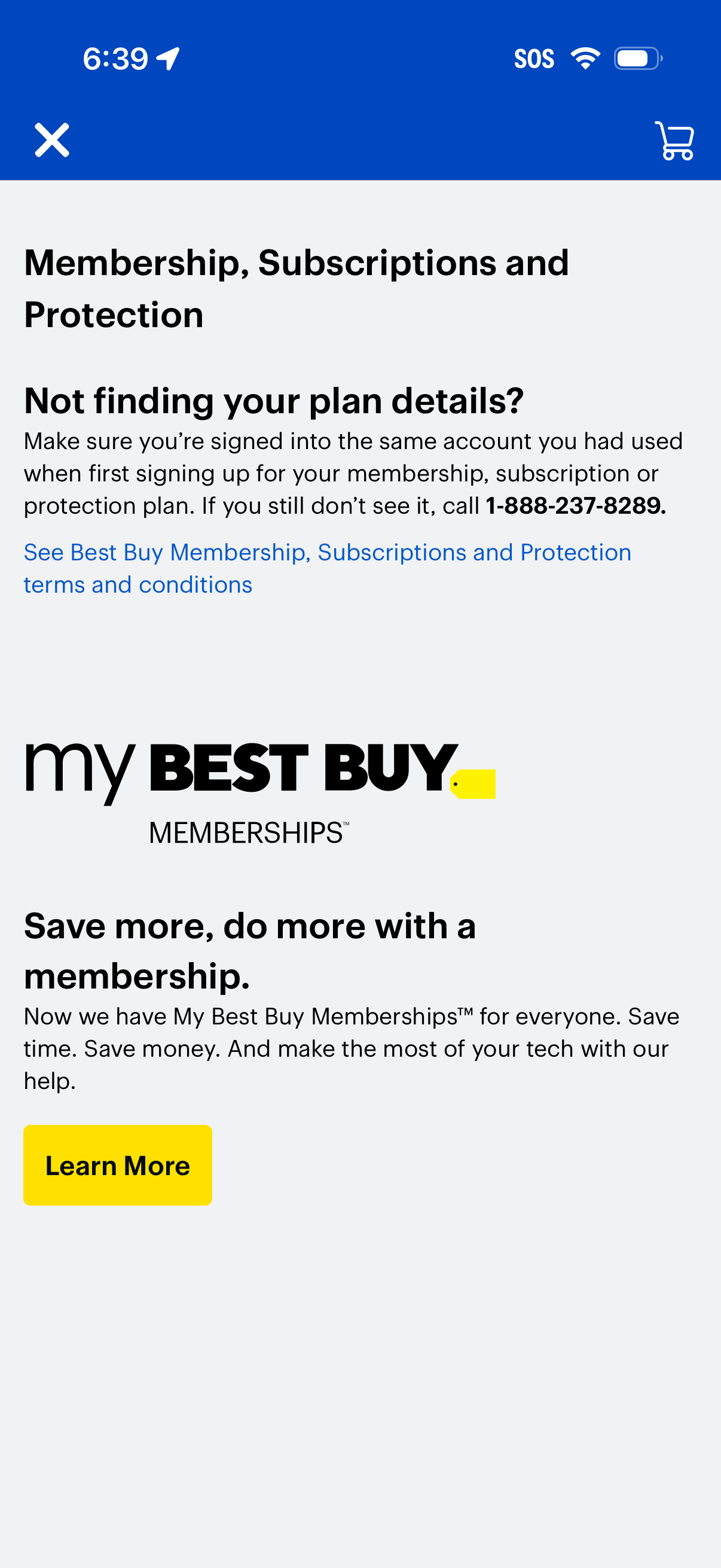
Membership, subscriptions, and protection info screen that helps users troubleshoot missing plan details by prompting them to sign into the correct account and providing a support phone number and terms link. Includes a promotional section for memberships with a “Learn More” call-to-action and standard close and cart icons in the header.

Promotional landing screen in a retail shopping app introducing the “My Best Buy Memberships” program, explaining benefits like saving time and money with support. Includes informational sections and “Learn more” links, plus navigation to close the page or open the shopping cart.
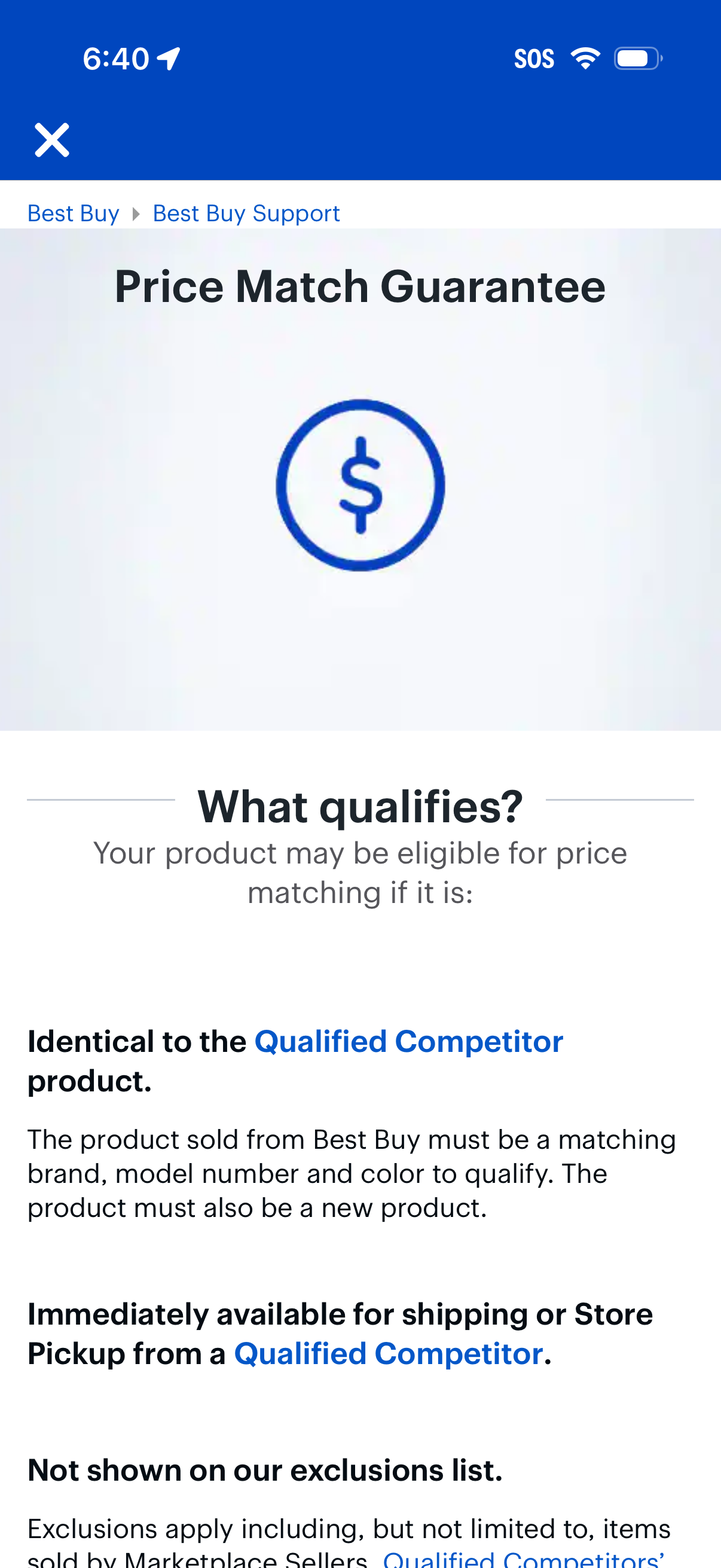
Support policy information screen explaining a retailer’s Price Match Guarantee and the qualification criteria for matching a competitor’s price. The page provides detailed eligibility rules (identical product, availability, exclusions) with links to “Qualified Competitor” details and a close/back action.
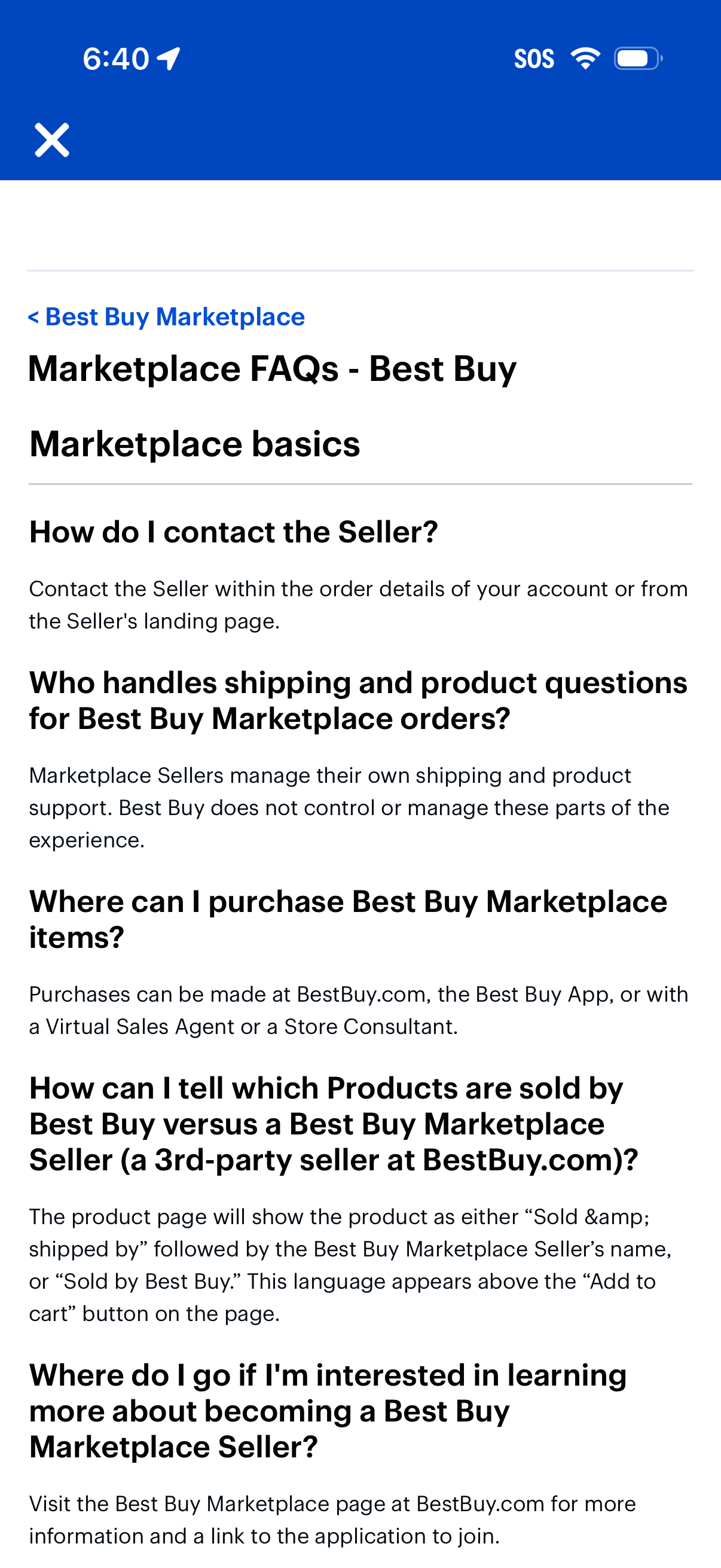
Help center FAQ article screen for an ecommerce marketplace, showing “Marketplace basics” questions and answers about contacting sellers, shipping and product support responsibilities, where to purchase items, how to distinguish 1st-party vs third-party sellers, and how to become a marketplace seller, with back and close navigation.

Informational services page for electronics, appliances, and e-waste recycling, highlighting options like haul-away of old products and mail-in recycling. The screen uses card-style sections with brief descriptions and terms to help users choose a recycling method.
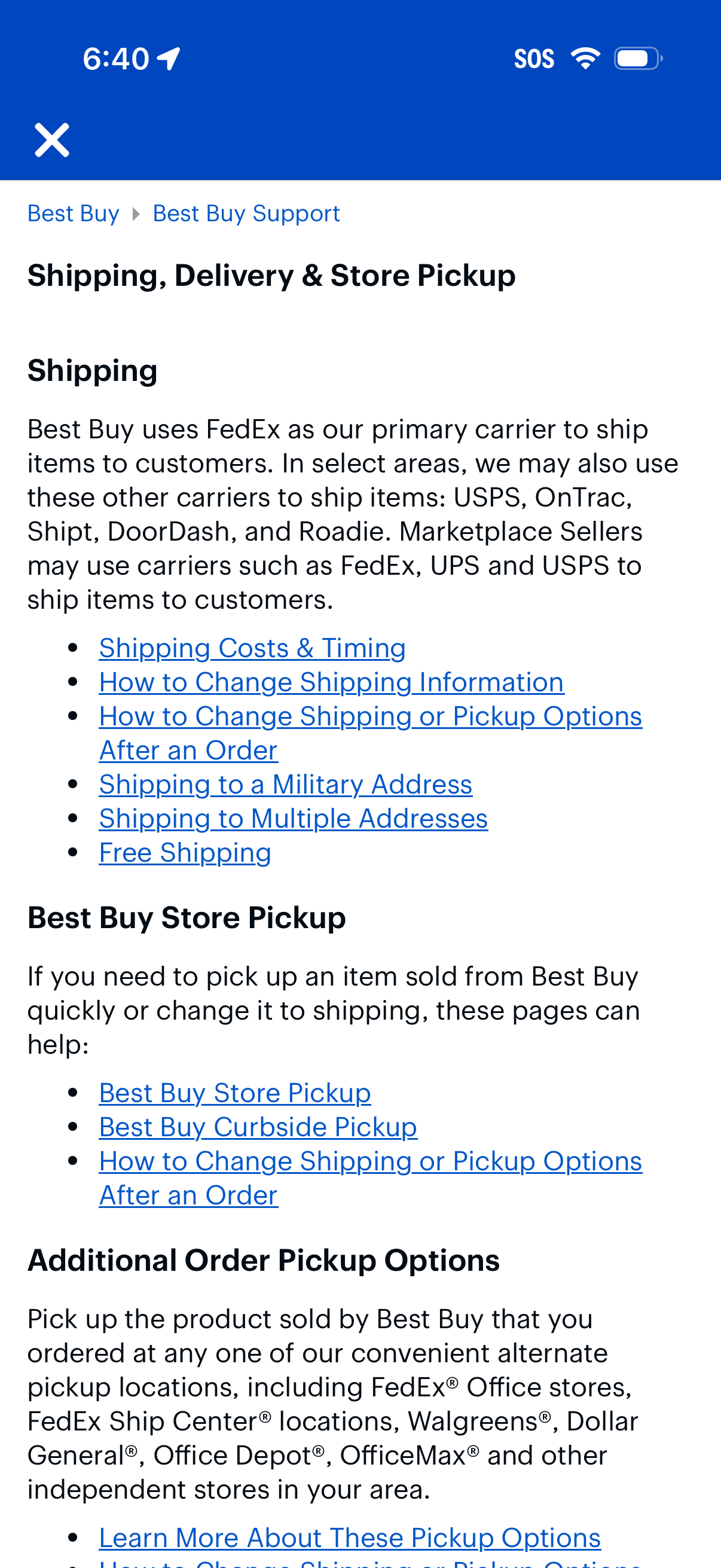
Help/support article screen for “Shipping, Delivery & Store Pickup” that explains shipping carriers and policies and provides linked topics for shipping costs and timing, changing shipping info or delivery/pickup options after an order, and special cases like military or multiple addresses and free shipping. It also includes sections for Best Buy store pickup and curbside pickup plus additional pickup location options with links to learn more.