sign up with phone
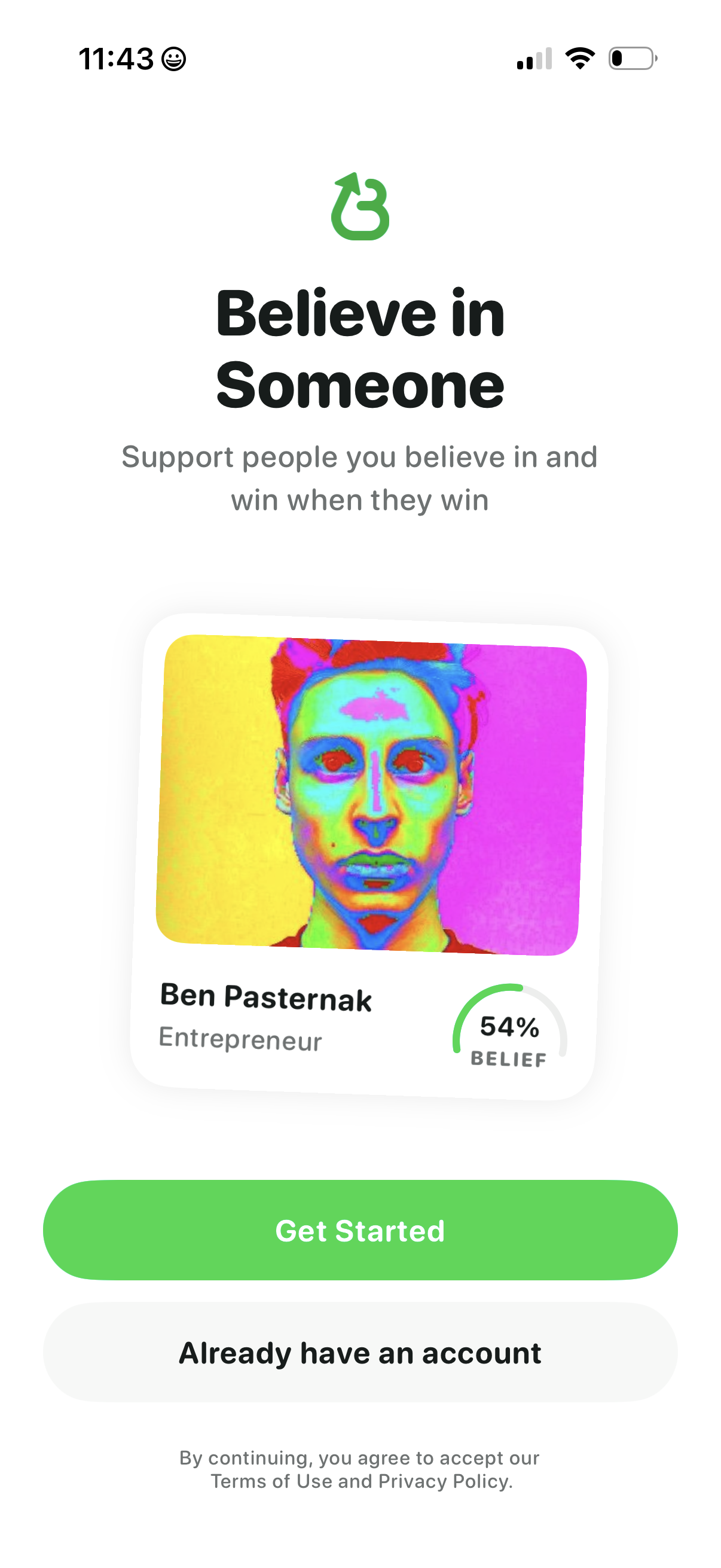
Onboarding welcome screen for a social support/investing app encouraging users to “believe in” people and win when they win, featuring a sample profile card with belief percentage. Primary action is a prominent “Get Started” button with a secondary option for existing users to sign in and links to terms and privacy policy.
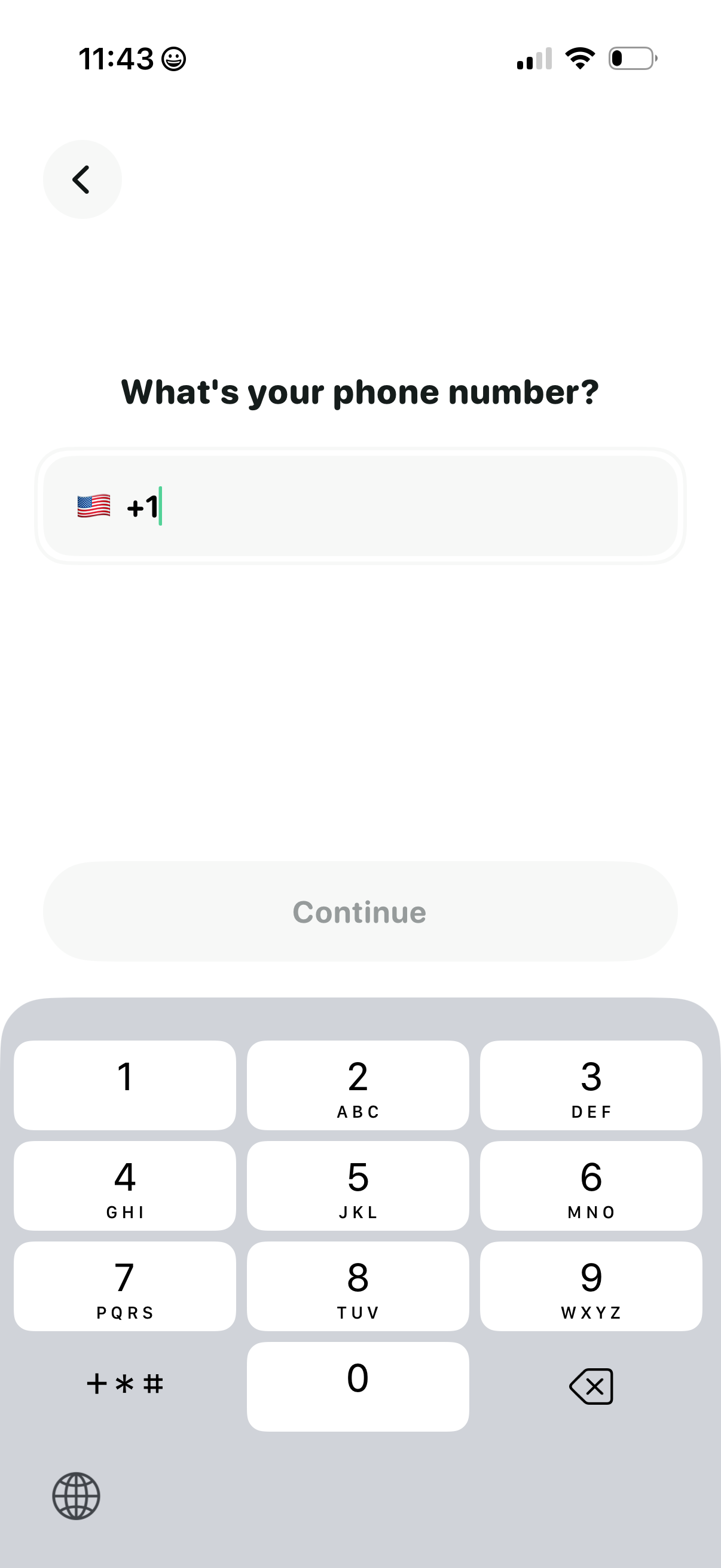
Phone number entry screen in an onboarding or sign-up flow with a country code selector (flag and + code) and a single input field. Includes a back button and a disabled “Continue” CTA that becomes active after entering a valid number, with a numeric keypad displayed for input.
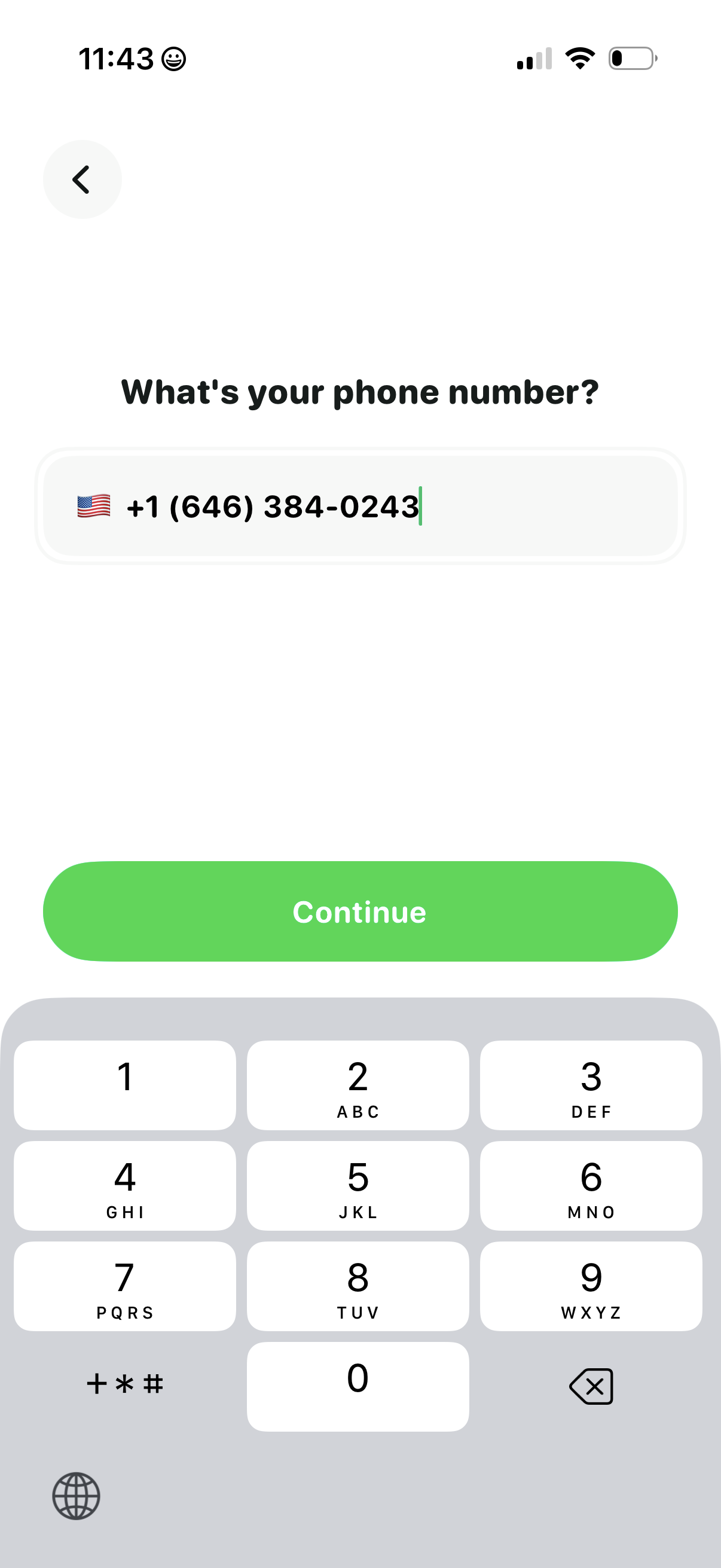
Phone number entry screen for onboarding or account verification, showing a country code selector with flag and a formatted phone input field. Includes a primary “Continue” button to proceed and a back arrow for navigation while the numeric keypad is open.
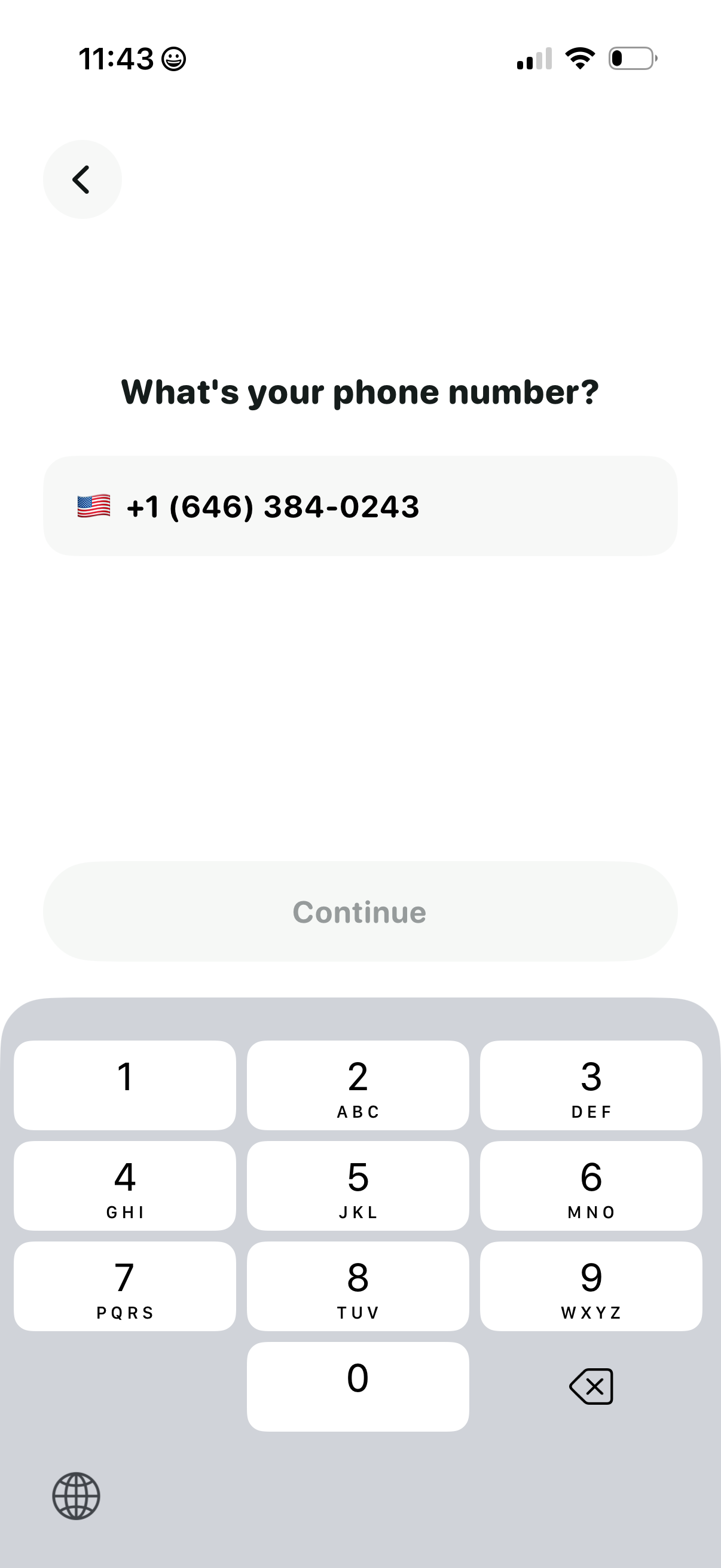
Phone number entry screen for sign up or login, showing a country code selector with flag and a formatted phone input field. Includes a disabled Continue button that becomes available after entering a valid number, plus a back button and numeric keypad for input.
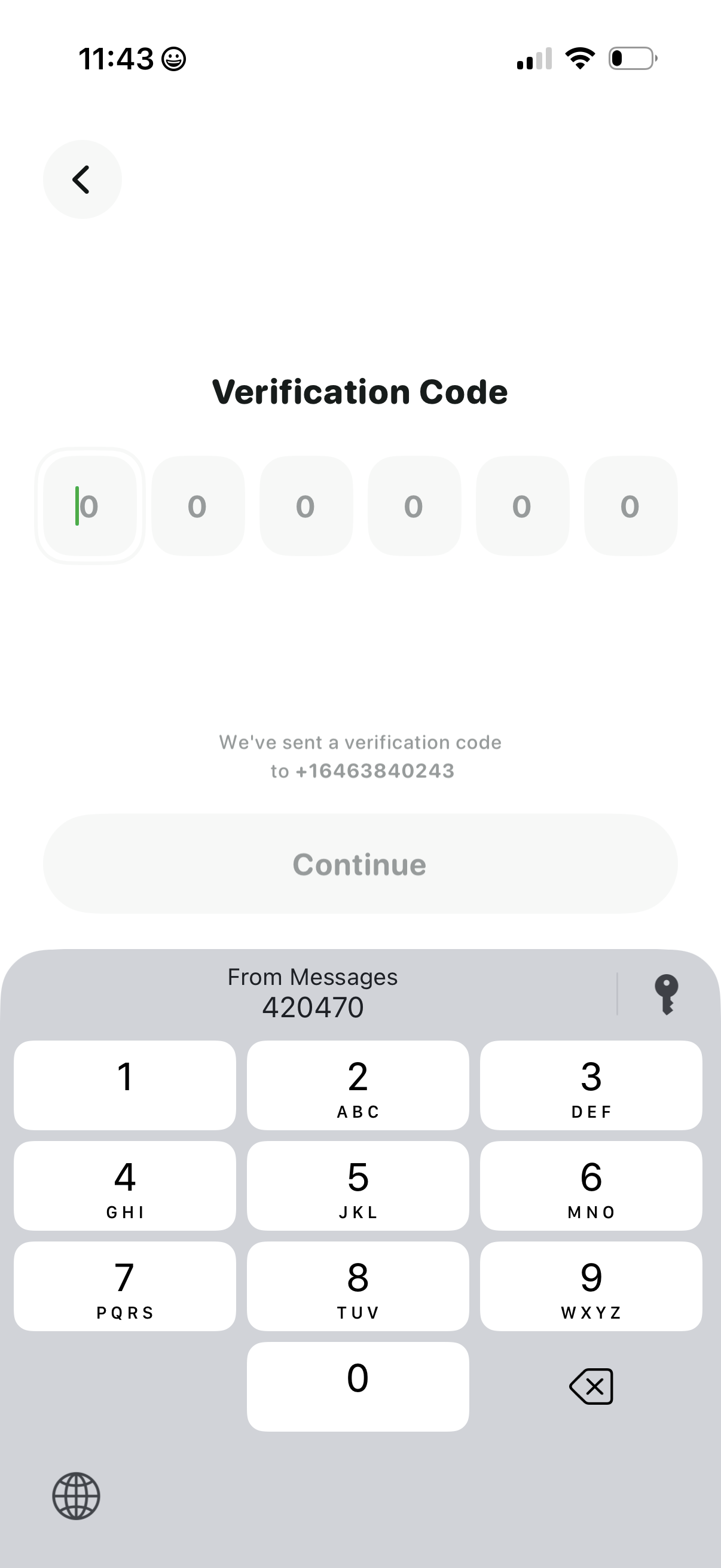
Mobile OTP verification screen for phone number sign-in, showing six code input fields and a message indicating a verification code was sent via SMS. Includes a back button and a disabled Continue button that becomes active after entering the code.
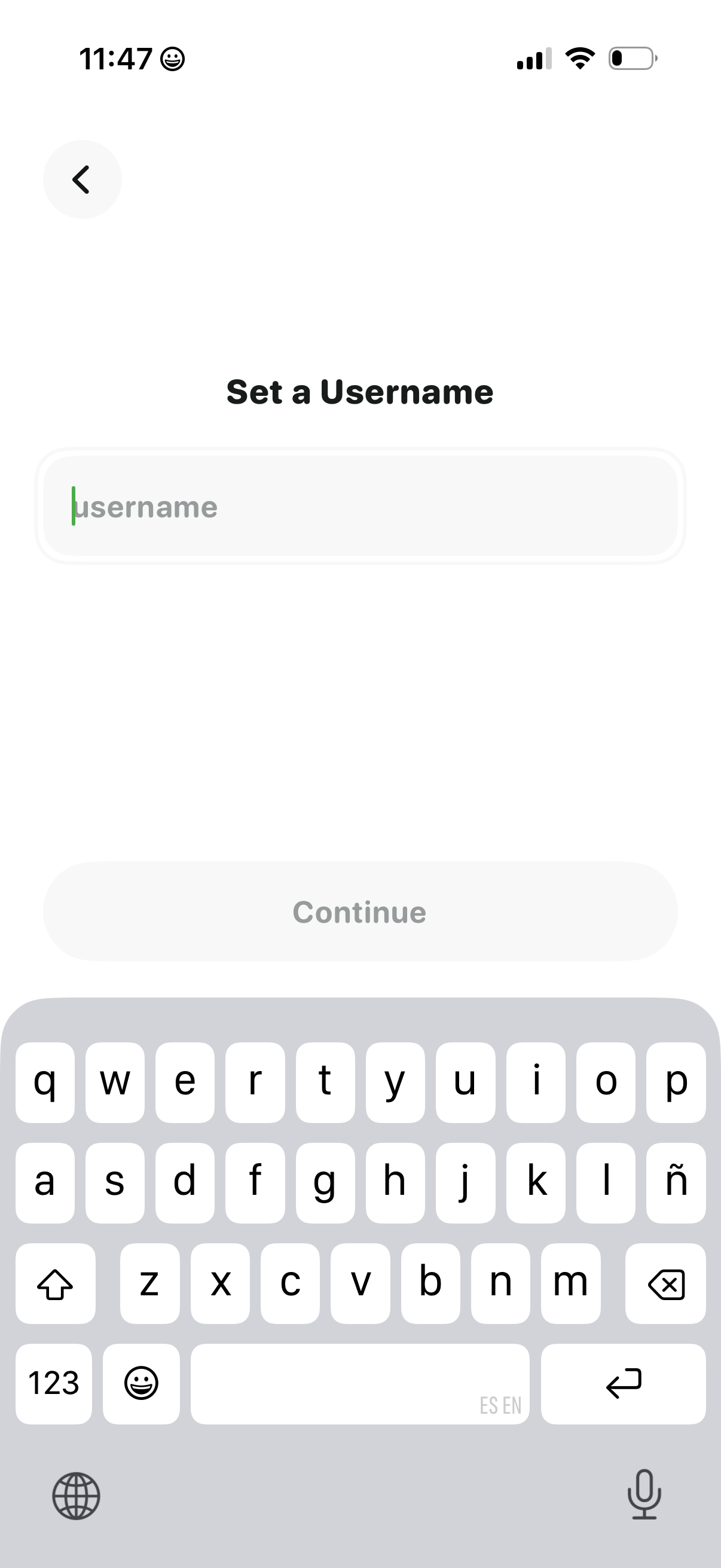
Account onboarding screen prompting the user to set a username with a single text input field and a back button. A disabled “Continue” button indicates the next step is gated until a valid username is entered.
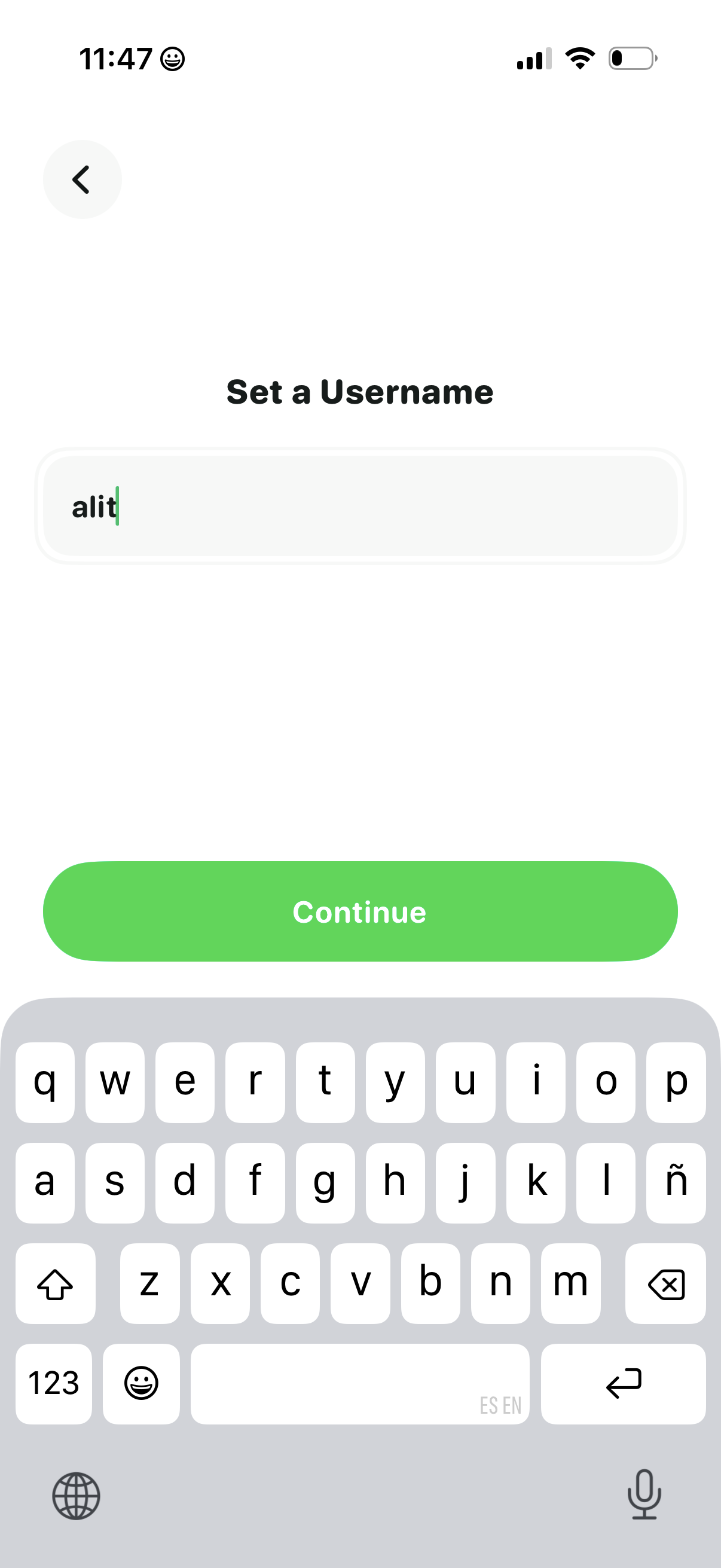
Account onboarding screen prompting the user to set a username with a single text input field. Includes a back button and a prominent “Continue” CTA to proceed after entering the username.
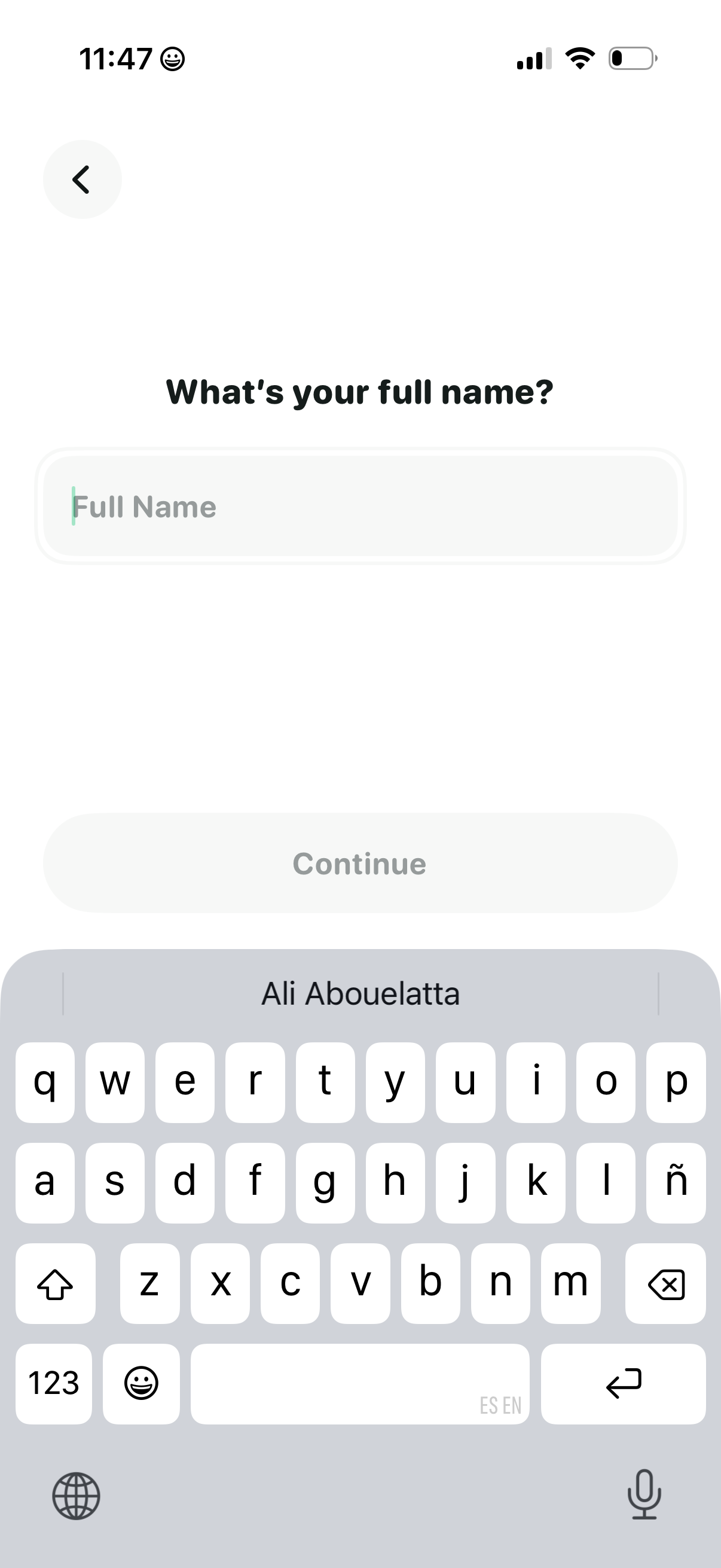
Onboarding profile setup screen prompting the user to enter their full name in a single text field, with a back button and a disabled Continue button that activates after input.
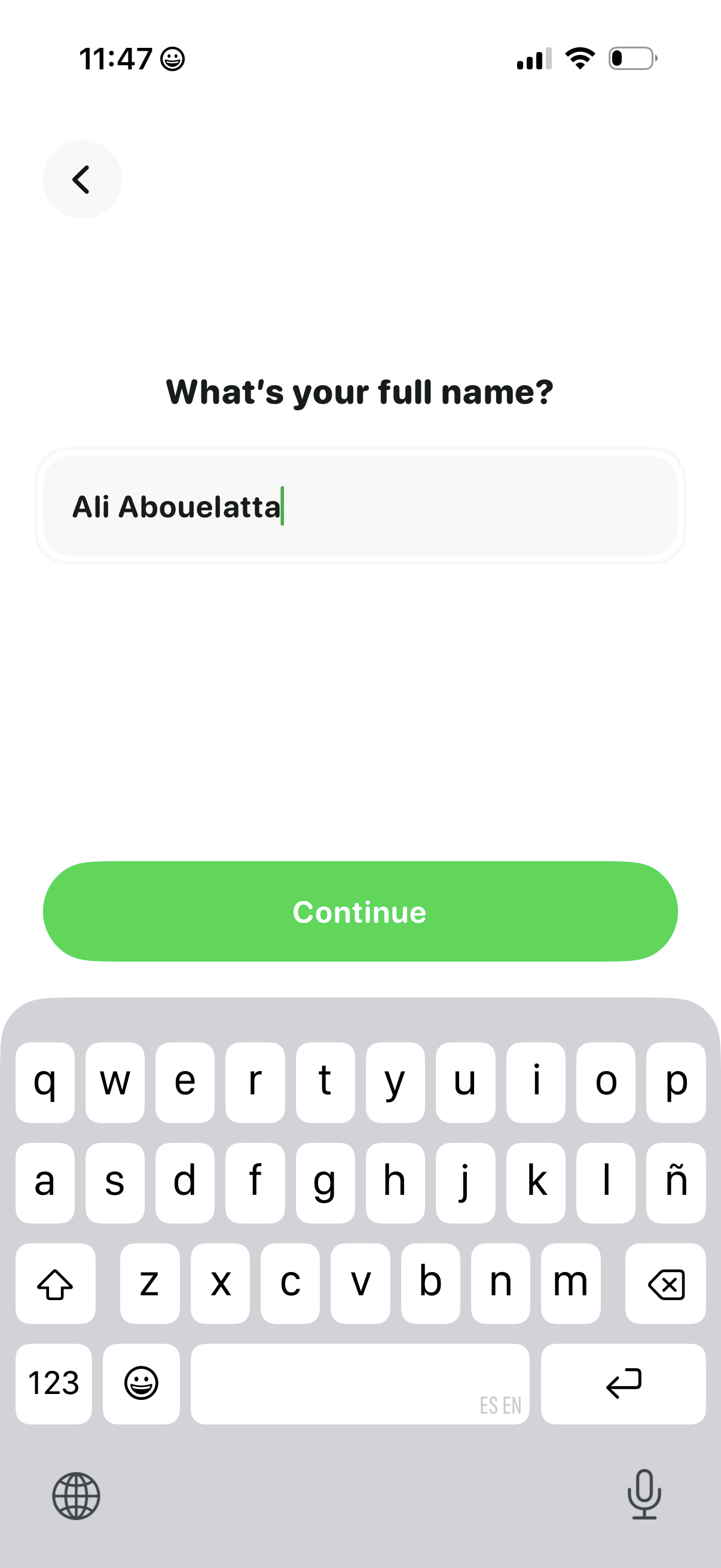
User onboarding/profile setup screen prompting for the user’s full name with a single text input field and a prominent Continue button, plus a back navigation control.
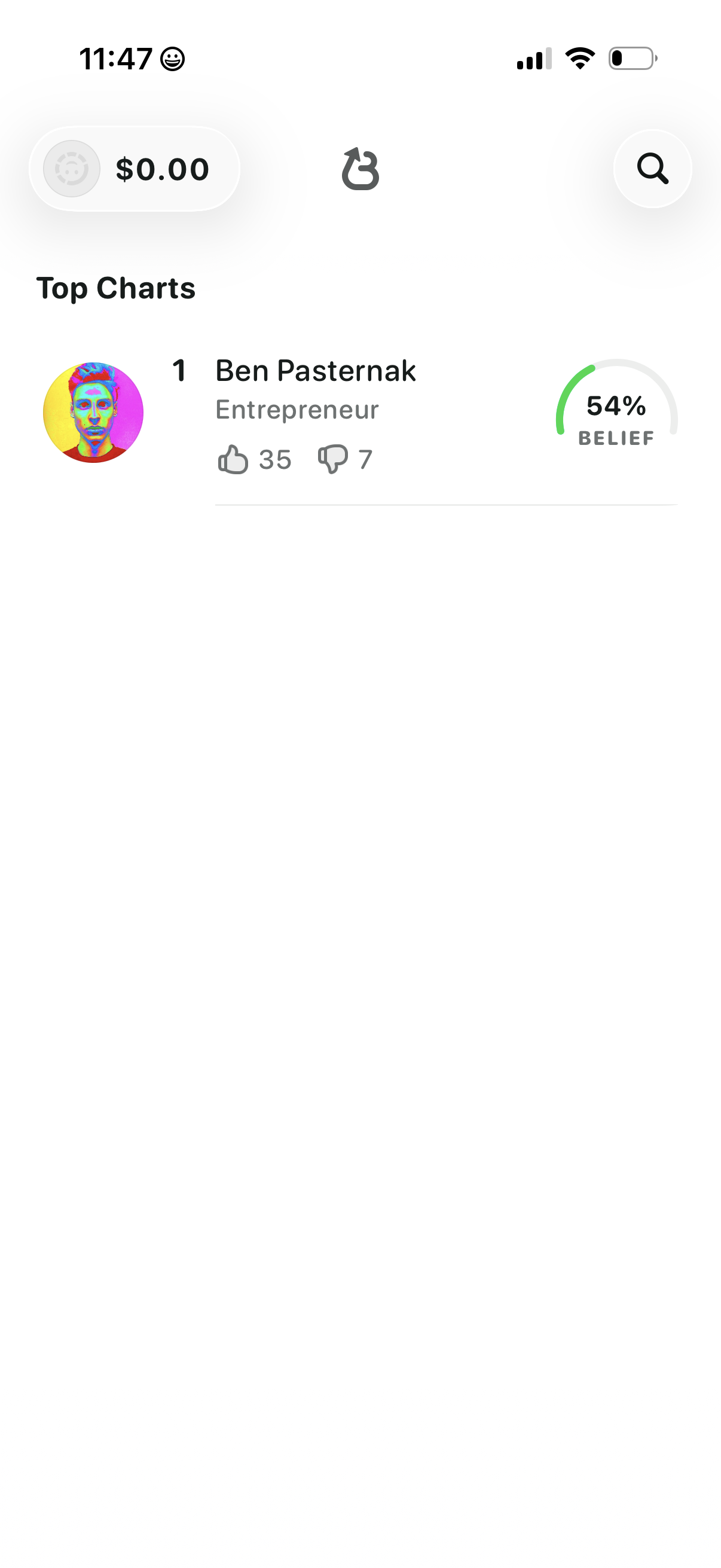
Leaderboard “Top Charts” screen showing a ranked list of people with avatar, name, category, and community upvote/downvote counts. Includes a belief/confidence percentage indicator for each entry plus search and refresh controls and a balance/status pill in the header.