Notification, Tracking and Location Opt-In
Branded splash/loading screen for a retail shopping app showing the company logo over a patterned background with an activity spinner indicating the app is launching or content is loading.
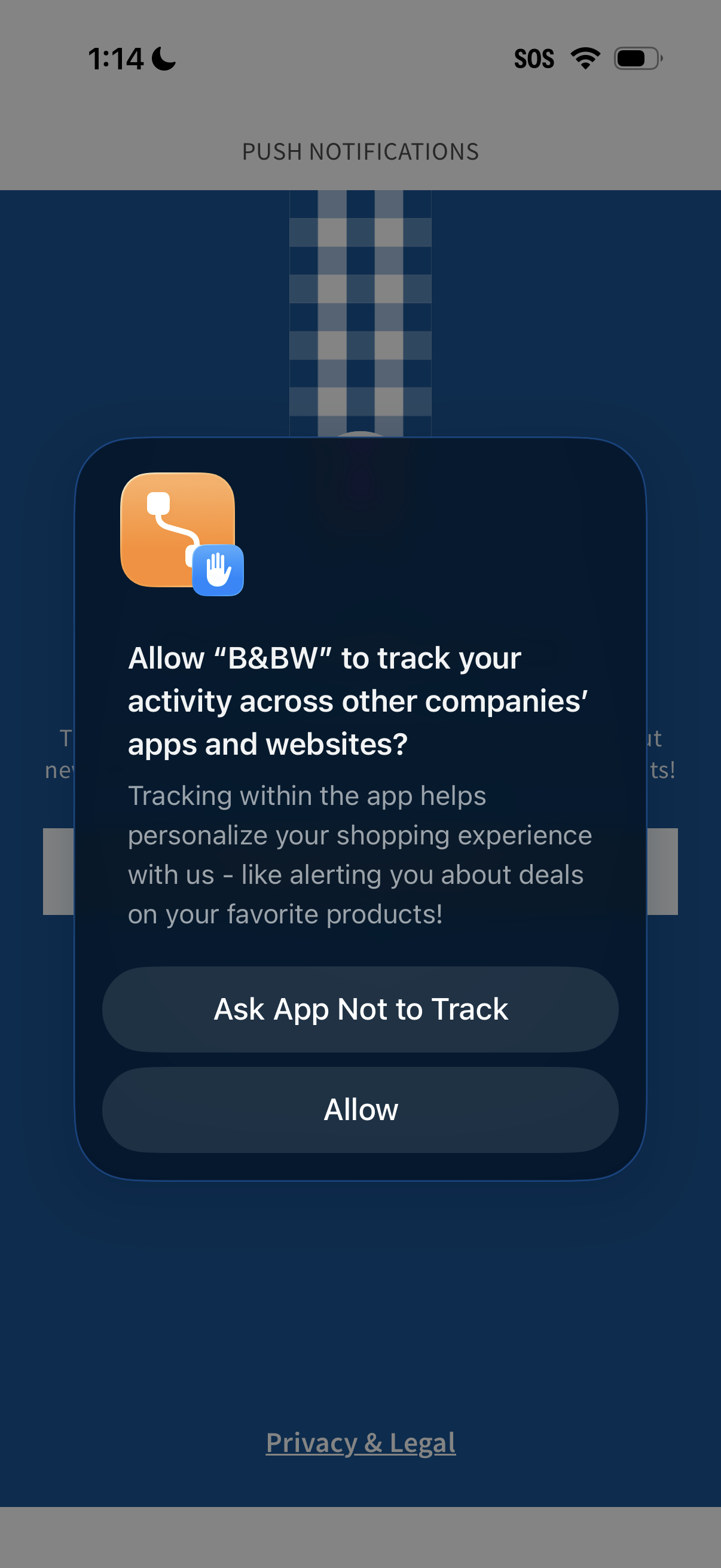
iOS app tracking transparency permission modal asking whether to allow the app to track activity across other companies’ apps and websites for personalized shopping and deal alerts. Provides primary actions to “Ask App Not to Track” or “Allow,” over a push notifications settings/onboarding screen with a Privacy & Legal link.
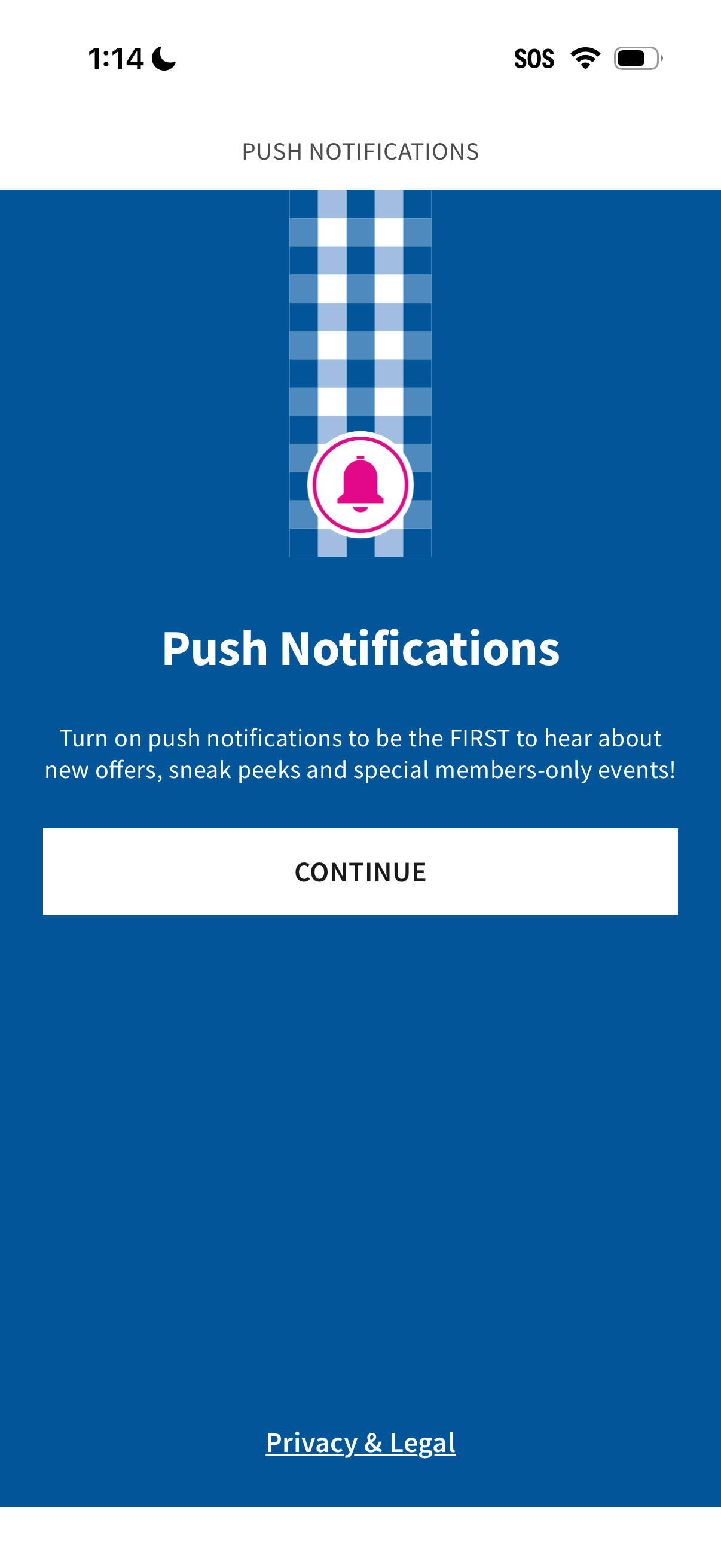
Onboarding prompt encouraging users to enable push notifications to receive updates like new offers and members-only events. Includes a primary “Continue” button to proceed and a “Privacy & Legal” link for notification permissions info.
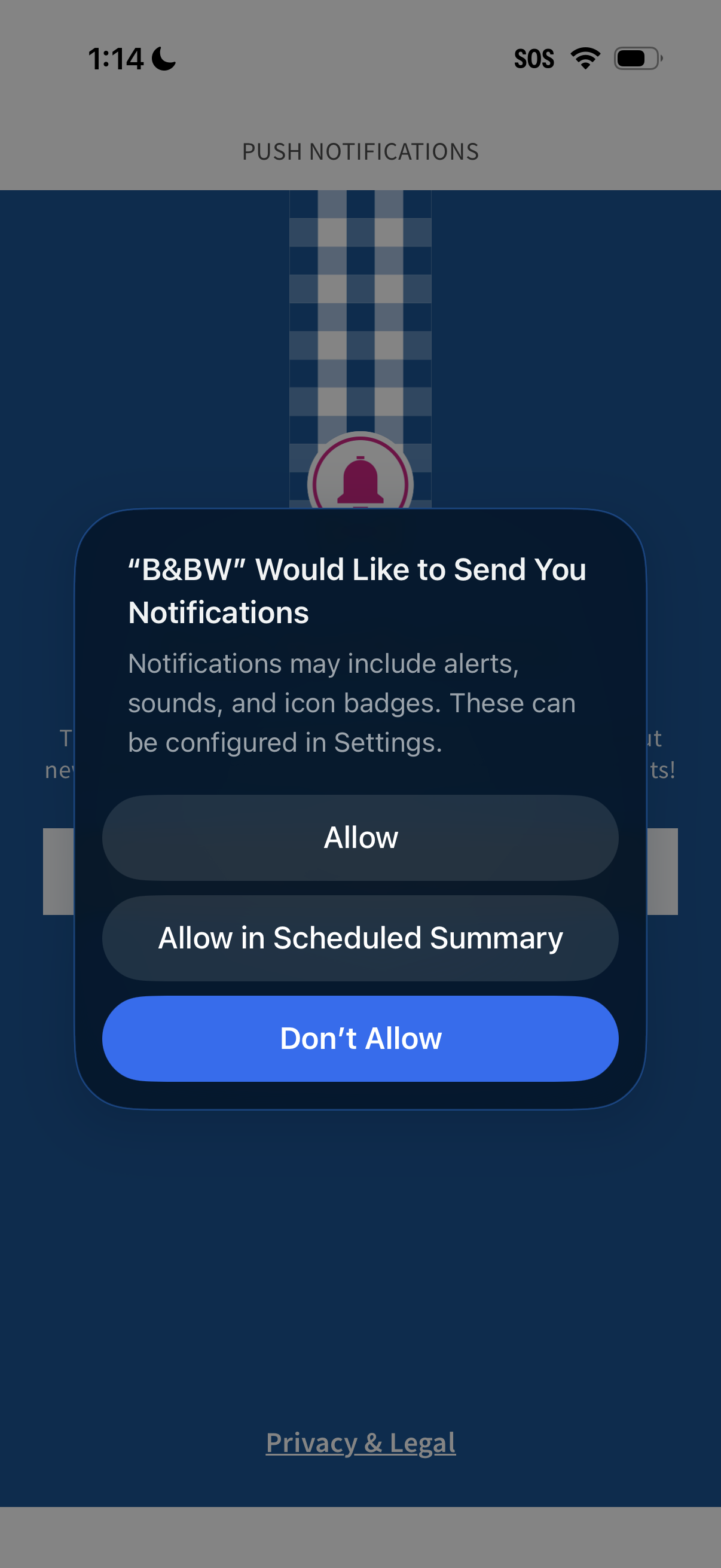
iOS push notification permission prompt shown during onboarding, asking to allow an app to send alerts, sounds, and badges. Modal provides actions to Allow, Allow in Scheduled Summary, or Don’t Allow.
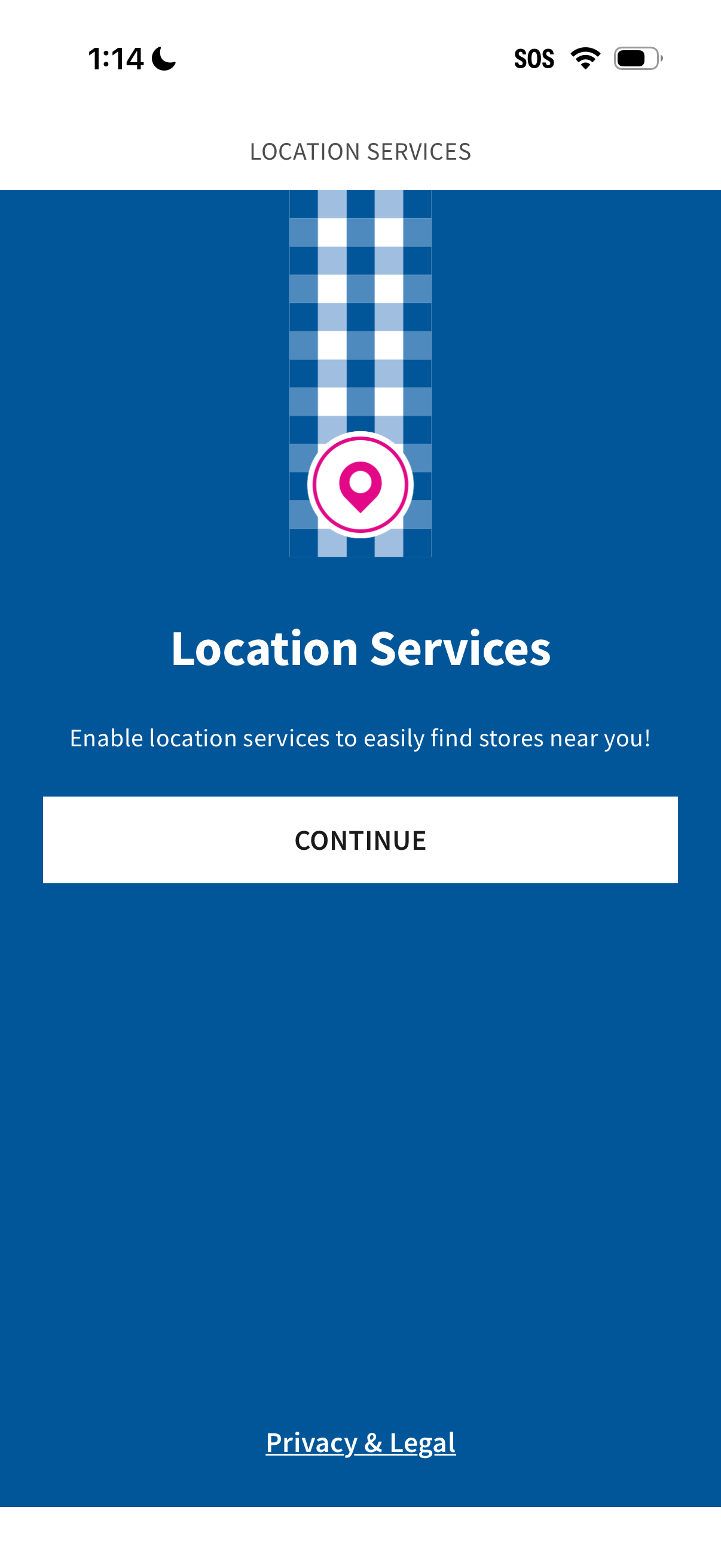
Permission prompt screen asking users to enable Location Services to find nearby stores, featuring a primary Continue button to proceed with granting location access. Includes a Privacy & Legal link for viewing related policies.
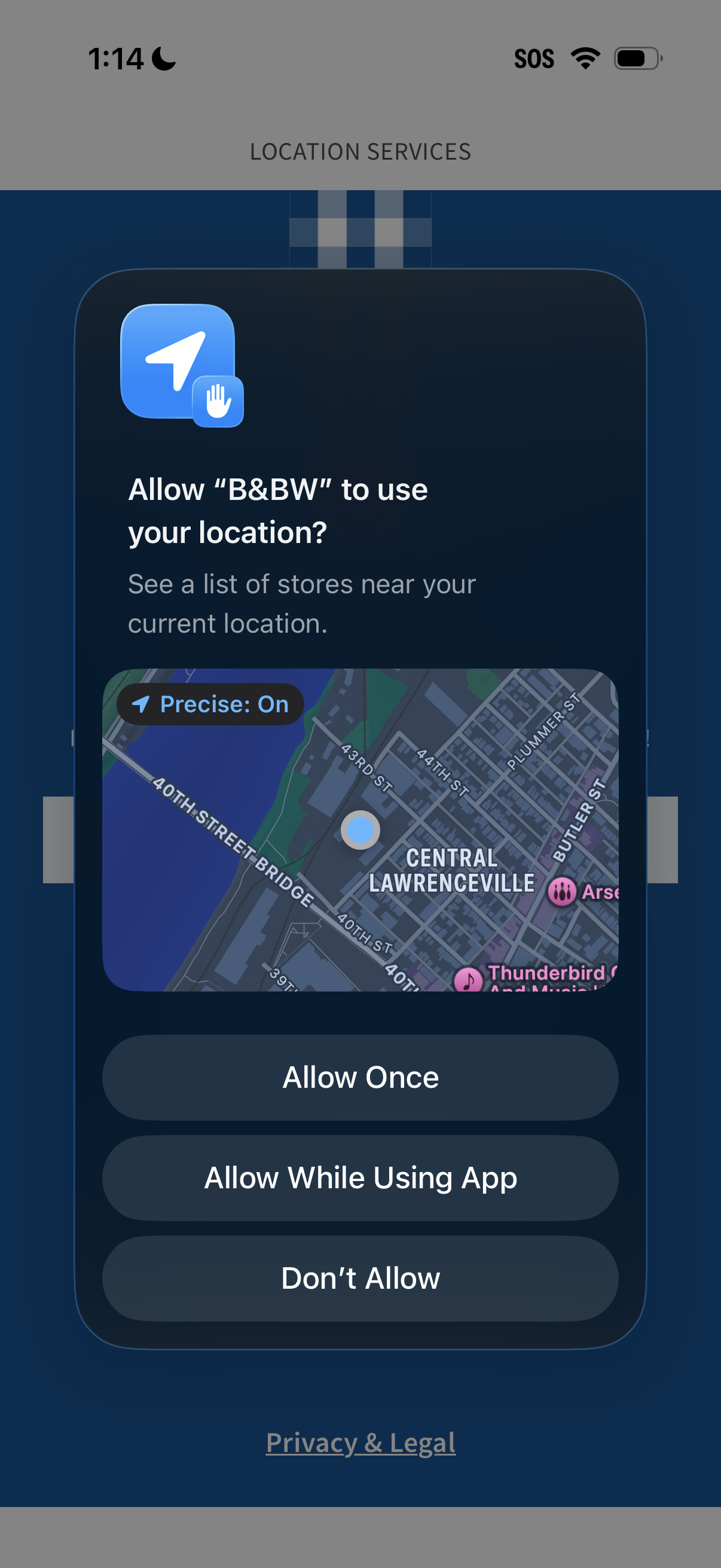
iOS location services permission prompt asking to allow the app to access the user’s location to show nearby stores, with a map preview and “Precise: On” indicator. Primary actions include Allow Once, Allow While Using App, or Don’t Allow, plus a Privacy & Legal link.
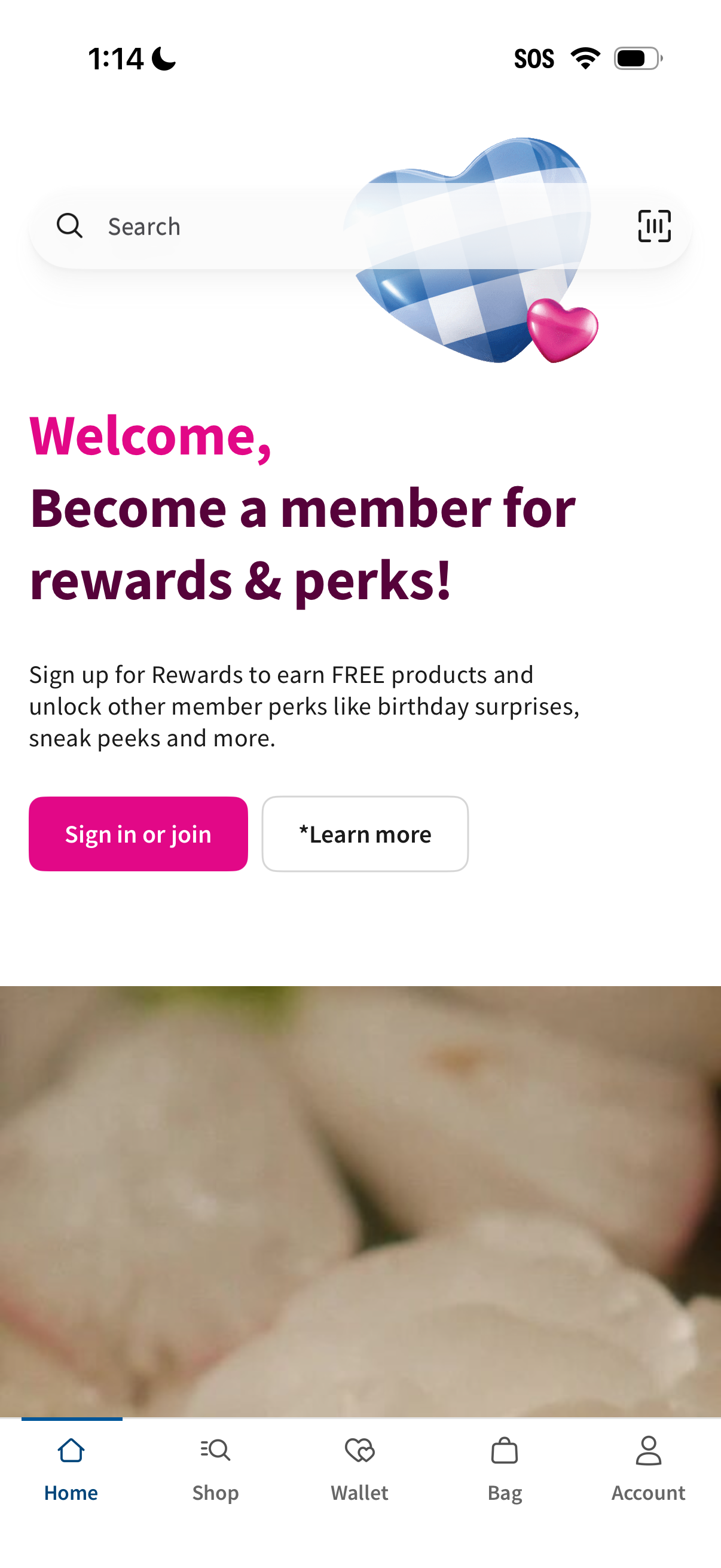
Home screen banner promoting a rewards/loyalty membership program, explaining benefits like free products and member perks with primary CTAs to “Sign in or join” and “Learn more. ” Includes a top search bar with scan icon and a bottom tab bar for Home, Shop, Wallet, Bag, and Account navigation.