
Account/profile menu screen prompting users to log in to access orders and sales, featuring a primary “Log in” CTA and a close button. Below is a settings list with shortcuts to Favorites, Notifications, Privacy settings, Student offer, Refer a friend, Change app icon, Rate this app, and Help.
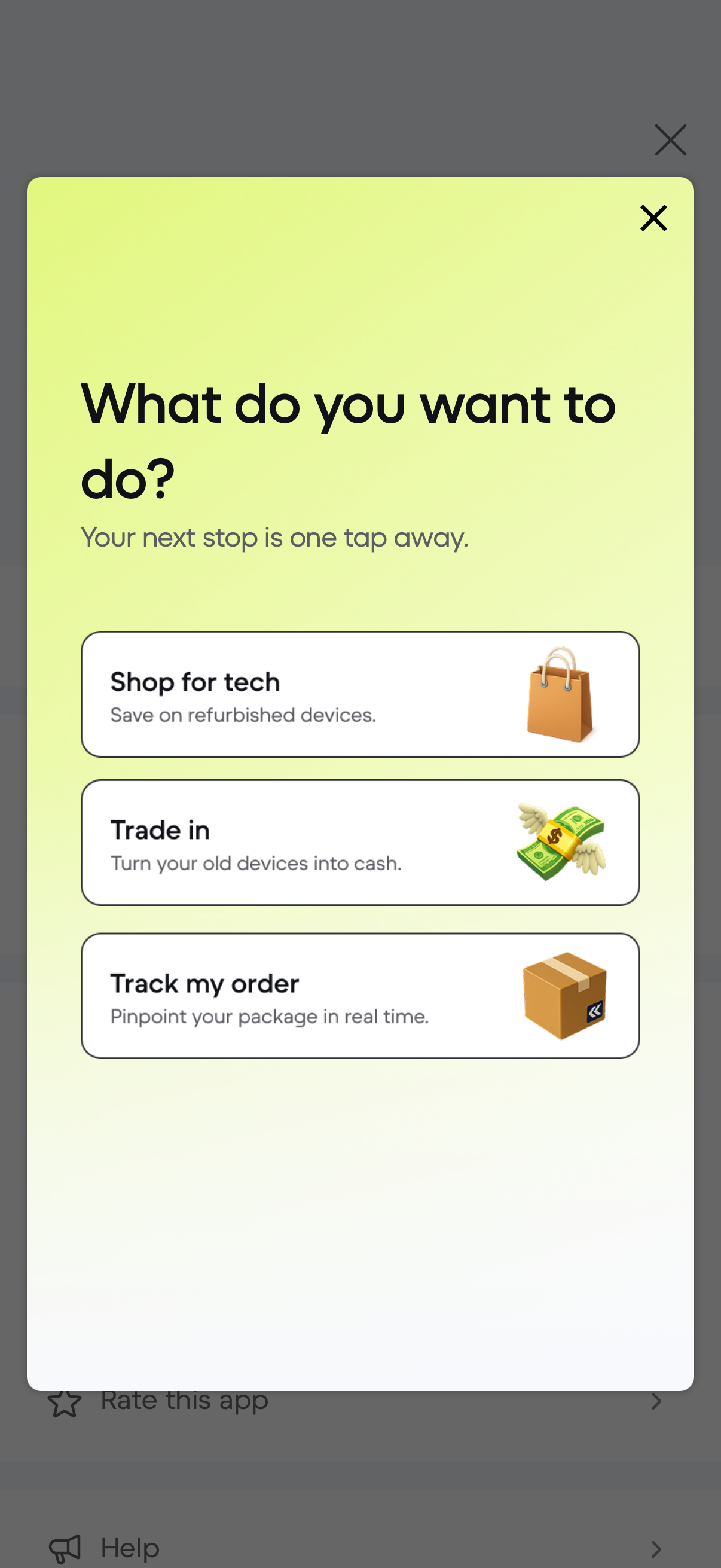
Modal action sheet prompting “What do you want to do? ” with quick navigation options for an e-commerce/tech marketplace.
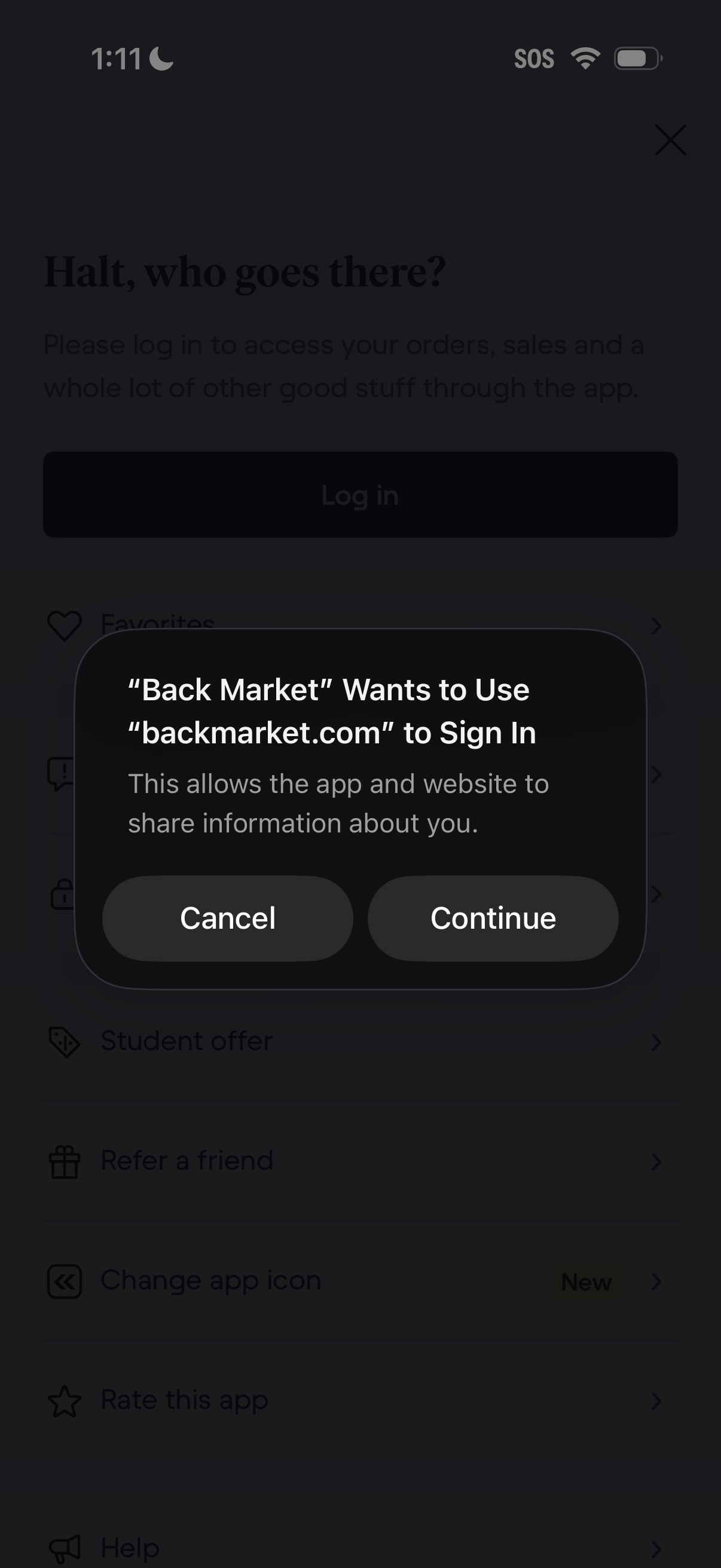
An iOS system authentication modal asks permission for an app to use its website domain to sign in and share information, with primary actions to Cancel or Continue. The dialog appears over an account/settings screen prompting the user to log in to access orders and other features.
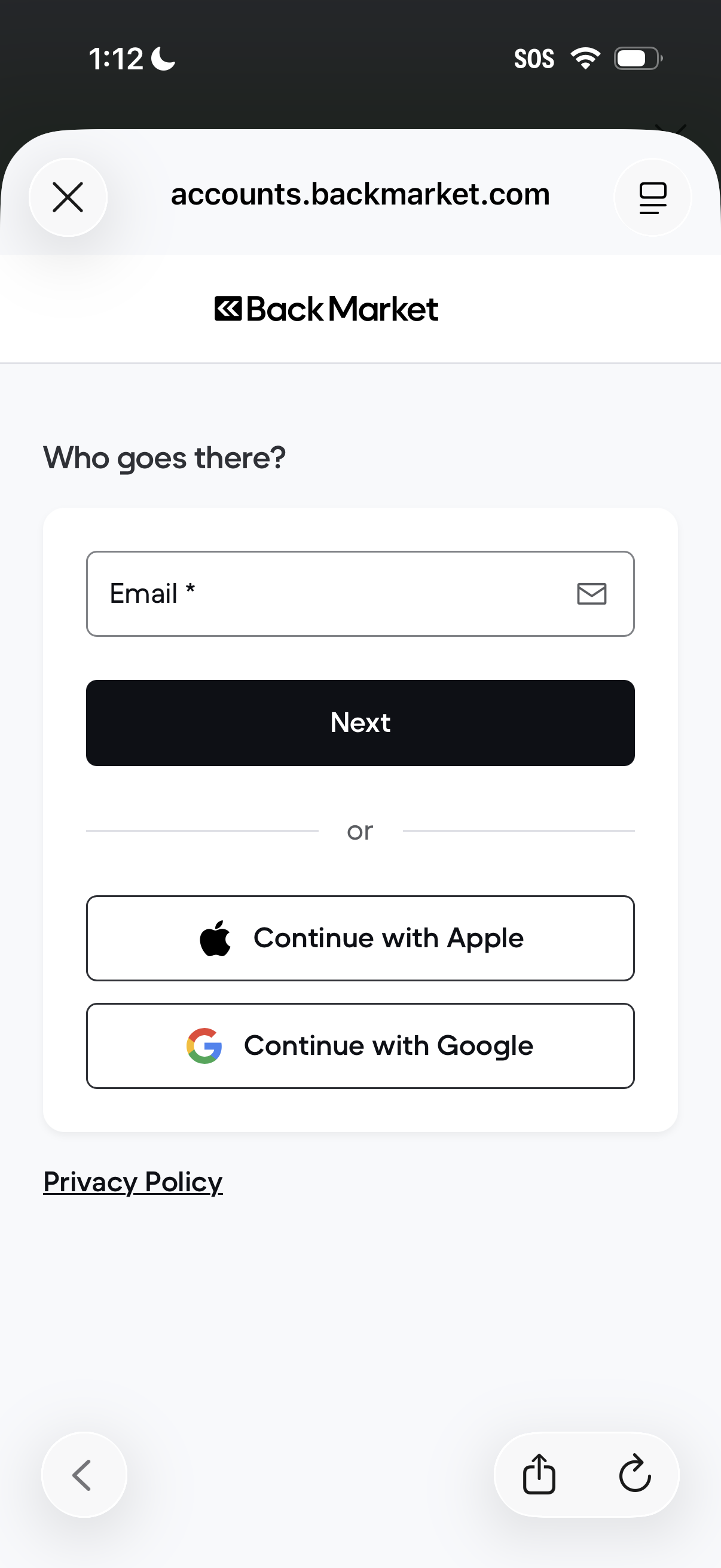
Account login/sign-up screen prompting the user to enter an email address and tap Next, with alternative single sign-on options to continue with Apple or Google and links to privacy policy.
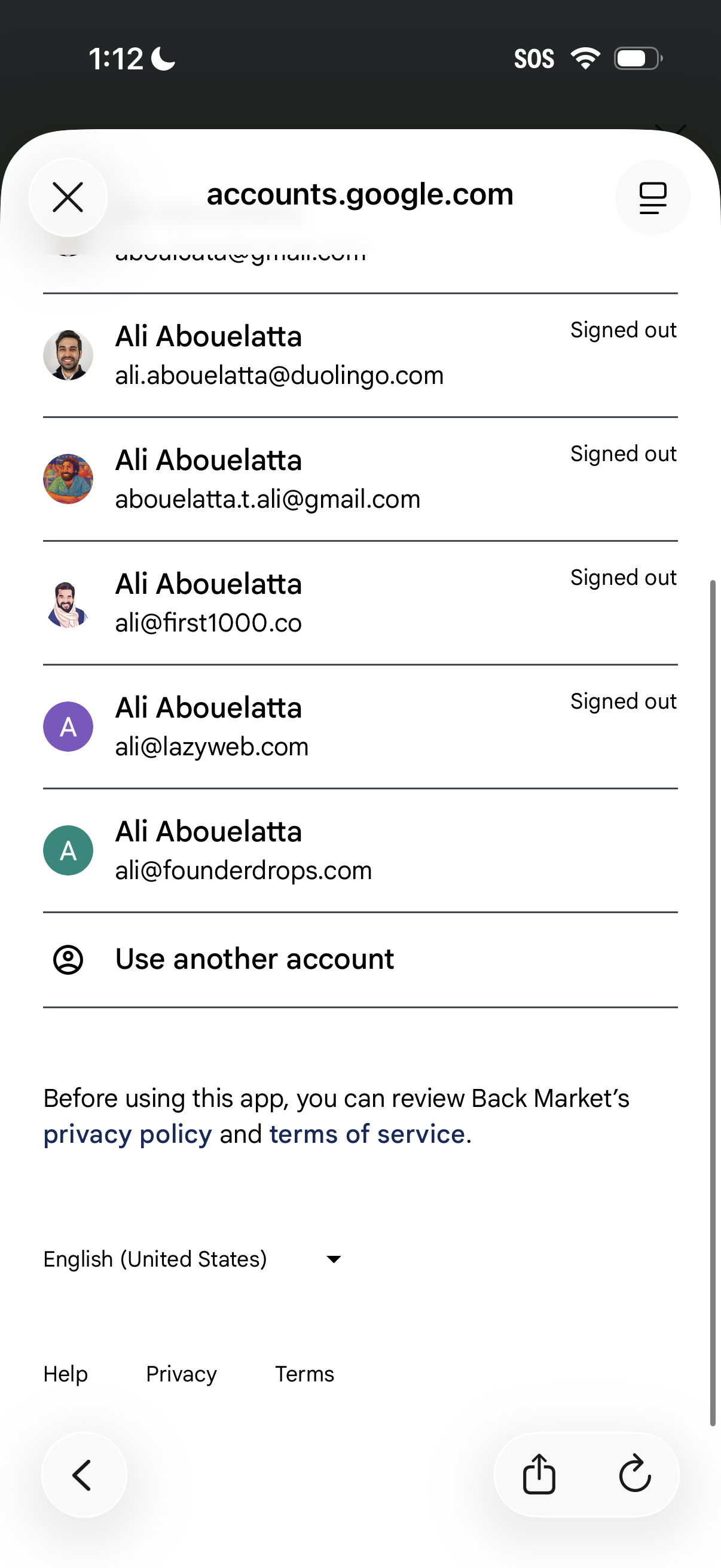
Google account chooser screen in a mobile web view showing a list of saved accounts with avatars, email addresses, and signed-out status to select for sign-in or switch accounts. Includes a “Use another account” option plus links to privacy policy, terms of service, language selector, and help/privacy/terms footer.

Third-party authentication consent screen for signing into an app with Google, showing the selected Google account and the profile/email permissions the app will access. Includes links to the app’s privacy policy and terms plus actions to cancel or continue the Google sign-in.

Account sign-up form for an e-commerce marketplace using Google-provided information, prompting the user to create an account to track orders by confirming first name, last name, and email with clear icons. Includes an option to go back if the email is incorrect and notes about using the email for order confirmation and shipping updates.