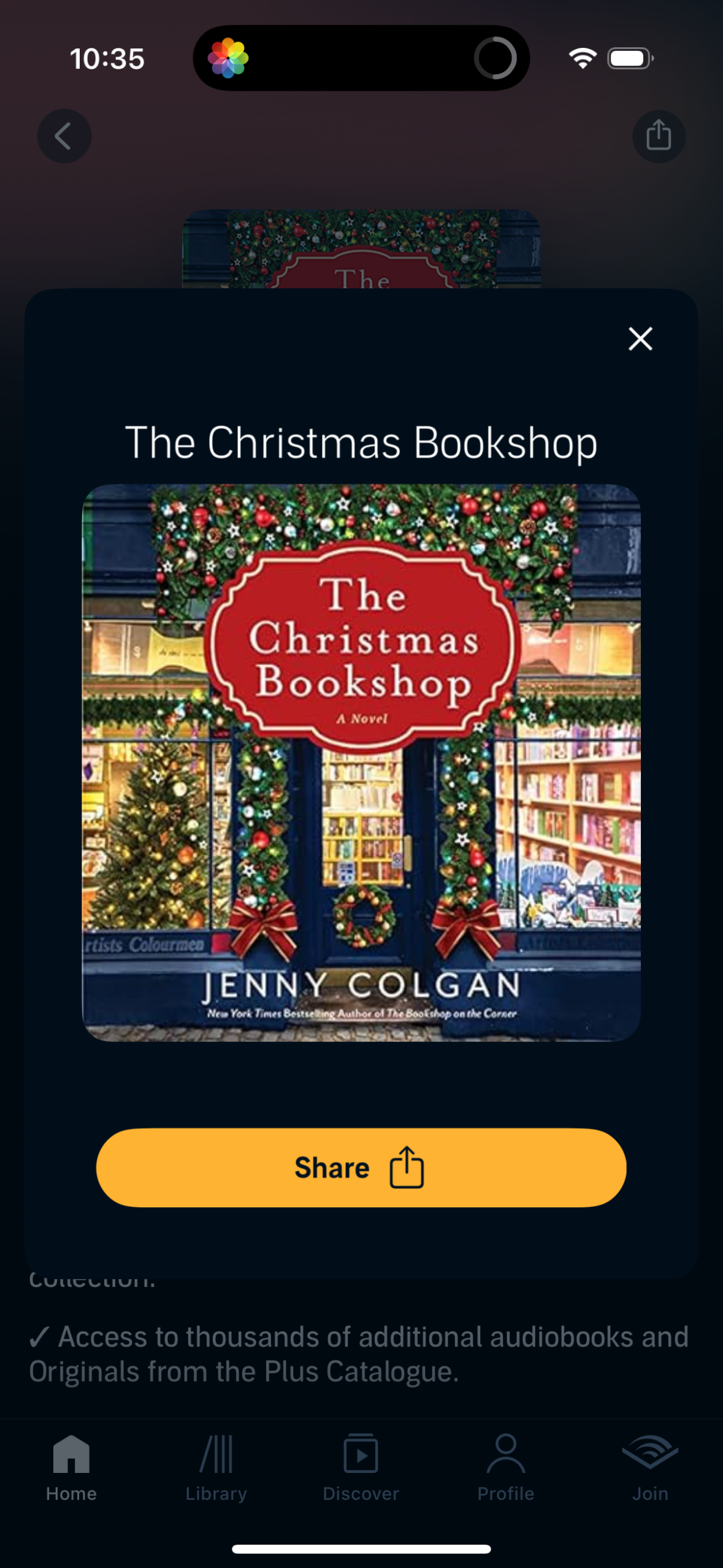
A book/audiobook detail modal showing the title and cover art, with a prominent Share button and close icon over a dimmed background. Designed for quickly sharing a specific book from within a reading or audiobook app.
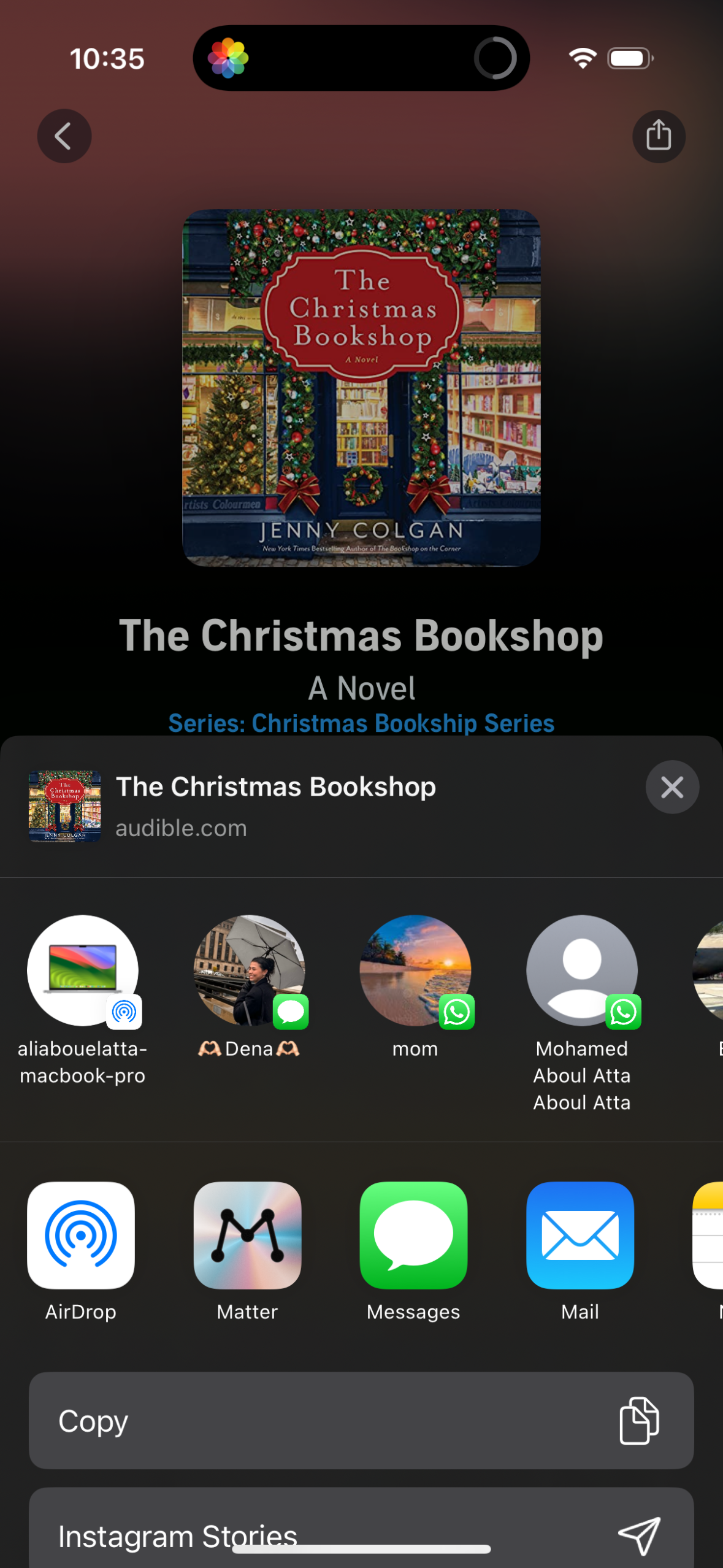
A book/audiobook detail preview is open showing cover art, title, and series information with a top navigation back button and share action. The iOS share sheet is expanded, offering suggested contacts and app shortcuts plus actions like Copy and posting to Instagram Stories.
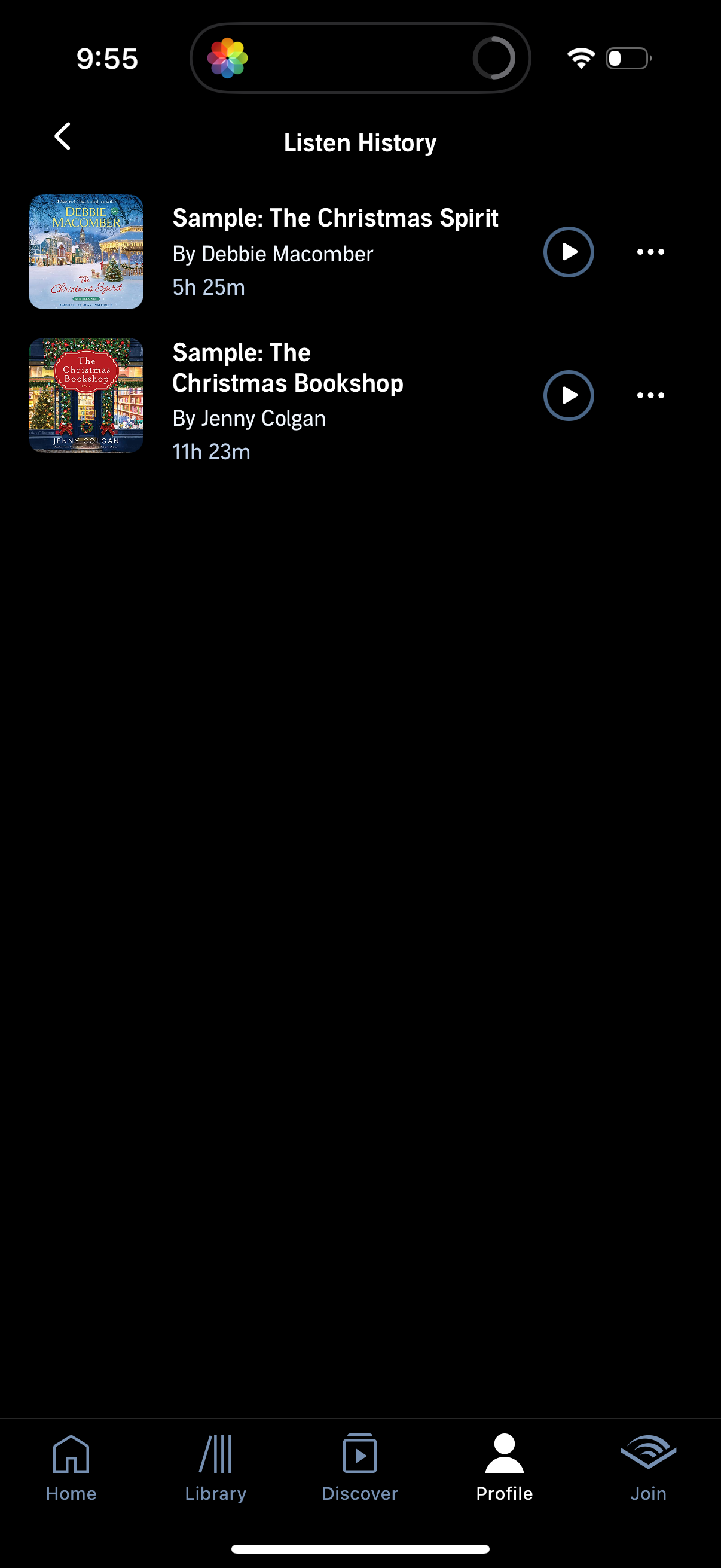
Audiobook listen history screen showing a list of previously played titles with cover art, title, author, and total duration, each row offering a play/resume button and an overflow menu for more actions. Includes a back navigation control and a bottom tab bar for switching between main sections like Home, Library, Discover, Profile, and Join.
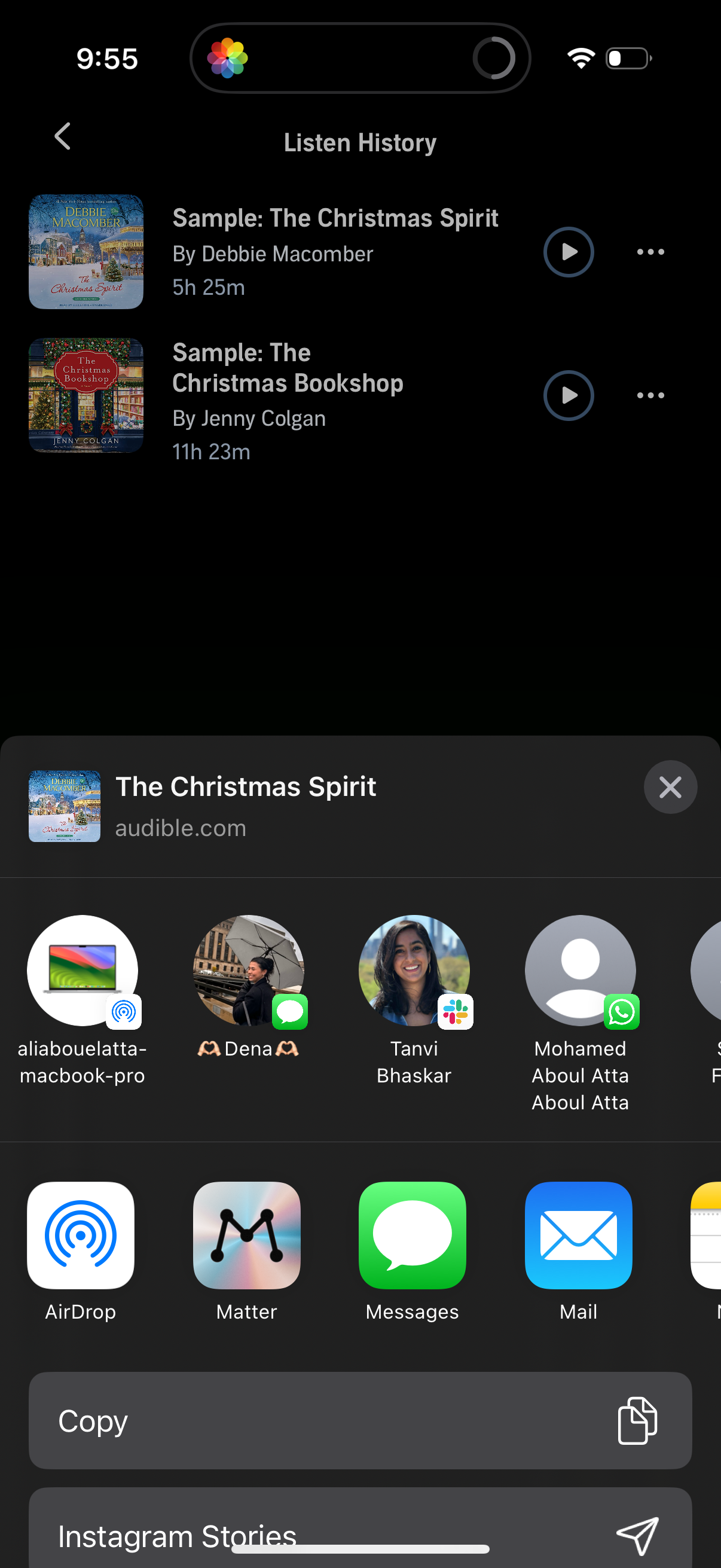
Audiobook app listen history screen showing a list of recently played audiobook samples with cover art, title, author, duration, and play and overflow actions for each item. An iOS share sheet is open from a selected audiobook, offering copy and share targets like AirDrop, Messages, Mail, and Instagram Stories.