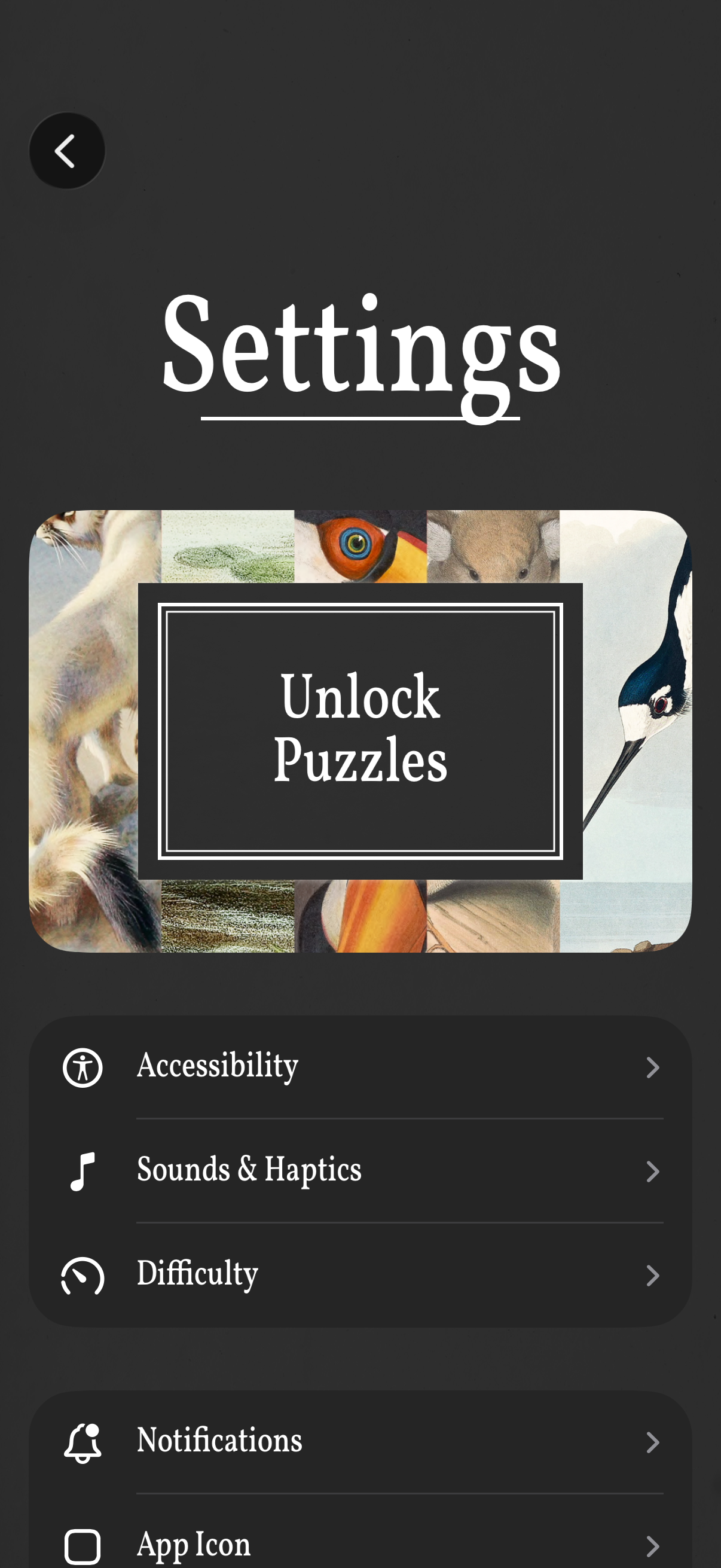
Settings screen for a puzzle game with a prominent “Unlock Puzzles” call-to-action and a list of configuration options. Users can open sections for Accessibility, Sounds & Haptics, Difficulty, Notifications, and App Icon, with a back button to return.

App settings screen for selecting and customizing the app icon, showing the currently selected default icon with a checkmark and a gallery grid of alternative icon options labeled with names. Users can tap an icon to switch the app’s home screen icon, with a back button to return.
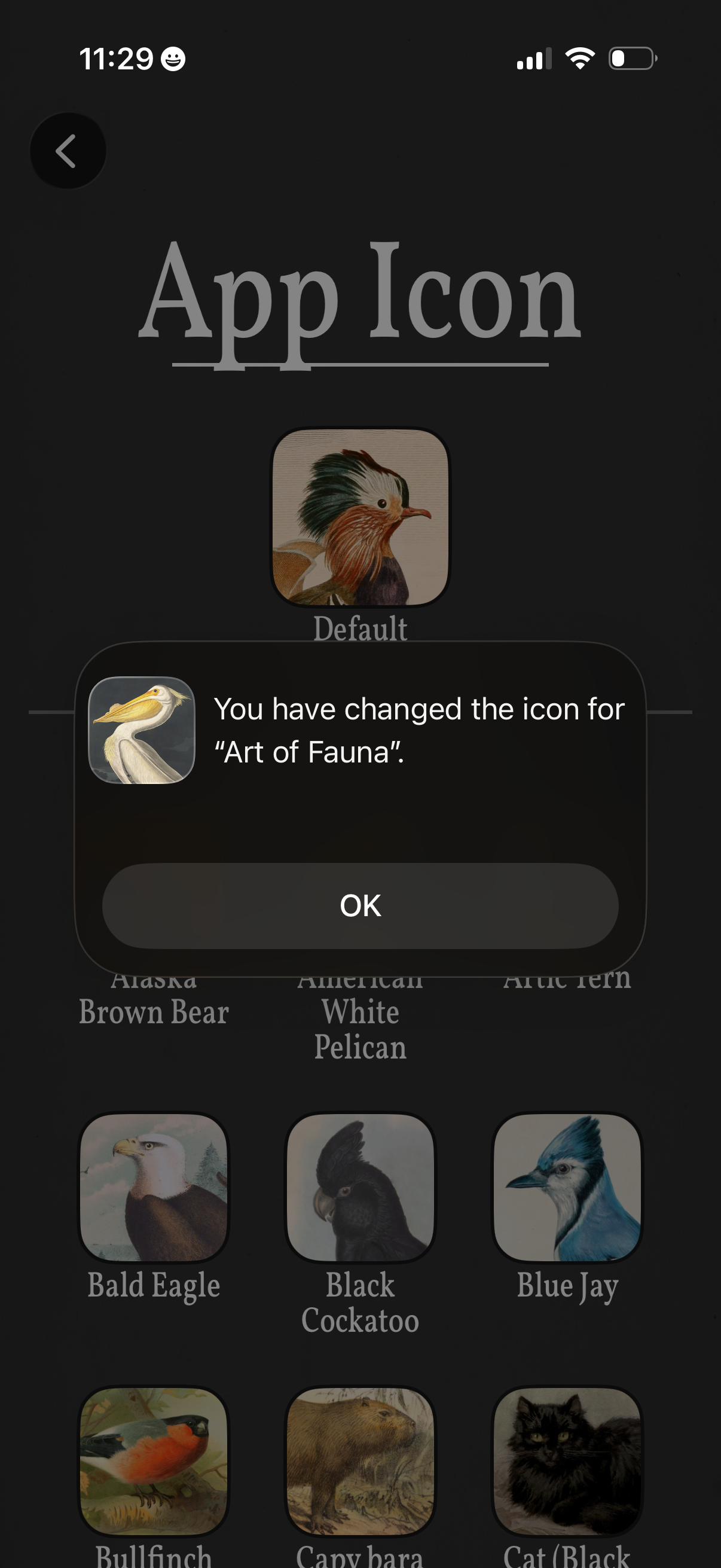
App settings screen for choosing a custom app icon, showing the current “Default” icon and a grid of alternate animal-themed icons to select. A confirmation modal overlays the page indicating the app icon has been changed, with an OK button to dismiss.