view property details
1
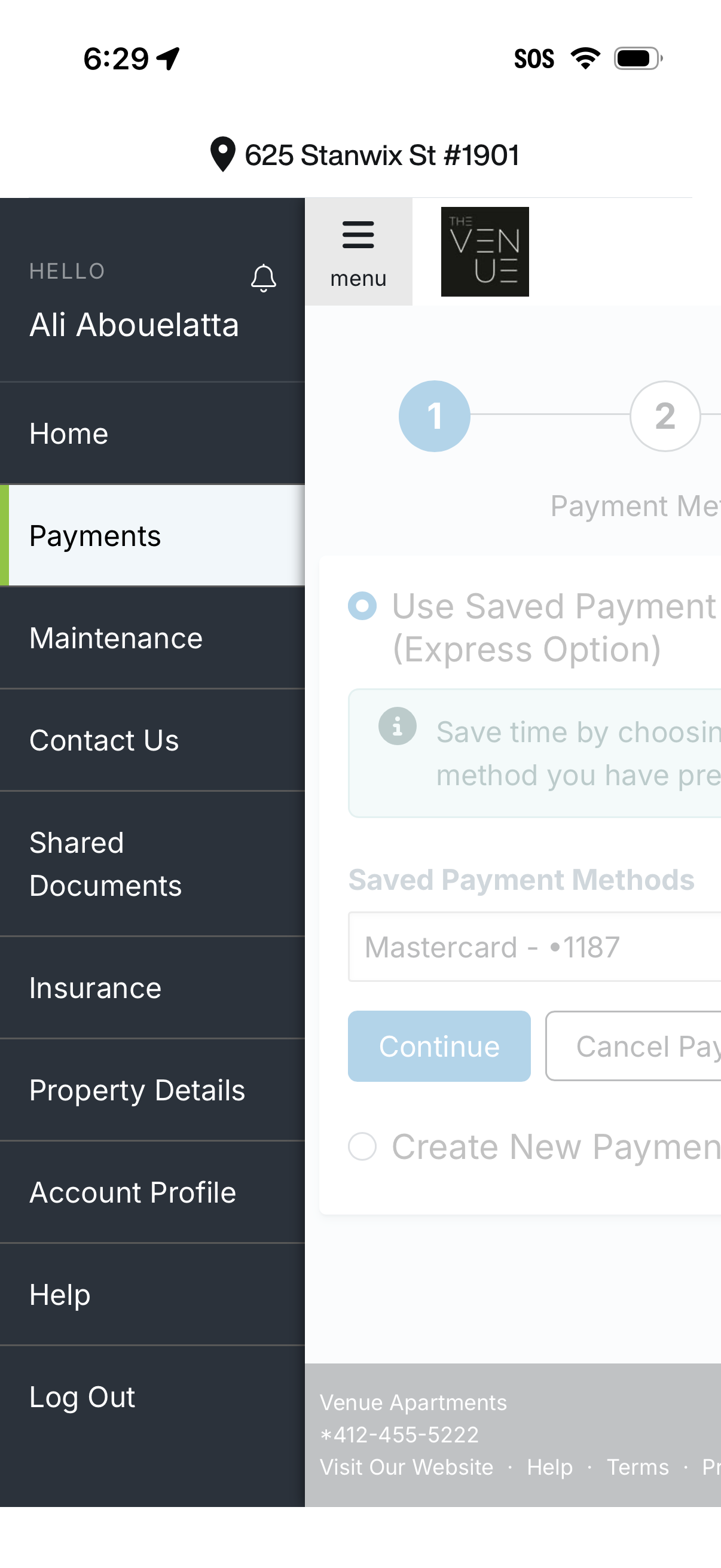
Resident portal screen with a slide-out navigation drawer where Payments is selected, alongside options like maintenance requests, contact support, shared documents, insurance, property details, account profile, help, and log out. The main content shows a multi-step payment flow to choose a saved payment method or create a new payment, with actions to continue or cancel.
2
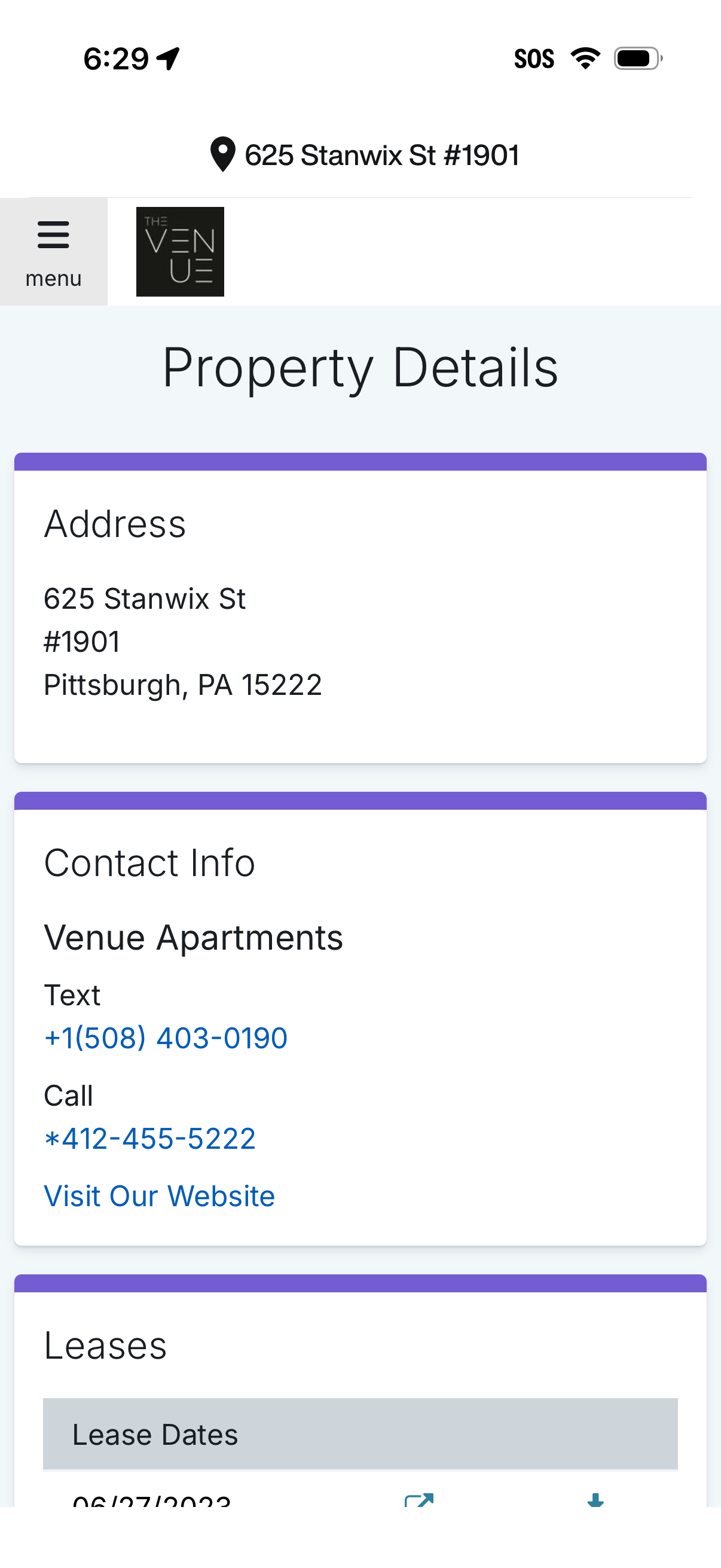
Property details screen for an apartment or rental unit showing the full address and a contact info section with tap-to-text, tap-to-call, and website link actions. Includes a leases area with lease dates and related options, plus a hamburger menu for navigation.