Onboarding
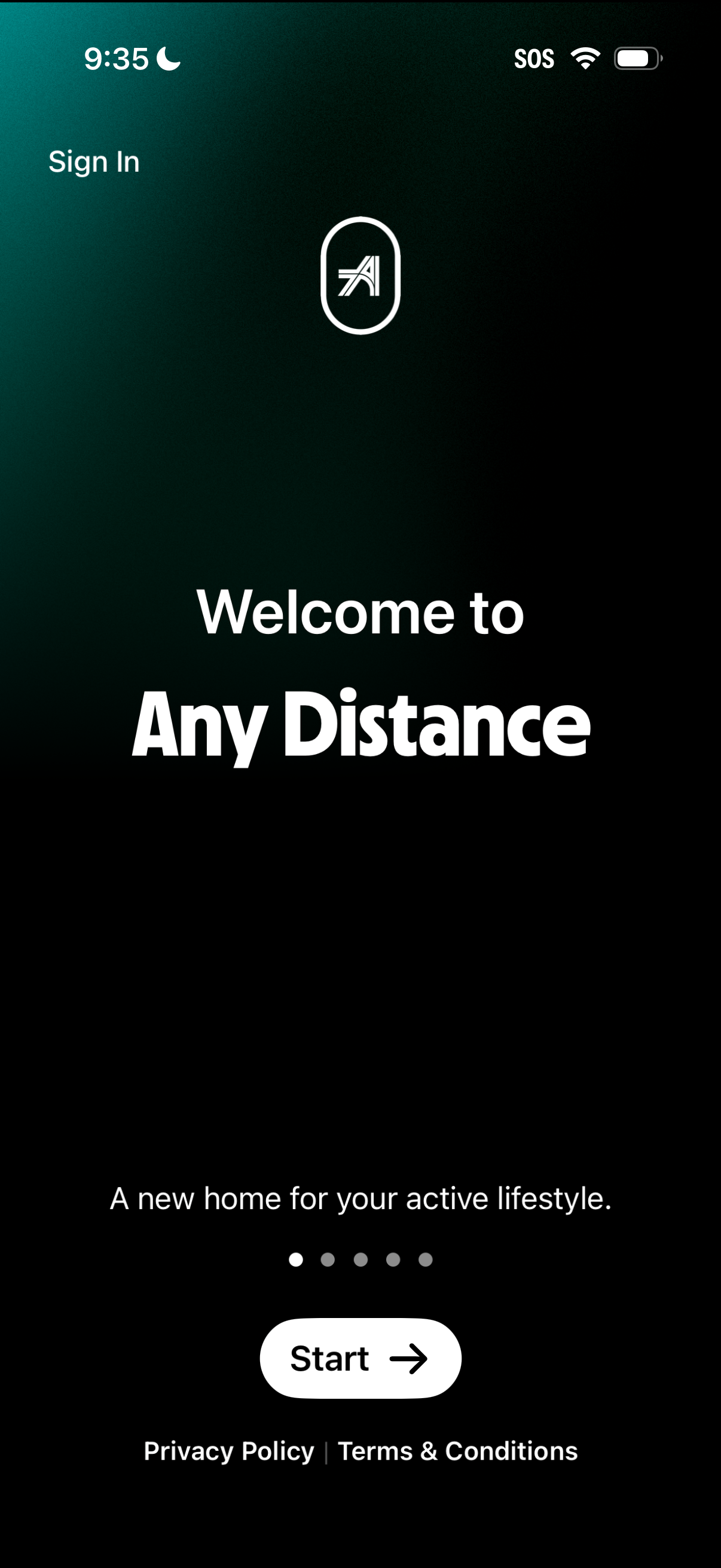
Welcome/onboarding screen for a fitness or active lifestyle app with a headline and brief tagline, a “Start” call-to-action to begin setup, and a “Sign In” link for returning users. Includes onboarding page indicator dots and footer links to Privacy Policy and Terms & Conditions.
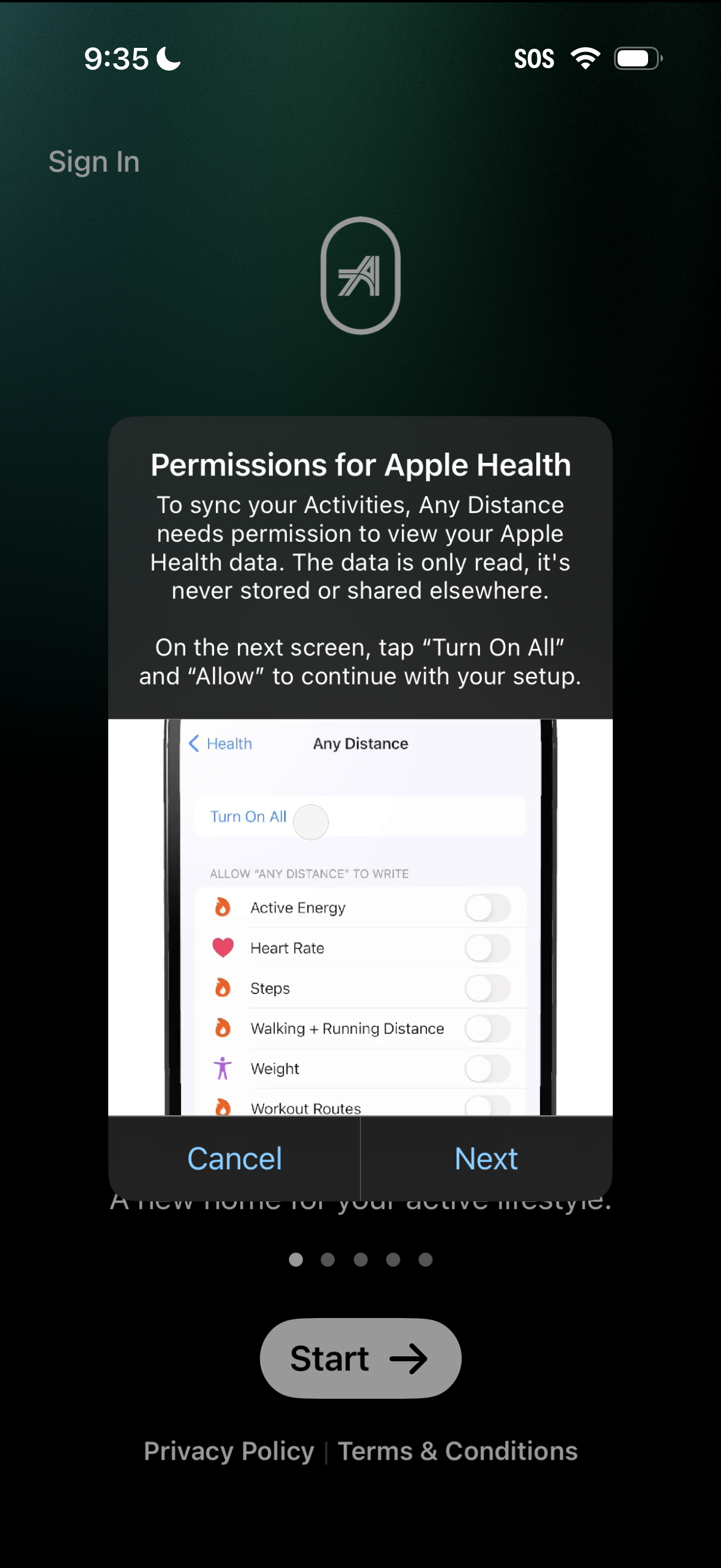
Onboarding permission explainer screen prompting users to grant Apple Health access to sync fitness activities and distance data, with guidance to tap “Turn On All” and “Allow” on the next step. A modal overlay offers Cancel or Next actions before continuing setup.
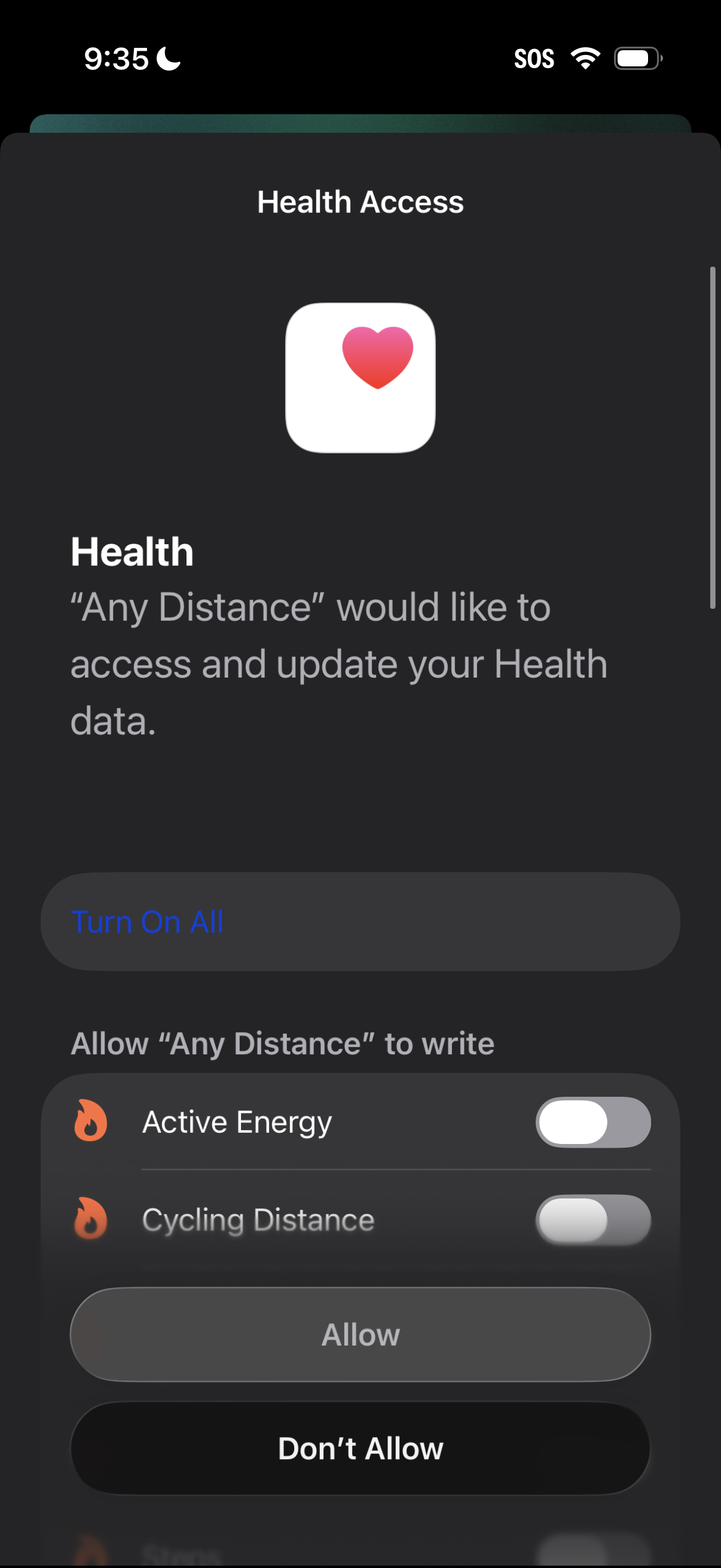
iOS Health Access permission modal asking to allow a fitness app to access and update Apple Health data, with a “Turn On All” option and individual toggles for specific data types (e. g.
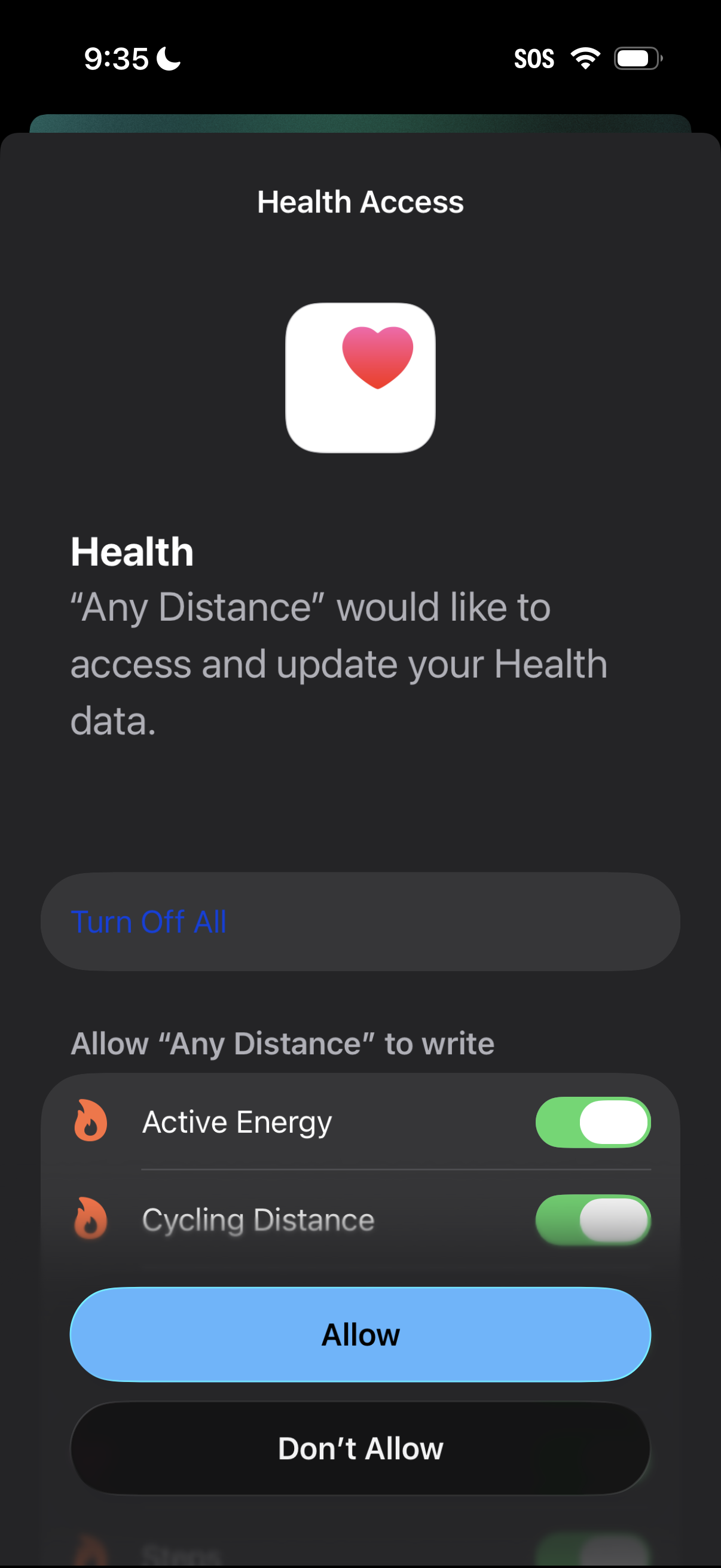
iOS Health Access permission sheet prompting the user to allow an app to access and update Health data, with granular toggles for specific metrics (e. g.
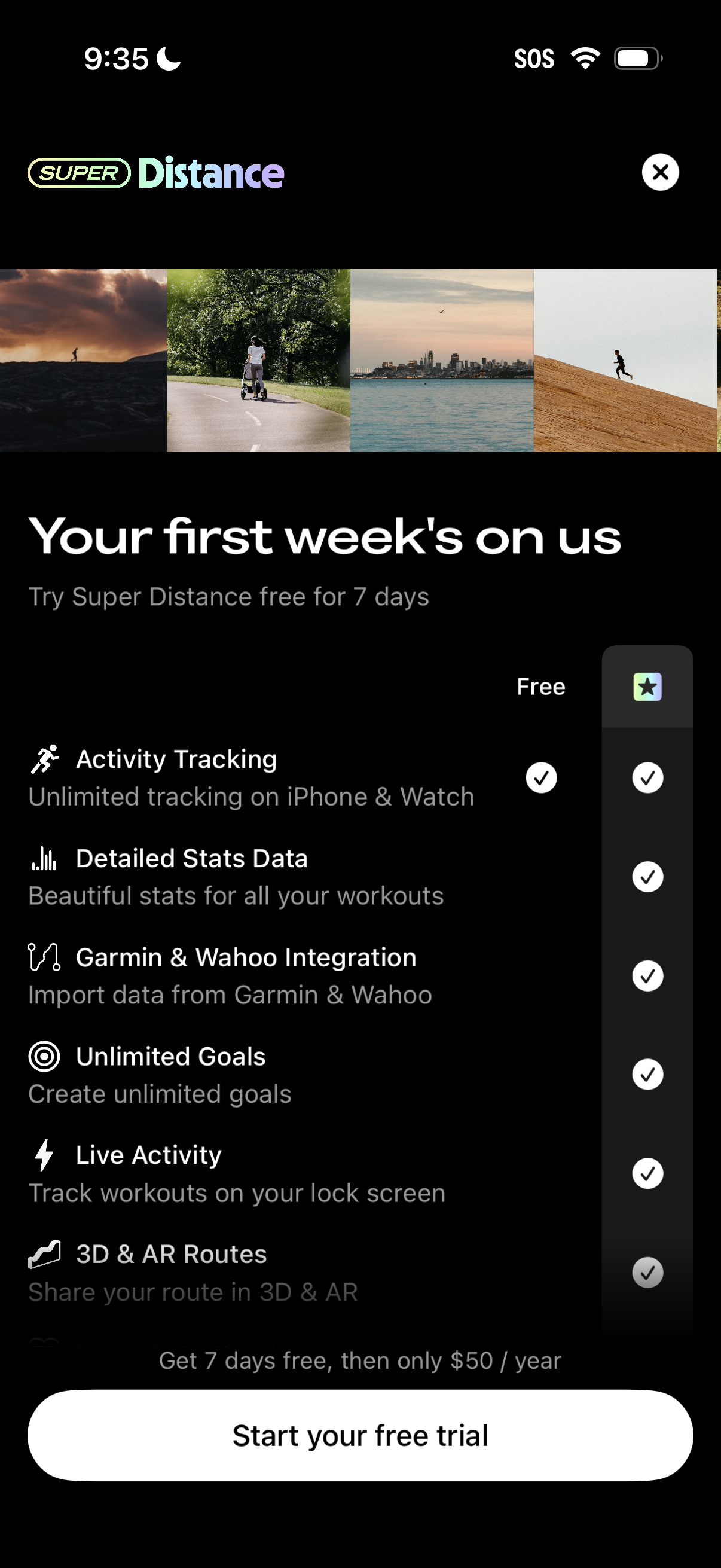
Subscription upsell screen for a fitness/activity tracking app promoting “Super Distance” with a 7‑day free trial and yearly price, comparing free vs premium features like activity tracking, detailed stats, Garmin/Wahoo integration, unlimited goals, live activity, and 3D/AR routes. Includes primary CTA to start the free trial and a close/dismiss button.