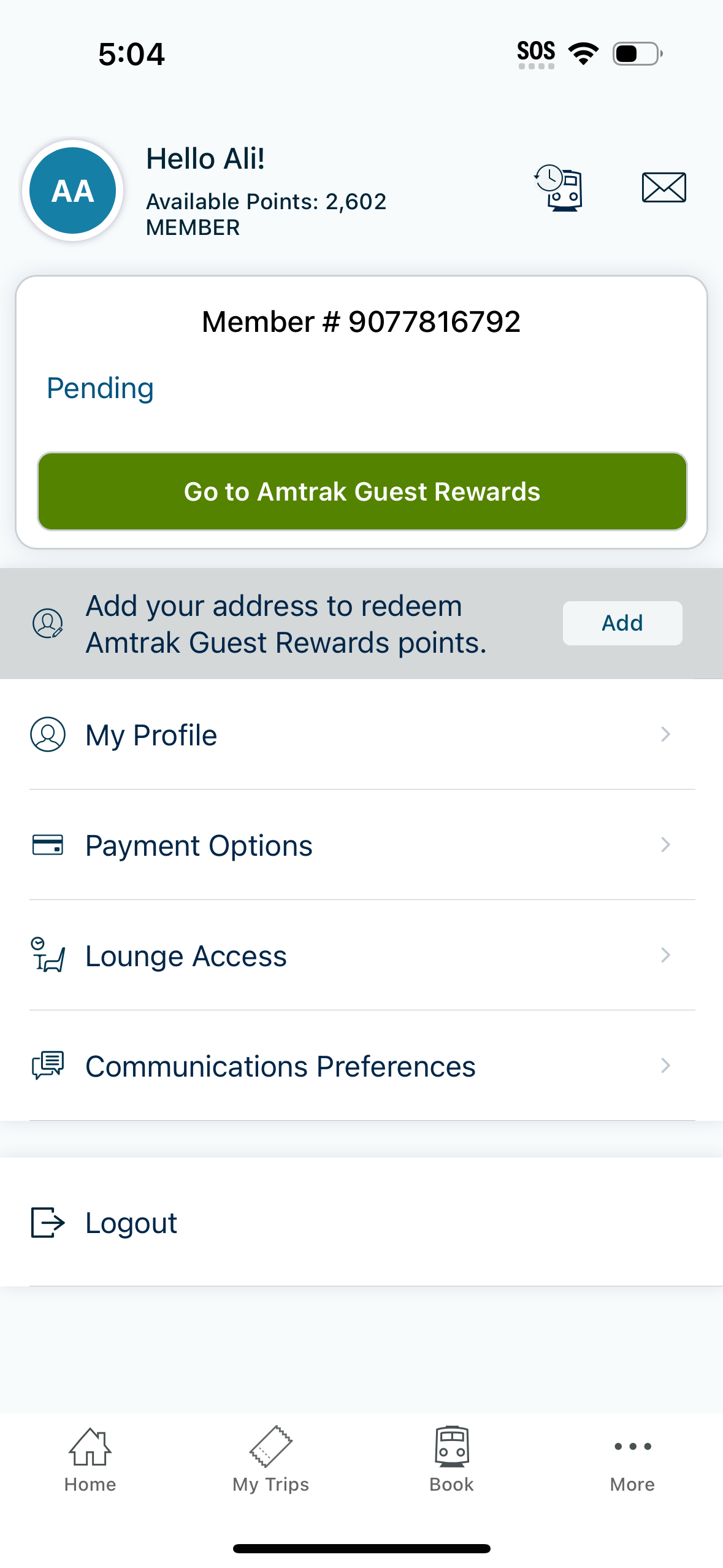
Account and loyalty profile screen showing membership status and available rewards points with a pending rewards section and primary CTA to access the rewards program. Includes actions to add an address for point redemption, manage profile details, payment options, lounge access, communication preferences, and log out.
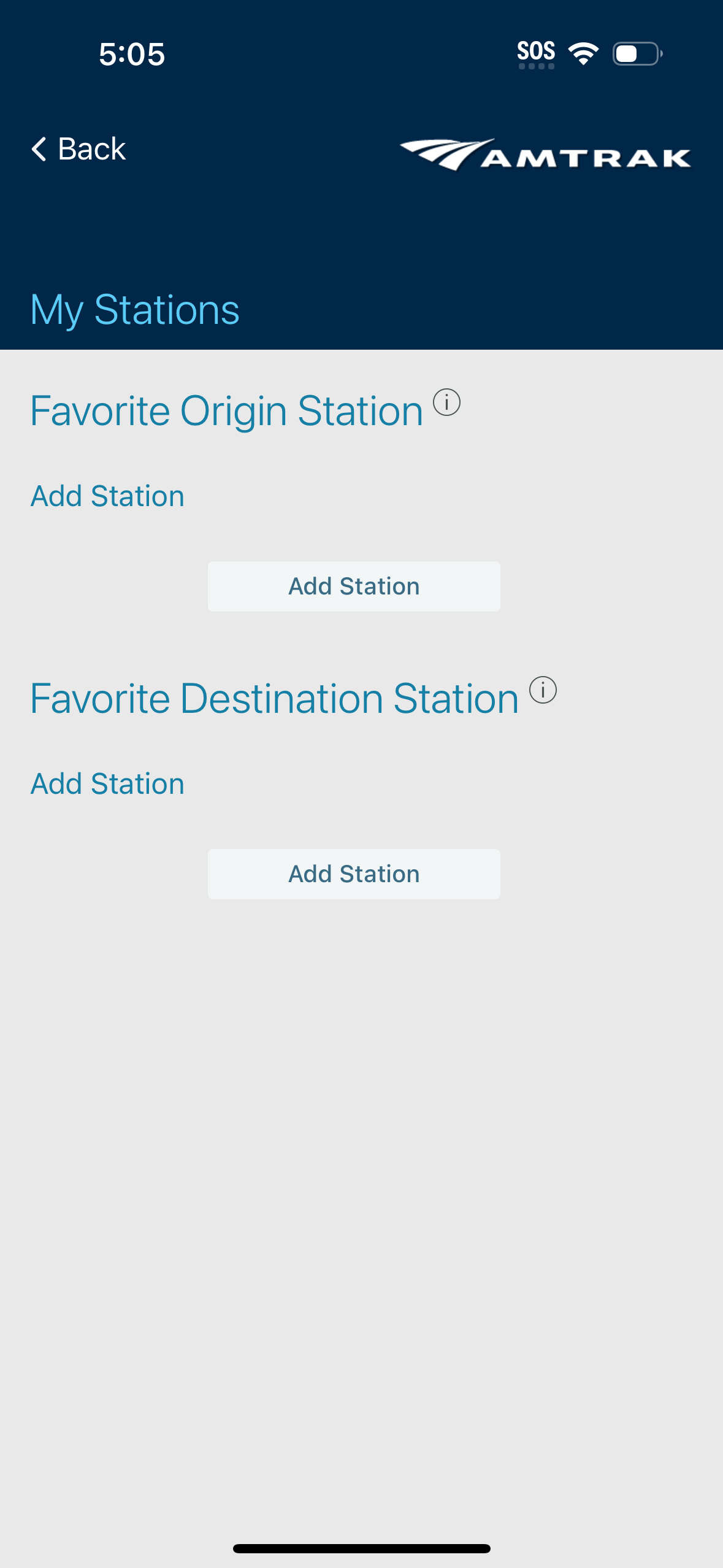
Settings screen for managing “My Stations,” letting users set a favorite origin station and a favorite destination station. Each section includes an info icon and an “Add Station” action button to choose and save preferred stations for quicker trip planning.

Payment Methods settings screen showing a list of saved payment options (Apple Pay marked as preferred, PayPal, and saved credit cards with masked numbers and expiration dates) with overflow menus to manage each method. Includes primary actions to add a new credit/debit card and add a voucher or gift card.
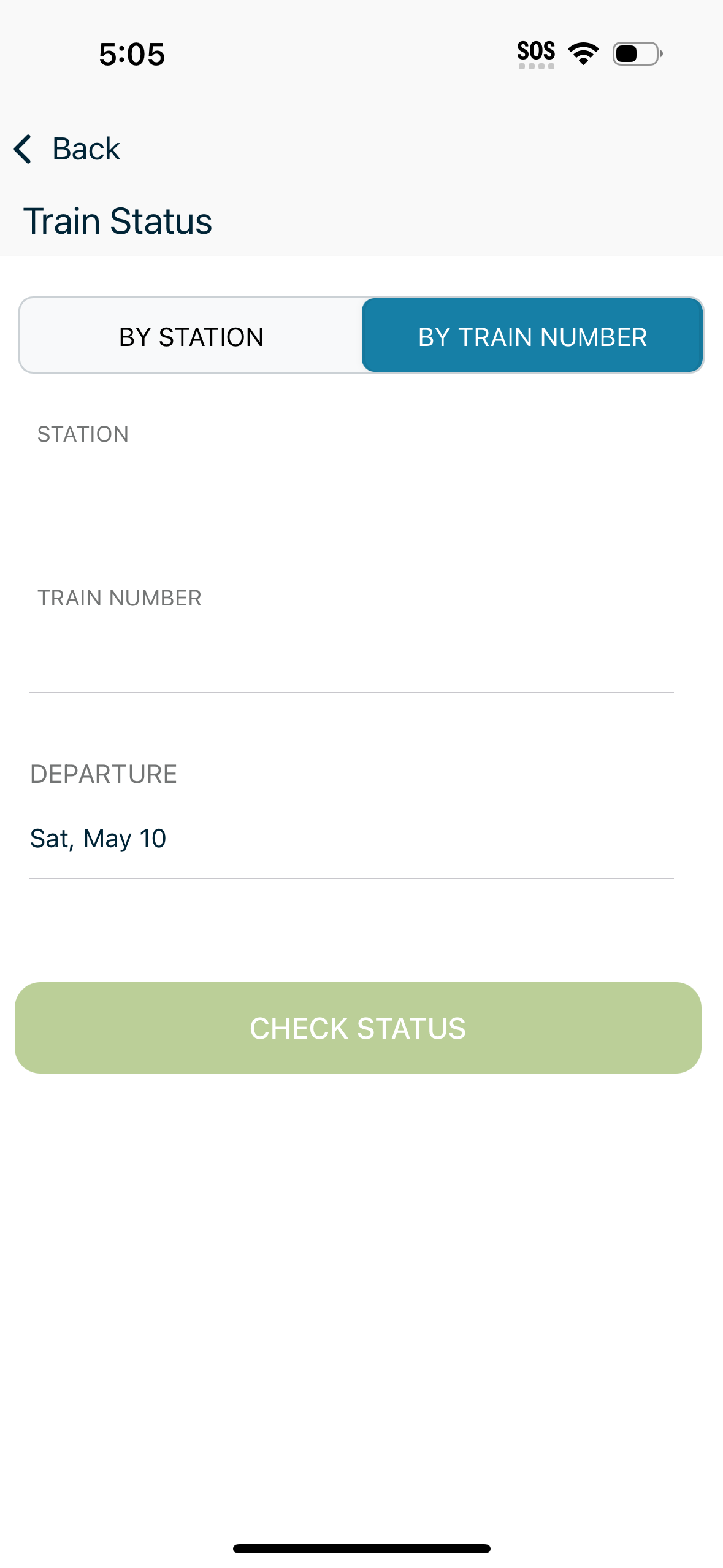
Train status lookup screen with a segmented control to search by station or by train number, plus form fields for station, train number, and departure date. A prominent “Check Status” button submits the query to view real-time train status.
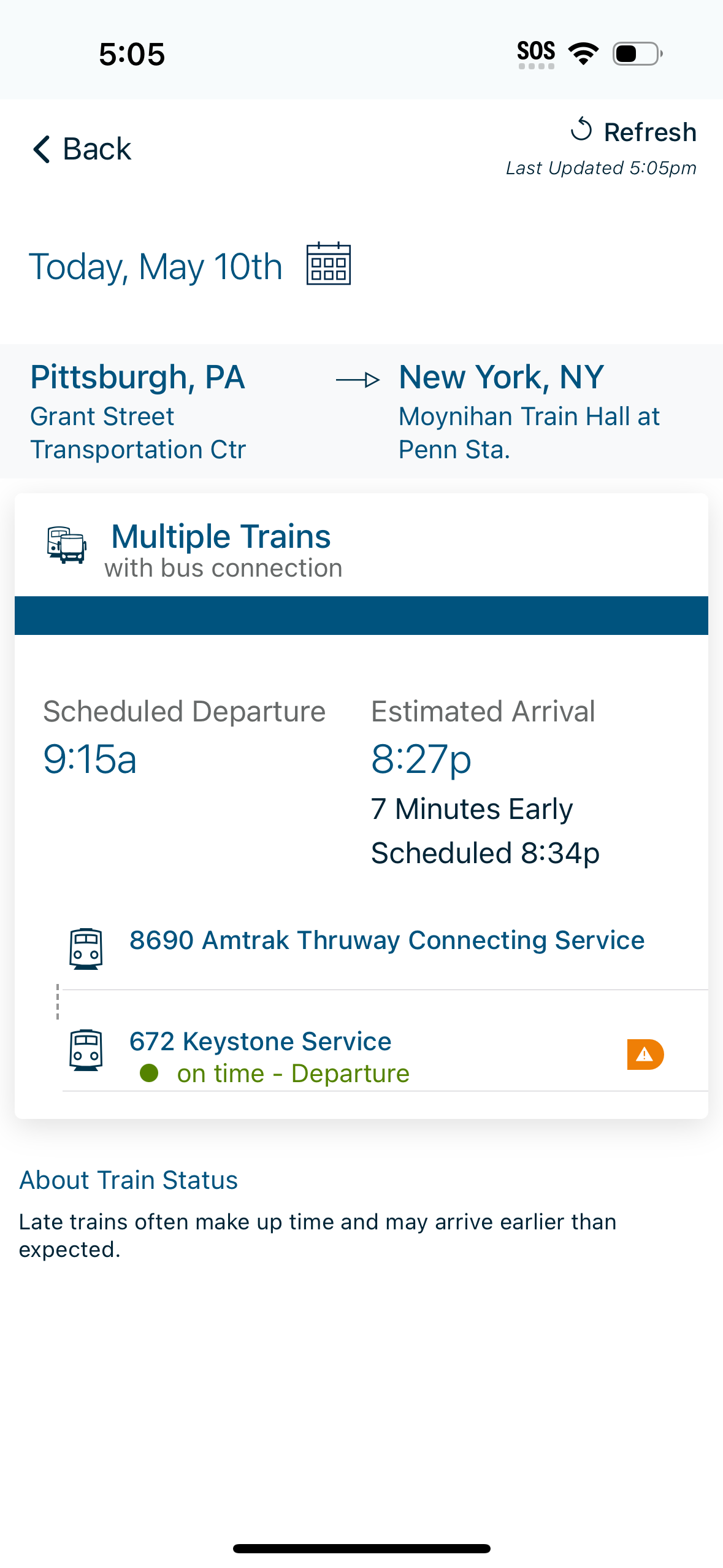
Train trip status screen showing today’s route from an origin station to a destination station with a refresh/last-updated timestamp. It summarizes scheduled departure and estimated arrival with early/late indicator, and lists multiple train segments including a bus connection, each with on-time status and alerts.

Travel app “My Trips” dashboard with tabs for Active, Upcoming, and Past trips, showing an empty state for no upcoming trips. Provides primary actions to Book a Trip and Look Up a Trip/reservation to add to the itinerary, with navigation to other app sections.