create saved food
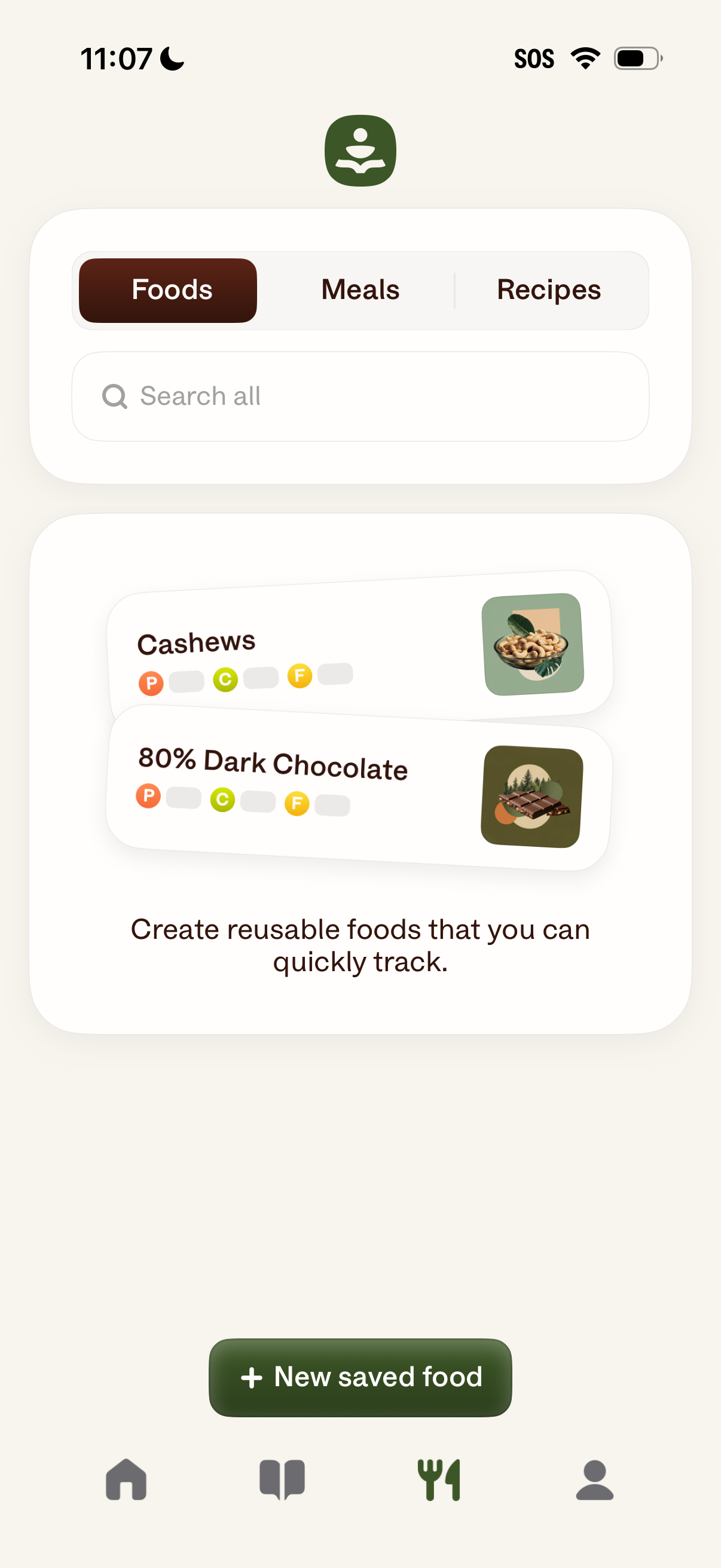
Food tracking library screen with segmented tabs for Foods, Meals, and Recipes plus a search bar to find saved items. Displays saved foods as list cards with thumbnails and macro indicators, and provides a primary “New saved food” button to create reusable foods for quick logging.
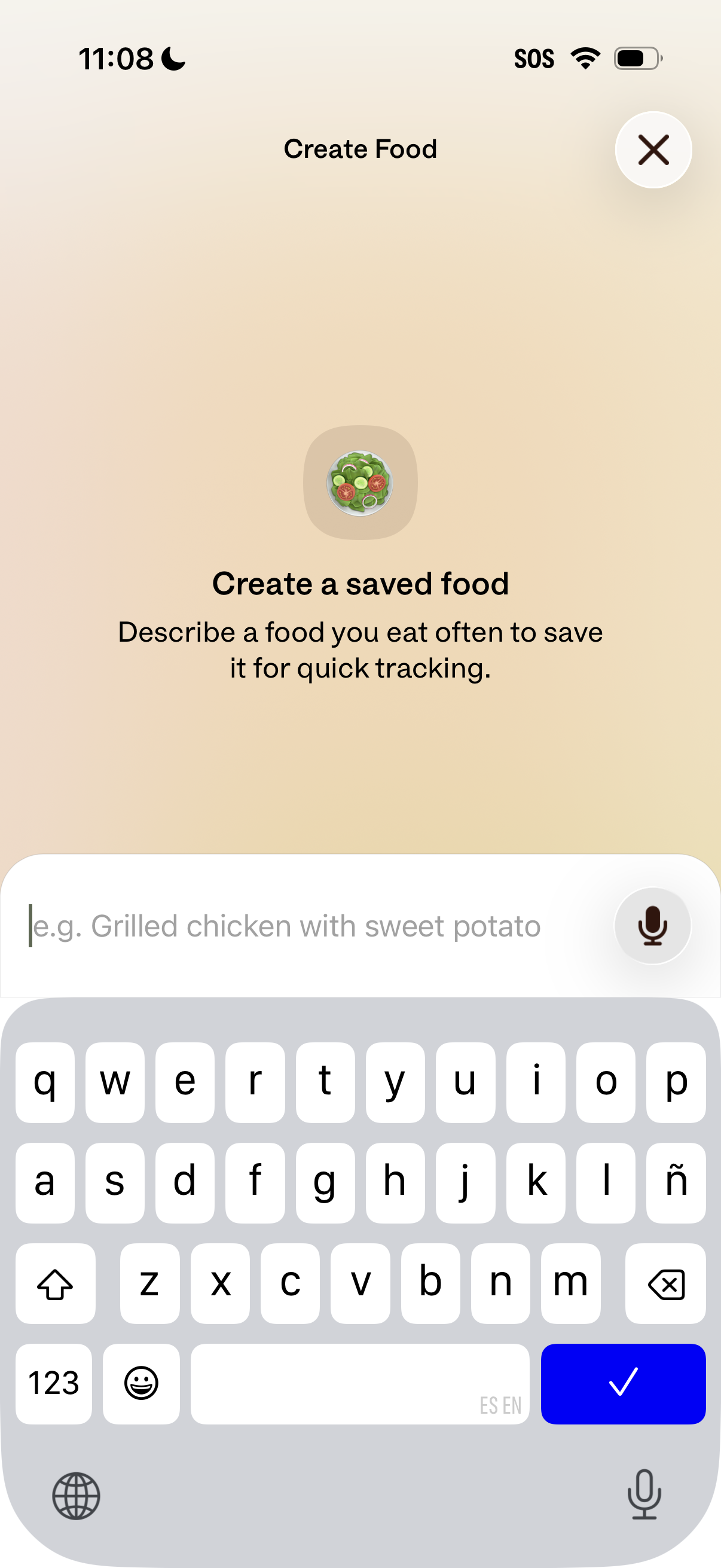
Food tracking app screen for creating a saved food entry for quick logging, prompting the user to describe a frequently eaten meal. Includes a text input field with example placeholder and a microphone icon for voice input, plus a close button to dismiss.
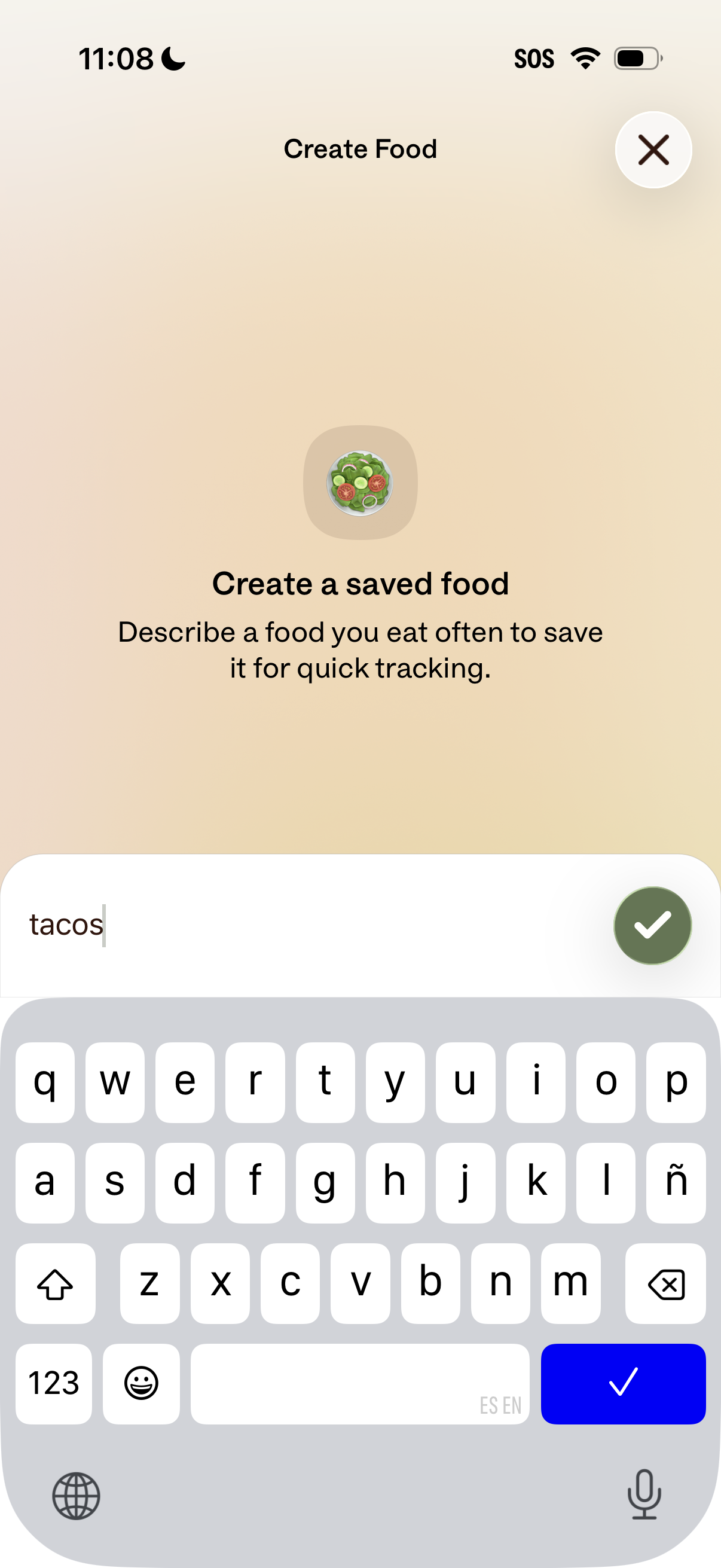
Food tracking screen for creating a saved food item by typing a frequently eaten food name for quick logging, with a confirm checkmark button to save. Includes a close/dismiss icon to exit the creation flow.
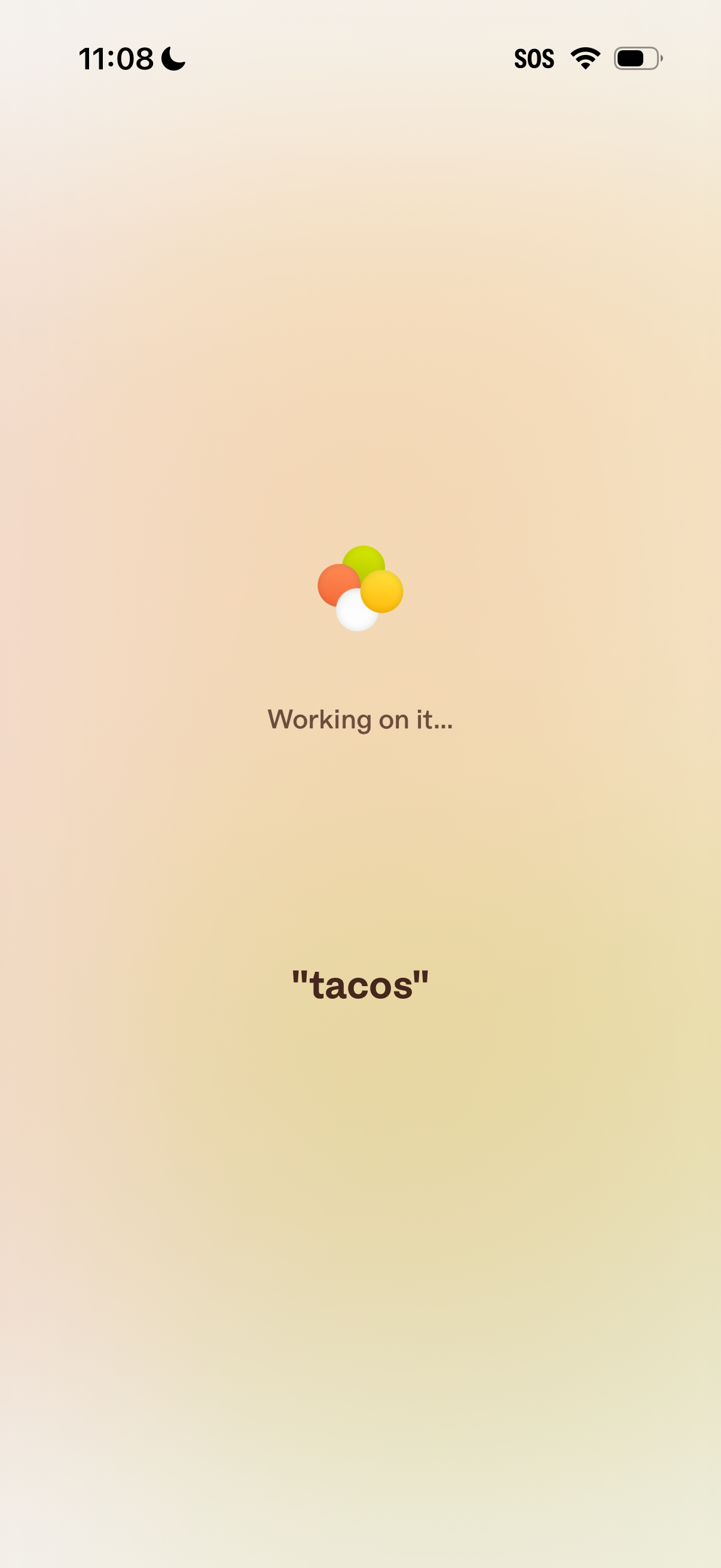
Loading or processing screen showing an animated spinner with the message “Working on it…” while the app generates results for a user-entered query or prompt (“tacos”).
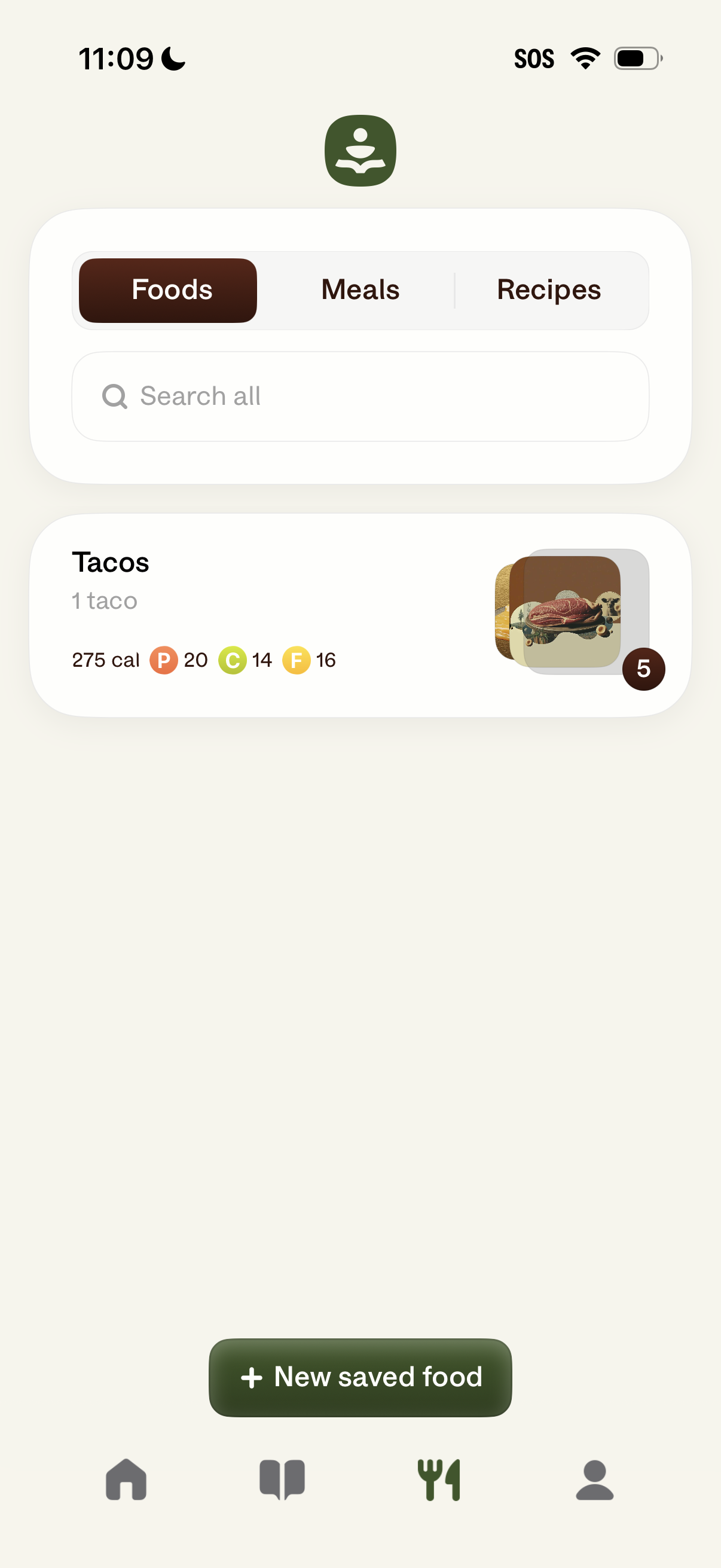
Food tracking app “saved items” screen with tabs to switch between Foods, Meals, and Recipes and a search bar to find saved entries. Shows a saved food card with serving size, calories and macro breakdown, plus a primary action button to add a new saved food.
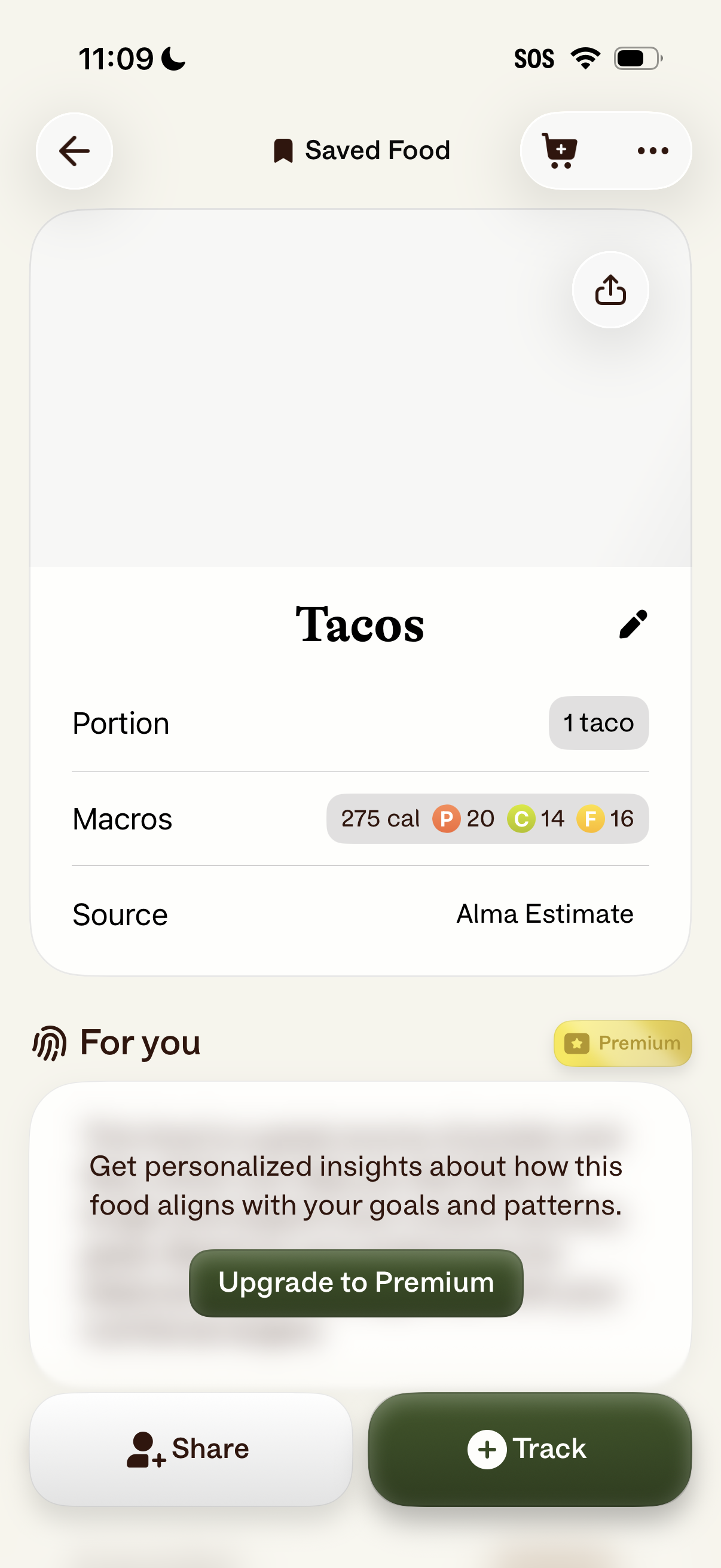
Saved food detail screen in a nutrition tracker showing a food item (Tacos) with portion size, macro breakdown and calories, and data source, plus actions to edit, share, and track/log the item. Includes an upsell card for personalized insights with an “Upgrade to Premium” call to action.