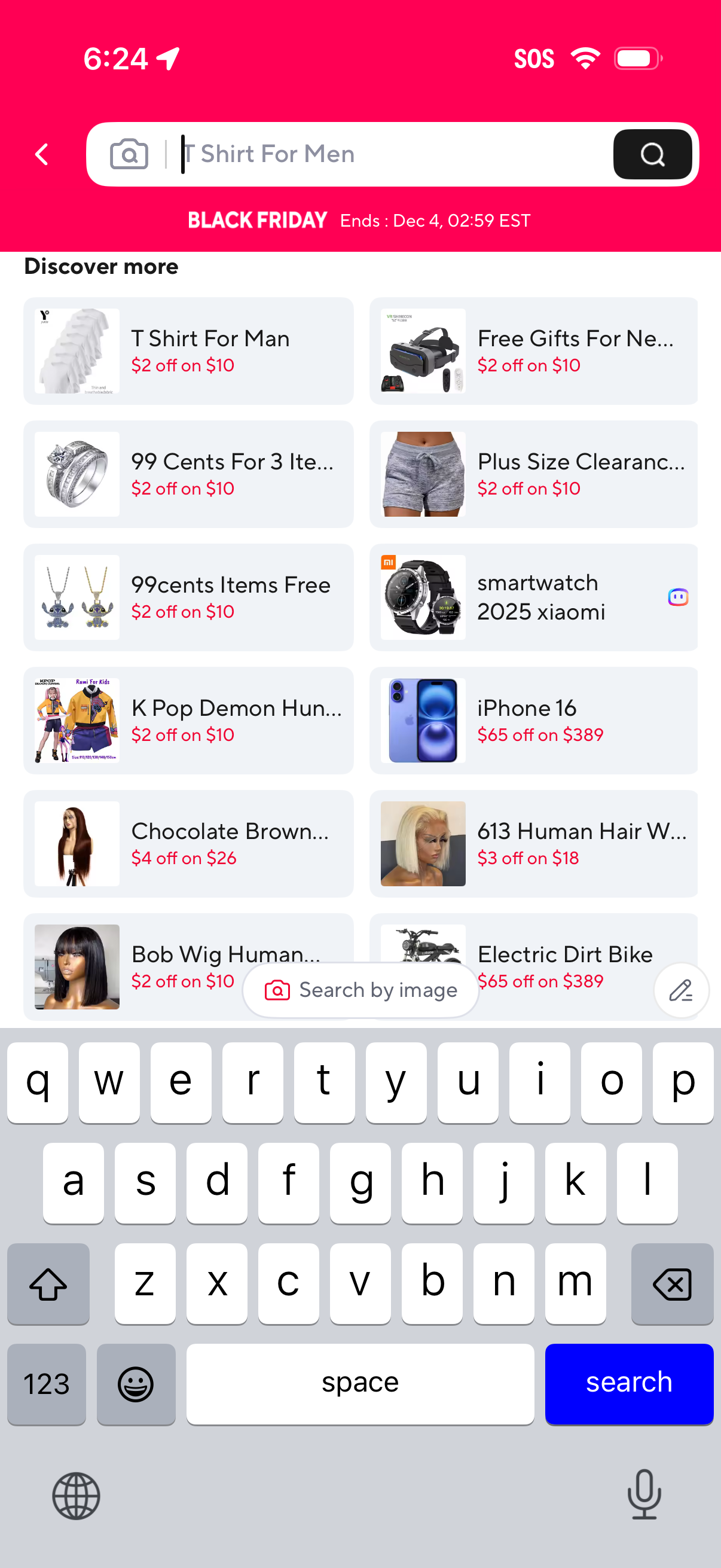
E-commerce search screen with a top search bar supporting text search and a camera icon for image search, plus a Black Friday promo countdown banner. Below, a “Discover more” grid lists suggested categories and deal tiles with discount callouts to help users browse related products.
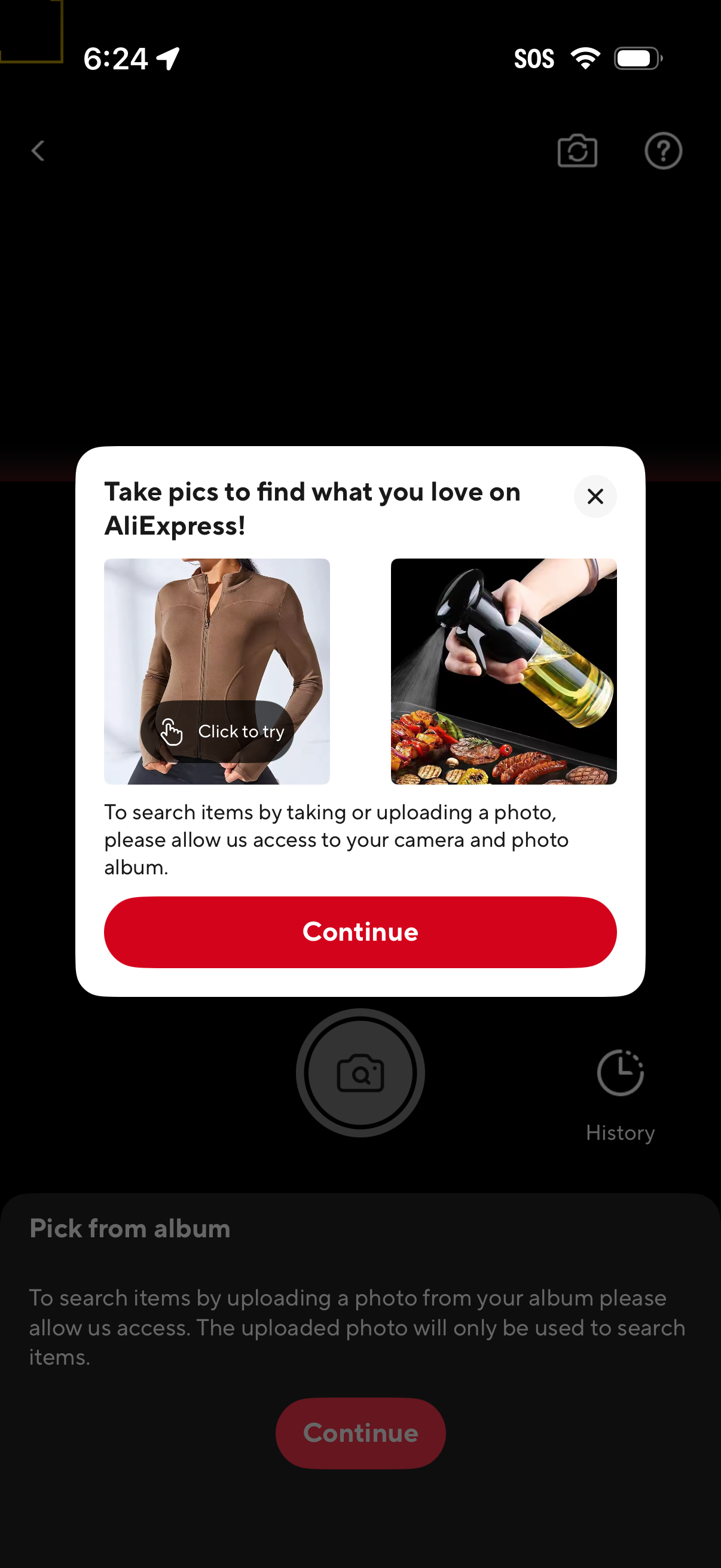
AliExpress visual search onboarding modal prompting the user to search products by taking or uploading a photo and requesting permission to access the camera and photo album. The overlay includes sample product images, a close button, and a primary “Continue” CTA to proceed.
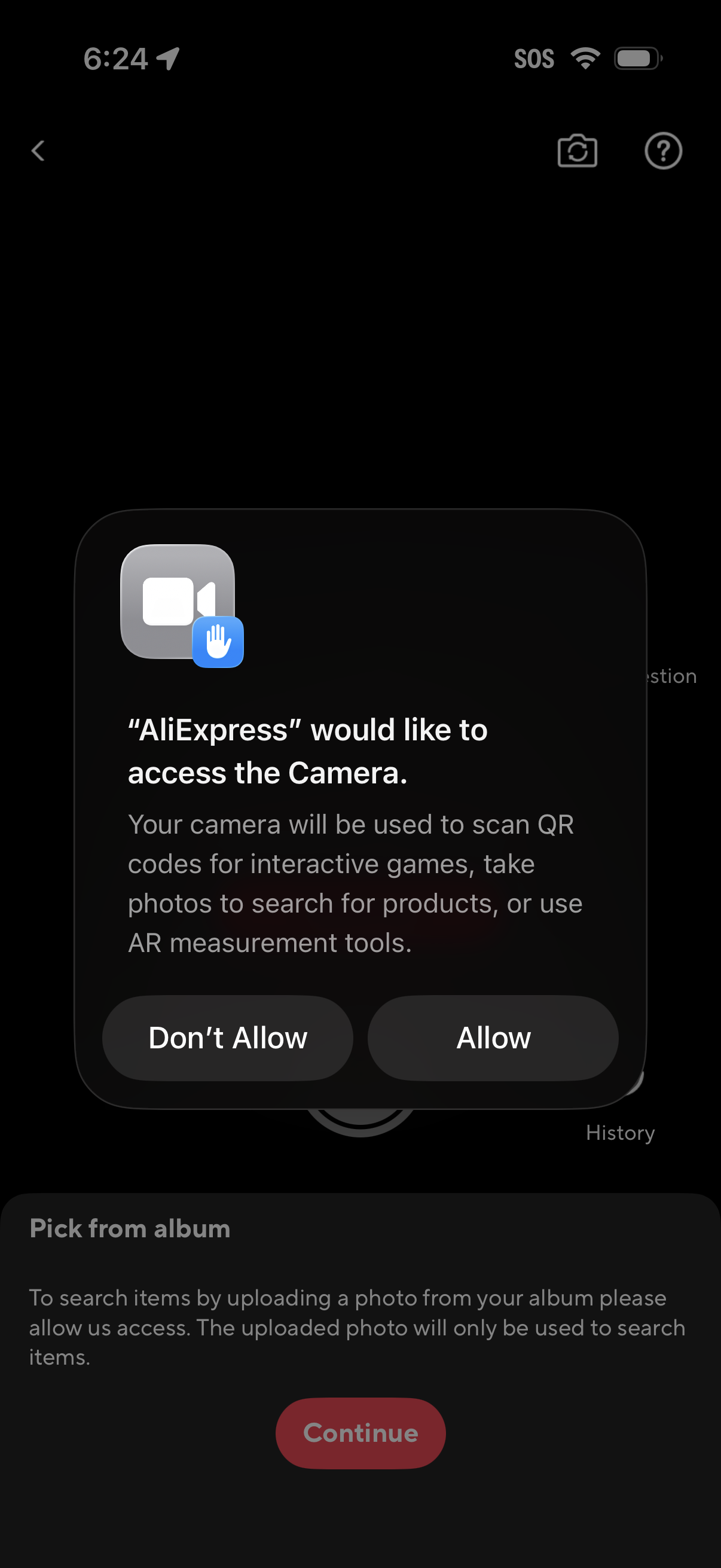
iOS system permission dialog requesting camera access for an ecommerce app, explaining it will be used for QR scanning, photo search, and AR measurement tools, with primary actions to Allow or Don’t Allow. The underlying screen also references picking a photo from the album to search items and a Continue button.
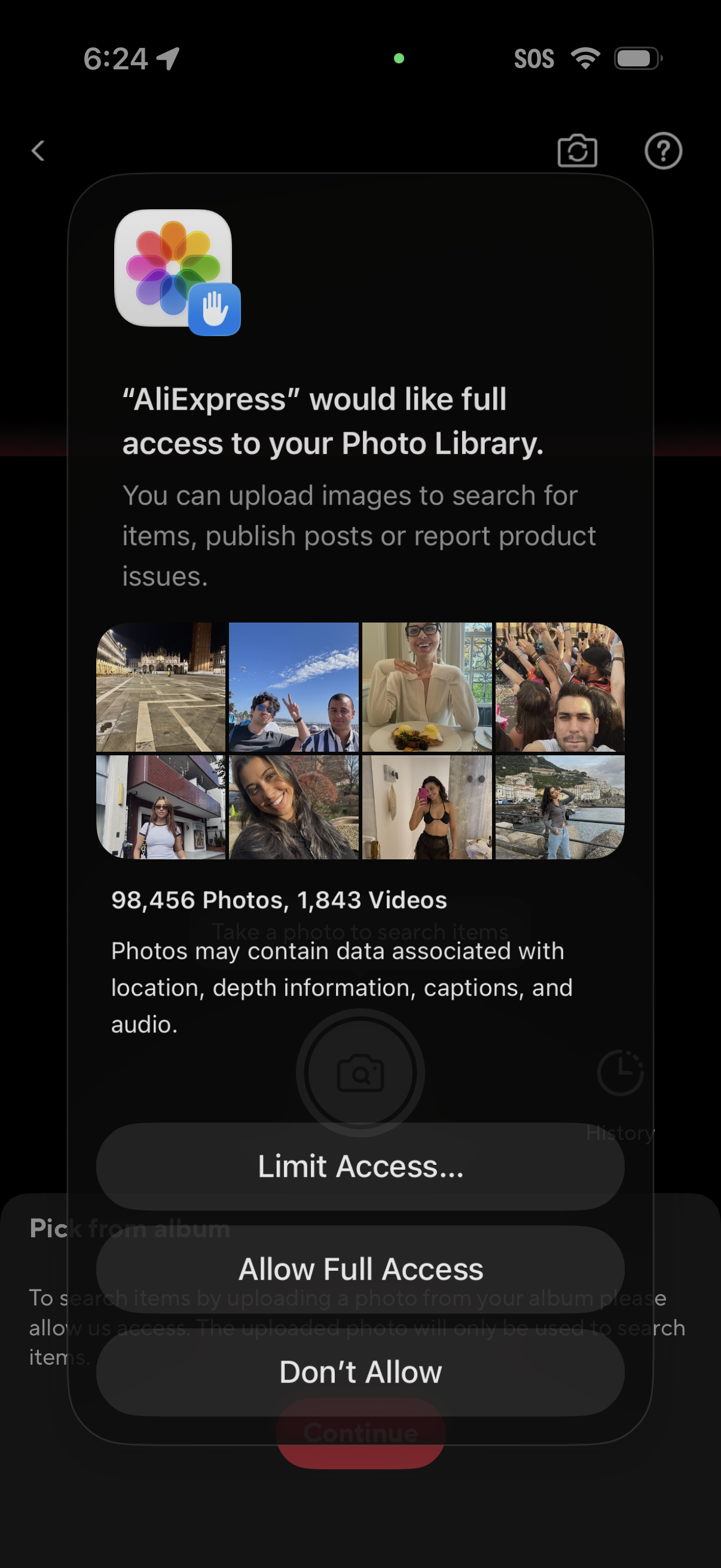
iOS system permission prompt requesting full access to the user’s Photo Library for an app to upload images for visual search, posting, or reporting product issues. The modal shows recent photo thumbnails and offers actions to Limit Access, Allow Full Access, or Don’t Allow.
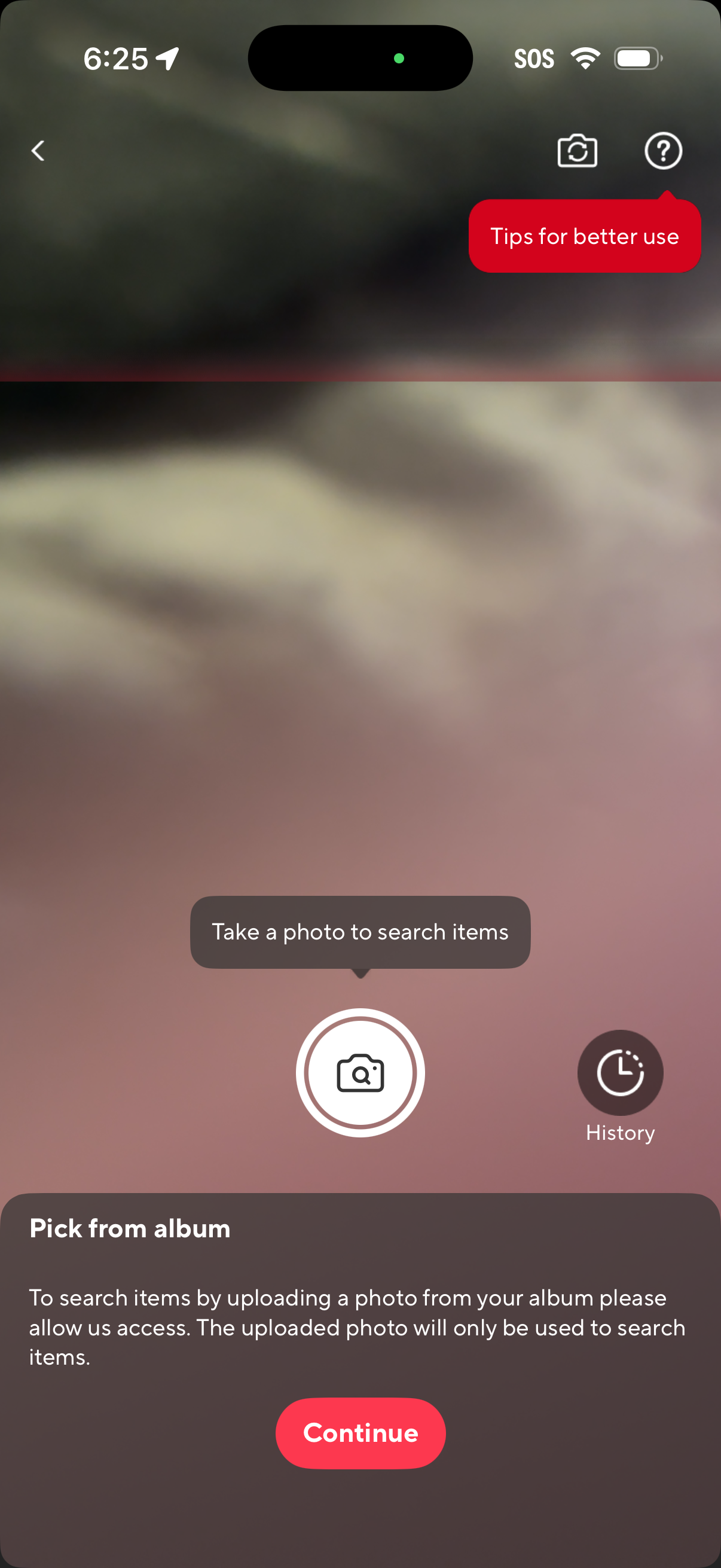
Camera-based visual search screen prompting the user to take a photo to search for items, with options for viewing search history and accessing tips/help. A bottom sheet requests photo library access to pick from the album, explaining usage and providing a primary “Continue” CTA.

A minimal full-screen AR/camera experience with a centered placement/scan target indicator for detecting or positioning an object in view. Includes a floating “Feedback” button to report issues from the scanning screen.
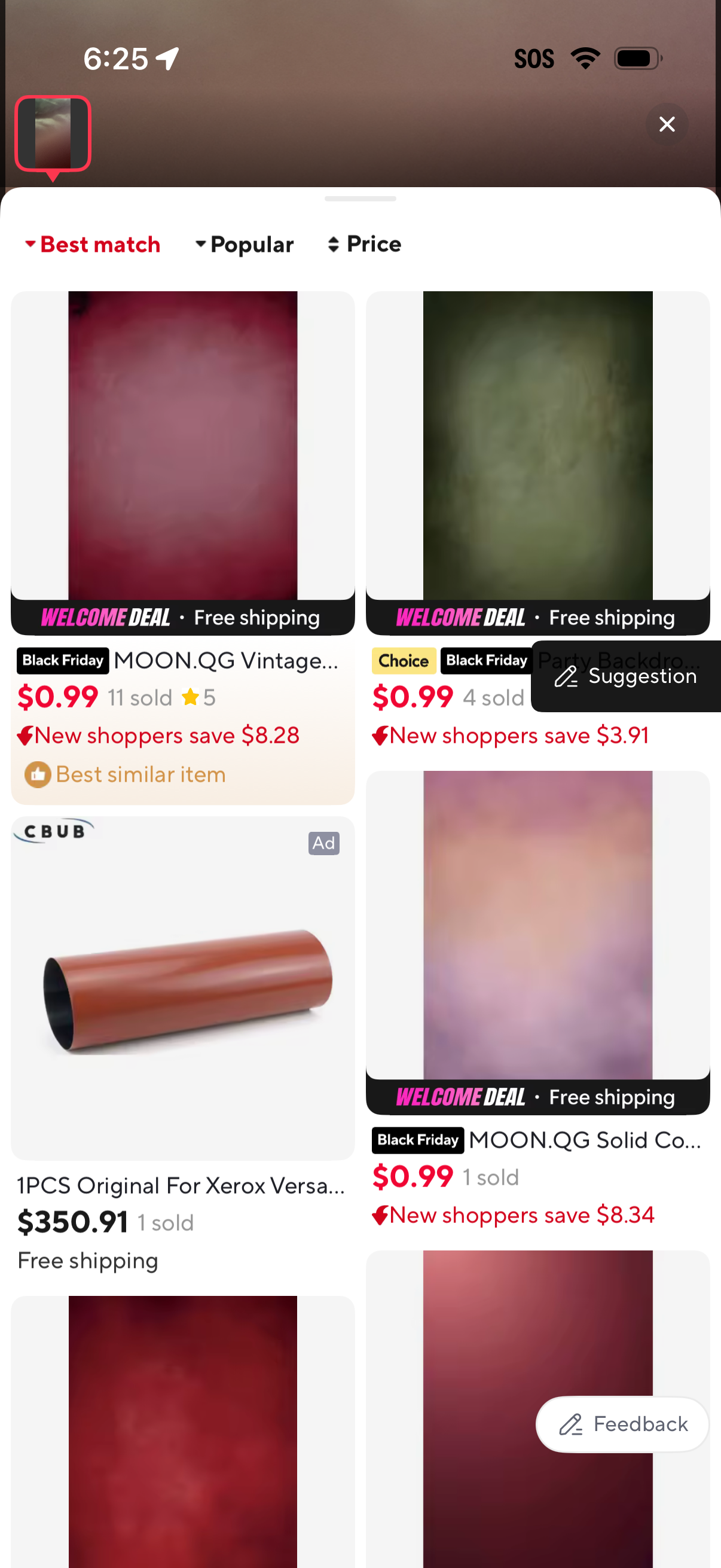
Shopping search results screen showing a two-column product grid with thumbnails, prices, ratings, items sold, and promotional badges like Black Friday, welcome deal, free shipping, and “new shoppers save. ” A top bar lets users sort results by Best match, Popular, or Price, with options to close the page and send feedback/suggestions.

Modal bottom sheet showing Image Search History with a thumbnail preview of the most recent uploaded photos and explanatory privacy/encryption text. Includes actions to close the sheet and delete/clear the search history via a trash icon.