adjust notification settings
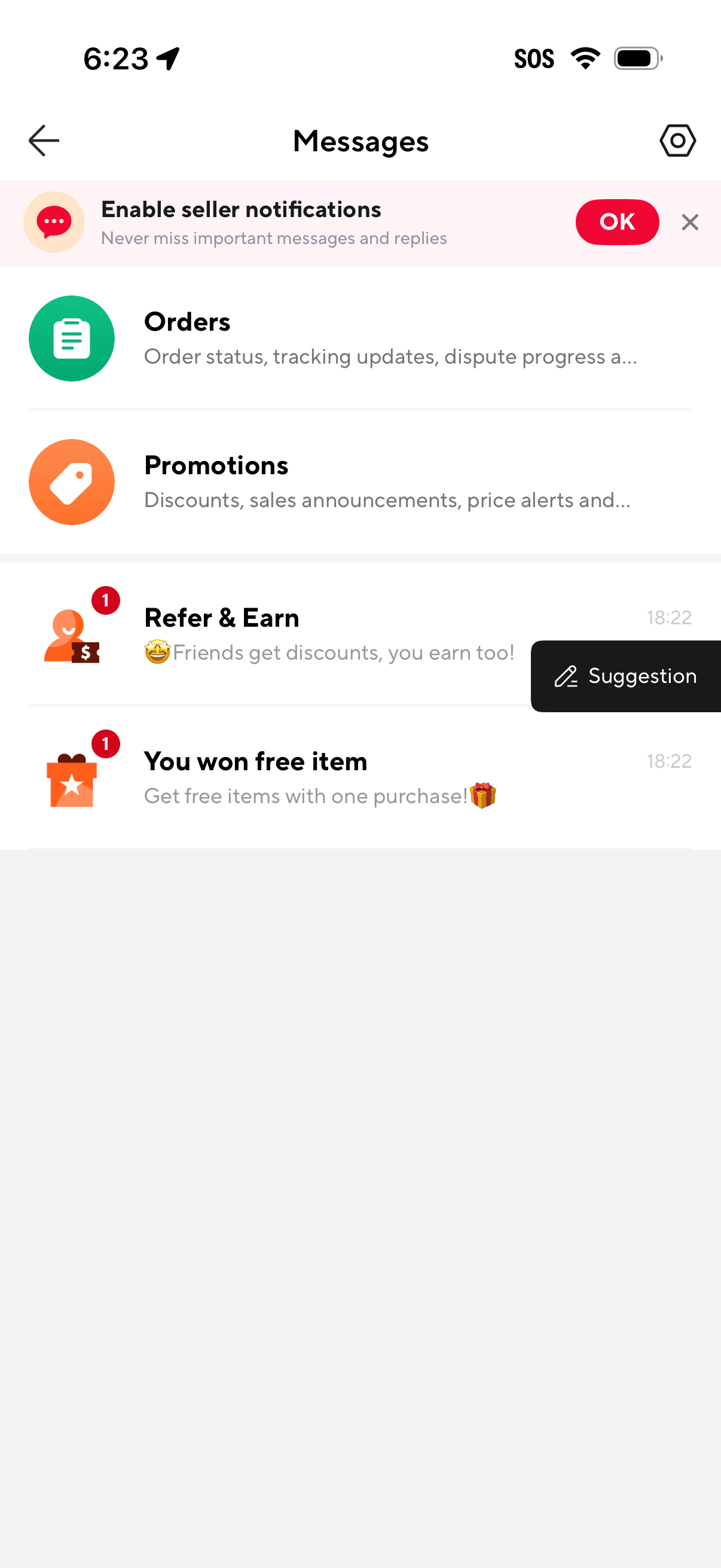
Marketplace app inbox screen showing a messages hub with categorized threads for Orders and Promotions plus notification conversations like referrals and rewards, each with preview text, timestamp, and unread badges. A banner prompts enabling seller notifications with an OK action, alongside back navigation and a settings icon.
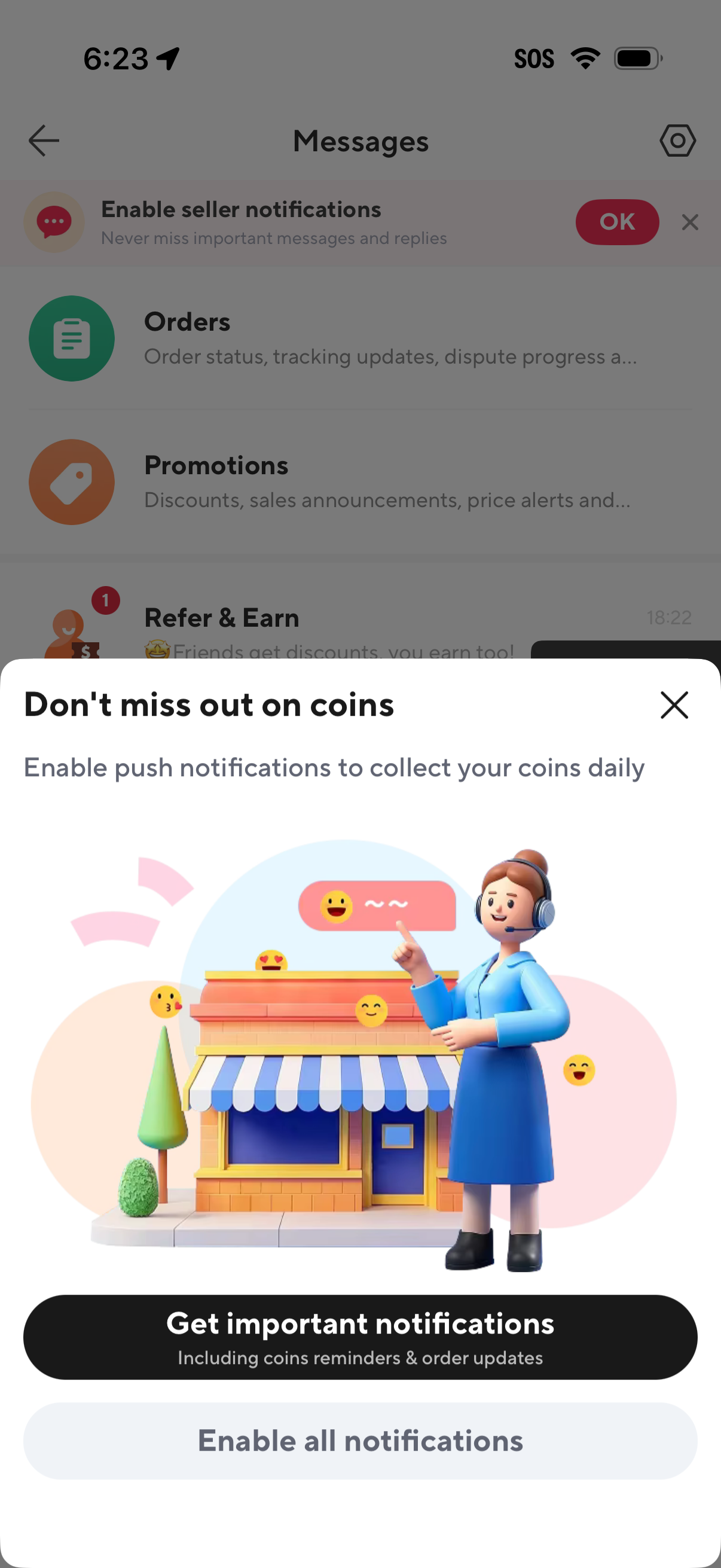
Messages inbox screen with a bottom-sheet modal prompting the user to enable push notifications so they don’t miss daily coin rewards and important updates. The modal includes an illustration, a primary “Get important notifications” CTA, a secondary “Enable all notifications” option, and a close (X) button.
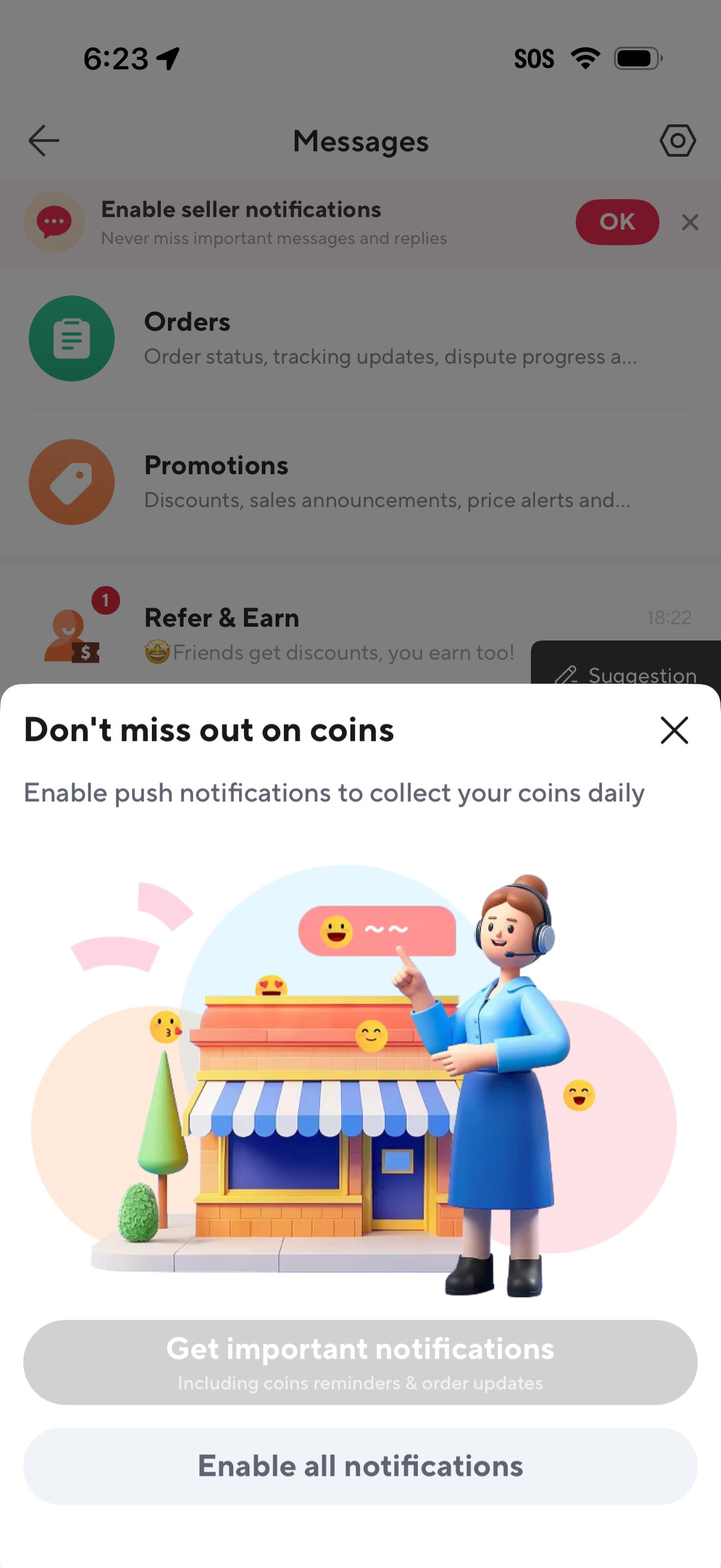
Messages inbox screen with category threads (Orders, Promotions, Refer & Earn) is overlaid by a modal prompting the user to enable push notifications to collect daily coins. The pop-up can be dismissed and offers CTAs to get important notifications (coins reminders and order updates) or enable all notifications.
Empty state inbox screen for “Promotions” messages, showing an illustration and “No messages yet” text with navigation back and a settings/options button. This screen indicates there are currently no promotional notifications or emails to view.
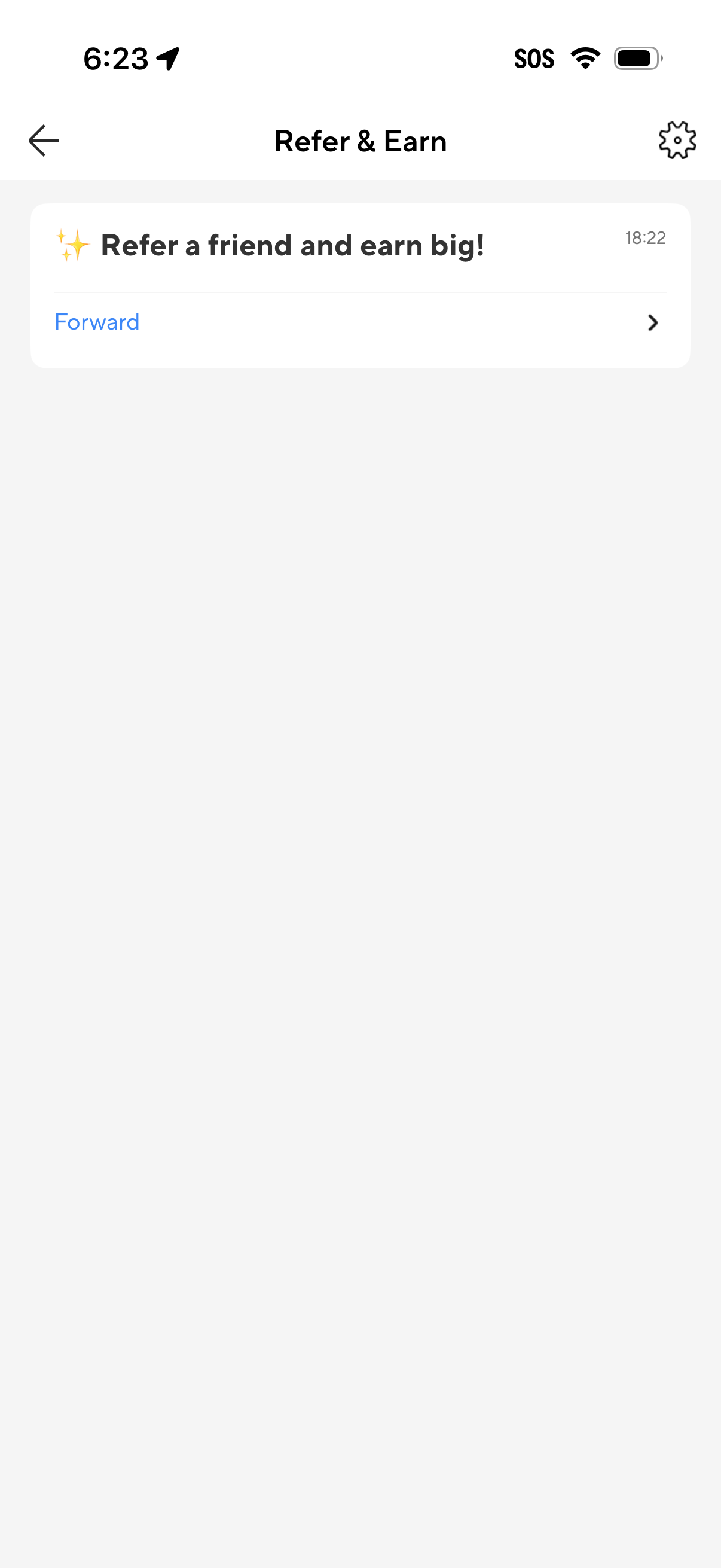
Referral and rewards screen titled “Refer & Earn” prompting users to invite friends and earn incentives. Includes a primary “Forward” action to share the referral offer and a settings icon to manage referral preferences.
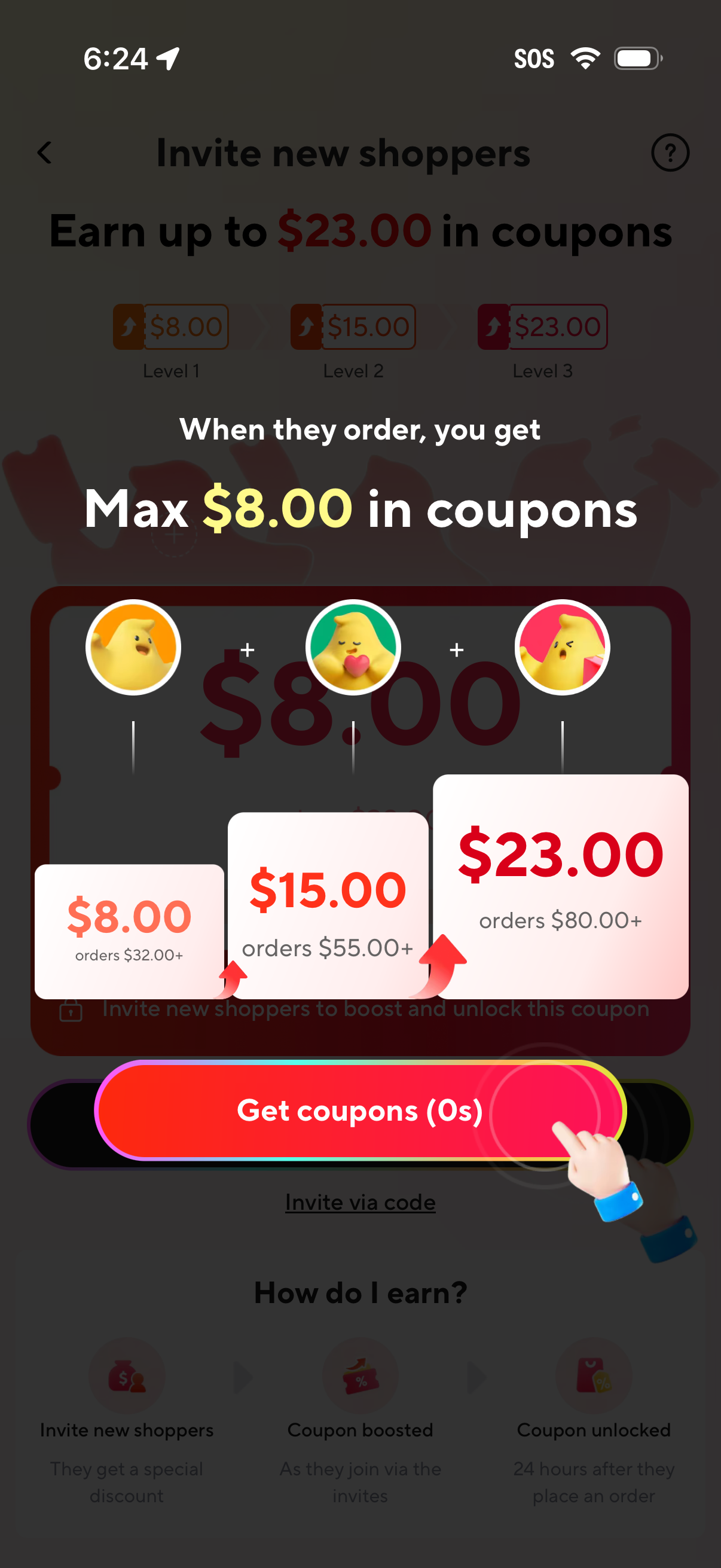
Referral rewards overlay for inviting new shoppers, explaining that you earn coupons when they place an order and showing tiered coupon amounts ($8, $15, $23) unlocked at different order thresholds. Includes a prominent “Get coupons” CTA plus options to invite via code and learn how the earning process works.
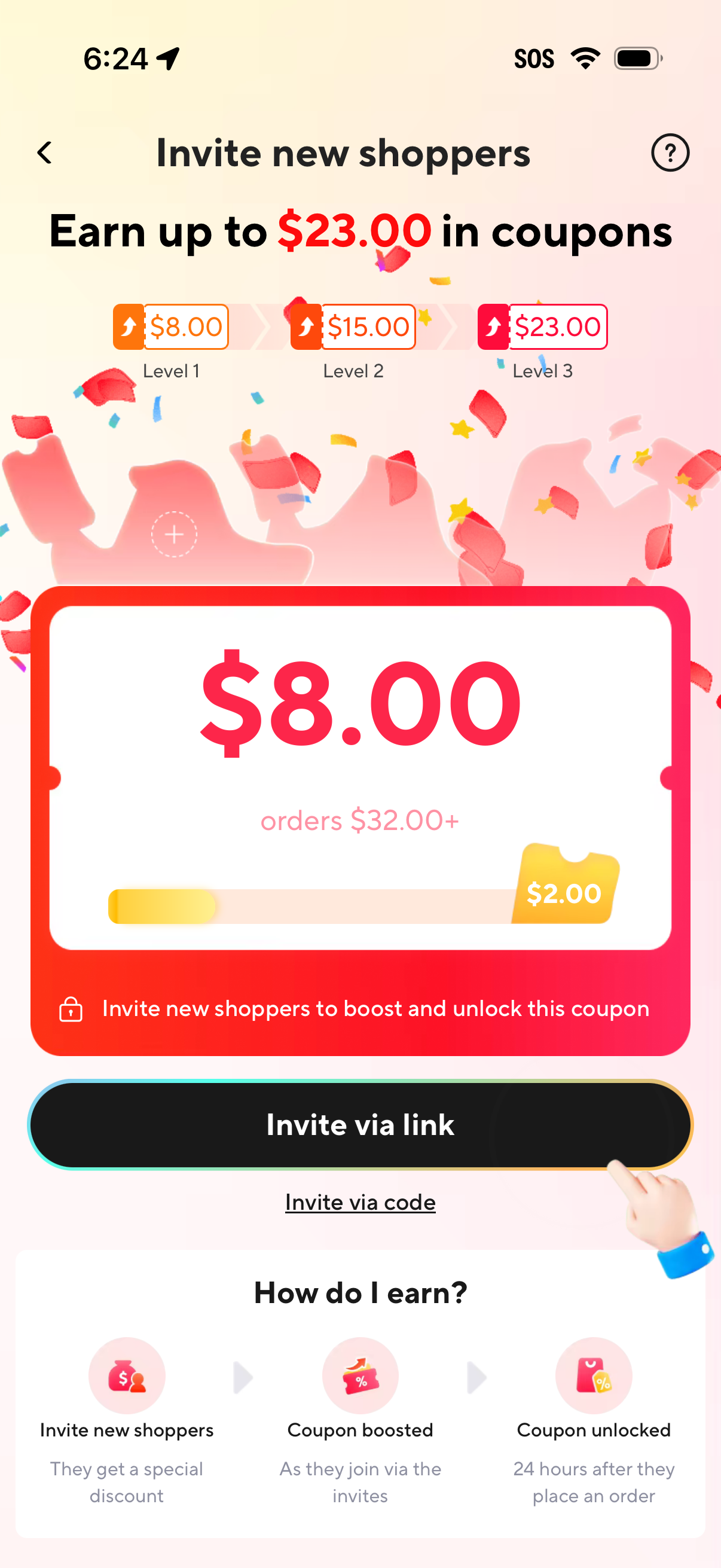
Referral rewards screen prompting users to invite new shoppers to earn and unlock coupons, showing tiered reward levels up to $23 and current coupon value with an order minimum/progress indicator. Primary actions let users invite via link or code, with a brief step-by-step explanation of how the referral bonus is earned and unlocked.
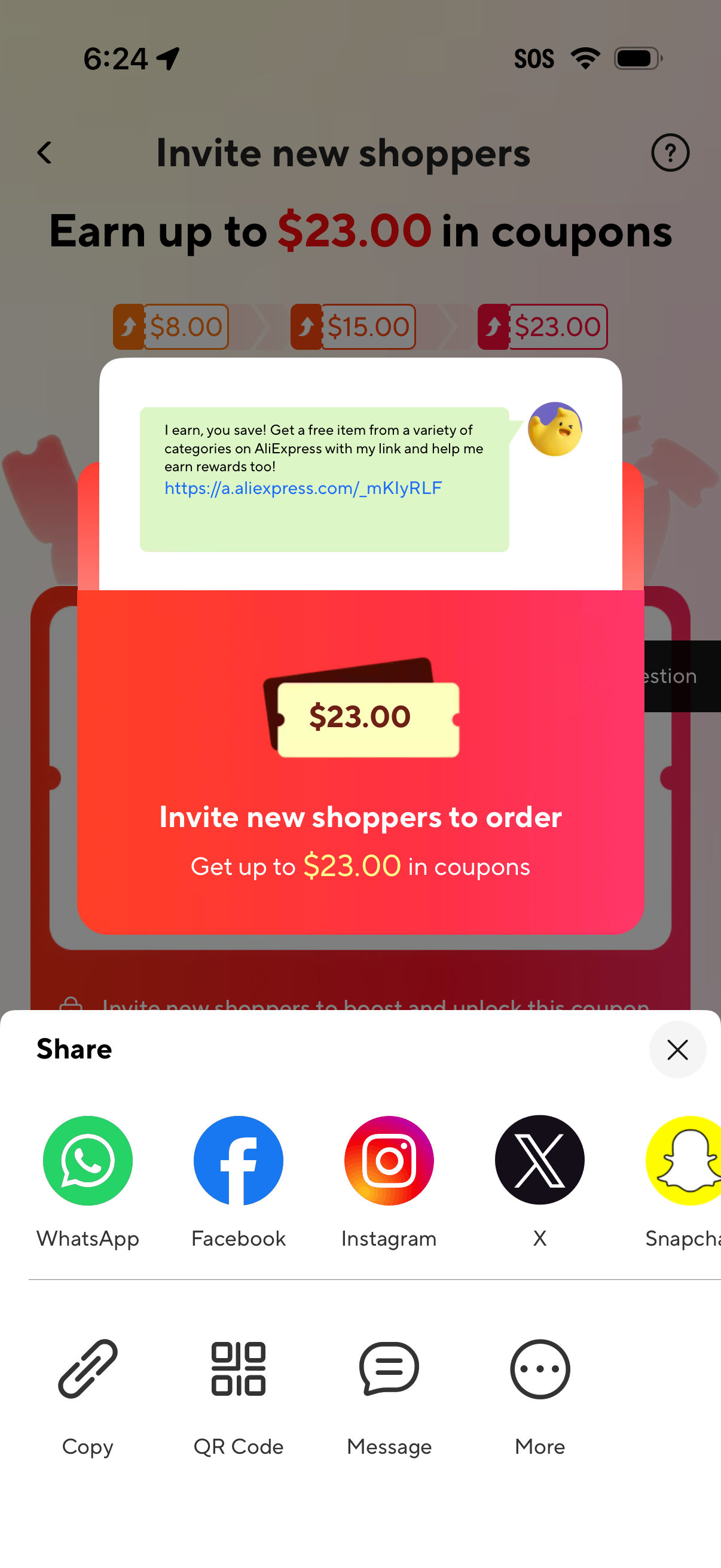
Referral invite screen prompting users to invite new shoppers to place an order and earn up to $23 in coupons, with a prewritten share message and referral link. A native share sheet lets users send via social apps (WhatsApp, Facebook, Instagram, X, Snapchat) or copy the link, share a QR code, send a message, or open more options.
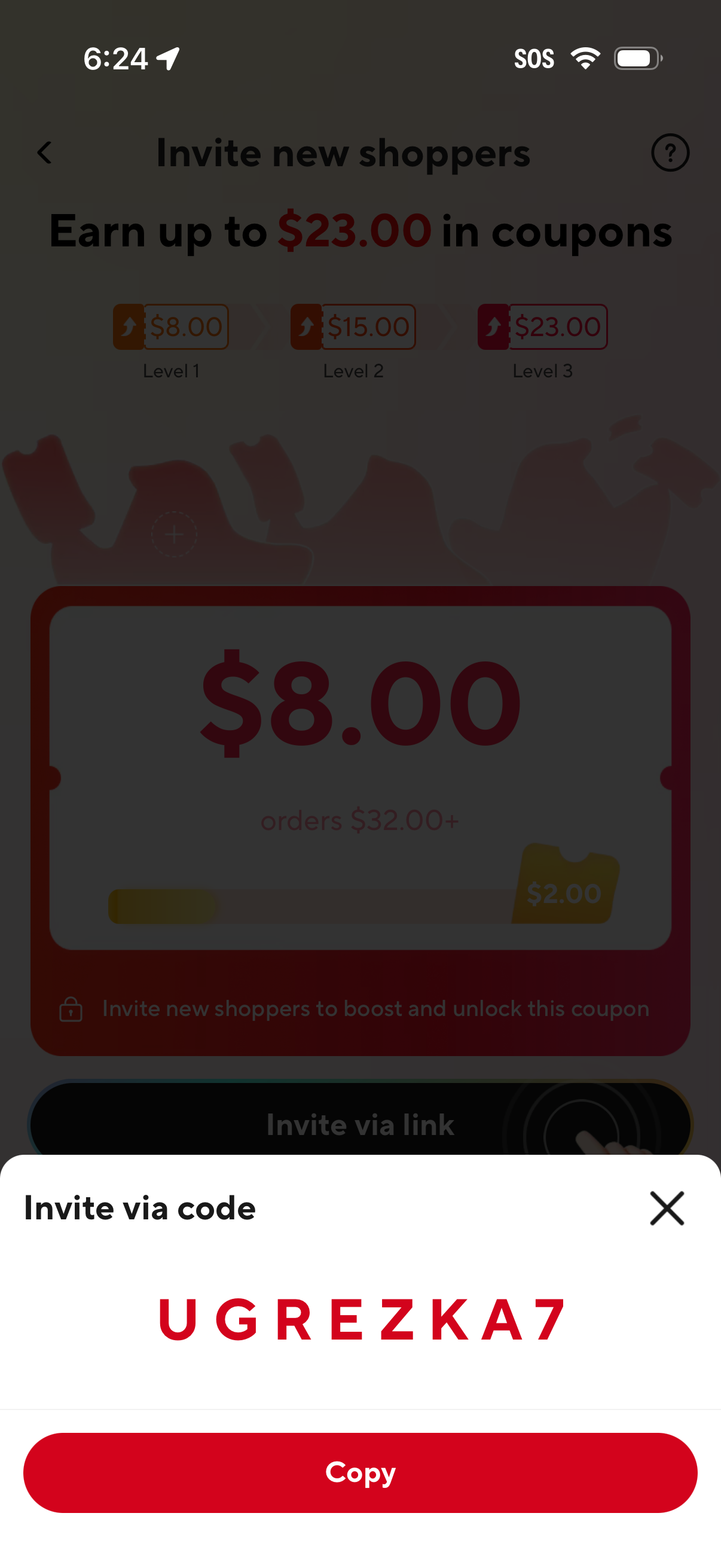
Referral rewards screen prompting users to invite new shoppers to earn coupon credits, showing tiered reward levels and progress toward unlocking a coupon. A bottom sheet modal displays an invite code with a primary “Copy” action and a close button.
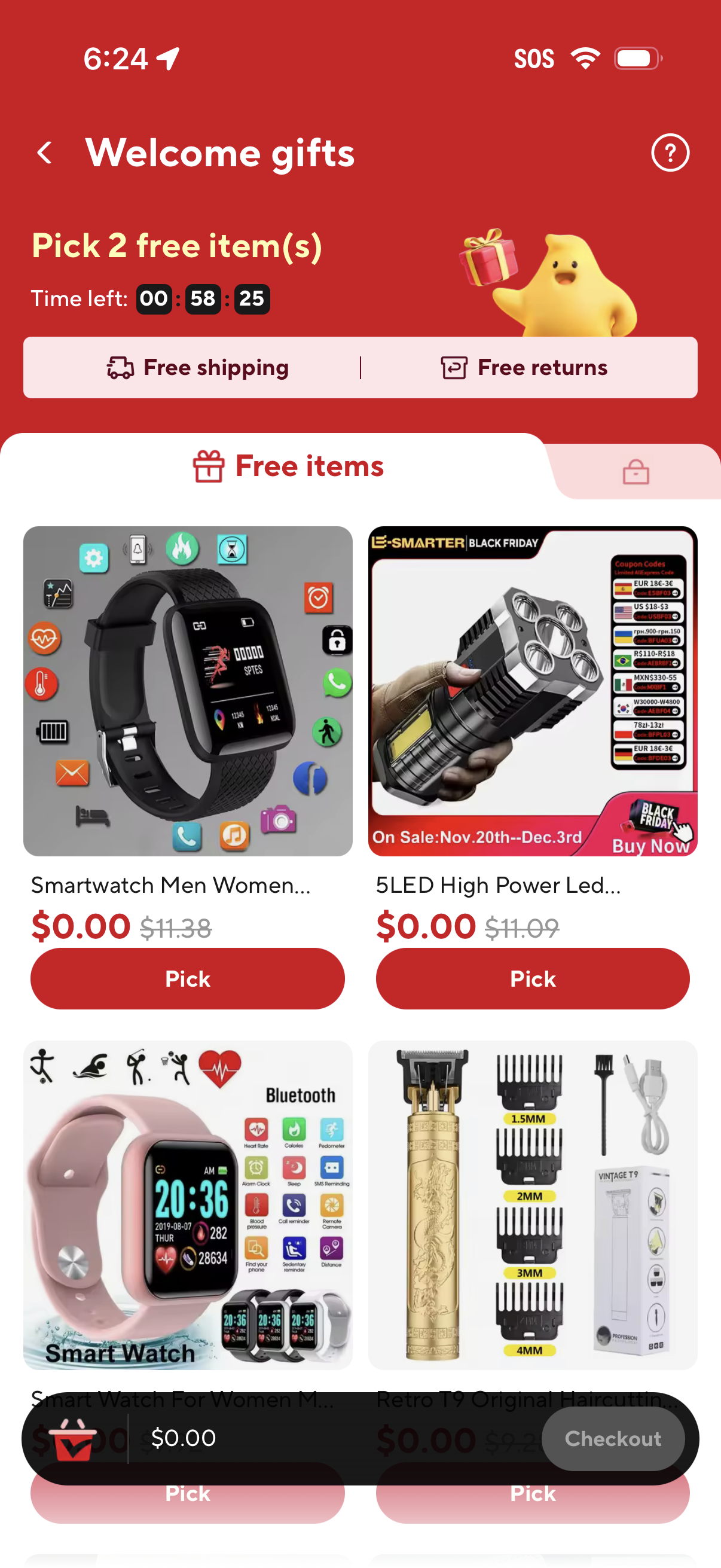
E-commerce “Welcome gifts” promotion screen prompting the user to pick 2 free items with a countdown timer, highlighting free shipping and free returns. Displays a grid of free product cards with $0.
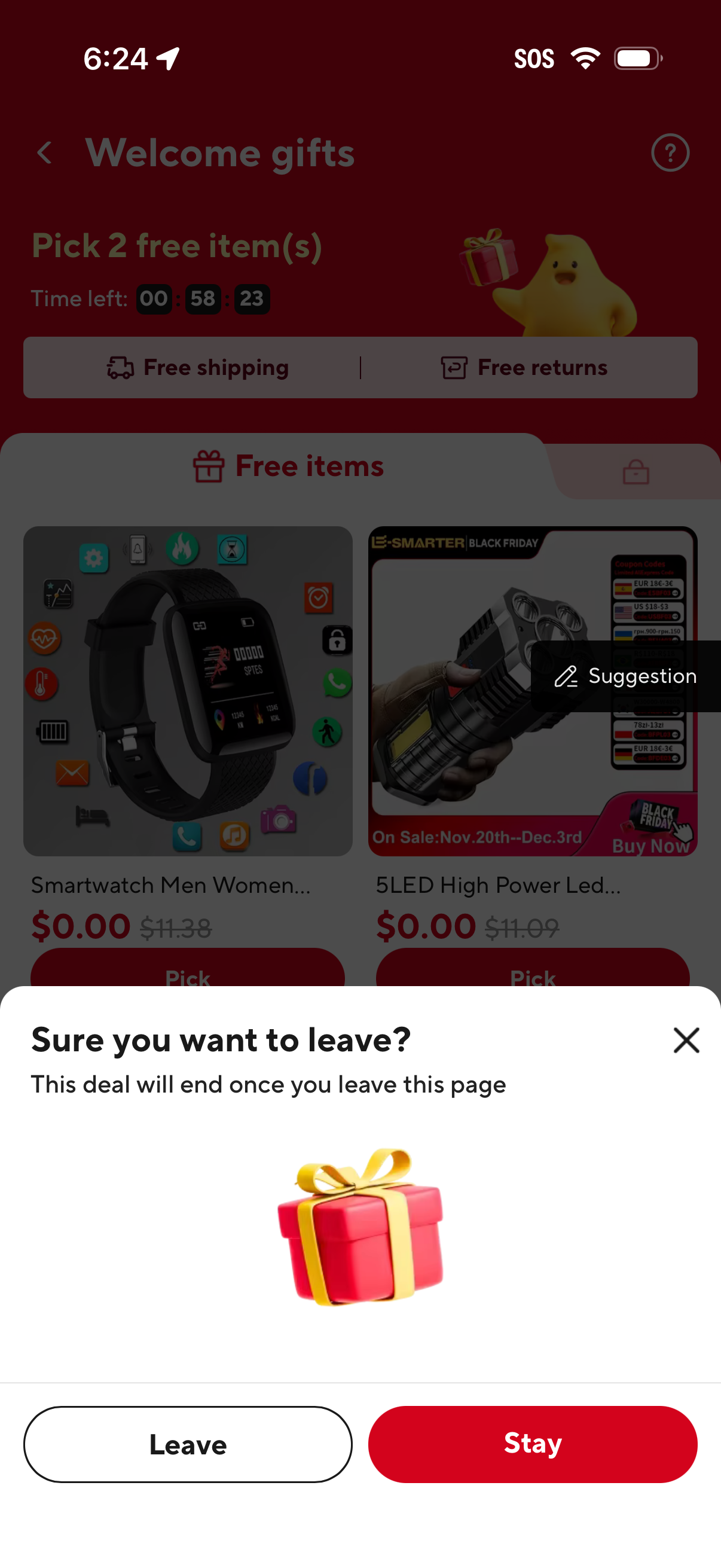
E-commerce welcome gifts/freebie selection page with a countdown timer to pick 2 free items, highlighting free shipping and free returns and showing a grid of $0. 00 products with pick actions.
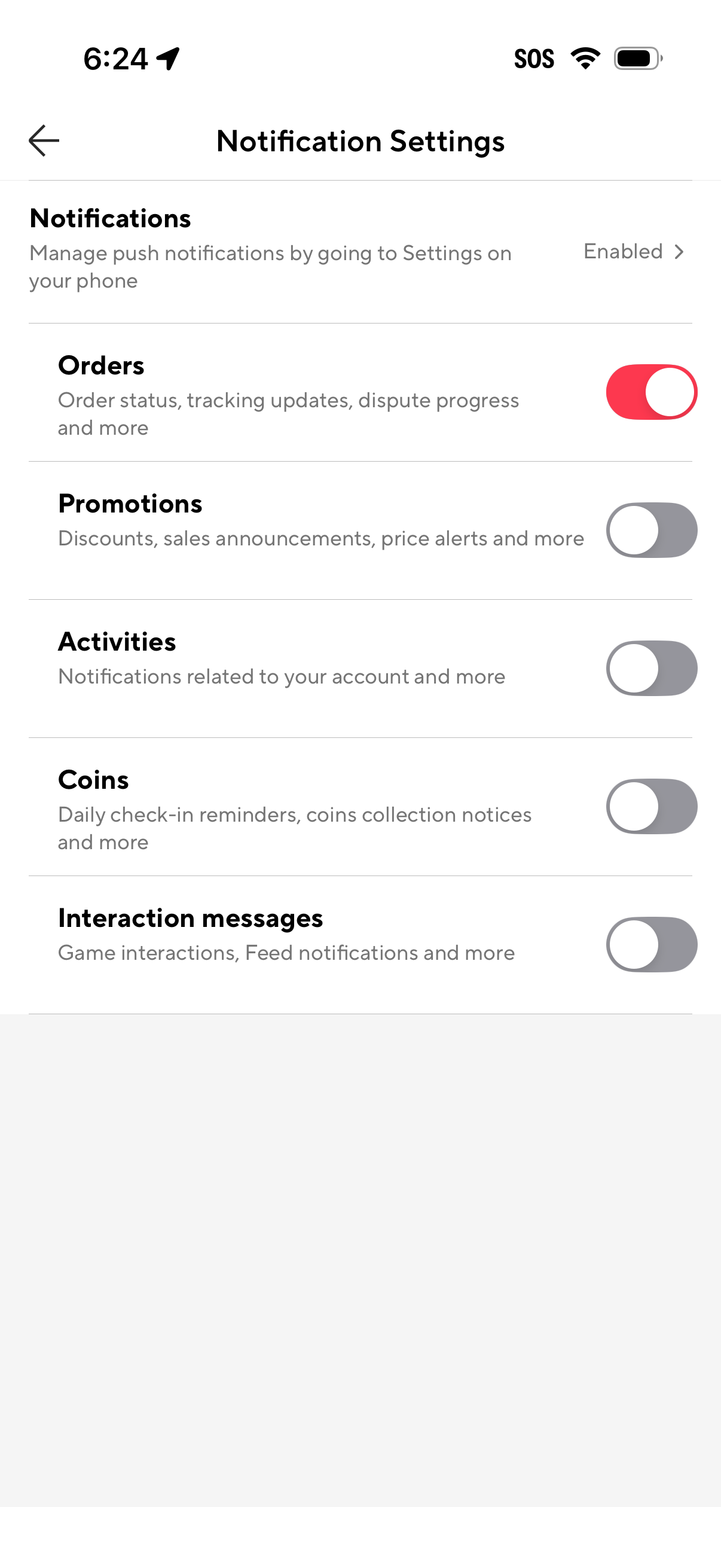
Notification settings screen for managing push alerts, including a link to system notification settings and toggle switches to enable or disable categories like Orders, Promotions, Activities, Coins reminders, and interaction messages. Users can quickly control which types of updates they receive such as order status, discounts, account activity, and feed/game interactions.