Sign in
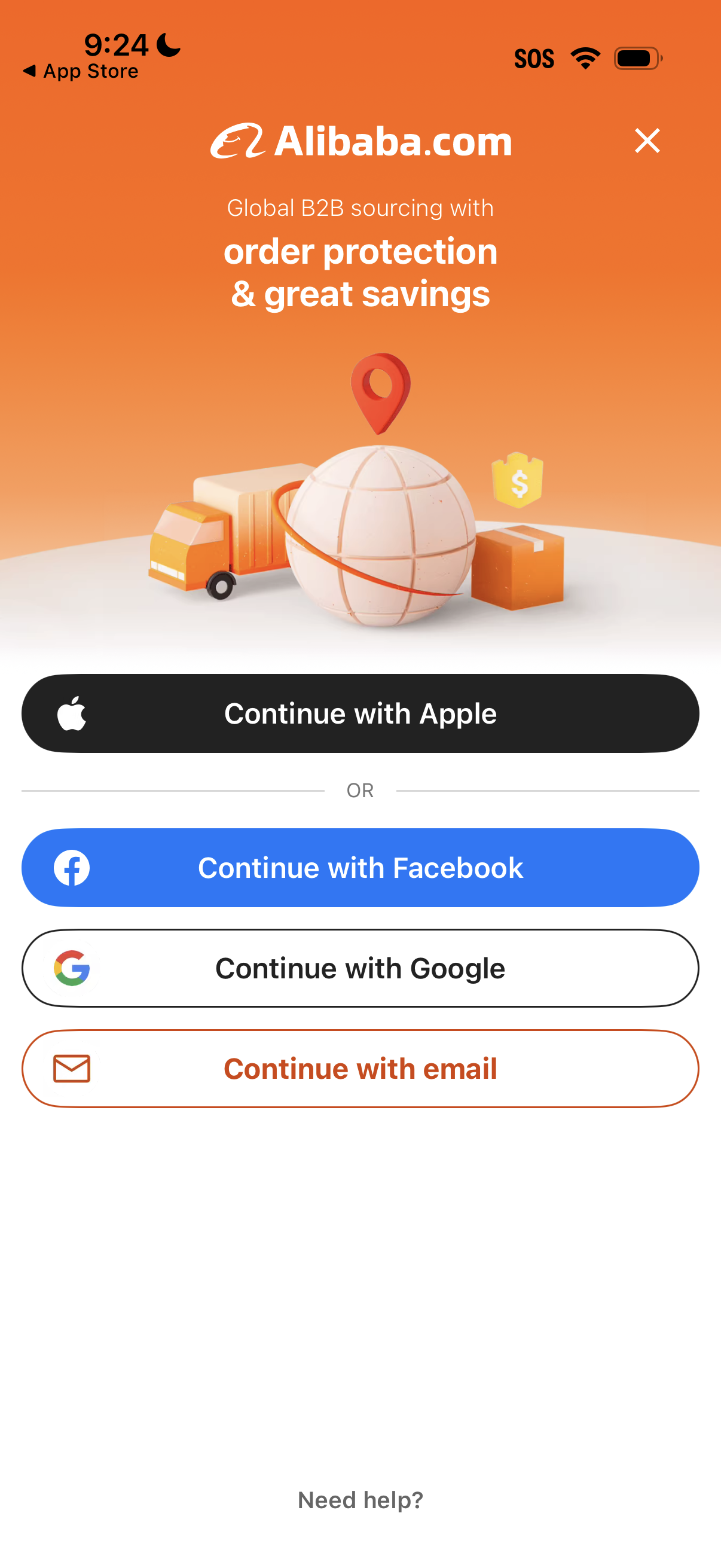
Alibaba B2B sourcing app welcome/login screen promoting order protection and savings, prompting users to sign in or create an account. Offers social and passwordless authentication options with “Continue with Apple,” “Continue with Facebook,” “Continue with Google,” or “Continue with email,” plus a close button and help link.

Authentication sign-in screen for a B2B marketplace app prompting users to continue with Apple, Facebook, Google, or email, with options to continue as a guest. The modal overlay appears on the home page to encourage quick login using social providers or email.

Google sign-in screen in a mobile web view prompting the user to continue to a third-party service by entering an email or phone number. Includes actions to proceed with Next, recover credentials via “Forgot email?
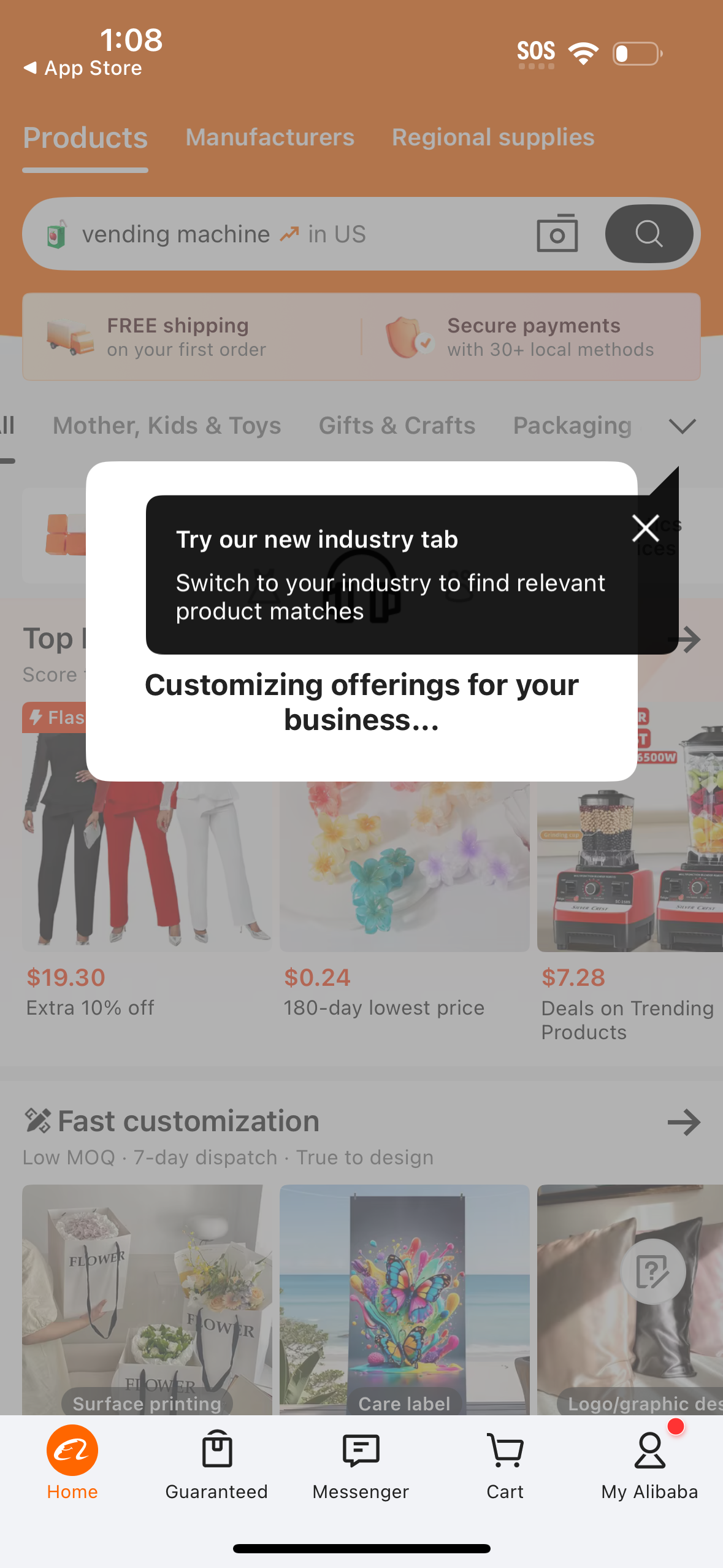
E-commerce marketplace home/discovery screen with tabs for Products, Manufacturers, and Regional supplies plus a search bar with camera scan and location context. An onboarding tooltip/popup promotes switching to a new industry tab while the page shows category shortcuts, promotional banners, and product deal cards with bottom navigation for Home, Guaranteed, Messenger, Cart, and account.