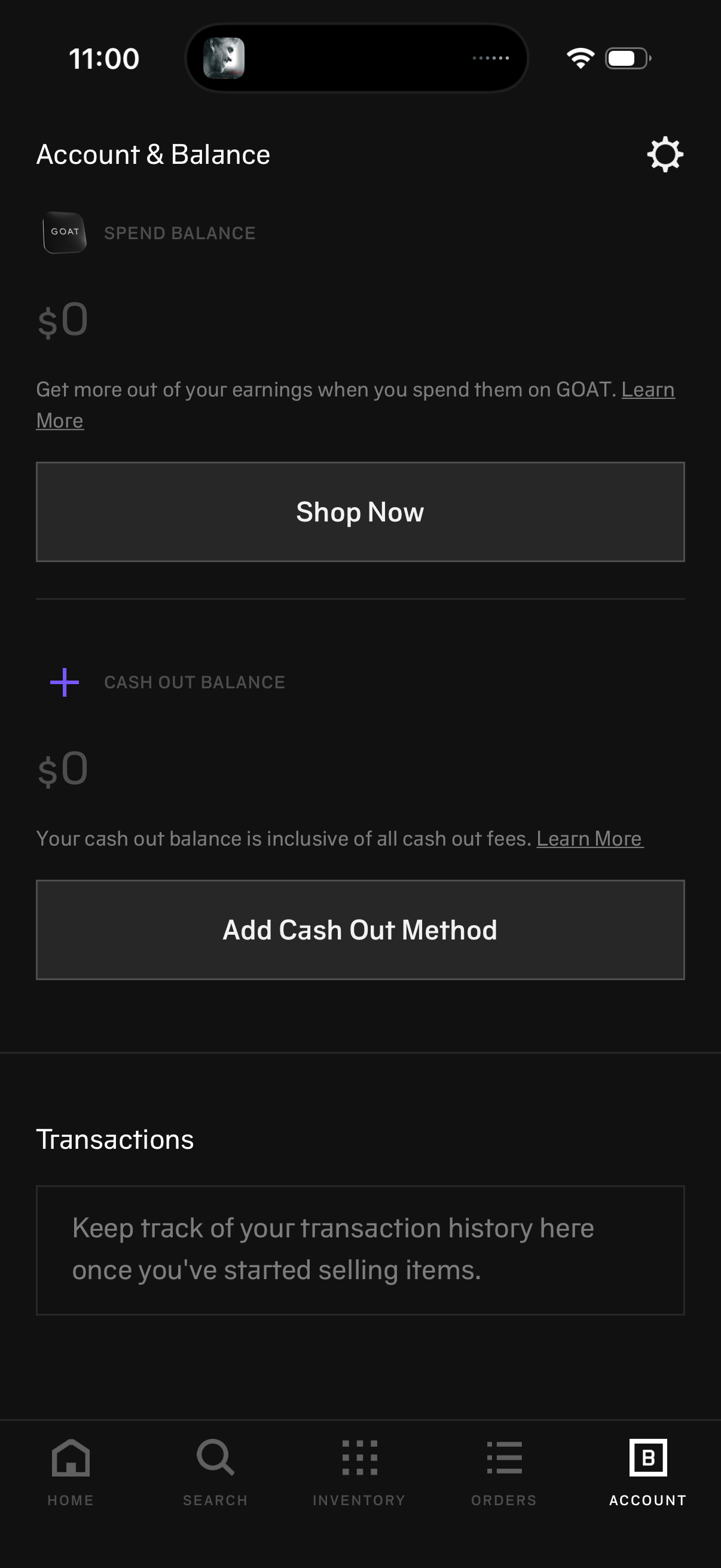
Account & Balance screen showing a user’s spend balance and cash out balance with primary actions to Shop Now and add a cash out/payout method, plus informational “Learn more” links. Includes a Transactions section for viewing transaction history and a settings shortcut in the header.
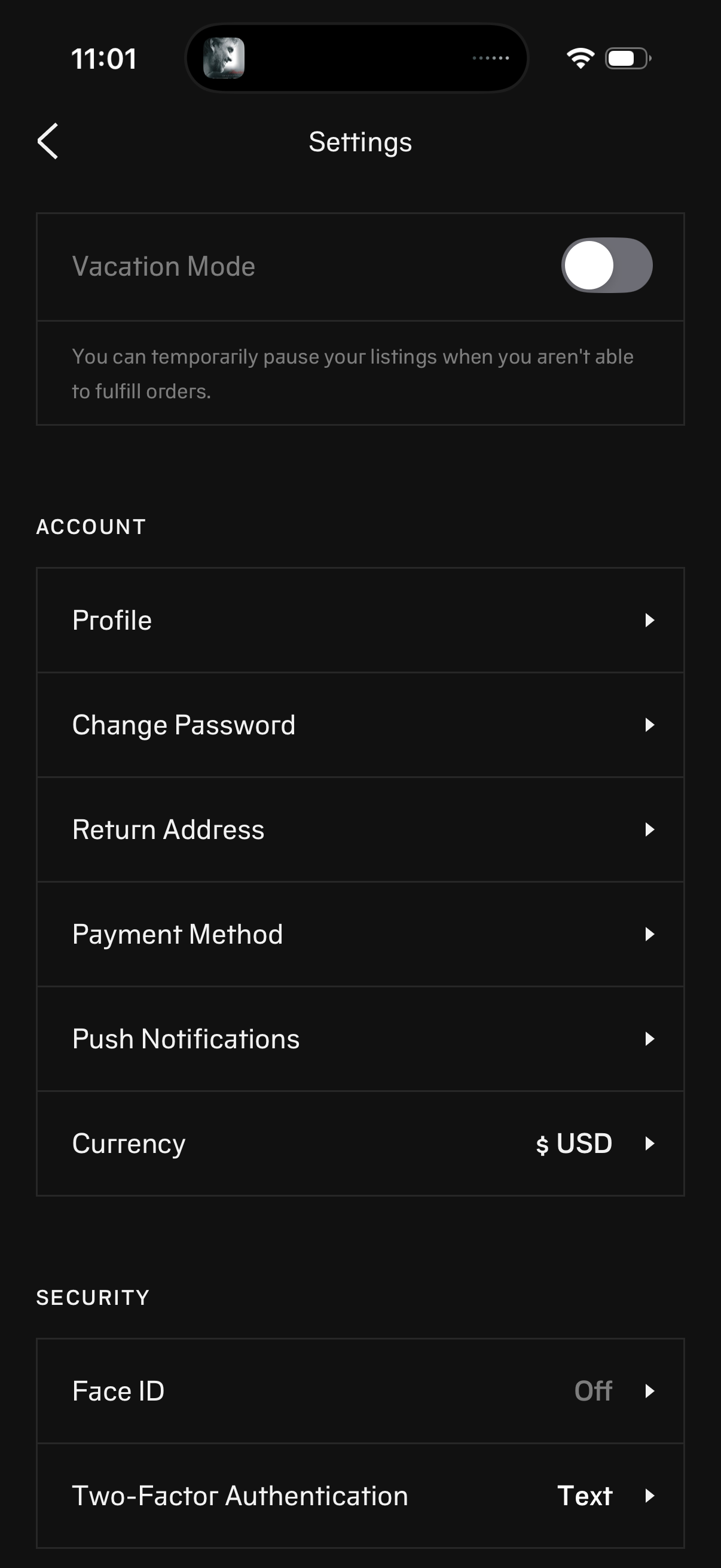
Settings screen for a marketplace/seller account with a Vacation Mode toggle to pause listings and stop fulfilling orders. Includes account options for profile, change password, return address, payment method, push notifications, and currency selection, plus security settings for Face ID and two-factor authentication.
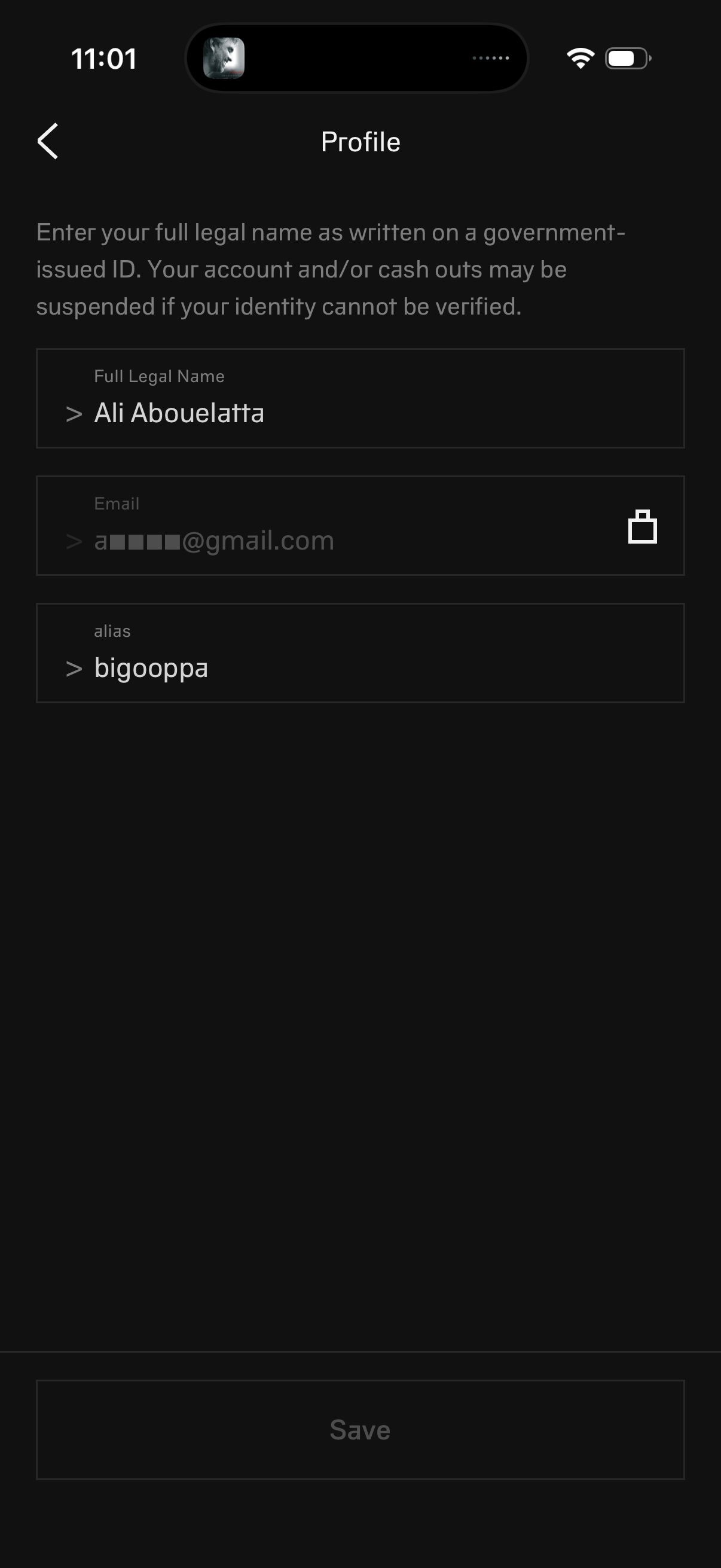
Profile settings screen for identity verification where users edit their full legal name (as on government ID), email address, and username/alias, with a back navigation and a Save button to confirm changes. Includes a warning that payouts or the account may be suspended if the user’s identity cannot be verified.
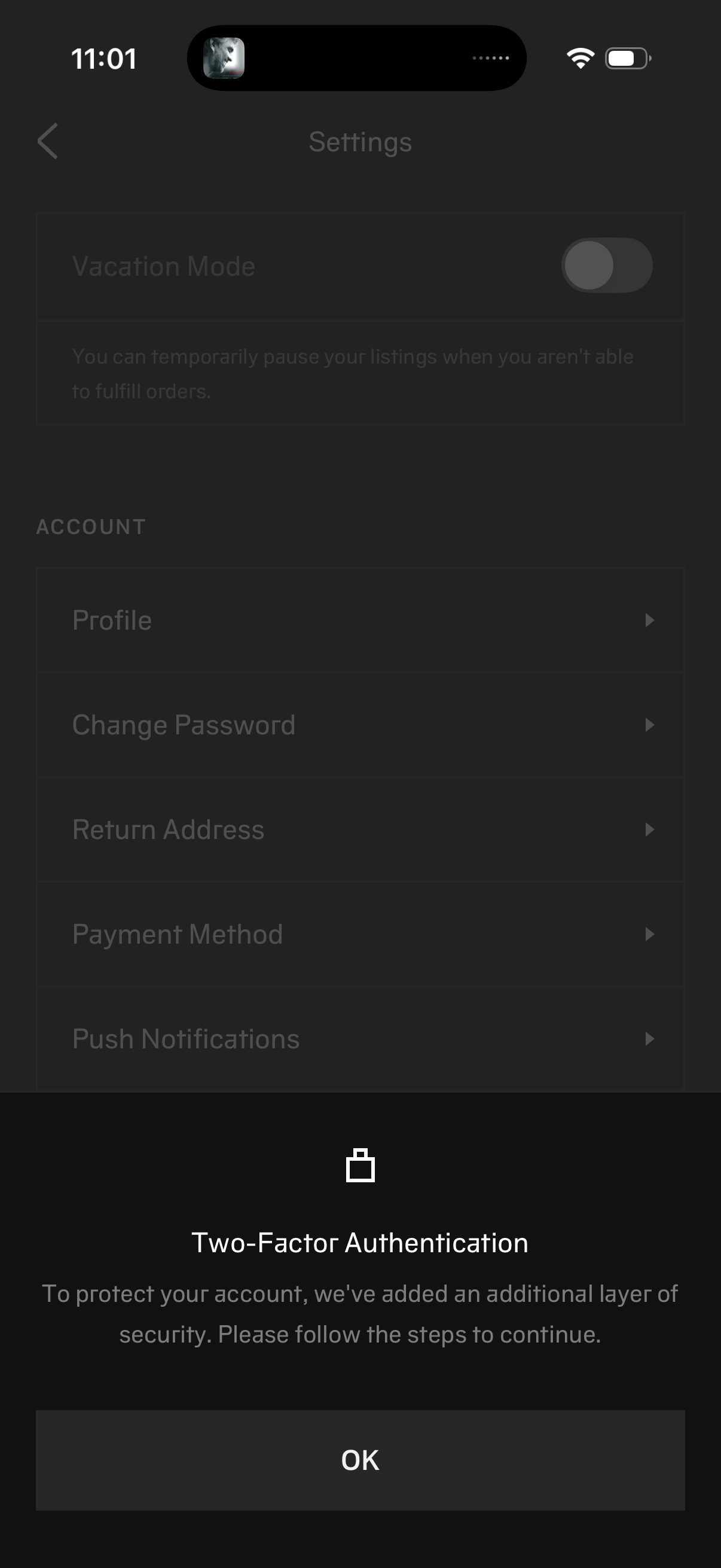
Settings screen for a seller/account app showing options like Vacation Mode toggle and account management items (Profile, Change Password, Return Address, Payment Method, Push Notifications). A bottom sheet modal prompts the user to enable Two-Factor Authentication with an OK button to continue.