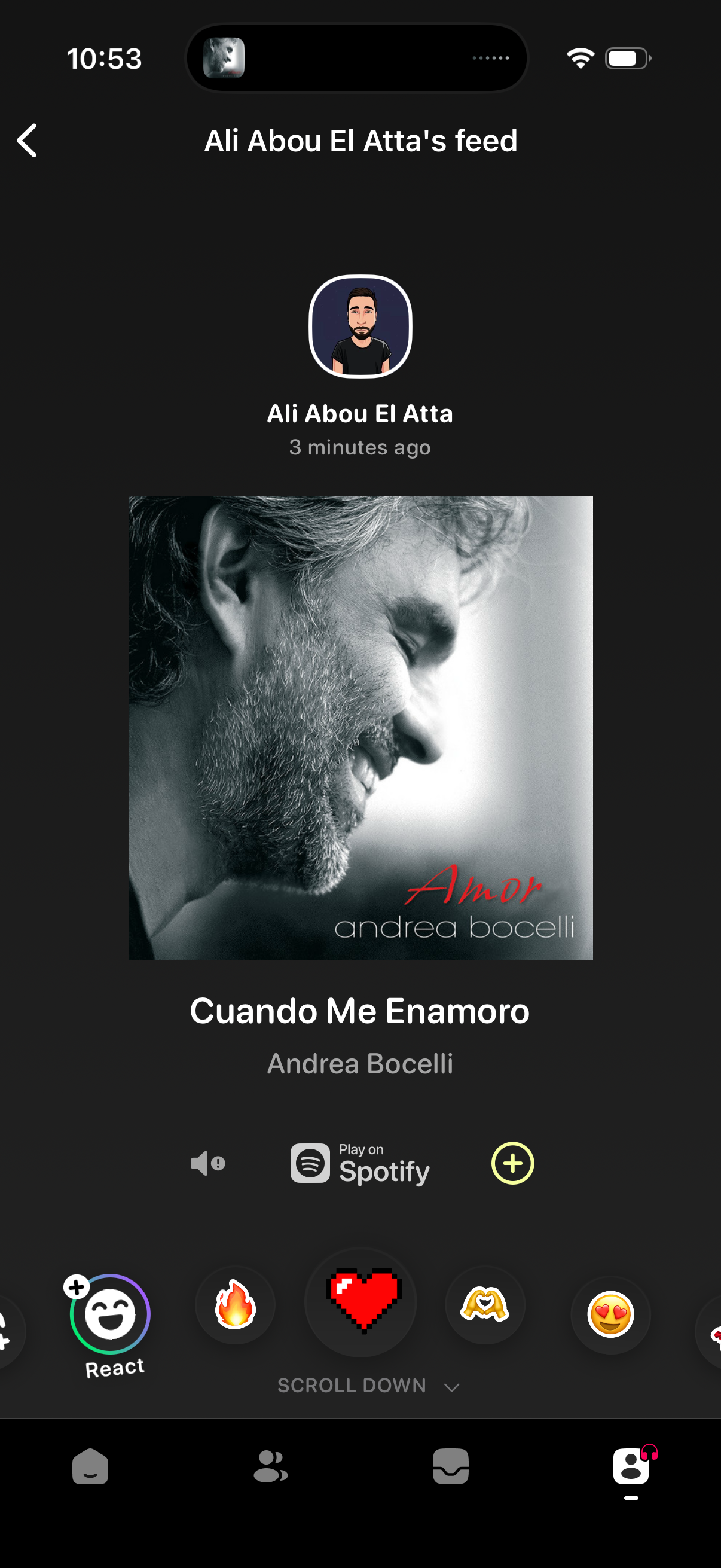
A social music feed post screen showing a friend’s recently shared song with album art, track and artist details, and a “Play on Spotify” action. Users can react with emojis, toggle sound, add the track with a plus button, and navigate back from the feed header.
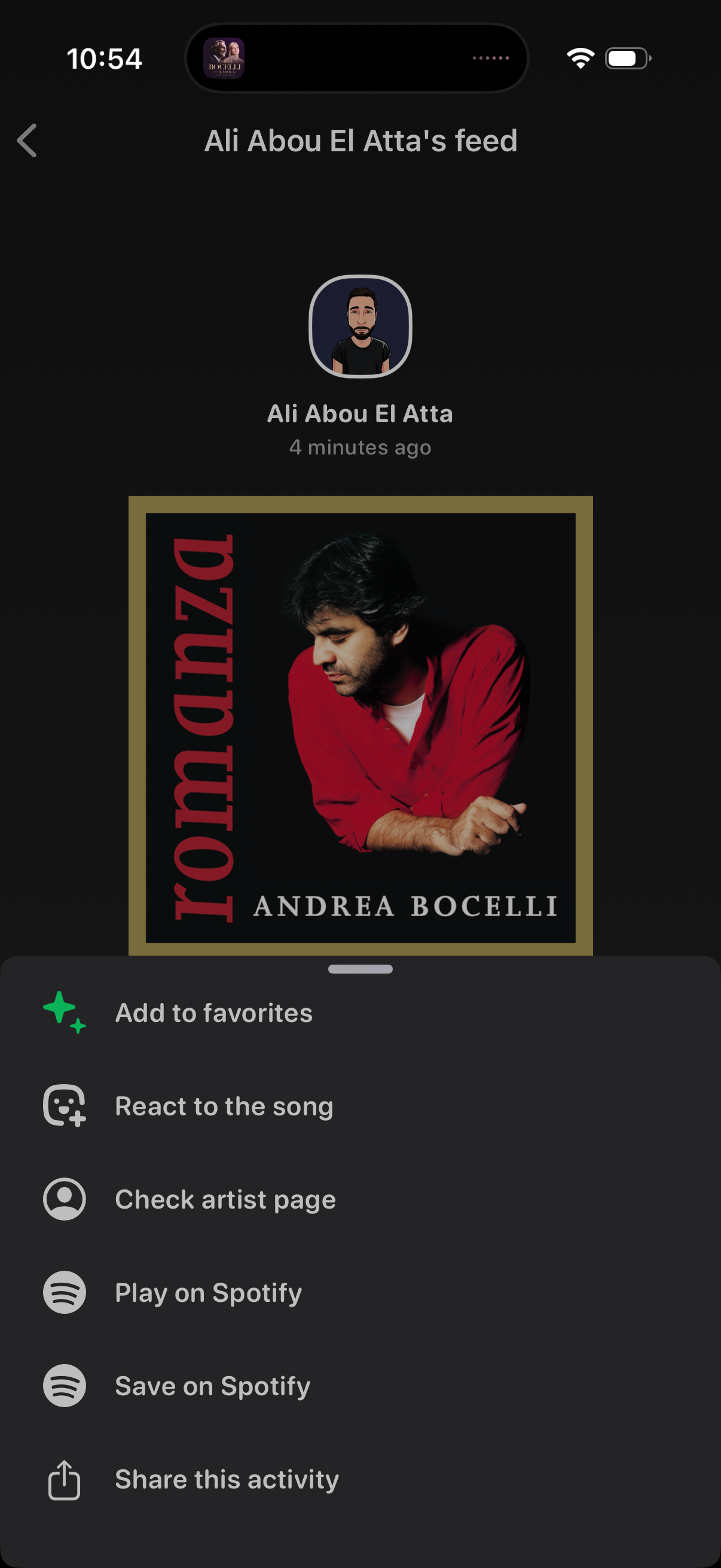
Music activity feed screen showing a friend’s recently played song with album artwork and timestamp, overlaid with a bottom action sheet. The menu lets users add to favorites, react to the song, view the artist page, play or save the track on Spotify, and share the activity.
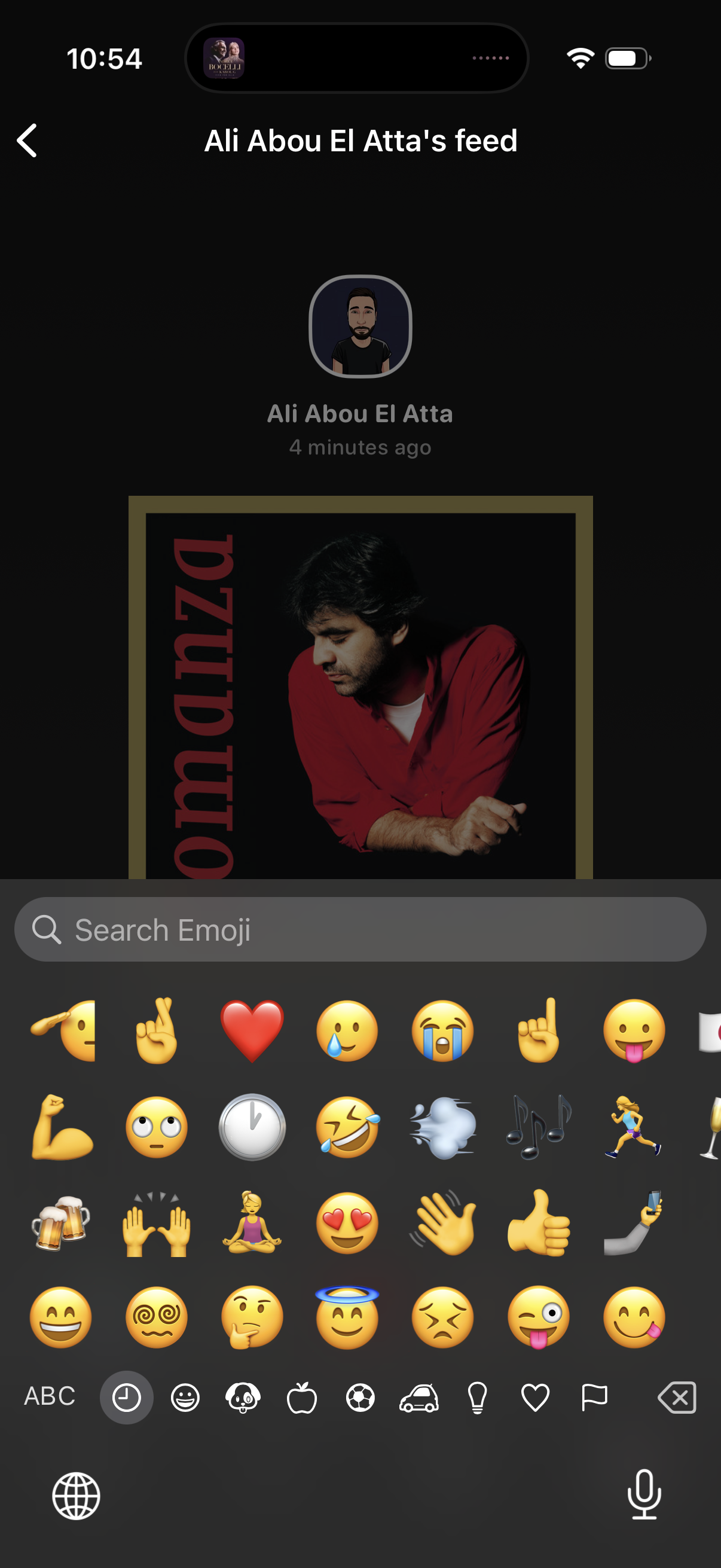
Social media profile feed screen showing a specific user’s posts with avatar, name, and timestamp above a large image post, with a back navigation control in the header. The emoji keyboard is open with an emoji search bar and category tabs, indicating the user is adding an emoji reaction or comment on the post.

A social media feed post showing a shared music track with album art, song title and artist details, plus actions to play on Spotify, add/save the track, and mute audio. The screen includes quick reaction emojis (like, heart, laugh, cry, fire) for responding to the post and navigation back to the feed.