Onboarding
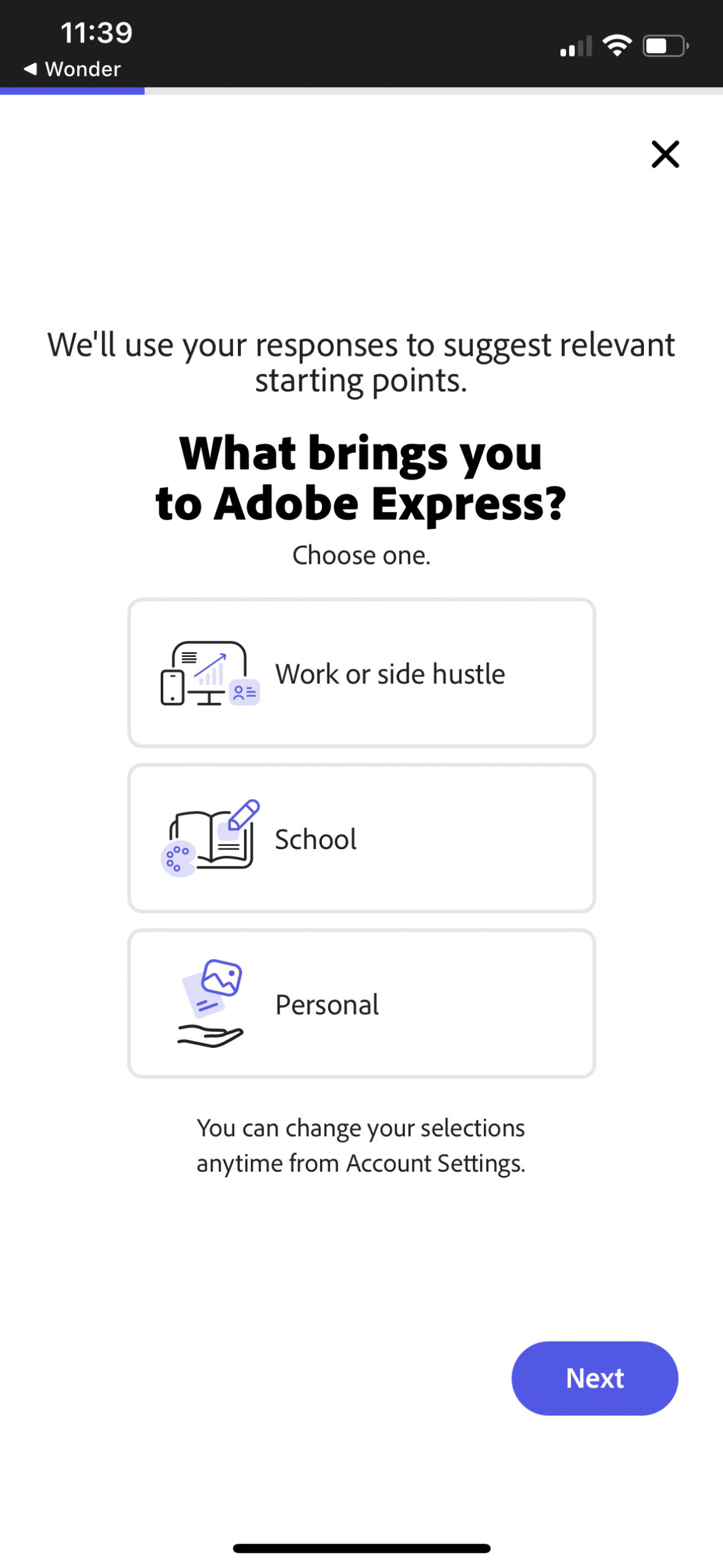
Onboarding questionnaire screen asking the user what brings them to the app to personalize suggested starting points. Users choose one purpose option (work/side hustle, school, or personal) and proceed with a Next button, with an option to dismiss.
Onboarding/loading tip screen for a creative editing app showing a “Did you know? ” message about using Crop Tool presets (e.
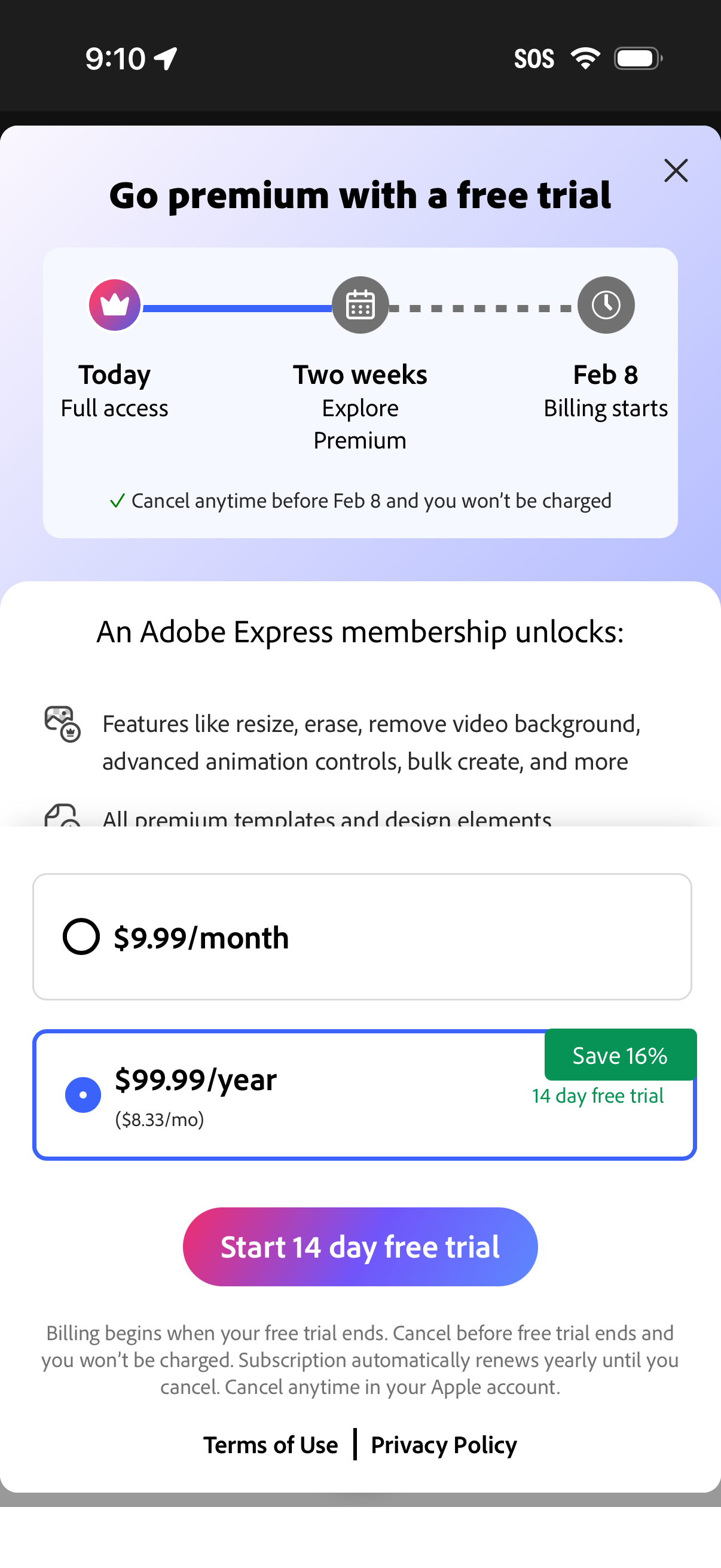
Premium subscription upsell screen promoting a 14‑day free trial, showing a trial timeline (full access today, explore for two weeks, billing start date) and a list of unlocked premium features. Users can choose between monthly or discounted annual plans with savings badge and start the free trial via a primary CTA, with cancellation and billing terms noted and a close button.
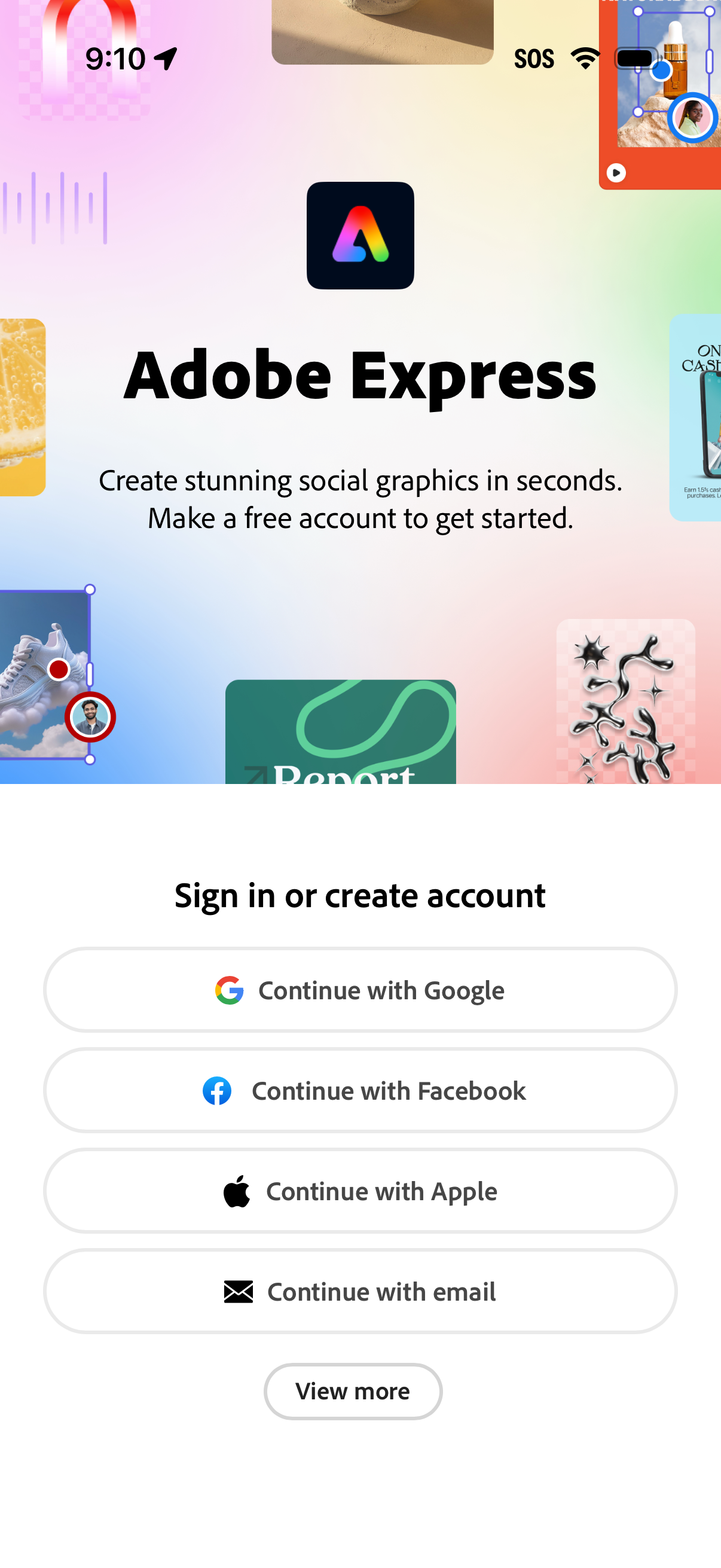
Welcome/login screen for a graphic design app prompting users to sign in or create an account to start creating social graphics. Provides single sign-on options with Google, Facebook, Apple, or email, plus a “View more” button for additional sign-in methods.
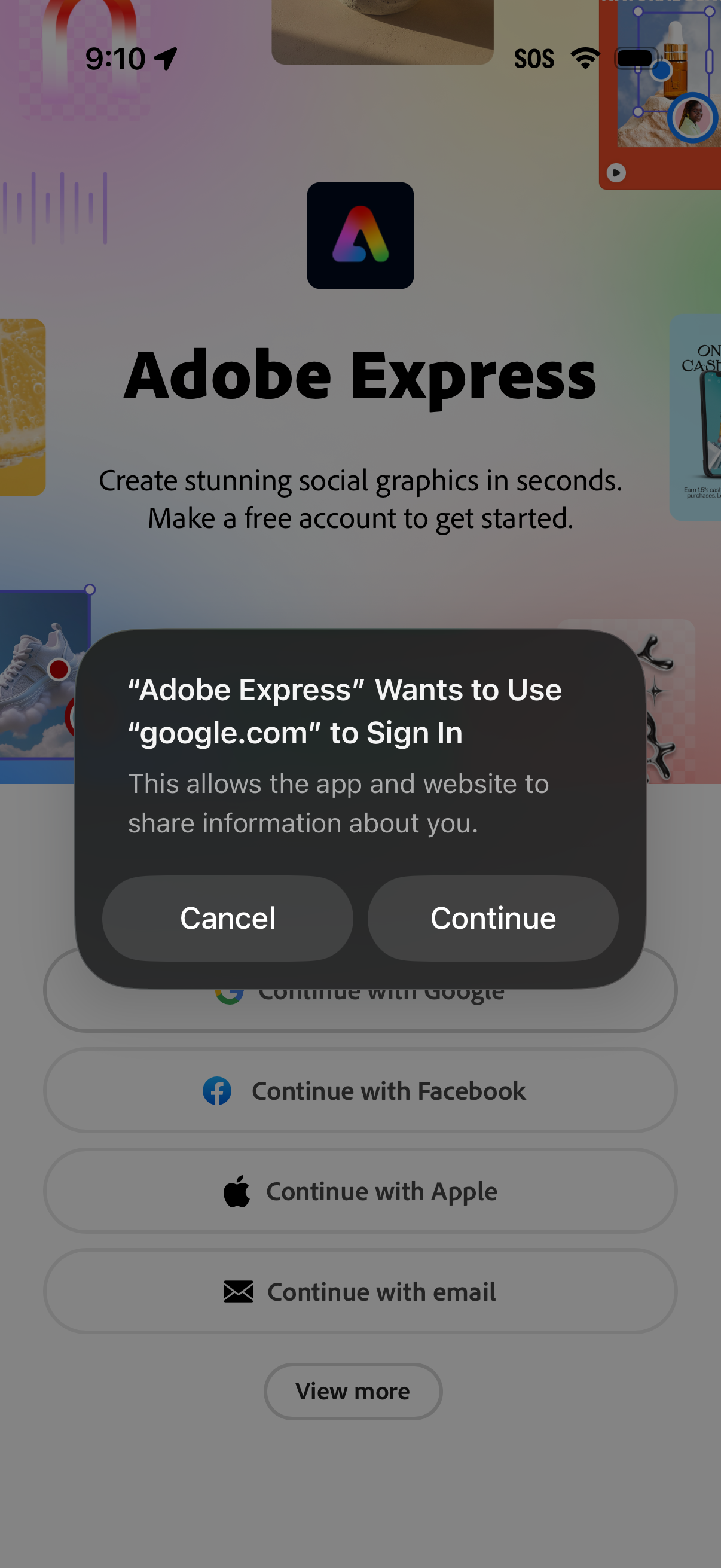
Login/sign-up screen for a design app prompting users to create an account, offering social sign-in options (Google, Facebook, Apple) and email. An iOS system authorization modal overlays the screen asking permission to use a web domain for Google sign-in with Cancel and Continue actions.
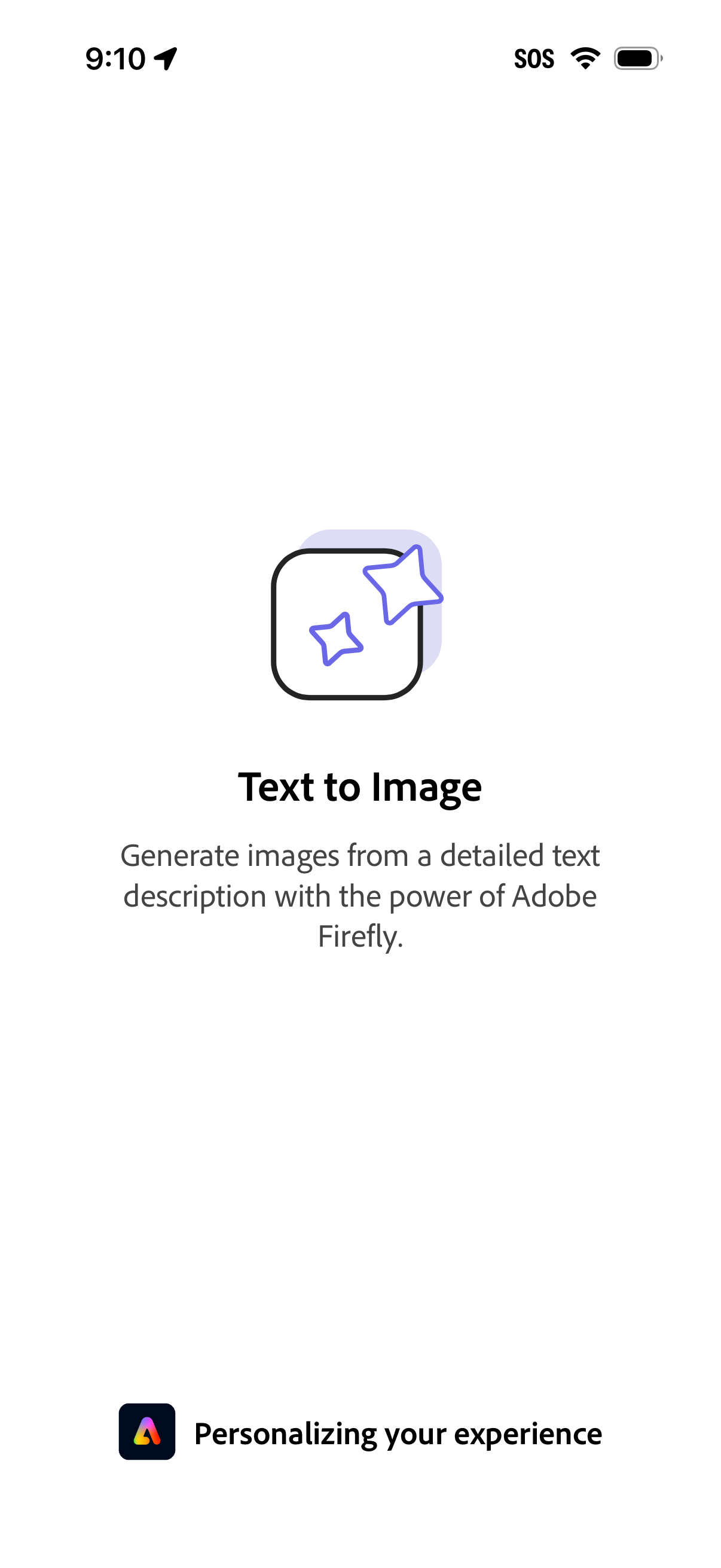
Loading/onboarding screen introducing a “Text to Image” feature that generates images from a detailed text prompt using Adobe Firefly. A progress state at the bottom indicates the app is personalizing the user experience while the feature is being prepared.
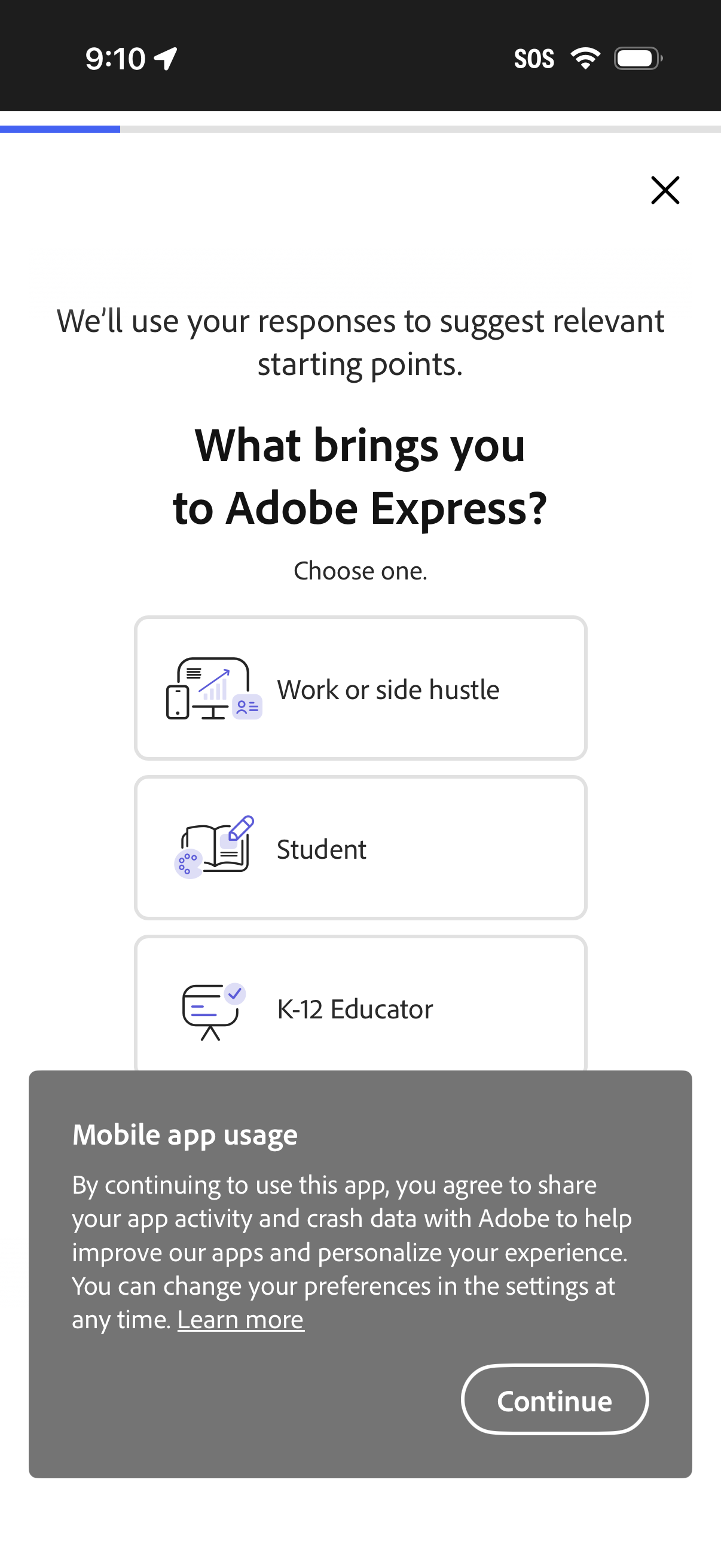
Onboarding survey screen asking “What brings you to Adobe Express? ” with selectable user-type options (e.
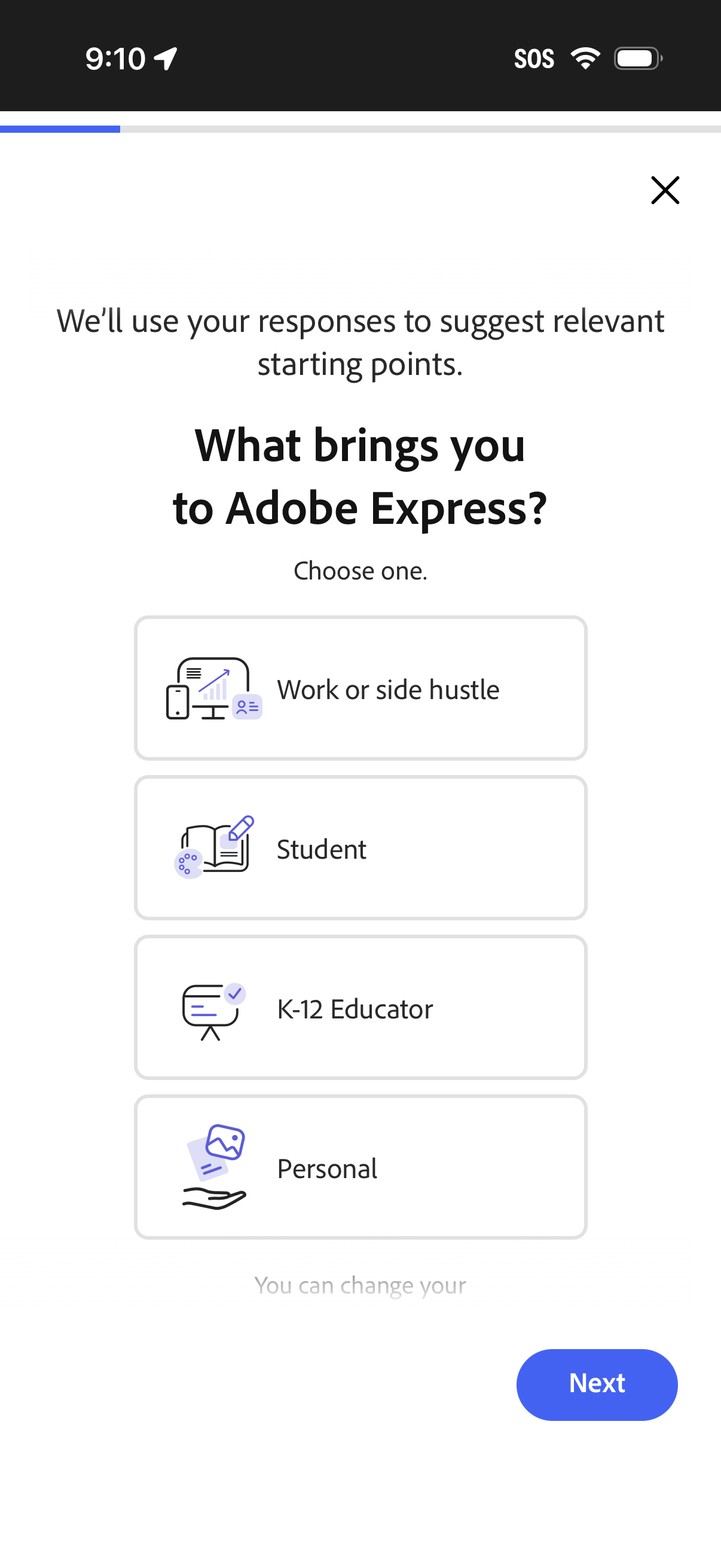
Onboarding survey screen asking users why they’re using the app to personalize recommendations, with single-select options like Work or side hustle, Student, K-12 Educator, and Personal. Includes a close icon and a “Next” button to continue.
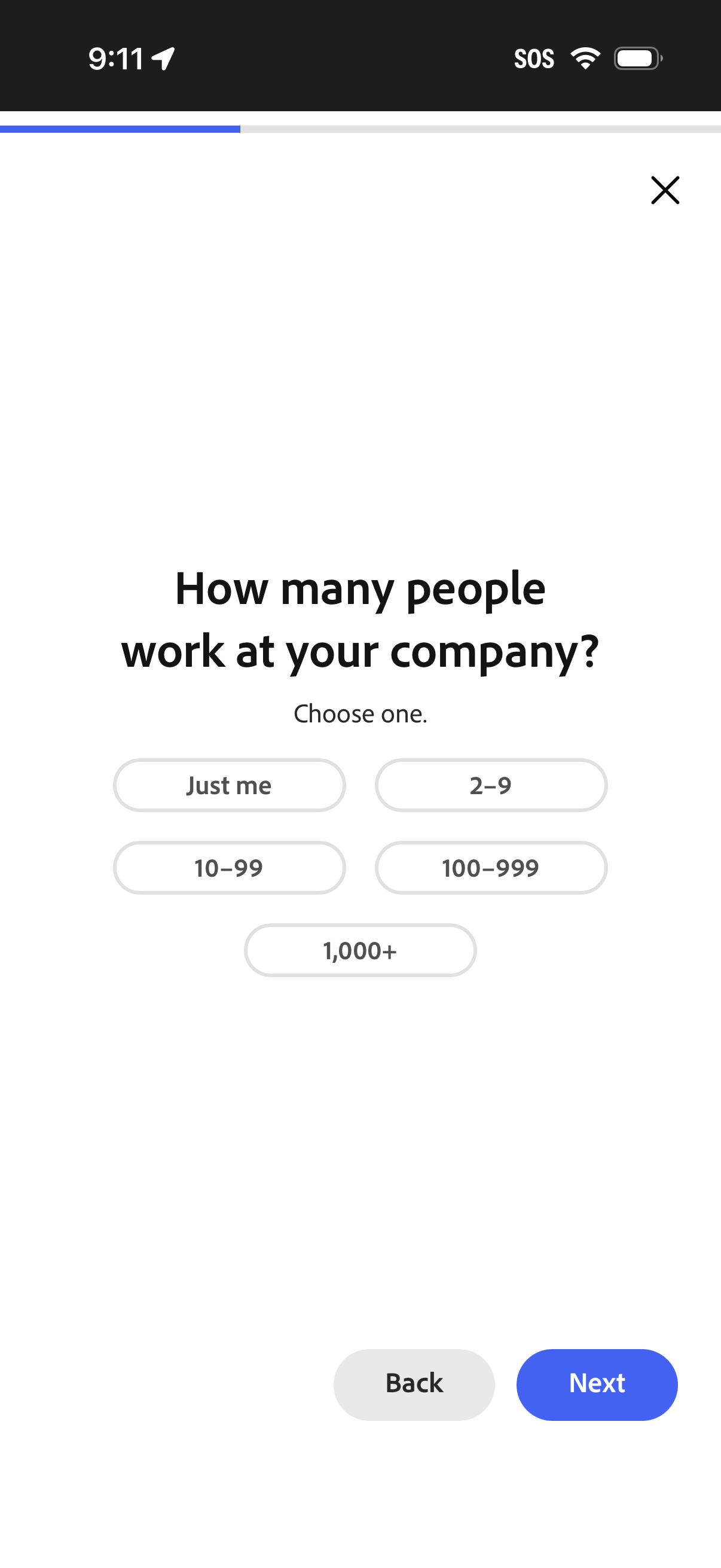
Onboarding survey screen asking the user to select their company size by number of employees with multiple choice options (Just me, 2–9, 10–99, 100–999, 1,000+). Includes progress indicator, close icon, and navigation controls with Back and Next buttons.
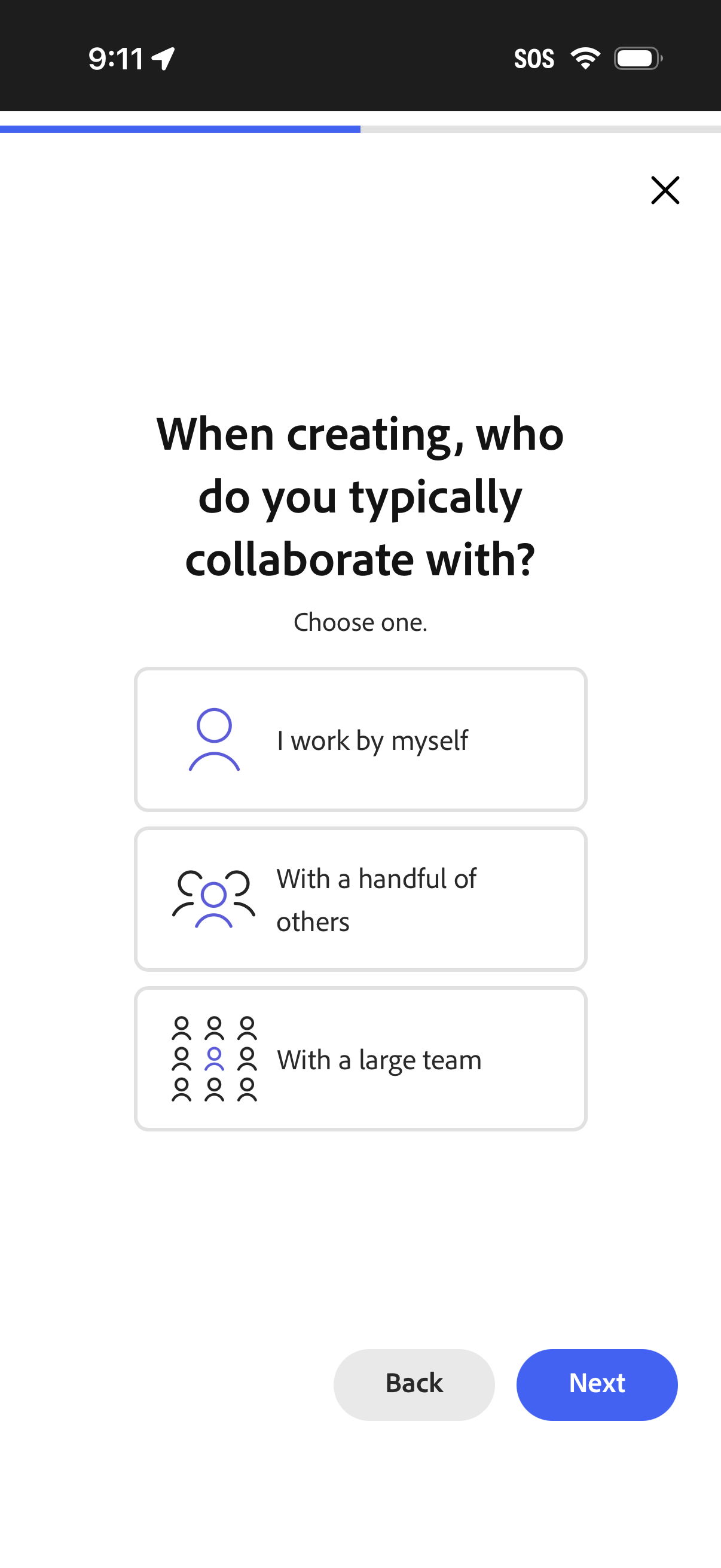
Onboarding survey screen asking creators who they typically collaborate with, offering single-select options like working alone, with a handful of others, or with a large team. Includes a close icon and back/next buttons to navigate the setup flow.
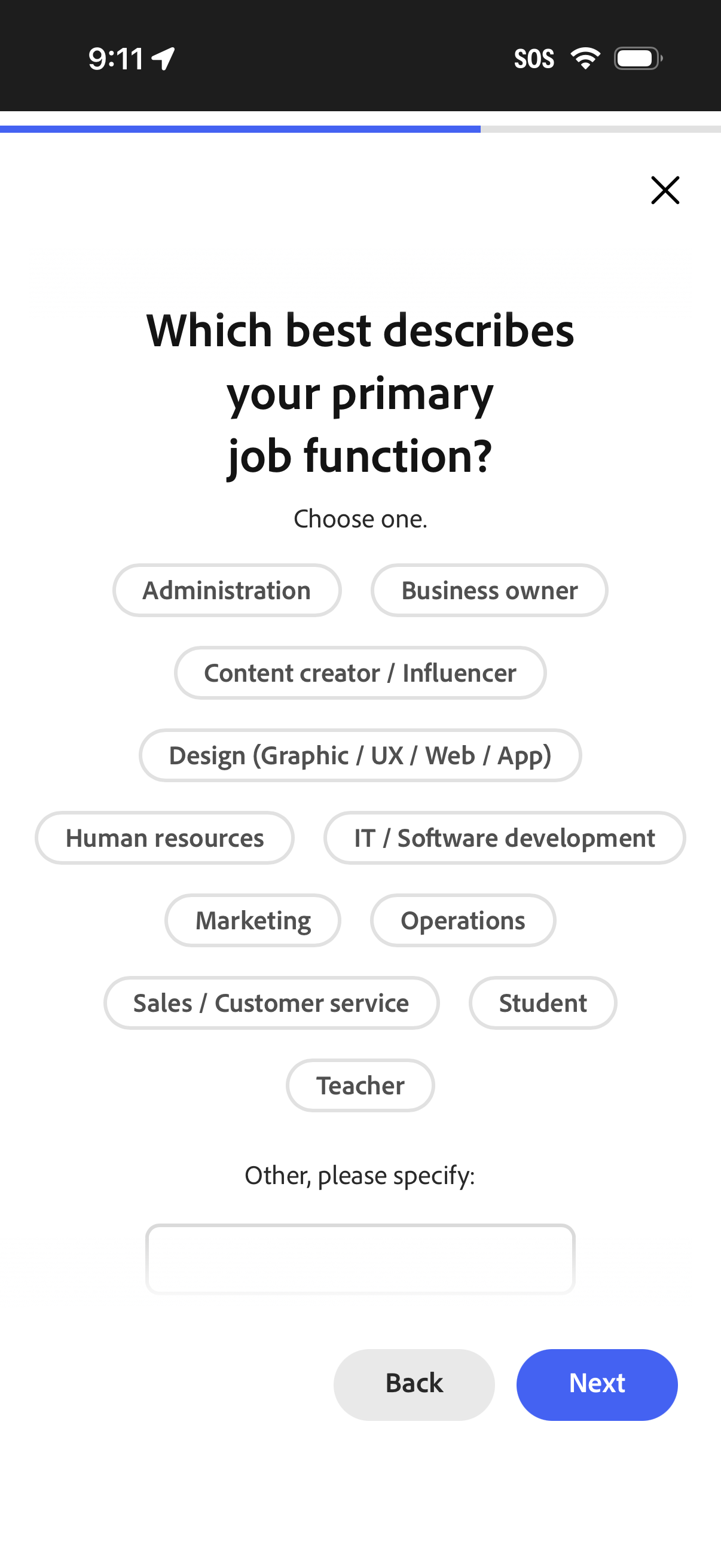
Onboarding survey screen asking the user to select their primary job function from multiple pill-style options (e. g.
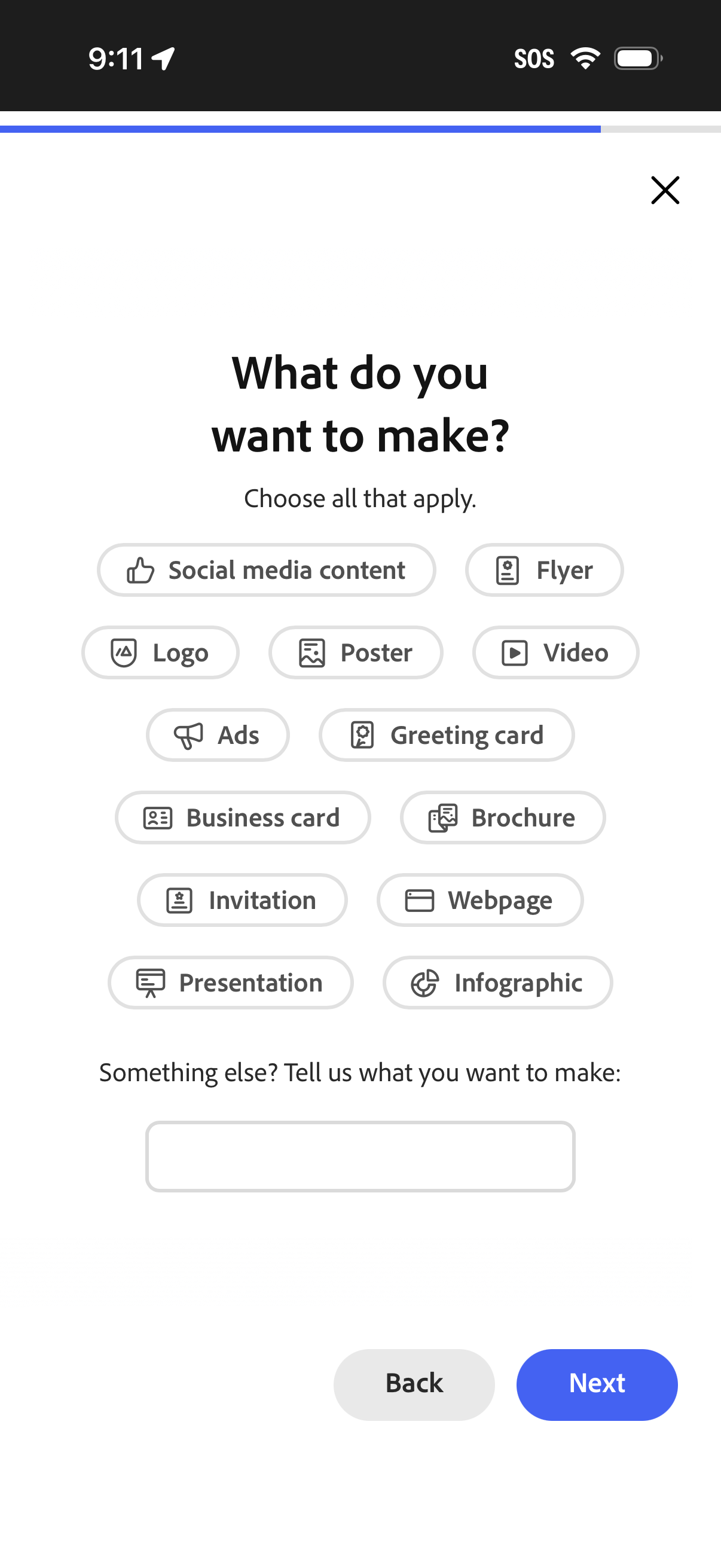
Onboarding preference screen asking “What do you want to make? ” where users can multi-select design categories (social media content, flyer, logo, poster, video, ads, greeting card, business card, brochure, invitation, webpage, presentation, infographic).
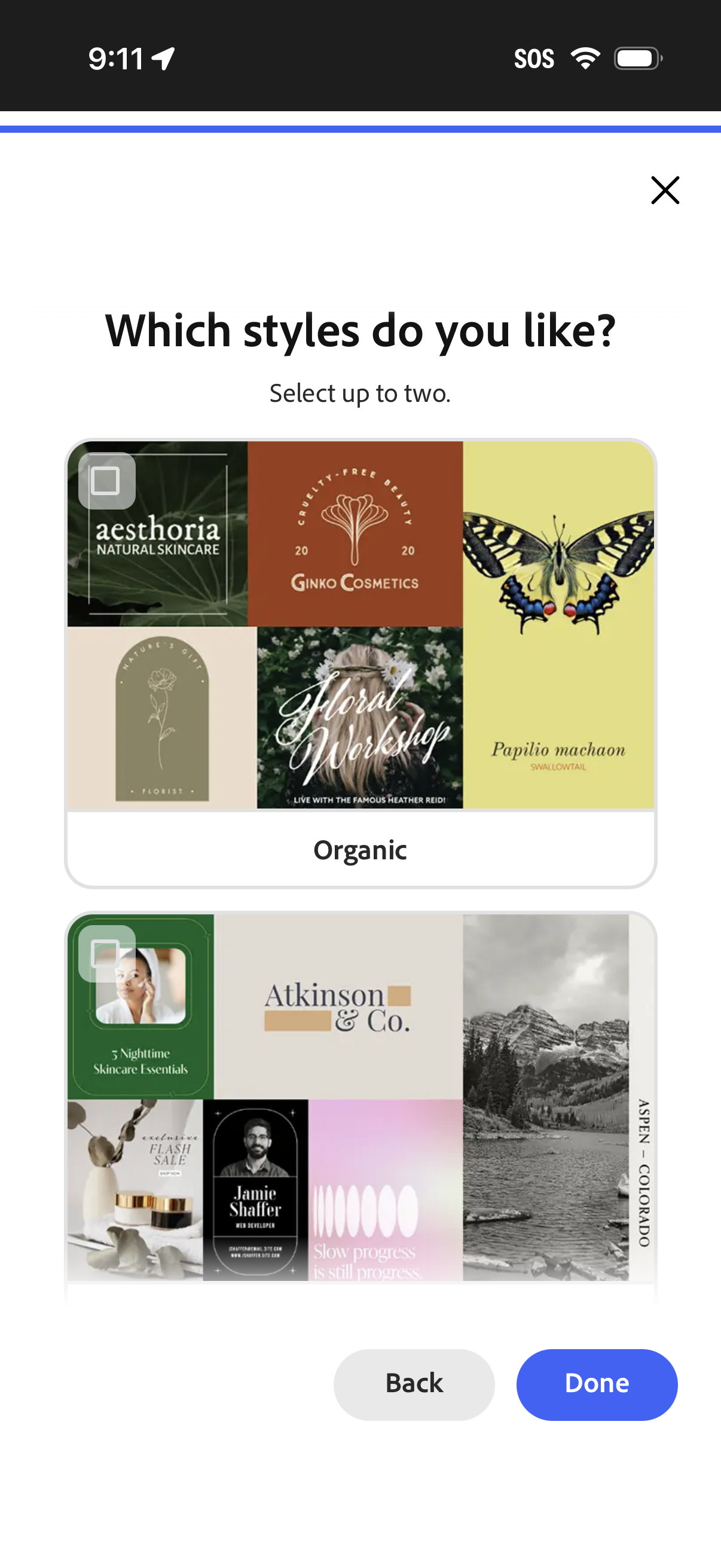
Style preference selection screen in an onboarding flow asking “Which styles do you like? ” where users can choose up to two visual design styles from large preview cards (e.