Sign up
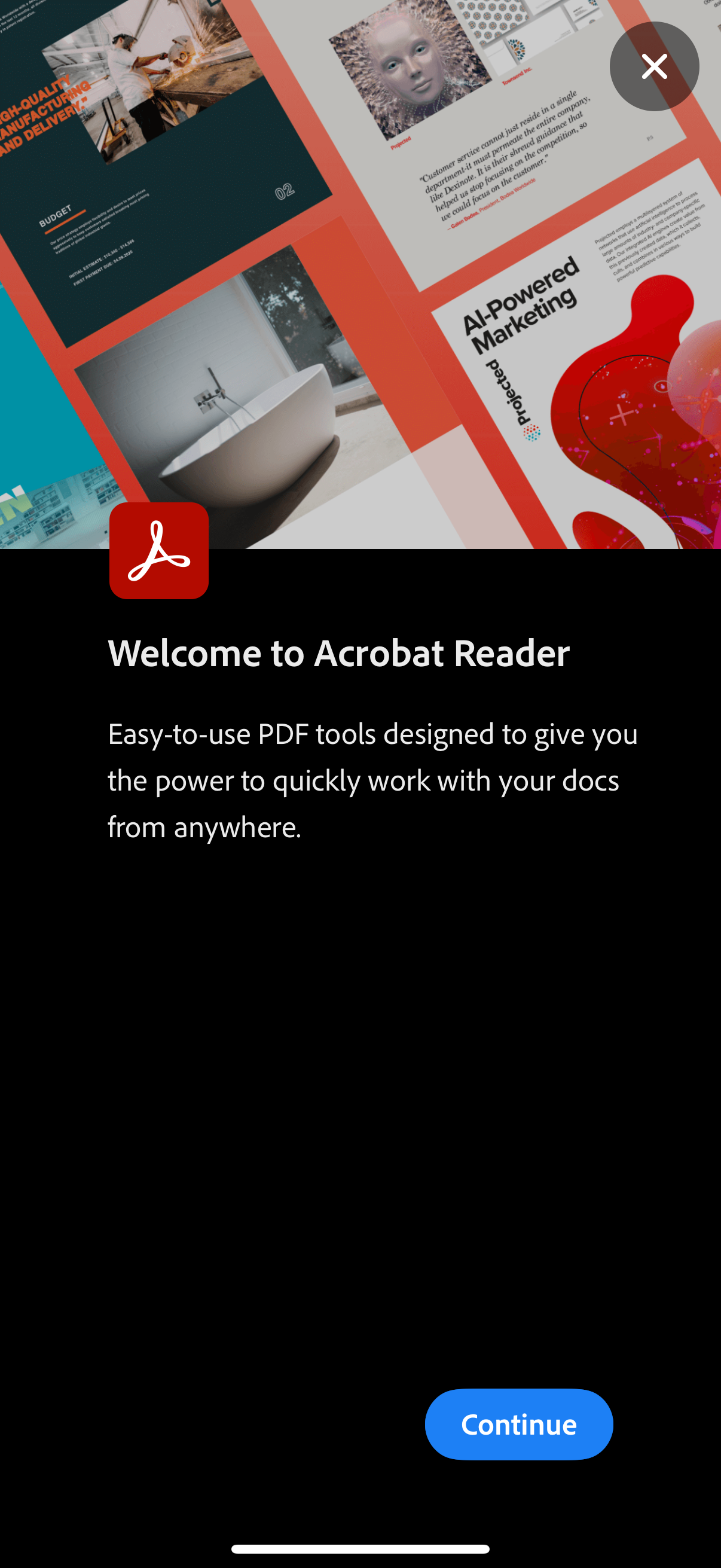
Welcome/onboarding screen for a PDF reader app (Acrobat Reader) introducing easy-to-use PDF tools for working with documents from anywhere. Primary action is a “Continue” button to proceed, with a close (X) icon to dismiss the intro.
.png)
Account creation screen (step 1 of 2) for signing up with email, featuring fields for email address and password with a show/hide toggle. Includes a link to sign in for existing users, a primary Continue button to proceed, and a cancel option.
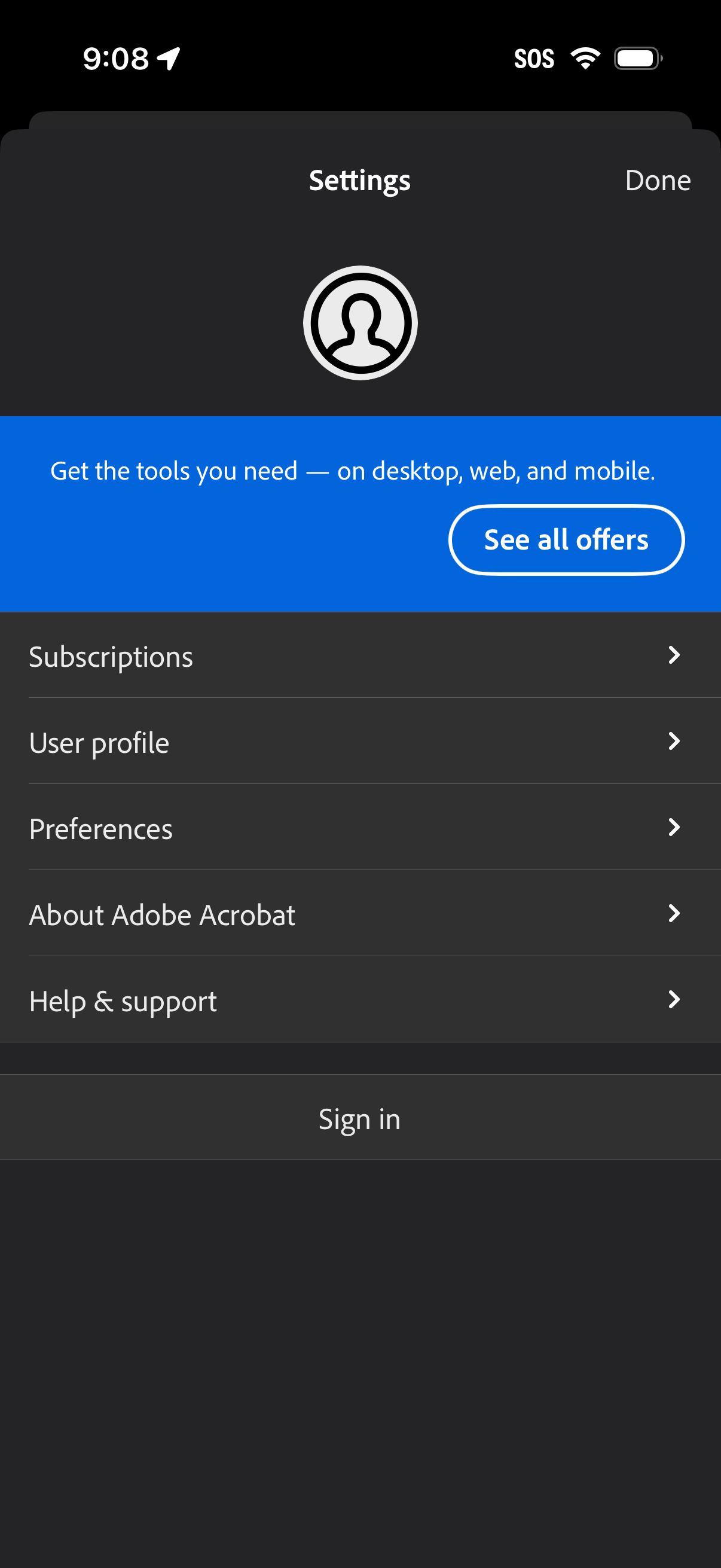
Settings screen with a promotional subscription banner and “See all offers” CTA, plus a list of account and app options including Subscriptions, User profile, Preferences, About, and Help & support. Includes a primary “Sign in” button and a Done action to close the settings.
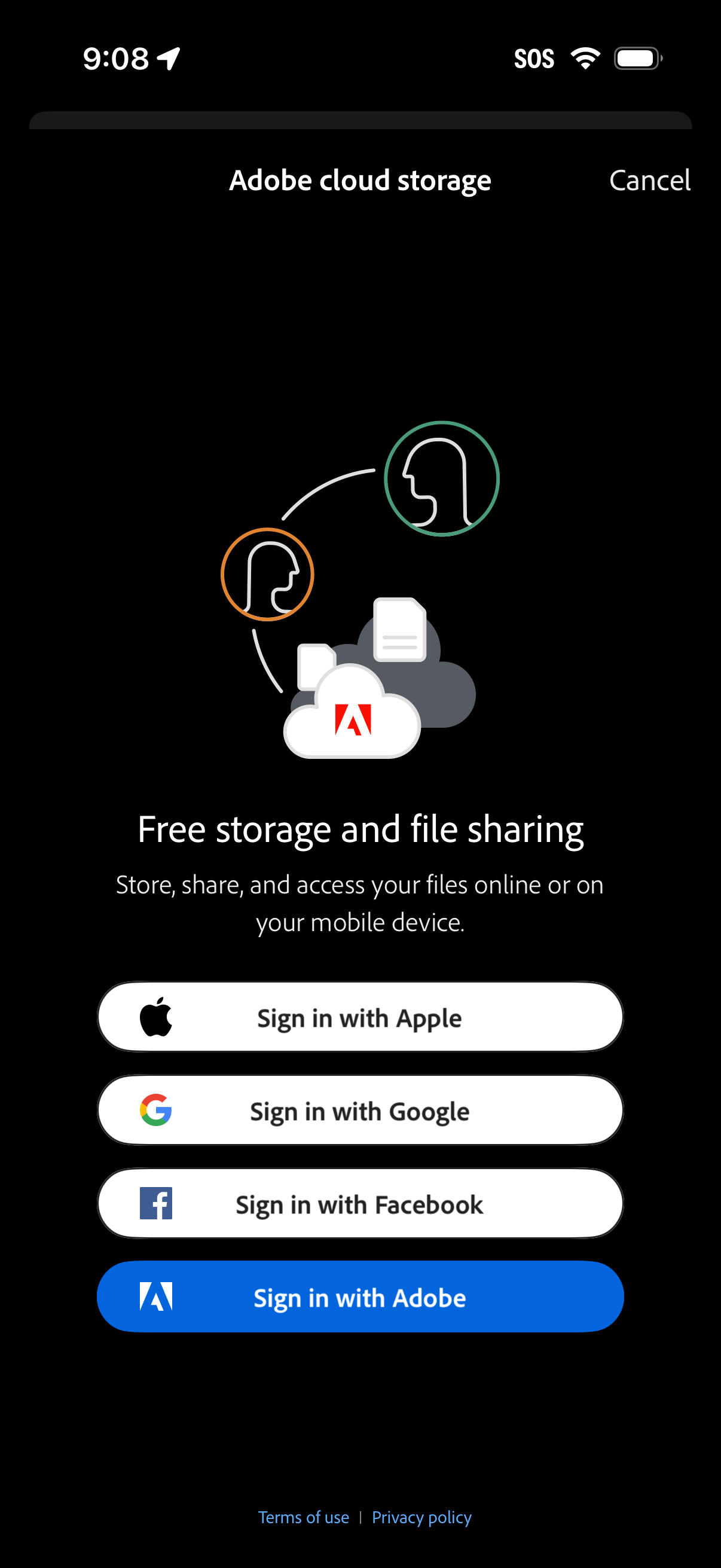
Adobe cloud storage onboarding/login screen promoting free storage and file sharing, with options to sign in using Apple, Google, Facebook, or an Adobe account. Includes a cancel action plus links to terms of use and privacy policy.
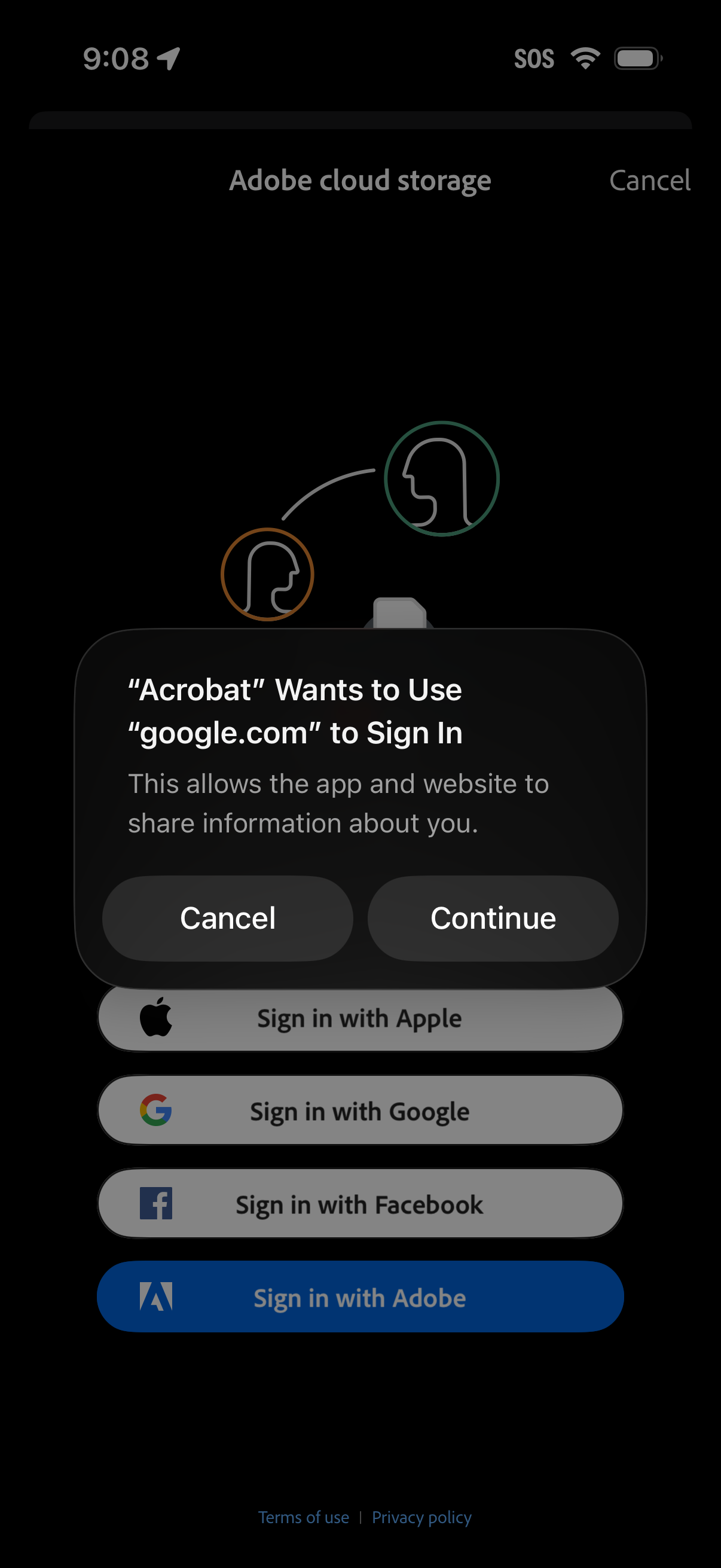
Mobile login screen for Adobe cloud storage showing single sign-on options (Sign in with Apple, Google, Facebook, or Adobe) plus links to terms and privacy policy. An iOS permission modal overlays the page asking to allow the app to use google.
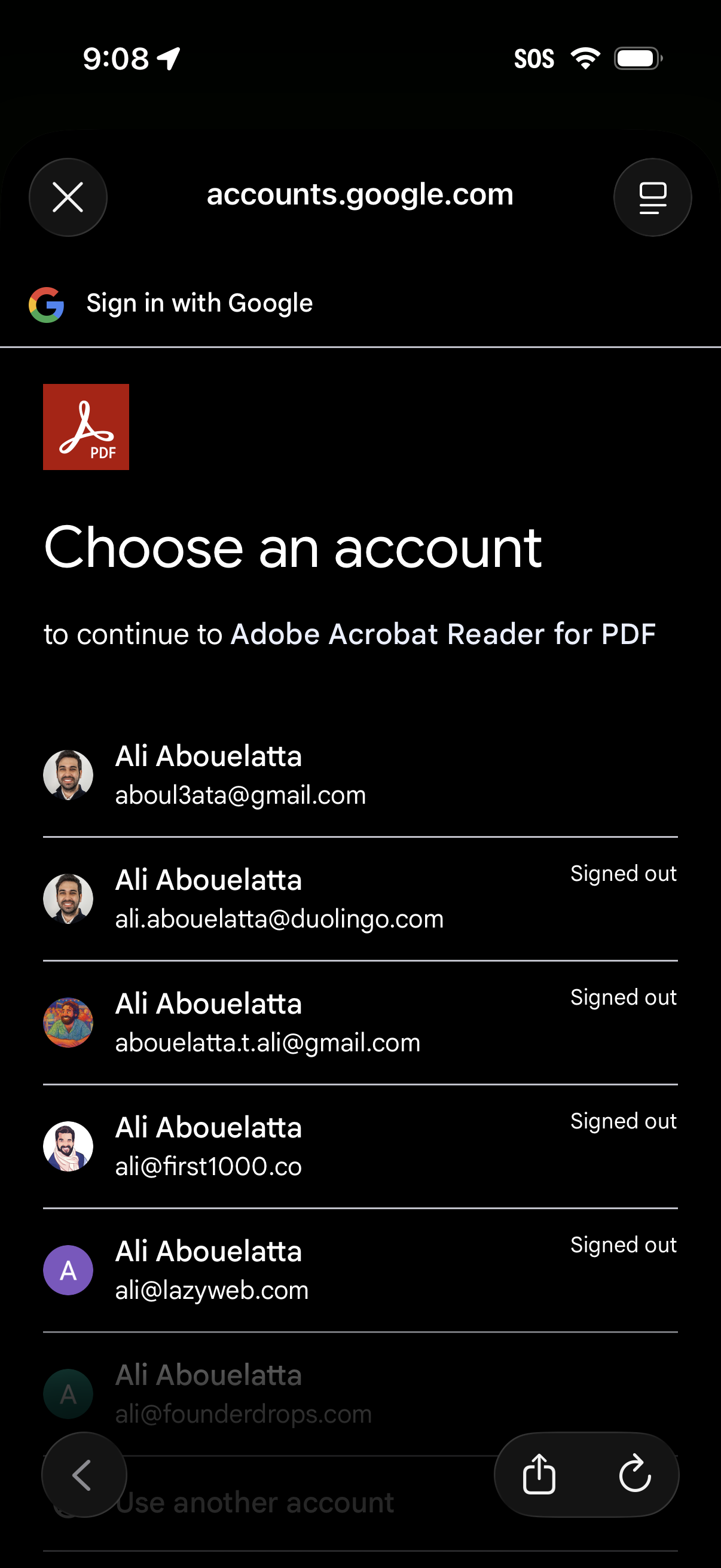
Google OAuth “Choose an account” sign-in screen to continue to a third-party app (Adobe Acrobat Reader), showing a list of saved Google accounts with avatars, email addresses, and signed-out status for selection. Includes option to use another account and controls to close the authentication flow.
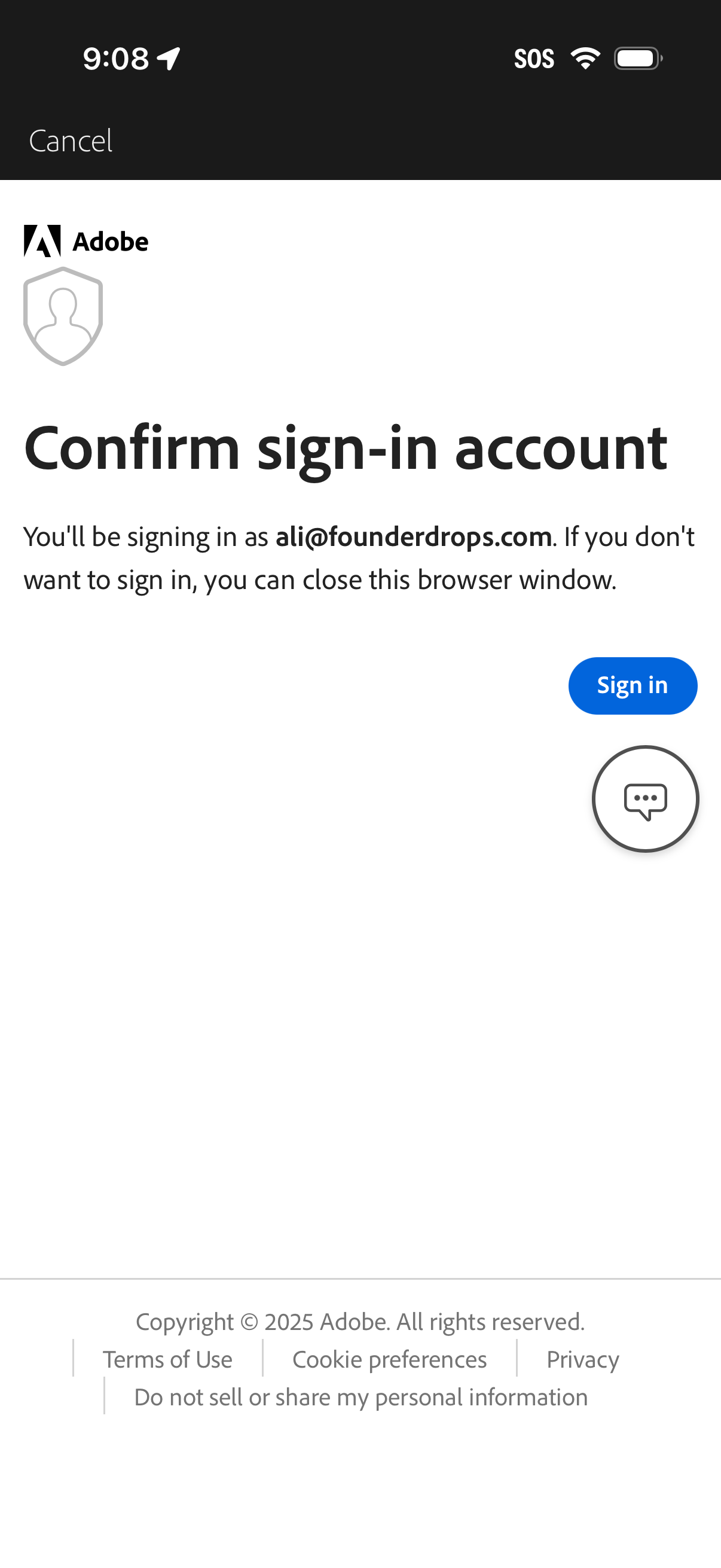
Third-party authentication confirmation screen prompting the user to confirm the account/email they will sign in with. Provides primary action to proceed with “Sign in” and an option to cancel/close the browser window.
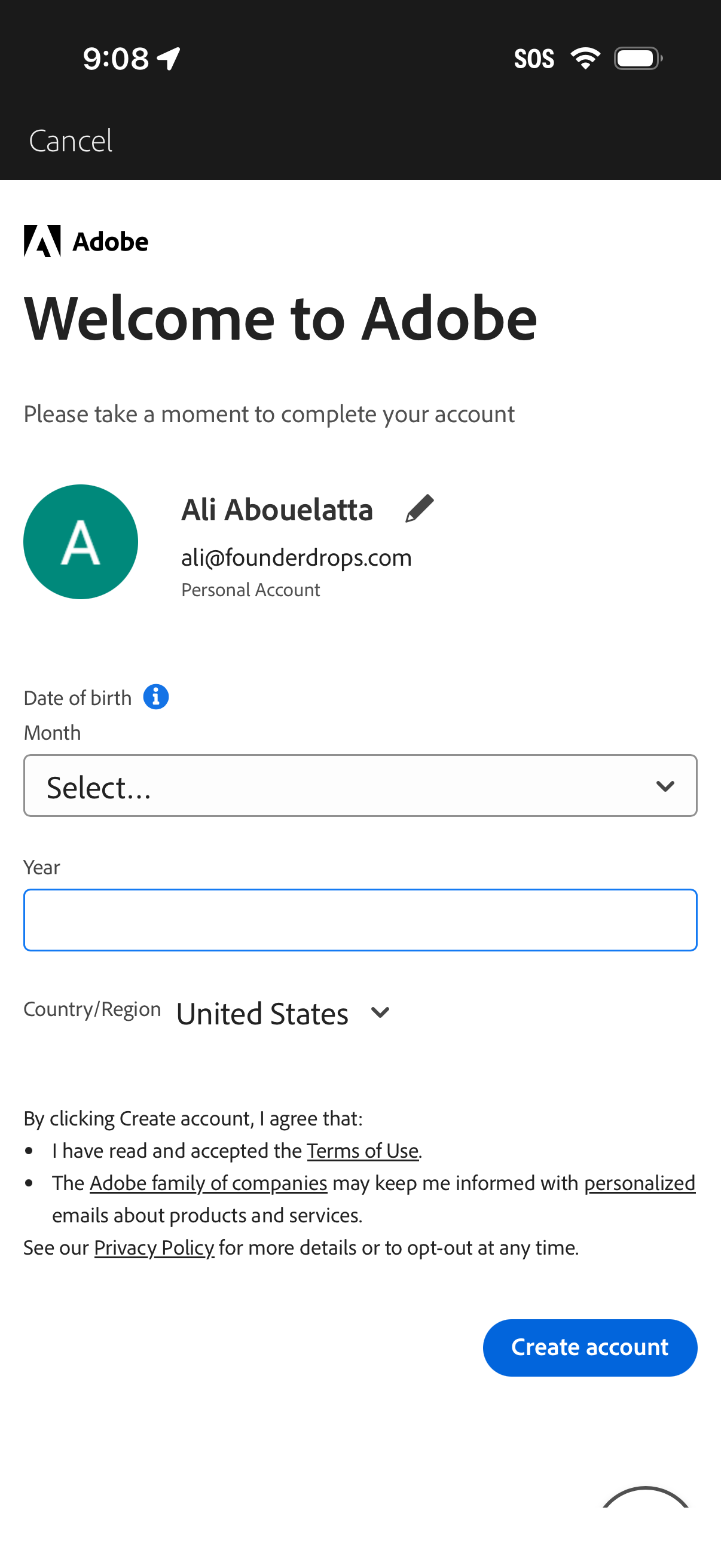
Account onboarding screen prompting the user to complete an Adobe profile by entering date of birth (month dropdown and year field) and selecting country/region, with links to terms of use and privacy policy. Primary action is a “Create account” button with an option to cancel.