switch calendar view
1
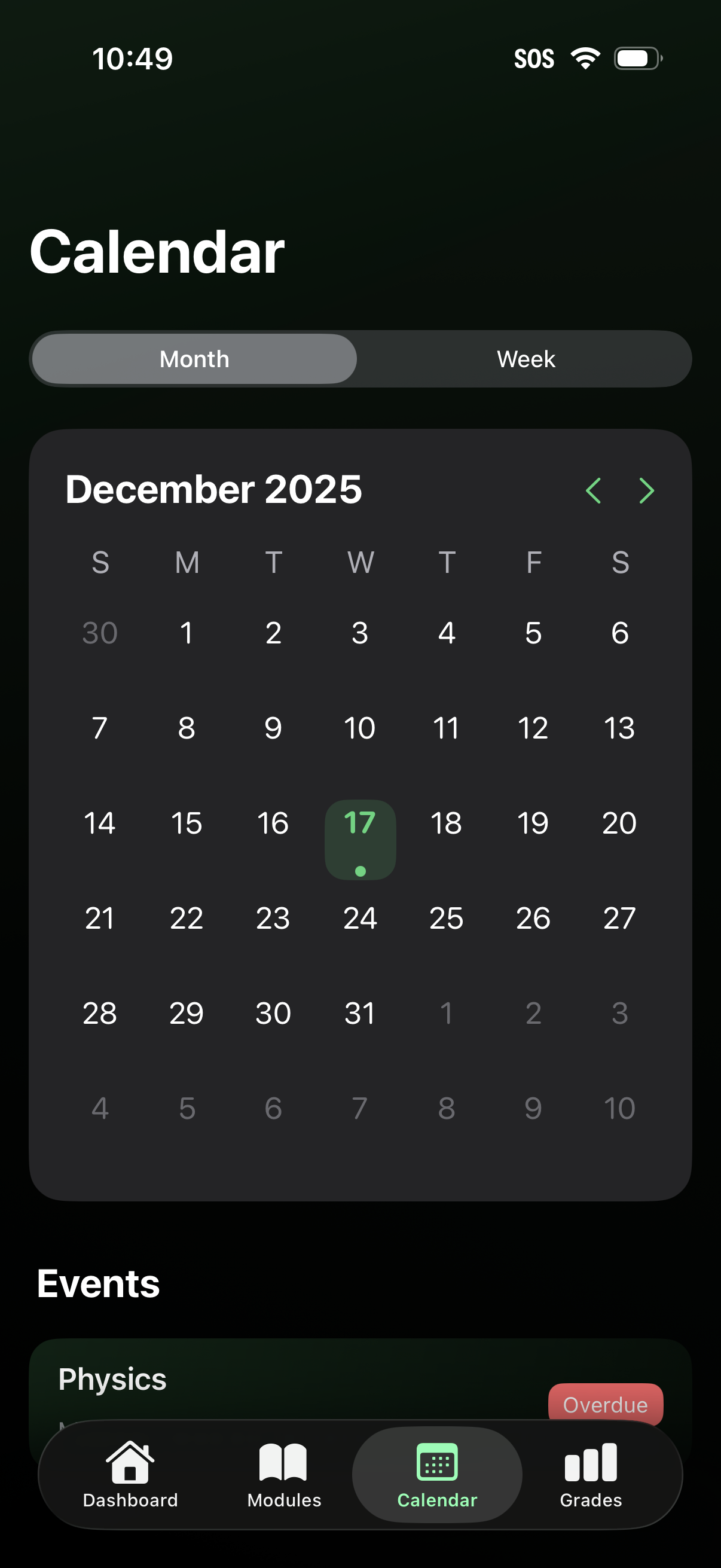
A mobile calendar screen with a month/week toggle showing a monthly grid and a highlighted selected date, with left/right arrows to navigate between months. Below, an Events section lists scheduled items and includes status labels like overdue, with bottom tab navigation for Dashboard, Modules, Calendar, and Grades.
2
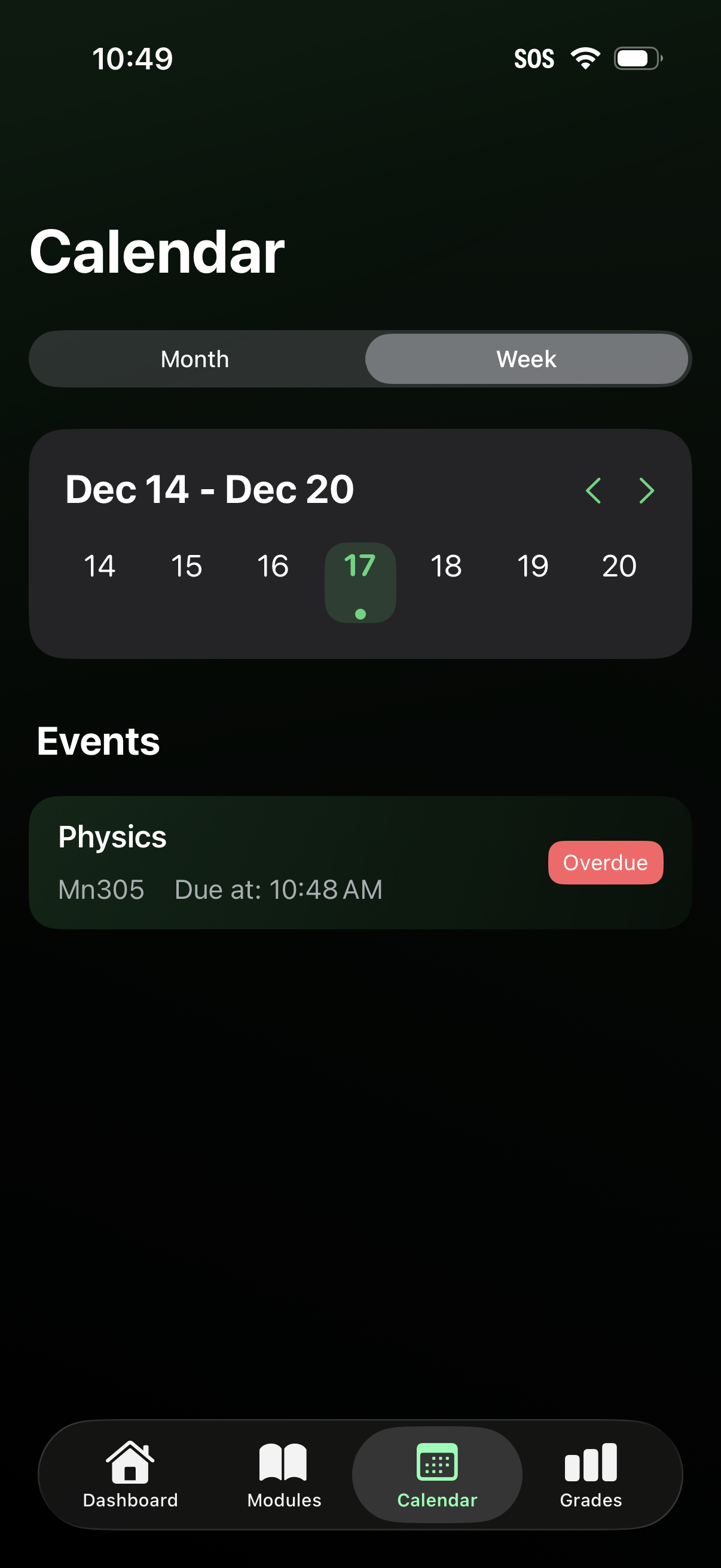
Calendar screen with a Month/Week toggle showing a weekly date strip with left/right navigation and a selected day indicator. Below, an Events list displays assignment/class items with course details, due time, and an “Overdue” status badge, accessible from a bottom tab bar.