add task to module
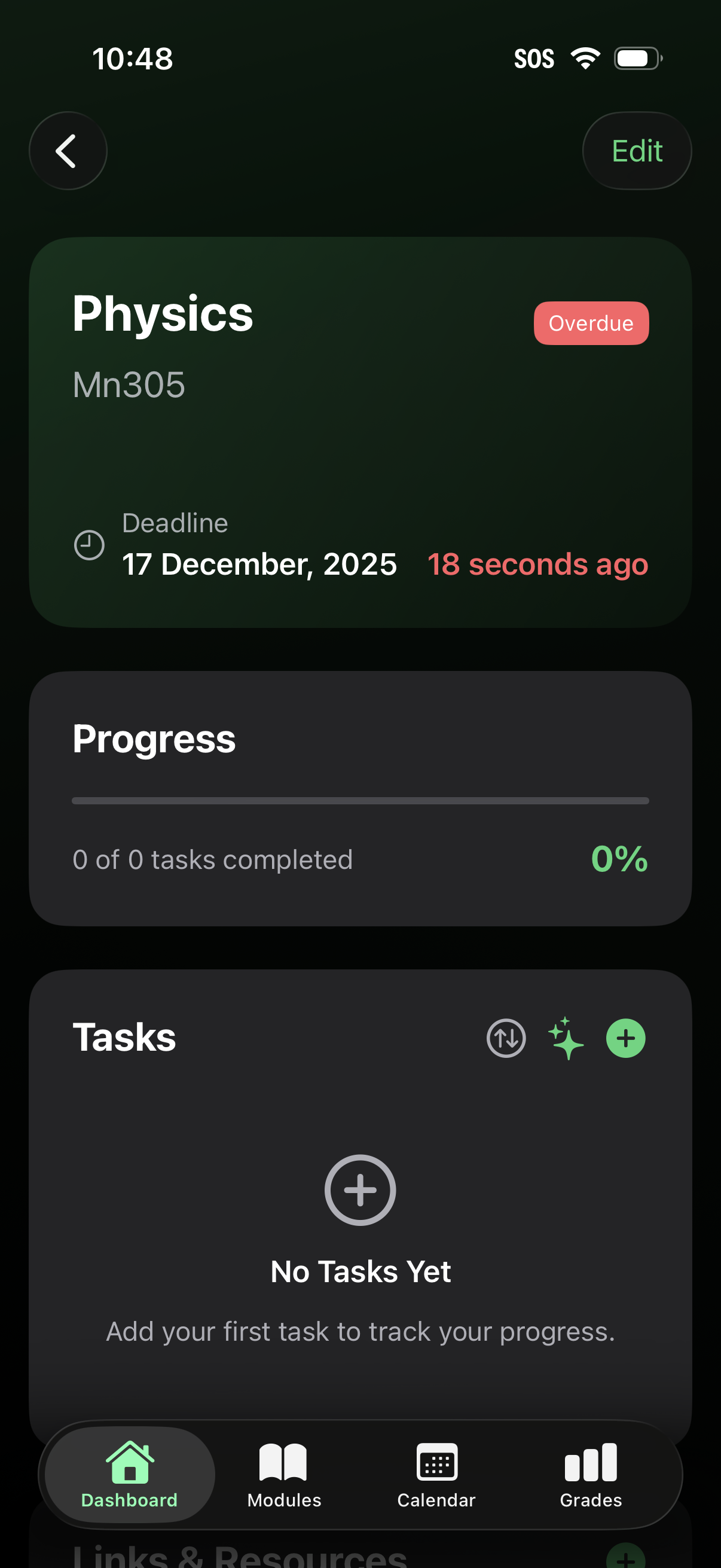
Course or project detail screen showing an overview card with title and code, an “Overdue” status badge, and a deadline timestamp, with an Edit action in the header. Below are progress tracking (percent complete) and a tasks section with empty state and controls to add/manage tasks, plus bottom navigation for dashboard, modules, calendar, and grades.
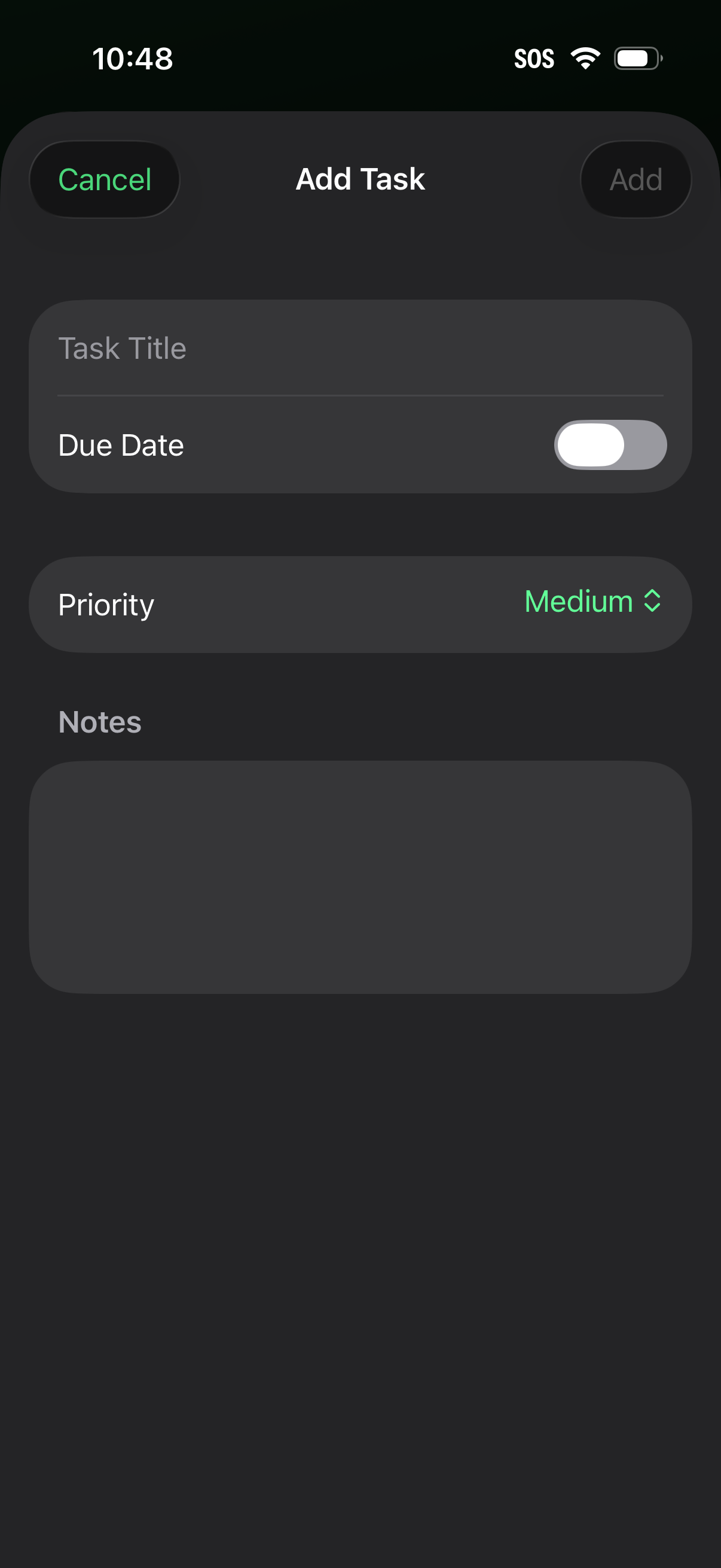
Task creation screen for a to-do app where users can enter a task title, optionally enable and set a due date via a toggle, choose a priority level, and add notes. Top navigation includes Cancel and Add actions to discard or save the new task.
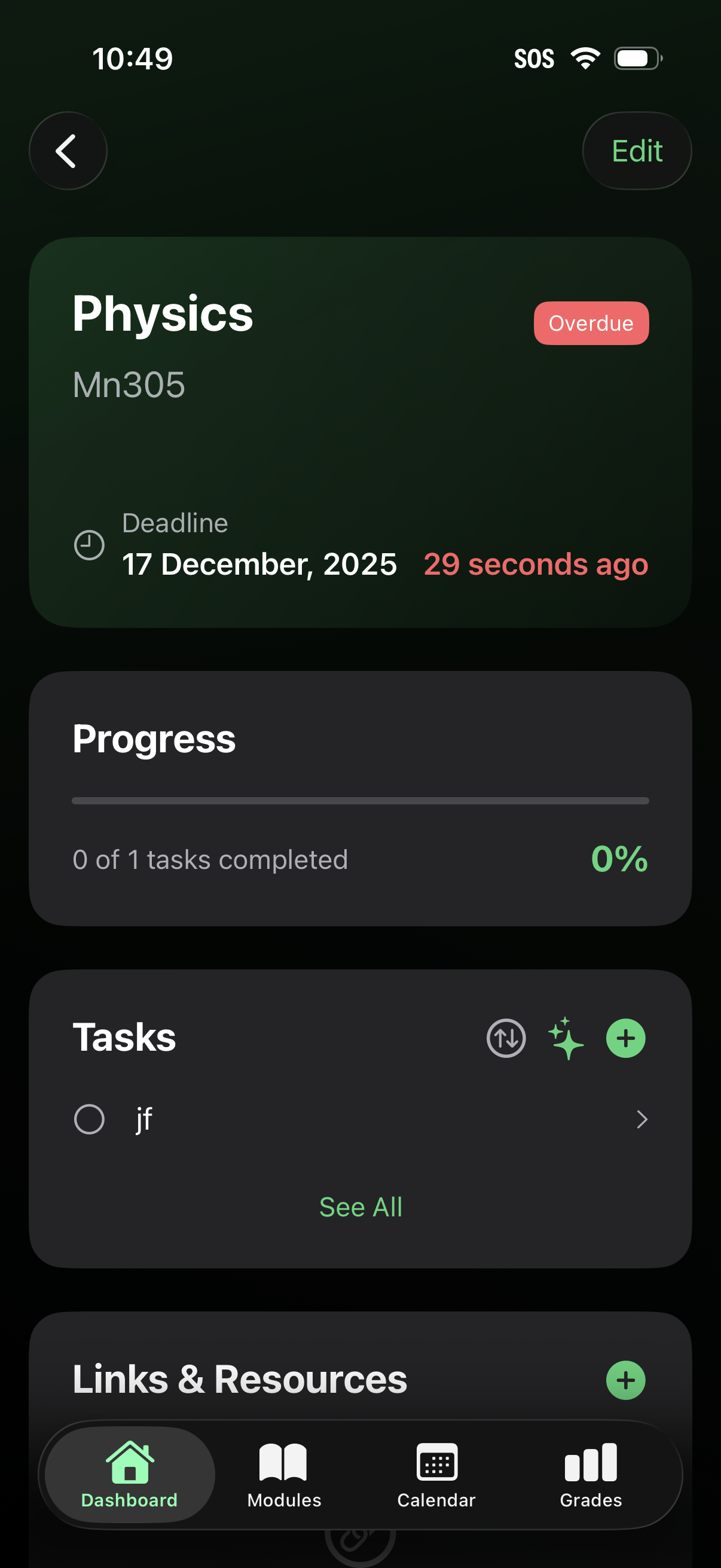
Course or project detail dashboard showing a subject card with an overdue status and deadline timestamp, plus an Edit action. It includes progress tracking with percent complete and a task list section with options to add or manage tasks and view all items, along with a bottom tab bar for navigating to dashboard, modules, calendar, and grades.